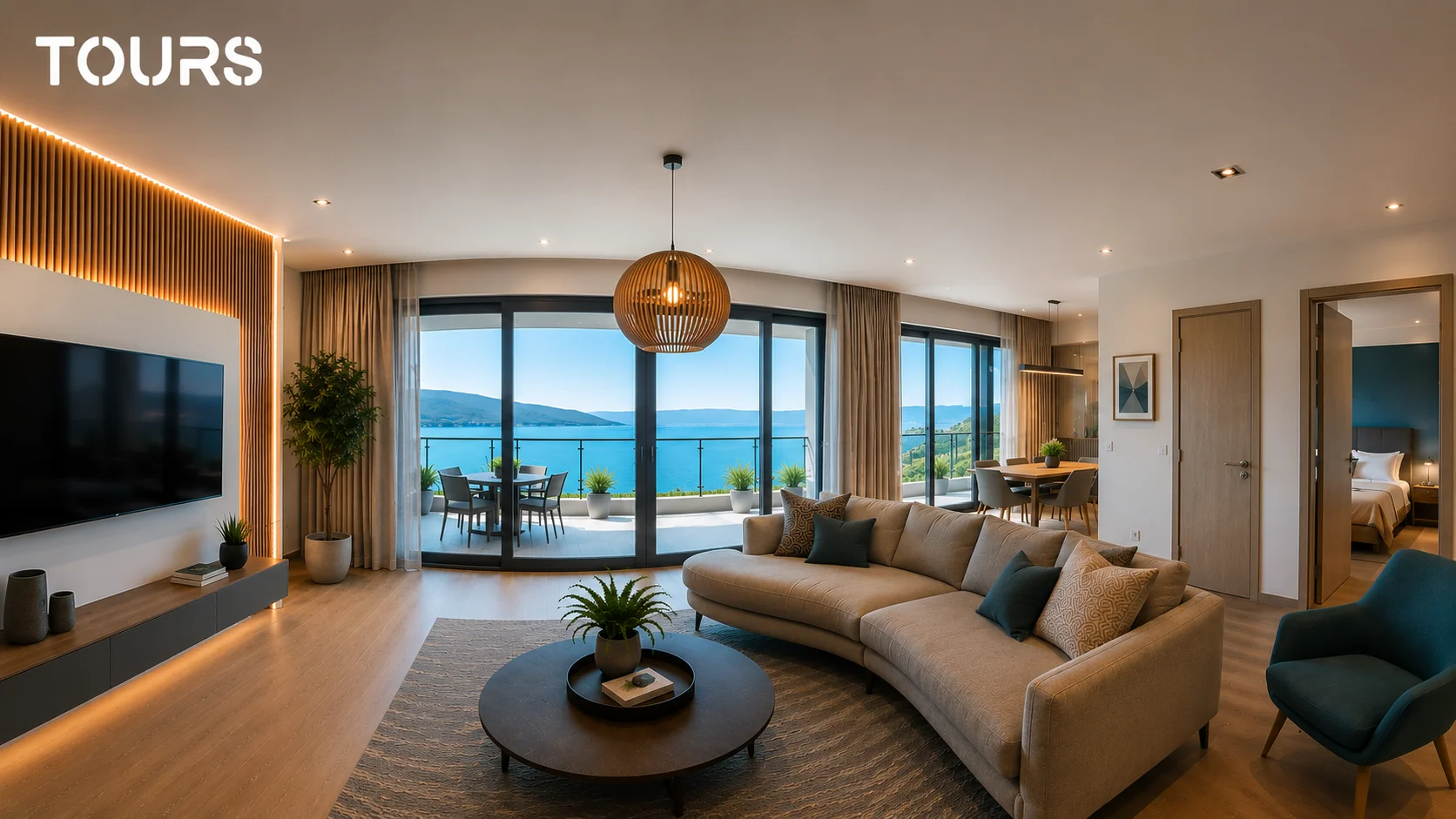
A 360 virtual tour is an interactive experience that allows users to explore a space online as if they were physically there. Visitors can navigate between rooms, rotate the image in any direction, and interact with hotspots for bookings, navigation, or redirects to other pages. In 2026, virtual tours have become an important tool for industries like real estate, hospitality, restaurants, showrooms, and accommodations — and the numbers confirm this trend: real estate listings with a 360 virtual tour receive up to 87% more views than classic photo-only listings (Realtor.com), and on Zillow, listings with a virtual tour receive an average of 68% more views (Zillow).
More and more businesses are adopting 360 virtual tours for a simple reason: people want to see a space before they buy, book, or travel there in person. A set of static photos no longer conveys the dimensions, layout, or real experience of a location clearly enough — and a prospect who doesn't understand the space is far less likely to convert. We published the first virtual tour with Tours for a property in Giroc, Timișoara, and completed it in approximately 45 minutes — from shooting with the Insta360 X3 to the shareable link.
How does a 360 virtual tour work
A 360 virtual tour starts with panoramic photos taken with a dedicated camera — Insta360 X3, Ricoh Theta Z1, Insta360 X4, or a similar model. The camera photographs simultaneously in all directions, producing a spherical 360° image. These images are then uploaded to a specialized platform where they are connected to each other through interactive hotspots, forming the path the visitor can freely follow.
Modern platforms have drastically simplified this process. With virtual tour software like Tours, you upload the images, connect the scenes visually, and publish the tour directly online — no code, no installed software, and no technical experience required. The finished tour works on any device, can be embedded on your website with a few clicks, and supports hotspots with bookings, redirects to external pages, or navigation between rooms.
Where are 360 virtual tours used
- Hotels looking to increase direct bookings and reduce reliance on platforms like Booking.com or Expedia
- Restaurants that allow table reservations directly from the virtual tour of the venue
- Real estate agencies that reduce unnecessary physical viewings and better qualify potential buyers
- Property developers showcasing apartments, houses, show homes, or completed residential developments
- Auto, furniture, or interior design showrooms that want to present products in a real-world context
- Guesthouses, villas, and accommodations that want to inspire more confidence in potential guests
- Event spaces that want to show the hall, capacity, and layout before an in-person visit
In the hospitality industry, a hotel virtual tour helps potential guests see the rooms, lobby, common areas, restaurant, and terrace before booking. Hotels using virtual tours report an increase in direct bookings of between 16% and 67% compared to those without a tour, according to a TIG Global study. In real estate, an apartment virtual tour helps buyers understand the space before scheduling a physical viewing, and agents can prioritize leads with genuine intent.
Benefits of a 360 virtual tour
The main advantage of a 360 virtual tour is the high level of engagement. Users spend an average of 5-10 times longer exploring a space through a virtual tour than through a static photo gallery. This extended time on page can indirectly help through better engagement signals, deeper scrolling, and a more relevant experience for the user.
Another major advantage is accessibility compared to a few years ago. Previously, producing a professional virtual tour cost between €500 and €2,000 per location and required complex equipment plus advanced post-processing. Today, with a 360° camera for around €500 and a virtual tour platform like Tours, you can produce a complete tour in under an hour — at a fraction of the previous cost.
For businesses that depend on presenting a physical space, the advantage is not just visual. A virtual tour can reduce repetitive inquiries, filter out unqualified visitors, build trust before contact, and turn your presentation page into a real conversion channel. For hotels and restaurants, booking hotspots can shorten the path from exploration to action. For real estate, the tour can reduce unnecessary viewings and improve the quality of incoming leads.
From an SEO perspective, a virtual tour properly integrated on your website contributes to a better user experience: visitors spend more time on the page, interact with the space, and understand the offer more quickly — signals that Google interprets as quality indicators. For good results, the tour should be accompanied by indexable content: clear titles, space descriptions, optimized text, and internal links to relevant pages.
How much does a 360 virtual tour cost in 2026
The price of a 360 virtual tour depends on the method chosen: agency, freelancer, self-service platform, or enterprise solution. A virtual tour produced by a photographer or agency can start at around €100-200 for a small space and reach €500-2,000 for large locations, hotels, showrooms, or projects with many scenes. The cost increases depending on the number of rooms, editing, hosting, customization, website integration, and additional features.
The more efficient option for many businesses is to create tours in-house. With a modern 360° camera and a virtual tour app like Tours, the initial cost is the camera, and then you only pay the platform for publishing, integration, analytics, and hotspots. For hotels, restaurants, real estate agencies, or showrooms that need multiple tours, this approach becomes far more cost-effective than paying separately for each project.
| Method | Estimated Cost | Advantages | Best For |
|---|---|---|---|
| Agency / photographer | €100–2,000+ per project | Good quality, no internal work | Brands that want full outsourcing |
| Self-service platform | Camera cost + monthly subscription | Fast, scalable, full control | Hotels, restaurants, real estate, showrooms |
| Enterprise 3D solution | High cost, dedicated hardware | Advanced scanning and 3D models | Complex projects, architecture, premium retail |
Which 360 camera to choose for virtual tours
For most businesses, you don't need complicated equipment to create a good 360 virtual tour. A modern 360° camera can produce images clear enough for hotels, apartments, restaurants, and showrooms — especially when the space is well lit. The main difference between models comes down to image quality, low-light performance, ease of use, and budget.
| Camera | Level | Best For | Notes |
|---|---|---|---|
| Insta360 X3 / X4 | Accessible | Quick tours for real estate, restaurants, guesthouses | Excellent value for money and easy to use |
| Ricoh Theta Z1 | Premium | Hotels, showrooms, and spaces where photo quality matters | Better image quality, but higher price |
| Insta360 One RS 1-Inch 360 | Advanced | Commercial spaces and projects with challenging lighting | Larger sensors, better image in difficult conditions |
| Matterport Pro | Enterprise | 3D scans, architecture, technical projects | Excellent for 3D, but more expensive and complex |
Tours vs Matterport: which is right for your business?
Matterport is one of the most well-known solutions for 3D scanning, but it's not always the best fit for every business. If you need advanced 3D models, precise measurements, or technical documentation, Matterport can be a strong option. But if your goal is to quickly publish a 360 virtual tour, embed it on your website, and add bookings or a contact button directly within the tour, a simpler Matterport alternative like Tours can be more effective.
| Platform | Ease of Use | Integrated Bookings | Best For |
|---|---|---|---|
| Tours | Very easy | Yes — native | Real estate, hotels, restaurants, and showrooms that want bookings or direct contact from the tour |
| Matterport | Complex — requires dedicated hardware for full results | Not native | Advanced 3D scanning for architectural projects, construction, or premium retail |
| Kuula | Medium | No | Photographers and independent creators publishing simple tours |
| CloudPano | Medium | Partially — via external integrations | Real estate agencies and freelancers with advanced customization needs |
For a business that wants fast results, the practical difference is straightforward: Tours is built for quick publishing, website integration, interactive hotspots, analytics, and direct bookings. Matterport is better suited when you need complex 3D scanning. The choice depends more on your objective than on the platform's name recognition.
How to quickly create a virtual tour with Tours
The process has four steps. First: photograph the space with a 360° camera — Insta360 X3, Insta360 X4, or Ricoh Theta Z1 are recommended for optimal quality. Second: upload the panoramic images to Tours. Third: connect the scenes using navigation hotspots and optionally add booking hotspots or redirects to external pages. Fourth: publish the tour and add it to your website with a few clicks, or share it directly as a link.
How to create a 360 virtual tour with Tours
Tours is built for businesses that want fast results without investing in agencies or complicated software. The platform runs entirely in the browser, supports 7 languages for international audiences, and provides detailed analytics: how many visitors the tour received, how long they spent in each scene, and how many bookings or interactions came directly from the tour. 30-day free trial, no credit card required.
Is investing in a 360 virtual tour worth it?
If your business depends on presenting a physical space — hotel, apartment, restaurant, showroom, guesthouse, or event venue — the answer is clearly yes. The cost of a virtual tour pays for itself quickly when it helps a client make a decision faster, saves an unnecessary in-person visit, or brings in a direct booking. The competitive advantage over businesses still relying only on photo galleries is significant, especially in markets where virtual tour adoption is still in its early stages.
Interactive content has an important advantage over static pages: visitors have more reasons to stay on the page, explore, and engage. For many businesses, the virtual tour quickly becomes one of the most effective online marketing tools — both for direct conversions and for organic visibility.
Frequently Asked Questions
What is a 360 virtual tour?
A 360 virtual tour is an interactive experience that allows users to explore a real space online using panoramic images connected to one another. The visitor can freely navigate between rooms, rotate the image in any direction, and interact with booking, navigation, or redirect hotspots.
What do I need to create a virtual tour?
You need a 360° camera — Insta360 X3, Insta360 X4, or Ricoh Theta Z1 are popular options — and a platform like Tours to upload the images, connect the scenes, and publish the tour online. No technical experience or installed software is required.
What is the difference between a 360 virtual tour and a 3D tour?
360 tours use interactive panoramic photos and can be created with accessible equipment in a matter of minutes. 3D solutions like Matterport use advanced spatial scanning with dedicated hardware and produce precise three-dimensional models. For real estate presentations, hotels, or restaurants, a 360 virtual tour is more accessible, faster to produce, and sufficient for most commercial needs.
Can I add bookings to a virtual tour?
Yes. Tours combines 360 virtual tours with interactive hotspots and integrated bookings for hotels and restaurants. Visitors can book directly from the tour, without losing context and without unnecessary steps.
How long does it take to create a 360 virtual tour?
With a modern 360° camera and Tours, you can photograph, edit, and publish a complete virtual tour in under an hour. The time varies depending on the number of rooms and the complexity of the hotspots added.
How much does a 360 virtual tour cost?
The cost varies depending on the method. A tour produced by an agency or photographer can range from a few hundred euros to several thousand for large projects. With a 360° camera and a self-service platform like Tours, the cost decreases because you can create multiple tours in-house without paying separately for each project.
Can I embed a virtual tour on my website?
Yes. A virtual tour created in Tours can be published online and embedded on your website with a few clicks. This way, visitors can explore the space directly on your page without being redirected to an external platform.
Does a 360 virtual tour work on mobile?
Yes. Modern virtual tours work on desktop, tablet, and smartphone. Visitors can rotate the image, navigate between scenes, and interact with hotspots directly from the browser.
What is the difference between a video and a 360 virtual tour?
A video is linear: the user watches what the creator filmed. A 360 virtual tour is interactive: the user decides where to look, which room to enter, and which hotspots to interact with. For presenting spaces, the 360 tour offers more control and an experience much closer to an actual in-person visit.
How much does a Tours subscription cost?
Tours offers plans starting from €19/month with a 30-day free trial, no credit card required. You can fully test the platform before committing.
Ready to create your first 360 virtual tour? Try Tours free for 30 days — no credit card, no contract. Publish your first tour in under an hour.