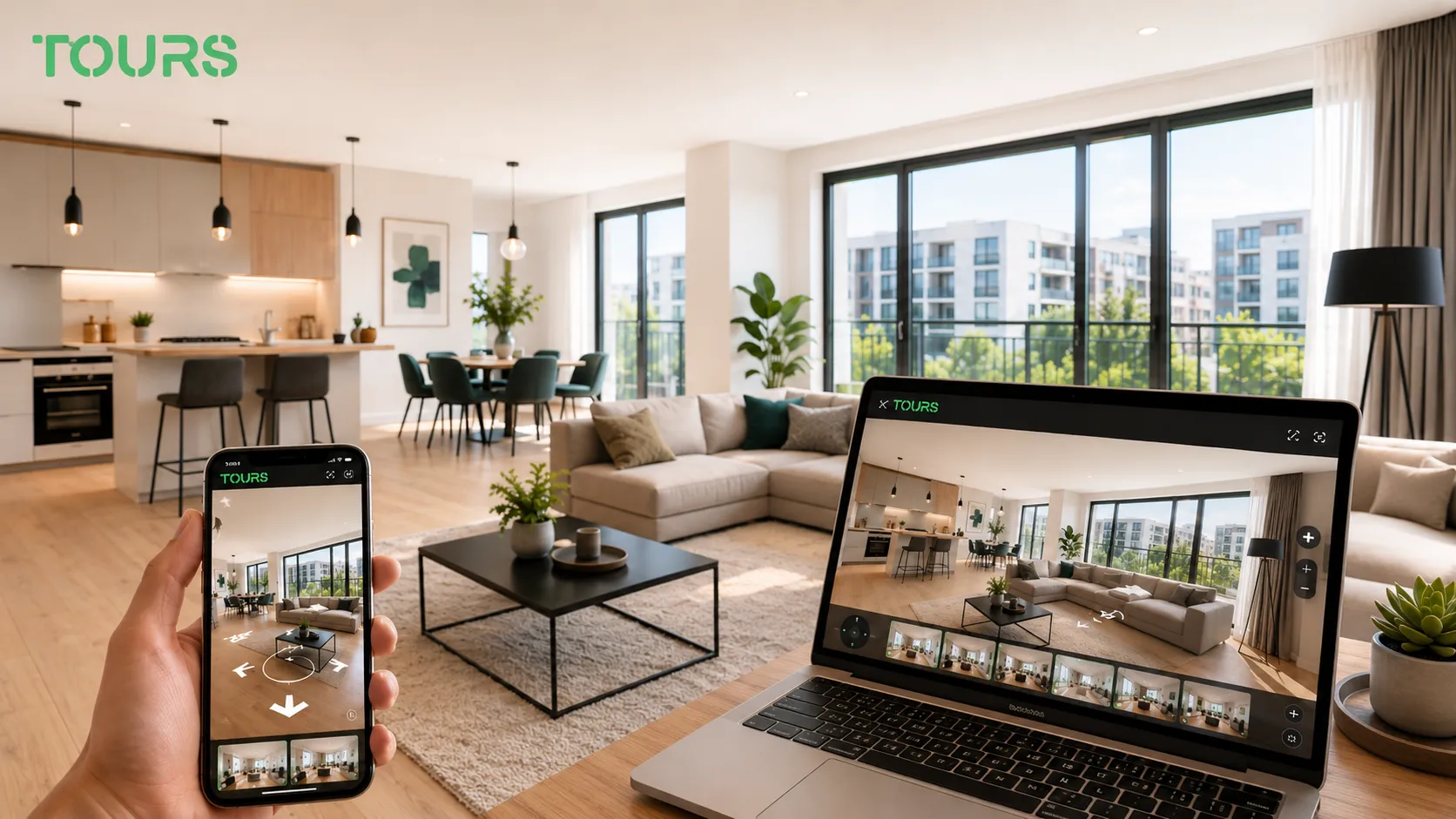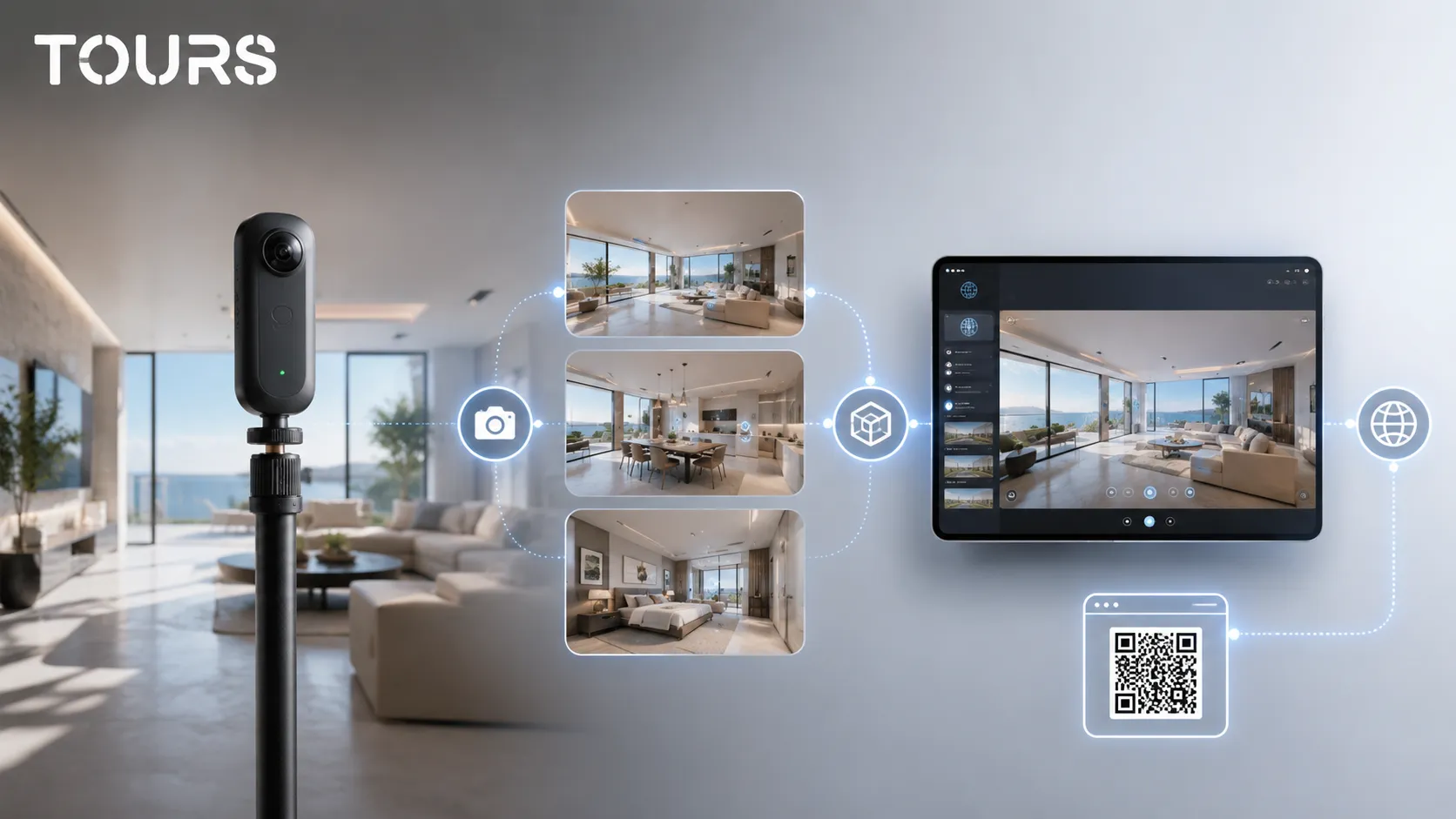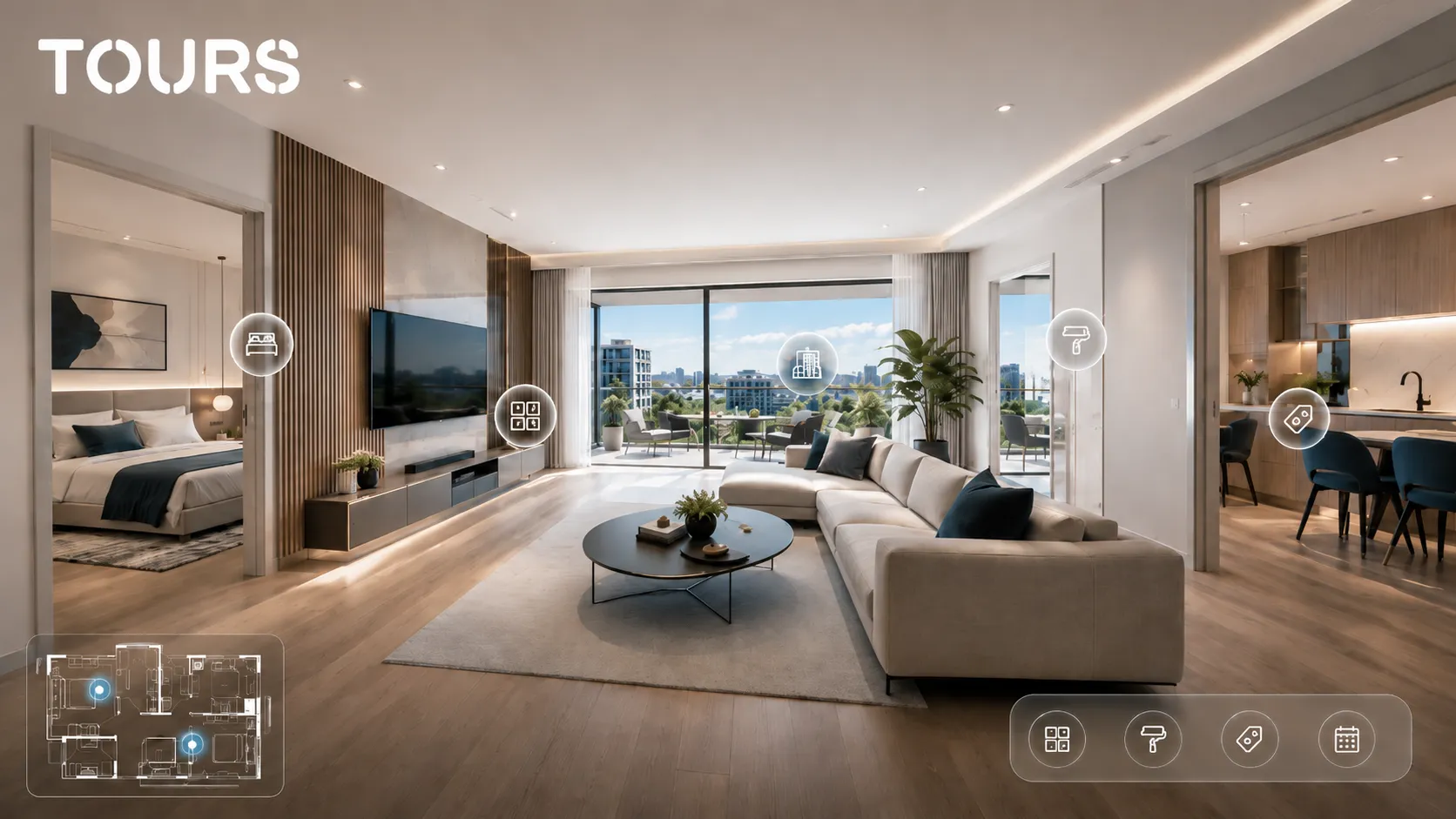

An apartment virtual tour is a 360° presentation that lets visitors move through the rooms online, understand the layout and decide whether the property is worth a showing, an offer or a rental inquiry. It helps when photos alone do not explain the light, the flow between rooms, the balcony and the real proportions of the space.
This guide explains how to present an apartment in 360°. To create a tour for your own apartment, see Tours for apartments.
Tours is a SaaS platform for interactive 360° virtual tours with information points, website integration code, usage statistics and booking options. For apartments, it helps owners, agencies and managers turn a space presentation into a clear path toward contact, scheduling or a request.
In short
- An apartment virtual tour should quickly clarify the layout, light, condition of finishes and real flow between rooms.
- For rentals, the tour reduces repetitive questions and helps a candidate decide before an in-person showing.
- For sales, the tour should build trust, not hide the weaker parts of the property.
- Interactive points are useful for square footage, amenities, renovations, costs, access rules and viewing requests.
- In Tours, the apartment can be published on a website, shared through a QR code and connected to requests or bookings, depending on the scenario.
What should an apartment virtual tour solve?
An apartment virtual tour should answer the visitor's main question quickly: is this space worth a more serious conversation? It is not just a more impressive gallery. It is a way for someone to see the room order, the distance between areas, the quality of light and the details that usually appear only during a showing.
For apartments, the tour should reduce uncertainty. A person wants to know whether a table fits in the kitchen, whether the bedroom has natural light, whether the bathroom is practical, whether the balcony can be used every day and whether the flow from hallway to living room to kitchen makes sense.
- Show the layout in the order someone would naturally enter the apartment.
- Highlight natural light, orientation and the relationship with the outside view.
- Do not skip hallways, storage areas, the bathroom or technical spaces.
- Add short explanations only where the 360° image does not say everything.
- Keep the path simple so visitors do not get lost between scenes.
This is the dedicated guide for apartment virtual tours. Unlike a general real estate guide, which covers houses, residential projects and lead qualification, this article is built around the individual apartment and its specific decisions: sale, rent or short-term stay. For the broader real estate sales context, the real estate virtual tour article remains the right resource, while the apartment-specific steps are covered here.
Which rooms and details should an apartment tour show?
In an apartment, it is worth showing every room that affects the decision, not only the living room and bedroom. The hallway, kitchen, bathroom, balcony, storage areas and window views can change how someone perceives value. An incomplete tour can create more questions than answers.
The recommended order is simple: entry, hallway, living room, kitchen, bedrooms, bathroom, balcony or terrace, then additional elements. If the apartment has a storage unit, parking space, shared courtyard or access to building amenities, those can appear as separate scenes or information points instead of making the path unnecessarily long.
| Apartment area | What the tour should clarify |
|---|---|
| Entry and hallway | How access works, how much storage space exists and how the rooms are distributed. |
| Living room | Light, perceived size, window position and the connection to the kitchen or balcony. |
| Kitchen | The shape of the space, appliances, dining area and condition of the furniture. |
| Bedroom | Space for a bed, closet, desk, windows and the level of privacy. |
| Bathroom | Condition of finishes, bathtub or shower, ventilation and usable space. |
| Balcony or terrace | Real usable area, orientation, view and whether it can be used every day. |
There is no need to force many scenes if the apartment is small. Sometimes two or three well-placed panoramas explain the space better than ten randomly captured points. What matters is that every scene adds information instead of repeating the same angle.
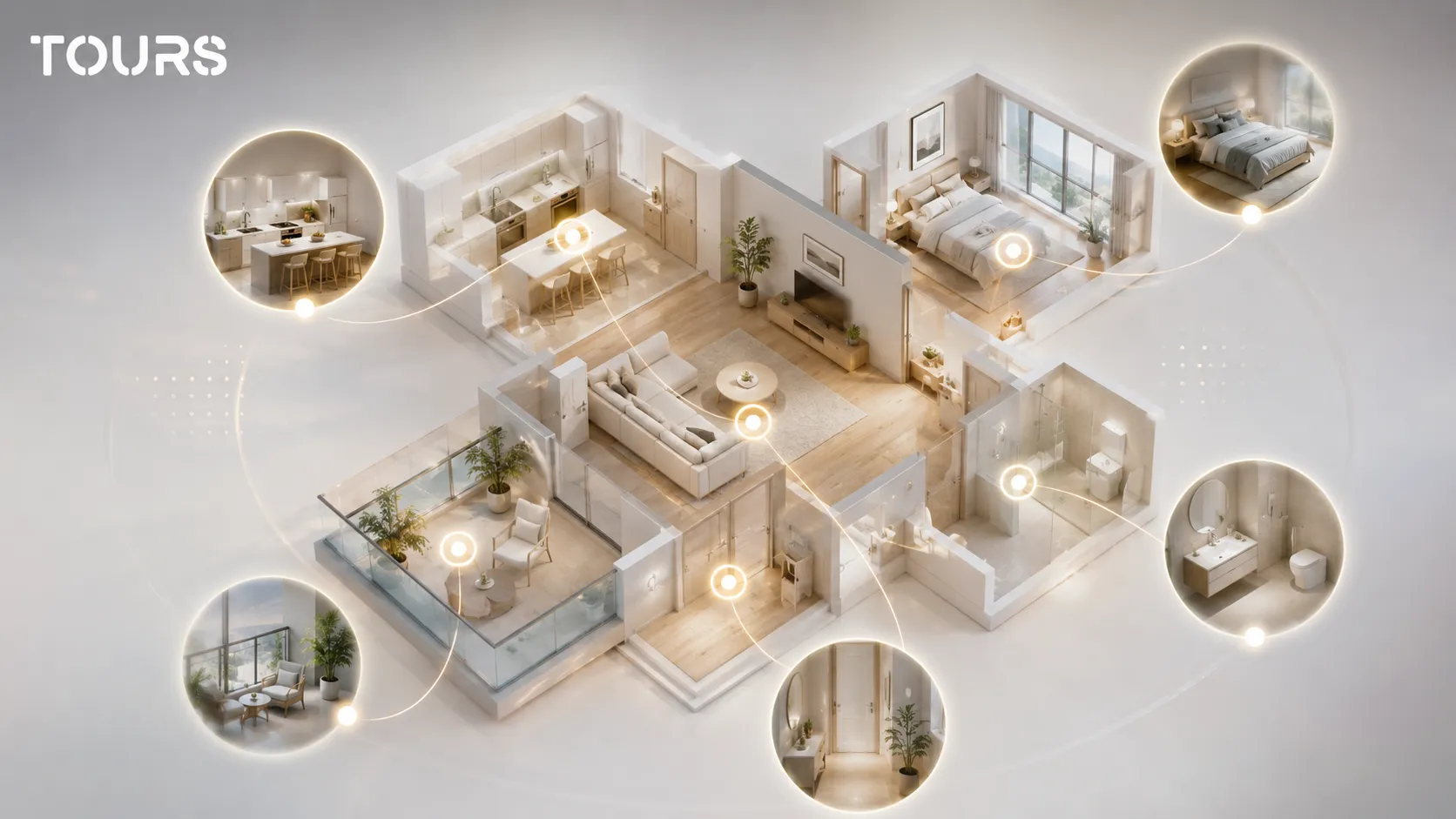
How does the tour change for sale, rent and short-term stays?
The same apartment can support different goals, so the tour should be built around the decision it needs to help. For sale, trust and long-term value matter. For rent, quick fit with daily lifestyle matters. For short-term stays, comfort, access and expectations before arrival matter most.
For a sale, a buyer looks for signals about condition, layout, light, renovations and potential. An information point can explain the renovation year, heating system type, orientation or that the apartment is sold furnished. Do not turn the tour into a long listing description; use short details connected to the right place.
For rent, the tour should reduce poor-fit showings. A tenant wants to quickly check whether the space is fully furnished, whether there is a desk, washing machine, balcony, storage, strong internet or rules about pets. A virtual presentation of an apartment helps when the listing receives many repetitive messages.
For short-term stays, the tour is closer to a lodging experience. The bed, cooking area, bathroom, check-in, access, parking, view and amenities all matter. Here the action may be a booking or a request, but the tour should not promise more than the availability calendar can confirm.
| Scenario | Tour focus | Right action |
|---|---|---|
| Sale | Condition, layout, light, renovations and neighborhood advantages. | Viewing request or offer request. |
| Long-term rental | Furniture, amenities, rules, costs and fit with daily routines. | Message to the owner or scheduled showing. |
| Short-term stay | Comfort, access, amenities, bed, kitchen and bathroom. | Booking request or availability check. |
| Model apartment | Finishes, design options and sales path for the project. | Contact for consultation or showroom viewing. |
How do you use interactive points without cluttering the tour?
Interactive points should clarify details visitors cannot easily infer from the 360° image. In an apartment, they work best when they explain amenities, dimensions, renovations, building facilities or contact steps. Too many points make the tour tiring and can hide the space you are trying to present.
A good example is the kitchen. Instead of filling the scene with labels, you can mark one point for included amenities: refrigerator, cooktop, oven, range hood and dishwasher. In the living room, one point can mention orientation, usable area or the fact that the space can accommodate a desk.
- Use navigation points only for the natural movement between rooms.
- Use information points for details that influence the decision.
- Use external links only when they lead to a useful page, such as the full listing or contact form.
- Group similar information so you do not add a separate point for every object.
- Review the tour on a phone, because clutter becomes obvious fastest on mobile.
In Tours, interactive points can contain text, images, video, navigation between scenes, external links or booking connections through internal tags. For an apartment, use that flexibility carefully: the visitor should feel that they are getting answers, not entering an admin panel.
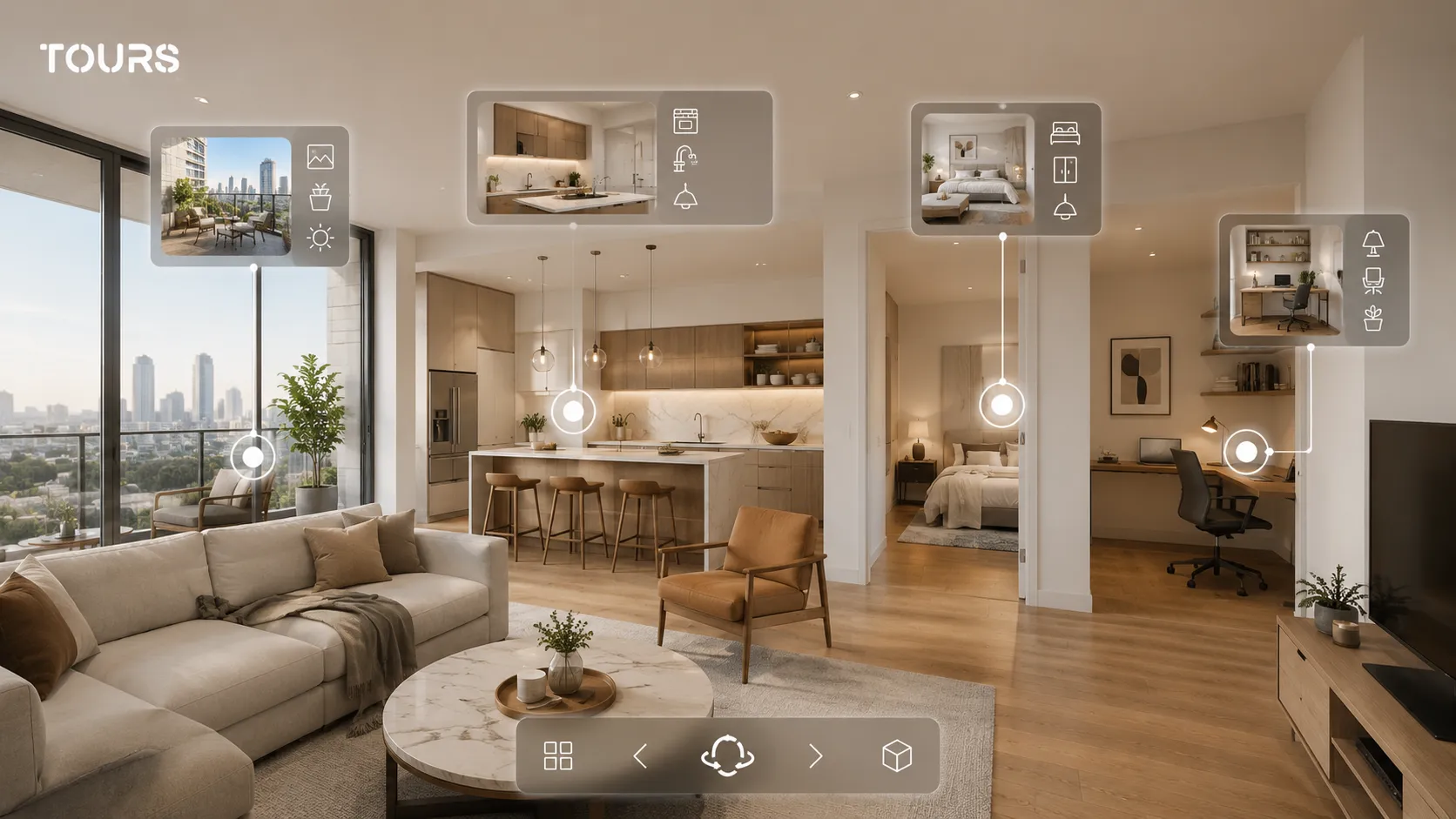
How does the tour connect to viewing requests or bookings?
For an apartment, the right action changes by scenario: for sale and long-term rent, it is usually a viewing request or a message to the owner; for short-term stays, it may be a booking for a specific interval. The shared idea is that the action should appear after the visitor has explored the space, not before they understand what they are seeing.
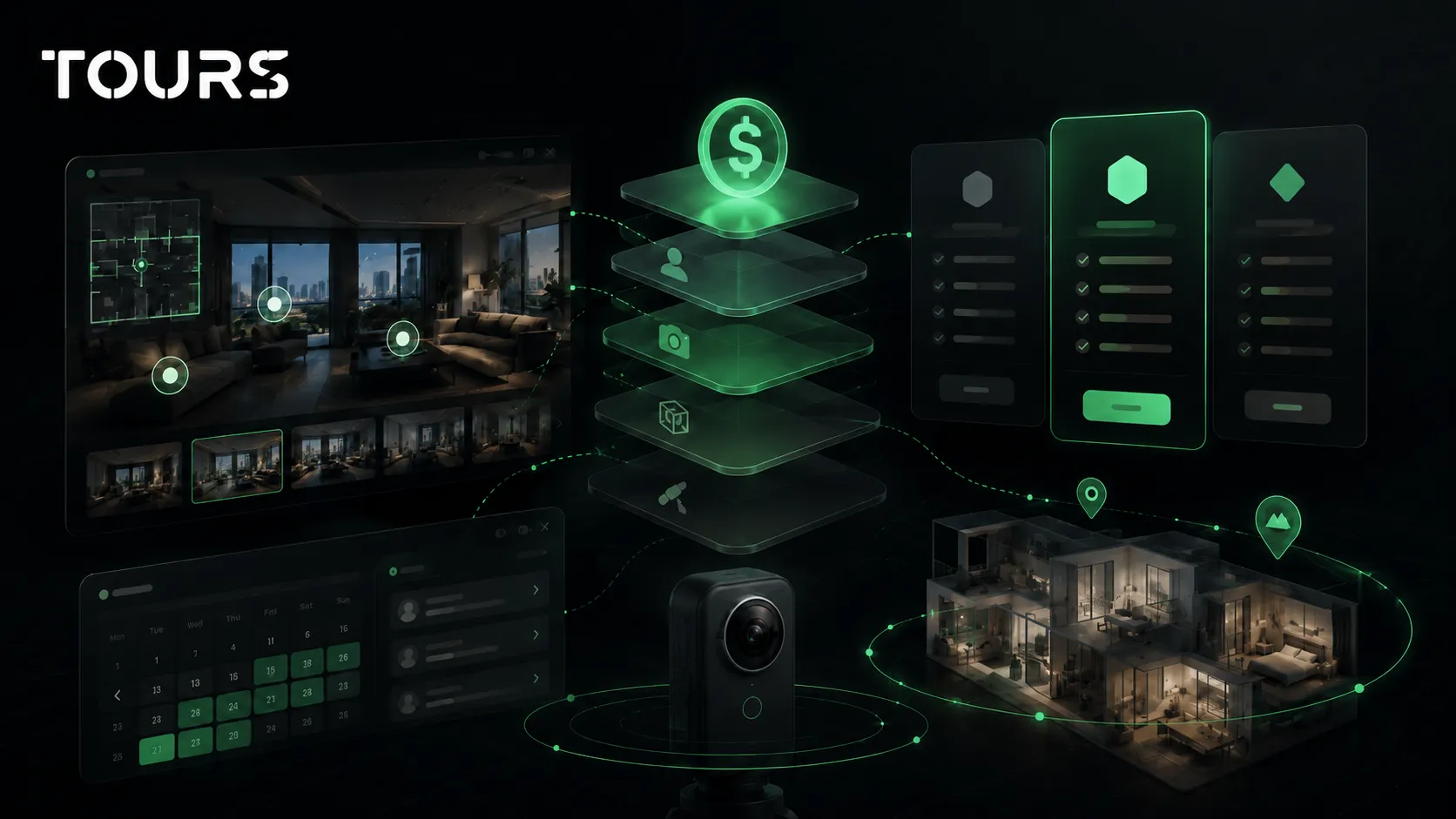
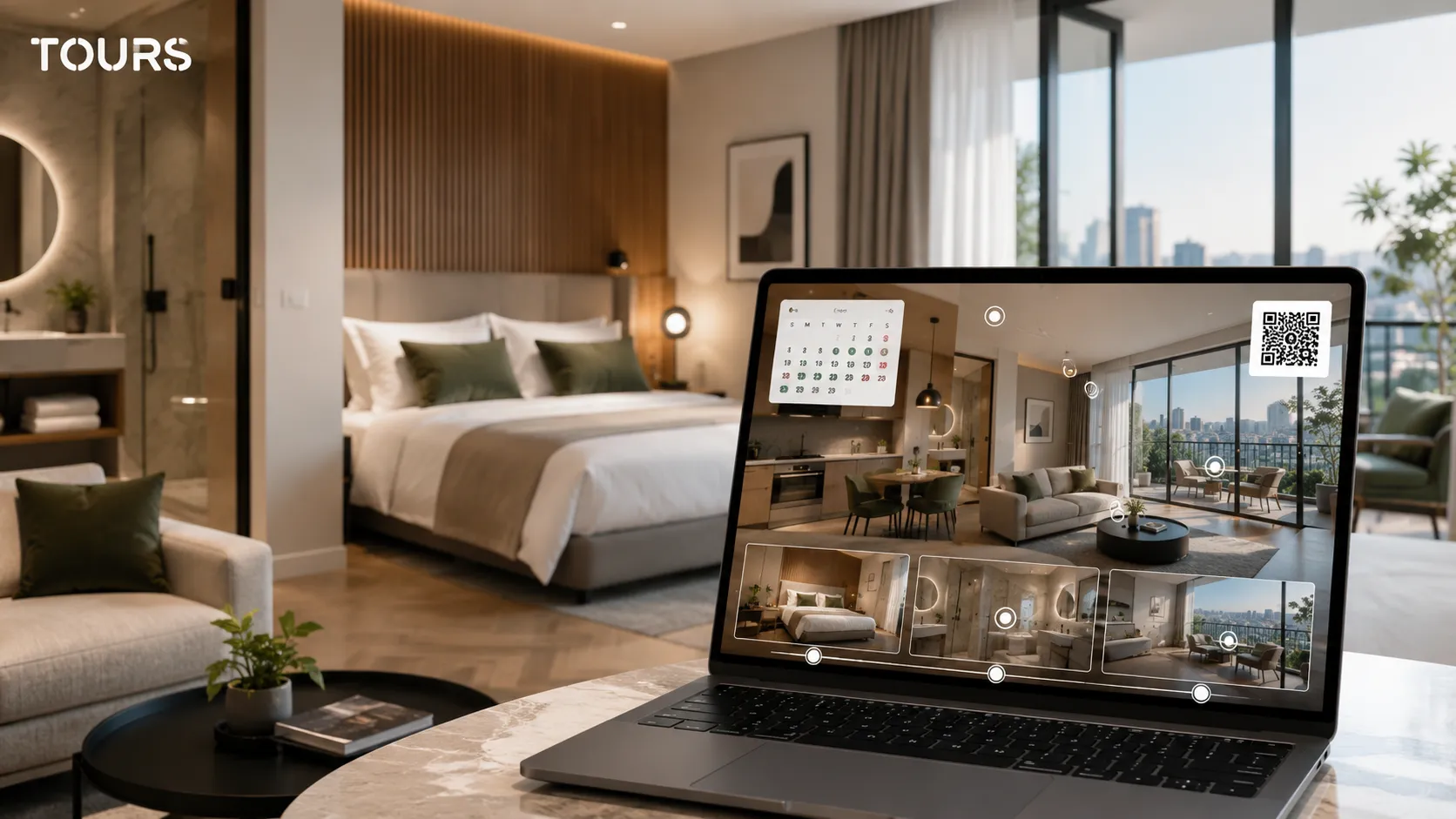
In Tours, the action is not locked to one place: you can connect it to the entire tour, to a specific scene, to a scene group or to an interactive point through tags, such as a viewing request placed in the living room scene or a global button for the whole apartment. The detailed mechanics, with calendars, shared tags between points and availability algorithms, are explained separately in the guide to virtual tour software with bookings; for an apartment, it is enough to know that you can start simply and activate the calendar only when you truly need time slots.
In practice, for an apartment listed for sale or rent, start with the 360° presentation and a contact or viewing request. Add an availability calendar only when you move into short-term stays or manage multiple units by time slot. You can test the flow free for 30 days, with no card, to see whether the requests you receive become clearer.
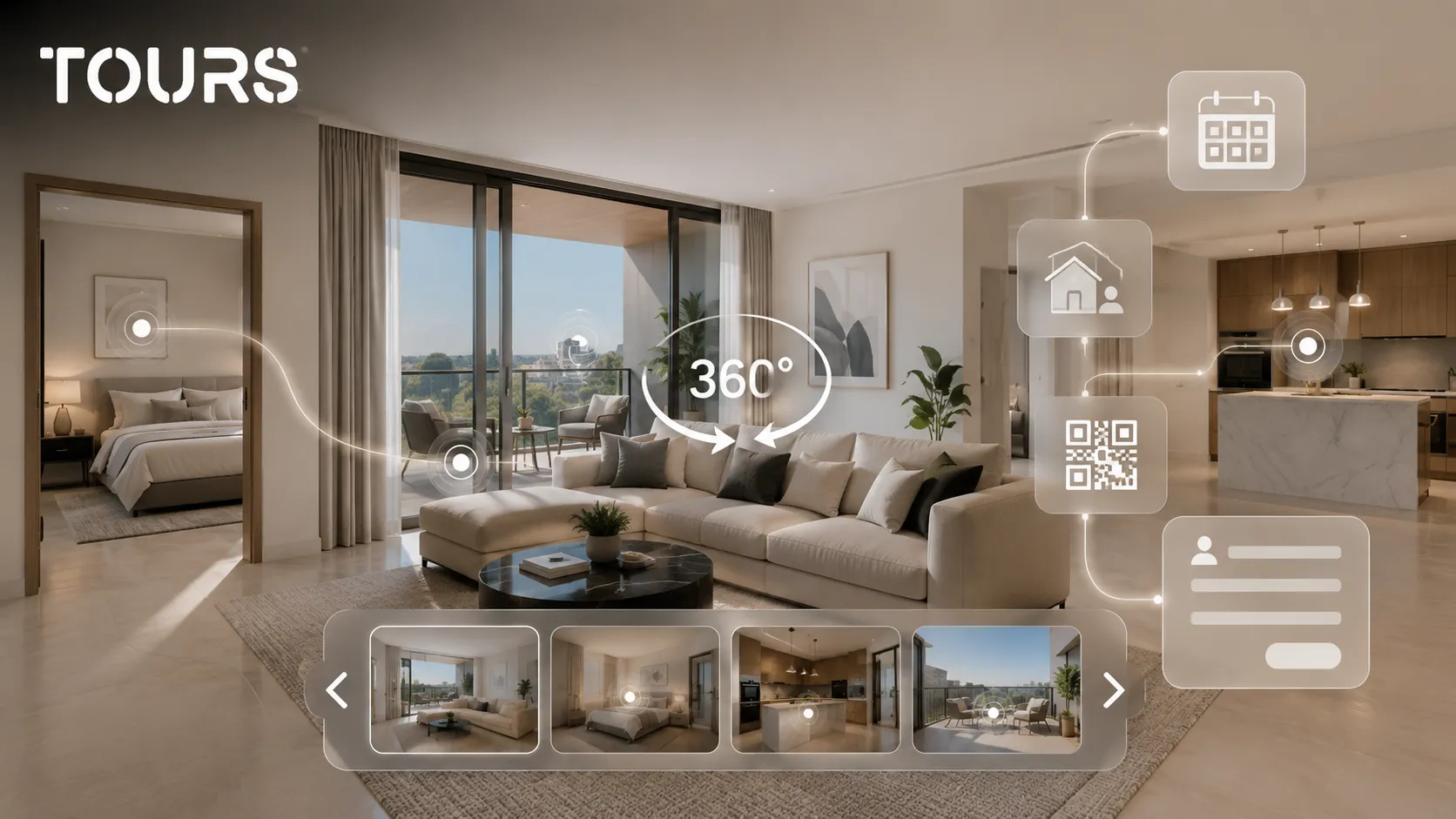
When should you use photos, video, a 360 tour or a 3D scan?
Photos, video, a 360° virtual tour and a 3D scan answer different needs. Photos attract attention quickly in listings, video tells a short story, a 360 tour gives the visitor control, and a 3D scan can add measurements and a spatial model when the project justifies a higher cost.
For many apartments, a well-made 360 tour is a good balance between clarity and cost. It does not require complicated equipment for every room and can be added to a website, sent by link or used in conversations with potential tenants. For premium properties, new developments or large portfolios, it is worth comparing it with professional photo services and 3D scanning.
| Format | When it helps | Limitation |
|---|---|---|
| Photos | Attract attention quickly in a listing and show the best angles. | Do not always explain the flow between rooms. |
| Video | Presents the atmosphere and rhythm of a guided visit. | The visitor cannot freely control the direction of exploration. |
| 360° tour | Clarifies the space and allows independent exploration. | Needs a good scene order and careful capture. |
| 3D scan | Helps with a spatial model, measurements and complex projects. | Can be too much for a simple apartment. |
The choice should not be based on which technology looks more impressive, but on the decision you want to support. If people keep asking where the kitchen is in relation to the living room, you need spatial clarity. If they only ask whether the apartment looks good, photos may be enough.
What mistakes are common in small apartments?
In small apartments, the most common mistakes are capturing from poor corners, exaggerating distortion, hiding awkward areas and loading the tour with too many points. A small space should be presented honestly and in an organized way. If the tour tries to make it look larger than it is, the in-person showing will disappoint.
- Do not capture every room from an angle that artificially enlarges the space.
- Do not skip the bathroom, hallway or storage spaces.
- Do not hide areas that may generate questions during a showing.
- Do not place too many interactive points in a small scene.
- Do not promise availability, rent or amenities if they can change quickly.
An honest presentation is not a weak presentation. It means helping the right person recognize themselves in the space. For a compact apartment or studio, show clearly where someone sleeps, works, cooks and stores everyday items.
How do you publish the tour and track interest after launch?
Publishing the tour should place the presentation where people are already looking for the apartment: on the website, in the listing, in direct messages, through a QR code or in campaigns. After launch, do not track only the number of views. What matters is which rooms people access, where they tap, how long they stay and what actions happen after the tour.
The concrete steps for building the tour, from uploading 360° scenes to adding interactive points and publication approval, are the same for any type of property and are explained in the virtual tour creation guide and the website integration guide. For an apartment, the part that truly matters is publishing the tour exactly where demand arrives: in the listing, on the property page and in direct messages to interested people.
After publication, usage statistics show whether people reach the important rooms, whether they tap the viewing request and whether the path should be simplified. They are more useful than a raw visit count because they show where interest drops and which scene may need to be rearranged.
For cost, keep things proportional to the apartment value and how long the tour will be used. Tours plans start at €19/month for virtual tours, publishing, website integration and usage statistics, while integrated bookings are available on Pro from €59/month. For an apartment that sells quickly, a simple setup may make sense; for portfolios, short-term rental apartments or buildings with multiple units, a reusable platform becomes more efficient.
Frequently Asked Questions
What is an apartment virtual tour?
An apartment virtual tour is a 360° presentation that lets a visitor explore the rooms, hallway, kitchen, bathroom, balcony and other relevant details online. Its purpose is not only to look good, but to clarify the layout and help someone decide whether the property is worth a showing, an offer or a rental inquiry.
Is a 360° tour worth it for a small apartment?
Yes, it can be even more useful for a small apartment because every square foot matters. The tour should be made carefully, without exaggerated distortion and without too many unnecessary scenes. If it clearly shows where the kitchen, bedroom, storage areas and natural light are, it can reduce poor-fit showings.
Is a virtual tour enough for a rental, or do I still need an in-person showing?
A virtual tour helps filter candidates, but it does not always replace an in-person showing. For a long-term rental, many people will still want to see the area, neighbors, noise level and exact condition. The tour shortens the process and makes the conversation more efficient.
What should I include in a virtual presentation of an apartment?
Include the entry, hallway, living room, kitchen, bedrooms, bathroom, balcony and any space that can influence the decision. If there is parking, a storage unit or building amenities, you can add them as scenes or information points. Avoid showing only the attractive rooms, because missing areas can reduce trust.
How do interactive points help in an apartment tour?
Interactive points explain details that a visitor cannot infer from the image alone. They can indicate amenities, square footage, renovations, orientation, rental rules, approximate costs or contact steps. Used well, they turn the tour from a simple 360° image into a practical presentation.
Can I connect the tour to a viewing request?
Yes. In Tours, the tour can lead to a viewing request, a contact link or a booking flow, depending on how the presentation is configured. The action can be connected to the entire tour, specific scenes, scene groups or tagged interactive points.
Should a tour for sale be different from a tour for rent?
Yes. For sale, the tour should support trust, property condition, layout and long-term value. For rent, the focus is on furniture, amenities, rules, costs and fit with daily routines. The same 360° capture can be used, but the messages and actions should be adapted.
Do I need a professional photographer for an apartment tour?
Not always. For a simple apartment, a good 360° camera and careful preparation may be enough. Still, a professional photographer helps when the property is high-value, when the light is difficult or when the presentation needs to support a serious sales or rental campaign.
Where can I publish the apartment virtual tour?
You can publish it on your own website, on the property page, send it by link, add it to conversations with potential clients or share it through a QR code. For listing platforms, check what types of links and interactive content each platform accepts.
How much does an apartment virtual tour cost?
The cost depends on capture, number of scenes, editing, platform and publishing method. If you capture the scenes yourself, the main cost may be the platform. In Tours, plans start at €19/month for tours, publishing, website integration and usage statistics, while Pro includes integrated bookings from €59/month, useful when you need a calendar or organized requests.
For an apartment, start simply: prepare the space, capture the rooms that truly matter, add only useful interactive points and publish the tour where you receive inquiries. In Tours, you can test it free for 30 days, with no card, to see whether the 360° presentation brings better showings and fewer wasted conversations.