
When you search for 'virtual tour pricing', the right question is not only how much it costs to publish a tour, but what you get for that price: 360° capture, hosting, an editor, interactive points, website integration code, usage statistics, bookings and support. A simple tour can be inexpensive, but a tour used for sales should be evaluated as a commercial tool.
Tours is a SaaS platform for creating interactive 360° virtual tours. It is built for businesses that want to publish tours on their website, add interactive points and, when it makes sense, connect visitors directly to a booking, quote request or viewing request.
That is why the right comparison is not only 'how much does a virtual tour cost', but 'what role does the tour play after it is published'. For some projects, 3D scanning and measurements matter most. For others, the priority is helping visitors understand the space and request a booking, a quote or a viewing directly from the tour context.
In short
- The price of a virtual tour depends on 360° capture, platform, number of scenes, interactivity and how you publish the tour.
- A SaaS subscription works well when you want to create, update and publish tours over time without rebuilding the whole project each time.
- Professional photography is worth it when the space needs a premium presentation or when you do not have a 360° camera and time for capture.
- For hotels, restaurants and event venues, cost should be analyzed together with direct bookings, not separately from them.
- Matterport is strong for 3D scanning, measurements and the property ecosystem; Tours is a better fit when you want an interactive 360 tour with commercial actions.
What goes into the price of a virtual tour?
The price of a virtual tour is made up of several layers: producing the 360° images, the platform where you build the tour, interactive features, online publishing, updates and any bookings or commercial inquiries. That is why two offers with the same title can deliver very different value.
For a small space, the main cost may be the platform subscription and the time needed to upload scenes. For a hotel, restaurant or showroom, the price may include route planning, professional photography, interactive information points, booking connections and language versions.
- 360° capture: you can do it in-house with your own camera or outsource it to a specialized photographer.
- Platform: the editor, hosting, publishing, website integration code, QR code and usage statistics are usually the recurring part.
- Interactivity: navigation between scenes, points with text, images, video, external links and commercial actions increase the value of the tour.
- Bookings: the cost should be analyzed separately when the tour is not only a presentation, but also includes calendar availability, requests, confirmations and team handling.
- Maintenance: furniture changes, pricing, menus, rooms or availability can turn a static project into an ongoing process.
If you only want to understand what a 360 virtual tour is and how to create one, the general 360 tour guide is a better fit. This article stays focused on cost, buying model and the commercial decision.
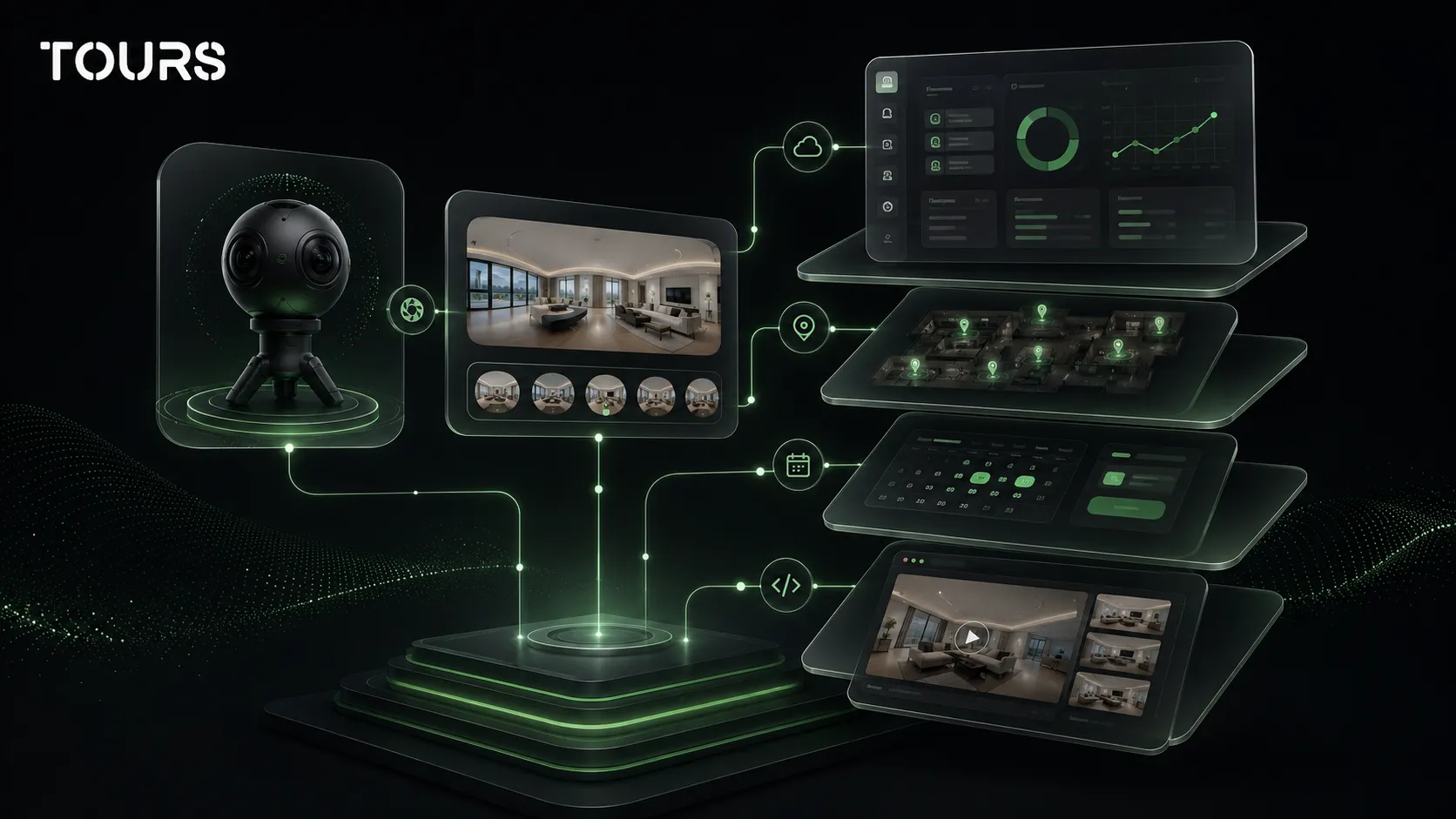
How much can a 360° virtual tour cost?
The cost of a 360° virtual tour can start with a small platform subscription and increase when you add professional photography, more scenes, setup, bookings or support. For a realistic estimate, always separate capture cost from platform cost and commercial setup cost.
| Scenario | Indicative cost | Best fit | What to check first |
|---|---|---|---|
| In-house tour with your own camera | Platform cost plus internal time | Apartments, small spaces, quick tests or simple portfolios | Image quality, lighting, route clarity and time required for editing |
| SaaS platform subscription | From €19/month in Tours, depending on plan | Businesses that want publishing, website integration code, QR sharing, usage statistics and internal control; integrated bookings available on Pro | Limits on tours, scenes, bookings, traffic, users and features |
| Professional photography | From €150/session in Tours, depending on the space | Hotels, restaurants, showrooms, premium spaces and properties that need to look polished | What the session includes, how many scenes you receive and who prepares the space |
| Complete package | Platform plus photography, setup and possibly support | Clients that want a publish-ready result without an internal technical process | Who owns access, who can update the tour and what costs appear after launch |
| Matterport | Free plan, then paid plans based on active spaces | 3D scans, measurements, real estate, digital twins and technical deliverables | Active spaces, users, camera used, exports and additional services |
These ranges should not be read as a fixed price list for every project. A three-scene apartment tour and a hotel tour with multiple rooms, bookings, language versions and interactive points have completely different needs.
Which pricing model should you choose: subscription, project or both?
Choose a subscription if you want ongoing control over the tour, a fixed project if you only want the final delivery and a combined model if you need professional capture plus internal management. The right option depends on how often you update the tour and what role it plays in sales.
| Pricing model | What it usually includes | When it fits | Risk to check |
|---|---|---|---|
| Platform subscription | Editor, hosting, publishing, QR sharing, website integration code and usage statistics | When you update the tour, create several spaces or want internal control | Limits on tours, scenes, traffic, users or commercial features |
| Photographed project | 360° capture, editing, delivery and sometimes initial publishing | When you want a premium image and do not have equipment or time | Redo costs when the space changes |
| Platform plus photography | Initial photography and later management inside a SaaS editor | When you want strong quality at launch and flexibility afterward | Who owns access to the tour and who can update the content |
| Customized package | Multiple locations, support, onboarding, website integration and commercial flows | When the tour is part of sales, bookings or recurring presentations | Long-term total cost, not just the initial offer |
For small businesses, the common mistake is comparing only the starting price. Check what happens after launch: can you change scenes yourself, add interactive points, see usage data and add the tour to your own website without technical dependency?
Virtual tour pricing: what do you pay in Tours?
In Tours, the cost depends on the plan, the number of active tours, the number of scenes and whether you need integrated bookings. On the official pricing page, Basic is listed at €19/month, Pro at €59/month, Business at €120/month, professional photography starts from €150/session and the trial lasts 30 days with no card required.[1]Source
The difference should not be analyzed only as a hosting price for panoramas. In Tours, the value appears especially when the tour needs to send visitors toward an action: booking, quote request, viewing request, choosing a table, choosing a room or completing a commercial flow directly from the tour context.
For an apartment, studio or small portfolio, a basic plan can be enough if the tour is used mainly for presentation. For restaurants, guesthouses, small hotels or cabins, the Pro plan with integrated bookings can be more useful because the tour can turn visual interest into a concrete request.
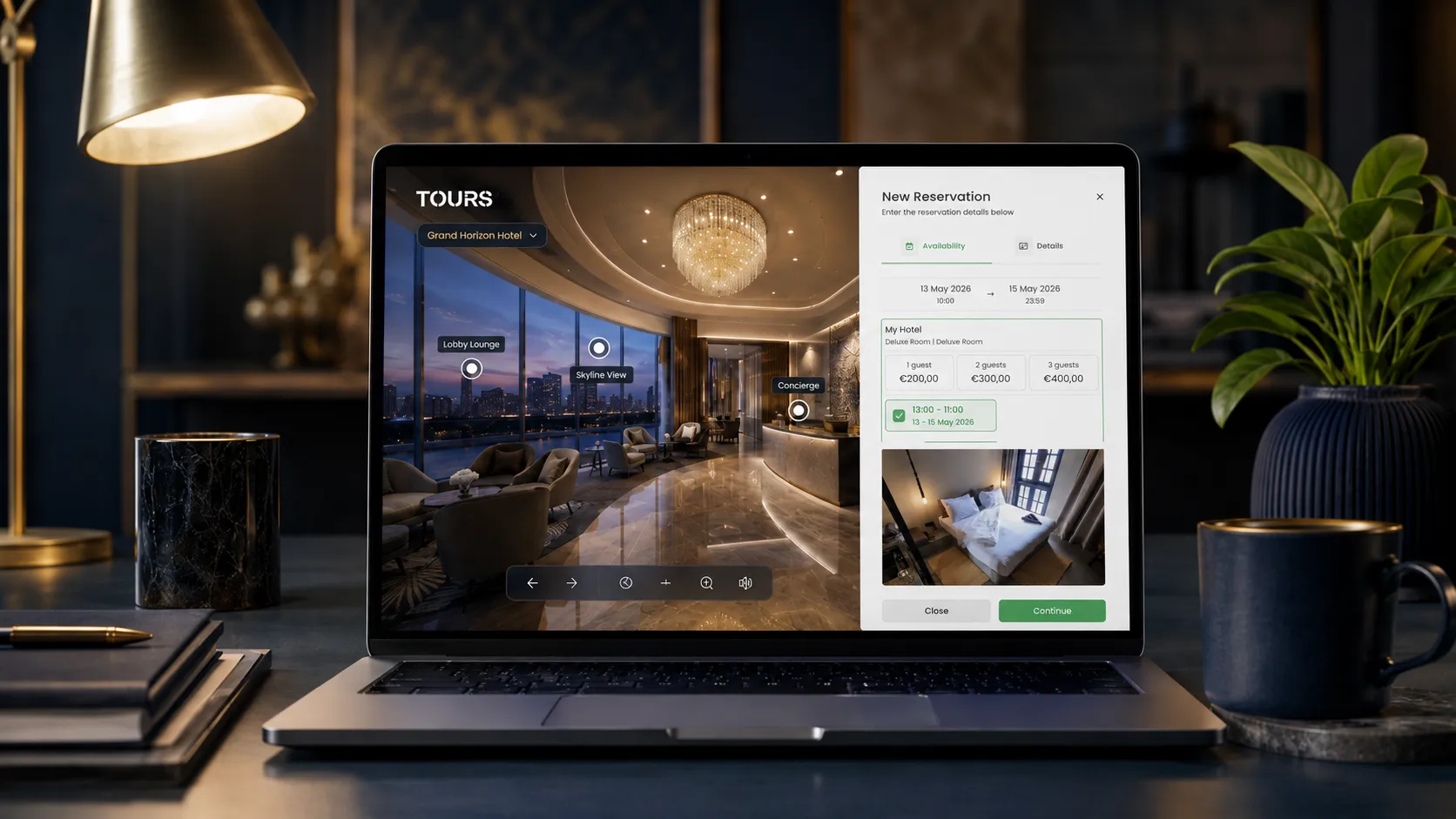
Bookings in Tours are not limited to one type of interactive point. A booking manager can be connected to the entire tour, to scenes, to scene groups or to tagged interactive points. If booking is active at the tour level, the visitor sees a global booking button. If it is connected to an interactive point, the booking window opens when the visitor taps that point.
For hotels, rooms or room types can be grouped in the tour and connected to bookings at group level. For restaurants, tables or areas can be represented through interactive points, and points with the same internal tag can use the same calendar. For real estate, scenes or points can trigger viewing requests or quote requests.
You can test the flow without a card before choosing a paid plan. Create a small tour, add a few scenes and check whether the visitor reaches the main action easily: booking, inquiry, call or viewing request.
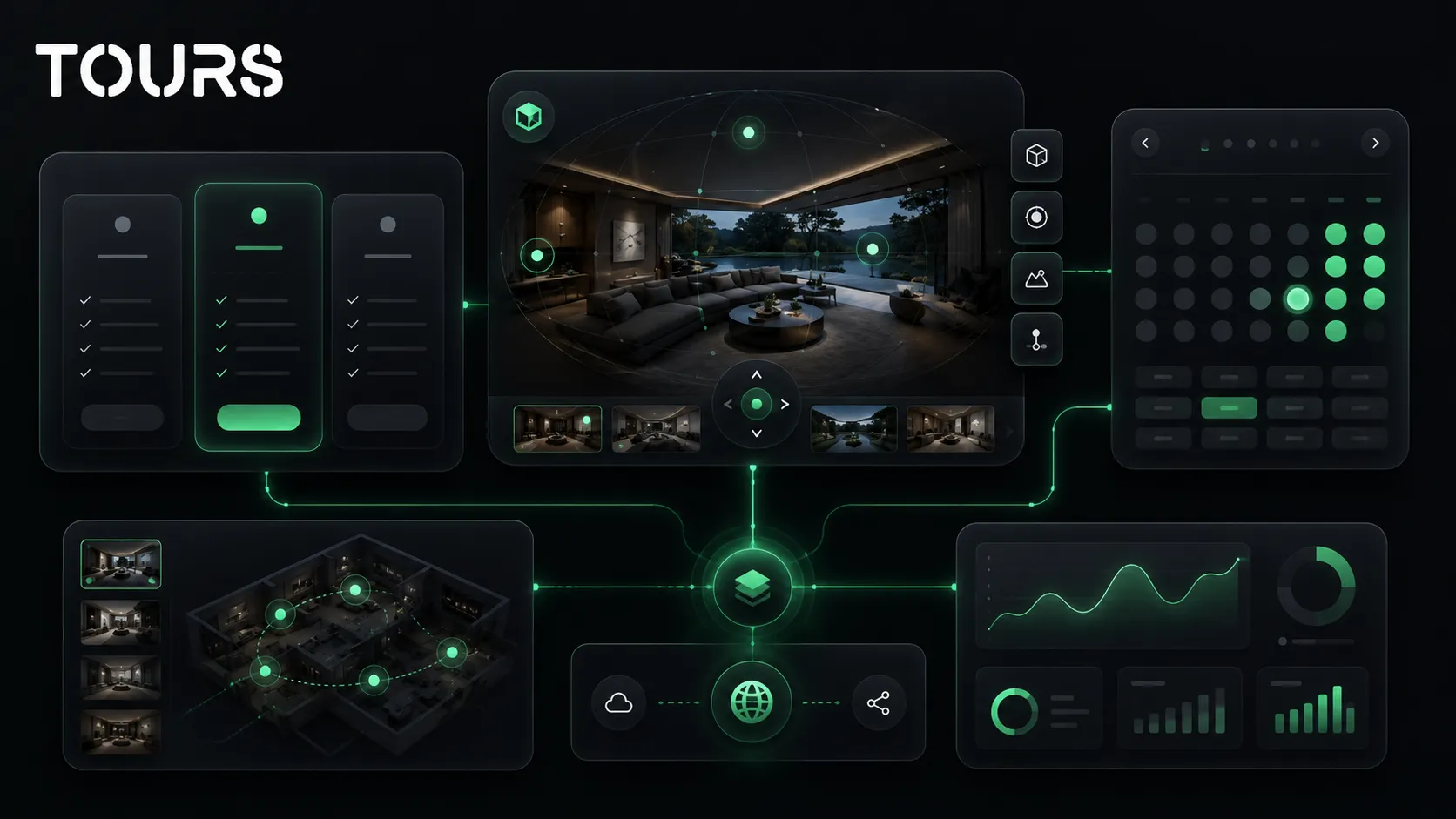
When does the price of a 360° virtual tour increase?
Price increases when the tour becomes larger, more interactive or closer to a commercial flow. A space with many rooms, multiple languages, bookings, periodically reshot scenes or website integration with special requirements will cost more than a simple presentation with a few panoramas.
- Number of scenes: more rooms, areas or angles mean more capture, organization and QA work.
- Capture quality: poor lighting, cluttered spaces or reflective materials may require more preparation.
- Interactivity level: information points, galleries, video, links and commercial actions add setup time.
- Bookings: availability, acceptance rules and shared calendars need to be planned before publishing.
- Multilingual content: if the tour is used for travelers or international buyers, the text needs to be written and checked in multiple languages.
- Updates: a changed menu, renovated room or reorganized showroom can require adjustments after launch.
A low price can be fair if you need a simple presentation. It becomes risky if the offer does not include tour control, usage statistics, updates or the ability to send visitors toward a clear action. For a commercial tour, the features that reduce customer hesitation matter more than the simple existence of panoramas.
When should you choose Matterport, and when should you choose Tours?
Compare Matterport with Tours by looking at the real scenario, not only the starting price or plan name. Matterport is widely known for scans, 3D spaces, measurements and its property ecosystem. Tours is designed as a SaaS platform for interactive 360 tours with bookings, interactive points, QR sharing, website integration code and usage statistics.
In short, Matterport mainly helps you capture and document spaces. Tours helps you turn a 360 tour into a commercial flow: the visitor sees the space, understands the options and can submit a booking, quote request or viewing request without leaving the context.
One useful reference point is how each platform defines its limits. Matterport lists a free plan with 1 active space, Starter for 5-20 active spaces, Professional for 20-150 active spaces, Business for 100-300 active spaces and Enterprise with custom pricing.[2]Source
| You need | Better fit | Why it matters |
|---|---|---|
| 3D scanning, measurements and technical deliverables | Matterport | It is built strongly around the digital twin, scanning and its own ecosystem |
| An interactive 360 tour published quickly on your website | Tours | It is focused on publishing, website integration, QR, interactive points, and control over the experience |
| Floor plans, MatterPak, CAD/BIM or technical exports | Matterport | These deliverables are especially relevant for real estate, construction and technical projects |
| Bookings connected to rooms, tables, areas or scenes | Tours | The tour can become the starting point for inquiries, bookings or viewing requests |
| A standard real estate presentation focused on a digital twin | Matterport | The Matterport brand and ecosystem are very well known in the property space |
| A hotel, restaurant, showroom or event venue focused on conversions | Tours | The value comes from connecting visual exploration, interaction and the commercial action |
| Criterion | Matterport | Tours |
|---|---|---|
| Type of experience | Strong focus on scanning, 3D spaces and its own ecosystem | Focus on interactive 360 tours, fast publishing and commercial actions |
| Bookings | Needs to be checked based on plan, integration and external flow | Bookings connected to the tour, scenes, scene groups or tagged interactive points |
| Website control | Depends on setup and platform limits | Website integration code, public link and QR code for distribution |
| Fit | Projects that require 3D scanning, measurements or deliverables specific to the Matterport ecosystem | Hotels, restaurants, real estate, showrooms and spaces that want presentation plus direct actions |
| Total cost | Check active spaces, users, captures and additional services | Check active tours, scenes, bookings, optional photography and required support |
If your goal is a visual presentation with a booking, quote request or viewing request, compare how many clicks it takes visitors to reach the action. A lower price does not help if the tour looks good but visitors have to search separately for the form, contact page or calendar.
On the other hand, if you need measurements, 3D scanning, floor plans or technical deliverables for properties, do not treat Tours as a direct replacement for Matterport. They can be part of the same conversation, but they solve different priorities.
Is professional 360° photography worth paying for?
Professional photography is worth paying for when the first impression directly influences a booking, viewing or in-person visit. If you have a hotel, restaurant, event venue or premium property, capture quality can make the difference between a tour that builds trust and one that feels improvised.
For real estate, the National Association of REALTORS explains the difference between the professional route and the in-house route for virtual tours. In the NAR guide, typical costs for a professional 360° tour are shown in the $200-$500 range, and scanning and processing can take about 1-2 hours, depending on the property.[3]Source
For an owner testing a first tour, in-house photography may be enough. For a brand selling rooms, tables, showrooms or premium spaces, the cost of strong capture is easier to justify. The important point is not to pay only for images, but for a tour that is publishable, clear and easy to update.
How do you estimate the right budget before buying?
Estimate the right budget by starting with the goal of the tour, not the technology. Ask what the tour needs to do after the visitor opens it: present the space, reduce repetitive questions, qualify leads, generate bookings or support direct sales.
- Define the space: how many rooms, areas, tables, products or points of interest need to be included.
- Choose the capture level: in-house for a quick test, professional for spaces where image quality influences the decision.
- Decide the main action: booking, quote request, viewing request, call, external link or presentation only.
- Check included features: interactive points, website integration code, QR sharing, usage statistics, multilingual support and visibility control.
- Calculate maintenance cost: who updates the tour when the space, pricing or availability changes.
- Test before committing to a long process: a trial helps more than a feature list skimmed in a hurry.
In Tours, the practical flow is simple: create an account on getours.app, go to the My Tours page, click the button for a new tour, add the name and category, and optionally complete the location, price and tags. After that, upload the first 360° scene and continue into the 360° editor.
In the editor, you can add scenes, navigation, information points, external links, groups, images and video. For bookable points, internal tags are important because they can connect multiple points to the same calendar. After you click Publish and choose visibility, the tour waits for approval from a Tours moderator before it becomes public.
Booking setup is handled separately from the Booking Manager page. There, you set the availability calendar, choose the right algorithm, optionally add team members who can accept or reject requests, and connect the manager to the tour, scenes, scene groups or interactive points with internal tags.
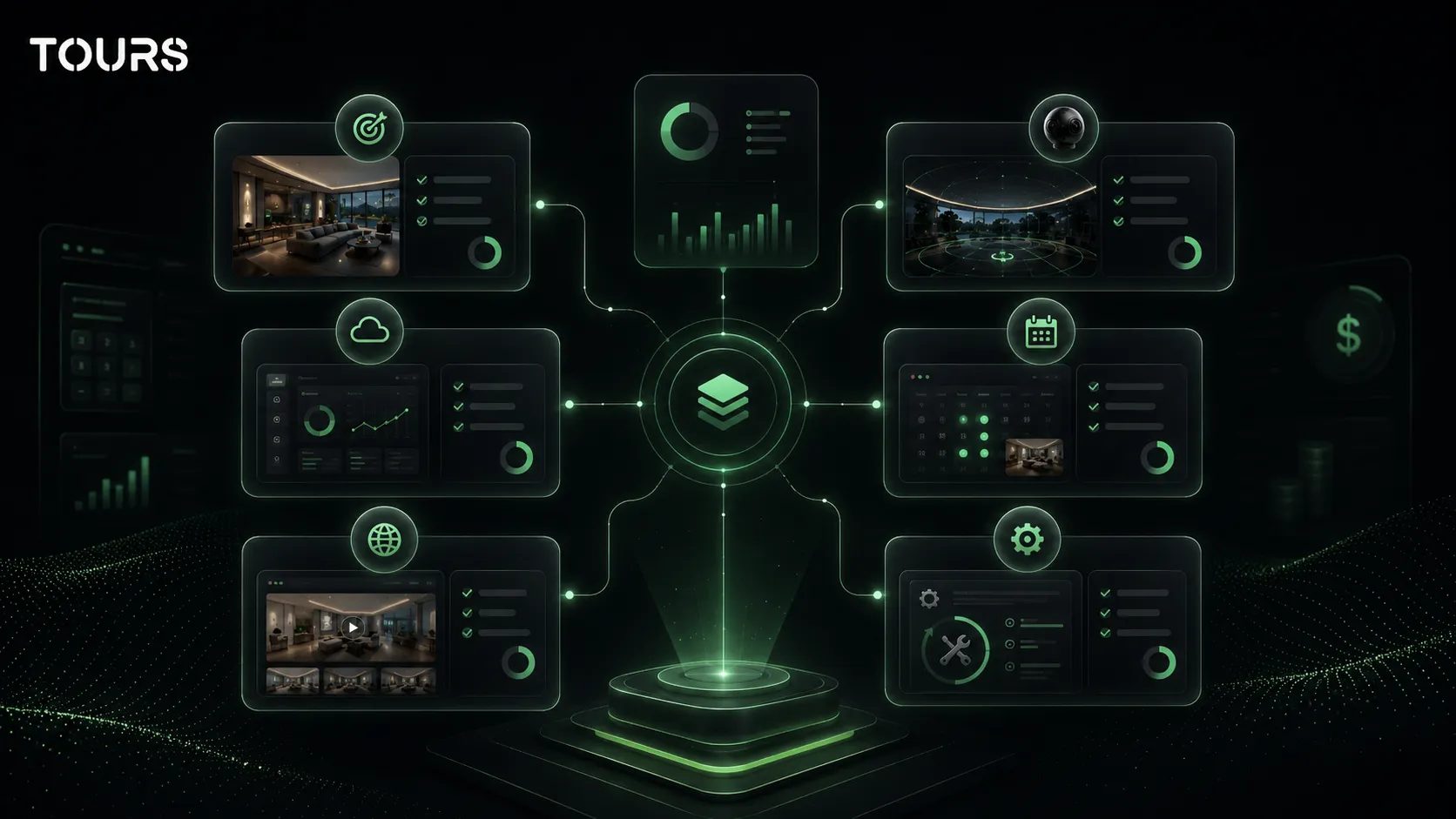
Tours does not replace your PMS, channel manager, Booking.com, Airbnb, POS or CRM. You can use it as a visual and commercial layer on top of your existing process: people see the space, understand faster what fits them and can send an inquiry or booking from the tour context.
For a realistic estimate, start with a small tour and measure what you need after the first visits. If the tour needs to produce bookings, do not buy only panoramas. Buy a complete flow: strong capture, clear publishing, control over content, usage statistics and an action that visitors understand immediately.
Sources
Studies and reports cited in this article
All sources are checked and publicly available.
- Tours pricingofficial-pricingToursThe official getours.app pricing section with plans, features, free trial, professional photography and product information for Tours.
- Matterport plansofficial-pricingMatterportThe official Matterport page with plans, active space limits, users and an Enterprise option with custom pricing.
- Virtual Tour Playbookspecialist-publicationNational Association of REALTORSA specialist article about methods for creating virtual tours for real estate, including the professional route, in-house route and cost examples for the US market.
We carefully select trusted sources to keep the content relevant and up to date.
Frequently Asked Questions
What does 'virtual tour pricing' mean?
The phrase 'virtual tour pricing' refers to the full cost of creating, publishing and using a 360° virtual tour. It does not include only photographing the space, but also the platform, hosting, editor, interactive points, website integration code, usage statistics, updates and, where relevant, bookings or commercial inquiries.
Why does the price of a virtual tour vary so much?
The price varies because two tours can have completely different complexity. A simple apartment tour may have a few scenes and a short structure. A hotel, restaurant or showroom may have many areas, information points, media, language versions, bookings and post-launch updates.
Is it cheaper to take the 360° photos myself?
Usually, yes, if you have a 360° camera, time and a space that is easy to capture. However, the real cost includes preparing the space, capturing it correctly, editing and uploading scenes. For premium or commercial spaces, professional photography can produce a more convincing result that is easier to use in sales.
When does a virtual tour subscription make sense?
A subscription makes sense when you want to publish the tour online, add it to your website, update it and see usage statistics. It is especially useful when you have multiple spaces, make periodic changes or need the tour to support bookings, quote requests or viewing requests.
When does a one-time paid project make sense?
A one-time paid project makes sense when you want a final delivery, the space does not change often and you do not need to edit the content yourself. Still, check who keeps access to the tour, where it is published and what costs appear if you want changes after launch.
What has the biggest impact on 360° virtual tour pricing?
The most important factors are the number of scenes, capture quality, level of interactivity, booking needs, languages used and updates after publishing. For businesses, website integration code, QR sharing, visibility control and the ability to measure what visitors do inside the tour also matter.
How do I compare Matterport pricing with Tours pricing?
Compare based on your scenario, not only the plan name. Matterport is strong for 3D scans, measurements, floor plans and the property ecosystem. Tours is oriented toward interactive 360 tours with bookings, interactive points, usage statistics, QR sharing and website publishing. Check limits, included features and total cost after launch.
Is Matterport better than Tours?
Matterport is a better fit if you need 3D scanning, measurements, floor plans or technical deliverables. Tours is a better fit if you need a 360 tour published on your website, with interactive points, usage statistics and bookings or inquiries connected to rooms, tables, areas or scenes.
Does Tours replace a PMS, channel manager or Booking.com?
No. Tours can complement the booking process, but it should not be treated as a replacement for a PMS, channel manager, Booking.com, Airbnb or a complete CRM. Its role is to connect the visual tour experience to an inquiry, booking or clear action, depending on setup.
Can I connect bookings only to specific rooms or tables?
Yes. In Tours, bookings can be connected to the entire tour, specific scenes, scene groups or interactive points with internal tags. For hotels, rooms can be grouped. For restaurants, tables or areas can use separate calendars or a shared calendar through the same tag.
How do I know whether the price of a virtual tour is worth it?
The price is worth it if the tour reduces repetitive questions, builds trust, qualifies visitors and sends people toward a clear action. For hotels, restaurants, real estate and showrooms, value does not come only from the image, but from the decision clarity it gives the customer before contact.