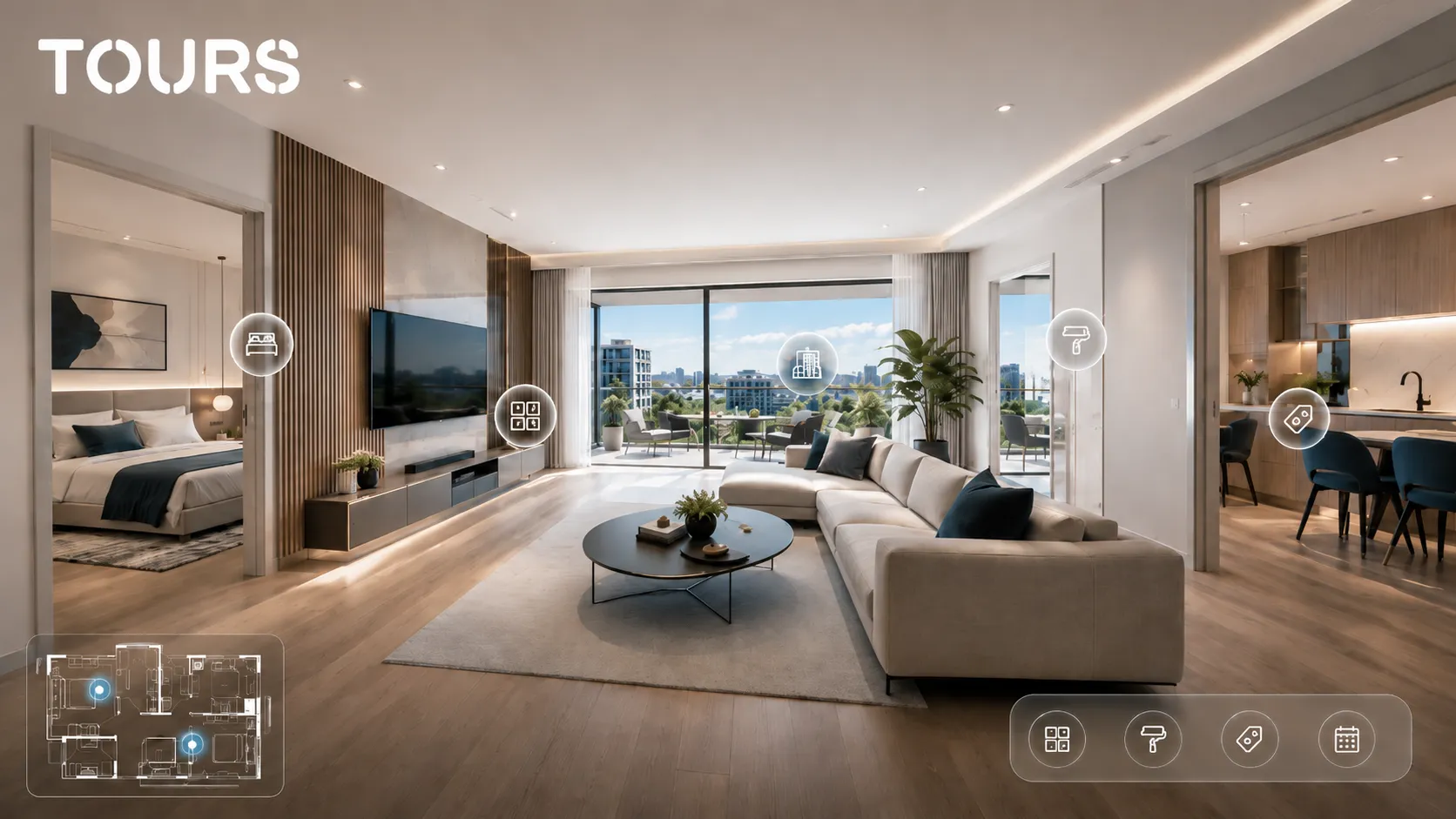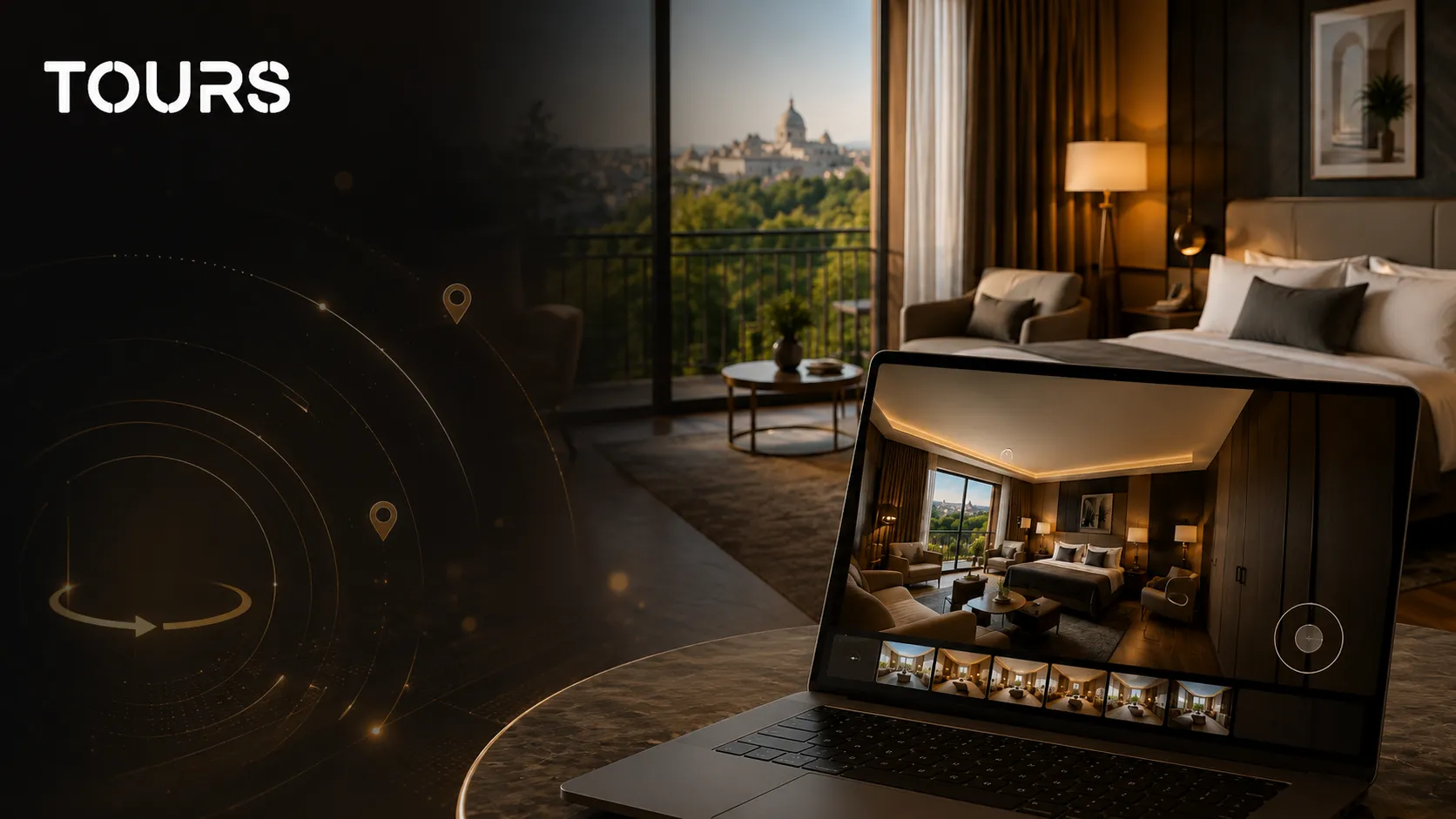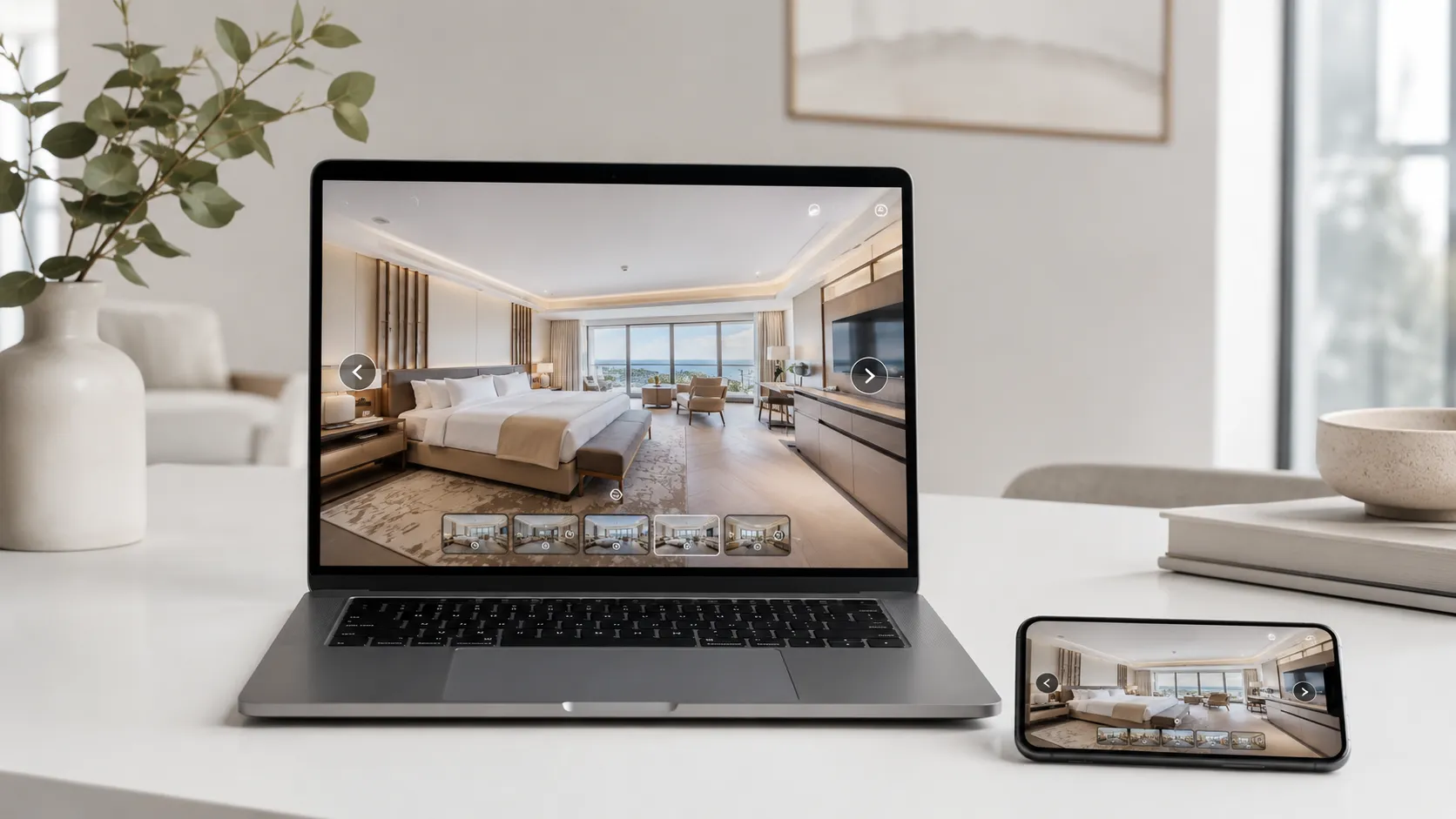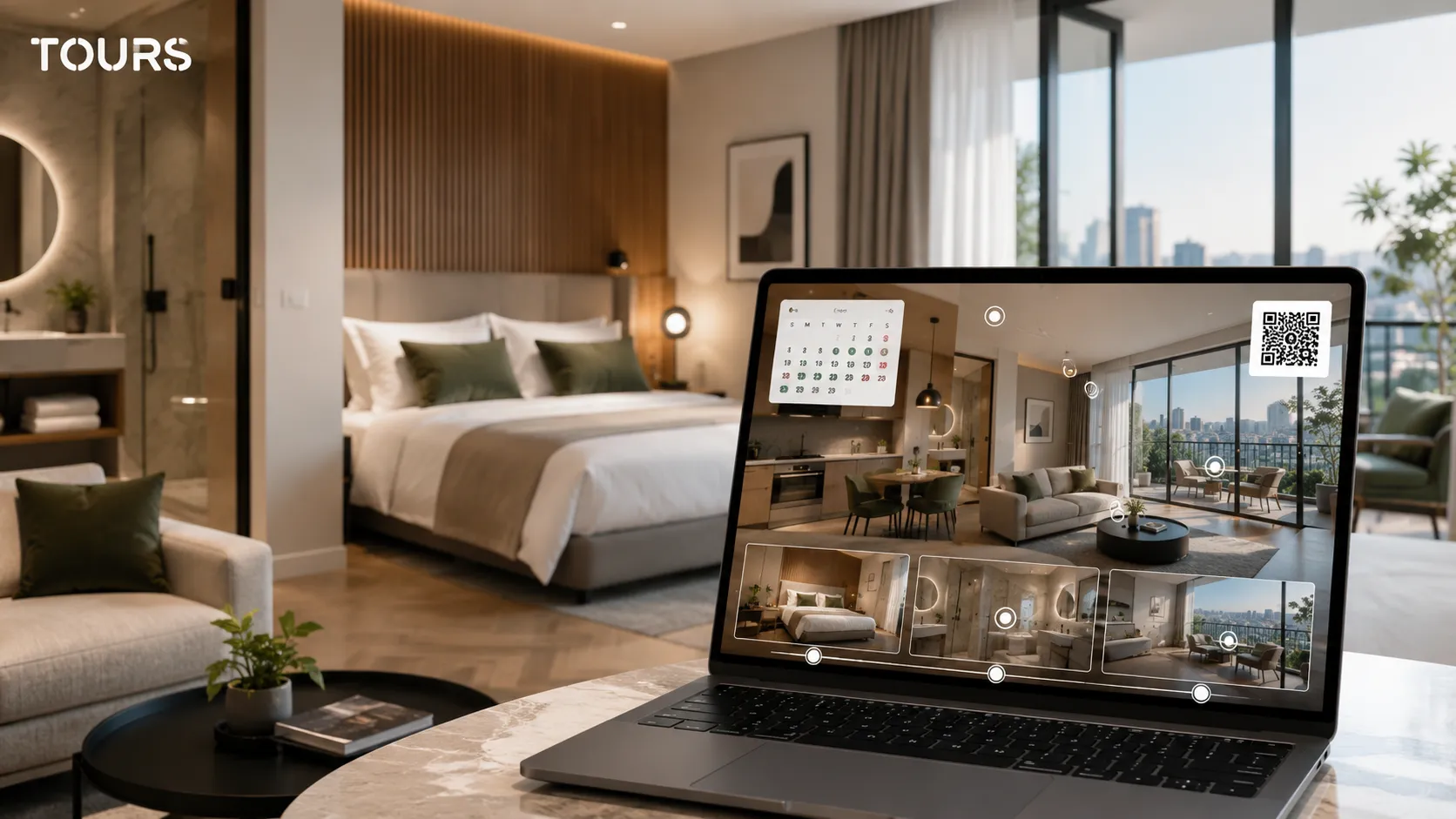

An Airbnb virtual tour is an interactive 360° presentation of a rental, created so guests can quickly understand the layout, atmosphere and practical details before they book. For hosts, the tour is especially useful when photos do not explain the path through the apartment, the balcony, the view, access or the difference between similar spaces clearly enough.
Tours is a SaaS platform for browser-based 360° virtual tours with interactive points, usage statistics and optional bookings. For an Airbnb rental, Tours can become the visual asset you control: add it to your website, share it through a QR code or use it in guest communication where the platform allows it.
In short
- An Airbnb virtual tour clarifies the space, but it does not replace strong listing photos.
- It is useful for short-term rental apartments, compact studios, villas, premium properties and multi-room accommodations.
- The tour shows the real path between the entrance, bedroom, bathroom, kitchen, balcony, parking and amenities.
- Interactive points can explain rules, amenities, check-in, Wi-Fi, parking and local recommendations without overloading the description.
- If you have your own website or direct inquiries, the tour can connect bookings to the tour, scenes, groups or tagged interactive points.
- The best result comes from a presentation that is honest, current and tested on mobile before publishing.
Why does an Airbnb virtual tour make sense?
It makes sense because a guest is not just booking a night; they are accepting a level of trust in the space. A 360 tour shows how the rooms connect, how accessible the bathroom is, where the kitchen sits, whether the balcony is useful and whether the apartment matches the expectations created by the photos.
The short-term rental market is large and competitive: Eurostat reported 854.1 million nights spent in 2024 in EU short-term rentals booked through Airbnb, Booking, Expedia Group or TripAdvisor, 18.8% above 2023[3]Source. In that context, presentation clarity becomes a practical advantage, not just a visual detail.
Airbnb is also a very large ecosystem of supply and demand: Airbnb's 2025 global report mentions more than 5 million hosts and more than 2 billion guest arrivals since the community launched[2]Source. For a host, that means a listing needs to be clear, visually verifiable and easy to understand quickly.
A virtual tour does not automatically promise more bookings and does not guarantee better placement on Airbnb. Its role is more practical: it reduces uncertainty, cuts down repetitive questions and helps the owner present the space coherently on the channels they control.
What should a virtual tour of an Airbnb rental show?
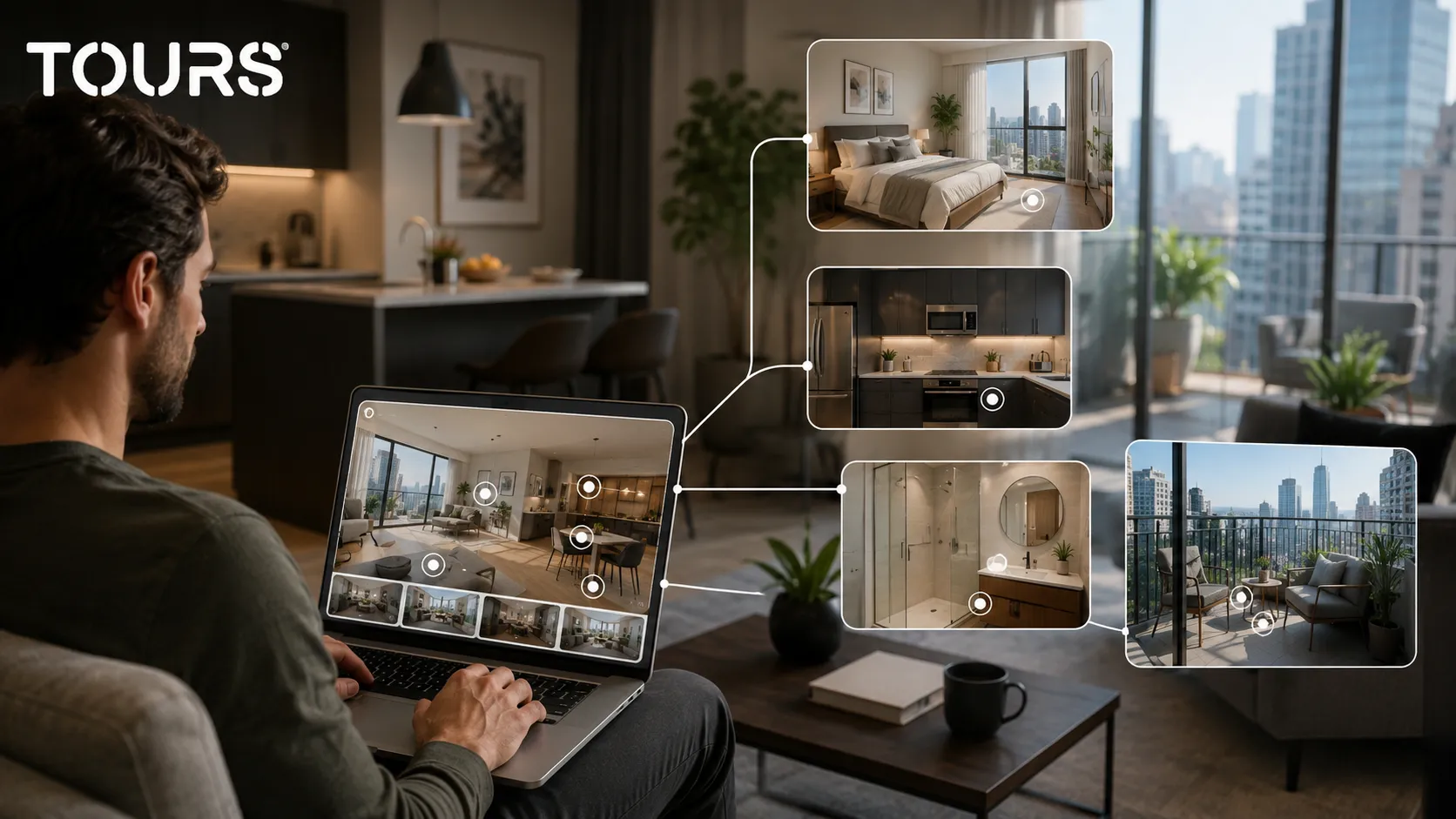
The tour should show the spaces that influence the booking decision and the surprises that may appear on arrival. For an Airbnb rental, showing only the most beautiful room is not enough. The path from the entrance, the real size of the spaces, shared areas and practical details all matter.
- The entrance and first contact with the space: hallway, access, stairs, elevator, gate or yard.
- The bedroom or sleeping area, including circulation space, windows and storage.
- The bathroom, because guests want clarity there, not just a pretty frame.
- The kitchen or kitchenette, with the stovetop, refrigerator, table, coffee maker and workspace.
- The living room, desk or relaxation area, especially for work stays or longer city breaks.
- The balcony, terrace, yard, parking and any local advantage that sets the property apart.
For a short-term rental apartment listed on Airbnb, the tour needs to be honest. If the bathroom is small, show the bathroom clearly. If the staircase is narrow, do not hide it completely. A correctly informed guest is less likely to be surprised, and the review is more likely to reflect the real experience.
Interactive points are useful for details that should not overload the photos: access code, quiet hours, parking spot, heating, air conditioning, Wi-Fi, check-in, local recommendations or appliance instructions. Use them as short explanations, not as a long brochure in every room.
How is a 360 tour different from the Airbnb photo gallery?
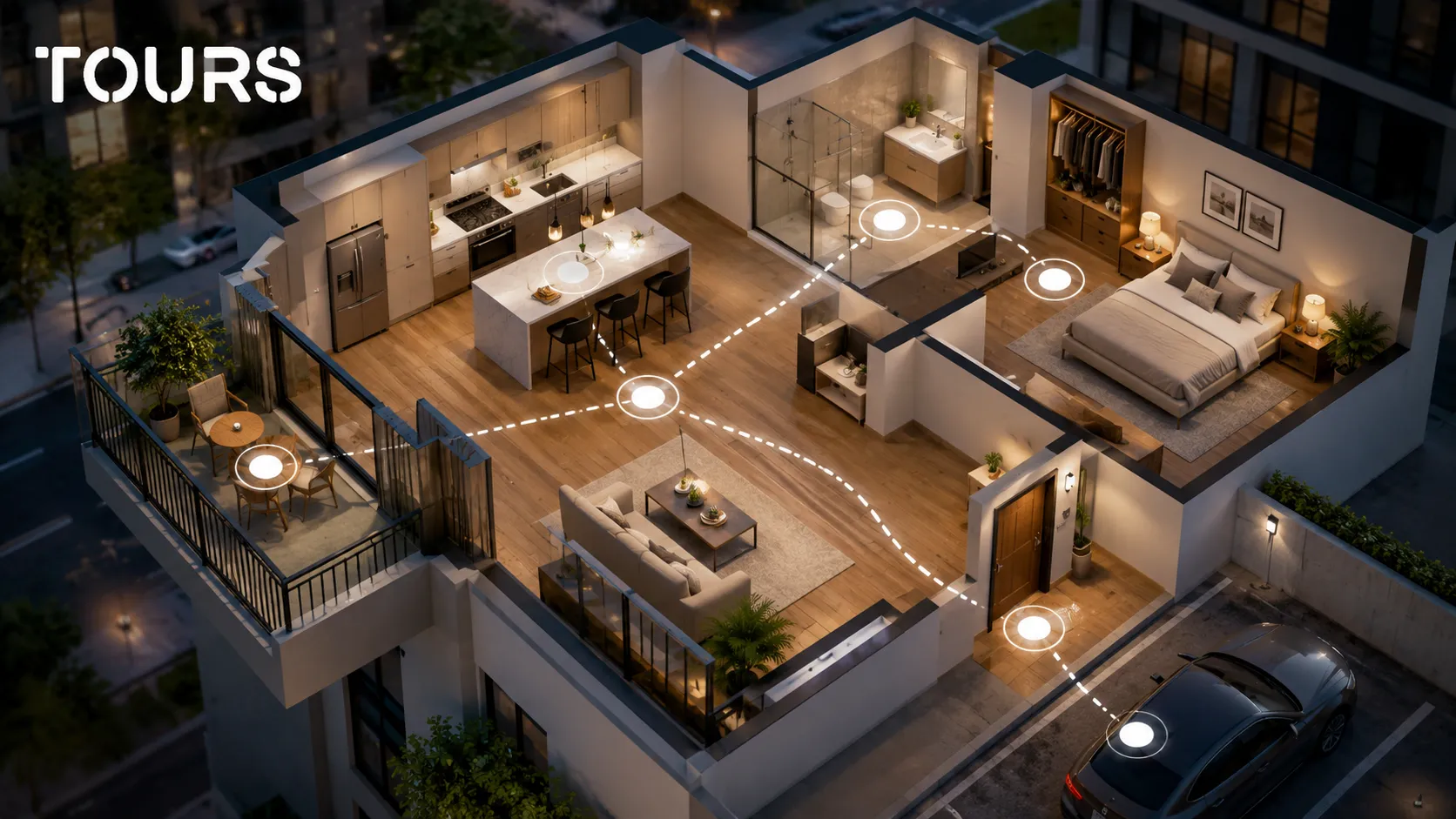
The photo gallery sells the first impression, while the 360 tour explains the space. On Airbnb, photos remain essential for the search results card and the quick presentation. The virtual tour becomes useful when a guest has questions about proportions, flow, access, connected rooms or the difference between several similar units.
Airbnb emphasizes organizing photos by room: the official documentation describes the photo tour as a way for guests to explore a home and see rooms together with their amenities or features[1]Source. A 360 tour does not compete with that logic; it complements it when you want to show how the spaces connect.
| Element | Airbnb photo gallery | 360° virtual tour |
|---|---|---|
| Main role | Grabs attention quickly and presents the best frames | Explains the flow, proportions and connection between rooms |
| Host control | Depends on the platform's format and rules | Can be published on a website, shared by QR code or used in allowed direct communication |
| Practical details | Can be missed when there are many photos | Can be explained through short interactive points |
| Direct bookings | Is not designed for external flows | Can support a calendar or inquiry form on your own channels |
For many hosts, the combination works best: clean photos for the first impression, a 360 tour for clarity and a few interactive points for the questions that always come up. This keeps the tour from becoming too crowded and keeps the listing easy to review.
Where should you publish the tour if Airbnb is not your only channel?
Publish the tour where you have control and where the channel rules allow you to use it. Airbnb may limit how links are displayed inside a listing, so the 360° virtual tour should be treated as your own asset: website, presentation page, portfolio, QR code in the apartment or allowed direct communication.
For hosts who rely only on Airbnb, the tour can be useful in a portfolio or in messages sent after communication is allowed. For managers with their own website, the tour becomes much more valuable: the visitor sees the space, checks availability and can submit an inquiry without going through a third-party platform.
If you are interested specifically in the website integration side, the virtual tour website integration guide covers the technical steps and publishing options. Here, the important point is that an Airbnb rental needs a presentation that also works outside the platform.
How do you connect the tour to direct bookings?
Connect the tour to direct bookings only if you have your own channel where the guest can continue the action. In Tours, bookings can be linked to the entire tour, to a scene, to a group of scenes or to tagged interactive points. Not every point needs its own separate calendar.
For a single property, the simplest setup is a global booking button at tour level. For multiple apartments, you can organize each unit as a separate tour or as a group of scenes, depending on how inquiries arrive. For special amenities, an interactive point can open a booking window or a contextual form.
Bookings in Tours do not replace Airbnb, Booking.com, a PMS, a channel manager or a CRM. They complement the existing process when you want to receive direct inquiries, test your own channel or offer a clearer presentation for guests who find you outside OTAs.
For hosts, the advantage is not just the booking button. It is the context: the guest is in the exact scene they have a question about and can send an inquiry without searching again through the description, photos or old messages.
What does the Tours workflow look like for an Airbnb rental?
The right workflow separates tour creation from booking setup. First, create the 360° presentation and make sure the guest can move through the space without confusion. Only then add availability, inquiry rules and connections to scenes, groups or tagged interactive points.
- Create an account on getours.app and open the My Tours page.
- Click the button for a new tour and complete the name and category; location, price and tags can be added if they are useful.
- Upload the first 360° scene and give it a clear name, such as bedroom, living room or entrance.
- In the 360° editor, add the remaining scenes, navigation, groups, text, images, videos and useful links.
- For bookable points, add internal tags so they can be correctly connected to availability.
- Click Publish, choose the visibility and wait for Tours moderator approval before the tour becomes public.
Booking setup is handled separately in Booking Manager. There you set the availability calendar, choose the right booking algorithm and, if you have a team, add people who can accept or reject requests. After that, connect the manager to the tour, scenes, groups or tagged interactive points.
What mistakes should you avoid?
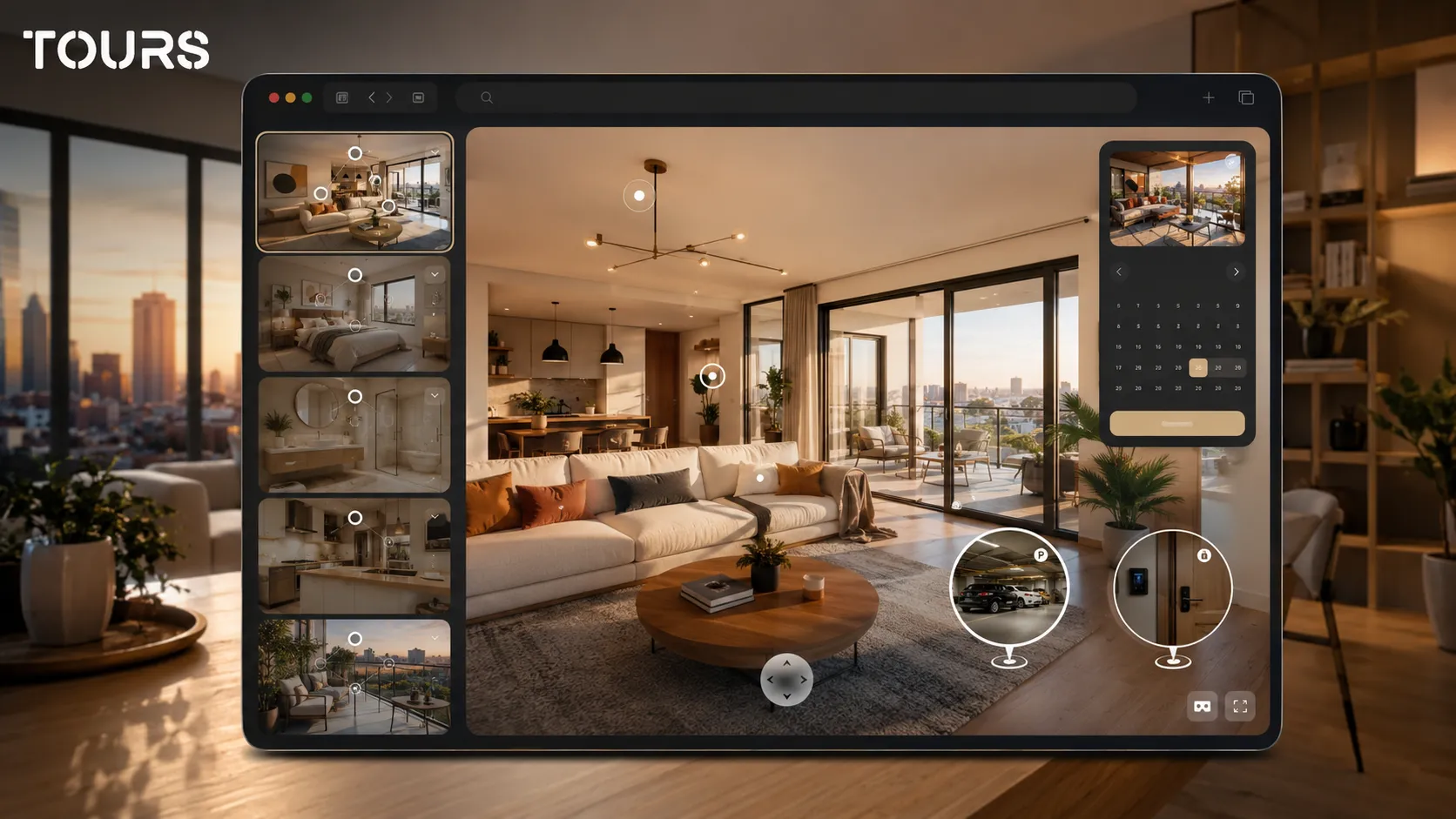
The biggest mistakes happen when the tour promises more than the space delivers or when it is built like a maze. For an Airbnb rental, the tour should be clear, short and honest. The guest should leave with a better understanding of the property, not with more questions.
- Do not hide sensitive areas such as a small bathroom, the entrance, the stairs or the parking area.
- Do not add too many interactive points in the same scene, because the tour becomes hard to follow.
- Do not use the tour for information that changes often unless you have an update process.
- Do not combine old photos with a new tour, or the other way around, because differences can create distrust.
- Do not publish the tour without testing it on mobile, because many guests check listings on their phone.
- Do not use the tour as an excuse for weak photos. The two formats should work together.
A good rule is to go through the tour like a guest who does not know the city. Do they understand where they enter, where they sleep, where they cook, where they work and where to find the important things? If the answer is yes, the tour is doing its job.
How do you measure whether the tour helps?
Measure the tour by the questions it reduces and the actions it supports. For an Airbnb rental, do not look only at the number of views. What matters is how many people reach the important scenes, which interactive points they click and whether repetitive messages about access, parking or room configuration decrease.
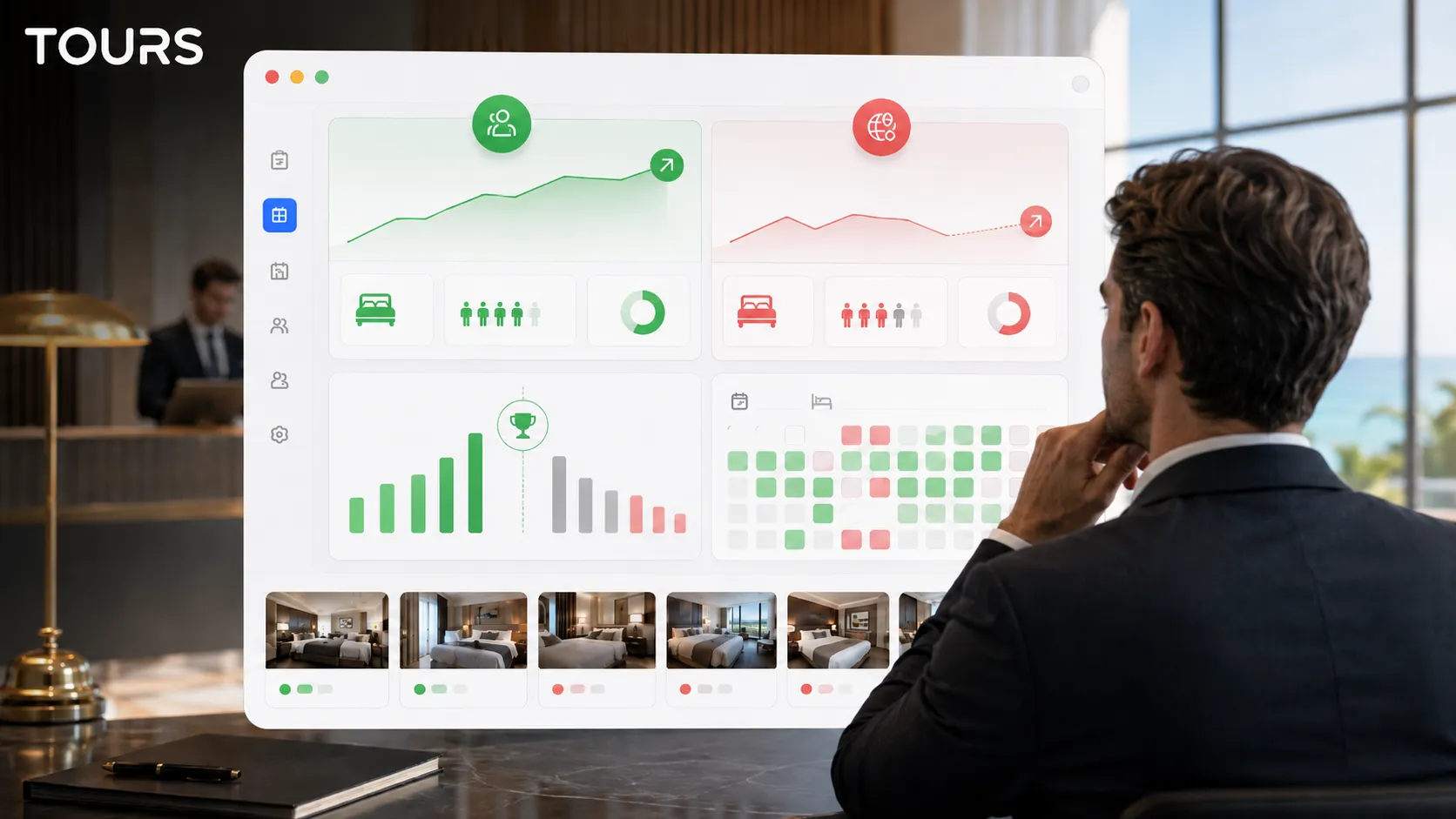
In Tours, usage statistics are included in every plan. You can track sessions, visited scenes, clicks on interactive points, duration and the most accessed areas. For a host, this data shows what guests care about before booking or arrival.
If you notice many visitors stopping at the bathroom, balcony or parking area, you can improve the explanations in those scenes. If nobody reaches the check-in instructions, the interactive point may be too hidden. A good tour is not just published once; it is adjusted based on real visitor behavior.
As a business decision, Tours makes sense if you want to publish 360° tours in the browser, add them to your website, share them by QR code and optionally connect bookings. Plans start at €19/month for virtual tours, website integration, QR sharing and usage statistics; integrated bookings are available on Pro from €59/month, which is especially relevant for hosts who want to build direct bookings.
Sources
Studies and reports cited in this article
All sources are checked and publicly available.
- Airbnb guide to the home photo tourdocumentAirbnbAirbnb documentation on how the photo tour helps guests explore a home by room and feature.
- Airbnb global quality reportreportAirbnbPublic Airbnb report with data on the size of the host community and the global evolution of the platform.
- New record for online platform bookings in the EUreportEurostatEurostat data on nights spent in short-term rentals booked through online platforms in the European Union.
We carefully select trusted sources to keep the content relevant and up to date.
Frequently Asked Questions
Is an Airbnb virtual tour worth it if I already have good photos?
Yes, if the photos do not explain the rental layout or practical details clearly enough. Photos attract attention, while the 360° tour helps the guest understand the path through the space. For a simple studio it may be optional, but for multi-room apartments, villas, premium properties or short-term rental units, the added clarity can matter a lot.
Can I add a virtual tour directly to an Airbnb listing?
Airbnb controls which formats and links are allowed inside the listing, and the rules can change over time. That is why the virtual tour is safer to use on your own website, in direct communication allowed by the platform, in the host portfolio or through a QR code. Do not treat the tour as a way around Airbnb rules, but as your own presentation asset.
Which rooms should be included in an Airbnb virtual tour?
Include the rooms that change the booking decision: entrance, bedroom, bathroom, kitchen, living room, balcony, terrace, yard or parking. If there are shared areas, show them clearly. You do not need to create a scene for every corner, but every space the guest will use should be easy to understand before arrival.
Can an Airbnb virtual tour help with direct bookings?
It can help, but not on its own. The tour supports direct bookings when it is published on your own website, connected to a calendar or used in a clear inquiry flow. It does not replace Airbnb, a PMS or a channel manager. Its role is to increase trust and make the move from presentation to booking more logical.
How do I use Tours for a short-term rental apartment listed on Airbnb?
Create the tour from the My Tours page, upload the first 360° scene, add the main rooms and use the 360° editor for navigation, information points and groups. For direct bookings, configure Booking Manager separately and connect it to the tour, scenes, groups or tagged interactive points. The tour becomes public after approval by a Tours moderator.
Can I have different calendars for multiple apartments?
Yes. In Tours, you can configure bookings based on your structure. A booking manager can be connected to the tour, to scenes, to scene groups or to tagged interactive points. If you have multiple units, you can organize availability per apartment or use tags for points that should share the same calendar.
Does the virtual tour need to be shot with a professional camera?
Not necessarily, but quality matters. For a simple rental, a good 360° camera and natural light may be enough. For premium properties, villas or expensive apartments, professional shooting reduces the risk of blurry frames, poor exposure or wrong camera positions. Whatever equipment you use, the tour should be clean, coherent and current.
How many 360 scenes are enough for an Airbnb rental?
For a studio, 3-5 scenes may be enough: entrance, main room, bathroom, kitchen and balcony if there is one. For a one-bedroom apartment, 6-10 scenes are usually more appropriate. Do not chase a high scene count; aim for an experience where the guest understands the space quickly without getting lost.
Can a virtual tour reduce guest questions?
Yes, especially questions about layout, access, parking, balcony, extra bed, desk, kitchen or bathroom. For good results, add short interactive points in the areas where questions often appear. The tour does not eliminate guest communication, but it can make the conversation clearer and faster.
What is the difference between an Airbnb virtual tour and a real estate virtual tour?
A real estate virtual tour helps a buyer or renter decide whether a viewing is worth it, while an Airbnb tour helps a guest decide whether the space fits their stay. For Airbnb, atmosphere, daily use, check-in, amenities, rules and details that affect short-term comfort matter more.
If you want to see what a 360° presentation could look like for your rental, you can try Tours free for 30 days, with no card required. Create the tour in the browser, add the main scenes, publish it after review and then decide whether to use it only as a presentation or also connect it to direct bookings.