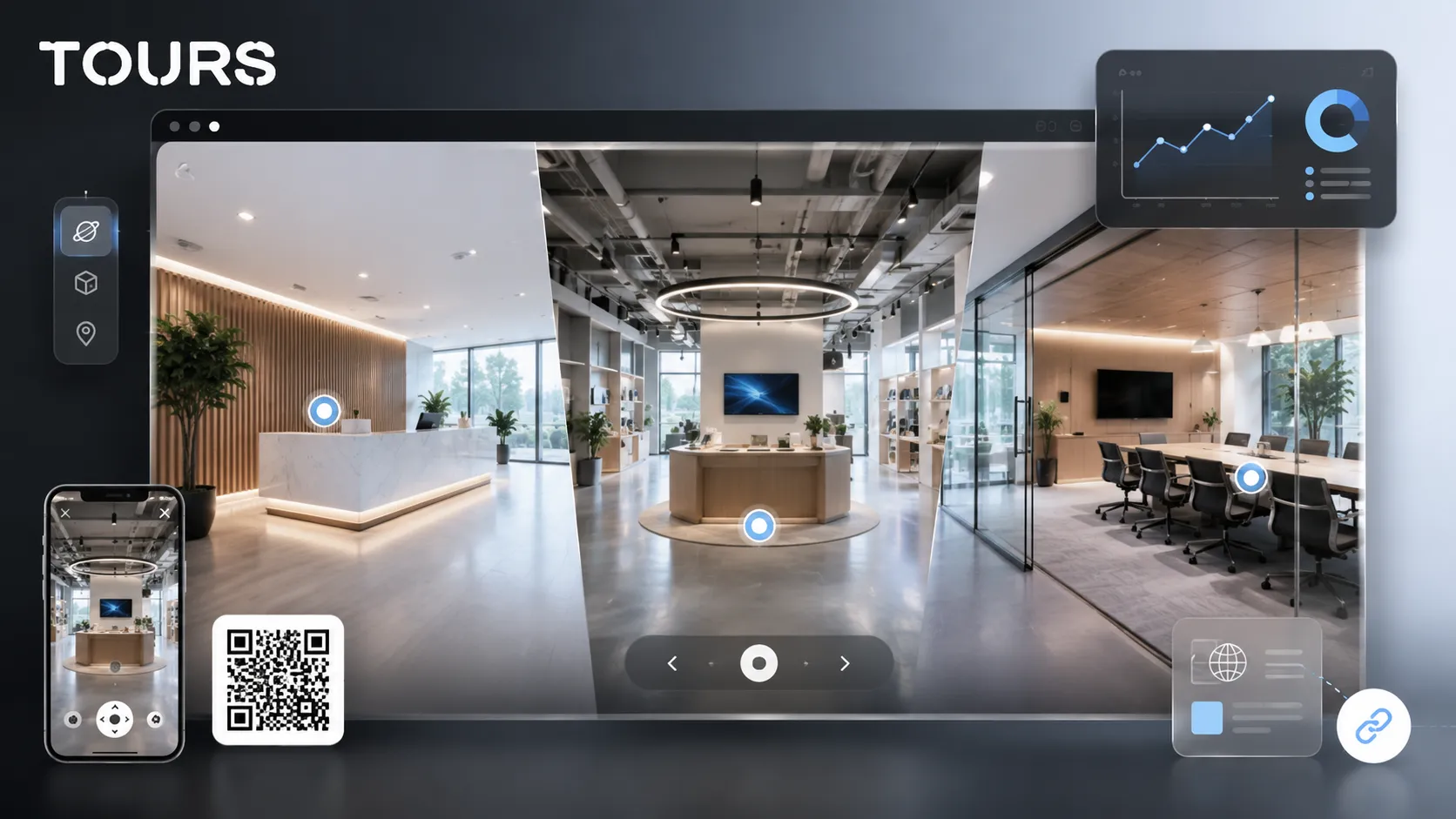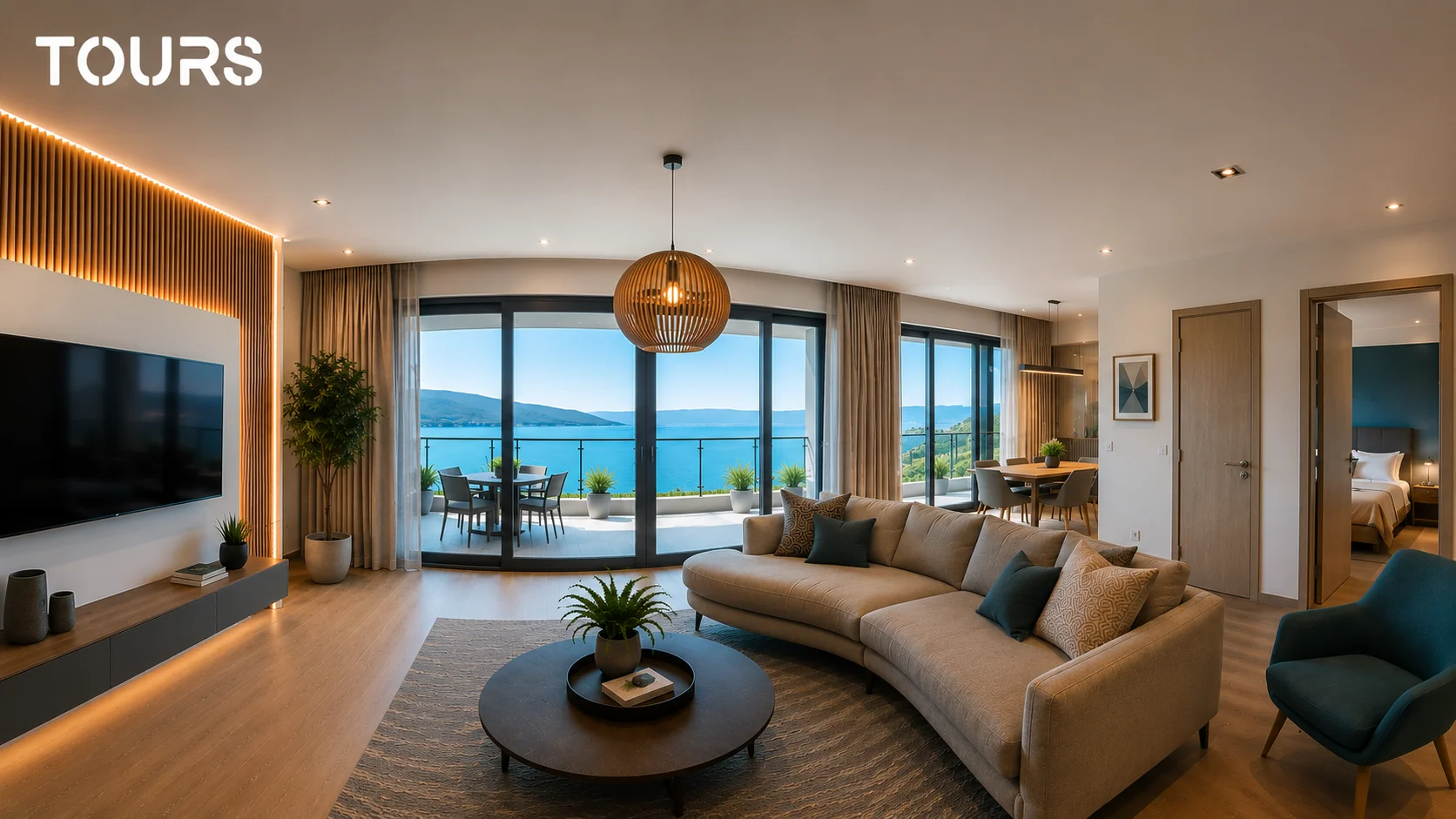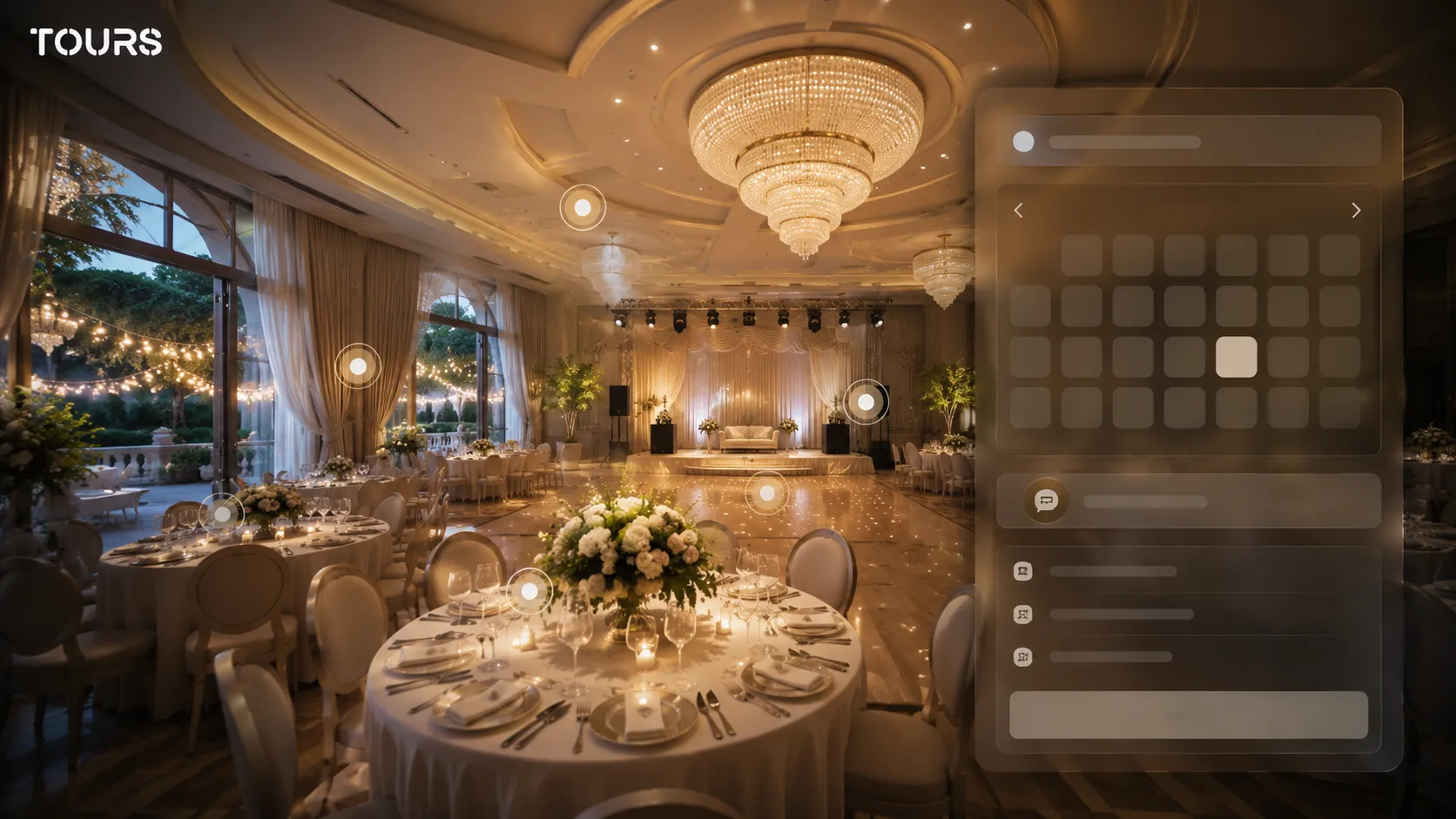

An event venue virtual tour helps the client quickly understand whether the space fits a wedding, baptism, birthday, conference or corporate event. Instead of relying only on photos, the visitor sees the real proportions, the flow through the venue, the important zones and can send a more precise quote request.
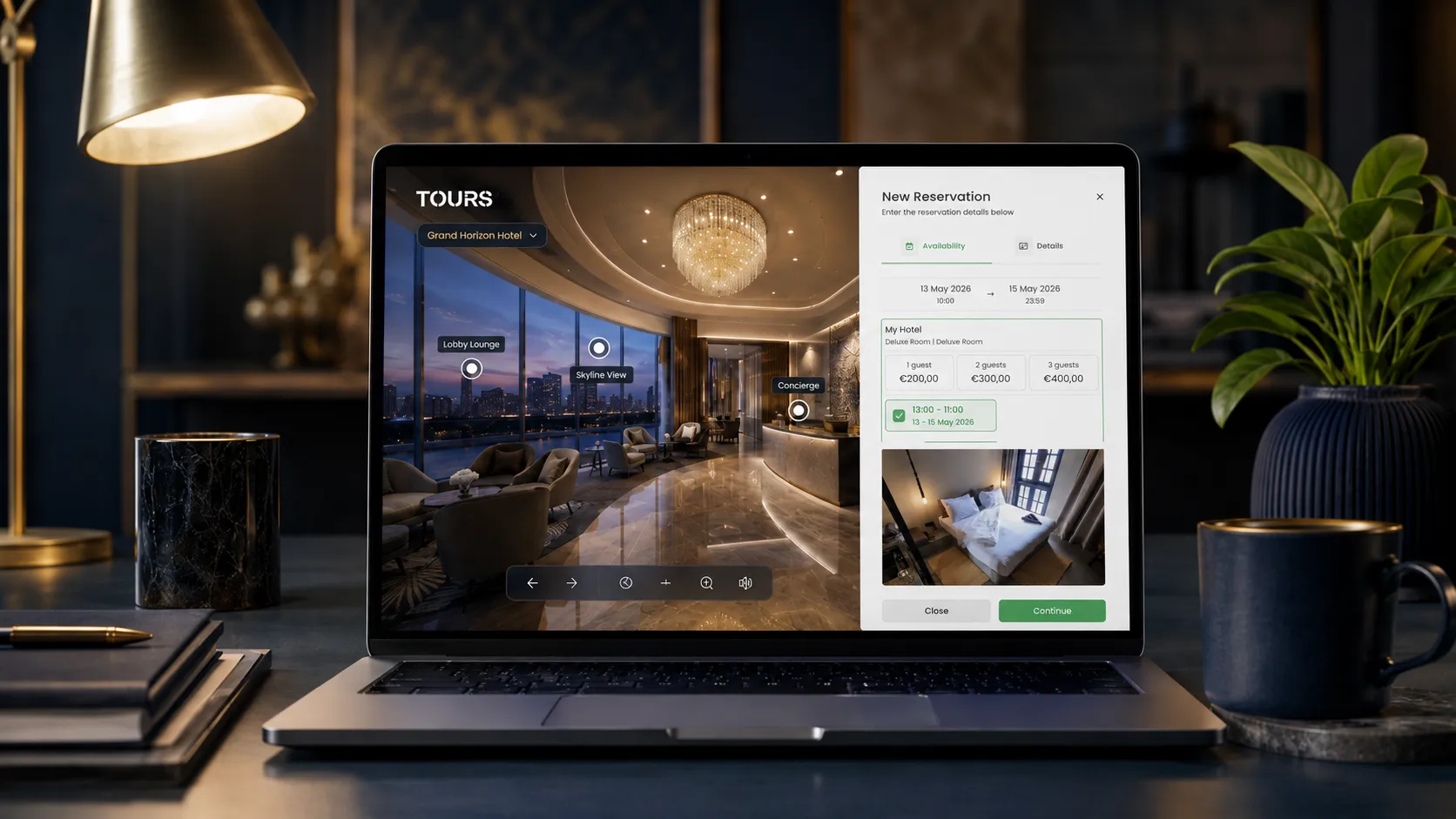
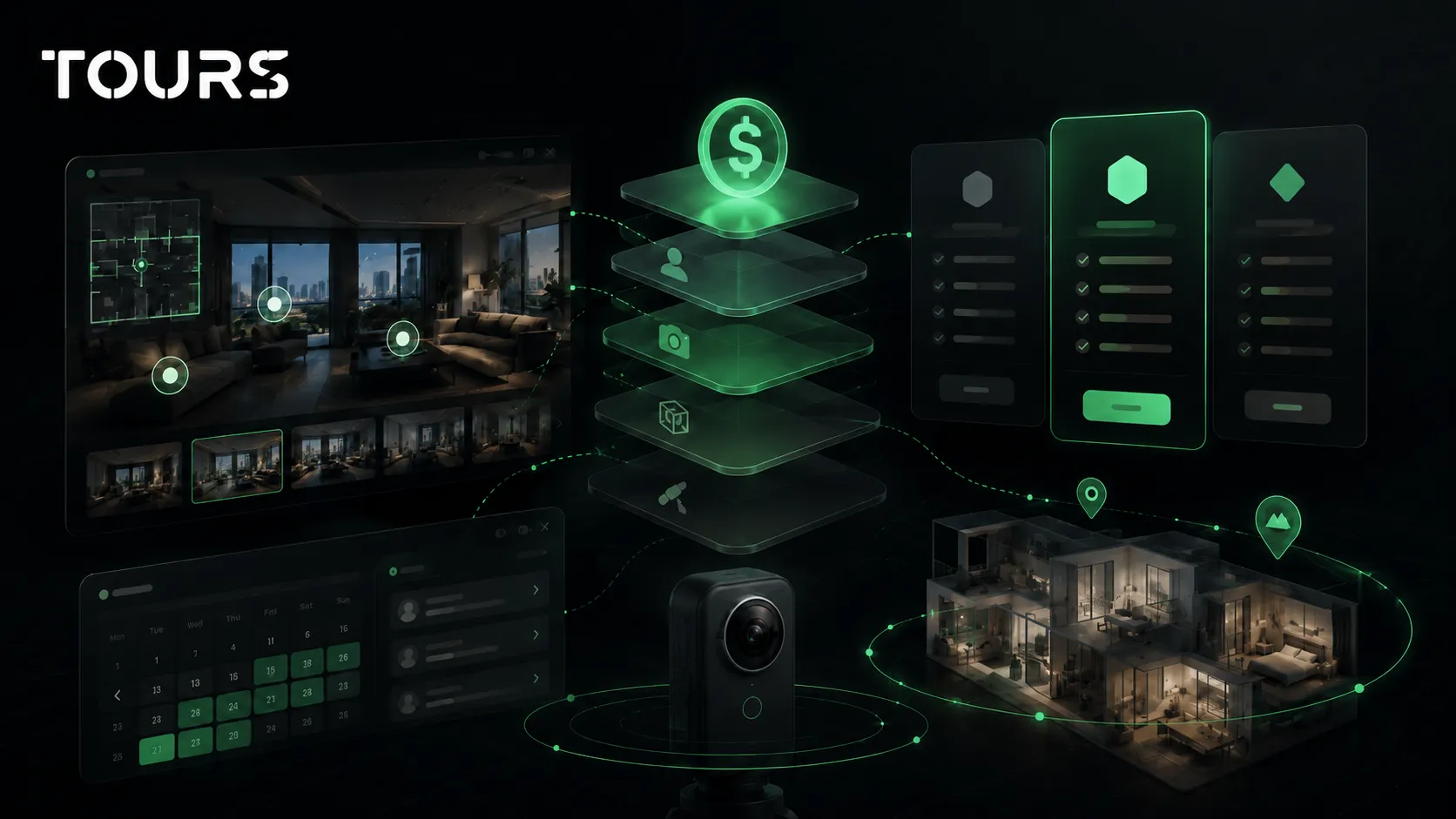
Tours is a SaaS platform for interactive 360° virtual tours, with interactive points, usage statistics and bookings or requests connected directly to the space being presented. For an event venue, that means the presentation does more than look good. It can guide the visitor toward a relevant inquiry.
In short
- For an event venue, the tour should show atmosphere, capacity, circulation, decor options and service areas, not just an empty room.
- A good 360 presentation reduces repetitive questions about access, tables, the stage, terrace, parking and layout options.
- The quote request should appear in context, near the scene or area that convinced the visitor.
- In Tours, requests can be connected to the entire tour, to scenes, to scene groups or to interactive points with internal tags.
- Usage statistics help you see which areas attract attention before the team changes the page or offer.
Why does an event venue virtual tour matter before a quote request?
It matters because the decision is not based only on decor. It depends on whether the space fits the event. The client wants to see the proportions, access, dance floor, stage, terrace, guest flow and service options before requesting a quote or scheduling an in-person tour.
For event venues, the first shortlist is often made online, and a fast response to an inquiry can matter a lot. Cvent notes that many planners consider it ideal for a venue quote request response to arrive in under four days.[1]Source A tour that is properly connected to the request flow helps the team receive more useful details in the first message.
For a venue in New York, Los Angeles, Chicago or Miami, the difference is not only a beautiful image. The virtual tour helps the client compare spaces realistically: where guests enter, how they reach the terrace, how visible the stage is and which zones can be used separately.
What should clients see in a 360° venue presentation?
Clients should see the venue as a route, not as an isolated photo. An event venue presentation should include the main hall, entrance, reception area, bar, dance floor, stage, terrace, restrooms, coat check and access to parking.
- Main hall: capacity, shape, ceiling height, light, table position and stage visibility.
- Entrance and reception area: first impression, guest flow, welcome point and photo area.
- Dance floor and stage: distance from tables, room for a band, DJ, screen or decor.
- Terrace, garden or courtyard: options for a ceremony, cocktail hour, photos and breaks.
- Practical areas: bar, coat check, restrooms, vendor access, parking and technical spaces.
- Decor and layouts: examples for a wedding, baptism, conference, gala or private party.
For weddings, the budget and supplier choices are directly tied to the experience promised by the venue. Fortune Business Insights includes venues, catering and related services among the important components of the global wedding services market.[2]Source That is why the tour should also explain how the space supports the moment, not only how the hall looks on a perfectly prepared day.
How should you structure the tour for weddings and corporate events?
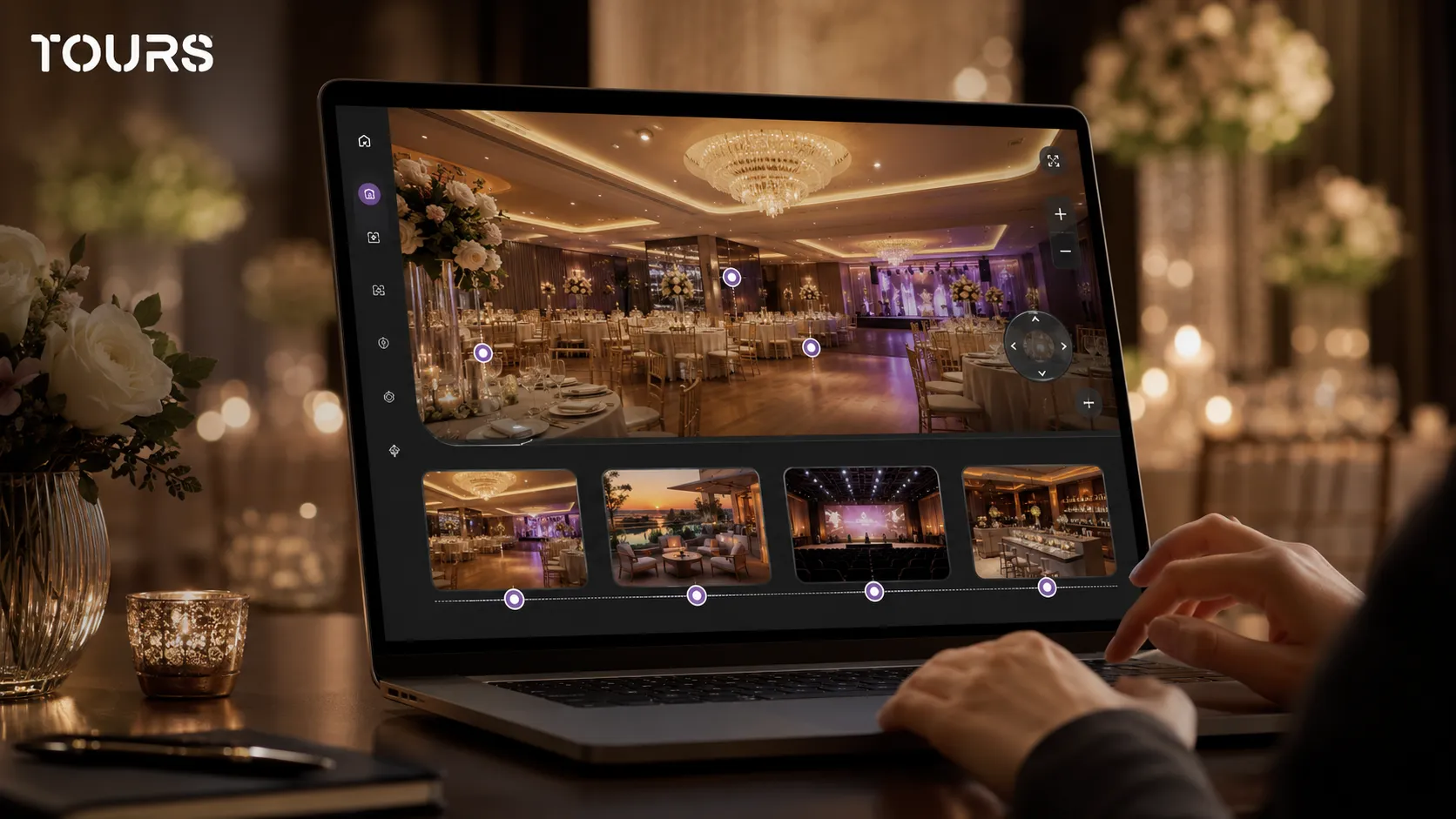
Structure the tour around scenarios when the same venue sells different types of events. A wedding raises questions about atmosphere, decor and guest flow, while a corporate event raises questions about the stage, projector, sound system, networking area and technical access.
| Scenario | What the tour should show | Best action |
|---|---|---|
| Wedding | Decorated hall, dance floor, head table, terrace, garden, photo area | Quote request for date, guests, menu and decor |
| Baptism or birthday | Private room, children area, easy access, space for a dessert table | Request for package, time slot and included services |
| Corporate event | Stage, projector, sound system, conference layout, networking area | Request for technical setup, capacity and breaks |
| Gala or banquet | Entrance, coat check, festive table setup, lighting, guest route | Request for capacity, date and premium services |
In Tours, you can organize scenes by zone or by scenario. For example, the main hall, terrace and reception area can form a wedding route, while the main hall, stage and networking area can form a route for corporate events. The same venue stays clear for different audiences.
How do you turn a 360 visit into a quote request?
You turn a visit into a quote request when you place the action next to the client question. After seeing the hall, decor or terrace, the visitor should be able to ask about availability, packages, menu or capacity without searching for a separate form.
- Place a quote request action in the main venue area, not only in the page footer.
- Use different interactive points for weddings, corporate events, baptisms or birthdays if the packages differ.
- Ask for the details that change the offer: date, estimated guest count, event type, preferred menu and required zones.
- Do not ask for too much information in the first step. The goal is a good conversation, not a tiring form.
- Connect the request to the scene the visitor viewed, so the team understands which part of the venue interested the client.
For a venue that sells high-value events, the tour should not replace a human conversation. Its role is to prepare that conversation: the client sees the space, understands the options and arrives with fewer unknowns.
How do you connect availability and requests in Tours simply?
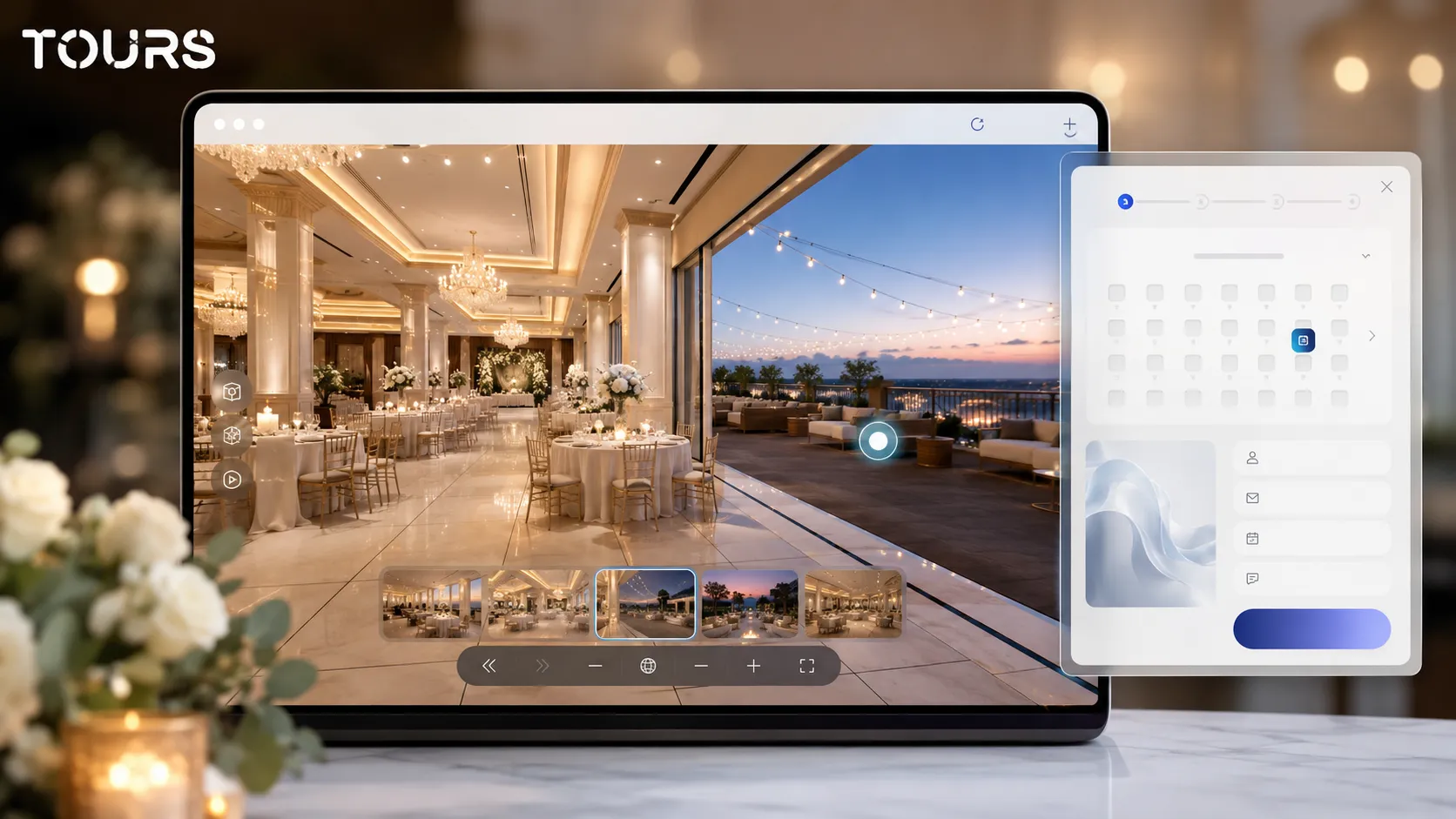
In Tours, requests are connected after you have created the tour, scenes and important interactive points. Then you configure Booking Manager, choose the calendar and workflow, and requests can be connected to the entire tour, scenes, scene groups or interactive points with internal tags.
The practical flow starts with an account on getours.app. From the My Tours page, you create the tour, complete the name and category, optionally add the location, price and tags, then upload the first 360° scene. The 360° editor opens so you can customize the experience with scenes, navigation, information points, images, video, external links, groups and content.
For the commercial side, you open Booking Manager, configure the calendar, choose the right algorithm for event requests and can add team members who accept or reject inquiries. After that, you connect the calendar to the tour, to the main hall scene, to the venue scene group or to the relevant interactive points.
- Connection to the entire tour: useful when you want a global quote request button visible throughout the experience.
- Connection to one scene: useful when a hall, terrace or private room has its own requests.
- Connection to scene groups: useful when you want to treat a full area as a commercial product, such as hall plus garden.
- Connection to interactive points with tags: useful when multiple points should use the same calendar or the same availability.
Interactive points with the same tag can use the same calendar, while separate points can have their own rules. This lets a venue offer a general wedding inquiry, a corporate event inquiry and a private room inquiry without creating a confusing experience for the visitor.
After publishing, you choose the tour visibility, and the experience may need approval from a Tours moderator before it becomes public. If you want to test the flow without pressure, you can try Tours free for 30 days, with no card, and start with one hall before adding every zone.
Should you use photos, video or a 360 tour for an event venue?
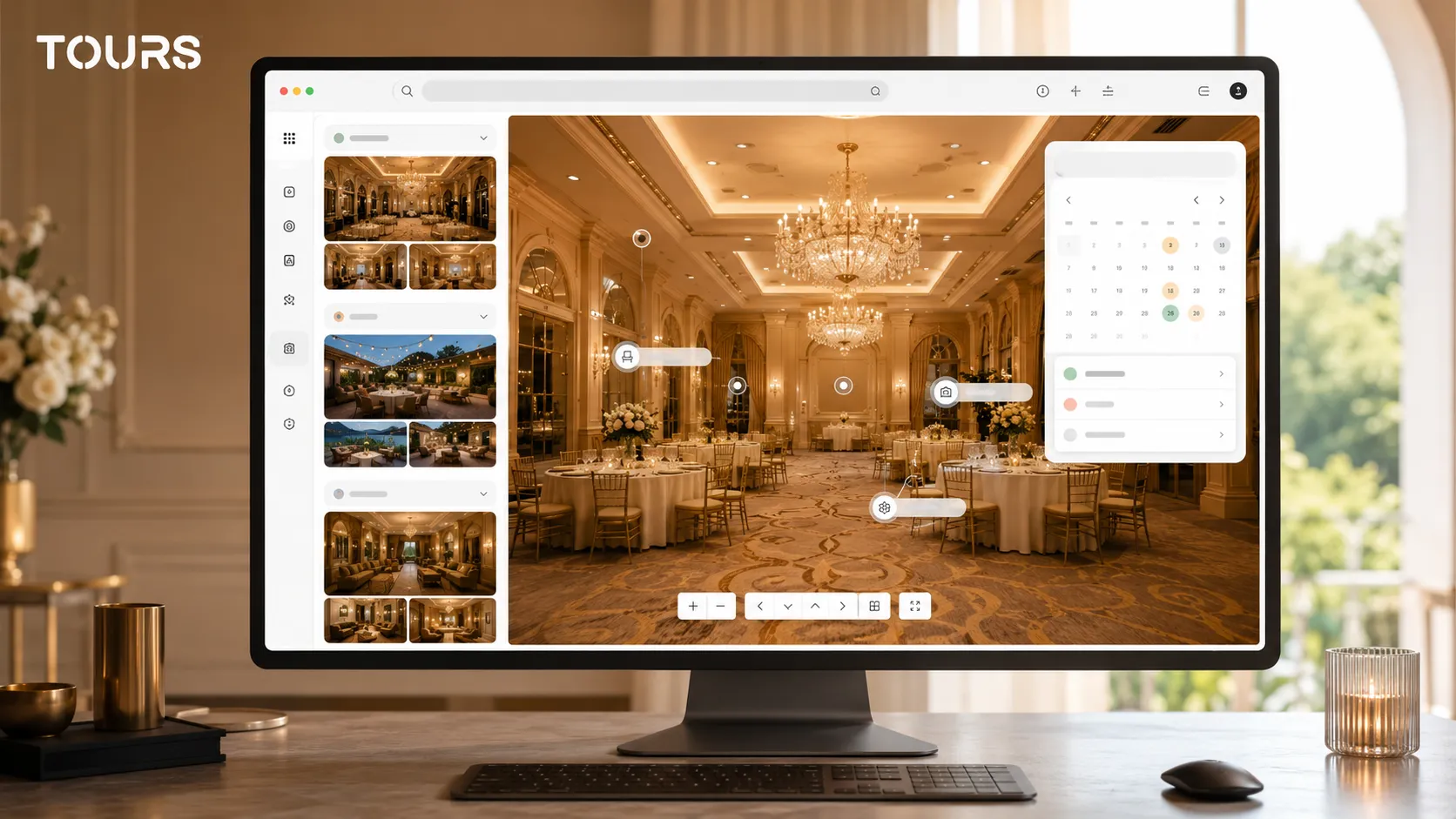
Choose the format based on the question you want to answer. Photos inspire, video communicates atmosphere, and a 360 tour explains the space. For an event venue, the best presentation combines them without turning the page into a catalog that is hard to follow.
| Format | What it does well | Limit for an event venue |
|---|---|---|
| Professional photos | Show decor, lighting and the best details | Do not always explain proportions or the route through the space |
| Presentation video | Communicates energy, people, music and event moments | The visitor does not control what they see or in which order |
| Interactive 360 tour | Clarifies the hall, zones, circulation and relationship between spaces | Needs good organization so it does not become crowded |
| Contextual quote request | Turns interest into a commercial conversation | Needs enough data without tiring the visitor |
The broader comparison between video and a virtual tour deserves its own guide. For an event venue, the important difference is that a 360 tour answers planning questions: whether the band fits, where the stage goes, how guests reach the terrace and what the client sees before asking for a quote.
What mistakes reduce trust in an event venue virtual tour?
Trust drops when the tour looks attractive but does not answer the client's real questions. An event venue should not be presented only as decor, but as a functional space for an event with guests, vendors, a schedule, service and important moments.
- You show an empty hall with no clues about possible table layouts or decor options.
- You do not show practical areas such as the bar, terrace, entrance, coat check, restrooms or parking.
- You add too many interactive points and the visitor no longer knows what to click.
- You use old images that no longer match current renovations, furniture or decor.
- You send the visitor to a generic form without preserving the context of the area they viewed.
- You promise a direct booking or request flow, but the team has no clear process for confirming the inquiry.
A simple rule is to review the tour like a client who has never visited the venue before. If they cannot understand how guests enter, where people sit, where dancing happens, where service takes place and how to request a quote, the tour needs more structure.
How much does it cost, and when is it worth implementing?
It is worth implementing the tour when the venue receives repetitive questions, loses time on poorly matched in-person tours or wants to support website inquiries more effectively. Cost depends on capture, number of scenes, level of customization and commercial features connected to the tour.
If you already have good 360 photos, you can start with a simple tour and improve it gradually. If the space changes often through decor, it is better to photograph the hall in representative layouts and add interactive points with examples than to rebuild the entire tour for every event.
In Tours, plans start at €19/month for publishing tours, while the Pro plan includes bookings and requests from €59/month. For an event venue, the decision should be compared with the value of one strong inquiry, not only with the technical cost of the platform.
How do you measure results after publishing?
Measure results by checking whether the tour helps the client decide faster and whether the team receives better inquiries. For event venues, traffic alone is not enough. Look at visited scenes, areas that attract clicks and the connection between exploration and the quote request.
Usage statistics in Tours are included in every plan. You can track sessions, visited scenes, clicks on interactive points, duration and popular areas. If many visitors stop at the terrace but few send a request, information may be missing about capacity, heating, cover or availability.
In events, experience and technology are becoming more connected. Eventex presents its 2026 report as a summary of trends that may influence the events industry, including attendee engagement and personalized experiences.[3]Source For a venue, that means the online presentation should explain the space and help the client imagine themselves in it.
Conference rooms and meeting spaces
Corporate clients check different things than wedding clients. They want to see the room layout, where the screen and the stage are, how natural light falls, and where coffee breaks happen. Capture the room in its most common setup, such as theatre or classroom style, and add an interactive point with capacity per layout and available equipment.
For venues that rent several meeting rooms, a scene group per room keeps the tour easy to follow. Connecting a request or booking to each room lets the organiser ask for the exact space they saw, which shortens the back-and-forth before a quote.
- Show the room in its most requested layout.
- List capacity per layout and technical equipment in an interactive point.
- Add the break area, toilets and access route, which planners always ask about.
Frequently Asked Questions
What is an event venue virtual tour?
It is an interactive 360 presentation that lets visitors explore the venue online, almost as if they were there. It can include scenes for the main hall, terrace, entrance, bar, private room and service areas, plus interactive points for decor, capacity, packages and quote requests.
Does an event venue virtual tour help with quote requests?
Yes, especially when the request appears in the context of the tour. The visitor sees the space, understands whether it fits the event and can send an inquiry with the date, event type and estimated guest count. The team receives a clearer request than a generic message.
How do you use a virtual tour for a wedding venue?
For weddings, the tour should show the atmosphere, dance floor, stage, table layout, photo area, terrace and guest entrance. Interactive points can explain packages, decor options, menus and availability. The goal is to help couples imagine themselves in the space before an in-person tour.
Can I use the same tour for weddings and corporate events?
Yes, if you organize the content by scenario. The same hall can have different explanations for a wedding, baptism, conference or gala. In Tours, scenes and interactive points can guide the visitor toward the right information without creating completely separate tours for every case.
Which areas should be included in a 360 tour of an event venue?
Include the main hall, entrance, reception area, bar, dance floor, stage, terrace or garden, private room, restrooms, coat check and access to parking. If the venue has important decor options, add examples through interactive points or additional images, not only through a separate gallery.
Does the virtual tour replace an in-person venue tour?
Not always. For important events, many clients will still want an in-person tour. The virtual tour reduces poorly matched visits, clarifies the space before the meeting and helps the client come with better questions about the quote, decor, menu and availability.
How are requests connected in Tours?
In Tours, you first configure the tour with scenes, groups and interactive points. Separately, you set up Booking Manager with a calendar, algorithm and team members. Then you can connect requests to the entire tour, to a scene, to a scene group or to interactive points with internal tags.
Can each hall or area have its own calendar?
Yes, depending on the structure. An interactive point can have its own calendar, while multiple points with the same tag can share the same calendar and availability. For a venue with a main hall, private room and terrace, this flexibility helps organize requests without confusion.
How hard is it to publish a tour for an event venue?
The process is designed for the browser. You create an account, open My Tours, create the tour, add the name and category, upload the first 360° scene, then customize it in the 360° editor. After you publish, you choose visibility, and the tour may wait for approval from a Tours moderator before becoming public.
What should I measure after launching the tour?
Track visited scenes, clicks on interactive points, session duration and the areas that generate requests. If a scene receives strong interest but few inquiries, information may be missing about price, capacity, menu or availability. The data helps you improve the tour, not just report traffic.
If you want your event venue to be understood before the first conversation, you can try Tours free for 30 days, with no card. Start with the main hall, add the areas that influence the decision and connect the quote request where the visitor already has context.
Sources
Studies and reports cited in this article
All sources are checked and publicly available.
- Event venue selection statistics for 2026reportCventData collection about venue selection, quote requests, selection criteria and technology in the events industry.
- Global wedding services market sizestudyFortune Business InsightsMarket analysis about wedding services, venues, catering, packages and demand trends worldwide.
- Event industry trends for 2026reportEventexReport with observations about trends, attendee engagement and personalized experiences in events.
We carefully select trusted sources to keep the content relevant and up to date.