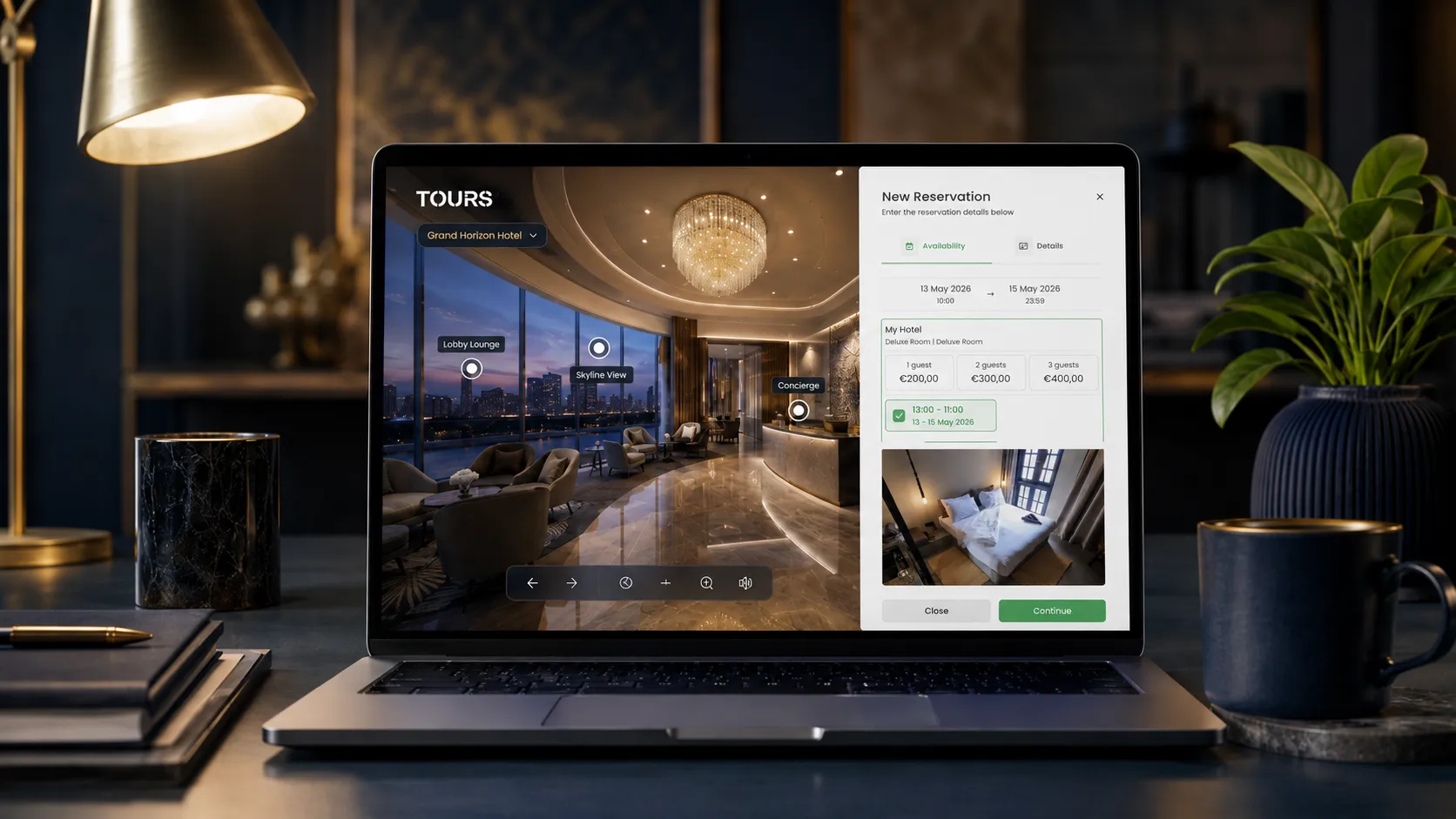

Virtual tour software with bookings combines a 360° visual presentation of a space with a clear action flow: a reservation, a quote request, an appointment or a showing request. Instead of a visitor seeing a hotel room, a restaurant dining area or an apartment and then hunting for a separate contact page, the action happens right inside the tour.
The difference is not just technical. It affects conversions. A passive 360° tour helps with presentation. An interactive virtual tour with hotspots and integrated forms can help visitors move faster from curiosity to a concrete request. For hotels, restaurants, real estate agencies, showrooms and rental properties, that can mean fewer repetitive inquiries and better-qualified leads.
Tours is a SaaS platform developed by Code Rev S.R.L. in Timișoara, Romania, for creating interactive 360° virtual tours. The platform runs entirely in the browser and lets you publish tours via a direct link, QR code or website integration code. Tours supports multilingual content, and usage statistics are included on all plans. Inside the tour, you can add interactive points that guide visitors from one scene to another, open an external page or display additional information — such as text, images and videos — directly within the tour experience.
The booking system in Tours can be connected in several ways depending on how the tour is structured: at the level of the entire virtual tour, on specific scenes, on scene groups or on individual hotspots. When booking is enabled at the tour level, visitors see a global booking button throughout the experience. When it is tied to a hotspot, the booking window opens only when the visitor clicks or taps that specific interactive point.
For more detailed use cases, each hotspot can have its own booking calendar or share the same calendar with other hotspots marked with the same internal tag. Here, we keep the explanation at the software level. For industry examples, the article links below to the dedicated guides for hotels, restaurants, real estate, hotspots and website integration.
In Short
- Virtual tour software with bookings lets visitors explore a space in 360° and submit a reservation or request without ever leaving the tour.
- Interactive hotspots can guide visitors between scenes, display information, link to an external page or open a booking window in the exact context of the scene being viewed.
- Bookings can appear as a global button for the entire tour or be connected to specific scenes, scene groups or individual hotspots.
- Tours offers interactive 360° virtual tours with hotspots, flexible integrated bookings, usage statistics, QR codes and website integration.
- The platform runs entirely in the browser — no installation, plugin or separate app required for visitors.
- Integrated bookings do not always replace a channel manager, PMS, POS or CRM, but they can complement the sales and lead generation process very effectively.
What is virtual tour software with bookings?
Virtual tour software with bookings is an application that lets you build an interactive 360° experience and add a booking, scheduling or quote-request flow directly inside it. Visitors see the space, move between scenes and can take the next step from the same screen.
In a standard virtual tour, users can explore the space but the action usually happens somewhere else: on a contact page, in a separate form, by phone or through an external link. That disconnect is not always a problem, but it can reduce the number of people who complete a request — especially on mobile.
In a virtual tour with online booking, the action is placed in context. A hotel room scene can include a 'Book this room' hotspot, a restaurant tour can feature a table reservation form, and an apartment listed for sale can offer a form to schedule an in-person showing.
How does a virtual tour with online booking work?
The flow is straightforward: you build the tour from 360° panoramic images, connect the scenes, add interactive hotspots, and configure the right form or booking type for your space. Once published, the tour can be shared via a direct link, QR code or integrated directly into your website.
- Upload the 360° panoramic images of your space: rooms, halls, terraces, apartments, showrooms or common areas.
- Connect the scenes with navigation hotspots so visitors can explore the space in a logical order.
- Add interactive points in key areas: next to a room, a table, a private dining area, a product or any zone of interest.
- Choose where the booking appears: as a global button for the whole tour, on specific scenes, on scene groups or on individual hotspots.
- Configure the right form and calendar: date, time, number of guests, message, contact details or a quote request.
- Publish the tour and share it via a direct link, a QR code for printed materials or a website integration code.
Usage statistics are valuable because they show how people interact with the tour: how many visitors enter, which scenes get the most views, where visitors spend the most time and which hotspots are clicked. This data can help you improve the presentation and choose the right placement for the global booking button, key scenes or booking hotspots.
What key features should the software have?
Not every 360° tour platform includes a useful booking flow. Before choosing a solution, it is worth checking whether the software covers both the visual presentation side and the conversion, management and distribution side.
- Support for high-quality 360° panoramic images and smooth navigation between scenes.
- Configurable interactive hotspots for scene navigation, additional information, external links, bookings or quote requests.
- An integrated booking system that can be displayed globally across the tour or connected to specific scenes, scene groups and hotspots.
- Booking calendars that can be separate for each key point or shared between hotspots that represent the same resource.
- Notifications when a booking or request is received, ideally both inside the platform and by email.
- Website integration code so the tour can be published on your existing website.
- QR codes for printed materials: menus, posters, brochures, reception desks, business cards or flyers.
- Usage statistics: visits, interactions, popular scenes and visitor behavior inside the tour.
- Multilingual support, especially for hotels, tourist restaurants and properties marketed internationally.
- A simple management interface so your team can update the tour without needing a developer.
Tours vs. other solutions: a direct comparison
The market includes several types of tools: dedicated virtual tour platforms, booking systems, online forms, scheduling calendars and enterprise solutions. Each one solves a different part of the problem. A useful comparison looks like this:
| Feature | Tours (getours.app) | Standard virtual tour solutions | Booking platforms without a tour |
|---|---|---|---|
| 360° virtual tours | ✅ Yes | ✅ Yes | ❌ No |
| Bookings integrated inside the tour | ✅ Yes | ⚠️ Depends on the platform | ✅ Yes, but outside the tour |
| Interactive hotspots | ✅ Yes | ✅ Usually yes | ❌ No |
| Bookings connected to tour, scenes, groups or hotspots | ✅ Yes | ⚠️ Rarely or limited | ❌ No |
| Website integration code | ✅ Yes | ✅ Usually yes | ✅ Usually yes |
| QR code for sharing | ✅ Yes | ⚠️ Sometimes | ⚠️ Sometimes |
| Usage statistics for the tour | ✅ Yes | ⚠️ Varies | ❌ No |
| Multilingual support | ✅ Yes | ⚠️ Varies | ⚠️ Varies |
| No installation required for visitors | ✅ Yes | ✅ Yes in most modern platforms | ✅ Yes |
| Suited for visual lead generation | ✅ Yes | ✅ Yes, for presentation | ⚠️ Mainly for booking |
This comparison does not mean one platform fits every situation. If you already have a complex booking system, you may only need a 360° tour connected to an external link. But if you want the space exploration and the request to happen in the same place, a platform like Tours is a better fit.
How do you create a virtual tour with bookings in Tours?
In Tours, creating a virtual tour and connecting it to the booking system happens in two stages: first you build the 360° tour with scenes, hotspots and groups, then you configure the booking setup and connect it to the tour, scenes, groups or the relevant hotspots.
- Create an account on getours.app and open the Tours app.
- From the 'My Tours' page, click the button to create a new tour.
- In the creation window, fill in the required fields: tour name and category. You can optionally add details such as location, price and tags for the virtual tour.
- In the next step, upload the first 360° scene and give it a clear name, for example 'Reception', 'Standard Room', 'Terrace' or 'Living Room'.
- Once these steps are complete, the 360° editor opens. Here you can customize the tour with additional scenes, hotspots, groups, text, images, videos and external links.
- If you want certain hotspots to open a booking window, assign them internal tags. These tags let you connect hotspots to the same calendar or to separate calendars later.
- When the tour is ready, click 'Publish' and choose the visibility option for the virtual tour.
- After publishing, the tour enters a Tours moderation and approval process before it becomes publicly active.
Alongside or after publishing the tour, you configure the booking side from the 'Booking Manager' page. There you set the availability calendar, choose the booking algorithm that suits your business and, if needed, add team members who can accept or reject incoming booking requests.
Once Booking Manager is configured, you can connect it to the tour using the right logic: the entire virtual tour, specific scenes, scene groups or hotspots. For example, a hotel can connect rooms as scene groups, a restaurant can connect specific tables or areas through hotspots and a property for sale can use the booking flow as a showing request.
For your first tests, the simplest approach is to create a short tour with a few scenes and a single booking flow. Once you see how visitors interact with it, you can move to a more detailed structure: a global booking button for the whole tour, separate calendars for individual rooms or private areas, or shared calendars between hotspots that carry the same tag.
Short industry scenarios and links to dedicated guides
A virtual tour with bookings should not be set up the same way for every industry. The form, the placement of hotspots and the type of action need to match how the customer makes their decision.
Hotel scenario: virtual tour connected to direct bookings
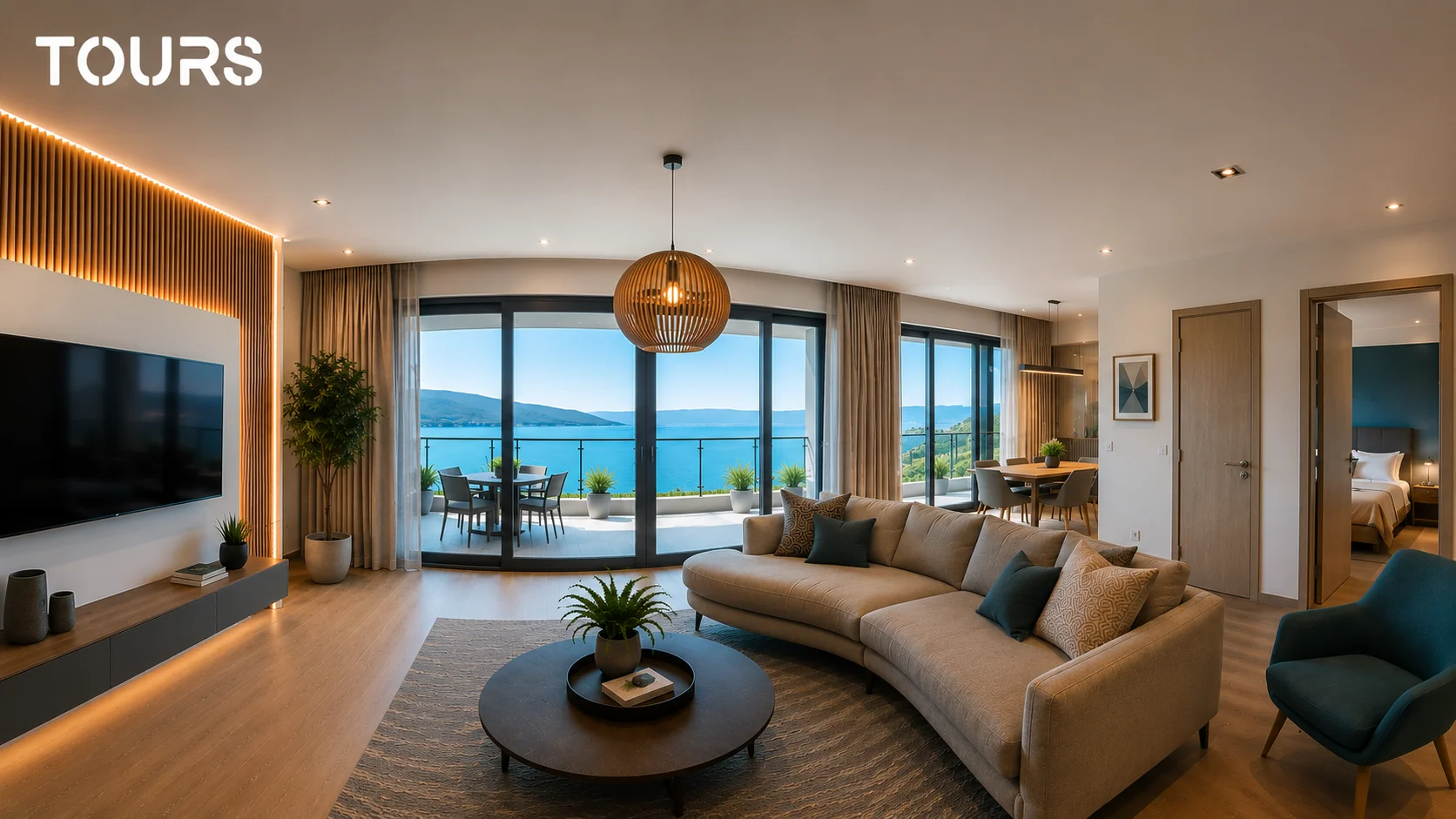
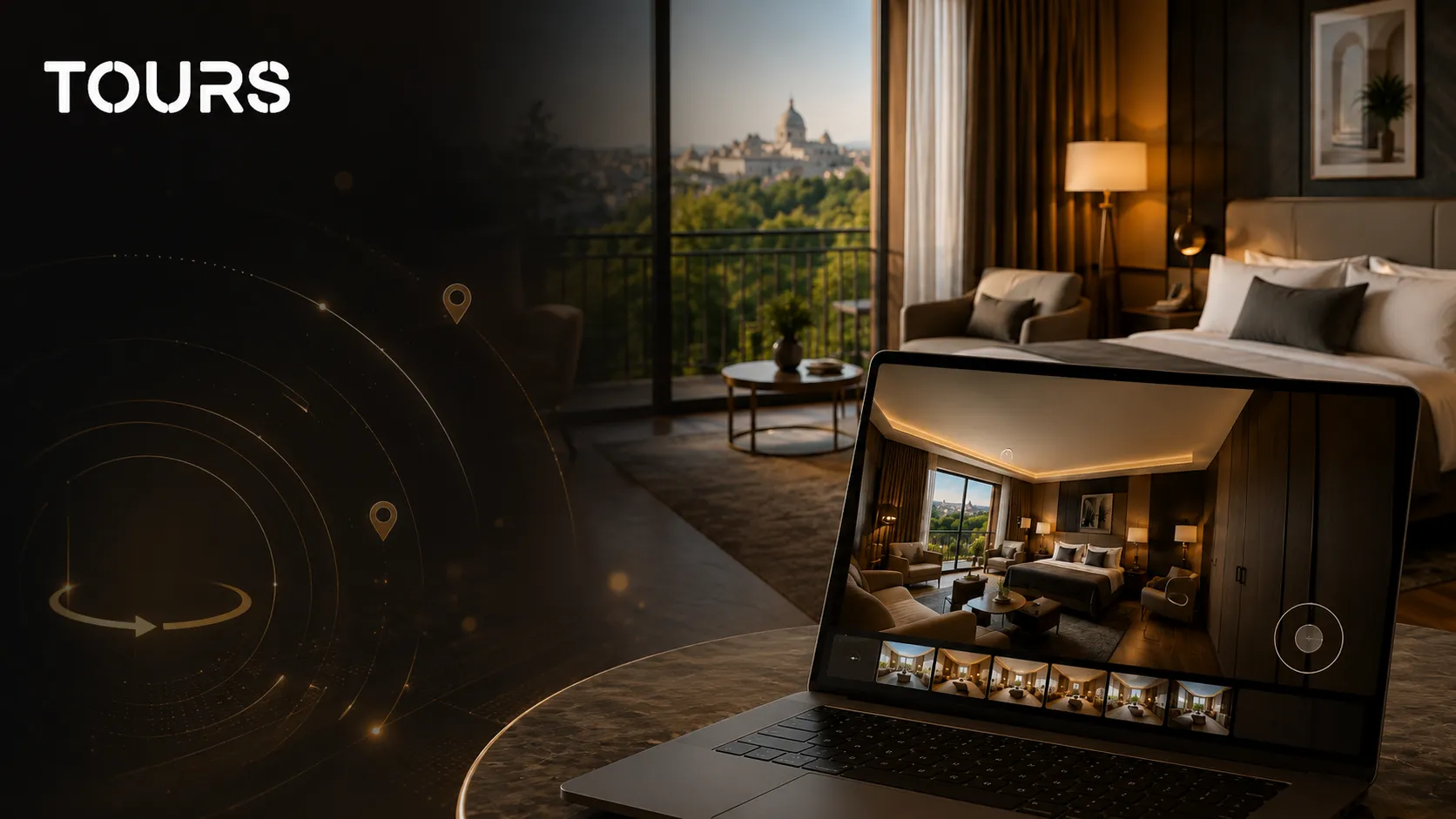
A hotel can organize the tour around room types and common areas: reception, restaurant, spa or conference room. Rooms can be connected as scene groups inside the virtual tour so that a category such as Standard, Superior or Suite has its own booking flow. If the hotel prefers a simpler approach, a global booking button can cover the entire tour. For a more detailed setup, bookings can be tied to individual scenes or to interactive hotspots placed inside specific rooms.
The advantage is that the request comes after the visitor has already seen the space in detail. Different rooms can have separate calendars, while rooms or areas within the same category can share the same availability. This can reduce questions like 'what does the room look like?' or 'do you have photos of the event space?' and means your team spends time with better-informed inquiries.
Restaurant scenario: 360° presentation with table reservation
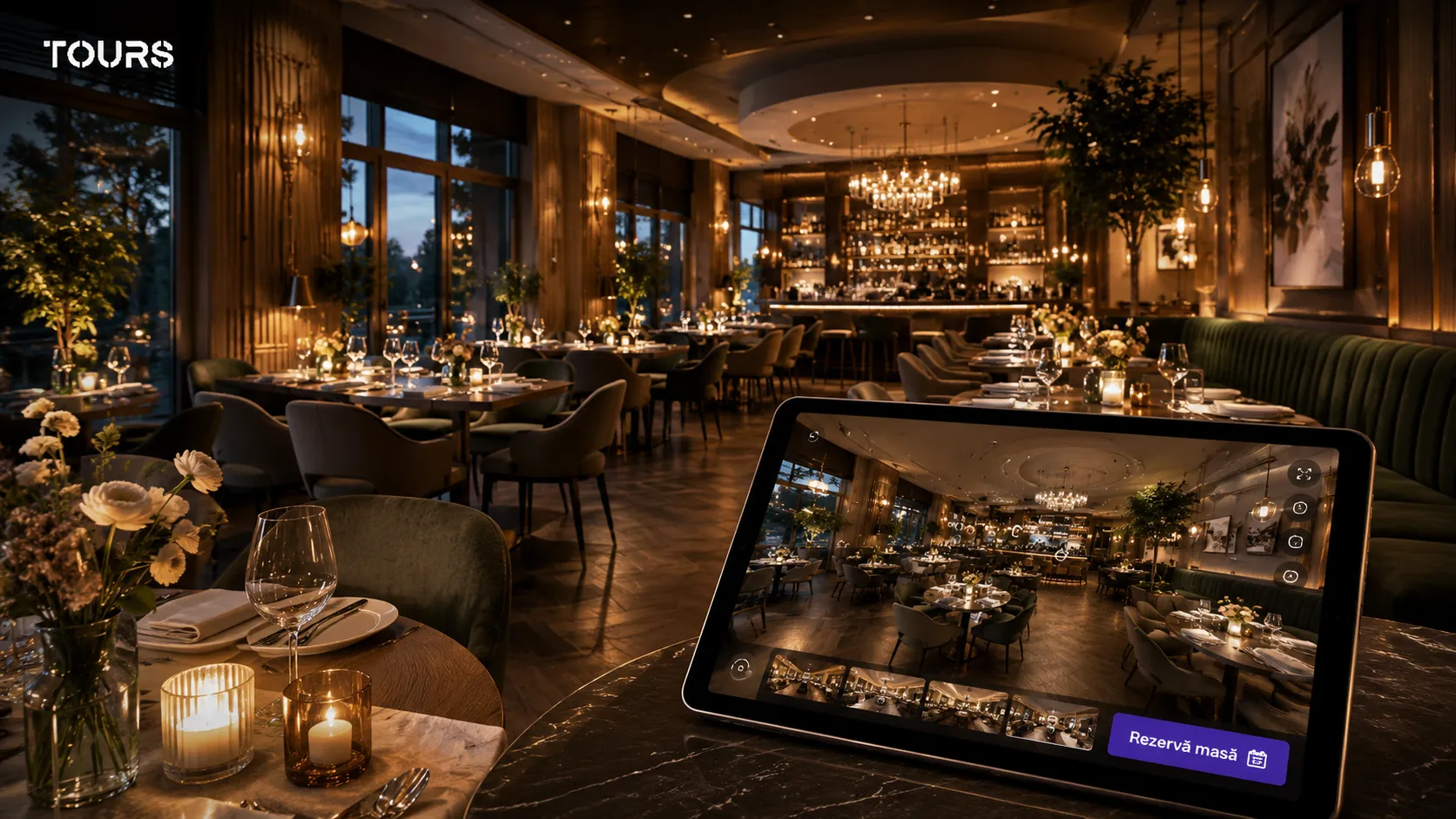
For a restaurant, atmosphere is hard to convey through a single photograph. A 360° tour can present the main dining area, the terrace, the bar or the private dining room. The booking option can appear as a global button for the whole restaurant or be tied to interactive hotspots placed in the areas where guests make their decision: near the main tables, in the private events room or at the entrance to the terrace.
The form does not need to be complicated. Fields for date, time, number of guests, name, phone number and any special requests are usually enough. For standard tables, multiple hotspots can share the same calendar if they represent the same availability. For private dining rooms or special areas, each hotspot can have its own calendar and its own rules. For private events, the form can lean more toward a quote request than an instant reservation.
Virtual tour of a property with a showing request
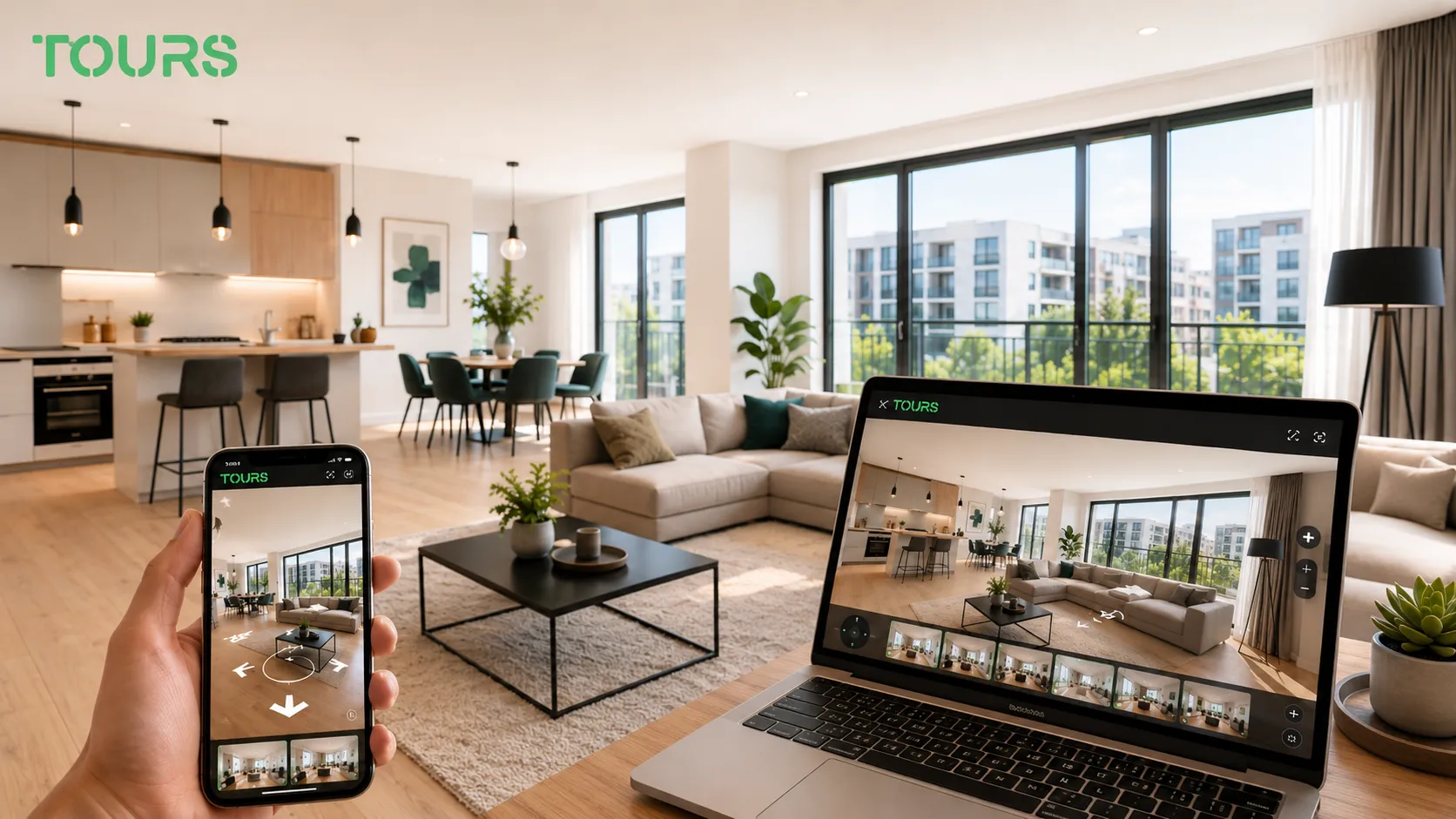
In real estate, a virtual tour is most useful for filtering genuine interest. A prospective buyer can see the layout, the natural light, the room sizes and how the spaces relate to each other before requesting an in-person showing. For the agent or developer, that can mean fewer unsuitable showings and more focused conversations.
An action hotspot can open a form labelled 'Schedule a showing', 'Request more details' or 'Ask about this apartment'. Instead of sending the user to a generic contact page, the form stays connected to the exact property they have just explored.
What to know before choosing a platform
Virtual tour software with bookings does not solve every sales, marketing or operational challenge on its own. Good results require clear 360° images, a logical tour structure and an internal process for handling the requests that come in.
- Image quality matters a great deal. A tour built from blurry, poorly lit or cluttered images can reduce trust rather than build it.
- Integrated bookings need careful management if you already use Booking.com, Airbnb, a PMS, a POS or a separate calendar.
- For hotels and apartments, it is important to avoid availability overlaps if there is no full synchronisation with your existing systems.
- For restaurants, requests received through the tour need to be confirmed quickly, especially if you are not using automatic confirmation.
- For real estate, a virtual tour does not fully replace an in-person showing, but it can filter interested parties more effectively.
- A good tour needs to be updated whenever the space changes: renovations, new furniture, unavailable rooms or changes to the menu or offer.
The best approach is to start with a short tour, review the data and requests that come in, then expand the experience. In many cases, a simple, well-structured tour with a clear form performs better than a very large presentation that is hard to navigate.
How much does virtual tour software with bookings cost?
The cost of virtual tour software with bookings depends on the number of tours, included features, expected traffic, branding options, support level and how bookings are managed. For a small business, the most important thing is to check not just the monthly price but what you actually get on that plan.
- Check whether the plan includes integrated bookings or only basic virtual tours.
- Check the limits on tours, scenes, images, traffic or storage.
- Check whether you can add the tour to your own website or whether visitors are sent to an external domain.
- Check whether you have access to usage statistics and whether you can see the key interactions inside the tour.
- Check whether the trial period lets you test the full flow, not just the editor.
Tours offers a 30-day free trial with no credit card required, so you can test creating a tour, publishing it, generating a QR code, adding it to your website and running through the booking flow before deciding whether it makes sense for your business. For current pricing, the most reliable source is the pricing page on getours.app, as plans may change over time.
Where should the booking action sit inside the tour?
A booking button placed only at the end of the tour is easy to miss. In Tours, bookings can be connected to the whole tour, to a single scene, to a group of scenes or to an interactive point. That lets you match the booking to what the visitor is looking at: a specific room type, a terrace table area or a meeting room.
Keep the number of interactive points low in each scene. One point that opens room details and one that starts a booking usually work better than many icons competing for attention. Use the statistics to see which scenes people spend time in, and move the booking action there.
- Whole tour: one booking flow for a small property or a single service.
- Scene or scene group: different rooms, tables or areas with their own availability.
- Interactive point: the booking opens next to the exact item the visitor is looking at.
Frequently Asked Questions
What is virtual tour software with bookings?
Virtual tour software with bookings is a platform that lets you create interactive 360° tours of a space and add a reservation form, scheduling flow or quote request directly inside the tour. Visitors explore the space and can submit a request without being redirected to a separate page.
How do integrated bookings work inside a virtual tour?
In Tours, bookings can be connected to the entire tour, to specific scenes, to scene groups or to individual hotspots. When booking is active at the tour level, visitors see a global booking button. When it is tied to a hotspot, the booking window opens only when the visitor clicks or taps that specific interactive point. Each hotspot can have its own calendar or share availability with other hotspots that carry the same internal tag.
Do I need technical skills to create a virtual tour with bookings?
No. Platforms like Tours are designed for users without technical backgrounds. You upload the 360° images, add hotspots, configure the form and publish the tour from your browser. To add the tour to your website, you can use the integration code generated by the platform or pass it to whoever manages your site.
What type of images do I need for a 360° virtual tour?
You need equirectangular 360° panoramic images, captured with a 360° camera such as an Insta360 or Ricoh Theta, or with a compatible smartphone and a suitable app. For a good experience, images should be sharp, well lit and detailed enough to look good on both desktop and mobile screens.
Can I add the virtual tour to my existing website?
Yes. Tours generates a website integration code that can be added to any existing page. Depending on your website platform, you can use it on WordPress, Wix, Squarespace or a custom-built site. The tour appears as an interactive element on your page and visitors can explore it without installing anything.
Does the virtual tour work on phones and tablets?
Yes. Tours are designed for desktop, tablet and smartphone. On mobile, visitors can navigate with touch gestures, tap hotspots and complete the booking form directly in the browser.
Can I create virtual tours in multiple languages?
Yes. Tours supports multilingual content, which is useful for hotels, restaurants, tourist properties and businesses reaching an international audience. The platform handles multilingual versions of the tour so visitors see the relevant text, labels and messages in the right language.
How do you share a virtual tour with bookings?
A virtual tour with bookings can be shared via a direct link, a QR code or a website integration code. The link works well for email and social media, the QR code for printed materials, and the integration code for pages where you want visitors to explore the space without leaving your website.
Can I see how many bookings came from the virtual tour?
Yes. The Tours management panel includes usage statistics covering visits, scenes, interactions and incoming requests. This data helps you see which areas attract the most attention and where it is worth adjusting hotspots or booking messages.
Is there a free trial?
Yes. Tours offers a 30-day free trial with no credit card required. You can create a tour, publish it, test the website integration and check how the booking flow works before choosing a paid plan.
What is the difference between Tours and other virtual tour platforms?
The main difference is that Tours combines 360° virtual tours with hotspots, booking forms, usage statistics, QR codes and website integration in a single platform. Bookings can be configured globally for the whole tour or contextually, tied to scenes, groups or hotspots. Some solutions focus only on visual presentation and others only on reservations. Tours connects both into a more natural flow for businesses that sell or rent physical spaces.
Is Tours the same as getours.com?
No. Tours is the SaaS platform available at getours.app, developed by Code Rev S.R.L. in Timișoara, Romania. It has no connection to getours.com, which is a different service.
If you want to see what a virtual tour with bookings would look like for your space, you can create your first tour in Tours and publish it free during the 30-day trial — no credit card required — at getours.app.