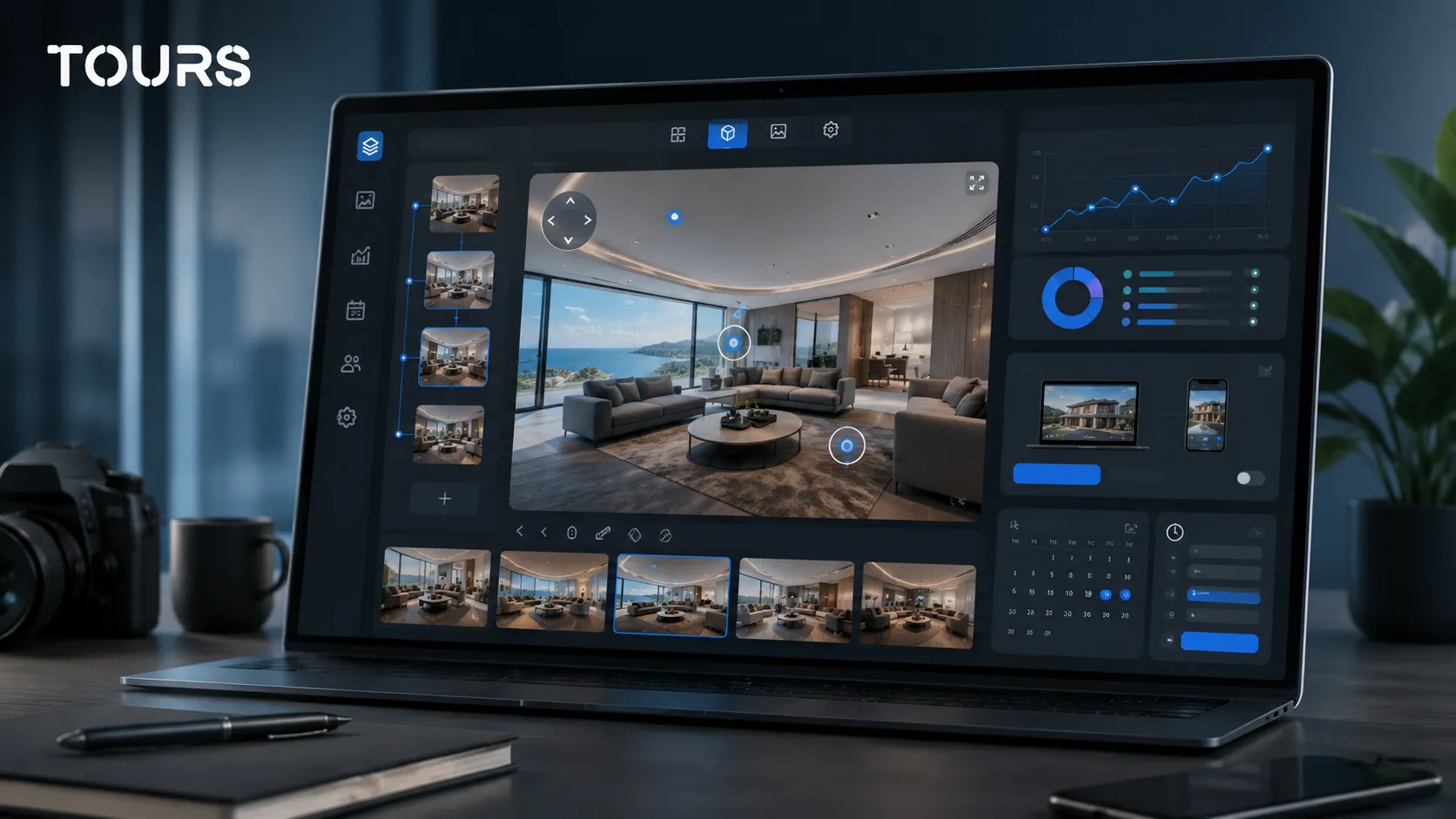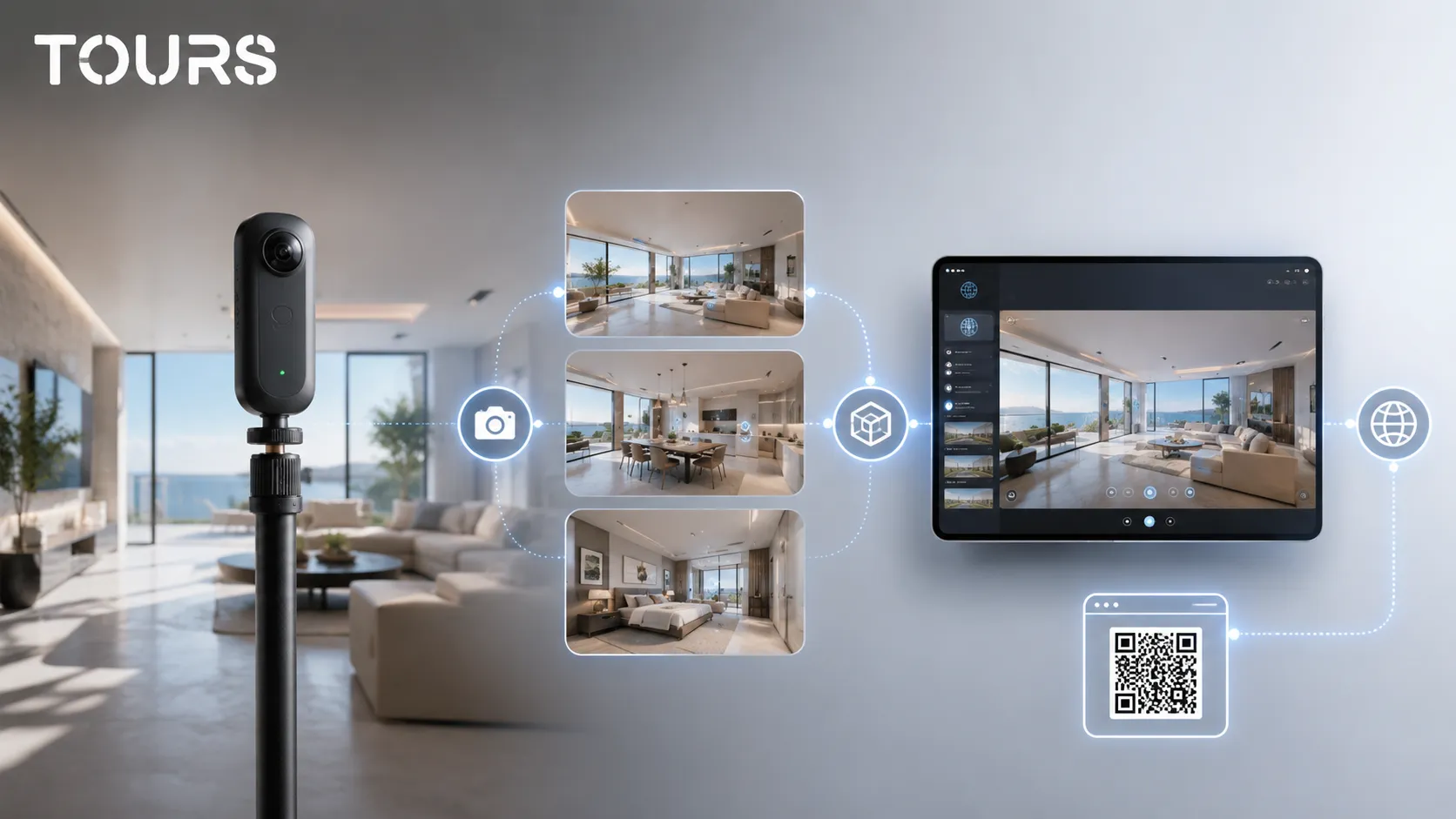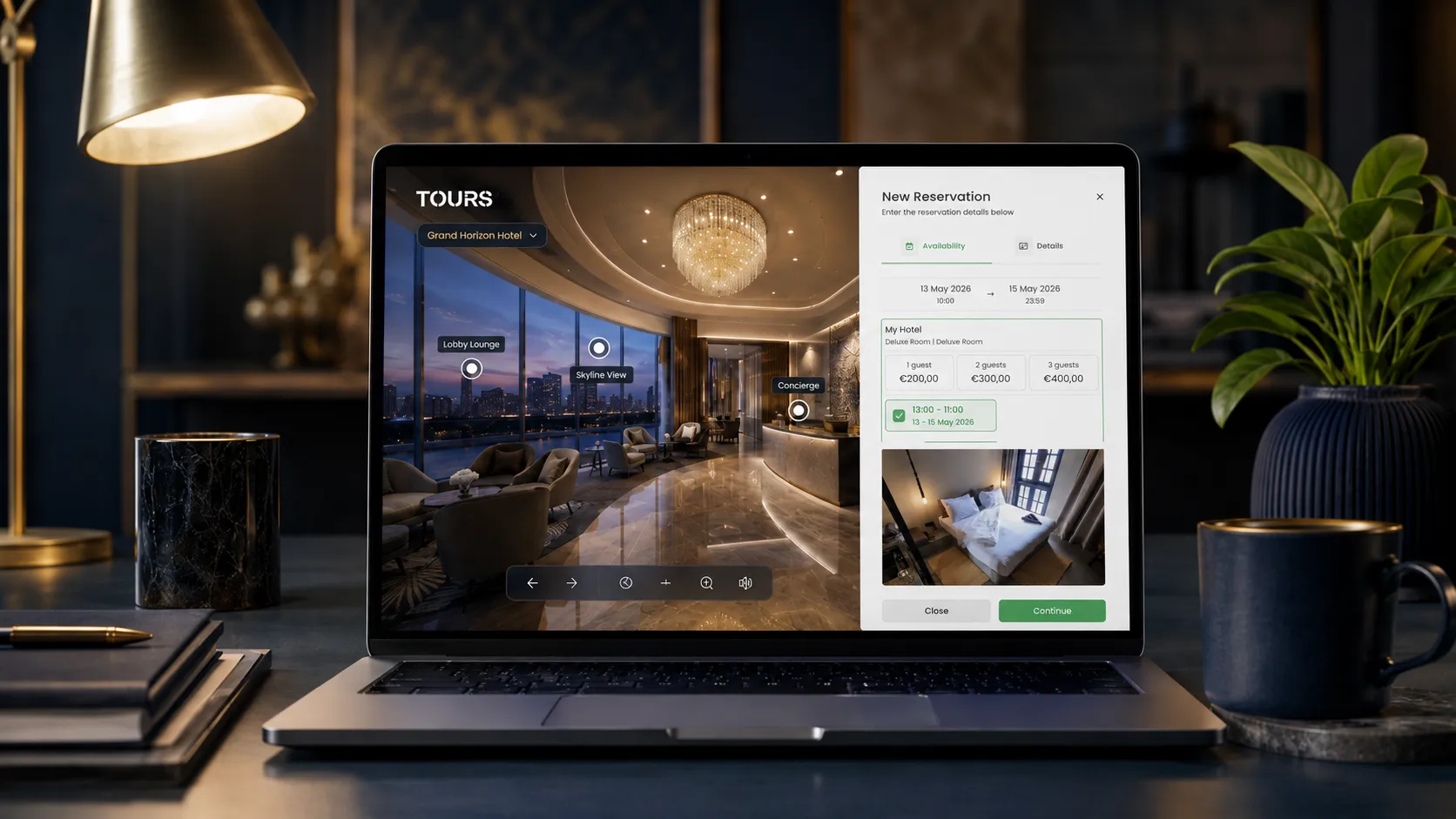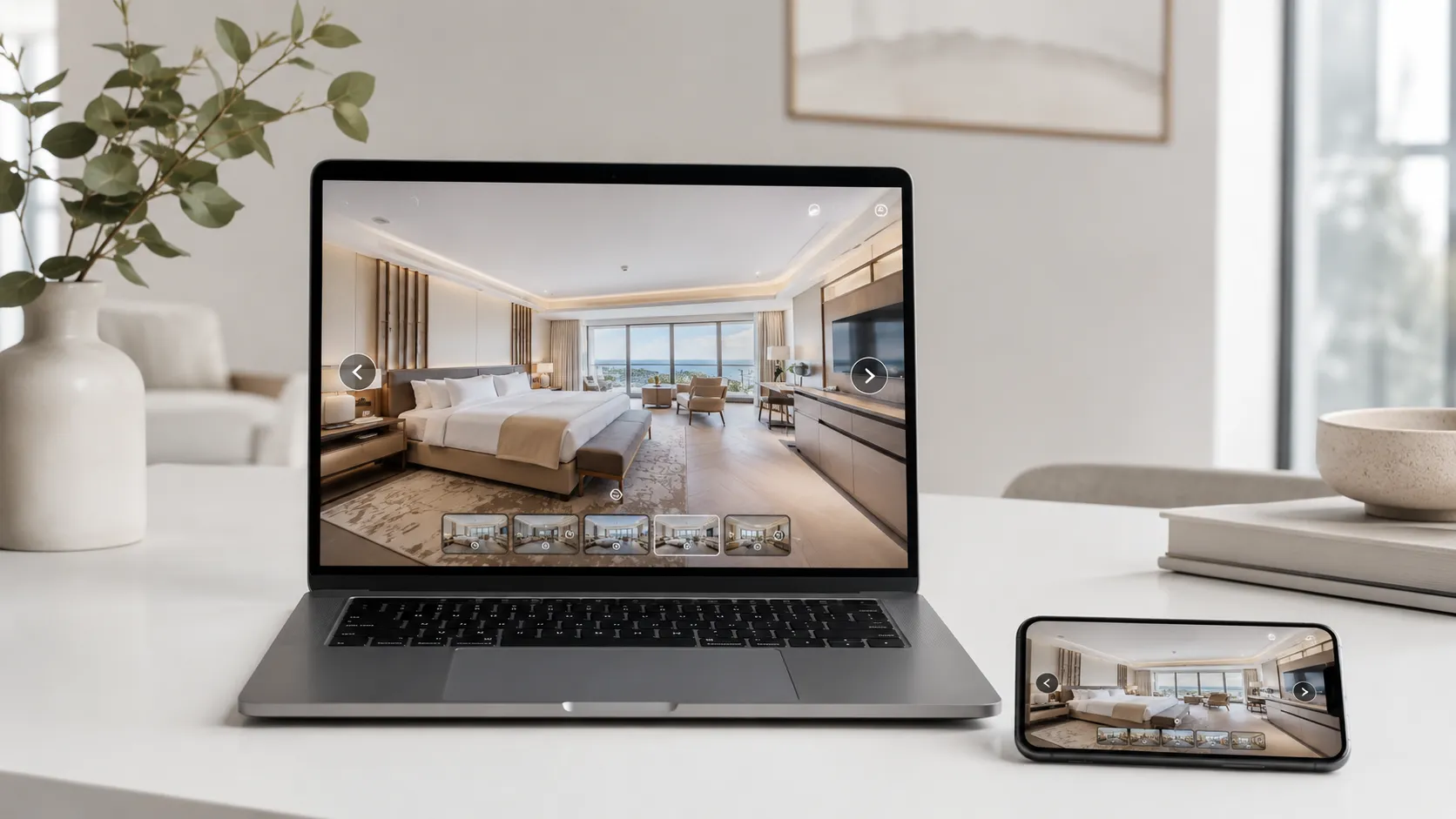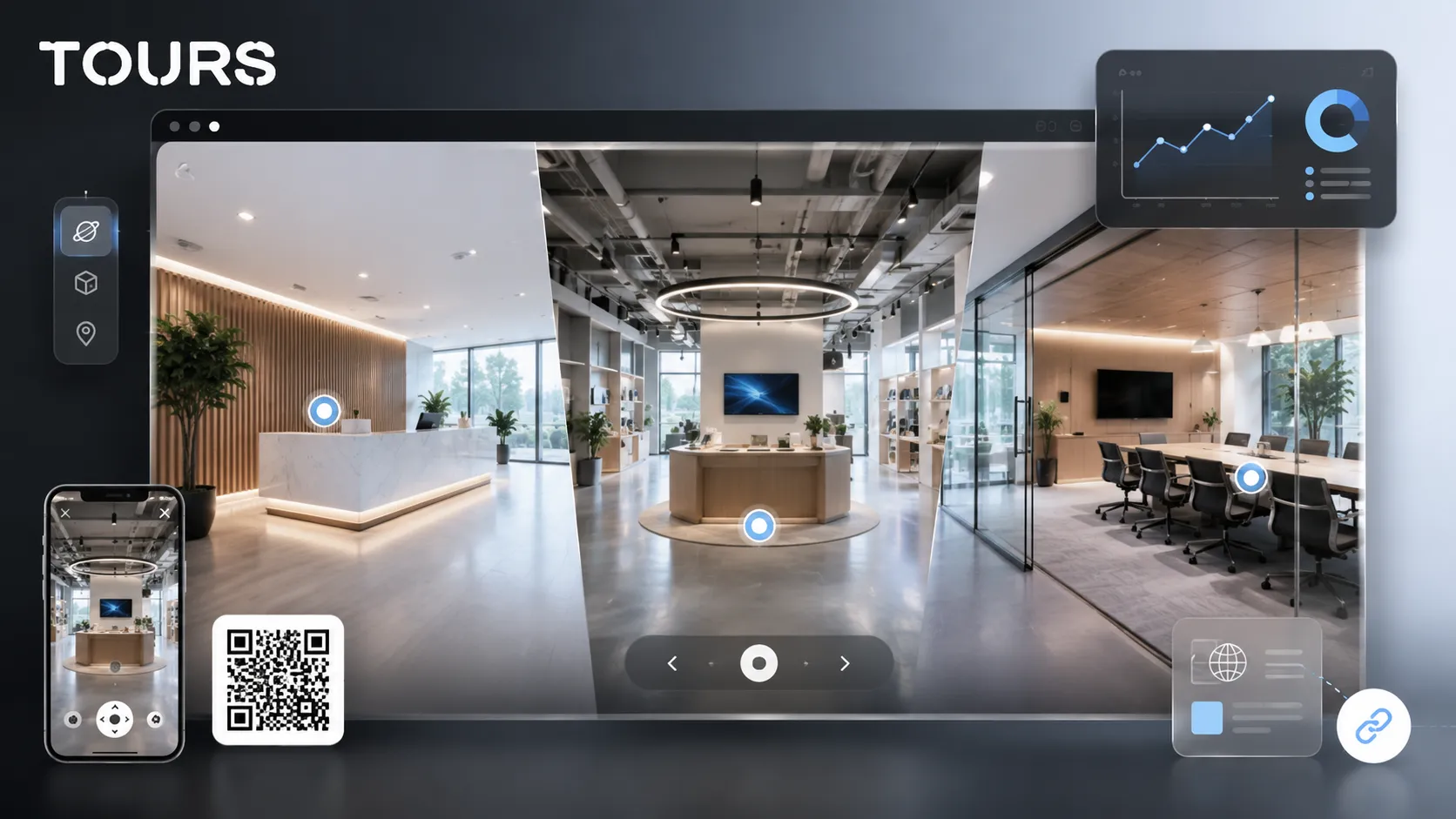

A company virtual tour is an interactive 360° presentation that lets a business show its headquarters, showroom, workspace, commercial location or service areas directly on its website. It is not just a visual gallery: the tour helps visitors understand the space, compare more easily and send a more informed inquiry.
Tours is a SaaS platform for interactive 360° virtual tours, built for companies that want to publish tours on their website, add interactive points, track usage statistics and, where it makes sense, connect inquiries or bookings directly inside the visual experience.
In short
- A company virtual tour is useful when the headquarters, showroom or physical space influences trust and the customer decision.
- For B2B companies, the tour should clearly explain processes, areas, team presence, capacity, facilities and next steps, not just look polished.
- Interactive points can lead to details, images, videos, external links, inquiries or bookings, depending on the goal.
- In Tours, bookings or inquiries can be connected to the entire tour, to scenes, to scene groups or to tagged interactive points.
- A 360 tour makes the most sense when it is published on your website, shared by QR code and tracked through usage statistics.
Why do companies look for a company virtual tour?
Companies look for a company virtual tour when the physical space needs to build trust before a visit, a sales conversation or a booking. It is especially useful when the customer wants to see where they will arrive, what the location looks like and what they can check before contacting the team.
The context is simple: a company digital presence is no longer just a page with contact details. Eurostat shows that in 2025, 79.01% of enterprises in the European Union had a website, and 63.57% used social media.[2]Source In that kind of environment, a clear visual presentation can help a business with a real space to show stand out.
For B2B companies, the tour can become part of the buying process, not just a brand image asset. McKinsey notes in its Global B2B Pulse 2026 report that B2B decision makers use an average of ten channels in the buying journey.[1]Source A 360° tour added to the website helps in exactly that mix of online research, team conversations and decision-making.
- A manufacturer can present the showroom, demo area and consulting spaces.
- A service business can show reception, offices, meeting rooms and client-facing work areas.
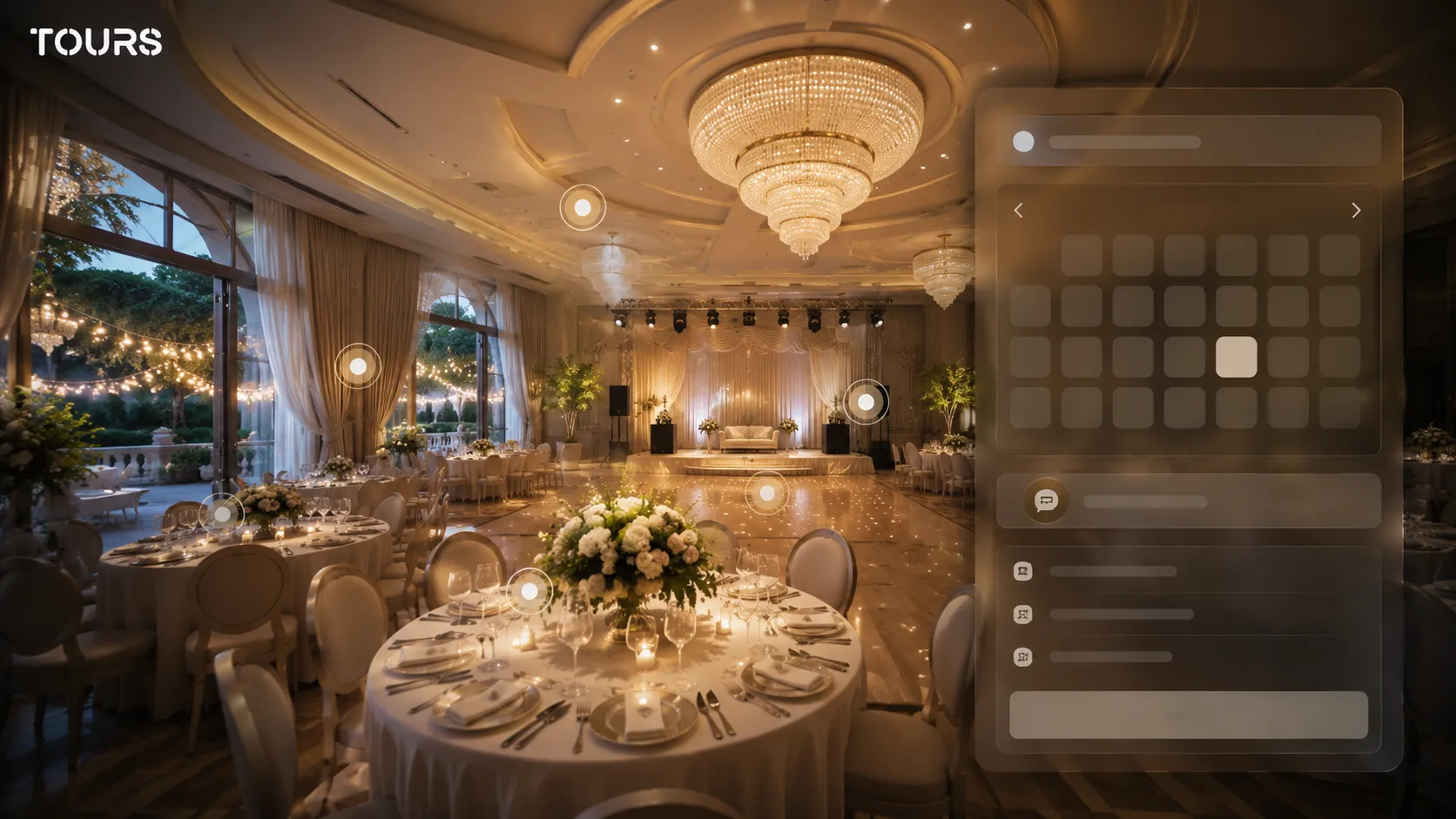
- An event venue can explain the guest path, capacity and layout options.
- A medical, education or training center can reduce visitor anxiety with a clear presentation of the location.
Which company spaces should be shown online?
The spaces worth showing are the ones that answer real customer questions: where they enter, what they see first, where the meeting happens, which facilities exist and which areas justify choosing the company. An effective virtual tour does not cover every corner. It visually organizes the moments that influence the decision.
For a company, the tour should be planned as a trust map. Reception shows the first impression, the meeting room shows professionalism, the showroom shows the offer, technical spaces show capacity and client areas show comfort. If an area does not help the visitor understand the service, it can be left out.
| Type of space | Role in the virtual tour |
|---|---|
| Reception and entrance | Reduces uncertainty and shows how the visitor enters the space. |
| Showroom or demo area | Lets the customer see products, samples, configurations or examples of work. |
| Meeting rooms | Supports credibility for consulting, sales, interviews or partnerships. |
| Visible workspaces | Shows the company size, organization and level of professionalism. |
| Service areas | Explains the customer path for appointments, evaluations, visits or on-site activities. |
| Special spaces | Differentiates the business through a lab, workshop, studio, training room or premium area. |
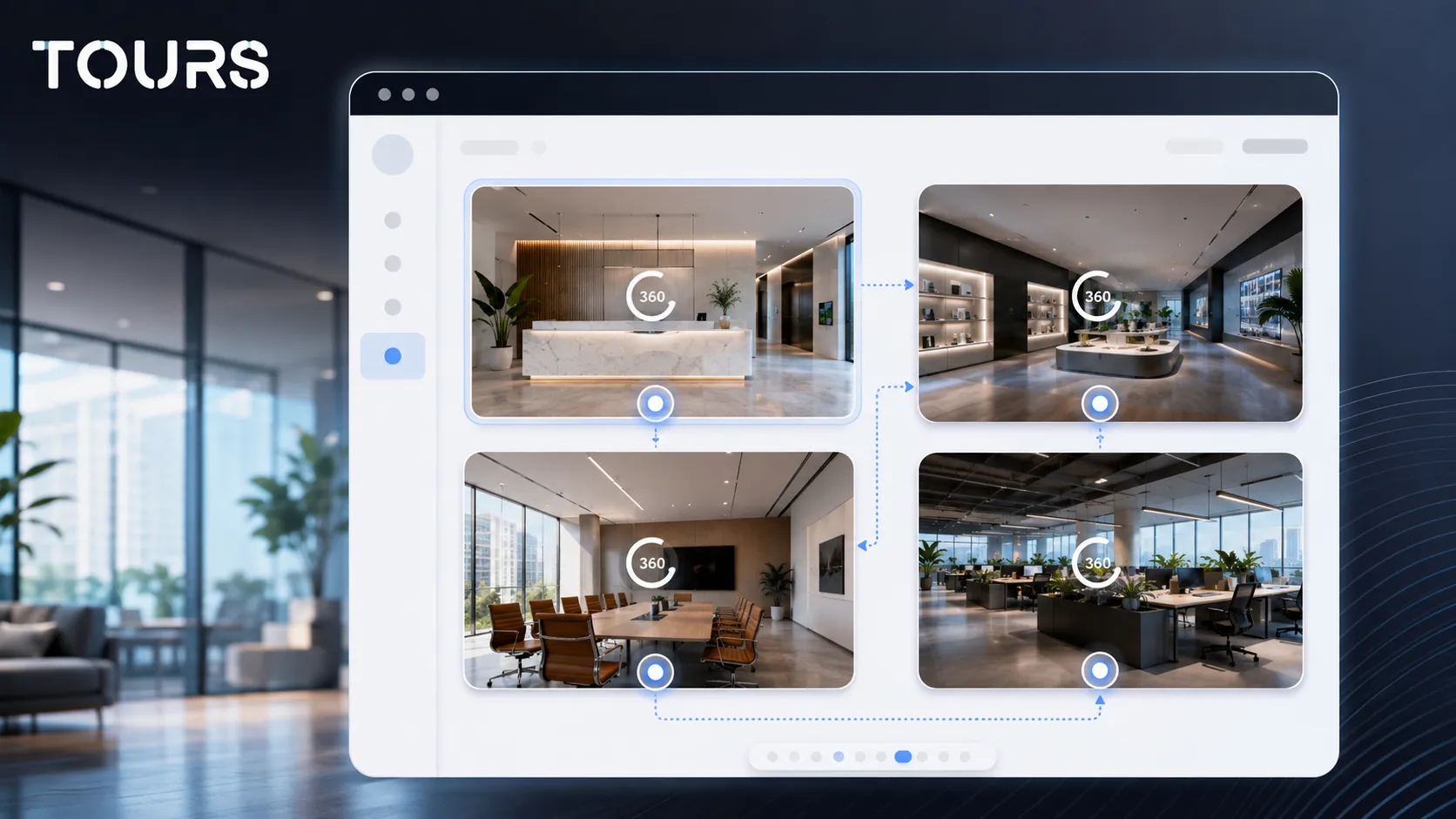
For businesses with several types of spaces, it is clearer to group scenes by area: reception, offices, showroom, facilities, meeting rooms or customer spaces. This keeps visitors from getting lost in a long path and lets them jump directly to the part they care about.
How do you turn an office presentation into a commercial flow?
You turn an office presentation into a commercial flow when every important area has a role: information, orientation, proof, comparison or action. The tour should not be only an open visit. It should be an experience that naturally leads to an inquiry, appointment, booking or contact.
Start with the question the customer has before contacting you. Do they want to see the capacity of a space? Understand the atmosphere? Check access, parking, the demo room or the consulting area? The answers should be present directly in the scenes through short, useful interactive points.
- For B2B sales, the tour can support an offer with visual proof of the showroom, equipment or consulting spaces.
- For recruiting, the tour can show the office, shared areas and work atmosphere without becoming a careers page.
- For events, the tour can clarify the room, access, reception area and possible configurations.
- For local services, the tour can answer a simple question: what will I find when I get there?
It is worth treating the tour as a material that reduces friction before contact. In a 2025 Google Business Profile bulletin, Google says businesses with photos receive 42% more requests for directions and 35% more clicks through to their website than businesses without photos.[3]Source A 360° virtual tour does not replace photos, but it can take the same need for visual clarity further.
A simple example: on a showroom page, the tour can start at reception, lead visitors toward the product area, explain differences through interactive points and end with an appointment request. The visitor receives more than images; they follow a coherent path.
How do you use interactive points without cluttering the tour?
You use interactive points well when each point adds context instead of noise. In a company virtual tour, points should explain things the photo cannot communicate on its own: capacity, facilities, materials, procedure, external link, gallery, video or the next step.
A practical rule is not to add an interactive point for every visible object. Choose the points that remove questions: what happens here, how many people the space can host, what the service includes, where the customer can schedule, which options exist and which extra visual proof is worth seeing.
| Interactive point | When it is useful |
|---|---|
| Navigation between scenes | When you want the visitor to move naturally through the office or showroom. |
| Short information | When a facility, area, advantage or important limitation needs to be explained. |
| Image or video | When a detail needs extra context without loading the main scene with too much information. |
| External link | When you want to send visitors to an offer page, product sheet, form or document. |
| Inquiry or booking | When the visitor has reached a point where taking action makes commercial sense. |
For details about types of interactive points, it is worth reading the dedicated guide to hotspots. In this article, the important idea is that a company should use interactive points as micro-answers to customer questions, not as decoration.
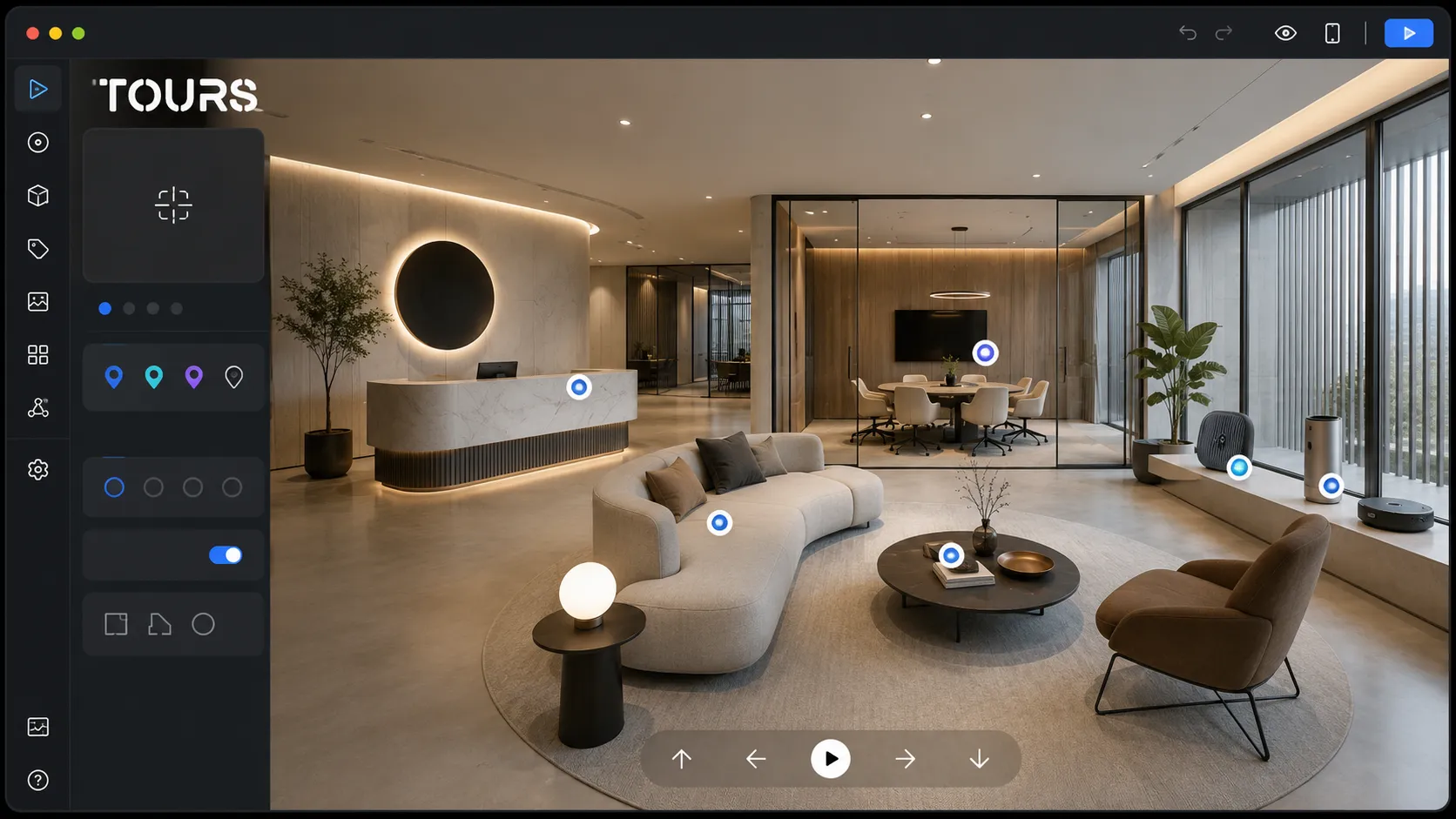
How do you connect inquiries or bookings in Tours?
In Tours, inquiries or bookings can be connected at the right level for each company: the entire tour, specific scenes, scene groups or interactive points marked with internal tags. This way, the action appears where it makes sense, not necessarily in one single button or one single point.
For a general headquarters presentation, a global inquiry or appointment button may be enough. For a showroom, the action can be tied to a demo area. For event spaces, each room can be represented as a scene group. For appointment-based services, interactive points with the same tag can use the same calendar.
- At tour level, a business can show a global button for an appointment, quote request or visit.
- At scene level, an inquiry can be tied to a specific room, space or area.
- At group level, several scenes can represent the same commercial space, the same room or the same service category.
- At interactive point level, the booking window opens when the visitor clicks or taps that point.
- Through internal tags, several interactive points can share the same calendar and the same availability.
Bookings in Tours complement existing processes, but they do not automatically replace a CRM, PMS, channel manager, POS or external listing platform. Their role is to connect the visitor visual interest to a clear action inside the tour: inquiry, appointment, visit, reservation or contact.
For a business, the important difference is control over context. Instead of sending the visitor to a generic form, you can connect the action to the area they have just reviewed. This is especially useful for showrooms, event spaces, service centers, real estate agencies, hotels, restaurants and locations where visual decision-making matters.
How is a virtual tour different from video and a company page?
The difference is the level of control given to the visitor. A standard page presents information in a fixed order, a video guides the viewer through a scripted story, and a virtual tour lets visitors explore the space at their own pace and interact with relevant areas.
| Format | Best suited for | Limitation |
|---|---|---|
| Company page | Description, benefits, portfolio, contact details and sales arguments. | Does not always show clearly how the real space feels. |
| Presentation video | Story, rhythm, atmosphere, team and a brand-controlled message. | The visitor cannot freely choose which area to explore. |
| 360° virtual tour | Spaces, orientation, visual trust, interactive points and actions in context. | Needs good photography and a clear structure so it does not become confusing. |
| Photo gallery | Aesthetic details, quick selection, social media and promotional materials. | Does not show the relationship between rooms, areas and the visitor path as well. |
In practice, the best results come when these formats support each other. The page explains the offer, the video communicates the story, photos show details and the virtual tour confirms the space while reducing questions. For many companies, the tour becomes the central visual element on the contact, services, showroom or location page.
How do you implement the tour in Tours without blocking your team?
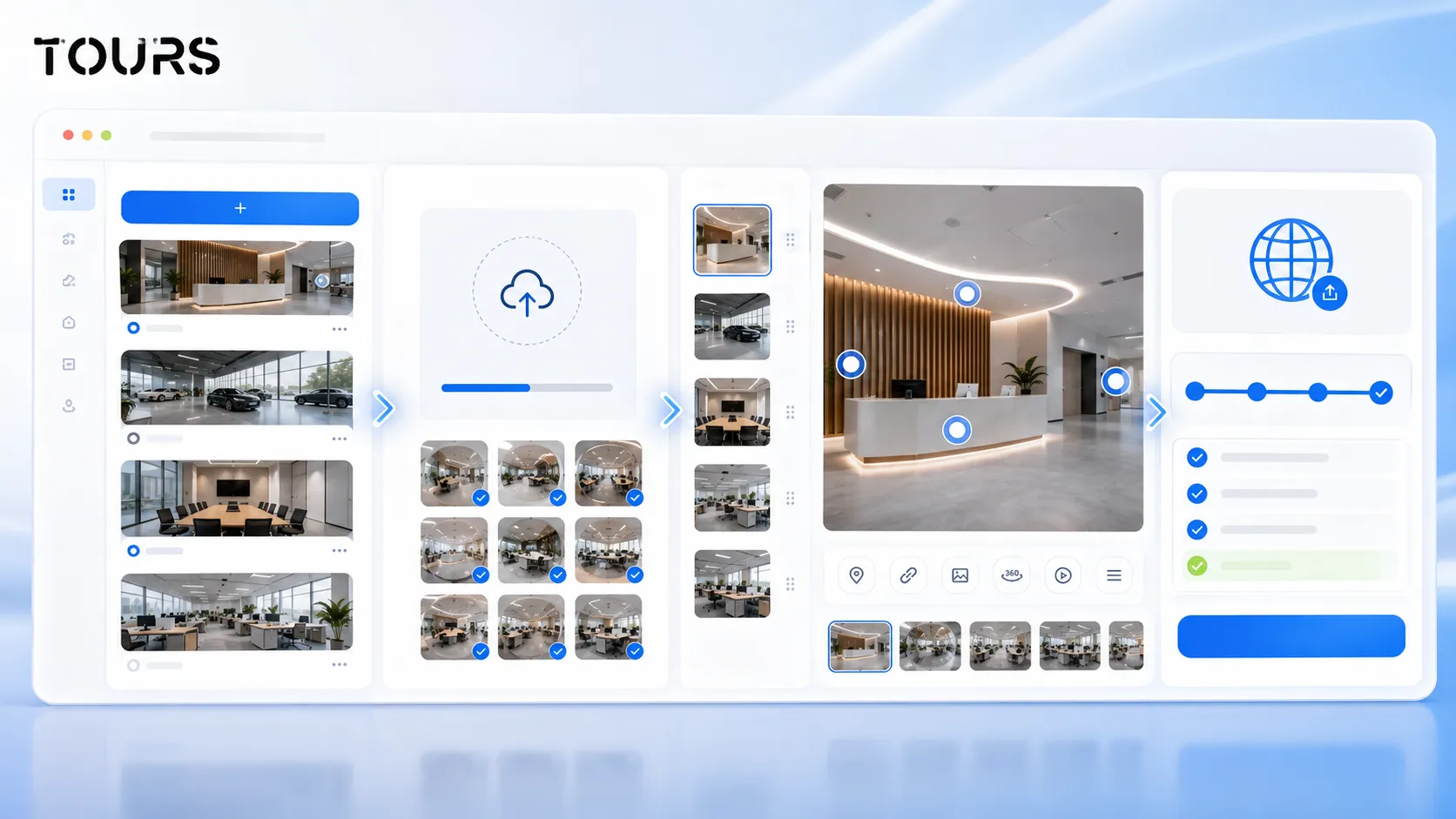
You implement the tour more easily when you separate three stages: planning the spaces, creating the tour and connecting the actions. In Tours, the flow is designed for the browser, so the team can upload 360° scenes, organize the path, add interactive points and publish the tour without desktop installation.
The flow starts on getours.app after account creation. From the My Tours page, you create a new tour, fill in the name and category, optionally add location, price or tags, then upload the first 360° scene and give it a clear name. After you continue, the 360° editor opens.
In the 360° editor, you add additional scenes, navigation points, information, images, videos, external links and scene groups. If certain points should later be connected to inquiries or bookings, you can mark them with internal tags. Publishing is done through the Publish button, then the tour waits for approval from a Tours moderator before it becomes publicly active.
Booking configuration is handled separately from the Booking Manager page. There, you set availability, choose the algorithm that fits your case and can add team members who accept or reject requests. Only after that do you connect Booking Manager to the tour, scenes, groups or tagged interactive points.
To see whether the flow fits your company, you can test Tours with the 30-day free trial, with no card required. For a first test, choose one location or one showroom, not the entire portfolio.
What should you check before publishing and promotion?
Before publishing, check whether the tour answers customer questions, works correctly on mobile, has clear interactive points and leads to a logical action. A beautiful tour that is hard to follow can create confusion instead of increasing trust.
- Check whether the first scene immediately explains where the visitor is.
- Remove repetitive scenes or areas that do not help the decision.
- Test navigation between spaces on desktop and mobile.
- Review the text inside interactive points for clarity and length.
- Make sure inquiries, bookings or external links send visitors to the right next step.
- Add the tour to the right page on your website, not only to a hidden page.
- Create a QR code for reception, offers, printed materials or events.
After publishing, track usage statistics: scenes visited, interactions with important points and areas where visitors spend more time. These data should not be treated like a complicated report, but as signals for improving the page, the offer and the path inside the tour.
How much does it cost and when is it worth it for a business?
For a business, the cost is worth it when the physical space influences the sale, appointment, booking or trust. The budget depends on photography, number of scenes, level of interactivity and the platform used. Do not pay for complexity if what you need is commercial clarity.
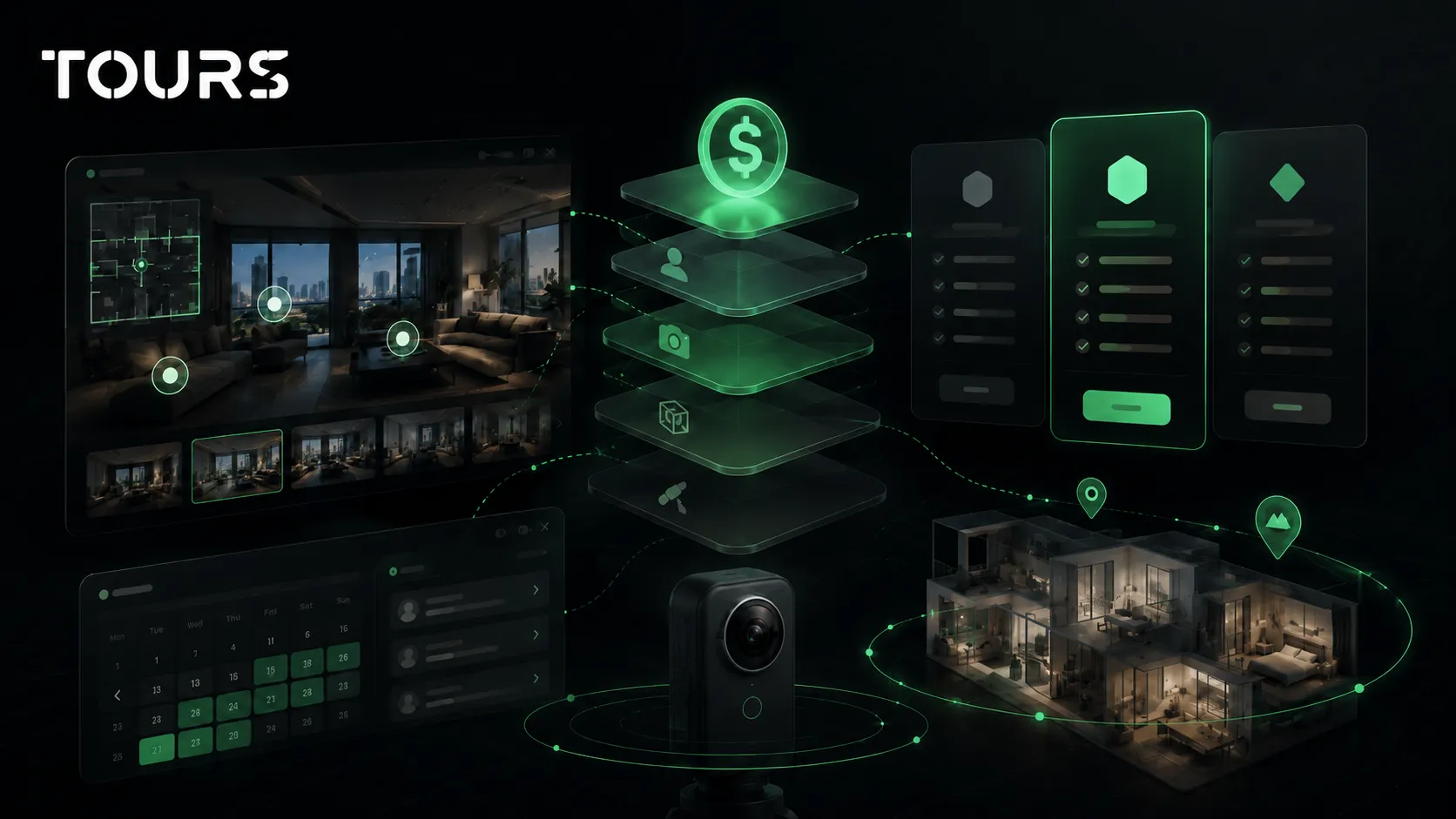
In Tours, plans start at €19/month for tours without bookings, while Pro includes bookings from €59/month. For many companies, the right approach is to start with a headquarters or showroom presentation, measure interest and then add more advanced scenes, groups or actions.
If you need professional photography, the capture budget is calculated separately from the platform. That is normal: 360° photography is the production part, while the platform is where you organize the tour, publish it, add it to your website, track usage statistics and connect commercial actions.
Clinics, schools and commercial spaces
The same approach works beyond offices. A clinic can show the reception, waiting area and treatment rooms so new patients know what to expect, which helps people who feel anxious about a first visit. A private school can show classrooms, the canteen and outdoor areas to parents who cannot attend an open day.
For commercial spaces offered for rent, a tour lets tenants check the layout, ceiling height and access before a visit. In each case the next step changes: an appointment for a clinic, a visit request for a school, a viewing for a commercial space. Connect the matching action in the scenes where the decision is made.
- Clinics: reception, waiting area, one treatment room and accessibility details.
- Schools: classrooms, canteen, sports and outdoor areas.
- Commercial spaces: layout, entrances, loading access and utilities.
Frequently Asked Questions
What is a company virtual tour?
A company virtual tour is an interactive 360° experience that presents a business location, showroom, workspaces, customer areas or commercial spaces. Its purpose is not only visual, but practical: the visitor understands the space, sees relevant details and can send an inquiry or request an appointment.
When is an online office presentation worth it?
It is worth it when the office or location influences trust, sales or the decision to visit. Good examples include showrooms, event spaces, service centers, client-facing offices, medical locations, education centers, real estate agencies and hospitality spaces. If the location does not matter in the decision, a tour may be less of a priority.
Does a company virtual tour replace photos?
No. Photos are useful for pages, social media, local profiles and quick materials. The virtual tour complements photos with spatial context: it shows how areas connect to each other, lets visitors explore at their own pace and can include interactive points with details, links, inquiries or bookings.
What should be included in a company virtual tour?
Include the spaces that answer customer questions: entrance, reception, showroom, meeting room, demo area, customer spaces, special facilities and access path. Do not automatically include every room. A good tour is short, clear and built around the decision you want to support.
Can a virtual tour lead to inquiries or bookings?
Yes. In Tours, actions can be connected to the entire tour, to specific scenes, to scene groups or to interactive points marked with internal tags. For example, a showroom can receive demo requests, a room can receive bookings and a service area can lead to appointments.
Do interactive points need separate calendars?
No. An interactive point can have its own action, but several points with the same tag can use the same calendar and the same availability. This is useful when several areas lead to the same inquiry, or when several scenes represent the same service, space or appointment type.
Can I use the virtual tour on my company website?
Yes. A tour created in Tours can be added to your website and shared by link or QR code. For better results, the tour should be placed on a page where the visitor already has intent: services, showroom, location, contact, events, properties or company presentation.
How complicated is it to create the tour in Tours?
The flow runs in the browser. You create an account, enter the My Tours page, create the tour, fill in the name and category, upload the first 360° scene and then work in the 360° editor. There you add scenes, interactive points, groups, content and tags. Publishing goes through approval by a Tours moderator.
How much does a virtual tour for a company cost?
The cost depends on capture, number of scenes, tour organization and the features needed. In Tours, plans start at €19/month for tours without bookings, while Pro includes bookings from €59/month. Professional photography, if needed, is budgeted separately from the platform.
How do I measure whether the virtual tour works?
Track visited scenes, time spent, interactions with important points and clicks toward actions. These usage statistics show which areas attract interest, where friction appears and what should be adjusted. For a company, the goal is not just traffic, but more informed inquiries and better qualified visitors.
If your headquarters, showroom or location matters in the customer decision, start with a simple, well-structured tour, then add interactive points, inquiries or bookings where the visitor needs a next step. You can test Tours for 30 days with no card and decide after your first published tour.
Sources
Studies and reports cited in this article
All sources are checked and publicly available.
- B2B Pulse 2026 report on omnichannel buyingreportMcKinsey & CompanyReport on B2B decision-maker behavior, the channels used in buying and the role of digital experiences in growth.
- EU statistics on the digital economy in enterprisesdocumentEurostatEuropean data about websites, social media, cloud and the use of digital technologies by enterprises.
- Google bulletin on photos in business profilesdocumentGoogle Business Profile CommunityGoogle recommendations for businesses on the role of photos in attracting visits, directions and website clicks.
We carefully select trusted sources to keep the content relevant and up to date.