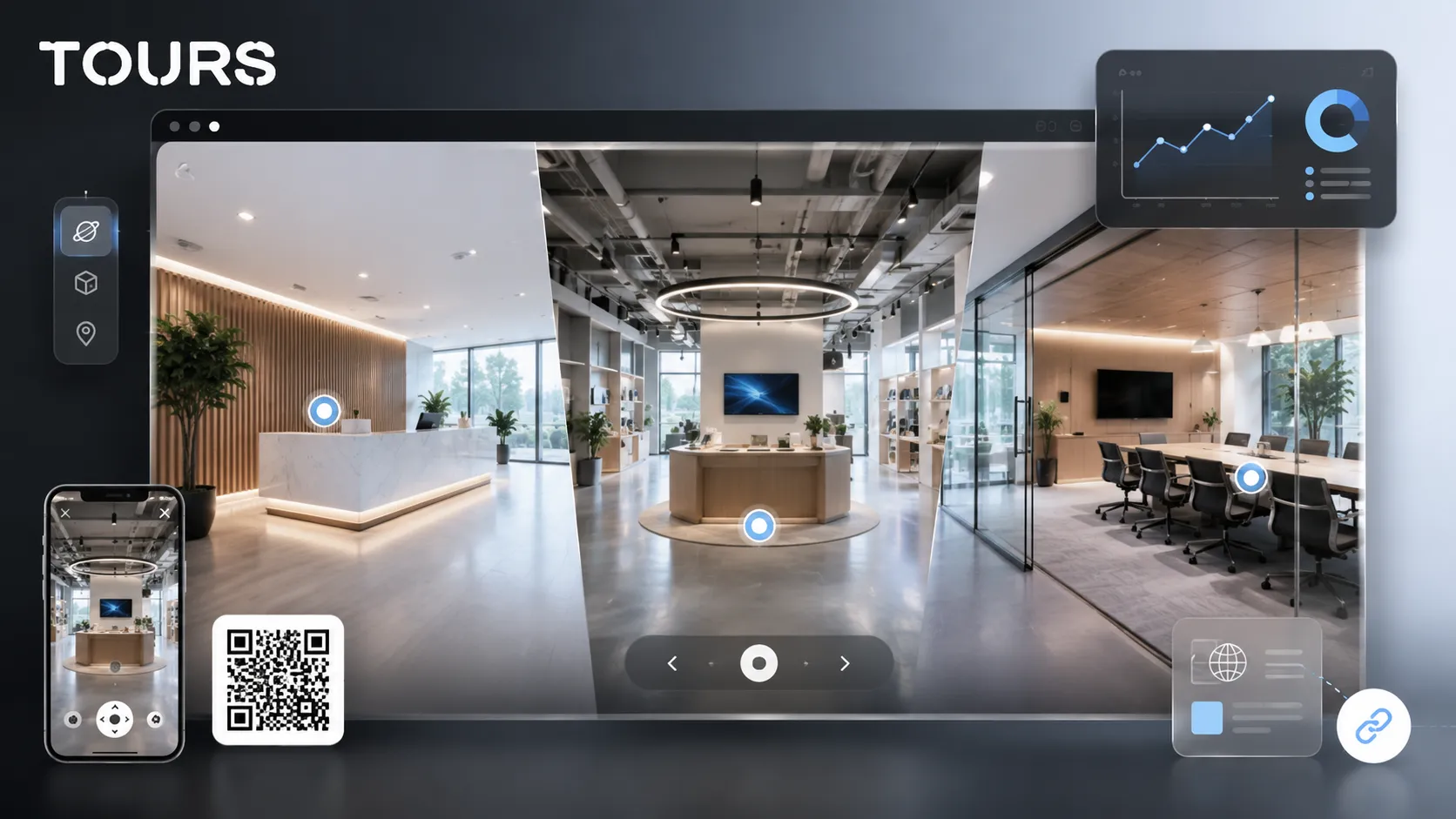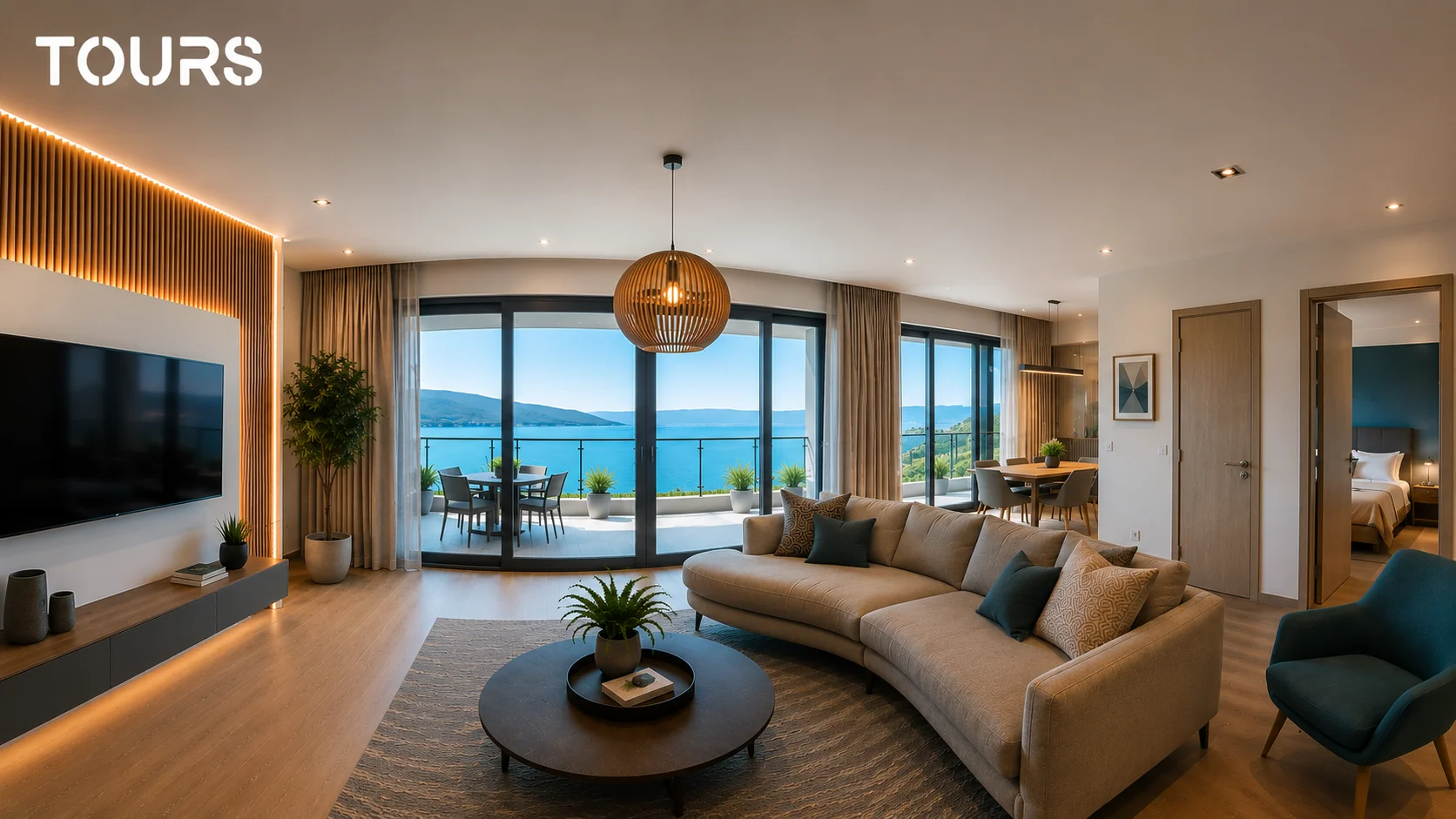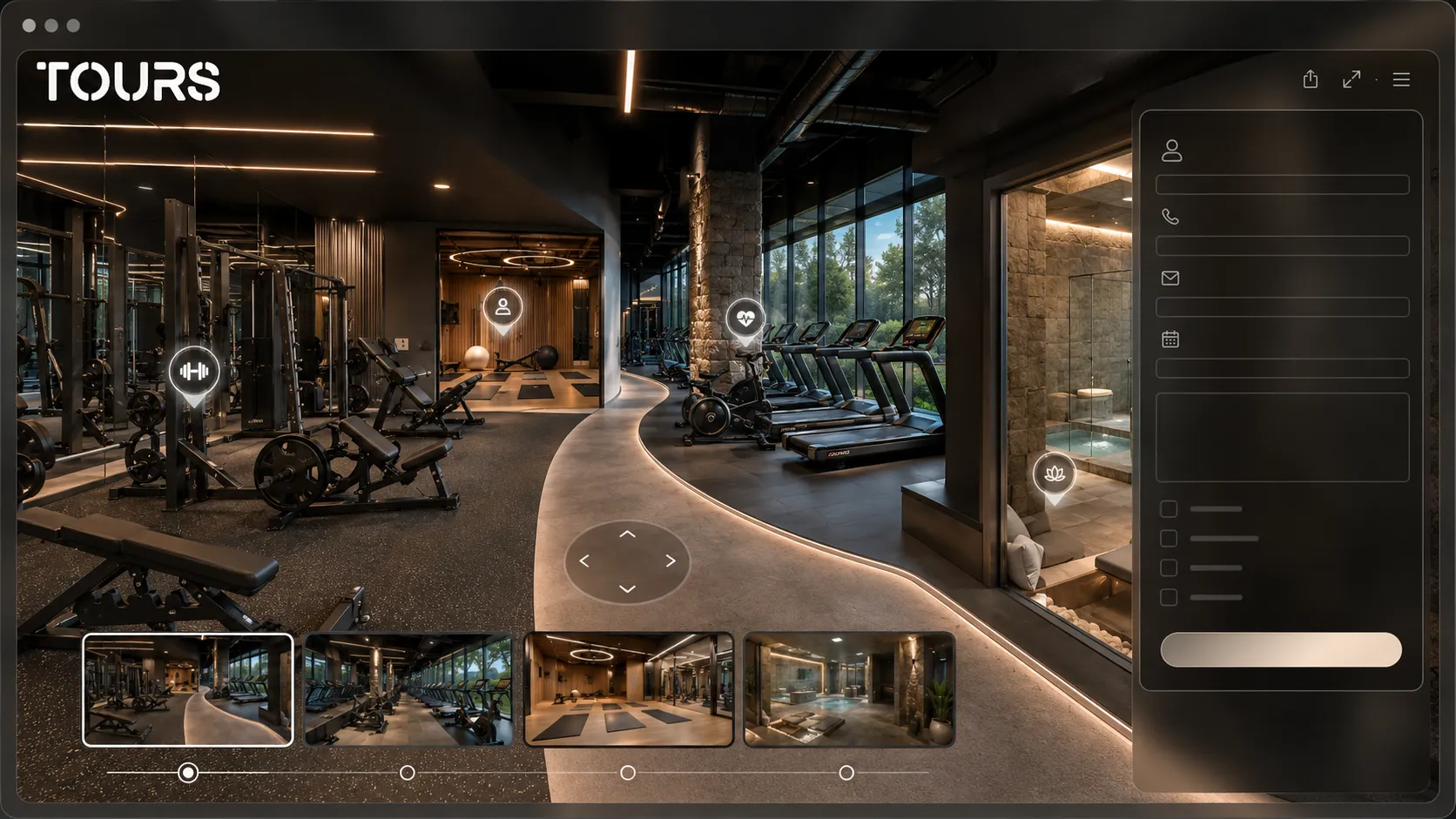

A fitness center virtual tour is a 360° presentation that helps future members see the equipment, atmosphere, workout areas, class studios and recovery spaces before they ask for membership details. Its role is not only visual: it reduces hesitation and makes the offer easier to understand.
Tours is a SaaS platform for 360° virtual tours used by commercial spaces, hotels, restaurants, showrooms and local services. For a gym, it helps you organize the visual path, add interactive points and connect membership inquiries or appointments to the relevant areas inside the tour.
In short
- A fitness center needs more than photos: a future member wants to understand the flow, areas, comfort level and atmosphere.
- A 360° virtual tour can show cardio, strength, classes, locker rooms, reception, spa, coaching and premium services without turning the page into a long gallery.
- Interactive points can explain memberships, classes, trainers, access rules and the facilities that make the gym different.
- In Tours, inquiries can be connected to the entire tour, to scenes, to groups of areas or to interactive points with internal tags.
- After publishing, usage statistics show which areas attract attention and where the commercial message should be improved.
Why does a virtual tour matter before someone joins?
The tour matters because a gym membership is a decision about comfort, routine and trust. A person can compare prices easily, but it is harder to understand online whether the space is open, clean, well organized and right for their experience level.
The fitness market is large enough for visual differentiation to matter in the buying decision: the EuropeActive and Deloitte report shows that the European sector reached 75.5 million members in 2025, up 5.8% from the previous year[1]Source. In that kind of competitive context, a gym page has to explain quickly why the visit is worth it, not just display a list of benefits.
The need for clarity is also supported by data about sports behavior: the Eurobarometer on sport and physical activity reported that 38% of EU respondents exercise or play sport at least once a week, while 45% never exercise or play sport[2]Source. For a local fitness center, the message has to persuade both active people and beginners who need more reassurance before they visit.
In practice, a 360 tour helps most when the gym sells an experience: cleanliness, atmosphere, premium equipment, group classes, trainers, easy access, good locker rooms or a recovery area. All of that is hard to communicate with only a photo slider, but it becomes easy to explore during an online visit.
What areas should a fitness center show?
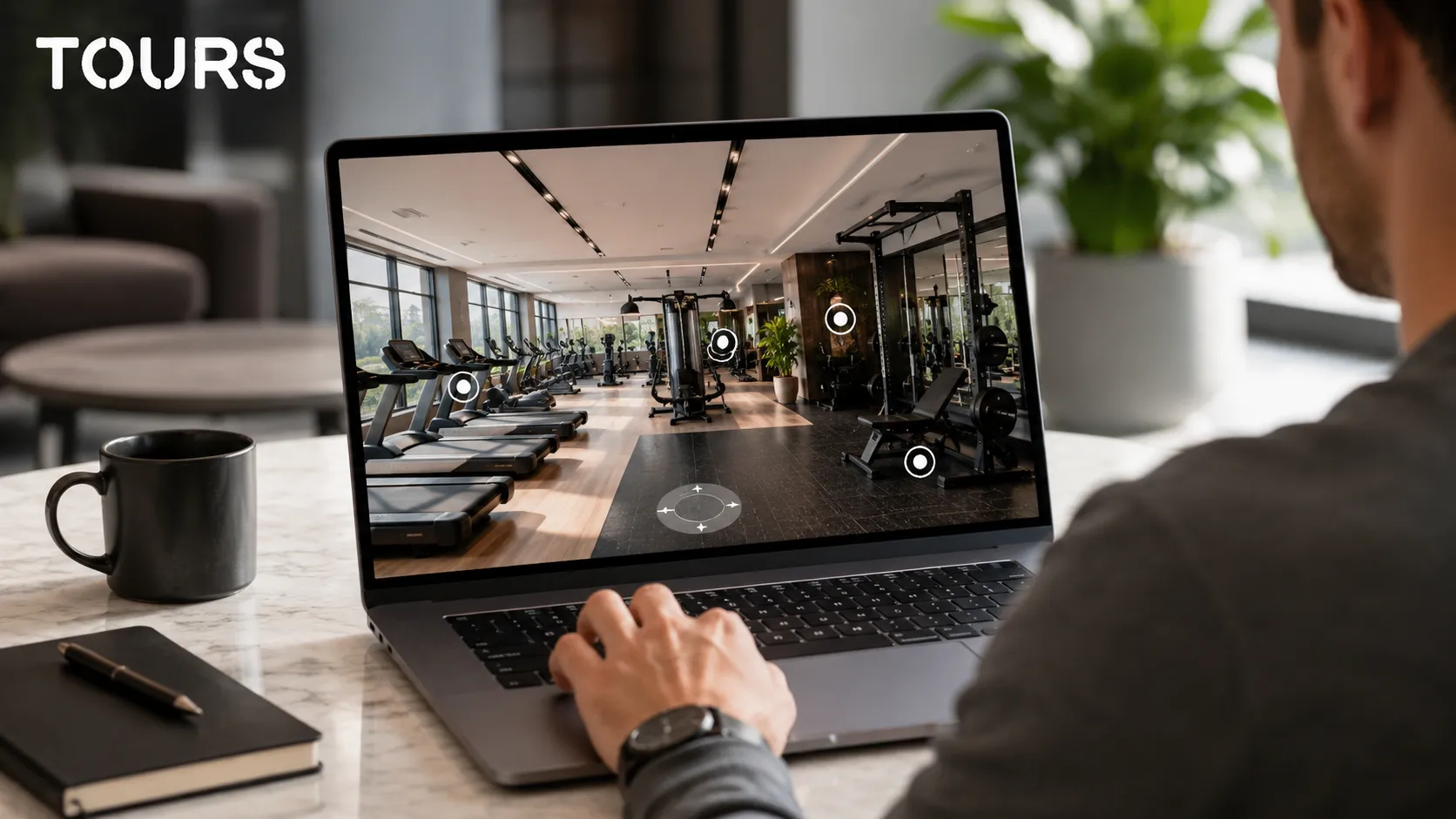
A fitness center should show the areas that influence the membership decision: reception, the strength area, cardio, class studios, locker rooms, recovery spaces and any premium area. The tour should answer one simple question: what would a real visit look like from entry to workout?
- Reception and entrance: show the first point of contact, access, check-in flow and where visitors ask about memberships.
- Strength area: present the main machines, spacing between them, the free-weight area and the sense of order.
- Cardio area: help visitors see the equipment type, light, ventilation and how it is positioned in the gym.
- Class studios: important for yoga, cycling, pilates, HIIT, functional training or beginner programs.
- Locker rooms and showers: build trust, especially for members who train before or after work.
- Recovery or spa area: differentiates the gym when you sell premium memberships, wellness options or corporate packages.
Not every corner needs to become a separate scene. A good structure uses a small number of clear, well-connected scenes, then adds interactive points only where the visitor needs an explanation: classes, trainers, access rules, memberships, schedule or extra services.
| Gym area | What it should clarify in the tour |
|---|---|
| Reception | How the member enters, where they ask for details and how professional the first contact feels |
| Strength and free weights | What type of equipment is available, how much space there is and how organized the area feels |
| Cardio | What machines are available, how the lighting feels and whether the area looks comfortable for repeated workouts |
| Class studio | What types of programs can be hosted and how the group space looks |
| Locker rooms | The level of cleanliness, comfort and trust for everyday use |
| Spa or recovery | Why a premium membership or wellness package is worth considering |
How should you present the spa, classes and premium services?
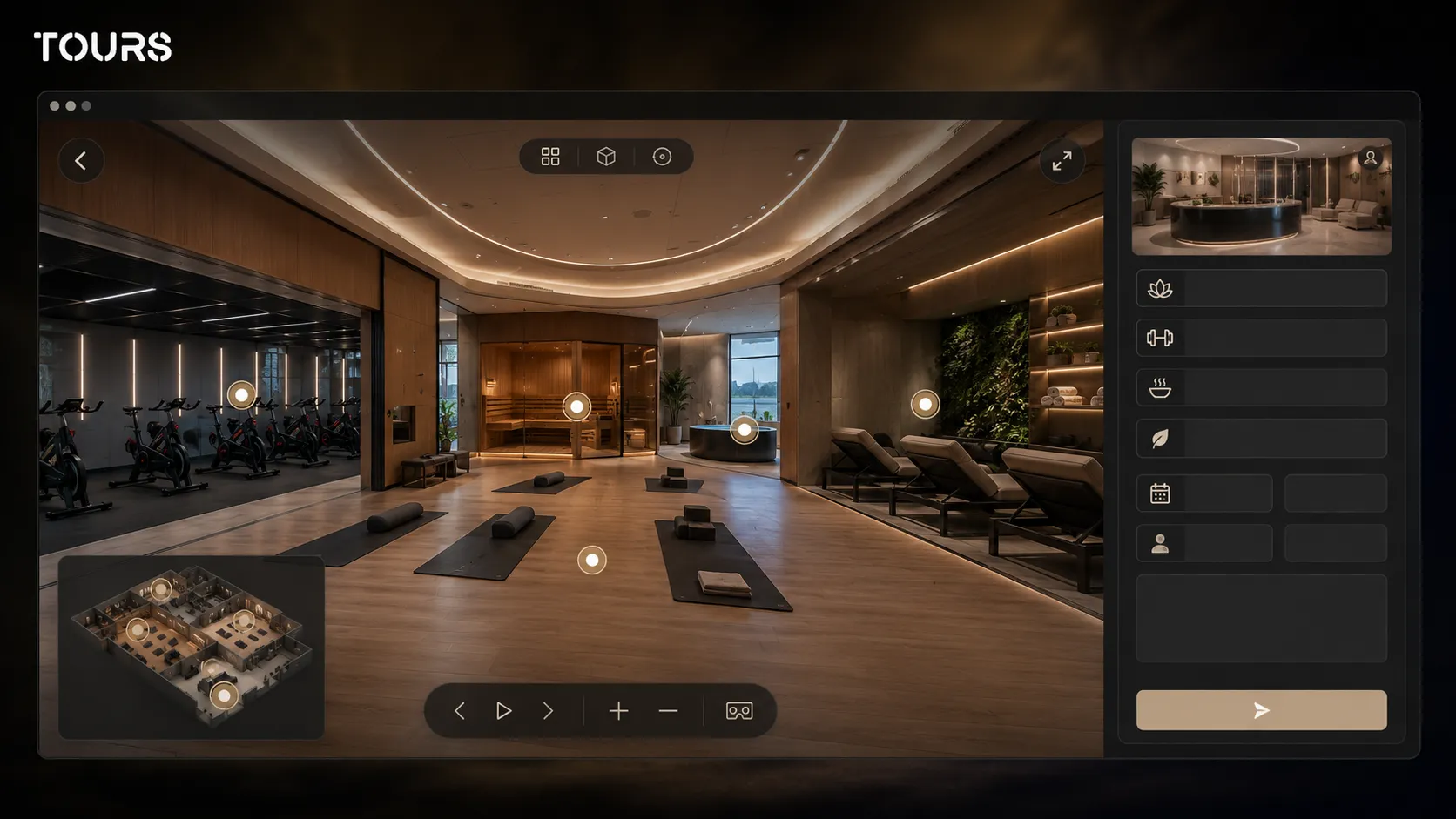
Spa areas, classes and premium services should be presented as concrete reasons to choose a better membership. Instead of hiding them on a separate page, you can explain them directly inside the tour through interactive points with photos, descriptions, short video, schedule details, access rules and links to inquiries.
The market direction supports this kind of contextual presentation: ACSM ranked wearable technology first in its global fitness trends list for 2026, while mobile exercise apps appear in the top five trends[3]Source. For gyms, that shows future members expect clear digital information, not only a static schedule poster.
For a spa virtual tour, the focus should not be only luxury. It should be clarity: what facilities exist, when they can be used, whether they are included in the membership and what rules apply. For classes, the visitor needs to see the room, the energy of the space and the difference between beginner programs and advanced sessions.
How do you turn an online visit into an inquiry or membership?
The online visit becomes an inquiry when the action appears at the right moment. For a fitness center, that can mean a global membership button, a guided tour request, an assessment appointment, a corporate inquiry or an interactive point for a specific class.
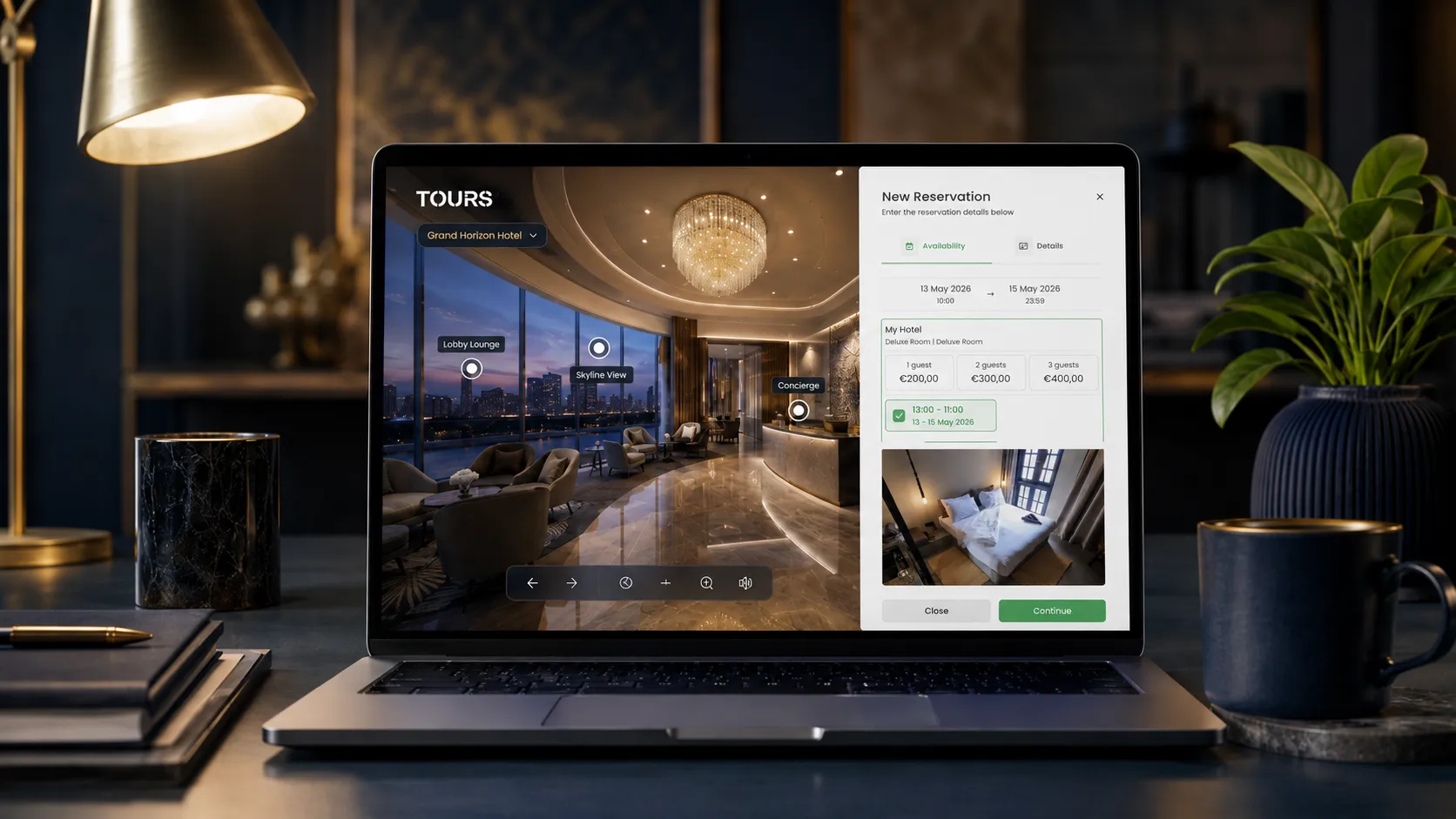
In Tours, bookings and inquiries are not limited to one point in the tour. You can connect them to the entire tour, to specific scenes, to scene groups or to interactive points that use internal tags. If an inquiry is connected to the whole tour, the visitor can see a global button during the experience.
For interactive points, the logic is simple: the visitor clicks or taps the relevant point and an inquiry or booking window opens. Each point can have its own calendar, and points with the same tag can share the same calendar. That is useful for classes, assessments, personal training sessions or recovery packages.
A good flow does not try to sell everything at once. For fitness memberships, use the tour as an intermediate step: the visitor sees the gym, understands what they get, then asks for membership details, a trial session, a conversation with a consultant or a guided visit.
You can test this flow without rebuilding the whole website: create the tour in Tours, display it on an existing page and track which areas attract attention before you adjust the membership offer.
How is the tour organized in Tours?
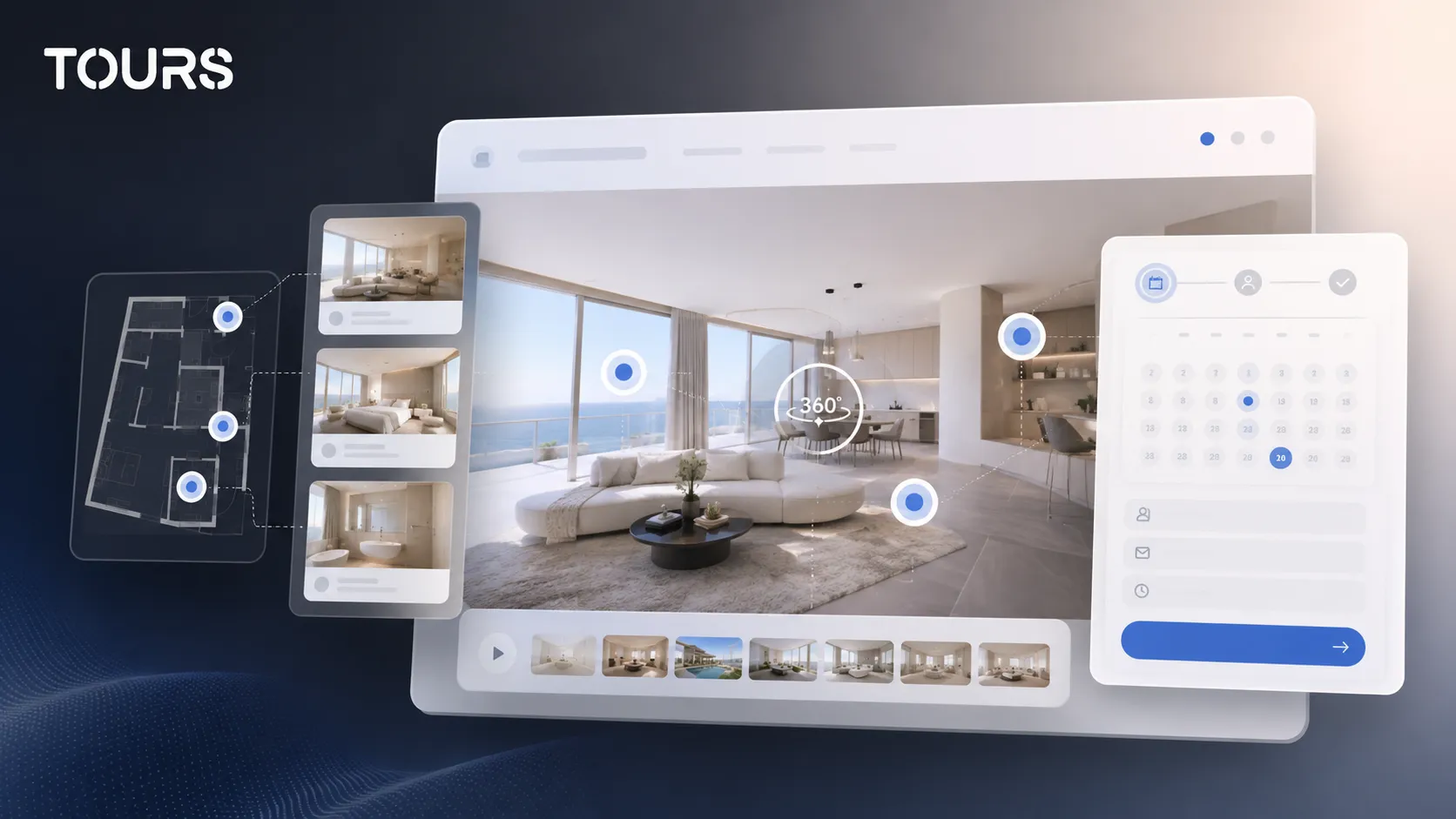
In Tours, the tour is organized around the 360° scenes of the gym, then navigation, information points and optional inquiries or bookings are added. For a fitness center, the most important step is to group areas by how the visitor thinks about the decision: workouts, classes, locker rooms, spa and memberships.
The practical flow is short: create an account on getours.app, enter the app, open the My Tours page, create a new tour, complete the name and category, then add the first 360° scene with a clear name. After you continue, the 360° editor opens for additional scenes, navigation, interactive points, groups, text, images and video.
For bookable areas, add internal tags to the relevant interactive points. After the tour is built, configure Booking Manager separately, set the calendar, choose the right algorithm and connect it to the tour, scenes, groups or tagged points. When publishing, choose visibility, and the tour waits for approval from a Tours moderator before it becomes publicly active.
| Configuration | Fitness center example |
|---|---|
| Entire tour | Global button for a membership inquiry or guided visit |
| Specific scene | Trial request for the class area or functional training zone |
| Scene group | Premium package for the gym floor, locker rooms and spa shown together |
| Tagged interactive point | Appointment for an assessment, personal trainer or demo class |
| Interactive points with the same tag | Multiple class points that use the same availability calendar |
What should you measure after publishing?
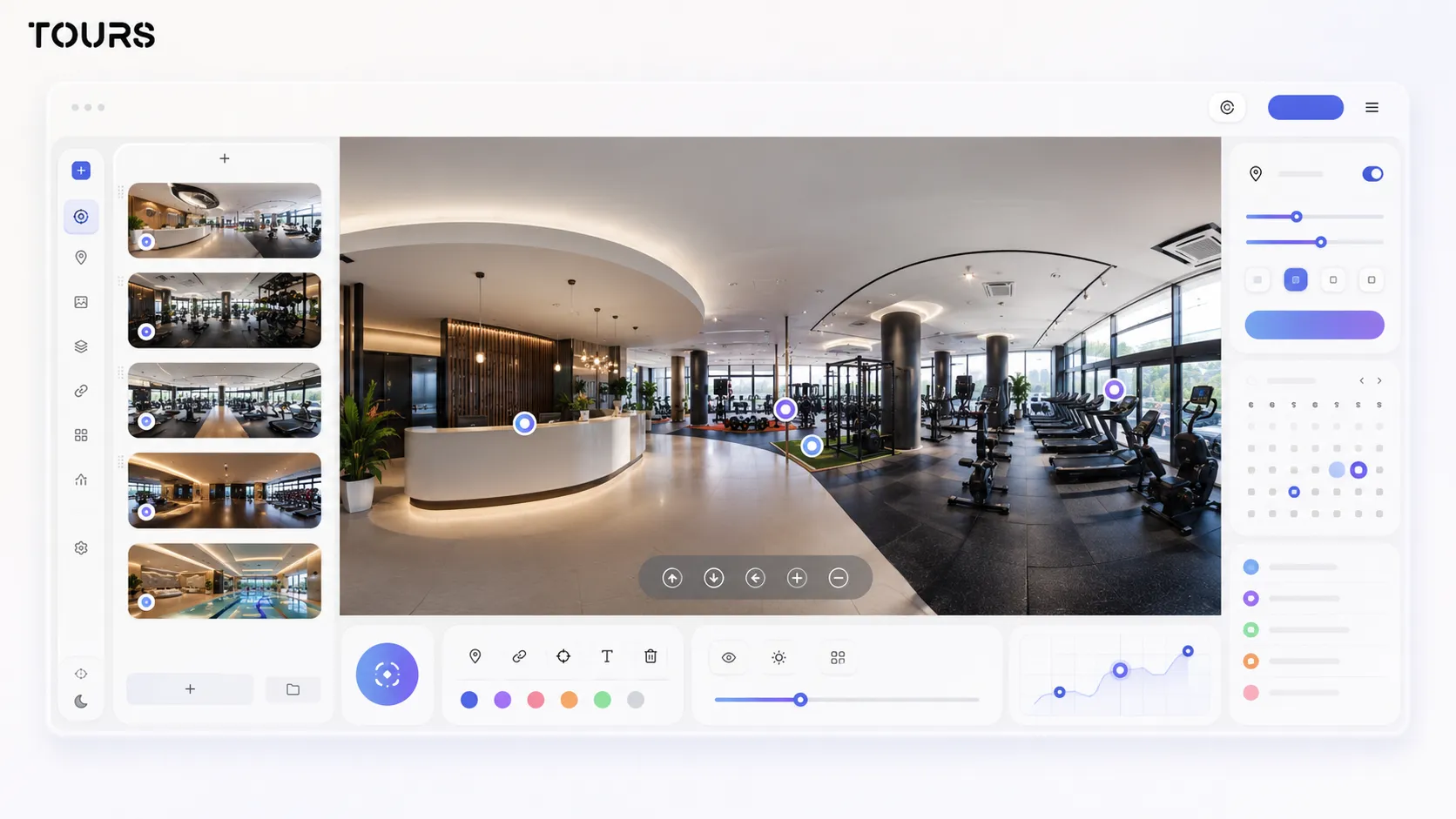
After publishing, measure whether the tour helps people understand the gym and take the next step. For a fitness center, it is not only about how many visitors open the tour. What matters is which areas they explore, where they stop, which interactive points they click and how many inquiries appear after the visit.
- Visited scenes: see whether people enter the strength area, classes, locker rooms or spa, not only the first scene.
- Clicks on interactive points: identify which services attract interest, such as personal training, classes or premium membership.
- Visit duration: understand whether the tour is explored long enough to support the decision.
- Generated inquiries: compare interest in memberships, trials, guided visits or corporate packages.
- Ignored areas: discover which spaces need to be repositioned, explained better or moved earlier in the path.
These usage statistics do not replace front-desk sales, your CRM or the gym access system. They support marketing decisions: they show which spaces deserve more promotion, what questions appear before someone joins and where the page needs clearer messaging.
When should you use a 360 tour, photos or video?
Choose a 360 tour when you want visitors to understand the space on their own, photos when you need fast visual impact and video when you want controlled emotion. For a fitness center, the three formats can work together, but the tour is best for orientation and trust before the visit.
| Format | When it fits a fitness center |
|---|---|
| Photos | For first impressions, social media, ads and pages where you need quick visuals |
| Video | For energy, workouts, group classes, testimonials and a tightly edited atmosphere |
| 360° tour | For orientation, transparency, premium spaces, locker rooms, multiple areas and better-informed inquiries |
| 360° tour plus inquiries | For memberships, trials, assessments, demo classes and corporate packages |
For the broader comparison between formats, the article about virtual tours and video goes deeper into the decision. Here, the practical rule is simple: if your gym sells through space, atmosphere and multiple services, the 360° virtual tour deserves to be the central presentation on your website.
Tours can be tested with a 30-day free trial and no card required. For gyms that only need presentation and website display, plans start at €19/month, while for inquiry and booking flows, Pro includes booking features from €59/month.
Beauty salons and wellness studios
Salons and small wellness studios face the same question as gyms: will a new client feel comfortable walking in? A short tour with the reception, the treatment or styling area and any private rooms answers that before the first appointment.
Keep it to a few scenes and connect the booking directly to the treatment area, so the client can go from seeing the space to choosing a time slot. Share the tour link on Instagram and in your Google Business Profile, where most new clients look first.
- Three to five scenes are usually enough.
- Show private treatment rooms if you have them.
- Place the booking action in the treatment area scene.
Frequently Asked Questions
What is a fitness center virtual tour?
It is a 360° presentation of the gym that lets visitors see reception, equipment, workout areas, classes, locker rooms and premium spaces before they come in person. The goal is to explain the real experience, reduce hesitation and support clearer inquiries for memberships or guided visits.
Can a 360° tour help sell gym memberships?
Yes, especially when the gym differentiates itself through space, equipment, cleanliness, classes or premium facilities. The tour does not replace the commercial offer, but it makes it easier to understand. A visitor who sees the gym in context can decide faster whether to ask for a trial, a visit or membership details.
What areas should be included in a gym virtual tour?
Include the areas that influence the decision: reception, strength area, cardio, class studios, locker rooms, showers, recovery area and premium space if you have one. You do not have to show every corner, but the path should be clear enough for the visitor to understand what a first visit would feel like.
How can the tour be used for a spa or wellness center?
A spa or wellness tour should show the atmosphere, facilities, access rules and differences between services. Interactive points can explain the sauna, massage, recovery, premium packages or membership access. For mixed centers, the spa area can be connected to the fitness center in one coherent path.
Can I connect membership inquiries directly inside the tour?
Yes. In Tours, you can connect inquiries or bookings to the entire tour, to certain scenes, to scene groups or to interactive points with internal tags. For example, you can have a global membership button and separate points for demo classes, fitness assessments, personal training or spa access.
Does every interactive point need a separate calendar?
No. An interactive point can have its own calendar, but multiple points with the same tag can use the same calendar and the same availability. For a fitness center, that helps when several points lead to the same type of request, such as group classes or assessment appointments.
Can the tour replace a membership management system?
No. The tour can support inquiries, appointments, guided visits and bookings, but it should not be presented as a replacement for access control, billing, CRM or full membership management. Its role is to connect the visual presentation to the next commercial step, not to become the gym's full operating system.
Where should I publish the gym virtual tour?
The best place is the gym website, on the homepage, the memberships page or a dedicated tour page. You can also share it through QR codes, local campaigns, social media or messages to companies. The important point is to keep the tour close to the membership offer, not hidden in a hard-to-find section.
What is the difference between photos and a 360° tour?
Photos choose the angles for the visitor and are excellent for quick impact. A 360° tour lets the visitor explore the space and understand how areas connect. For a fitness center, the tour is better when you want transparency, orientation and trust before the first visit.
How do I know whether the tour helps after publishing?
Track visited scenes, exploration duration, clicks on interactive points and generated inquiries. If visitors stop in the class or spa area, those services deserve clearer promotion. If certain areas are ignored, change the route order or add more useful explanations.
If you want your fitness center to be understood before the first visit, create a clear 360° tour in Tours, connect the important areas to inquiries and test it free with no card before deciding how to use it in your membership strategy.
Sources
Studies and reports cited in this article
All sources are checked and publicly available.
- European fitness market report 2026industry-reportDeloitteReport created with EuropeActive about the development of the European fitness market, member numbers and sector dynamics.
- Eurobarometer on sport and physical activityofficial-surveyEuropean CommissionEuropean survey about how often people practice sport and physical exercise in the European Union.
- Global fitness trends for 2026research-summaryAmerican College of Sports MedicineSummary of the main global fitness trends, including the role of wearable technology and mobile apps.
We carefully select trusted sources to keep the content relevant and up to date.