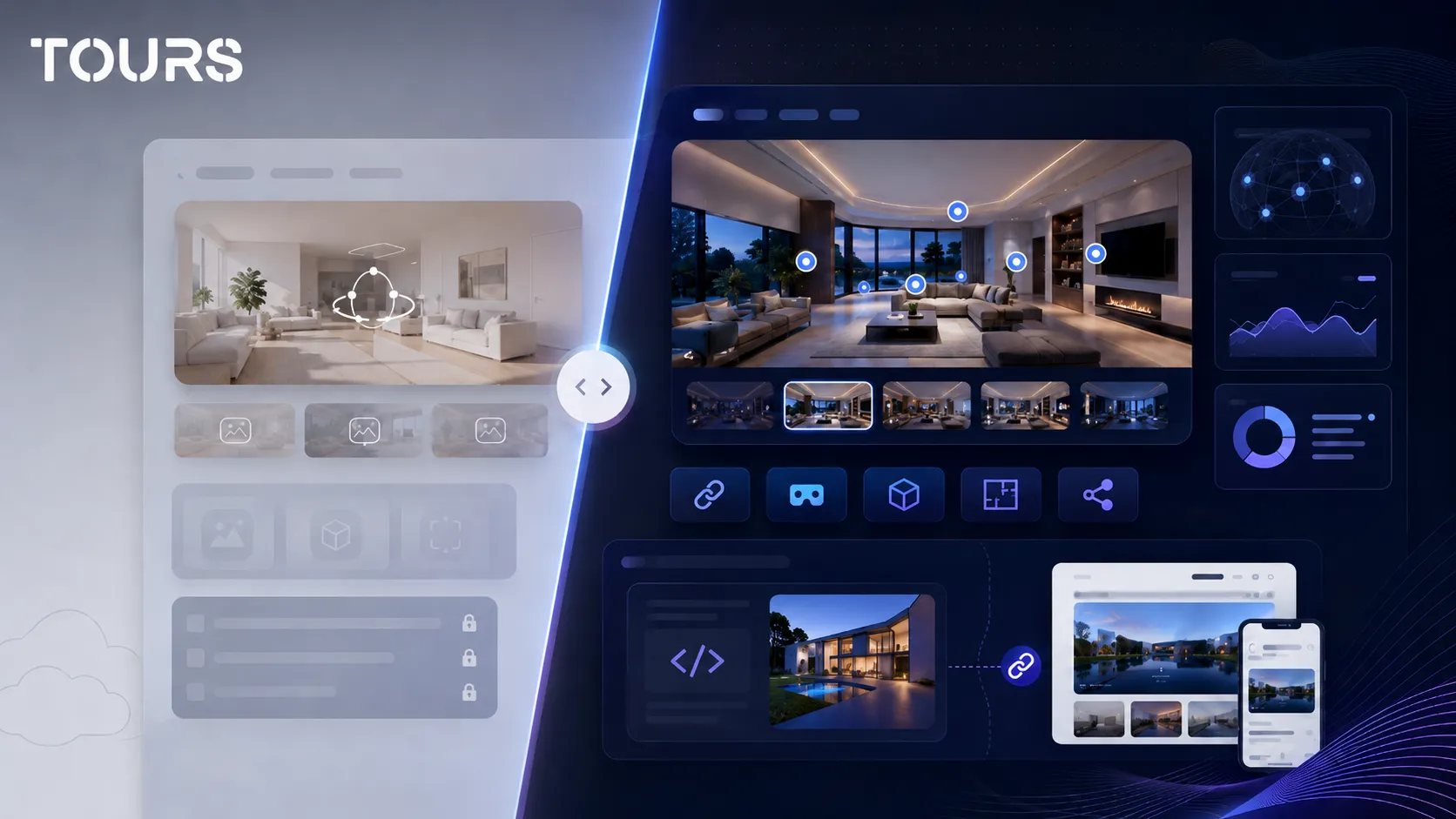

A free virtual tour is a good option for testing, prototyping or quick validation, not for a complete commercial presentation. You can check whether your 360° images look good, whether the route is easy to follow and whether the space is worth presenting online before you invest in a stable platform.
Tours is a SaaS platform for interactive 360° virtual tours, built for businesses that want to publish spaces online and connect them to real actions. In the context of a free test, it helps you compare a simple 360° gallery with a flow that includes interactive points, usage statistics and bookings.
In short
- A free virtual tour is useful for testing, internal demos or a simple presentation.
- Zero cost often comes with limits on interactive points, privacy, branding, website integration or the number of scenes.
- You can upload 360° images to Google Maps, but that does not replace a virtual tour platform on your own website.
- For hotels, restaurants, real estate or showrooms, the real issue is not just viewing the space, but the commercial action after the visit.
- Tours can be tested for 30 days without a card, with plans starting at €19/month and bookings included in Pro from €59/month.
What does a free virtual tour mean in practice?
A free virtual tour means you can create, upload or publish a 360° experience without an upfront payment. In practice, free can mean a limited plan, a trial period, a public Google Maps solution or a self-hosted project that requires more technical work.
The important difference is between a tour that only shows the space and a tour that helps the business get a booking, an inquiry, a viewing request or a conversation. For a test, it may be enough to see whether the 360° images connect correctly. For sales, you need control, content, actions and usage data.
A good example of an option with no direct cost is Google Street View Studio. Google describes Street View Studio as a tool for creating, uploading and managing 360° images published in Street View.[1]Source Still, this route is built for visibility in Google Maps, not for a customized commercial tour on your own website.
| Option | What it is useful to test | Common limitation |
|---|---|---|
| Free plan in a platform | Tour structure, scene uploads and basic navigation | Commercial features may be limited or marked with external branding |
| Street View or Google Maps | Public visibility for real locations | Limited control over route, design and commercial actions |
| Self-hosted project | Technical demo, internal prototype or experiment | You need time, hosting, maintenance and device testing |
| Free trial in a SaaS platform | The full product flow before making a decision | You need to check what happens after the trial period |
What do you get at no cost, and what is usually missing?
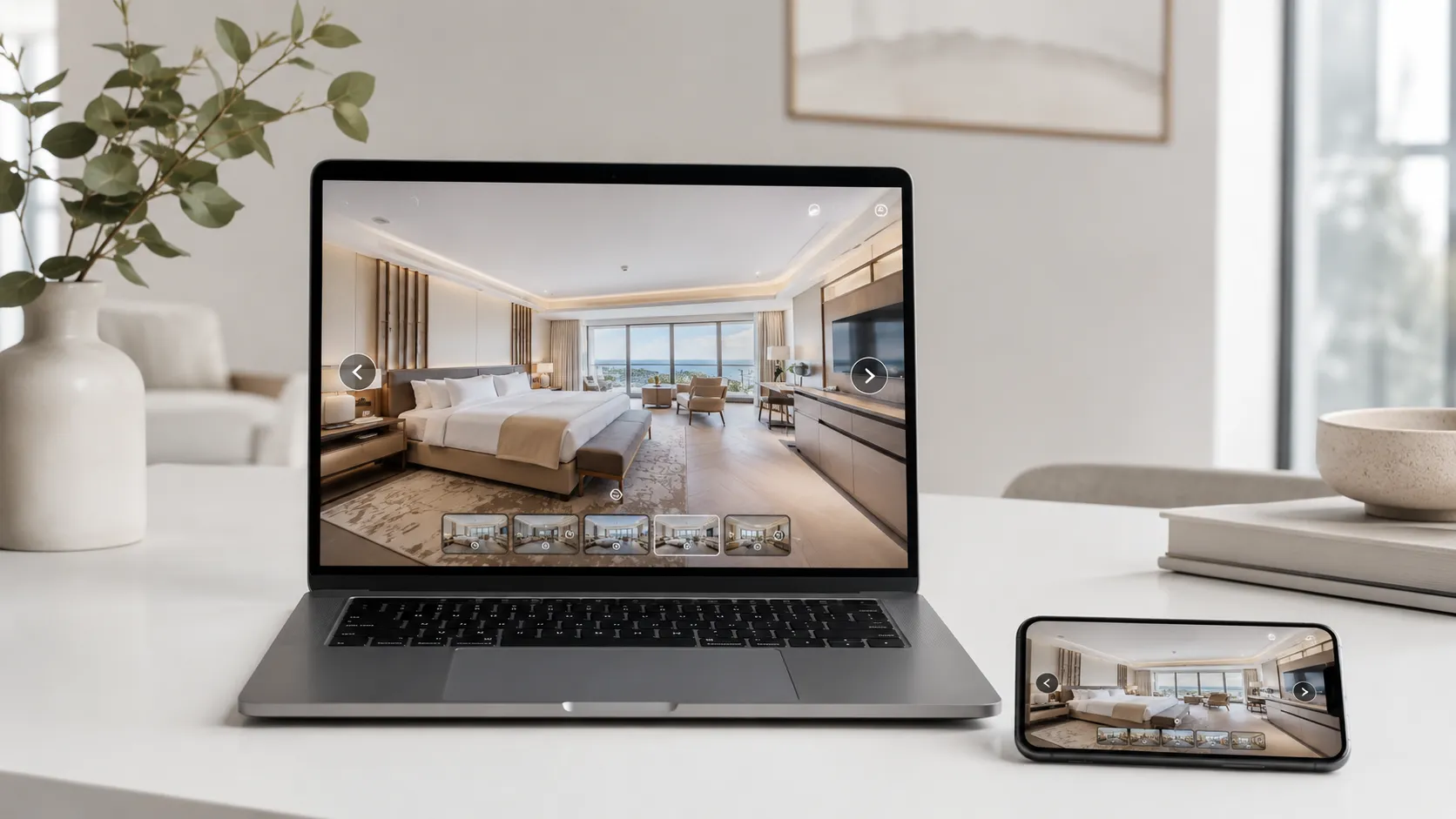
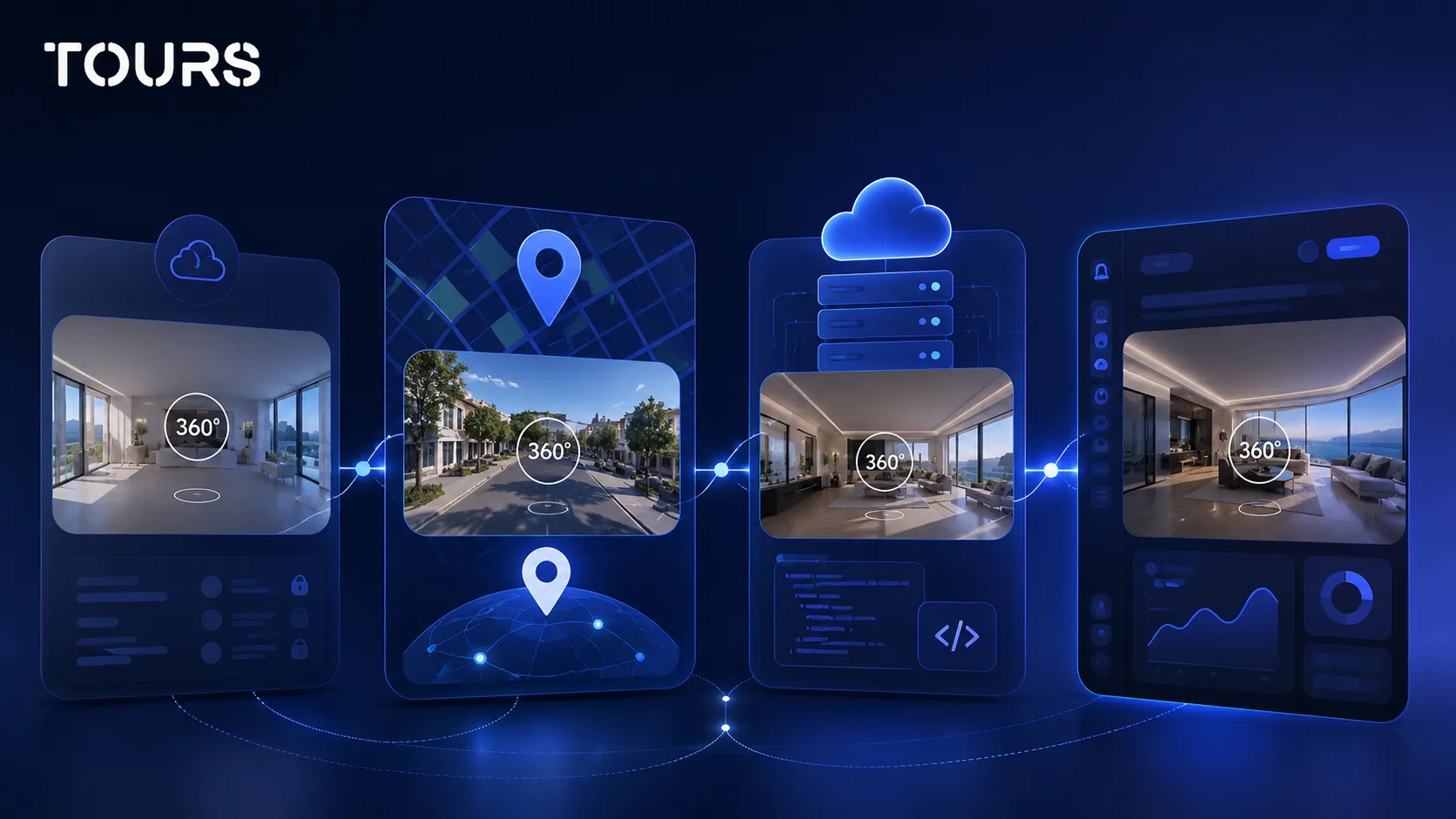
At no cost, you usually get the ability to upload 360° images, create a simple route and see how the experience looks on desktop and mobile. What is often missing are the features that turn the tour into a working business tool: advanced control, privacy, branding, bookings and full website integration.
- You can test panorama quality and scene order before publishing anything official.
- You can check whether the space is easy to understand for a visitor who has never been there.
- You can see whether you need interactive points for explanations, prices, amenities or external links.
- You can decide whether the tour should lead to a booking, quote request, phone call or viewing request.
- You can see where the free plan becomes too narrow for a real business.
Free platform plans can be useful, but they need to be read carefully. Kuula presents its free account as a test option and documents limits for features such as interactive points, uploads and privacy options.[3]Source The lesson is not that a free solution is weak, but that you need to understand exactly what you can show publicly.
For a local business, the limit appears when the tour needs to go on the website, be shared through a QR code, connect to an action and be measured after launch. If a customer sees the space but cannot book, ask for details or move naturally to the next step, the tour remains more of a presentation than a commercial channel.
What free options exist for a 360 tour?
The most common free options are a limited account in a 360° platform, publishing 360° images in Google Maps, a self-hosted static project or a full trial in a SaaS product. The right choice depends on the goal: visual testing, local visibility, a technical experiment or a commercial evaluation.
| Goal | Best free option | When it is no longer enough |
|---|---|---|
| You want to see whether the panorama looks good | Free account or local project | When you need more scenes, interactive points and public control |
| You want visibility in Google Maps | Street View Studio | When you want a controlled experience on your own website |
| You want to test with your team | SaaS trial or private tour | When the tour must be published for real customers |
| You want bookings or inquiries | Trial with commercial features | When you need calendars, roles, approval and usage statistics after launch |
When you are starting, do not begin with the feature list. Start with a simple question: what should the visitor do after seeing the tour? For a restaurant, that may be booking a table. For a guesthouse, it may be choosing a room. For real estate, it may be requesting a showing. For a showroom, it may be asking for a quote.
If the answer is only to view the space, a free plan may be enough. If the answer includes bookings, inquiries, website integration, QR codes, usage statistics or teamwork, you need a solution that does not treat the tour as just a simple 360° gallery.
Why does free not always mean no cost?
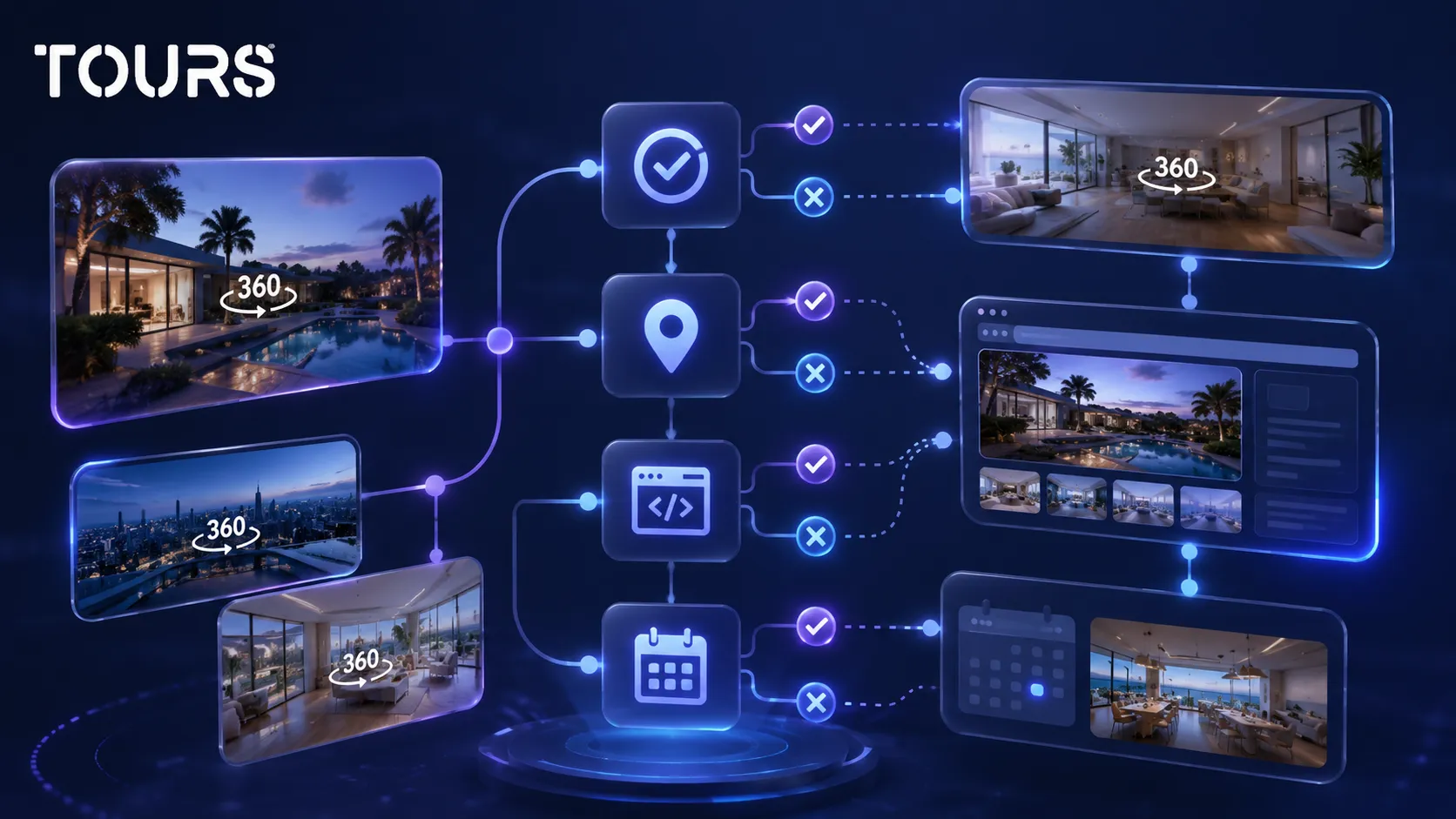
Free does not always mean no cost because you pay with time, limitations, maintenance, lack of control or missing features. Even if the platform or hosting does not ask for money upfront, someone still has to capture the images, optimize them, test the tour and solve issues after publishing.
If you choose to host the files yourself, the cost can look like zero at first. Cloudflare R2 documentation presents a free tier and separate pricing for storage, operations and other infrastructure components.[2]Source Even so, file infrastructure does not replace the editor, publishing, interface, usage statistics and commercial features of a platform.
- 360° capture takes time even when you use your own camera.
- Large files need to be compressed and checked so they load quickly.
- A public tour needs to be tested on phones, tablets, desktops and slow connections.
- A technical prototype needs maintenance if browsers, hosting or libraries change.
- A commercial tour needs clear actions, not just displayed panoramas.
For a personal project, these hidden costs can be acceptable. For a business, time lost on fragile solutions can cost more than a platform that handles the repetitive parts: the 360° editor, publishing, website integration code, QR code, interactive points and usage statistics.
When is a free tour enough for testing?
A free tour is enough when you want to validate the idea, test 360° capture or show internally how the space could look. It is appropriate for first attempts, not for situations where you need a stable public experience that is controlled and connected to conversion.
- You are testing whether the space looks good in 360° and whether the lighting is acceptable.
- You are comparing cameras, lenses or settings before a final capture.
- You want internal feedback from your team before publishing on the website.
- You need a quick demo to explain the idea to a client or partner.
- You do not yet need bookings, usage statistics, approval, roles or website integration code.
For testing, keep the tour short. Choose a few representative scenes, place the navigation in a logical order and check whether the visitor understands the space without long explanations. If it is not clear where the reception desk, table, room, entrance or main area is, the problem is not the platform but the structure of the tour.
When the test looks good, do not keep adding scenes endlessly just because they are free. A useful tour is closer to a guided route than a folder of panoramas. Fewer well-chosen scenes can be more convincing than a long, unclear experience.
When do you need a commercial platform?
You need a commercial platform when the tour must support a real decision: a booking, quote request, viewing request, room selection or contact with the team. At that point, the tour is no longer just visual content. It becomes part of the sales flow.
In Tours, bookings can be connected to the entire tour, specific scenes, scene groups or interactive points with internal tags. If booking is active for the whole tour, the experience can show a global booking button. If booking is connected to an interactive point, the booking window opens when the visitor clicks or taps that point.
For hotels, rooms or room types can be grouped inside the tour and connected to the right calendar. For restaurants, tables or areas can be represented through interactive points, and points with the same tag can use the same calendar. For real estate, scenes or interactive points can trigger viewing requests or quote requests.
If you want a broader analysis of platform selection criteria, the virtual tour software article is the right place. Here, the main idea is simple: the free option is good for learning, but a commercial platform becomes useful when you need to publish, control and measure the result.
How do you test Tours without a card?
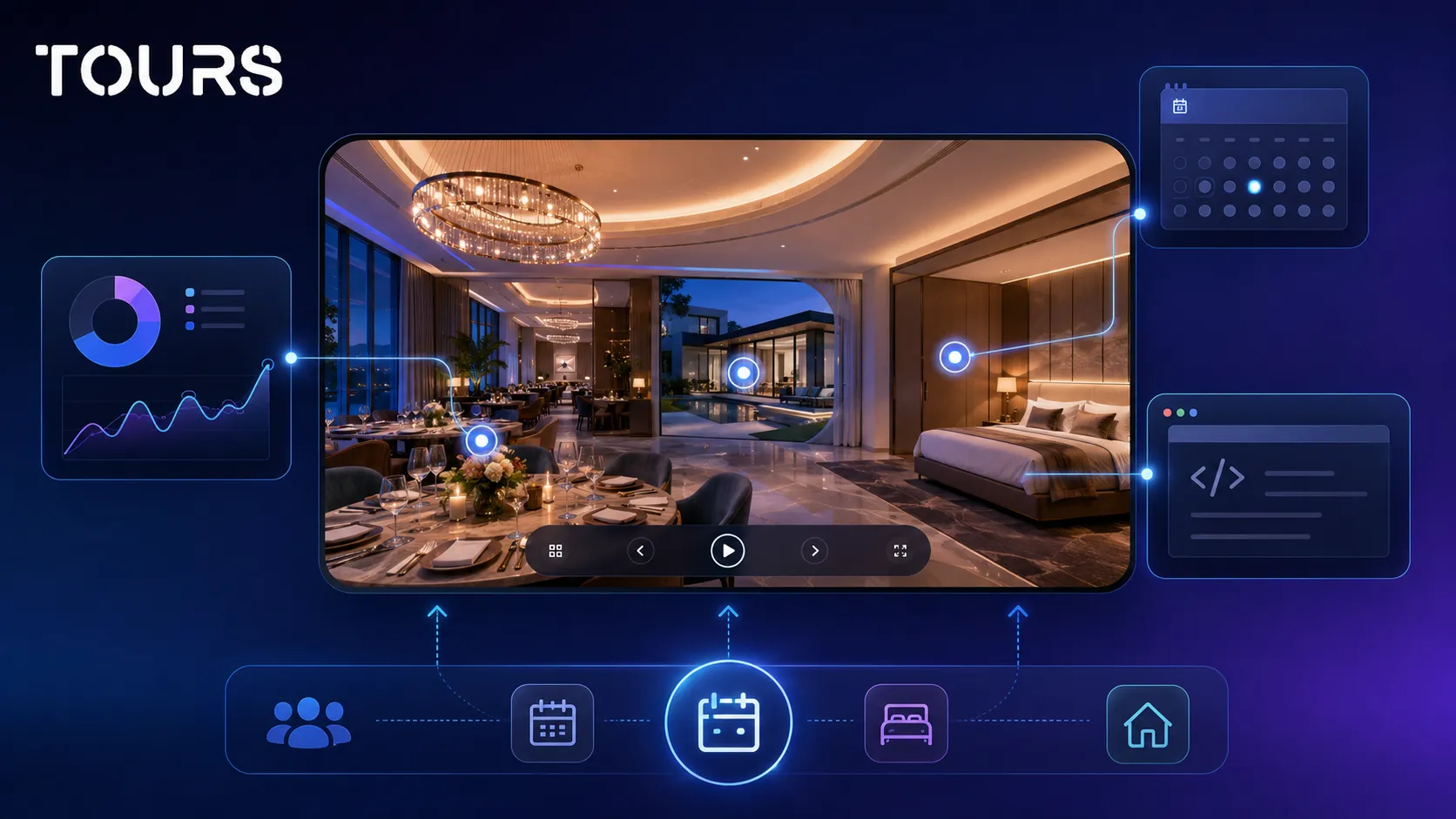
You can test Tours with a 30-day trial without a card, so you can see the full flow before making a decision. You create an account on getours.app, open the My Tours page, start a new tour, upload the first 360° scene and continue into the 360° editor for customization.
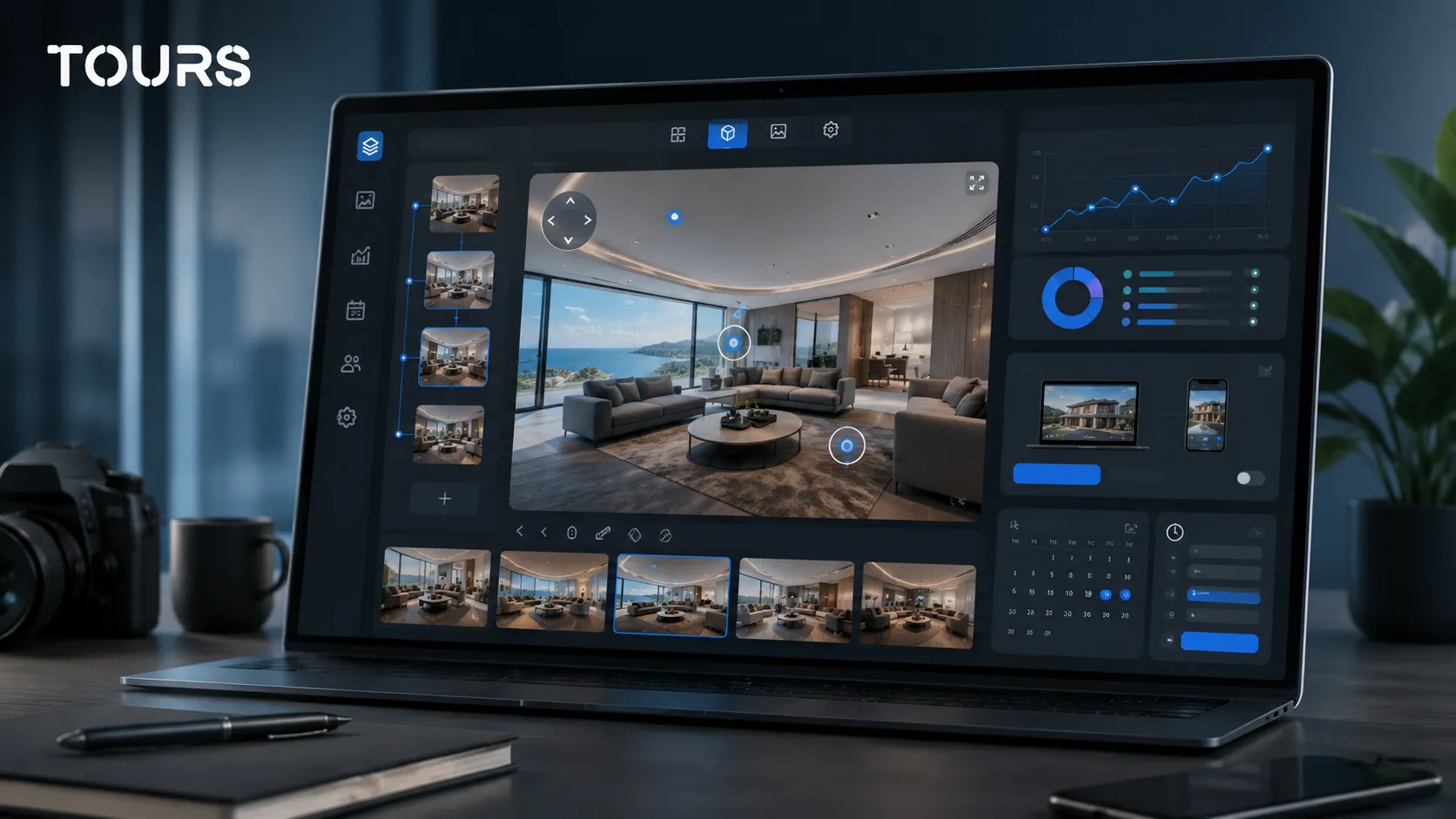
In the creation window, you fill in the tour name and category, then you can optionally add the location, price and tags. After uploading the first scene and giving it a clear name, the editor opens for additional scenes, navigation points, information, external links, groups, text, images and video.
Publishing is separate from editing: you click the Publish button, choose the visibility setting and the tour waits for approval from a Tours moderator before it becomes publicly active. For bookings, you go separately to Booking Manager, set the calendar, choose the right algorithm and, when needed, add team members who can accept or reject booking requests.
The difference from many free options is that you test an experience close to real use: editor, publishing, website integration, QR code, interactive points, usage statistics and bookings. Tours plans start at €19/month, while Pro includes bookings from €59/month if you need the full commercial flow after the test.
If you only want to experiment, start free and learn what works. If you want the tour to generate bookings, inquiries or viewing requests, test Tours for 30 days without a card and decide after you see how the experience performs with real scenes, interactive points and website publishing.
Sources
Studies and reports cited in this article
All sources are checked and publicly available.
- Publishing 360° images in Street View StudiodocumentGoogleOfficial page about creating, uploading and managing 360° images for Street View Studio.
- Free tier for R2 object storagedocumentCloudflareOfficial documentation about R2 pricing, the free tier and costs for storage and operations.
- Limits of a free account for 360° toursdocumentKuulaSupport page explaining what the Kuula free account includes and which features are limited for visitors.
We carefully select trusted sources to keep the content relevant and up to date.
Frequently Asked Questions
Can I create a free virtual tour for a business?
Yes, you can create a free virtual tour for testing, a demo or initial validation. For a business, carefully check what you can actually publish, whether you can add the tour to your website, whether interactive points are visible to customers and whether there are limits on privacy, branding or the number of images.
What is the difference between free and a free trial?
A free plan can remain available for a long time, but it usually has clear limitations. A free trial is a period when you can test features that are closer to the complete product. For a commercial decision, the trial is often more useful because it shows how publishing, website integration, usage statistics and bookings work.
Is Google Maps enough for a free 360° virtual tour?
Google Maps can be very useful for local visibility and public 360° images. It is not the same as a controlled tour on your own website. If you want design control, a customized route, commercial interactive points, a booking button, your own QR code or usage statistics in the context of your website, you need a dedicated platform.
Can I use a free tour on my website?
It depends on the platform. Some free plans allow sharing or website integration with limits, while others restrict the features visitors can see. Before publishing, test the tour as a logged-out user on phone and desktop so you know exactly what the final customer sees.
Which features are most often missing from a free virtual tour?
The most common limits are public interactive points, privacy options, custom branding, password protection, number of uploads, publishing quality, usage statistics and booking features. Some limits are acceptable for testing, but they become a problem when the tour is used in sales.
Do I need a 360° camera for a free virtual tour?
For a real 360 tour, you need 360° panoramic images. You can create them with a 360° camera, certain phones and apps or professional photography. A free platform does not automatically solve capture quality, and lighting, camera position and image clarity strongly influence the result.
When is it worth moving from free to paid?
It is worth moving to a paid plan when the tour needs to be public, stable, added to your website and connected to a clear action. If you receive real visitors and want bookings, inquiries, protection, QR sharing, usage statistics or control over the experience, the platform cost becomes easier to justify.
Can I have bookings in a free virtual tour?
Some solutions may allow simple links, but integrated bookings are usually a commercial feature. In Tours, bookings are configured through Booking Manager and can be connected to the entire tour, scenes, scene groups or interactive points with internal tags, depending on how the experience is built.
Is a free virtual tour good for real estate?
Yes, it is useful for testing a property, especially if you want to see whether 360° images reduce repetitive questions. For real use in real estate, viewing requests, room-level information, a clear route, integration with the listing page and access control become important.
Does Tours have a free version?
Tours offers a 30-day trial without a card, designed for testing the full flow before making a decision. You can create a tour, customize it in the 360° editor, check publishing, website integration code, QR sharing, interactive points, usage statistics and booking options.