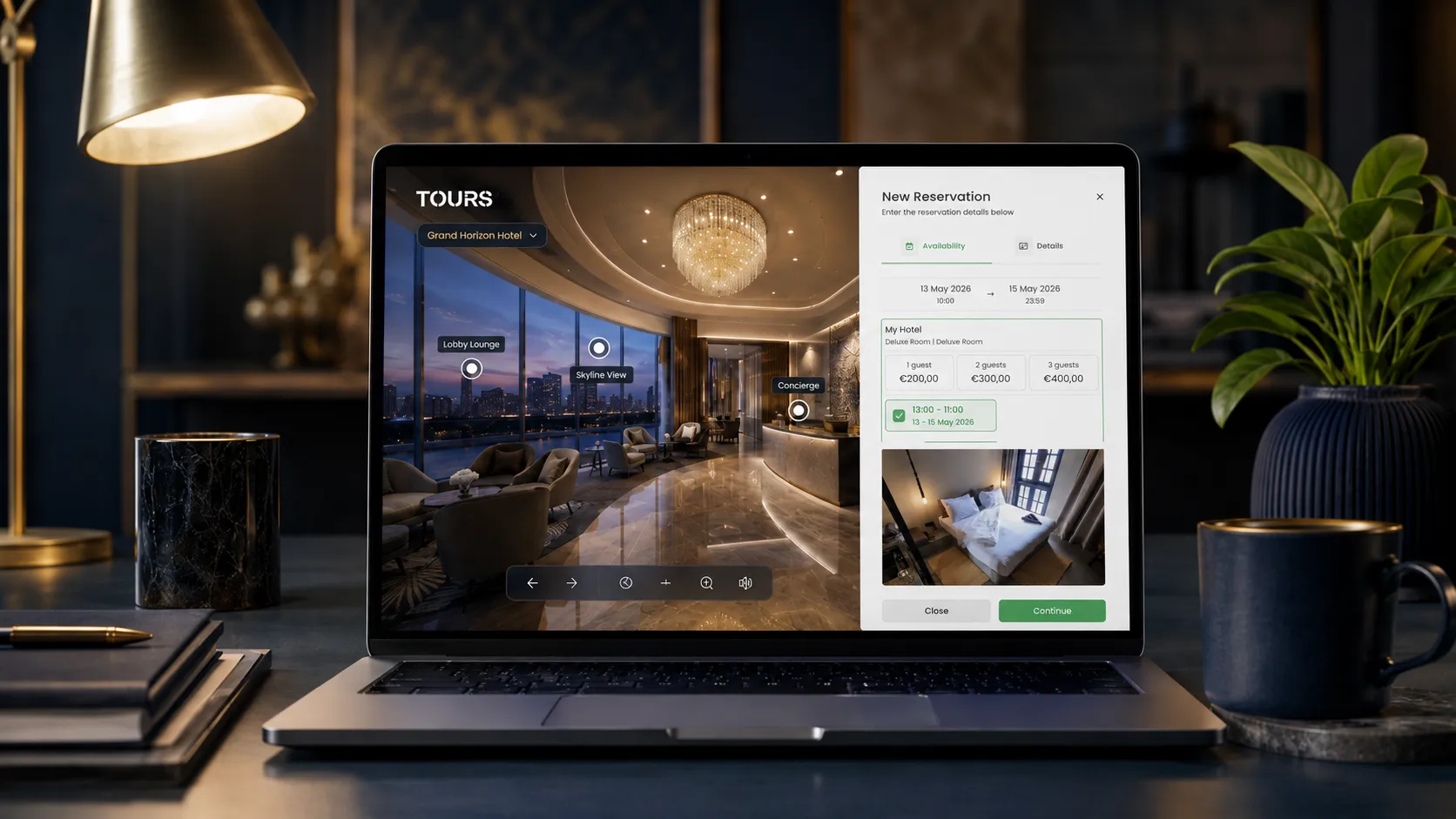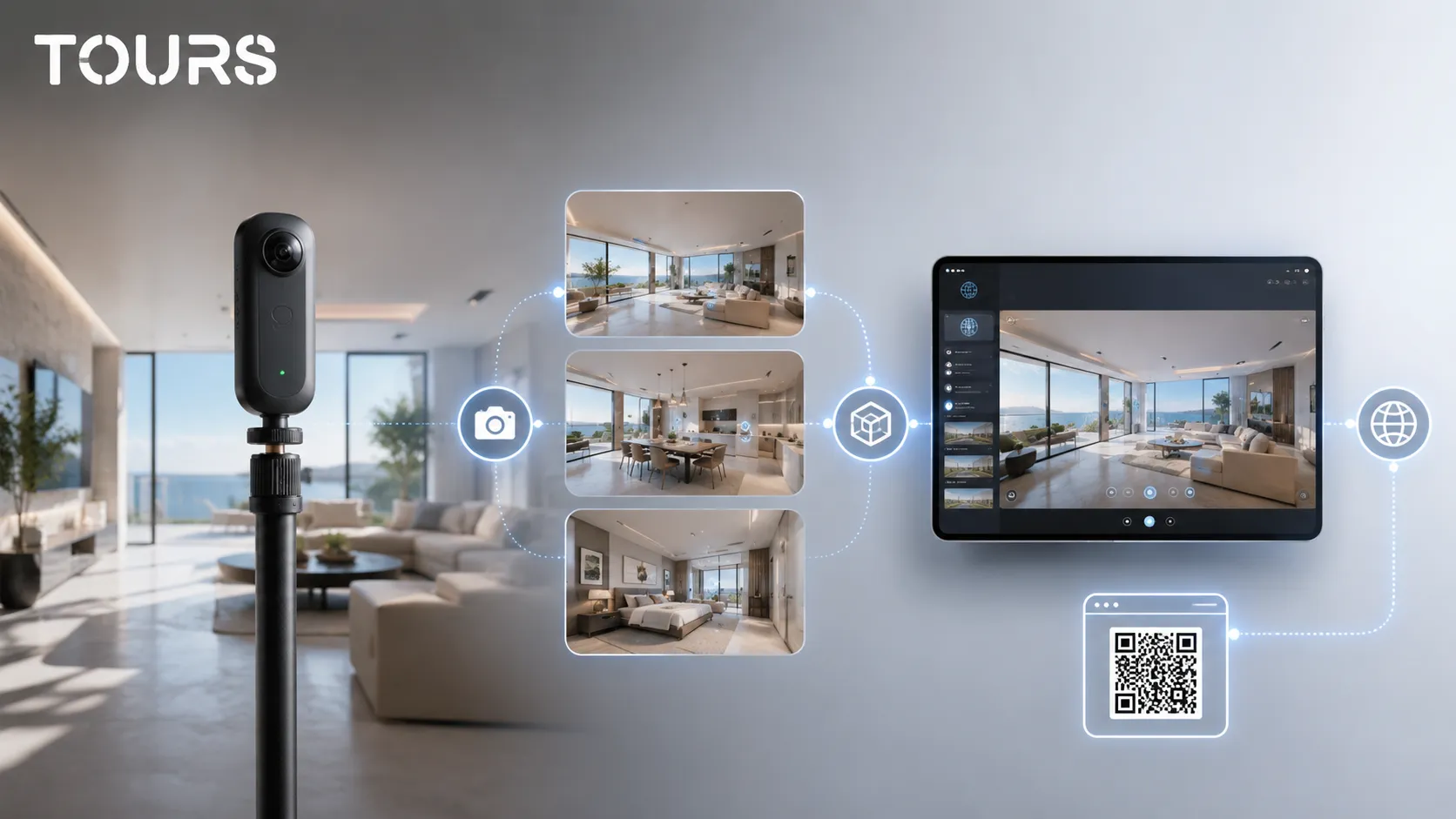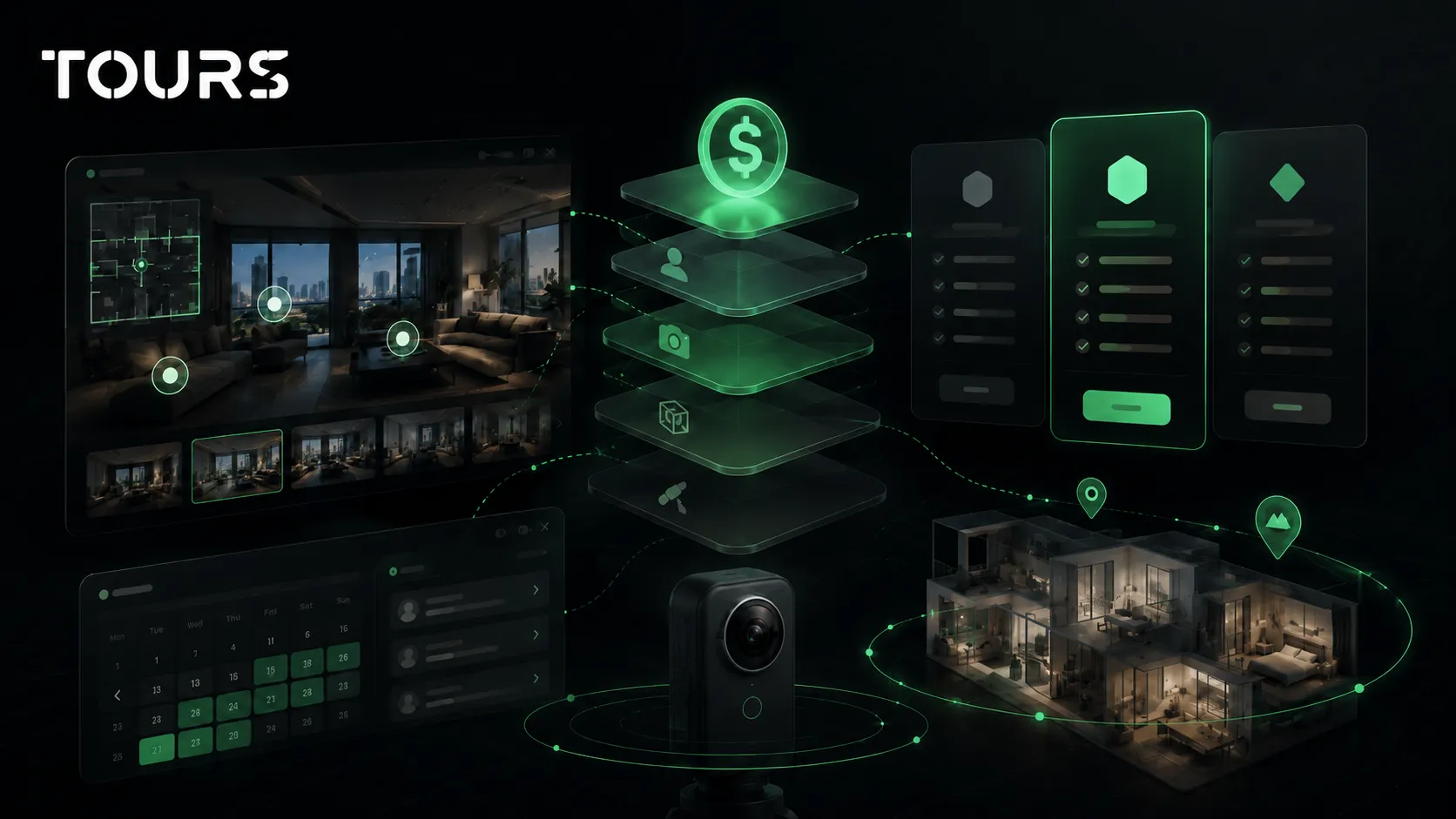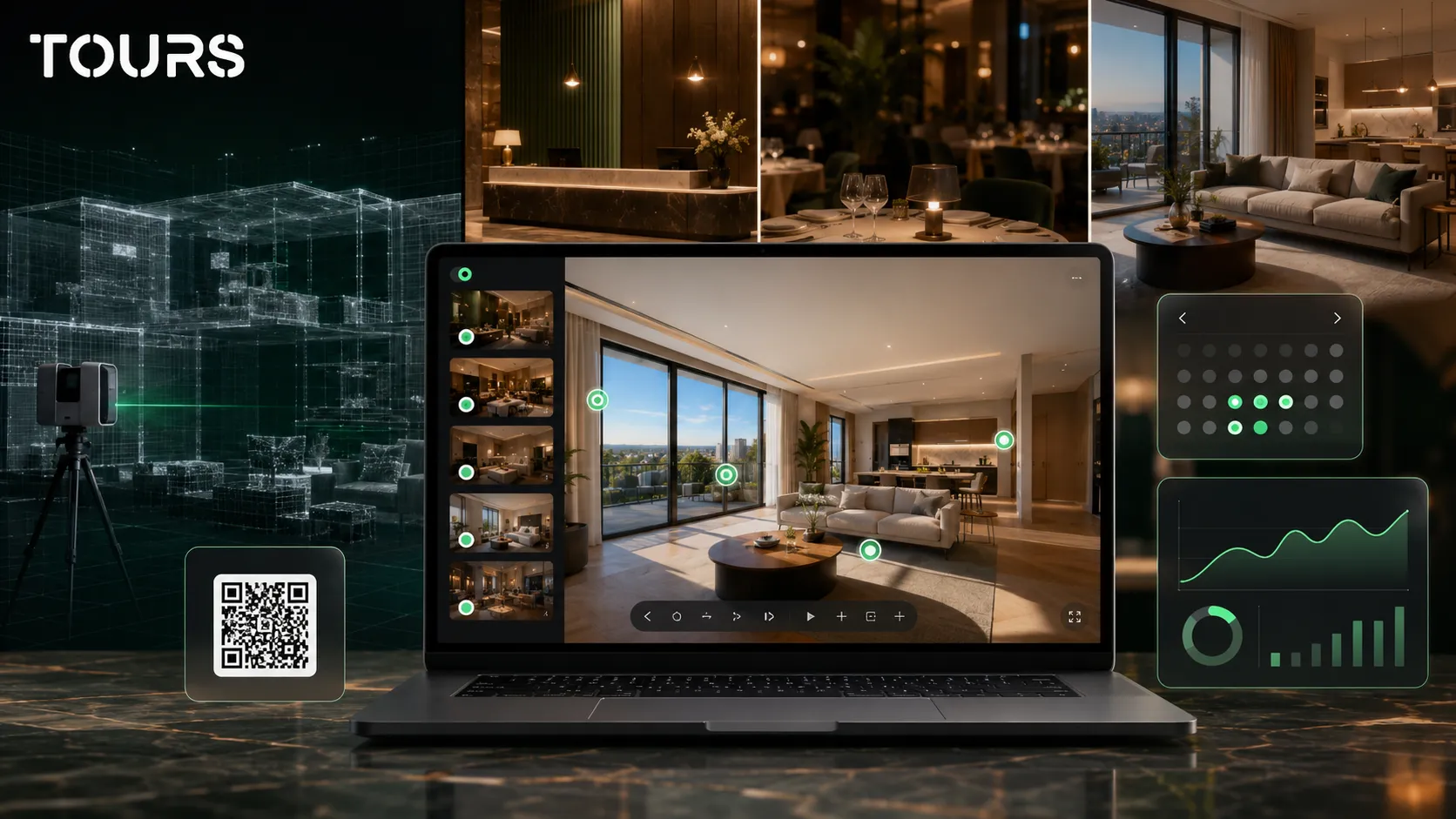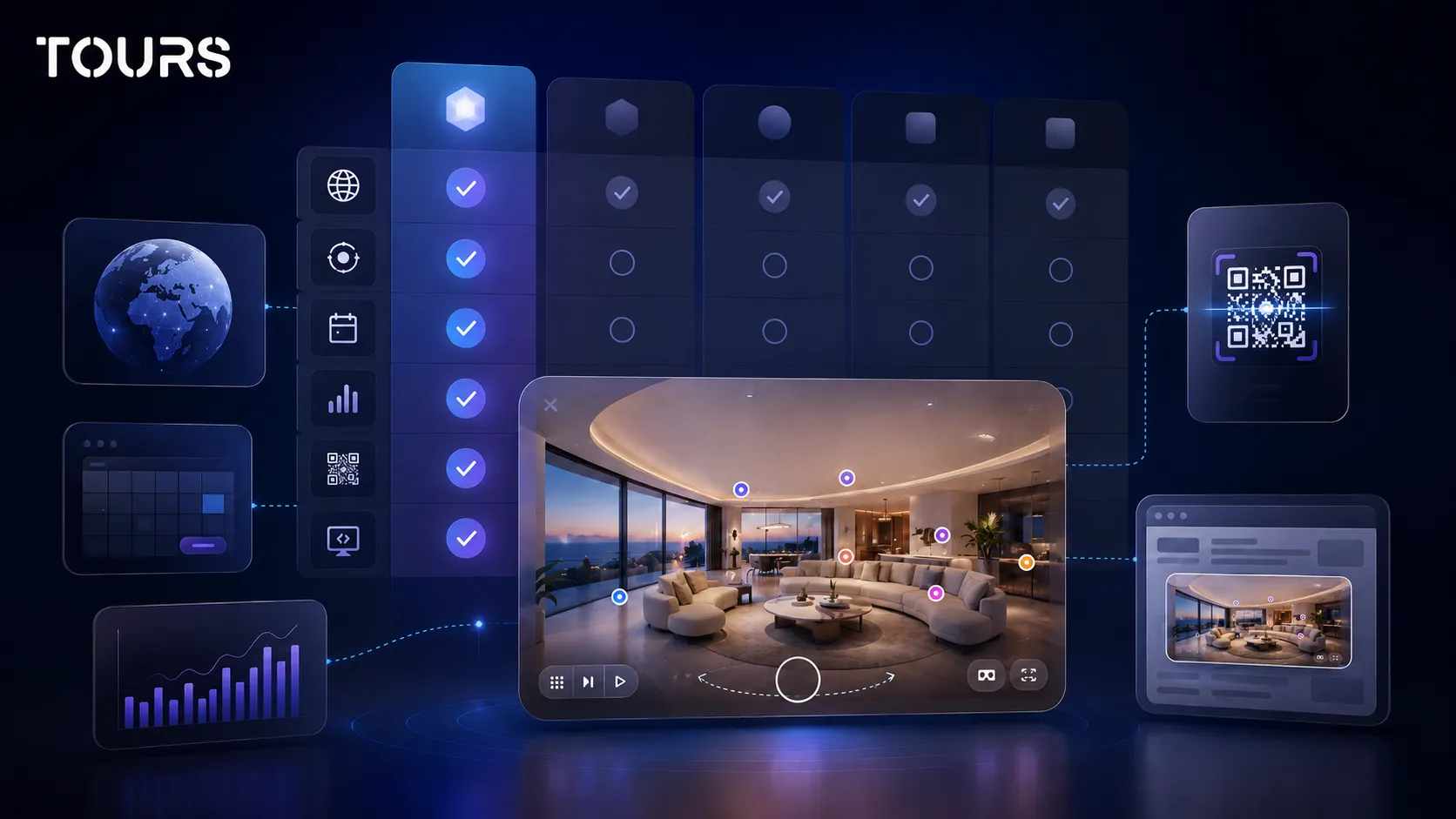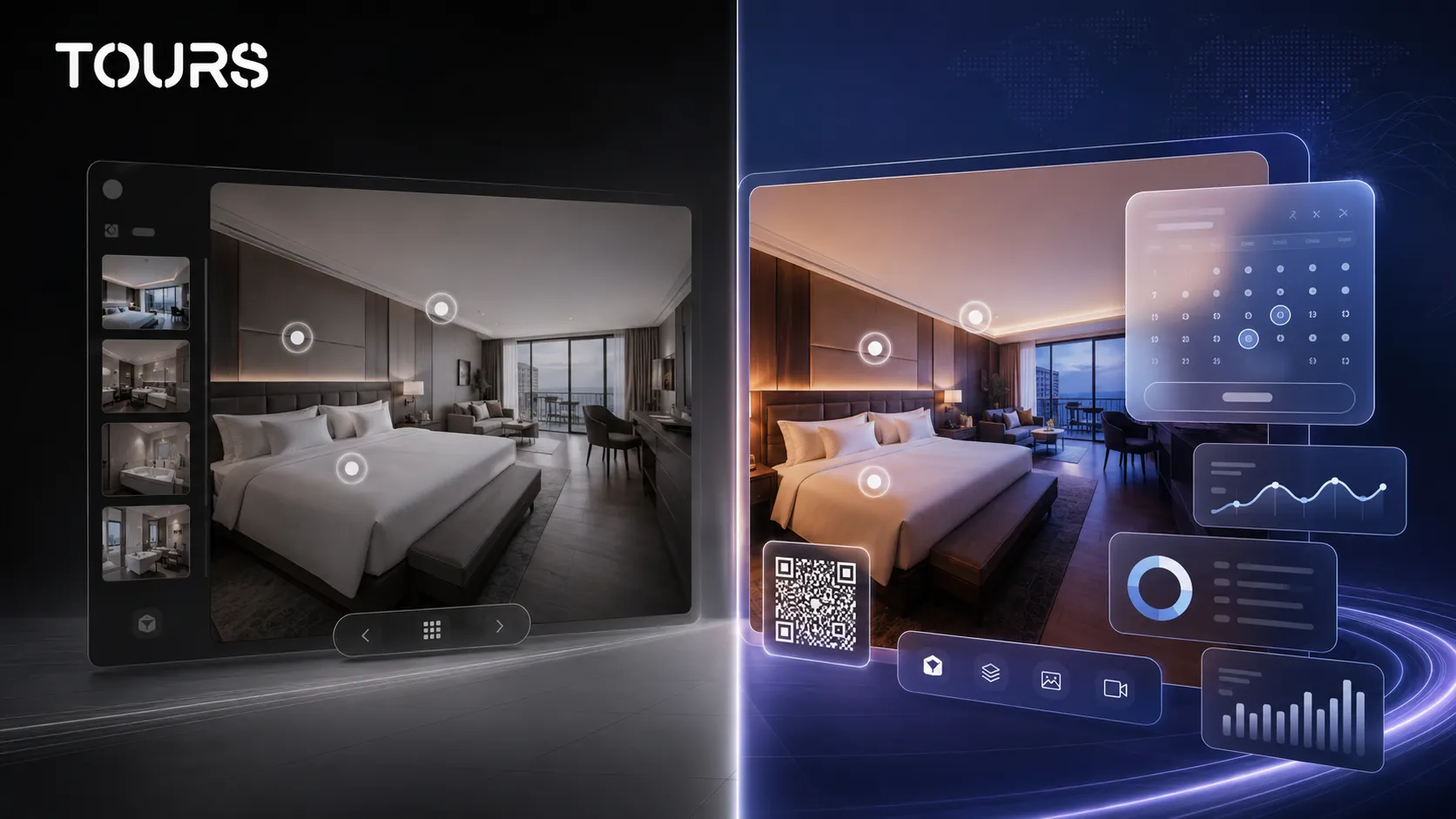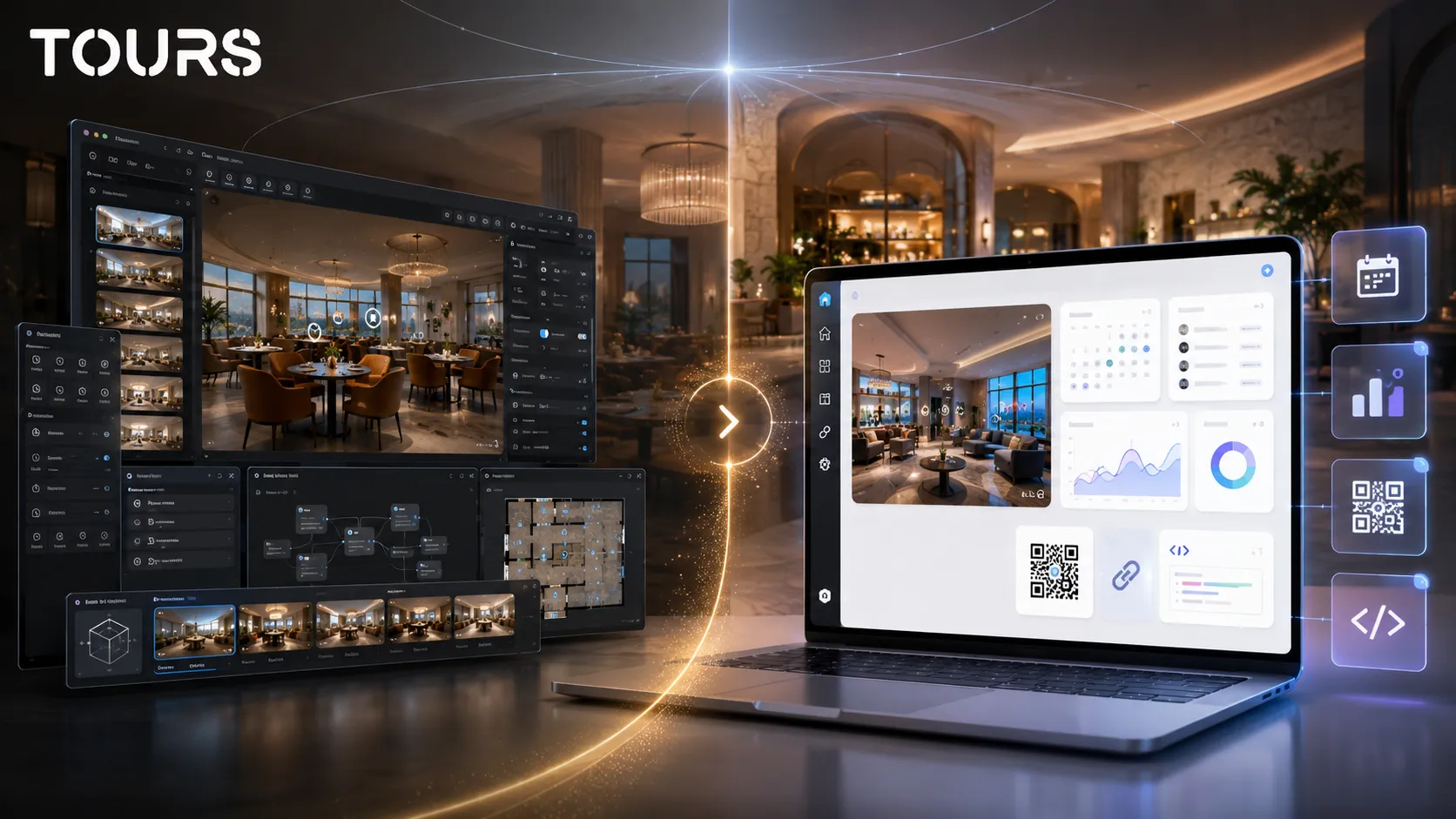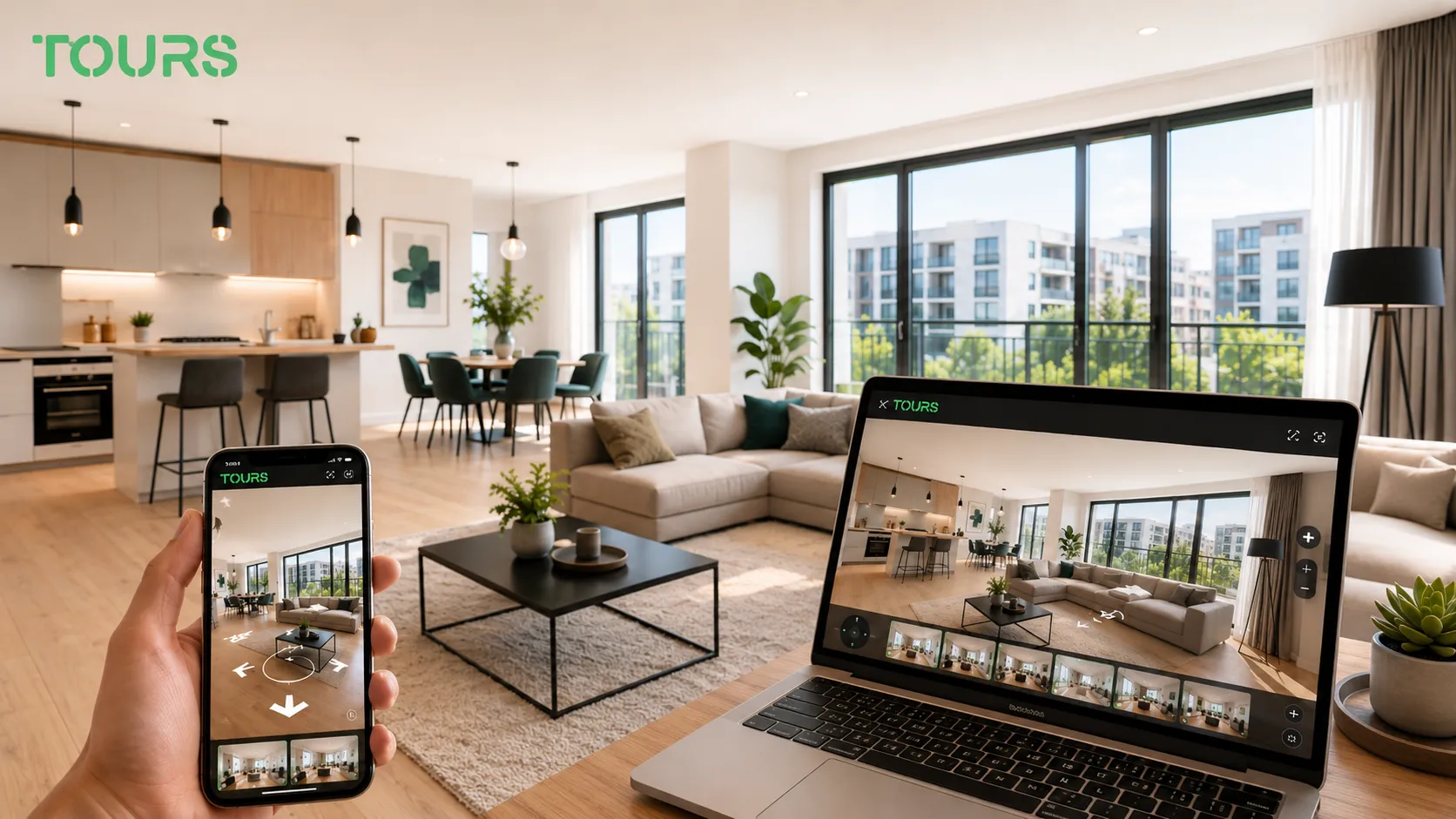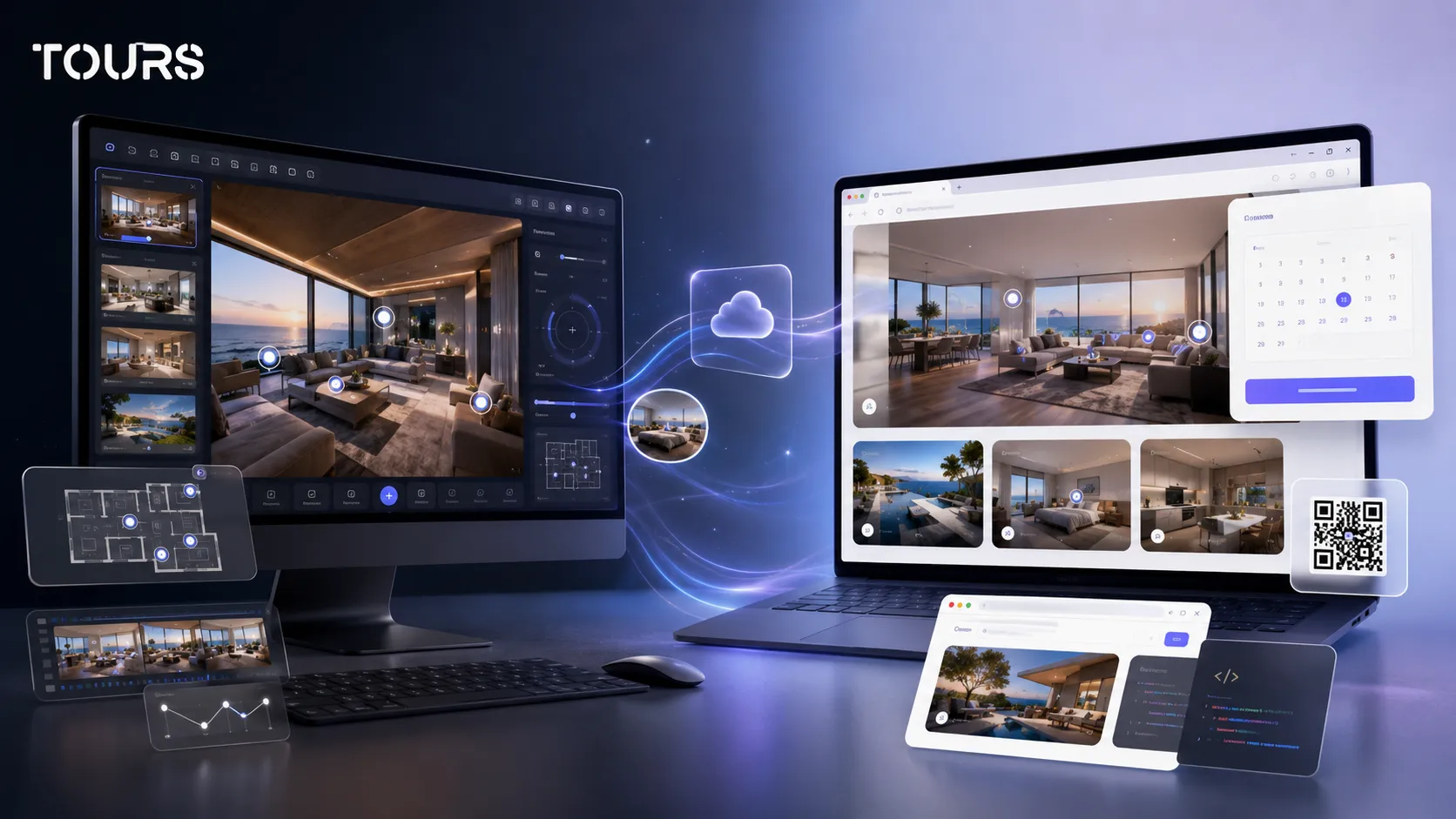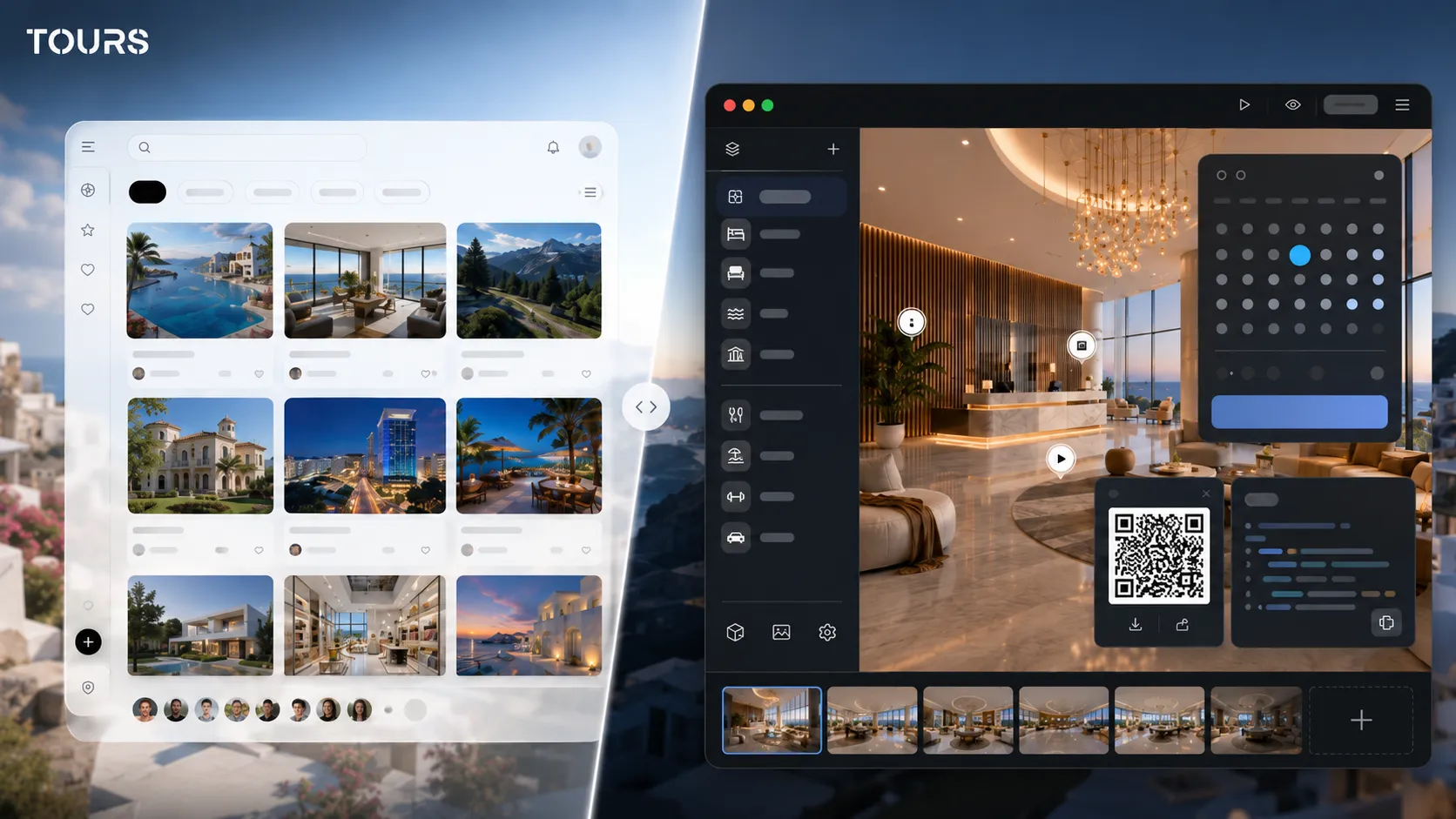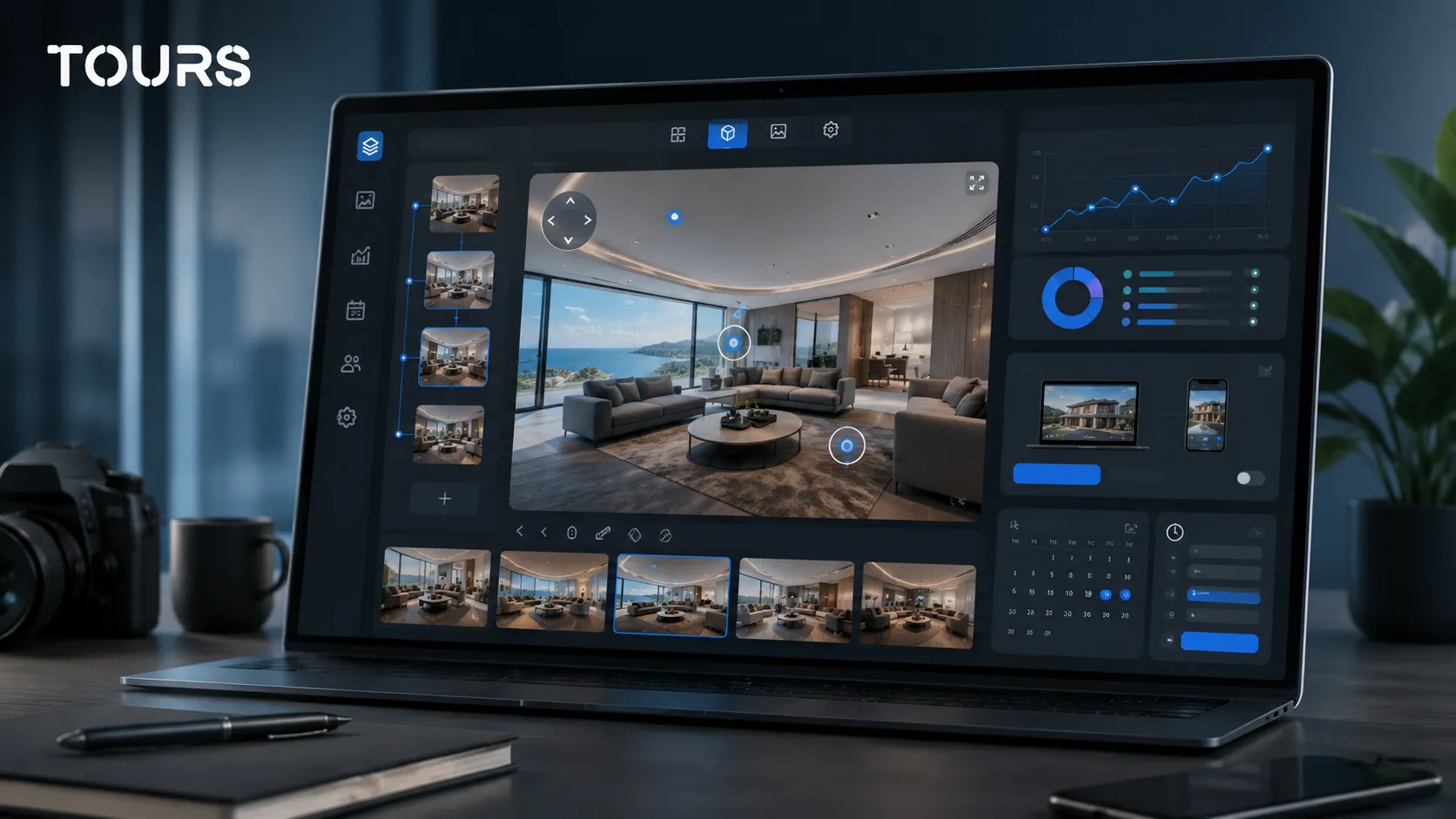

Virtual tour software is the platform where you create, organize, publish and track interactive 360° tours for a business. A good choice is not only about the panoramic image. It is about scenes, interactive points, website integration code, usage statistics and the steps that move a visitor toward a clear action.
Tours is a SaaS platform for interactive 360° virtual tours, built for hotels, restaurants, real estate agencies, developers, showrooms, apartments, guesthouses and event venues. Instead of being only a polished visual, the tour becomes a place where the customer can understand the space, ask for details or decide whether it is worth moving forward.
In short
- Choose virtual tour software based on the business flow, not only on panorama quality.
- Check scenes, groups, interactive points, website integration code, QR sharing, usage statistics and publishing rights.
- The platform should help the visitor move naturally from exploration to a clear action: contact, inquiry, appointment or reservation, depending on the industry.
- Separate the platform cost from the 360° capture cost, because sometimes you need a photographer and sometimes your team can upload the material itself.
- Tours makes sense when you want a browser-ready tour with interactive points, usage statistics, a 30-day free trial and no card required at the start.
What should you evaluate before choosing virtual tour software?
Before choosing virtual tour software, define what needs to happen after publishing. A tour can reduce repetitive questions, qualify visitors or support a buying decision, but only if the platform provides the right next steps after someone has seen the space.
For a hotel, rooms, facilities and trust matter before contact. For a restaurant, the dining room, terrace, tables and atmosphere matter. For real estate, the buyer journey, property details and the option to request a viewing without unnecessary back-and-forth matter most.
The market context supports that decision: Eurostat reported 951.6 million nights spent in 2025 in short-term rentals booked online through platforms, up 11.4% from 2024.[1]Source For tourism properties, visual presentation and online action are increasingly part of the same buying decision.
- If the tour supports sales, prioritize interactive points, contextual information and clear inquiries.
- If the tour is for lodging or a restaurant, check whether the platform can support the presentation of spaces, rooms, areas and details that influence the decision.
- If the tour is for marketing, check website integration code, QR sharing, social sharing and usage statistics.
- If your internal team will work in the platform, check how simple the editor and publishing steps are.
What features should a virtual tour platform have?
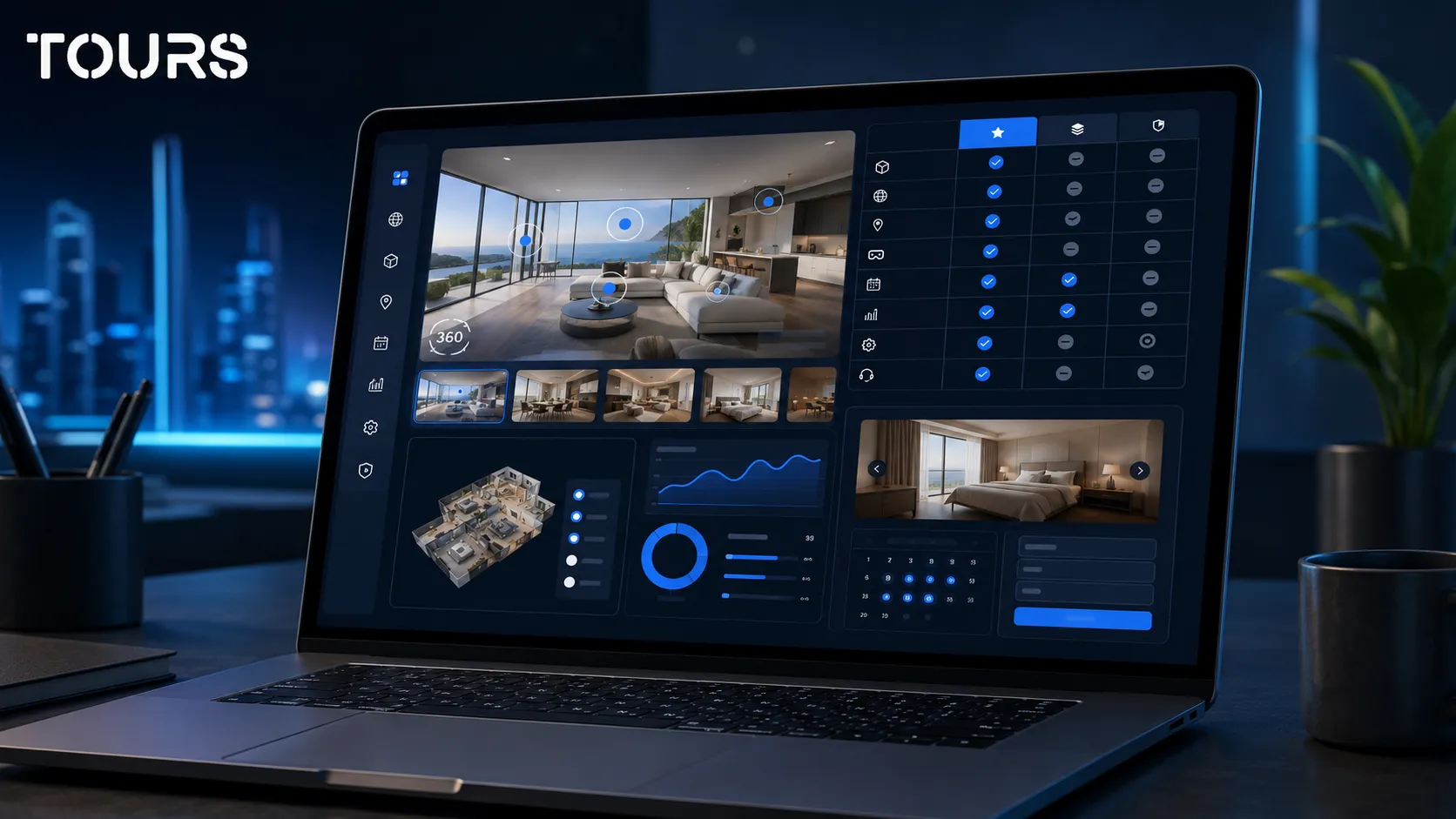
A virtual tour platform should cover the full path: uploading 360° scenes, organizing them, navigating between spaces, adding interactive points, publishing, adding the tour to your website, sharing it by QR code and reading usage statistics. For businesses, the important feature is turning the visit into a measurable action.
Not every platform is built for the same goal. Some focus on 3D scanning, others on simple presentations and others on interactive tours with business actions. Before comparing prices, compare what you can do after the visitor enters the 360 tour.
| Criterion | What to check | Why it matters |
|---|---|---|
| 360° scenes | You can upload clear panoramas, rename scenes and build a logical path. | The visitor understands the space without separate explanations. |
| Interactive points | You can add information, images, video, links and contextual actions. | The tour becomes useful, not only visual. |
| Groups | You can group rooms, areas, apartments, houses or showrooms. | Large projects stay easy to explore. |
| Website integration | You get website integration code and clear publishing options. | The team can show the tour on the website without a complicated technical project. |
| Usage statistics | You can see sessions, visited scenes, clicks and usage data. | You understand which spaces attract attention and where visitors get stuck. |
| Business actions | You can connect inquiries, links, forms, appointments or dedicated flows, depending on your use case. | The visitor can take the next step while interest is high. |
Platform, photographer or full service: how do you choose?
The platform, photography and a full service are different things. The platform is where you manage the tour. Photography produces the 360° images. A full service usually includes capture, editing, uploading and setup. The right choice depends on budget, time, team and the quality level you need.
If you have a small space, a good 360° camera and a careful team, you can start in-house. If you have a hotel, residential development, large showroom or premium property, a photographer can help you avoid lighting issues, tilted shots, difficult mirrors and panoramas that are hard to connect cleanly.
In real estate, visual quality is not a decorative detail. In NAR's 2025 home staging report, 43% of buyers' agents said virtual tours were very important to their clients.[2]Source Although the data comes from the US market, the direction is useful: visual presentation helps people decide whether it is worth moving forward.
For a dedicated breakdown of photographer, service and platform options, treat this article as the starting point and continue with the guide on virtual tour creation. That decision is discussed there in more detail, without overloading this software guide.
What does the creation flow look like in Tours?
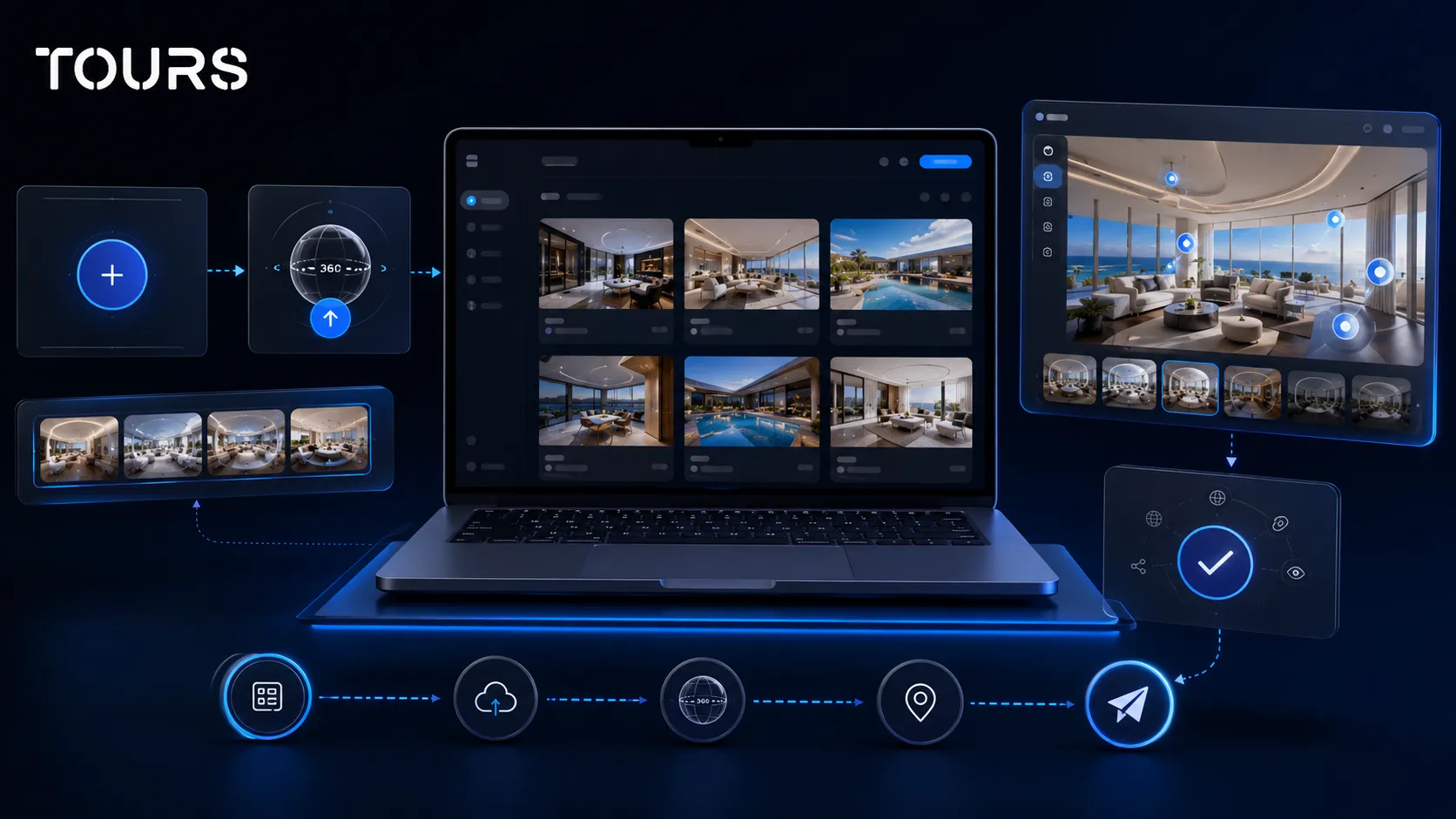
The right flow starts simply: you create an account on getours.app, enter the My Tours page, choose the button for a new tour and complete the creation window. Name and category are required, while location, price and tags can be added when they are relevant.
After that, you upload the first 360° scene and give it a clear name. The tour opens in the 360° editor, where you can add scenes, navigation, groups, text, images, video, links and interactive points. Internal tags are useful when you want to organize larger projects, separate areas or prepare different actions inside the tour.
At the end, you use the Publish button, choose visibility and send the tour for approval. A tour should not be treated as public the second you publish it: before it becomes available to visitors, it goes through approval by a Tours moderator.
How do you turn the tour into a business action?
A virtual tour should not be only a panoramic gallery. After the visitor sees the space, there should be a clear next step: ask for details, open a relevant page, request a viewing, contact the team or continue toward an offer.
In Tours, interactive points can be used for navigation, contextual information, images, videos, external links and actions that are relevant to the visited space. For example, a real estate agent can add a point for apartment details, a showroom can send visitors to a product page and a hotel can highlight important rooms and facilities.
For more advanced flows, such as calendars, reservation requests, appointments connected to scenes, groups or hotspots, it is better to treat the topic separately. This guide explains how to choose software in general, while the dedicated article about virtual tour software with bookings goes deeper into booking integration.
The business action should match the visitor's intent. On a presentation page, a link or short form may be enough. On a hotel, restaurant or available property page, a flow closer to a booking or appointment may make sense. A good platform lets you choose the right level without forcing the same model on every industry.
How do you check the real cost of the platform?
The real cost is not only the monthly subscription. It includes the number of tours, allowed scenes, storage, traffic, included features, publishing rights, capture work and team time. A low price can become expensive if it limits the exact function you need.
In Tours, you can start with a 30-day free trial and no card required. For a first test, the healthiest approach is to build one pilot tour, not move every space on day one. This lets you see whether the editor, publishing, website integration code and usage statistics fit how your team works.
- Calculate 360° image capture and platform cost separately.
- Check whether the selected plan allows the real number of tours and scenes you need.
- Include setup time for interactive points, groups, images, text and links.
- Compare the 12-month cost, not only the first month's price.
- Check whether the advanced features you need are included in the plan or available only separately.
How is virtual tour software different from Matterport 3D scans?
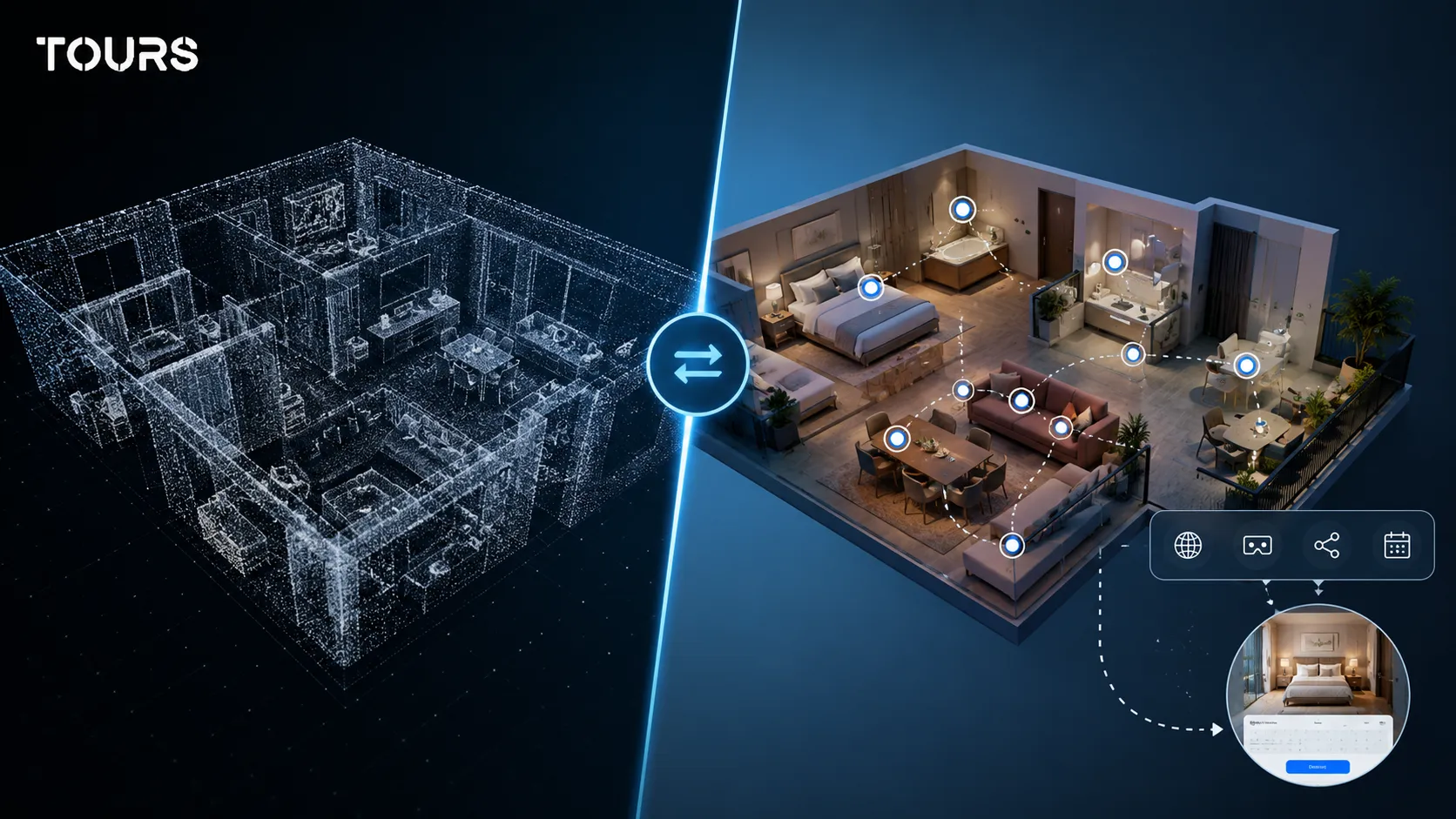
The main difference is the goal. A 3D scanning solution emphasizes the spatial model, measurements and the feeling of a reconstructed space. An interactive virtual tour platform emphasizes presentation, publishing, interactive points, website integration code, usage statistics and business actions.
Matterport can make sense when you need 3D scanning, floor plans or an experience close to spatial modeling. Tours makes sense when you want business control in the browser: 360° scenes, contextual information, QR code sharing, website integration code, simpler content updates and visitor interaction data.
This is not a universal choice. For a museum, a technical project or a property where measurements are central, 3D scanning can be important. For hotels, restaurants, showrooms and many commercial properties, a well-organized 360° presentation may be enough and easier to maintain.
When does Tours make sense for your business?
Tours makes sense when you need a 360 tour that can be published in the browser, added to your website and connected to business actions. It is especially useful for businesses where the visitor needs to see the space before asking questions, requesting details, booking a viewing or contacting the team.
The product is available at getours.app and is developed by Code Rev S.R.L. For the user, the practical part matters most: you can create the tour, organize scenes, add interactive points, publish after approval and track usage statistics without building a solution from scratch.
A good test is to choose one representative space. Upload the essential scenes, add the important interactive points, publish the tour after approval and track whether visitors reach an inquiry, viewing request or contact step more easily.
Sources
Studies and reports cited in this article
All sources are checked and publicly available.
- Nights booked online through platforms in 2025reportEurostatOfficial data on nights spent in EU short-term accommodations booked online through platforms such as Airbnb, Booking and Expedia.
- Report on home presentation and virtual toursreportNational Association of RealtorsA 2025 report on the role of visual presentation, photos, video and virtual tours in real estate.
We carefully select trusted sources to keep the content relevant and up to date.
Frequently Asked Questions
What is virtual tour software?
Virtual tour software is a platform where you create, organize, publish and track interactive 360° tours. In a business context, panoramic display is not the only thing that matters. Interactive points, website integration code, usage statistics, publishing and the options that let a visitor request details, schedule a viewing or contact the team also matter.
How do I choose a virtual tour platform?
Start with the goal of the tour: do you want presentation, inquiries, qualified viewings, sales support or a clearer website experience? Then check whether the platform supports multiple scenes, groups, interactive points, website integration code, QR sharing, usage statistics and business actions. Only after that should you compare pricing and plan limits.
Do I need a professional photographer for a virtual tour?
Not always. For small spaces or quick tests, your team can work with a good 360° camera and upload the material to the platform. For hotels, residential projects, large showrooms or premium spaces, a photographer can help a lot with lighting, composition, clarity and consistency between scenes.
Can virtual tour software support business actions?
Yes. A good platform is not limited to displaying panoramas. It can include interactive points, links, contextual information, forms or other actions that help the visitor take the next step. For detailed flows with calendars and bookings, read the dedicated guide on virtual tour software with bookings.
What is the difference between Tours and Matterport?
Matterport is known mainly for 3D scanning and spatial models. Tours is focused on interactive 360° tours for businesses, with interactive points, website integration code, usage statistics and fast browser-based publishing. The right choice depends on what you need: a 3D model and measurements, or a business presentation that is easier to manage.
Can I add the virtual tour to my website?
Yes. A good platform should provide website integration code and clear publishing options. In practice, the tour can be displayed on the page for a hotel, restaurant, property, apartment or showroom, so the visitor can explore the space without leaving your website.
How much does virtual tour software cost?
The cost depends on the number of tours, scenes, features, storage, traffic and support level. Always separate the platform subscription from the 360° capture cost. In Tours, you can start with a 30-day free trial with no card required, so you can check the editor, publishing, website integration code and usage statistics before choosing a paid plan.
What should I check before buying a virtual tour platform?
Check whether the platform fits your real workflow: easy creation, multiple scenes, interactive points, groups, publishing, website integration code, QR sharing and usage statistics. Then check plan limits, the 12-month cost and how easily your team can update the tour.
Which industries is Tours suitable for?
Tours is suitable for hotels, guesthouses, restaurants, real estate agencies, residential developers, apartments, showrooms, event venues and owners who want to present a space clearly. It makes the most sense when the visitor needs to see the place before asking questions, requesting details or contacting the team.
If you want to see whether Tours fits your business, start with a pilot tour. Choose one representative space, upload the 360° scenes, add interactive points, publish the tour after approval and track whether visitors reach an inquiry, viewing request or contact step more easily.