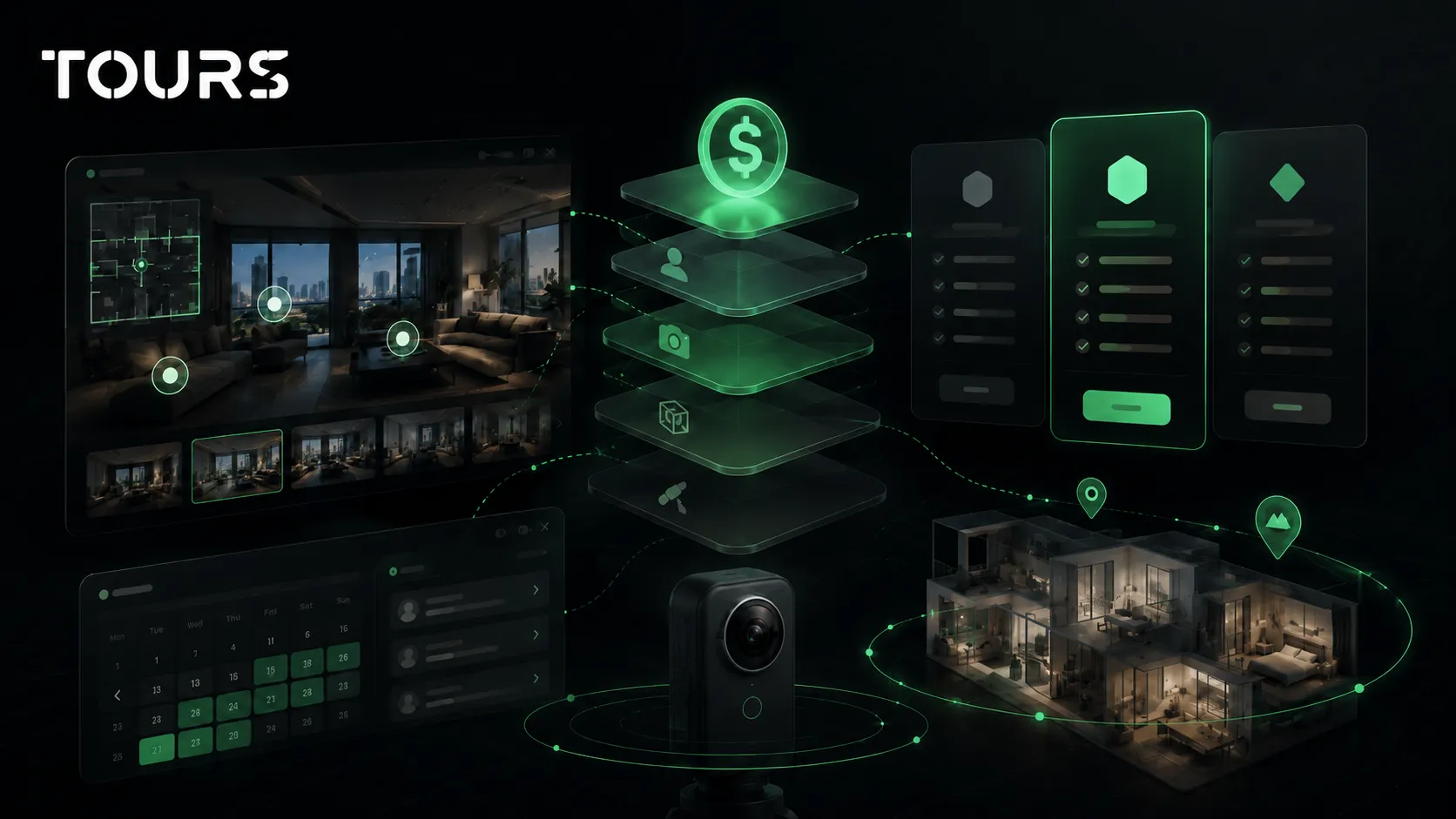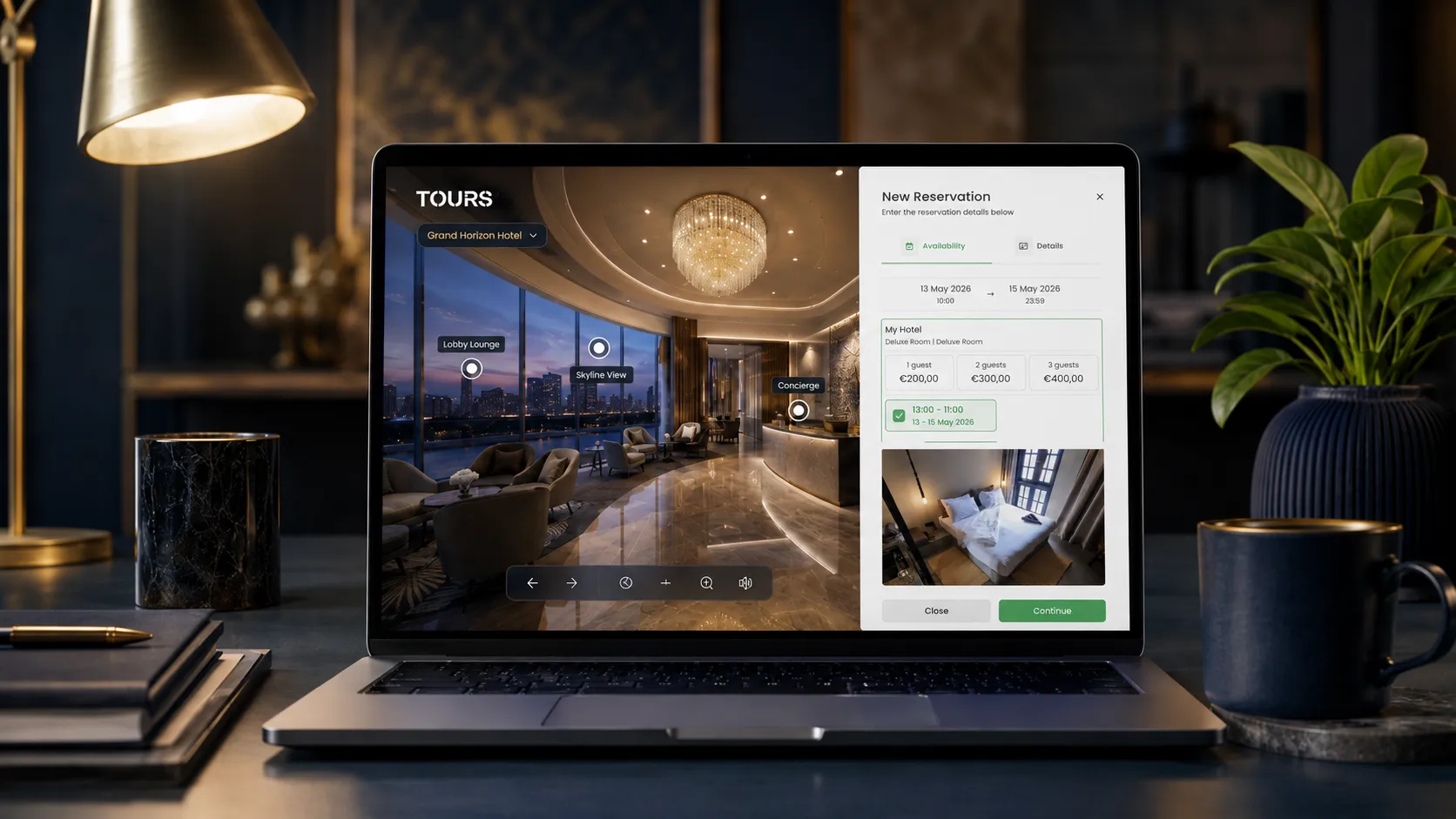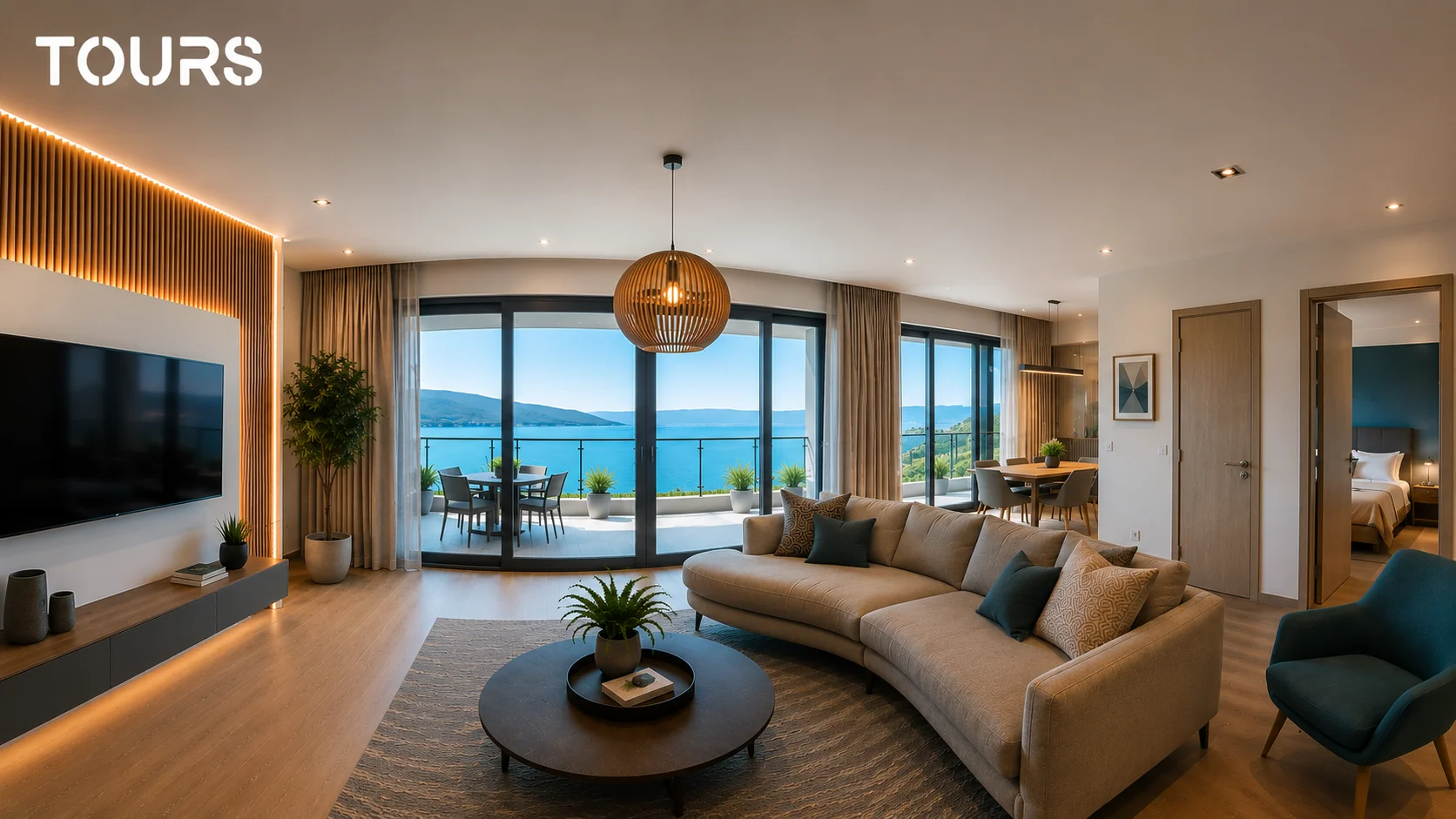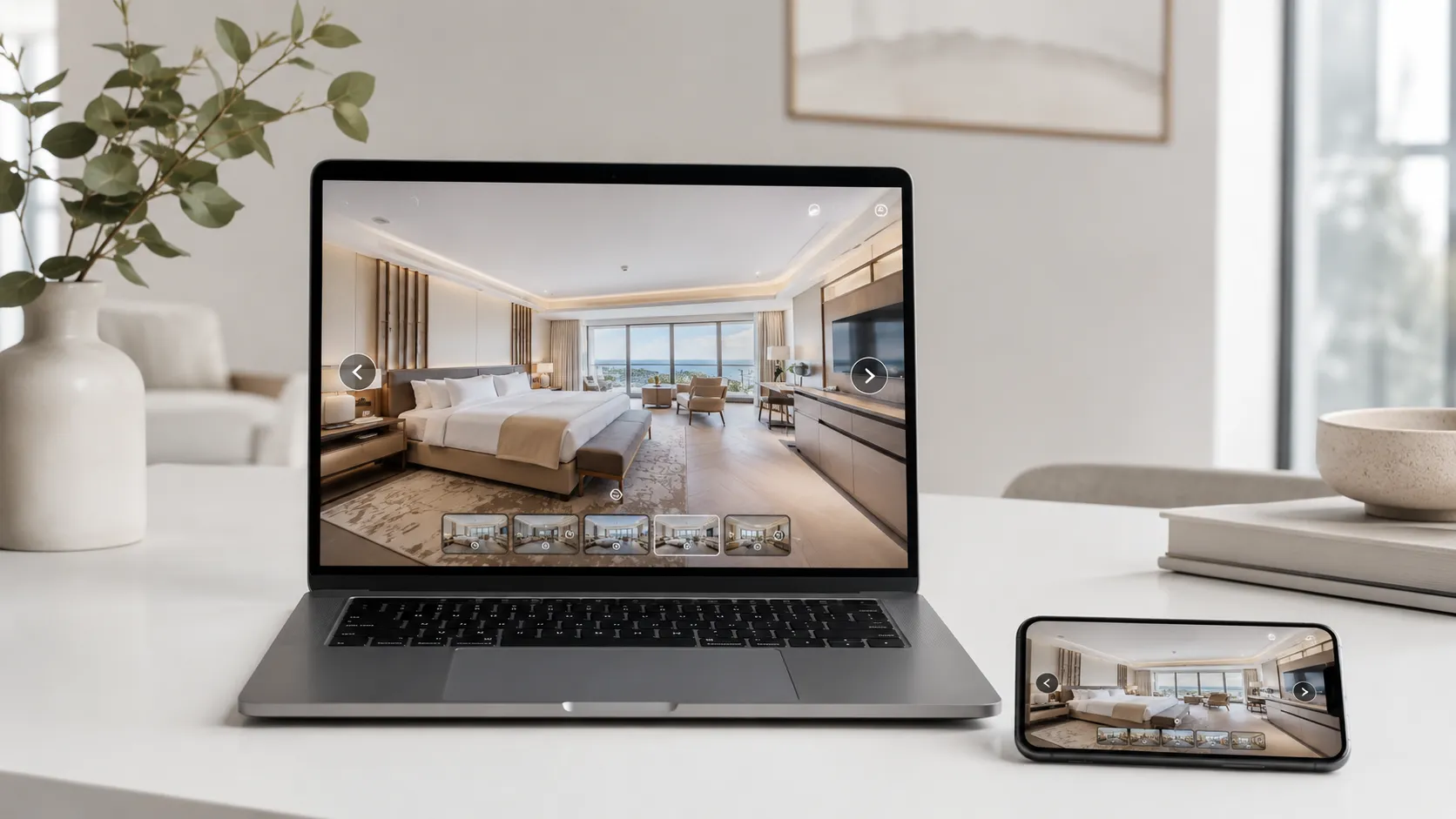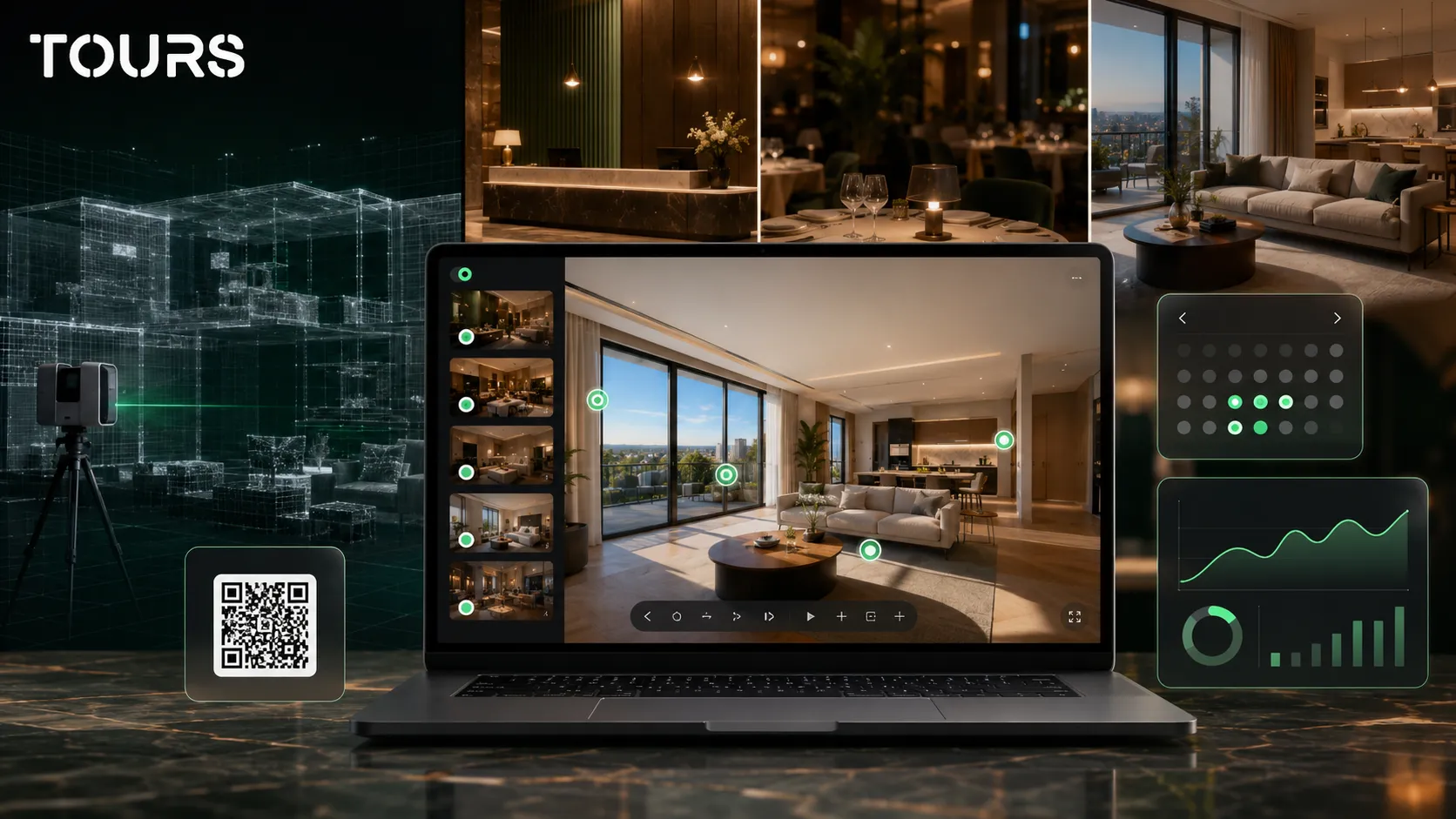

When you are looking for the right Matterport alternative, Tours makes sense if your main need is not 3D scanning and measurements, but a 360° virtual tour that is easy to publish, update and connect to commercial actions. For hotels, restaurants, guesthouses, real estate and showrooms, the real difference is what a visitor can do after entering the tour.
Tours is a SaaS platform for interactive 360° virtual tours, built for businesses that want to present spaces, add interactive points and connect the online visit to bookings, inquiries or contact requests.
In short
- Matterport is very strong when the priority is space scanning, digital twins, measurements and technical deliverables.
- Tours is more focused on interactive 360 tours, website integration code, QR sharing, interactive points, bookings and usage statistics.
- The right comparison does not start with the subscription alone, but with the role of the tour after publishing: documentation, marketing, booking or inquiry.
- For hospitality, restaurants, apartments, showrooms and event venues, contextual actions can matter more than a highly detailed 3D model.
- You can test Tours for 30 days with no card, then decide whether you need a simple plan or Pro with bookings.
When is Tours the right Matterport alternative?
Tours is the right Matterport alternative when your goal is to create an interactive 360 experience that leads to a clear action, not only to scan the space. The difference becomes important when you want editorial control, fast updates, interactive points, connected bookings and publishing on your own website.
Matterport has a very strong name in digital twins and 3D scanning. For complex properties, measurements, technical reports or real estate workflows that require specific deliverables, it can be the natural choice. But many businesses are not looking for a technical model of the space. They need an easy sales tool.
Tours starts from the idea that visitors should understand the space and be able to act right away. A hotel can present rooms and support booking, a restaurant can show the dining room and terrace before a table request, and a showroom can guide customers toward products, details or contact.
Matterport vs Tours: what are you really comparing?
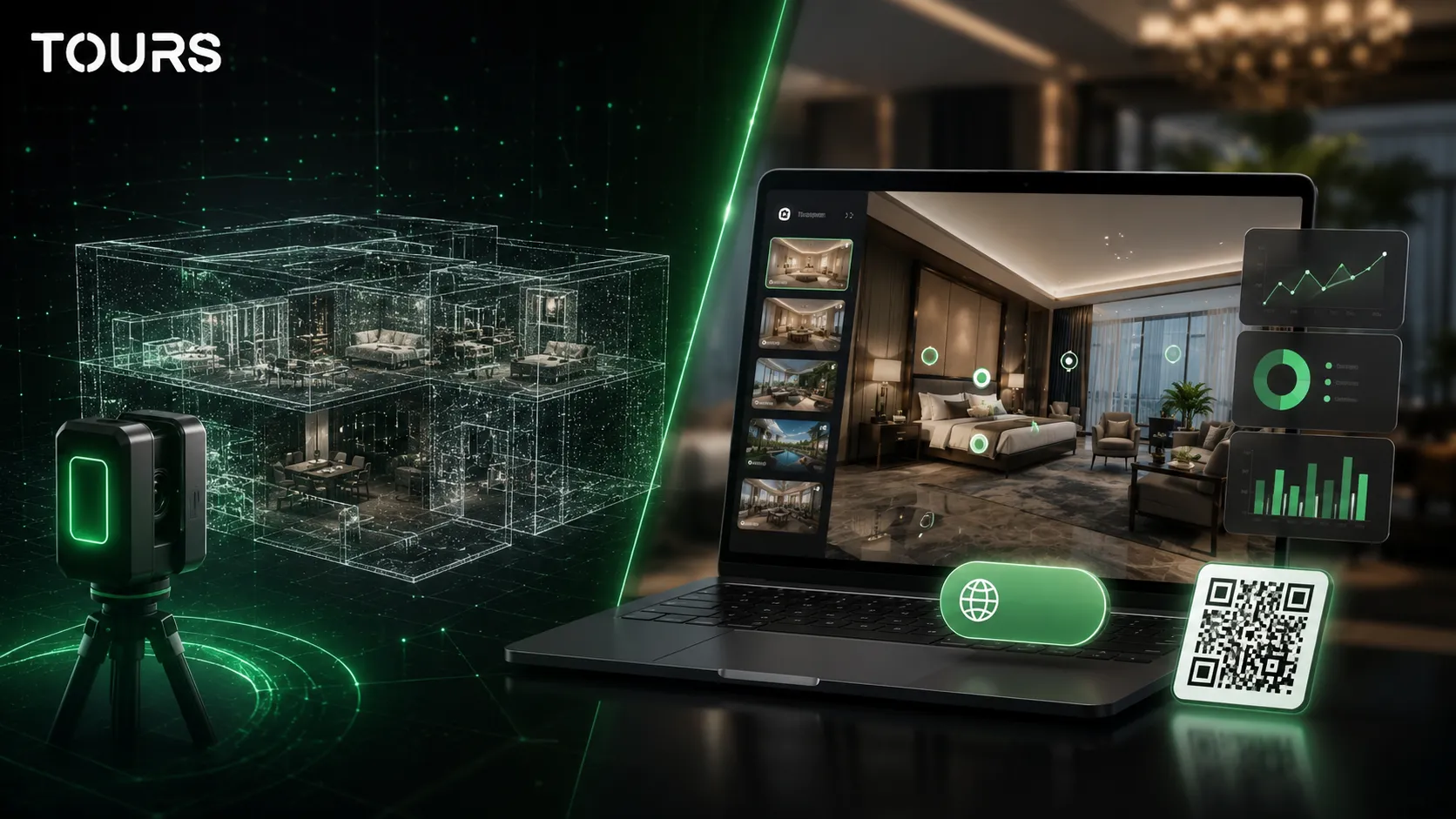
In a Matterport vs Tours comparison, the right question is what outcome you want: space documentation or a tour that works as a conversion point. Both can present spaces online, but they are built around different priorities.
| Criterion | Matterport | Tours |
|---|---|---|
| Main focus | 3D scanning, digital twins, measurements and a real estate ecosystem | Interactive 360° virtual tours, website integration code, QR sharing, bookings and usage statistics |
| Experience type | Detailed spatial presentation, suitable for documentation and technical presentation | Guided experience through 360 scenes, interactive points and contextual actions |
| Commercial actions | Can support space marketing, especially in real estate | Can connect the tour to bookings, inquiries, external links and commercial information |
| Control after launch | Depends on the plan, capture method, deliverables and chosen workflow | The user can edit scenes, interactive points, groups, content and publishing from the browser |
| Good fit | Properties where scanning, measurement and technical deliverables matter | Businesses that want a 360 presentation, bookings, their own website, QR sharing and fast updates |
| Buying decision | Choose it if you need a digital twin of the space | Choose it if you need a 360 tour that helps visitors decide and get in touch |
On its pricing page, Matterport presents a free plan and paid plans that scale based on active spaces, users and options for larger teams.[1]Source
In Tours, the comparison is closer to this question: can I publish the tour quickly, add useful interactive points, see visitor interest and connect bookings where they make sense? For a commercial decision-maker, these details can matter more than the technical shape of a 3D model.
What matters in Matterport pricing and total cost?
For Matterport pricing, do not look only at the displayed plan. Look at active spaces, users, the camera or capture method, extra deliverables, production cost, update time and dependence on an outside workflow after launch.
If you landed here by searching for Matterport pricing, use that term as a starting point, not as the only criterion. For any virtual tour platform, total cost includes image capture or scanning, the publishing platform, setup work and later changes.
As a reference for Tours, on the official platform page, the Basic plan is listed at €19/month, the Pro plan at €59/month, and the trial period is 30 days with no card.[2]Source
That does not mean the choice comes down to subscription price alone. If you need professional 360 photography, onboarding, multiple locations or a complex commercial structure, the budget should be evaluated as a project. The difference is that Tours lets you start simply, test in the browser and expand only when the tour starts playing a role in sales or bookings.
Which Tours features make bookings different?
Tours stands out because bookings are not treated as a form disconnected from the visual experience. The visitor can see the room, table, area or space, then start a booking from the same context where the decision was made.
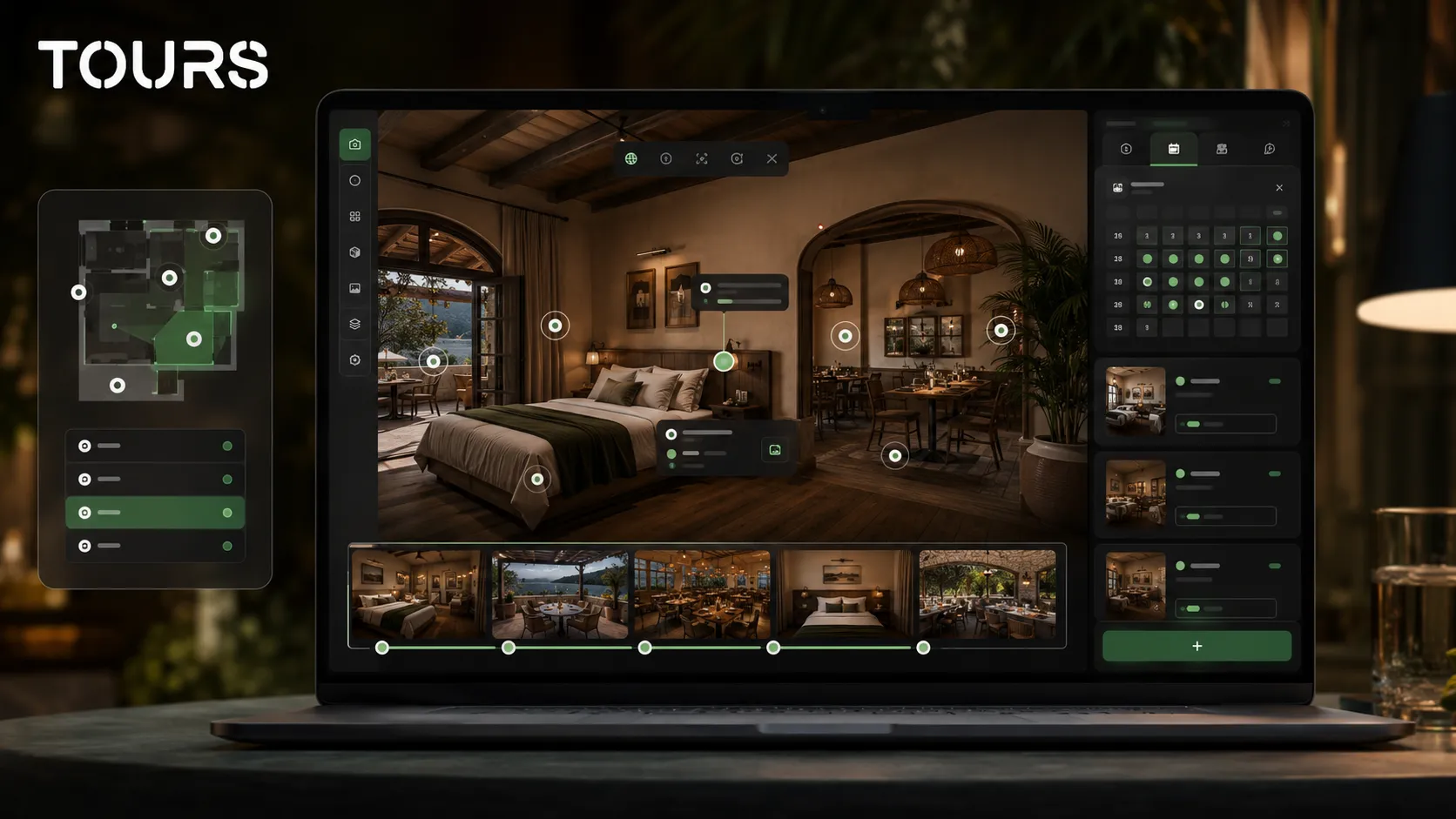
Booking integration in Tours can be connected to the entire tour, specific scenes, scene groups or interactive points with internal tags. If bookings are active at tour level, a global button can appear. If bookings are linked to an interactive point, the booking window opens when the visitor taps or clicks that point.
Interactive points can work independently or share availability through the same internal tag. For example, in a restaurant, multiple tables in the same area can use the same calendar. In a hotel, rooms or room types can be grouped in the tour and connected to bookings at group level.
If you want to see the full flow for virtual tour software with bookings, the dedicated article explains the general architecture. Here, the comparison stays focused on the buying decision: choose Tours when the booking, inquiry or contact request should start naturally from the 360 visit.
Which industries make sense for the Tours alternative?
The Tours alternative makes the most sense in industries where visitors need to understand the atmosphere, layout and options before sending an inquiry. It is not only a real estate choice, but a fit for any business where the space influences the decision.
- Hotels and guesthouses: rooms, apartments, reception, the restaurant and facilities can be presented before booking.
- Restaurants: the dining room, terrace, private room and tables can be explained visually before a table request.
- Real estate: apartments and houses can receive clearer inquiries, and wasted showings can drop when visitors understand the space in advance.
- Showrooms: products, zones and details can be presented as an interactive path, not only as a static gallery.
- Event venues: organizers can see the flow, capacity, zones and options before requesting a quote.
For tactical industry guides, it is worth reading the dedicated articles about a hotel virtual tour, a real estate virtual tour and a guesthouse booking system. This article does not repeat them. It clarifies why a Matterport alternative can be better when conversion is the priority.
How do you move from a scanned presentation to a commercial tour?
Migration does not mean mechanically copying a scanned presentation. It means rethinking the tour as a commercial path: what visitors see first, which questions come up, where information should be placed, where the booking appears and which final action makes sense.
- Choose scenes that help the decision, not only scenes that look good.
- Name rooms, areas or spaces clearly so visitors do not get lost.
- Add interactive points with useful information, images, video, external links or commercial details.
- Group rooms or areas when visitors need to compare similar options.
- Use internal tags for points that should later connect to the same calendar or booking flow.
- Publish the tour, choose visibility and wait for Tours moderator approval before public activation.
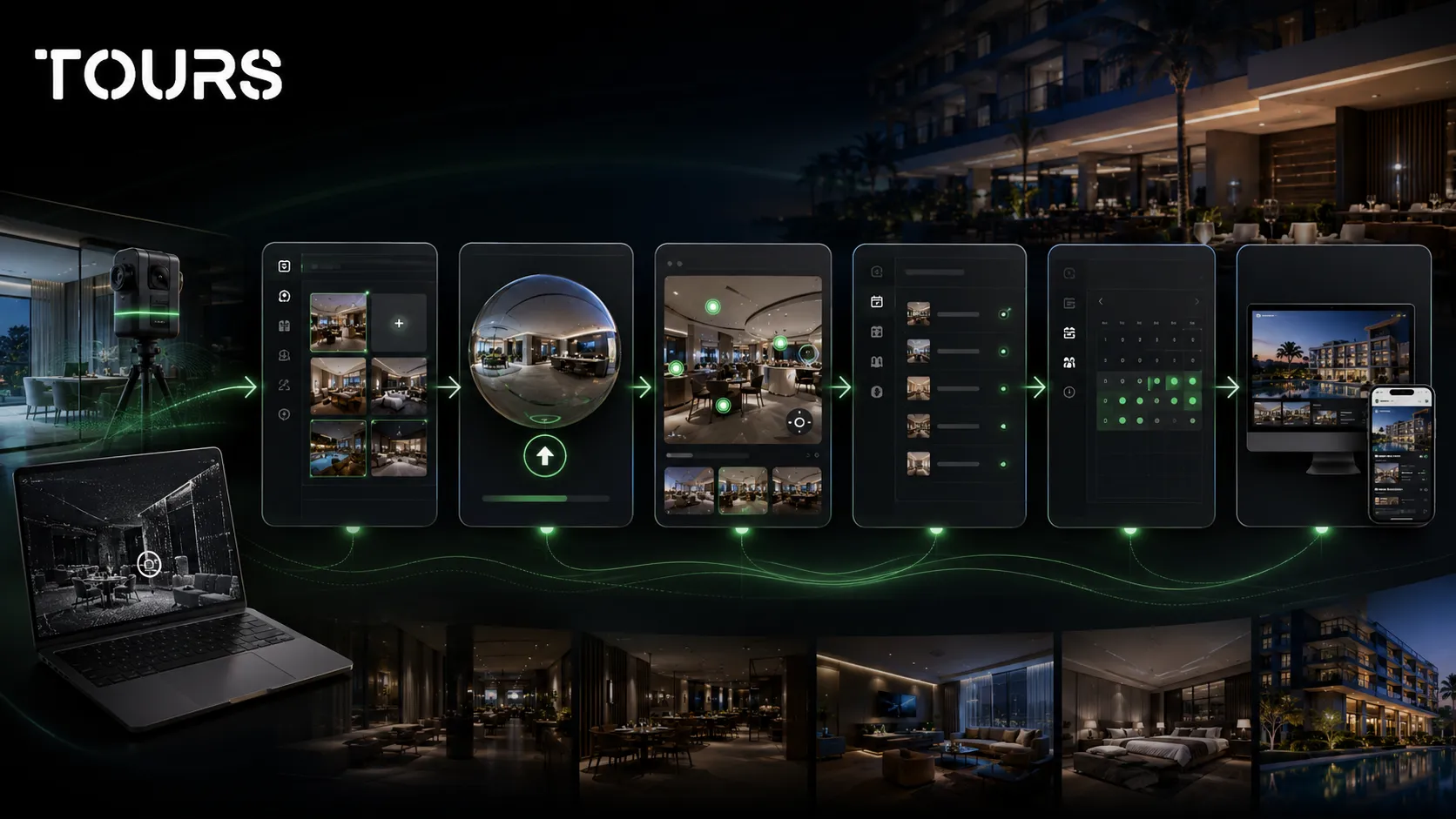
In Tours, the practical process starts by creating an account on getours.app, going to the My Tours page, using the new tour button, completing the name and category, uploading the first 360° scene and opening the 360° editor. Booking setup is configured separately in Booking Manager, then the calendar is connected to the tour, scenes, groups or tagged interactive points.
How do you test properly before choosing a platform?
Test the platform on a real scenario, not a generic demo. Choose a specific room, table, apartment or showroom, build a short tour and check whether a visitor can understand the space and take the next step without extra explanations.
| Test question | Why it matters |
|---|---|
| Can I create and edit the tour without technical help? | It reduces supplier dependence and makes updates faster. |
| Can I add interactive points that help the decision? | It turns the tour from a passive presentation into a commercial tool. |
| Can I publish the tour on my website and share it through QR codes? | It lets you use the tour in campaigns, at reception, in listings and in physical materials. |
| Can I see usage statistics for visits and scenes? | It helps you understand what interests visitors and where they get stuck. |
| Can I connect bookings or inquiries to specific areas? | It links visual interest to concrete actions that are easier to confirm. |
| Can I test without a card before deciding? | It lowers buying risk and shows whether the flow fits your business. |
Tours offers a 30-day trial with no card, which makes it suitable for a low-risk test. Create a small tour, add two or three interactive points, add booking logic if you need Pro, and check whether the visitor naturally reaches the desired action.
Frequently Asked Questions
What is the right Matterport alternative for small businesses?
The right Matterport alternative depends on the goal. If you need 3D scanning, measurements and technical deliverables, Matterport remains very strong. If you want interactive 360 tours, website integration code, QR sharing, interactive points, usage statistics and connected bookings, Tours is a better fit for many small businesses.
Matterport vs Tours: which should I choose for a hotel?
For a hotel, choose Matterport if the priority is space scanning and 3D documentation. Choose Tours if you want to present rooms, facilities and important areas in a 360 tour that can lead to direct bookings, clearer inquiries and publishing on your own website.
Can Tours fully replace Matterport?
Tours can replace Matterport in scenarios where you need an interactive 360 presentation, editorial control, interactive points and commercial actions. It is not a replacement for every technical use case involving 3D scanning, measurements, BIM or specialized deliverables. The right choice depends on the outcome you need.
How should I compare Matterport pricing with Tours?
When comparing Matterport pricing with Tours, look at active spaces, users, capture method, extra deliverables and update cost. In Tours, review the plan, number of tours, scenes, bookings and control after publishing. The real cost is the total cost of the workflow.
Can I use Tours for real estate?
Yes. Tours can be used for apartments, houses, residential developments and real estate portfolios. You can create 360 scenes, interactive points, external links, property information and viewing requests. If you need advanced 3D measurements, compare the technical requirements carefully before choosing.
Can I connect bookings in Tours without interactive points?
Yes. In Tours, bookings are not limited to interactive points. Booking Manager can be connected to the entire tour, to scenes, to scene groups or to interactive points with internal tags. If bookings are active at tour level, a global button can appear in the experience.
Is Tours suitable for restaurants?
Tours is suitable for restaurants that want to show the dining room, terrace, bar, private rooms or event spaces before a reservation. Tables or areas can be represented through interactive points, and points with the same tag can use the same availability calendar.
Do I need a 360 camera for Tours?
You need 360 images to create a realistic tour, but you do not need to own a camera if you choose professional photography. For testing, you can start with a small set of scenes. What matters is that the images are clear, well lit and useful for the visitor's decision.
Can I add a tour created in Tours to my website?
Yes. A tour created in Tours can be published and added to your own website through website integration code. You can also use a direct link or QR code. This keeps the visitor in your brand context and lets them explore the space before sending an inquiry.
Does Tours offer a free trial?
Yes. Tours offers a free 30-day trial with no card. It is useful to run a real test with a few scenes, interactive points and, if needed, bookings. After the test, you can decide whether to stay on a simple plan or move to Pro with bookings.
If you want a Matterport alternative focused on commercial actions, not only 3D presentation, you can test Tours free for 30 days with no card. Create a short tour, publish it after approval, add it to your website and see whether visitors understand the space faster and move more easily toward a booking, inquiry or contact request.
Sources
Studies and reports cited in this article
All sources are checked and publicly available.
- Matterport subscription plan pricingdocumentMatterportThe official Matterport page for plans, active spaces, users and subscription options.
- Tours official pricingdocumentToursThe official Tours page with Basic, Pro and Business plans, the trial period and the main limits.
We carefully select trusted sources to keep the content relevant and up to date.