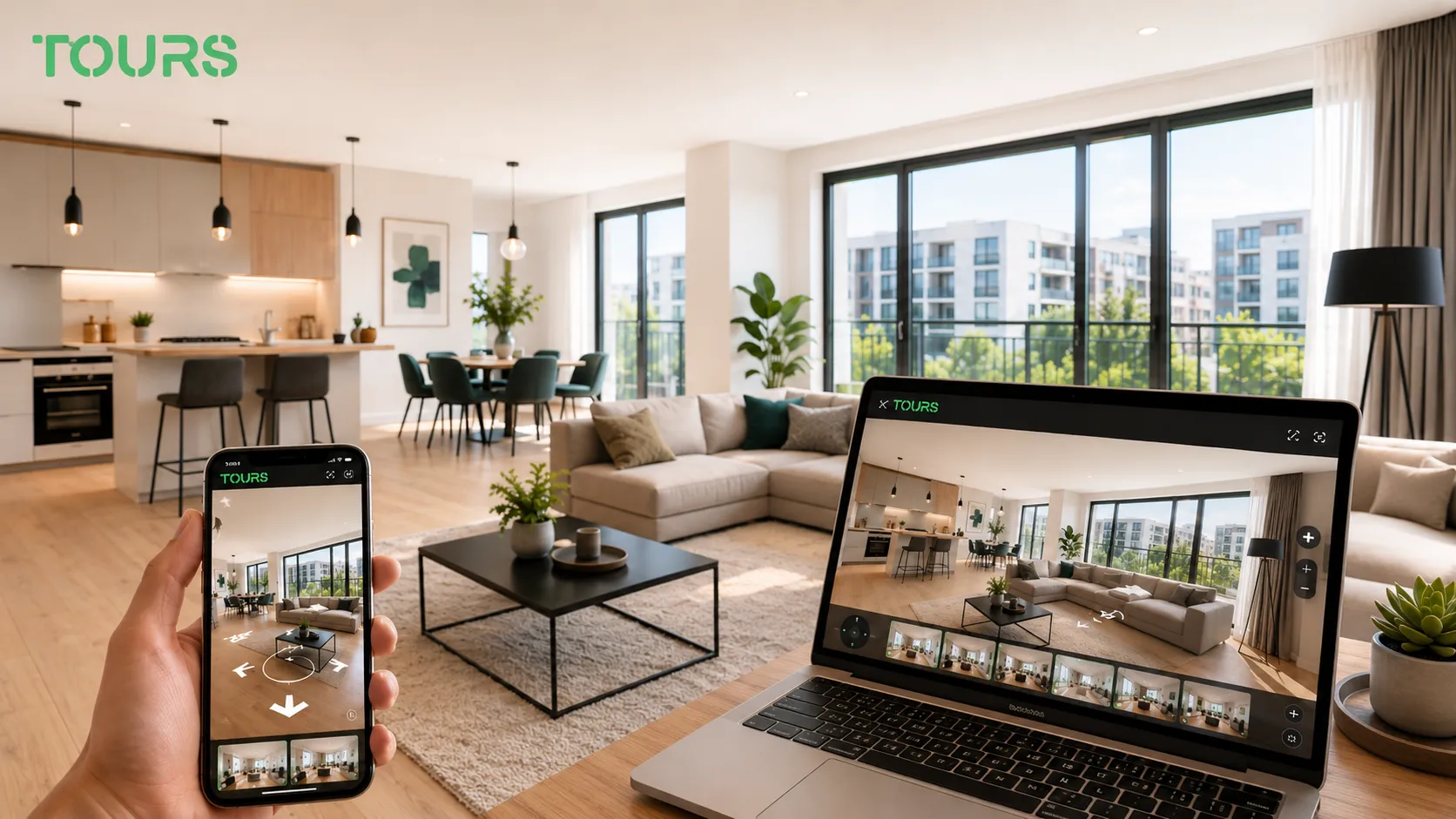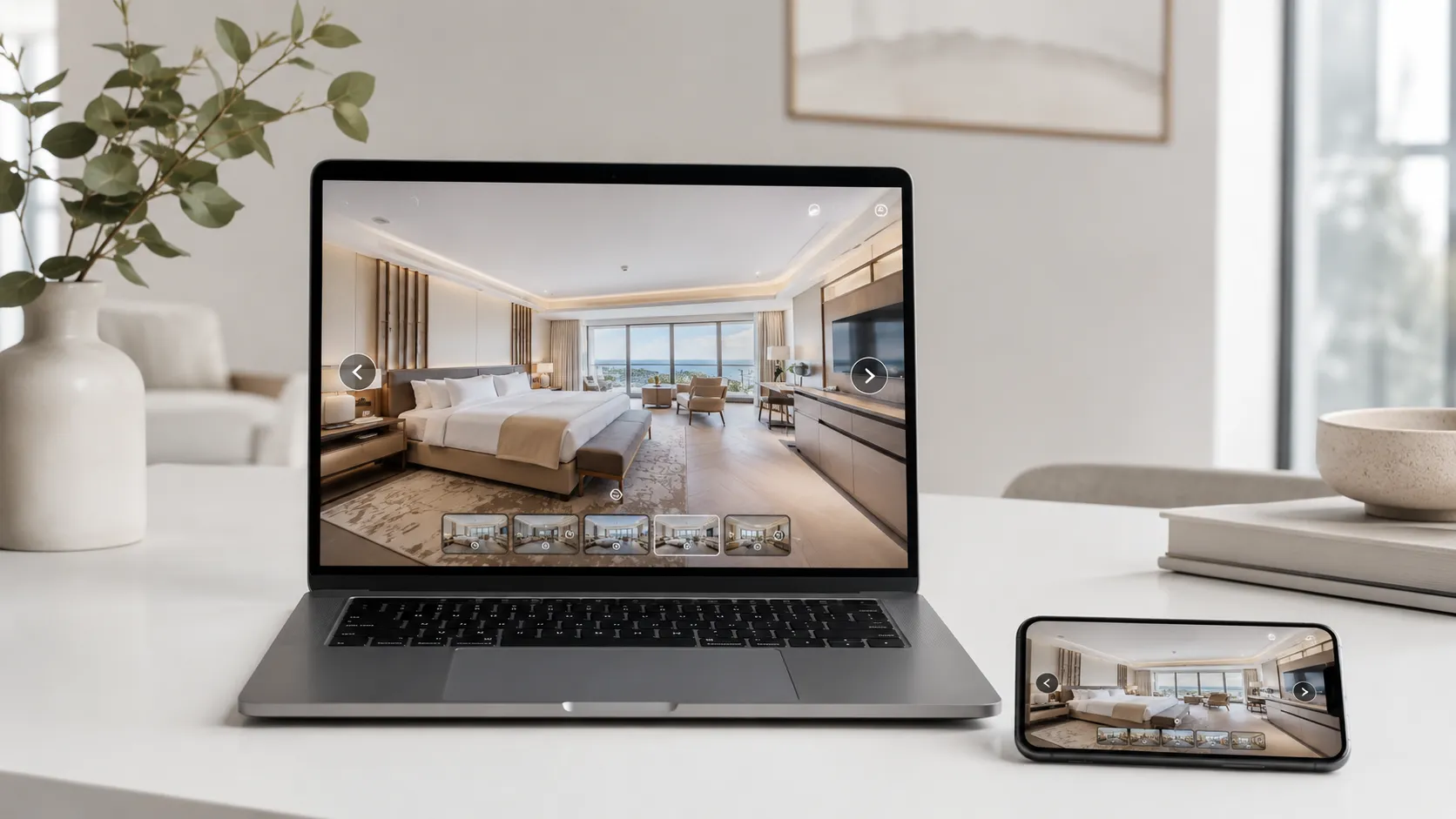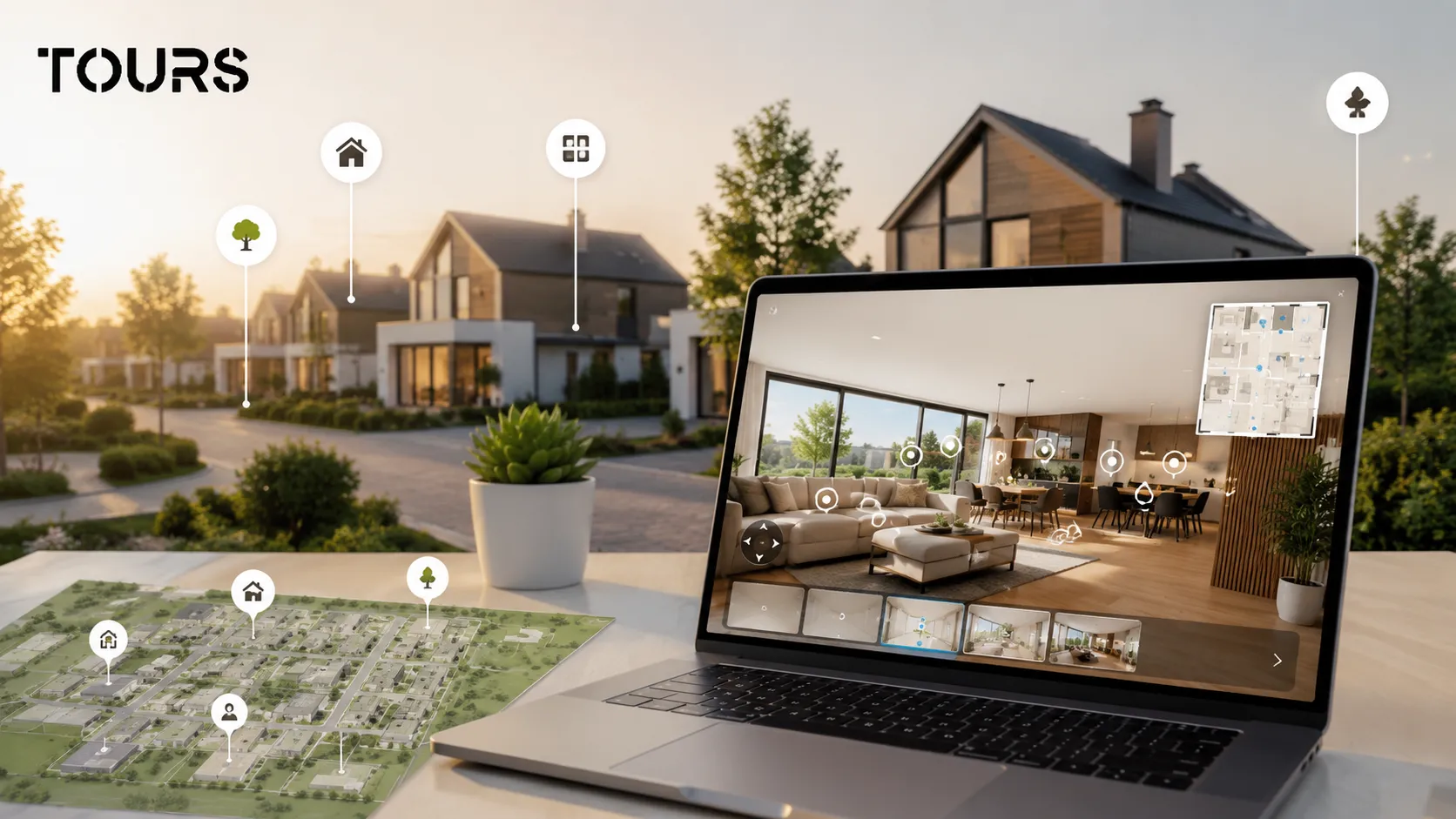

A new home virtual tour is an interactive 360° presentation that helps buyers understand a new home, lot or residential development before they ask for details or request a viewing. For developers, the tour clarifies the space, reduces repetitive questions and sends better-informed buyers to the sales team.
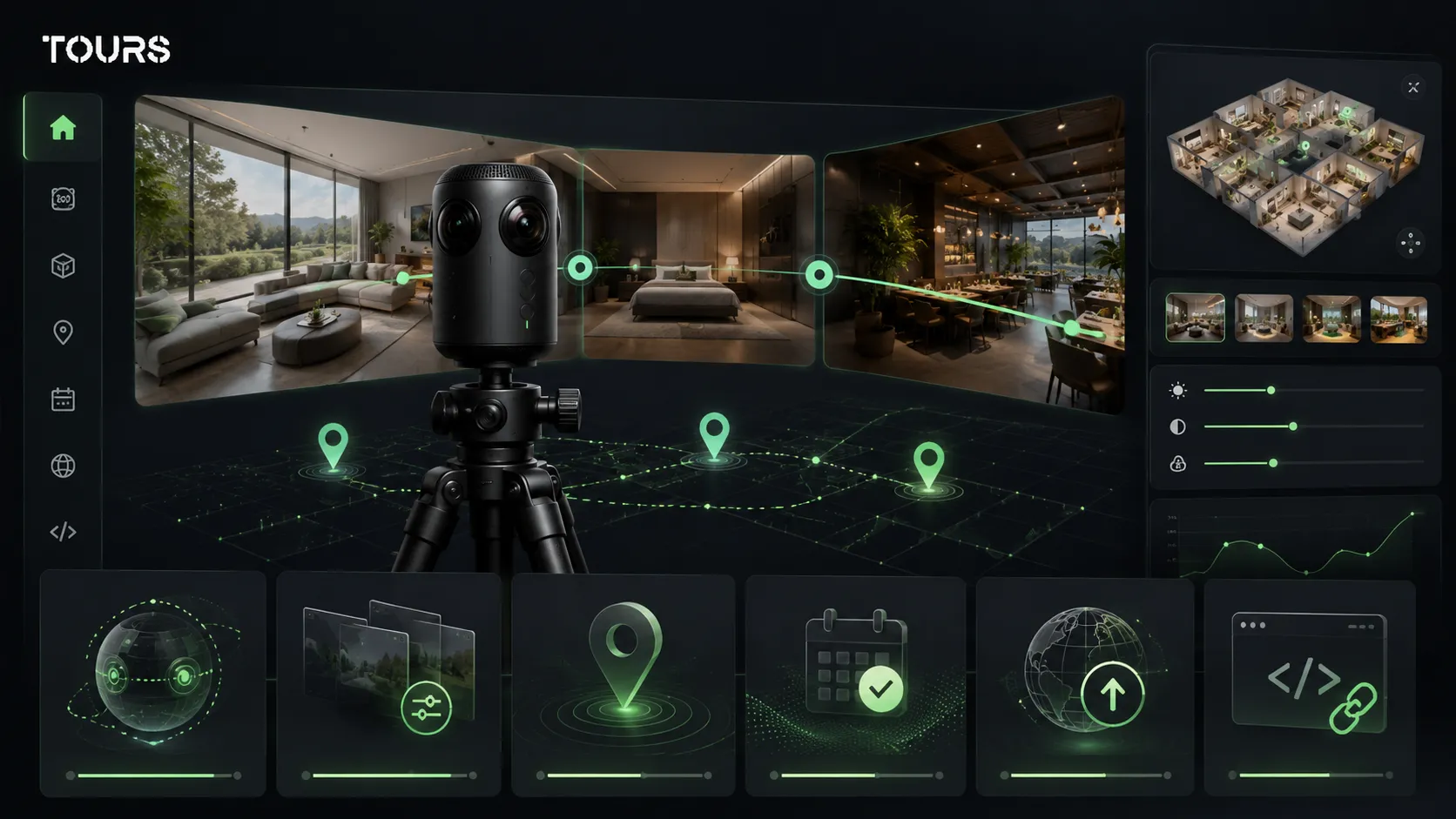
Tours is a SaaS platform for interactive 360° virtual tours with information points, usage statistics and request or booking options. For new homes, it helps the team connect the visual presentation to the buyer's real questions: layout, lot, finishes, availability and viewing.
In short
- A virtual tour for new homes is most useful when the project has multiple units, layout types or finish options.
- For a developer, the tour should explain the difference between the home, lot, construction phase, finish package and next action.
- Interactive points can connect rooms, yard, garage, terrace, floor plans, features, indicative price, forms or viewing requests.
- A virtual tour of a residential development does not replace contracting, the CRM or legal advice, but it can support the sales conversation.
- In Tours, you can create the tour, group scenes by home or area, add internal tags and connect requests or bookings where they make sense.
How does a virtual tour for new homes help before a viewing?
A virtual tour for new homes helps before a viewing by filtering out buyers who are not a good fit for the project and preparing the ones who do speak with sales. The buyer can see proportions, the path between rooms, the yard, access points and differences between options without relying only on renderings or brochures.
Search behavior is already strongly digital: in the 2025 NAR report, 51% of buyers found the home they purchased online, and 41% of buyers who used the internet considered virtual tours very useful.[1]Source Even though the data comes from the US market, the direction is relevant for any developer selling homes after an initial online research phase.
For new homes, the challenge is not only proving that the property exists. You need to explain why a specific home type fits a family, why the yard makes sense, what the orientation means, how the living area feels and where the difference appears between the standard version and premium options.
- A buyer can quickly rule out options that do not fit the budget or lifestyle.
- The sales team receives more specific questions about rooms, lots, finishes and availability.
- The in-person viewing becomes more efficient because the person arrives with a clearer scenario.
- The project can still be presented when the model home is unavailable or the customer is in another city.
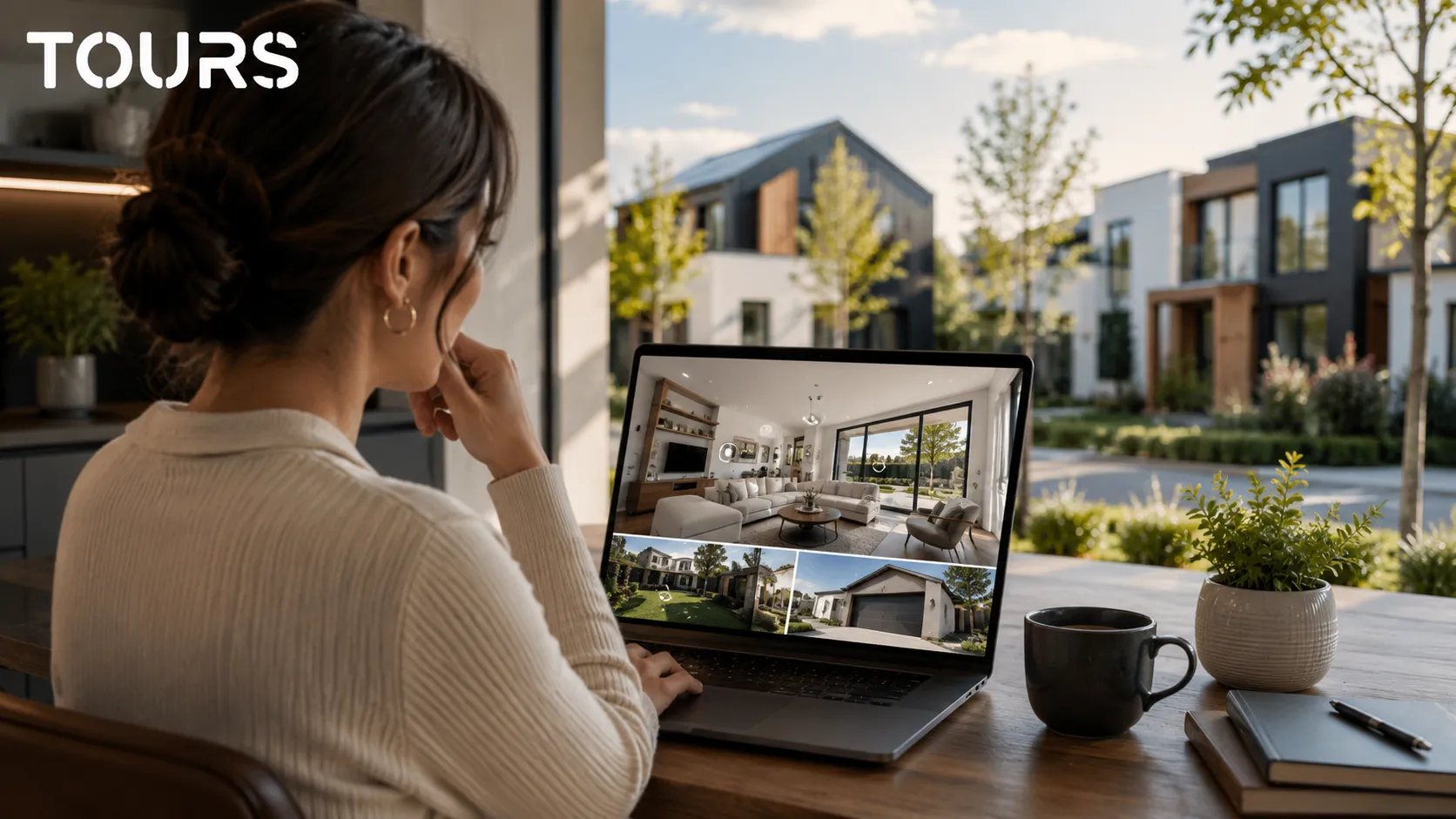
What should a virtual tour for a residential development show?
A virtual tour for a residential development should show more than a beautiful house. It should explain the project as a system: home types, walkways, parking, green areas, access, orientation, development phases and differences between similar units.
In a project with multiple houses, the buyer is not comparing only square footage. They compare quiet, light, distance to access, yard, neighbors, expansion potential and the daily route through the home. A well-built 360 tour gives them these reference points without turning the page into a catalog that is hard to navigate.
- the entrance to the development, main circulation routes and access to each area
- the model home or multiple home types, clearly separated into scenes
- living room, kitchen, bedrooms, bathrooms, utility spaces, terrace and yard
- parking, garage, shared spaces and green areas
- interactive points for finishes, energy efficiency, utilities, indicative price or quote request
The market context supports the need to differentiate: the Deloitte Property Index 2025 indicates an average housing price in Romania of EUR 1,676 per square meter in 2024, up 11.5% from 2023.[2]Source When prices rise, buyers ask for more clarity before they move forward in the conversation.
What information should be connected to each new home?
Each new home in the tour should include information that answers real commercial questions: area, layout, lot, stage, finish options, availability and the next action. The tour becomes valuable when it does not force the buyer to look for these details in separate documents.
For residential projects, information needs to sit in context. Usable area matters more when it is connected to how people move through the home. The finish package matters more when it is explained next to the relevant bathroom, kitchen or living area. Availability matters more when it is associated with the unit being viewed.
| Tour element | What it clarifies for the buyer | Useful action |
|---|---|---|
| Model home | Proportions, interior flow, light and the relationship with the outside | Viewing request or quote request |
| Yard and terrace | Privacy, daily use and family space | Question about the lot or orientation |
| Finish package | The difference between standard, upgrade and personalization | Request for commercial details |
| Floor plan or sketch | How the 360° image connects to area and layout | Brochure download or sales contact |
| Project stage | What is ready, what comes next and when it can be visited | Schedule a discussion or viewing |
For general information about virtual tours in real estate, the dedicated article in the recommended resources covers the broader topic of leads and viewings. Here, the focus stays on new homes, multi-unit projects and the buyer's decision before the first site visit.
How do you qualify leads with interactive points?
You qualify leads when interactive points are not just decorative, but ask for actions tied to buyer intent. A point for finishes attracts different questions than a point for the yard, while a point for a viewing request signals a more advanced intent than simple exploration.
In Tours, interactive points can send the visitor to another scene, open information with text, images or video, lead to an external page or start a booking or request window, depending on the setup. For new homes, the most useful points are the ones that explain the commercial decision, not only the ones that move the camera through the tour.
- Living room point: explains area, natural light, opening to the terrace and furnishing options.
- Kitchen point: shows finish options, equipment and the possibility of discussing an upgrade.
- Yard point: clarifies the lot, privacy, fence, orientation and use scenarios.
- Home or scene group point: leads to a viewing request for that unit.
- Points with the same internal tag: can use the same availability logic or the same commercial action.
A common mistake is adding too many interactive points without a clear hierarchy. The buyer should not feel like they are moving through a technical menu. They should quickly understand where they are, what they are seeing and what they can do next.
How does the tour compare with renderings, floor plans and photos?
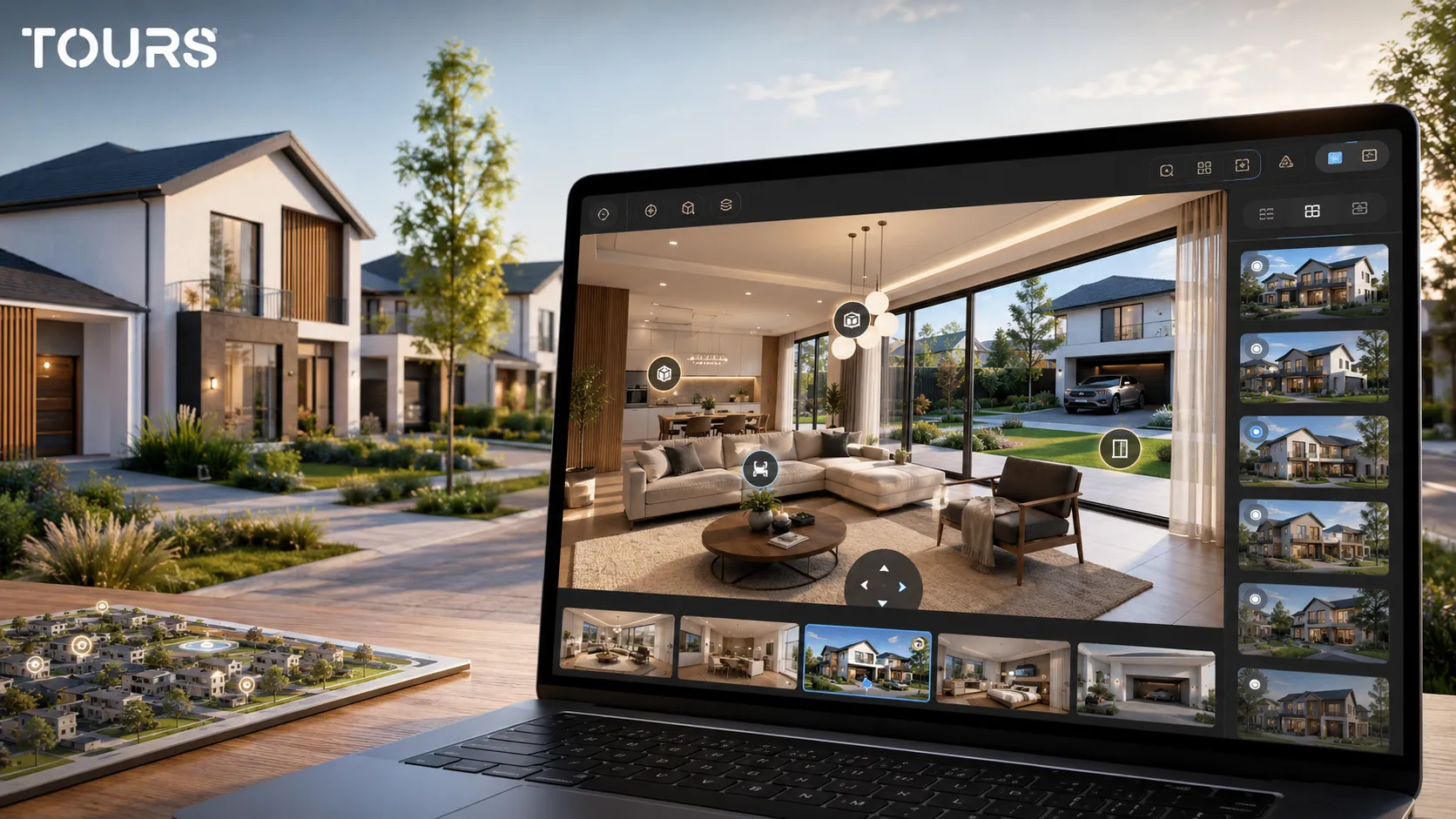
The virtual tour should not replace renderings, floor plans or photos. The best result appears when each format has a clear role: the rendering sells the vision, the plan explains the structure, the photo confirms reality, and the 360° virtual tour connects all these reference points into an experience that is easy to explore.
| Format | Main role | Limit |
|---|---|---|
| Rendering | Shows the architectural intent and final atmosphere | Can feel too idealized if it is not supported by real information |
| 2D floor plan | Explains areas and layout | Can be hard to understand for buyers without technical experience |
| Photo | Confirms the real stage and visual quality | Does not always explain the path between spaces |
| Video | Quickly presents a controlled path | The buyer cannot freely explore the areas they care about |
| 360° virtual tour | Allows free exploration and contextual actions | Needs a clear structure so it does not become only a panoramic gallery |
For projects under construction, you can combine real scenes with explanatory materials. For example, a model home can include points for finish options, while an exterior area can explain future landscaping. The key is to make clear what is already built and what represents a future phase or commercial simulation.
In Europe, general digital behavior supports this kind of research: Eurostat shows that in 2025, 95% of people aged 16-74 in the EU had used the internet in the previous 12 months, and 78% of internet users had bought or ordered goods or services online.[3]Source For housing, this does not mean instant purchase; it means buyers expect initial research to be clear, fast and accessible.
How do you build the workflow in Tours for new homes?
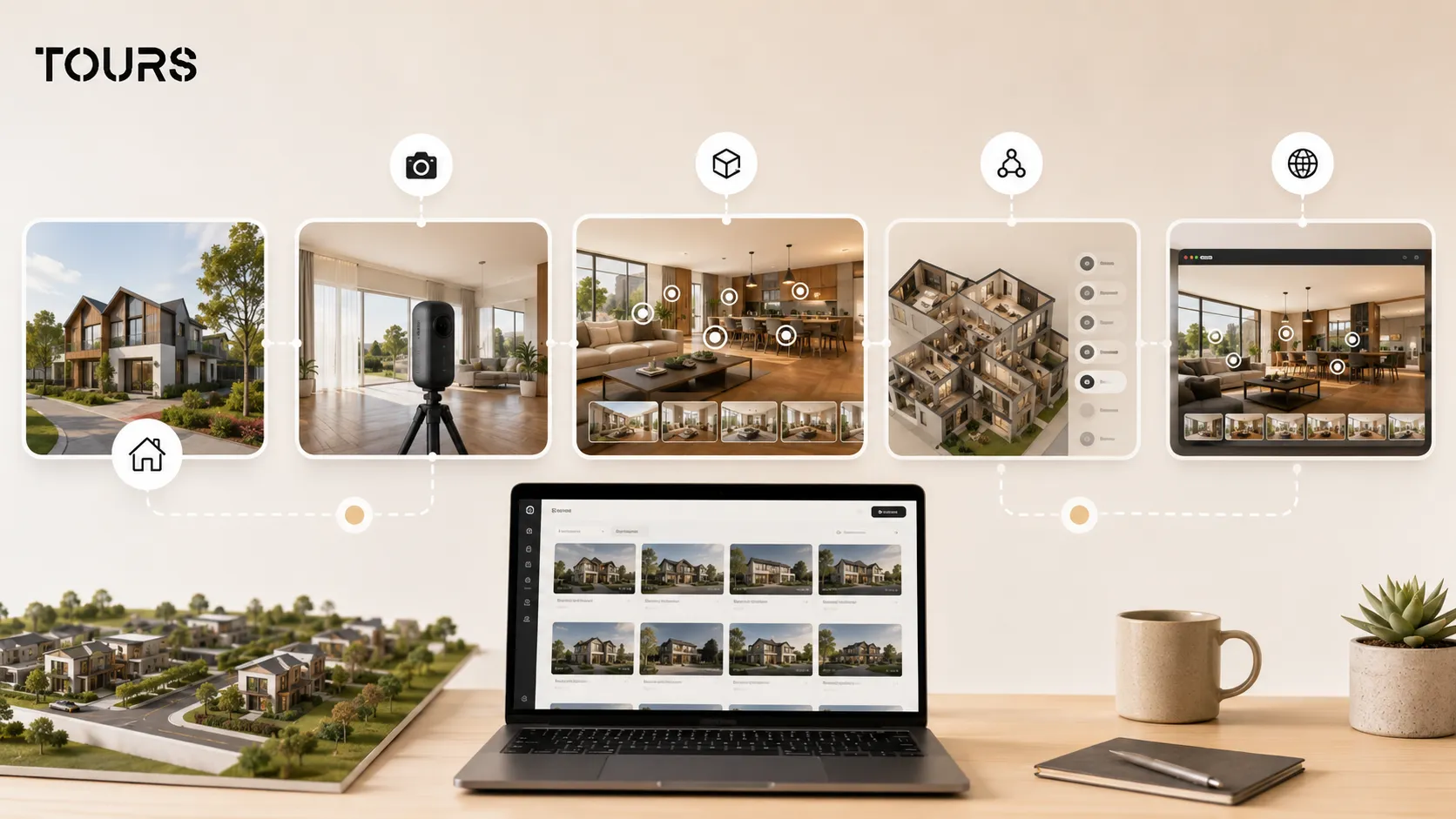
In Tours, the workflow for new homes starts with the project structure and continues with scenes, interactive points, groups and commercial actions. The idea is to create the tour first, then connect requests or bookings where they make sense for the buyer.
You create an account on getours.app, open the app, go to the My Tours page and click the button for a new tour. In the creation window, you enter the tour name and category, then you can add location, indicative price and tags. The next step is uploading the first 360° scene and giving it a clear name.
After you continue, the 360° editor opens. There you add more scenes, navigation between rooms, information points, external links, scene groups, text, images and video. For a residential development, you can group scenes by home, home type or area so the visitor does not get lost in the project.
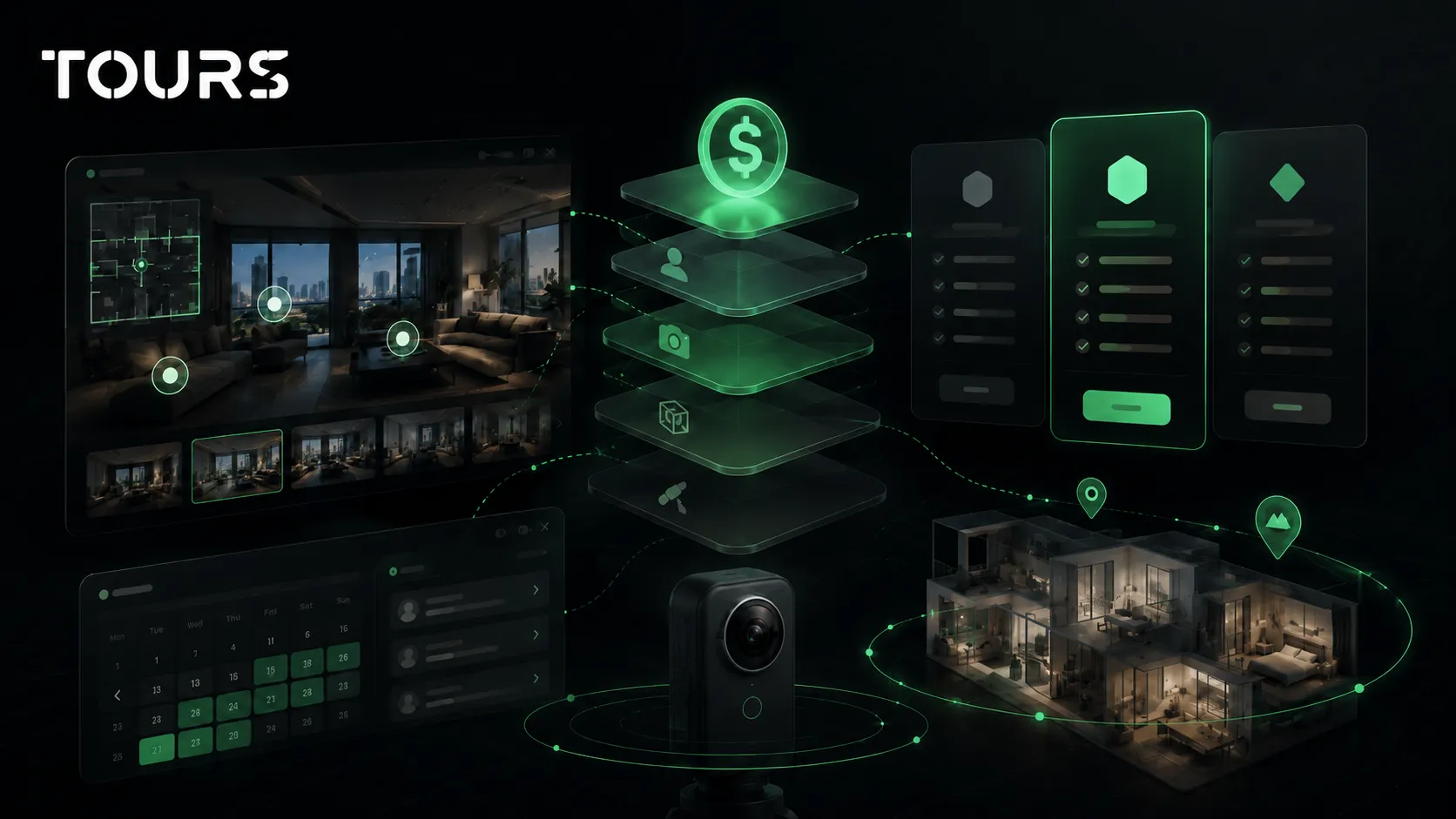
Requests or bookings are configured separately from Booking Manager. There you set availability, choose the right algorithm, optionally add team members who can accept or reject requests, then connect the manager to the entire tour, to scenes, to scene groups or to interactive points with internal tags.
- For a model home, you can connect a viewing request to the scene group for that house.
- For multiple similar units, you can use internal tags that lead to the same calendar or the same request flow.
- For projects with different consultants by area, you can separate actions by home, type or phase.
- After publishing, you choose visibility, and the tour waits for approval from a Tours moderator before it becomes publicly active.
You can test Tours for 30 days without a card. For a developer, the right test is not uploading only one panorama, but building a small path: entrance, living room, bedroom, yard, finish point and viewing request.
Where should you publish the tour to support project sales?
Publish the tour where the buyer makes the initial decision: on the project page, in campaigns, in conversations sent by the sales team and in materials with a QR code. The tour should be close to the form, the phone number and the availability information.
On the website, the most useful place is the dedicated project page or the page for each home type. If you hide it in a secondary gallery, the tour becomes decoration. If you place it next to floor plans, indicative prices and the viewing request, it becomes part of the buying process.
- the residential development page, for the overall view
- the page for each home type, for comparison between options
- paid traffic campaigns, where the tour reduces the need for long explanations
- emails and messages sent by consultants to warm leads
- QR code on boards, brochures, showroom materials or the model home
Tours provides website integration code and QR sharing, so the tour can be used across multiple channels. The included usage statistics help the team see which scenes are visited and where interactions happen, without turning the tour into a CRM.
How much does it cost and when is it worth it for a developer?
For a developer, the cost is worth it when the project has enough commercial value for each better-qualified lead to matter. A virtual tour of a project with multiple homes can reduce repetitive explanations, support campaigns and increase trust before the in-person viewing.
In practice, the budget depends on capture, number of scenes, project complexity and the platform you use. If you already have 360° photos or a prepared model home, the platform part can be started quickly. In Tours, plans start at €19/month, while the Pro plan with bookings starts at €59/month.
It is worth starting with a focused version, not a huge tour. Choose a model home, a relevant exterior, a few points for finishes and a clear contact action. After you see what visitors follow and what questions come up, you can expand the tour to other homes, lots or phases.
Frequently Asked Questions
What is a new home virtual tour?
A new home virtual tour is an interactive 360° presentation for newly built homes or residential projects for sale. It can include scenes from the home, exterior, yard, garage, shared areas, information points and actions such as a viewing request, quote request or contact with the sales team.
Is a virtual tour suitable if the residential development is not finished?
Yes, but it needs to be built transparently. You can use a model home, real scenes from completed areas and information points for elements that will be delivered later. It is important to clearly separate what is already built from what represents an option, a future phase or a commercial simulation.
What is the difference between a virtual tour of a new home and a general real estate virtual tour?
A general real estate tour presents a property for sale or rent. A tour for new homes usually includes multiple units, options, lots, finishes and development phases. That is why it needs to explain the project, not only show the rooms of a single home.
Can a virtual tour of a residential development generate leads?
Yes, if it has clear actions. Interactive points can lead to viewing requests, quotes, forms or conversations with the sales team. The tour should not be only a 360° gallery, but a path that answers questions and makes the next step easy to find.
What scenes should be included for a new home?
Start with the exterior, entrance, living room, kitchen, primary bedroom, bathrooms, terrace, yard and possibly the garage. If the project has multiple home types, create clear groups for each type. Add information points for areas, finishes, features and customization options.
How do requests or bookings work in Tours for new homes?
In Tours, you can connect a booking or request setup to the entire tour, to specific scenes, to scene groups or to interactive points with internal tags. If interactive points share the same tag, they can use the same availability or the same request logic, depending on the setup.
Does the virtual tour replace the in-person viewing?
No. For new homes, the virtual tour prepares the in-person viewing and helps the buyer arrive better informed. It can reduce mismatched viewings, clarify basic questions and help the sales team move faster into concrete details.
Can I add the virtual tour to the developer's website?
Yes. Tours provides website integration code, so the tour can be displayed on the project page, on a home type page or in a dedicated online viewing section. You can also use QR codes for brochures, boards, showroom materials or materials sent to leads.
How large should the tour be for a new home project?
You do not need to start with every unit. In many cases, it is more efficient to start with a model home, a few exterior scenes and interactive points for important decisions. After you see what questions appear and which areas visitors access, you can expand the tour to other options.
How much does it cost to use Tours for a virtual tour of new homes?
The cost depends on capture, number of scenes and the features used. In Tours, plans start at €19/month, while Pro includes bookings from €59/month. For a developer, it is worth evaluating the cost against better leads and the reuse of the tour in campaigns.
If you sell new homes or a residential development, start with a clear, short, decision-focused tour: model home, important areas, interactive points and an easy-to-access viewing request. Tours can be tested for 30 days without a card, so you can validate the workflow before expanding the presentation to the entire project.
Sources
Studies and reports cited in this article
All sources are checked and publicly available.
- 2025 generational trends among home buyers and sellersreportNational Association of REALTORS®Report on home buyer behavior, including the role of the internet, photos, floor plans and virtual tours in the search process.
- Residential Property Index in Europe 2025reportDeloitteDeloitte Romania press release about housing prices in Europe and Romania, based on the Property Index 2025.
- European online shopping statistics for 2025reportEurostatOfficial data on internet use and online purchases in the European Union in 2025.
We carefully select trusted sources to keep the content relevant and up to date.