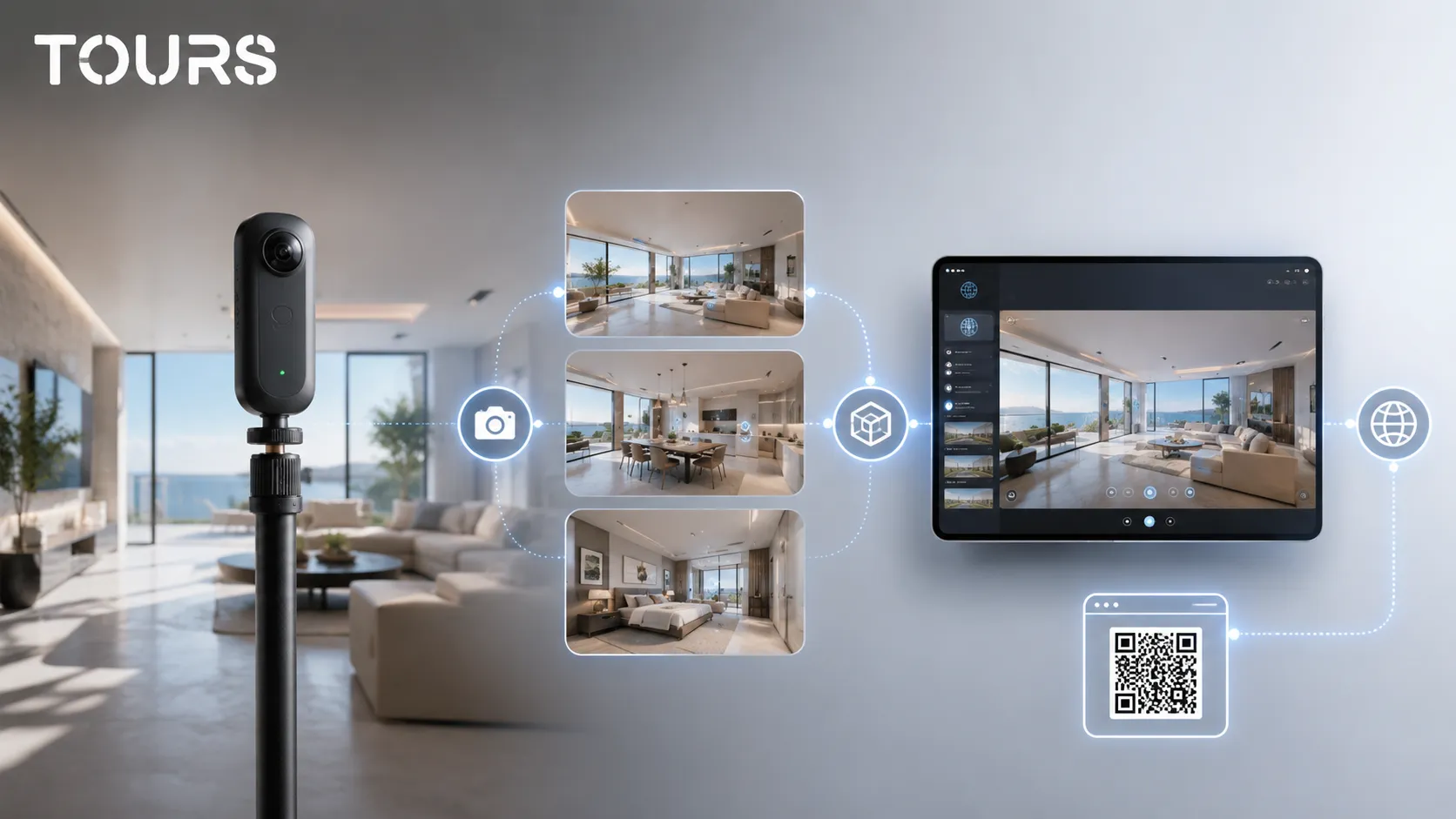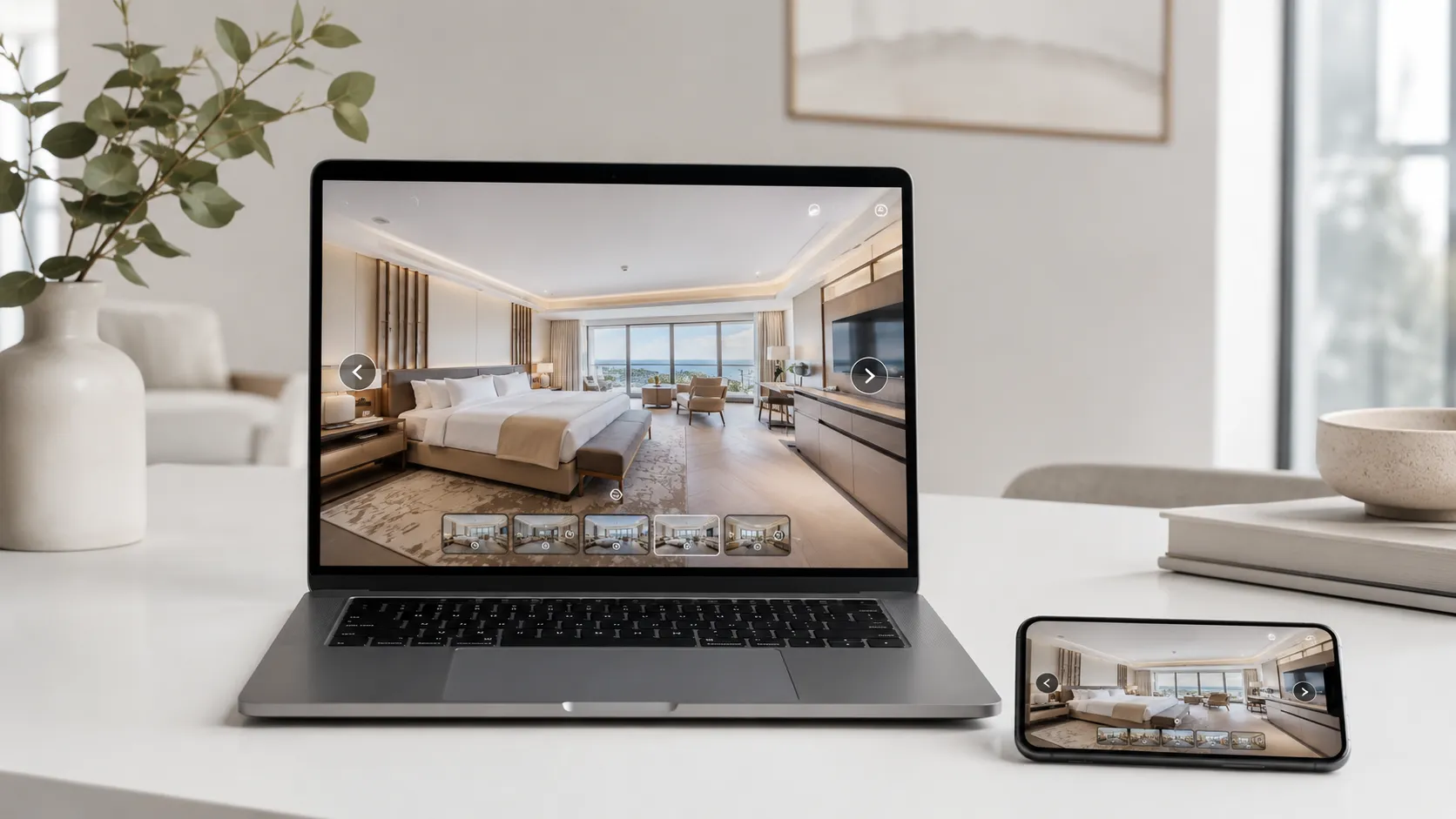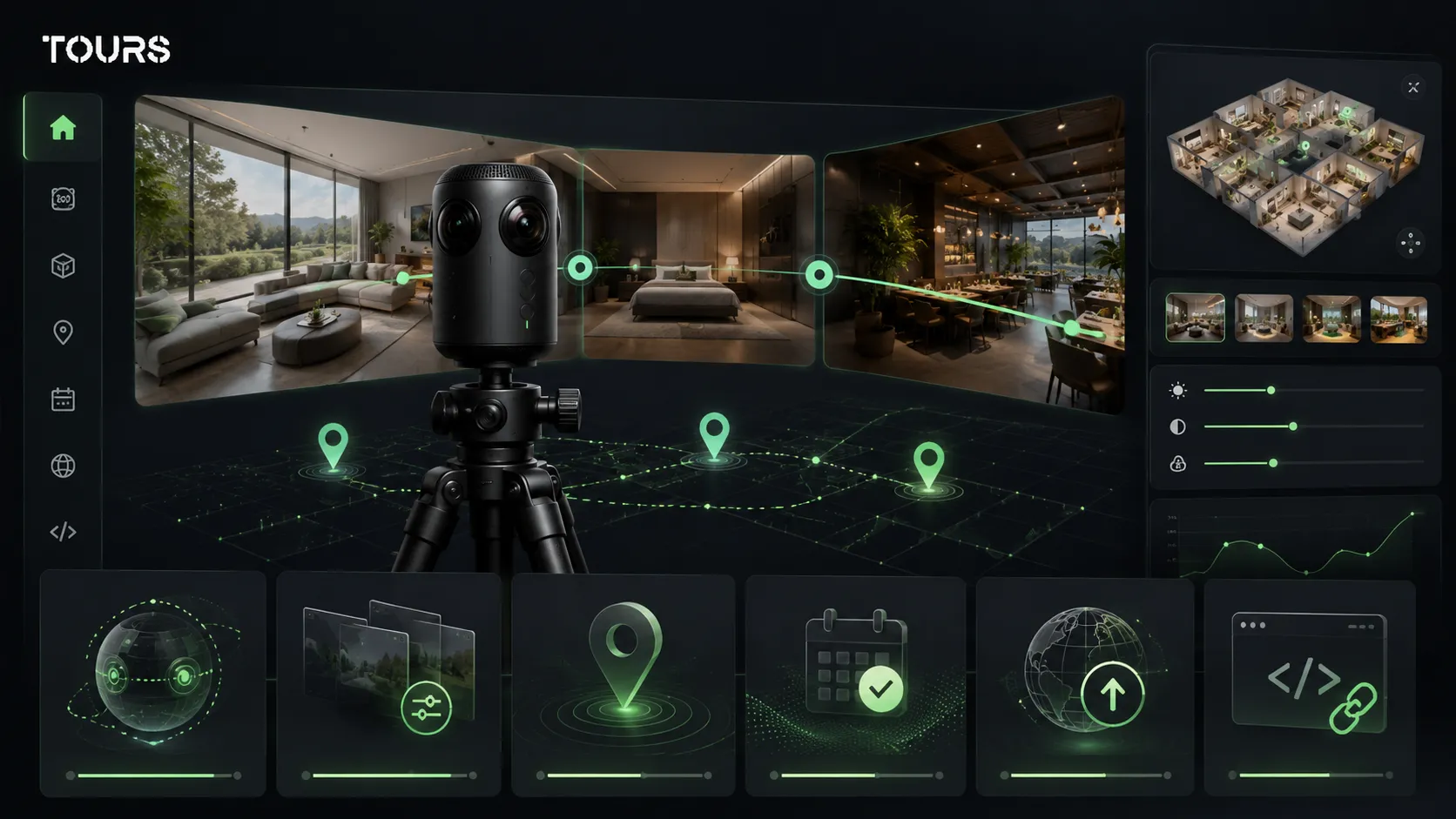

When you search for virtual tour creation, you are really looking for a complete process: proper 360° capture, organized scenes, interactive points, publishing and website integration. A good project is not just panoramic photos. It is a clear experience that helps visitors understand the space and take the next step.
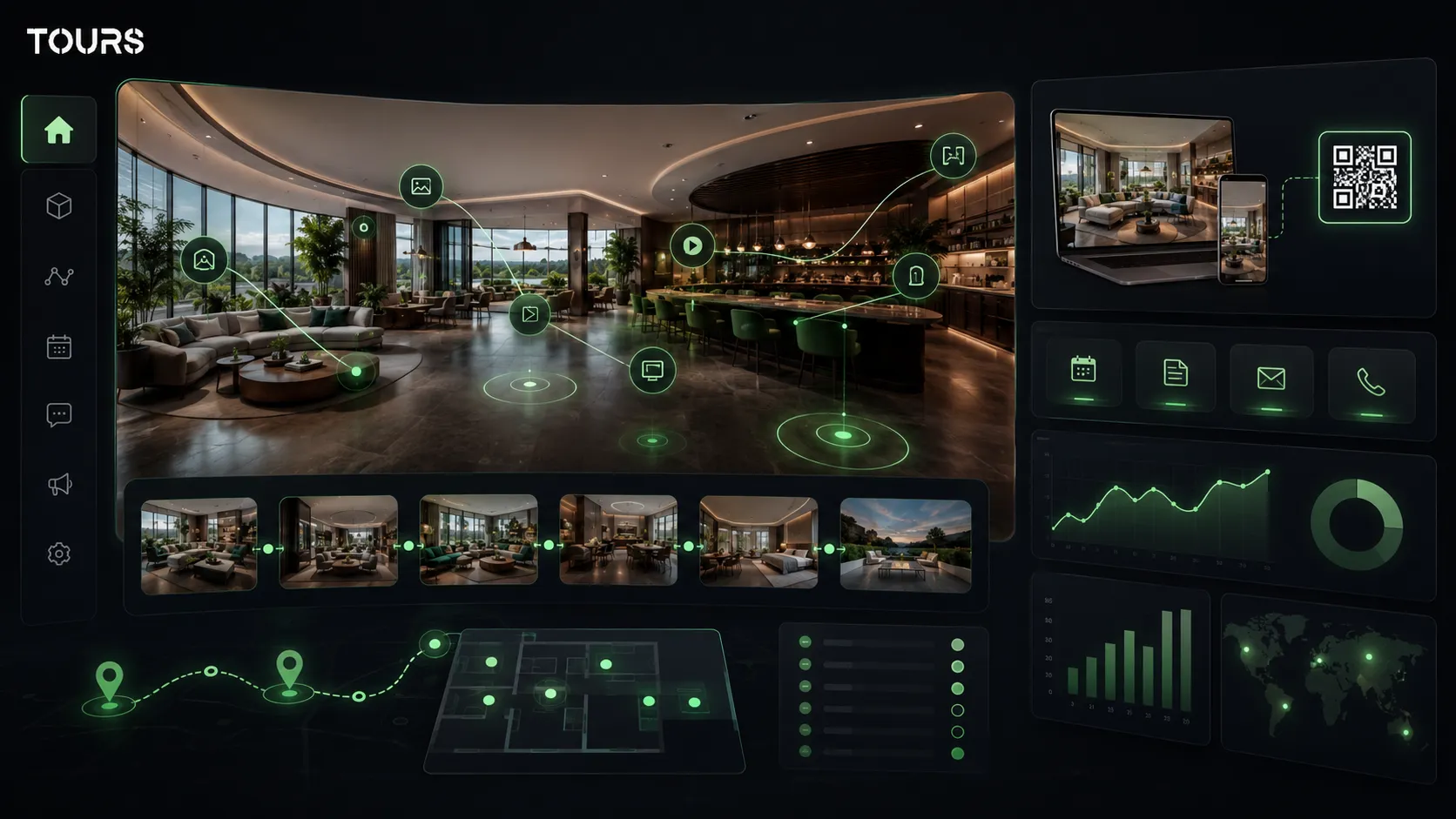
Tours is a SaaS platform for creating interactive 360° virtual tours with integrated bookings, interactive points and usage statistics. In the context of this article, the platform covers the management layer after capture: you organize the scenes, publish the tour, add it to your website and connect it to inquiries or bookings.
In short
- Virtual tour creation includes capture, selection, structure, publishing and visitor optimization, not just 360° photography.
- A virtual tour photographer helps mainly with image quality, while a platform helps you publish, add interactive points and track usage statistics.
- A virtual tour service may include on-site production, but you should check whether you also get control over the tour after delivery.
- For hotels, restaurants, real estate, showrooms and event venues, the tour should be built around a clear commercial action.
- In Tours, you can start with a simple tour, then add bookings, QR codes, website integration code and usage statistics as the project becomes more important.
What does virtual tour creation mean in practice?
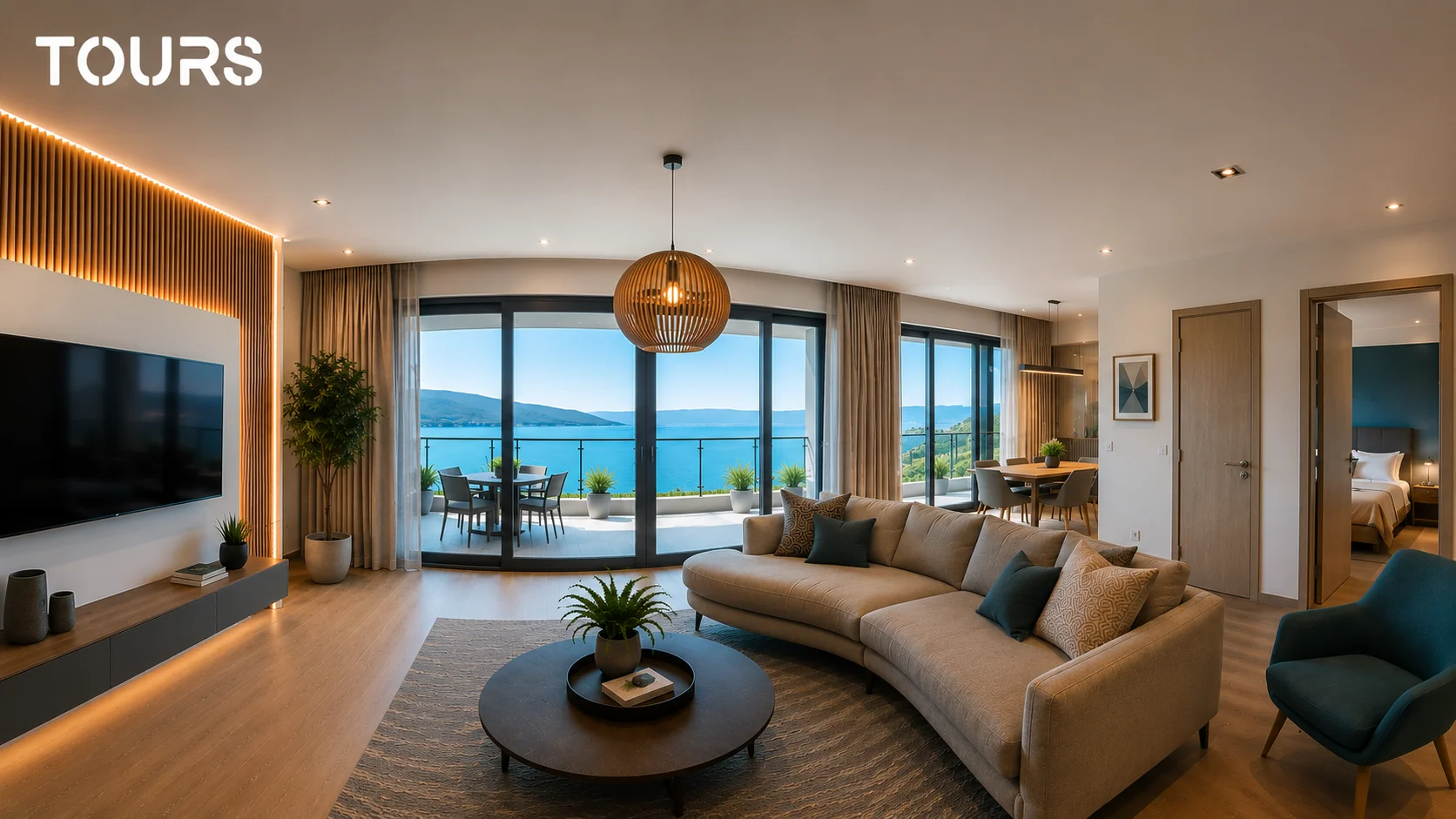
Creating a virtual tour means turning a real space into a navigable 360° experience published online. The process includes preparing the location, capturing panoramic images, selecting scenes, connecting them, adding interactive points and publishing the tour in a format that is easy to use on your website, in campaigns and in sales conversations.
The difference between an isolated panorama and a useful 360 tour is the route. Visitors need to understand where they are, what they can see next and which action makes sense: request a quote, book, call, share the tour or compare the space with other options.
For a local business, the tour should not be treated as a one-time file delivered and forgotten in a folder. It should be a living page that is easy to update, easy to add to the website and clear enough for the sales team to send to a client without a long explanation.
| Component | Role in the project | What to check before you buy |
|---|---|---|
| 360° capture | Shows the real space and creates the first impression. | Resolution, lighting, stable tripod and well-chosen positions. |
| Navigation structure | Connects rooms, areas or scenes into a logical route. | Visitors can understand the space without getting lost. |
| Interactive points | Add information, links, galleries, prices or actions. | They are not just decorative. They help the decision. |
| Online publishing | Makes the tour accessible by link, QR code and website. | You get control, updates and website integration code. |
| Usage statistics | Show how the tour is used after launch. | You can see visits, popular scenes and important interactions. |
When should you hire a photographer, and when should you use software?
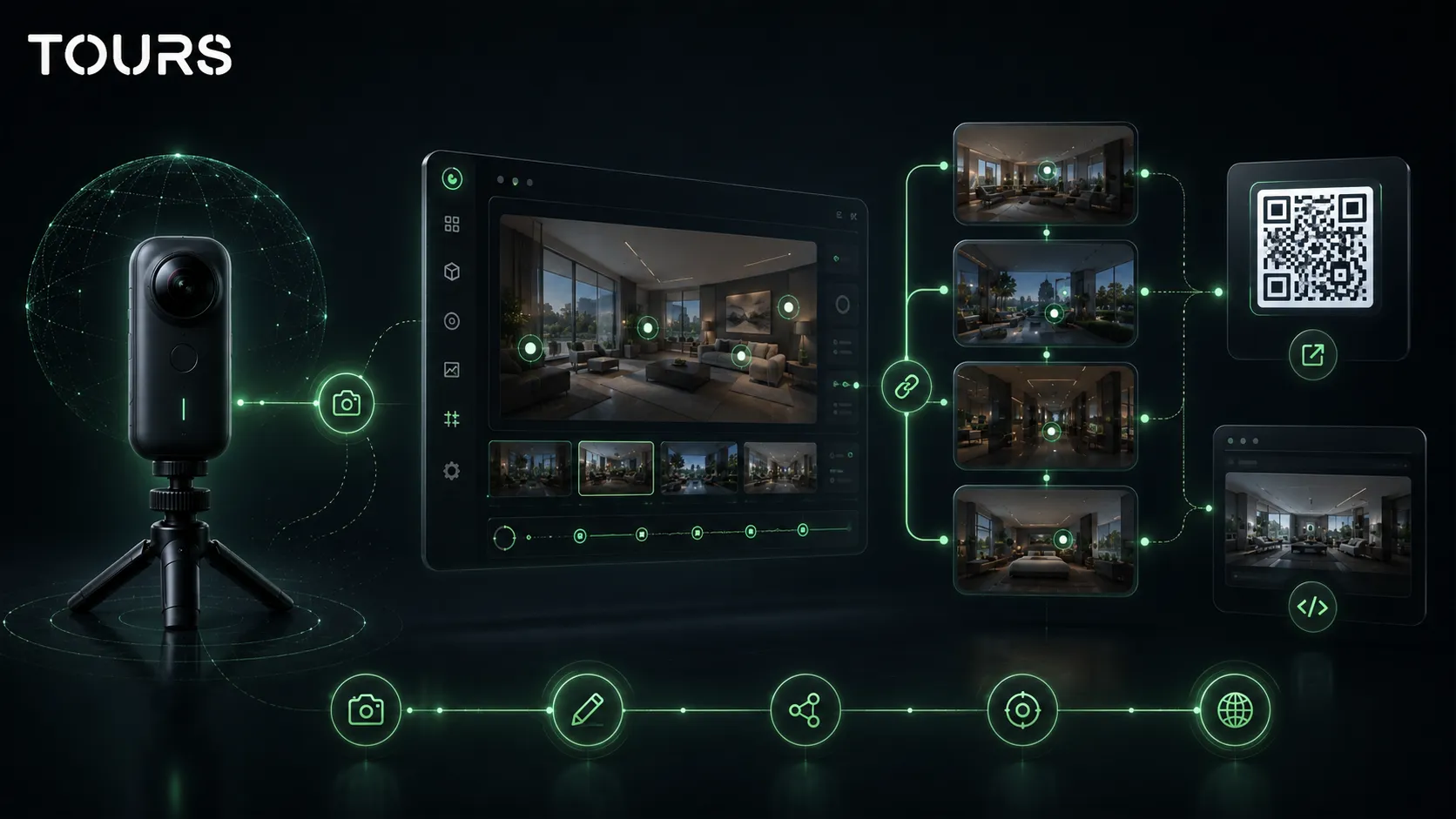
Hire a photographer when you need excellent capture quality, and use virtual tour software when you want to control the tour after the shoot. In practice, many strong projects are hybrid: a specialist captures the space, and the business uses a platform for publishing, updates, interactive points, bookings and usage statistics.
A virtual tour photographer is valuable when the space has difficult lighting, mirrors, glossy surfaces, large windows or areas that need to look polished. The photographer can choose capture positions, avoid obvious reflections and deliver clean images suitable for a premium experience.
A platform becomes important after capture. That is where you organize scenes, change the order, create interactive points, add information about rooms or products, publish the tour, generate QR codes and add it to your website. Without software, the tour is harder to change and depends too much on the provider.
| Option | When it makes sense | Main risk |
|---|---|---|
| Virtual tour photographer | You want professional capture and do not have 360° equipment. | You get good images, but not necessarily long-term control. |
| Virtual tour service | You want a complete package with photography and publishing. | You may depend on the provider for every later change. |
| Internal platform workflow | You have a 360° camera or someone on your team can handle capture. | Quality depends on discipline, lighting and process. |
| Hybrid model | You want capture quality and flexibility after launch. | You need to clarify who delivers the images and who manages the tour. |
In Tours, you can use the hybrid model very simply: the images can be created by you, a collaborator or a photographer, then the tour is organized and published in the platform. This separates capture from tour management, which is useful when you want to update content without starting a completely new project.
What should you receive at the end of the project?
At the end, you should receive more than a polished link. A professional project should include the images or clear usage rights, the published tour, admin access, a version for your website, QR code, logical structure, interactive points and the ability to make changes without rebuilding everything.
Google explains for Street View that a business can welcome customers inside with a virtual tour and update imagery when the space changes. That idea matters for tours published on a website too: the tour should stay current, not just look good on delivery day.[1]Source
- Public tour link suitable for your website, email, campaigns and direct messages.
- Admin access or a clear process for later changes.
- Website integration code so visitors stay on your page.
- QR code for reception, showroom, brochures, flyers, events or a storefront window.
- Interactive points for details, prices, amenities, products, rooms or inquiries.
- Usage statistics that show whether the tour is used and which areas attract attention.
Content ownership is an important detail. Ask from the beginning whether you receive the 360° images, whether you can use them in another platform and what happens if you change providers. For businesses, long-term control matters almost as much as visual quality.
How much does capture quality matter?
Capture quality matters a lot, but it should not be confused with the commercial value of the tour. A clear, well-exposed and stable image builds trust, but the tour becomes useful only when visitors can navigate logically, find important information and reach a clear action at the end.
In hospitality, the preview effect matters because guests try to imagine the experience before they book. A study in the Journal of Hospitality and Tourism Technology analyzed how hotel VR previews influence immediate booking intention through mental imagery and perceived value.[2]Source
For a hotel, guesthouse or apartment, natural light and a tidy space may matter more than a dramatic editing effect. For a restaurant, atmosphere, table spacing and group-friendly areas matter. For real estate, accurate proportions and the route between rooms matter.
- Avoid captures with people accidentally visible, uncontrolled mirrors or temporary objects that weaken trust.
- Use capture positions that explain the space, not only the prettiest corners.
- Keep editing natural. Overly aggressive colors can make the space feel different from reality.
- Check the tour on desktop and on mobile, because many visitors will open it quickly from a link.
- For commercial projects, treat every scene as a question the customer wants answered.
What does professional virtual tour production look like?
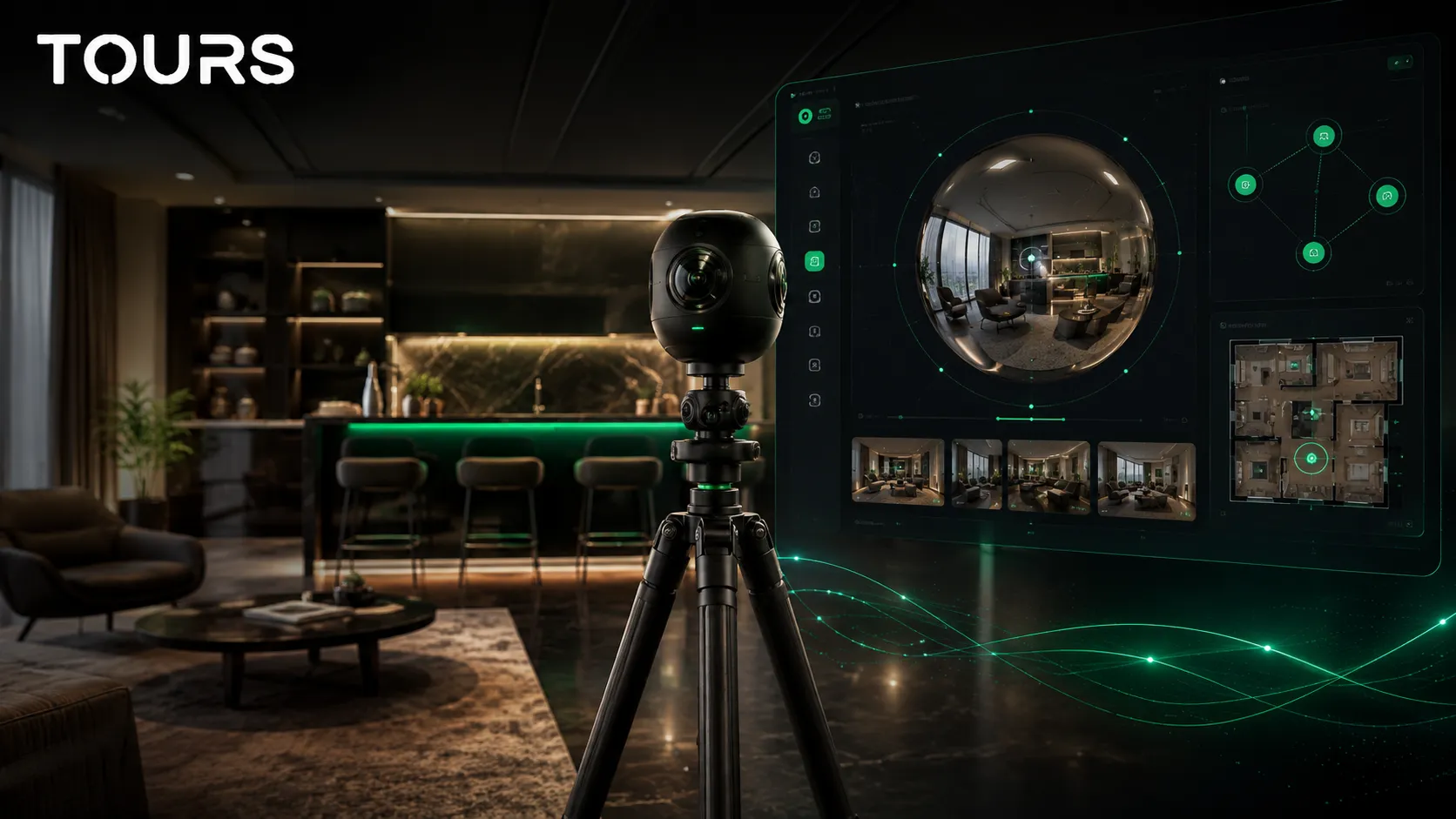
Professional virtual tour production has two main stages: the on-site stage and the platform stage. On site, you prepare the space and capture the scenes. In the platform, you turn the images into a publishable experience with navigation, information, actions, controlled visibility and website integration.
Before capture, define the goal of the tour. A real estate sales tour is not planned the same way as a restaurant booking tour or a hotel room tour. The first needs to qualify inquiries. The second needs to reduce uncertainty. The third needs to show the differences between rooms, amenities and atmosphere.
- Preparation: cleaning, lighting, route, accessible areas and objects that should not appear.
- Capture: 360° positions close enough for navigation, but not so many that the tour becomes tiring.
- Selection: choose the scenes that explain the space and remove duplicates with no clear role.
- Organization: name scenes, set the first scene and create navigation between areas.
- Interactivity: add information points, links, galleries, prices, amenities or inquiries.
- Publishing: choose visibility, check the tour and send it for approval before it becomes publicly active.
In Tours, the flow starts by creating an account on getours.app. Then, from the My Tours page, you create a new tour. You complete the name and category, can add location, price and tags, then upload the first 360° scene and enter the 360° editor to customize the experience.
In the editor, you can add scenes, navigation points, information points, external links, groups, text, images and video. If certain interactive points need to be connected to bookings later, you can mark them with internal tags. After you click Publish, you choose visibility, and the tour waits for approval by a Tours moderator before it becomes publicly active.
Bookings are configured separately from tour creation. In the Booking Manager page, you set availability, choose the right booking algorithm, can add team members who accept or reject inquiries, and connect Booking Manager to the tour, scenes, scene groups or interactive points with the same tag.
How do you turn the tour into a commercial tool?
You turn a tour into a commercial tool when you connect it to a concrete decision: booking, quote request, appointment, viewing request or contact. Without that connection, the tour remains a presentation. With a clear action, it becomes part of sales and customer communication.
In real estate, the decision often starts online before the direct conversation with an agent or developer. The National Association of Realtors describes the Profile of Home Buyers and Sellers as an annual survey of buyer and seller behavior based on recent transactions.[3]Source That is why clear digital presentation matters, especially when a client is comparing multiple options.
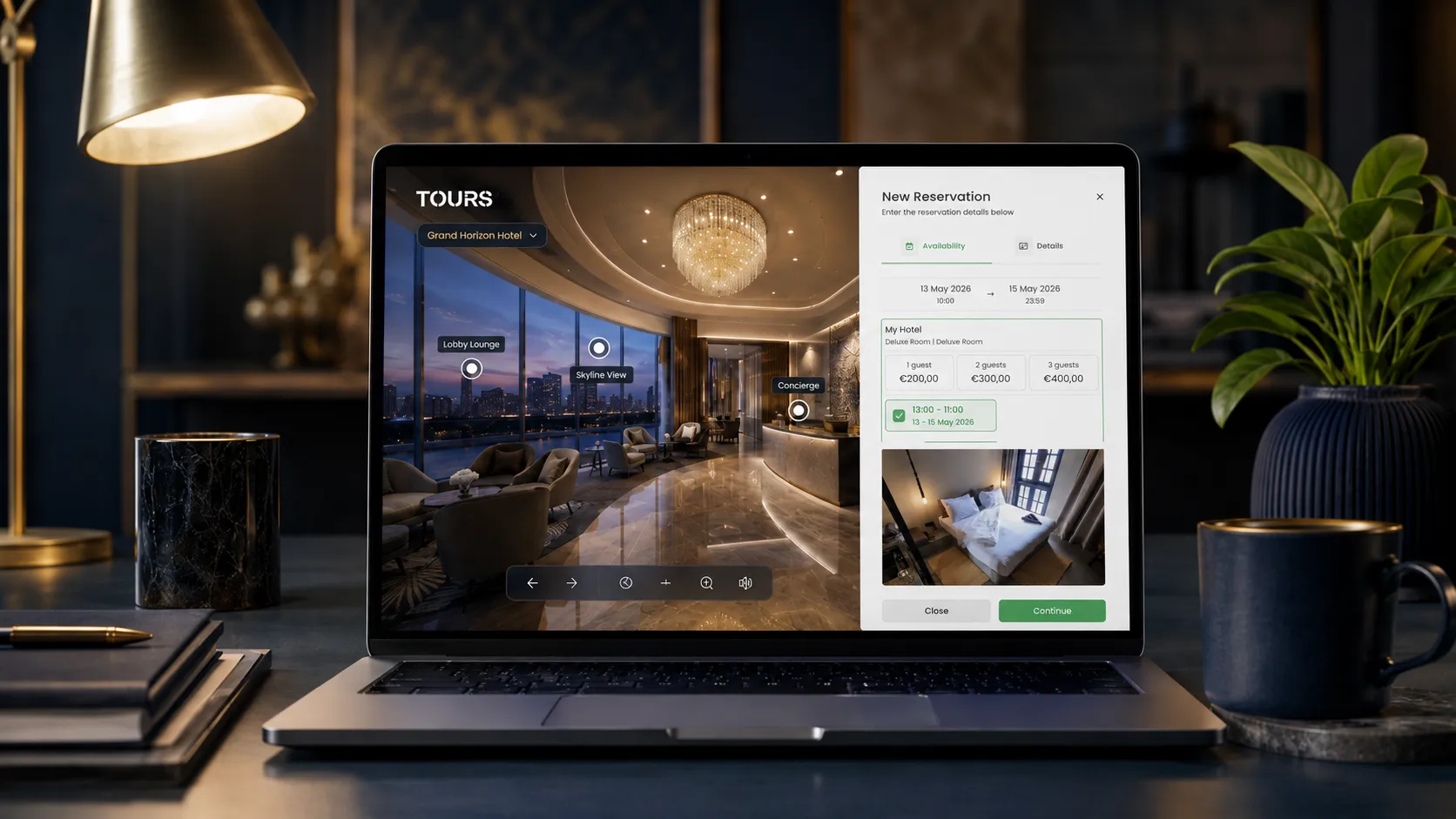
In Tours, bookings are not limited to one type of interactive point. You can connect Booking Manager to the entire tour, to specific scenes, to scene groups or to interactive points using tags. If booking is connected to the entire tour, a global booking button can appear during the experience.
For restaurants, tables or areas can be represented through interactive points. Each point can have its own calendar, or multiple points with the same tag can use the same calendar. For hotels, rooms or room types can be grouped and connected to bookings at the group level.
For real estate, scenes, groups or interactive points can lead to viewing requests, quote requests or useful contact options. The goal is not to replace the CRM, agents, Booking.com, Airbnb, PMS or POS, but to complement the process with a clearer visual experience.
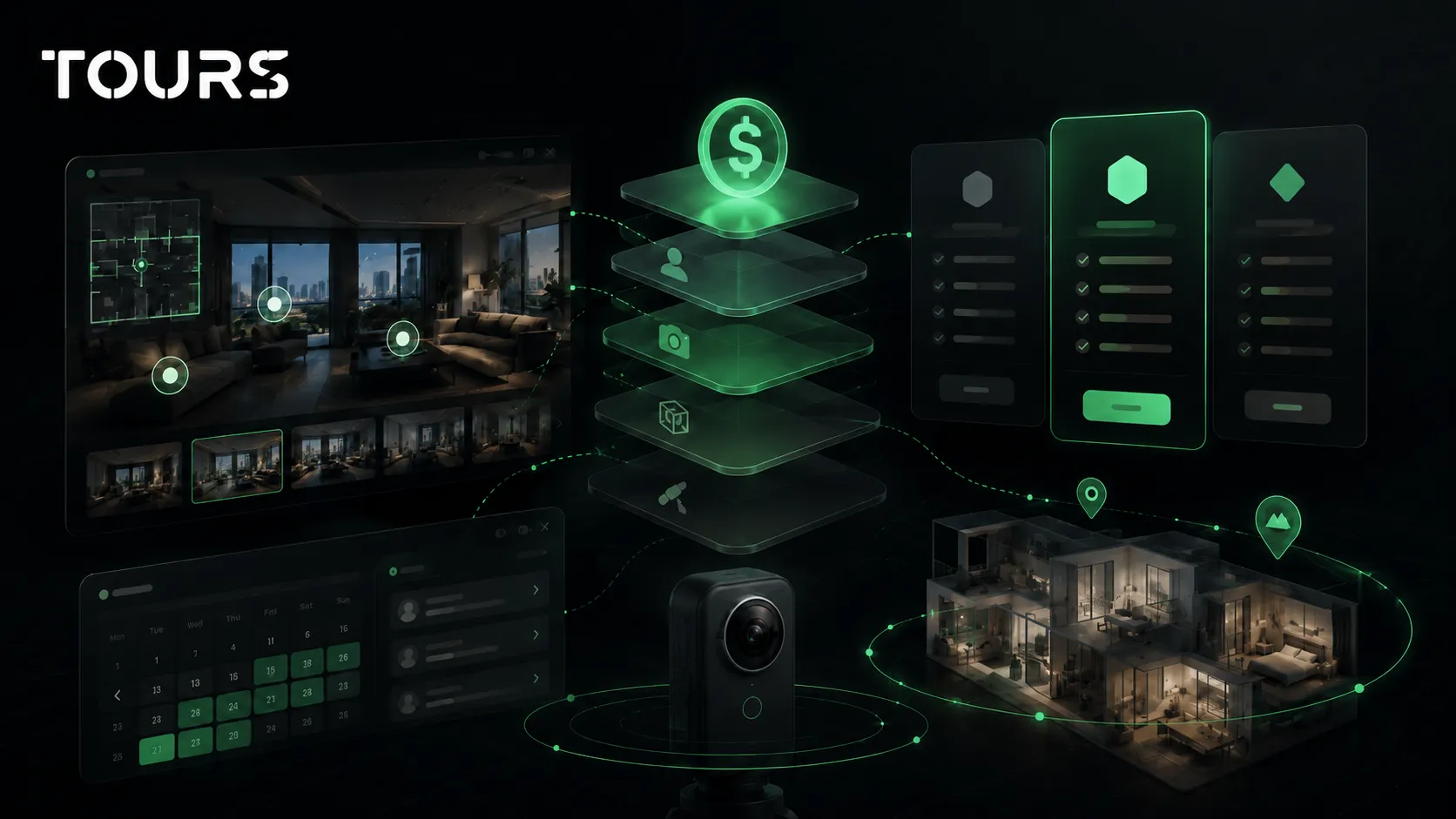
To test without risk, you can start in Tours with a simple tour and then add bookings, usage statistics and commercial actions. Tours plans start at €19/month for virtual tour publishing, website integration, QR sharing and usage statistics, while Pro adds integrated bookings from €59/month. There is also a 30-day free trial with no card.
How do you choose the right service without paying for things you do not need?
Choose the right service based on the goal, not the visual effects. Ask what problem the tour needs to solve: more trust, fewer wasted viewings, clearer bookings, website presentation or sales support. Then buy only the components that support that goal.
- Ask for examples similar to your industry, not just a general portfolio.
- Check whether the tour can be added to your website with website integration code.
- Ask who can change scenes, text, interactive points and links after launch.
- Check whether you get usage statistics, QR code and a public link that is easy to share.
- Clarify whether bookings are included, optional or available only on a higher plan.
- Avoid packages where every small change becomes a separate cost.
If you have a location that rarely changes, a complete project with a photographer may be enough. If you sell properties, update rooms, change menus, adjust the showroom or run seasonal campaigns, you need a platform where you can adjust the tour without starting from zero.
| Buying question | Good answer | Risk signal |
|---|---|---|
| Can I edit the tour after delivery? | Yes, you have platform access or a clear editing process. | Every change depends on a single provider. |
| Can I use the tour on my website? | Yes, you receive website integration code and a public link. | You only receive files or a link that is hard to control. |
| Can I see whether the tour is being used? | Yes, you have visit and interaction statistics. | There is no usage data after launch. |
| Can I connect the tour to bookings? | Yes, at tour, scene, group or tagged interactive point level. | The booking option is only a separate generic form. |
| Can I work with an external photographer? | Yes, 360° images can be uploaded to the platform. | You are locked into one production workflow. |
For a buyer, the best question is not only how much it costs, but what remains controllable after delivery. A virtual tour has more value when it can be updated, measured and used across multiple contexts: website, email, ads, QR code, reception, sales conversations and presentations.
What budget makes sense for virtual tour creation?
The right budget depends on the complexity of the space, capture quality, number of scenes, level of interactivity and the platform used after launch. A simple project can be treated as a presentation, but a commercial project should be budgeted as a sales tool, not a basic 360° gallery.
Cost increases when you have many rooms, difficult lighting, large spaces, multiple areas of interest, careful editing, complex interactive points, bookings, translations or multiple publishing versions. Cost decreases when you have a clear, prepared space, fewer scenes and a team that can make updates on its own in the platform.
For a detailed cost estimate, it is worth reading the dedicated guide to virtual tour pricing. This article focuses on the production process: what you are actually buying and how to check whether the delivery has long-term value.
- Choose professional photography when the final image directly affects price, perception or trust.
- Choose a flexible platform when the tour needs to be updated, added to your website or connected to commercial actions.
- Choose a complete package when you do not have time to coordinate capture, publishing and configuration separately.
- Choose a hybrid model when you want premium quality at the start and internal control after launch.
Frequently Asked Questions
What does virtual tour creation mean?
Virtual tour creation means capturing a space in 360° format, organizing scenes into a navigable route, adding interactive points and publishing the tour online. For a business, the process should also include website integration, QR code sharing, usage statistics and clear actions such as booking, quote request or contact.
What is the difference between a virtual tour photographer and virtual tour software?
A virtual tour photographer mainly handles capture, lighting, positions and image quality. Virtual tour software handles organization, navigation, publishing, interactive points, bookings, QR codes and usage statistics. In many projects, the ideal combination is a photographer for capture and a platform for management and updates.
What does professional virtual tour creation include?
Professional virtual tour creation includes location preparation, clear 360° captures, scene selection, logical navigation, useful interactive points, online publishing, mobile and desktop checks, website integration and access for changes. For commercial projects, it should also include a clear action for the visitor.
Can I create a virtual tour myself without a photographer?
Yes, you can create a virtual tour yourself if you have a 360° camera and follow a disciplined process: a prepared space, good lighting, consistent positions and careful review. In Tours, you can upload the scenes and build the tour in the browser, while the concrete steps are explained in the dedicated guide on how to create a 360° virtual tour. For premium spaces or important sales, a photographer can improve the final result.
When is it worth paying for a virtual tour service?
It is worth paying for a virtual tour service when you do not have the time, equipment or experience for capture and setup. It is especially useful for hotels, restaurants, showrooms, real estate properties and event venues. Still, check whether you get control after delivery, not just a final link.
Can a virtual tour be added to a website?
Yes, a virtual tour can be added to a website through website integration code. In Tours, after publishing and approval, you can use the tour on your own website, share it by link and turn it into a QR code. This helps visitors stay inside your brand ecosystem.
Can I connect bookings to a virtual tour?
Yes. In Tours, bookings can be connected to the entire tour, to scenes, to scene groups or to interactive points using tags. If booking is at tour level, a global button can appear. If it is at interactive point level, the booking window opens when the visitor clicks that point.
Does every interactive point have a separate calendar?
Not necessarily. In Tours, an interactive point can have its own availability, but multiple interactive points with the same tag can use the same calendar. This is useful for restaurants with shared areas, hotel rooms grouped by type or resources that share the same availability.
How long does virtual tour creation take?
Timing depends on the size of the space, number of scenes, desired quality, editing level and how many interactive points are needed. A small prepared space can be completed quickly, while a hotel, showroom or large real estate project needs more planning, checking and organization.
What mistake should I avoid when buying a virtual tour?
The biggest mistake is buying only a beautiful presentation without checking control after delivery. Ask whether you can edit the tour, add it to your website, receive usage statistics, connect bookings and reuse the 360° images over the long term.
If you want to create a controllable virtual tour with 360° scenes, interactive points, usage statistics, QR code sharing, website integration code and booking options, you can test Tours free for 30 days with no card and then decide whether you need a photographer, internal production or a hybrid model.
Sources
Studies and reports cited in this article
All sources are checked and publicly available.
- Google Street View for businessesDocumentationGoogleOfficial Google page about using 360° imagery and virtual tours to show customers the inside of a business.
- Study on hotel VR previewsStudyJournal of Hospitality and Tourism TechnologyStudy published by Emerald on the role of VR previews in immediate booking intention for hotels.
- Profile of Home Buyers and SellersReportNational Association of RealtorsAnnual NAR report on home buyer and seller behavior, useful for understanding the role of digital presentation in real estate.
We carefully select trusted sources to keep the content relevant and up to date.