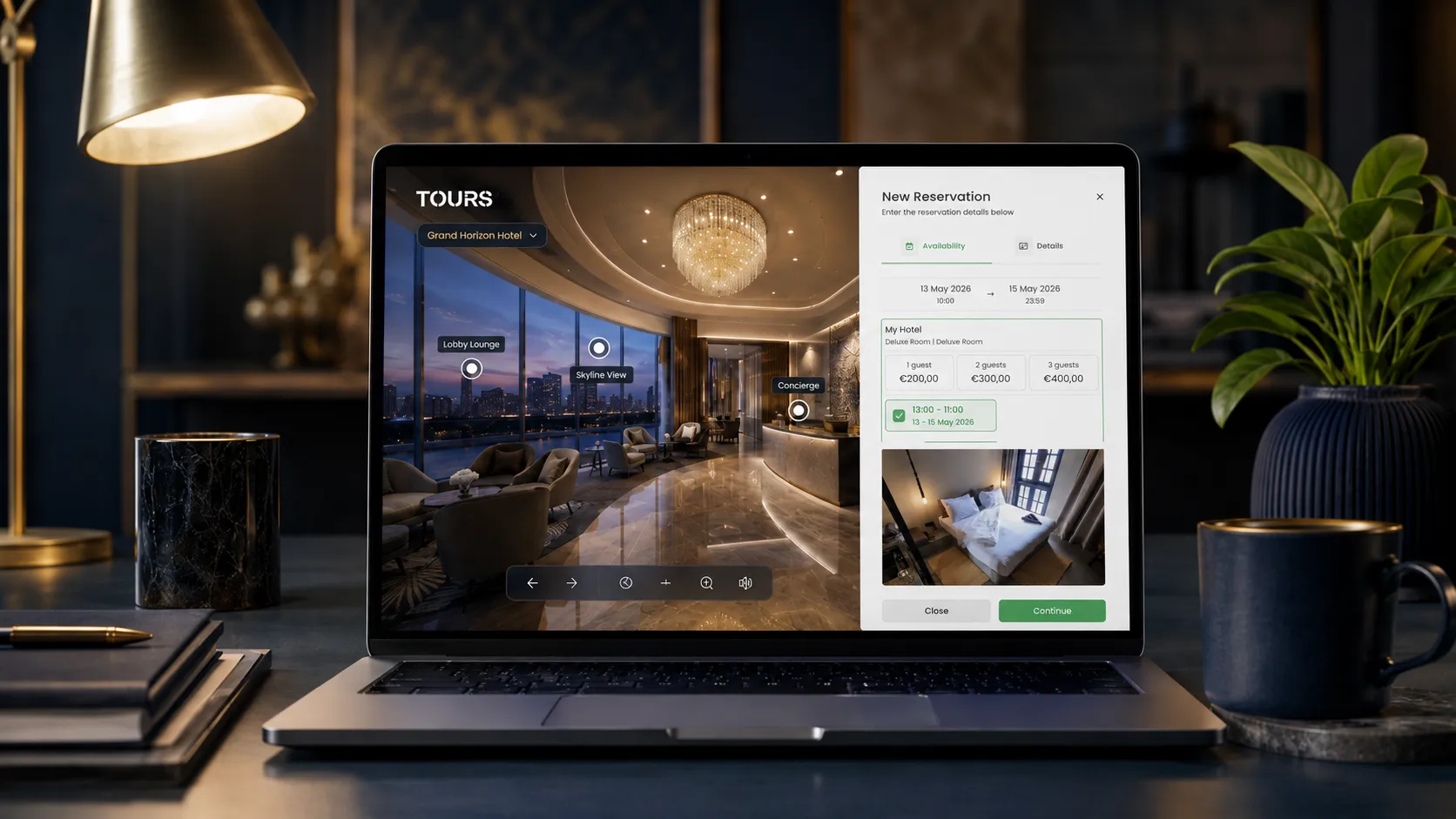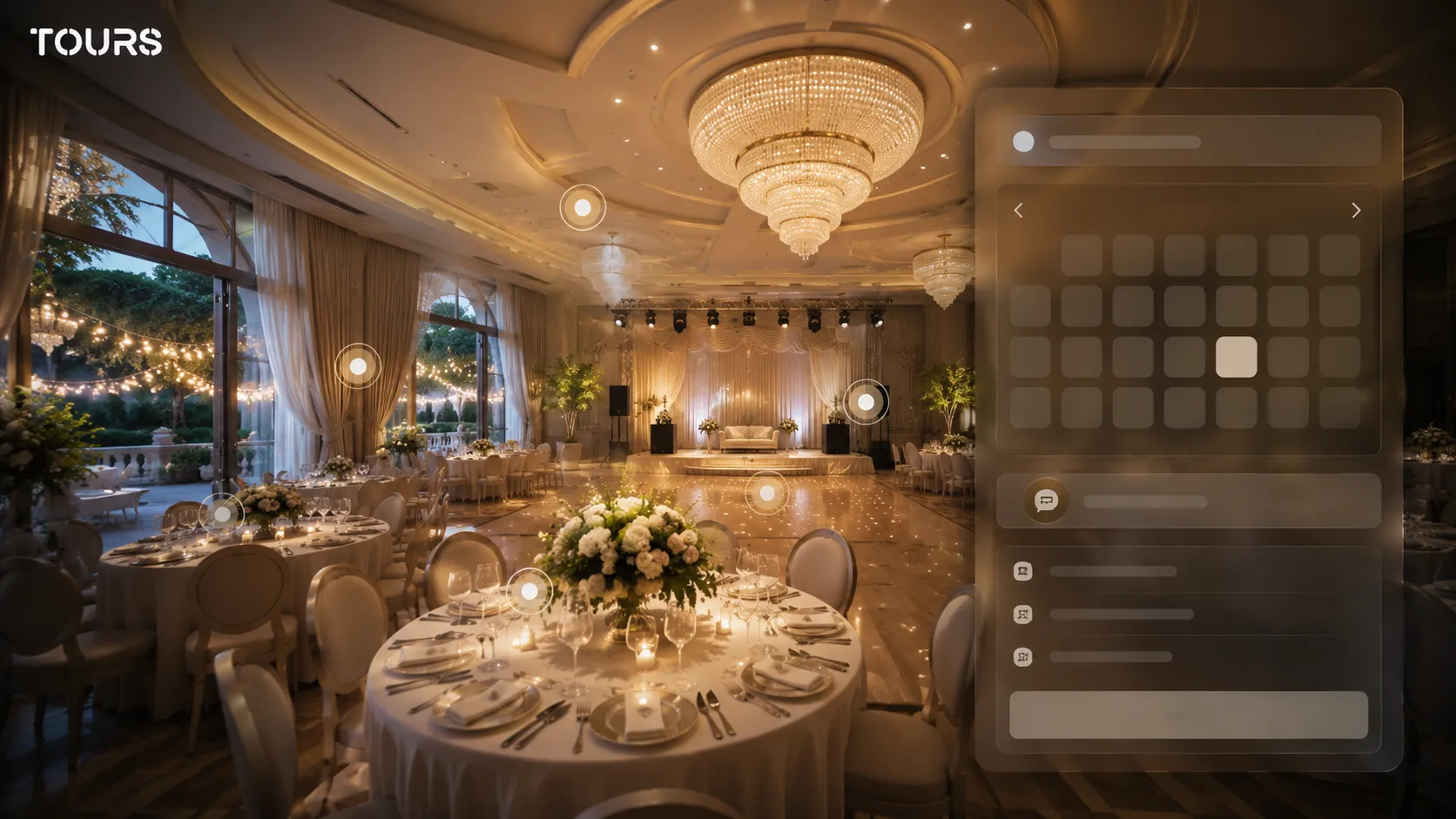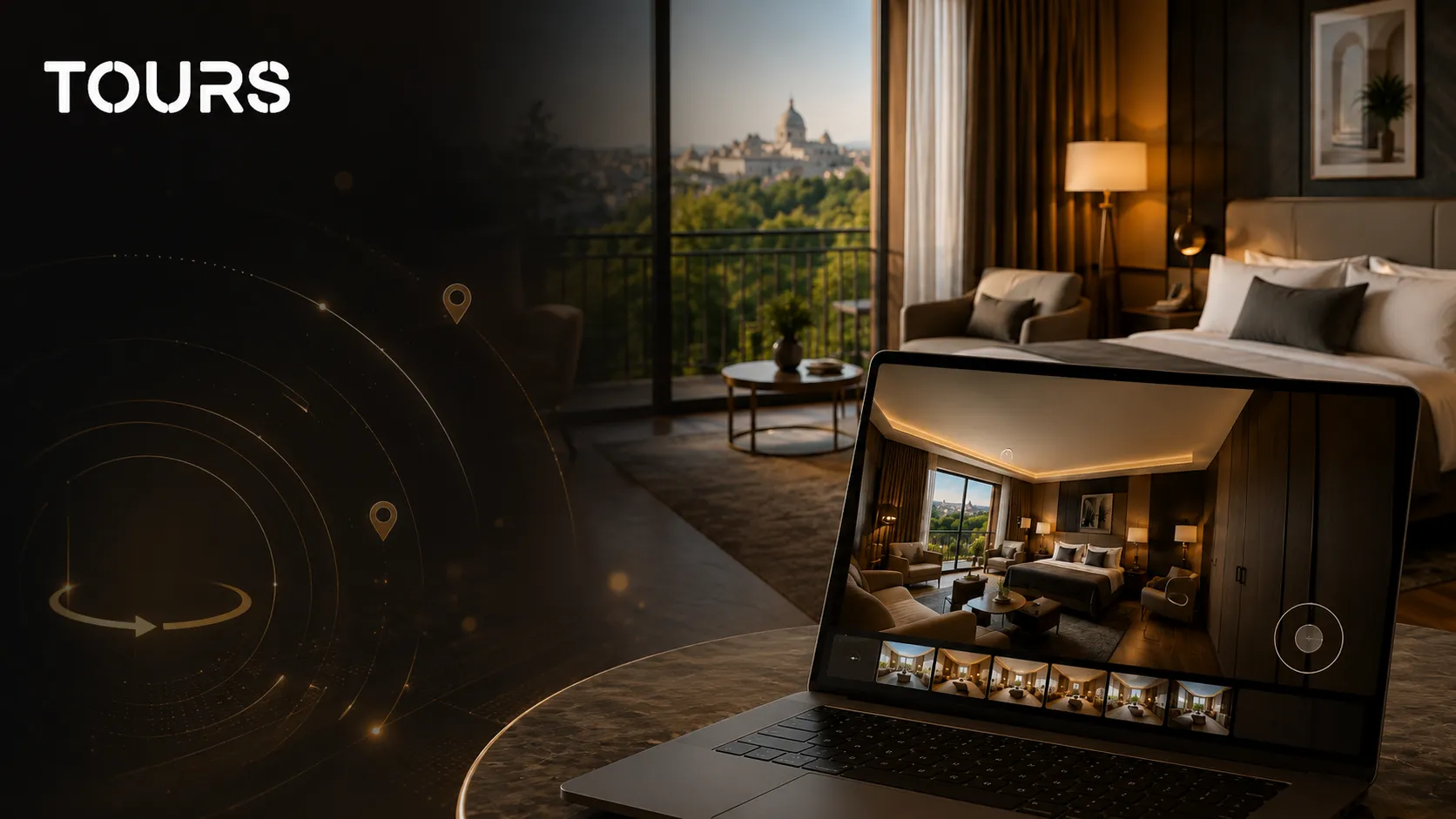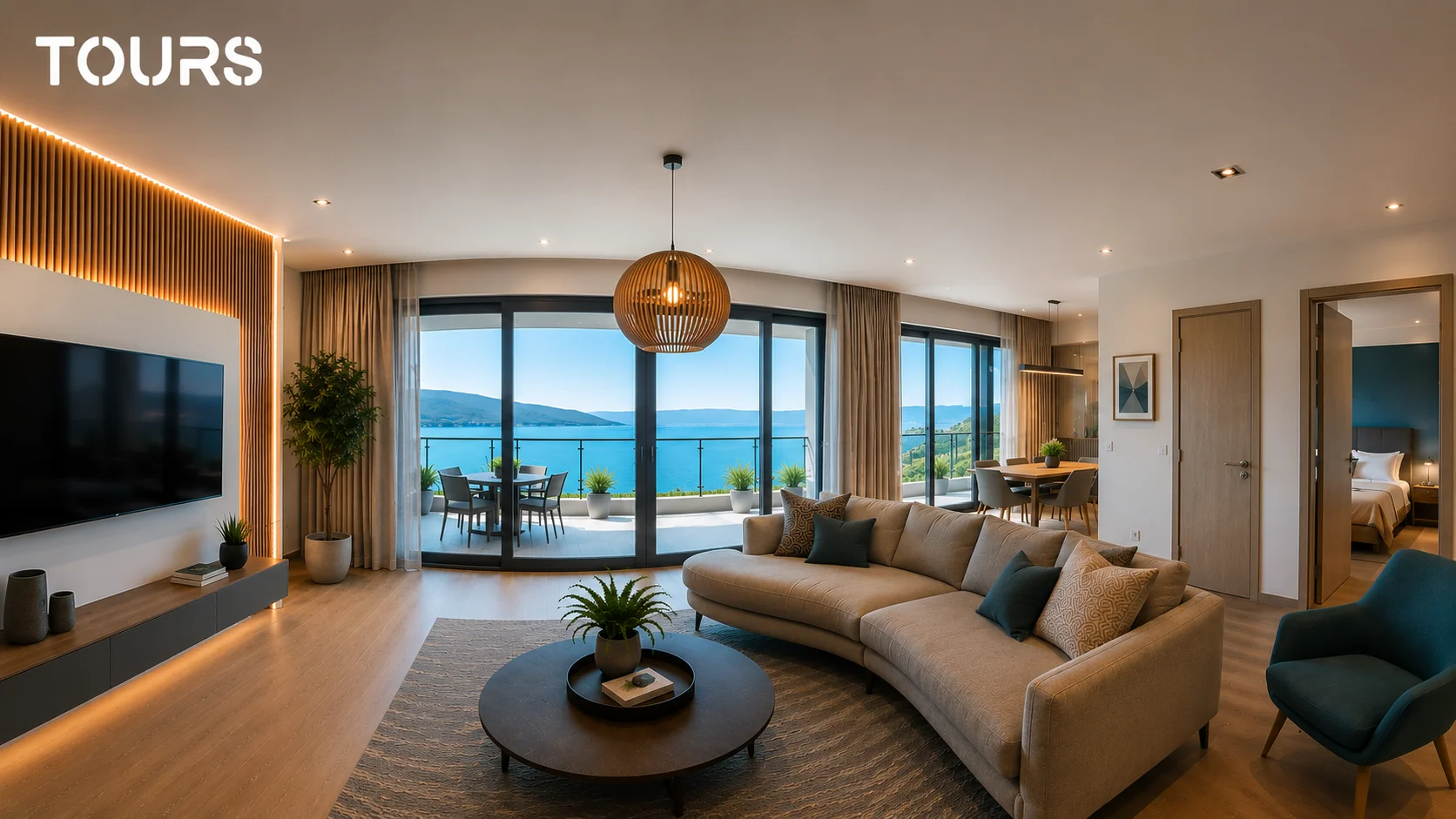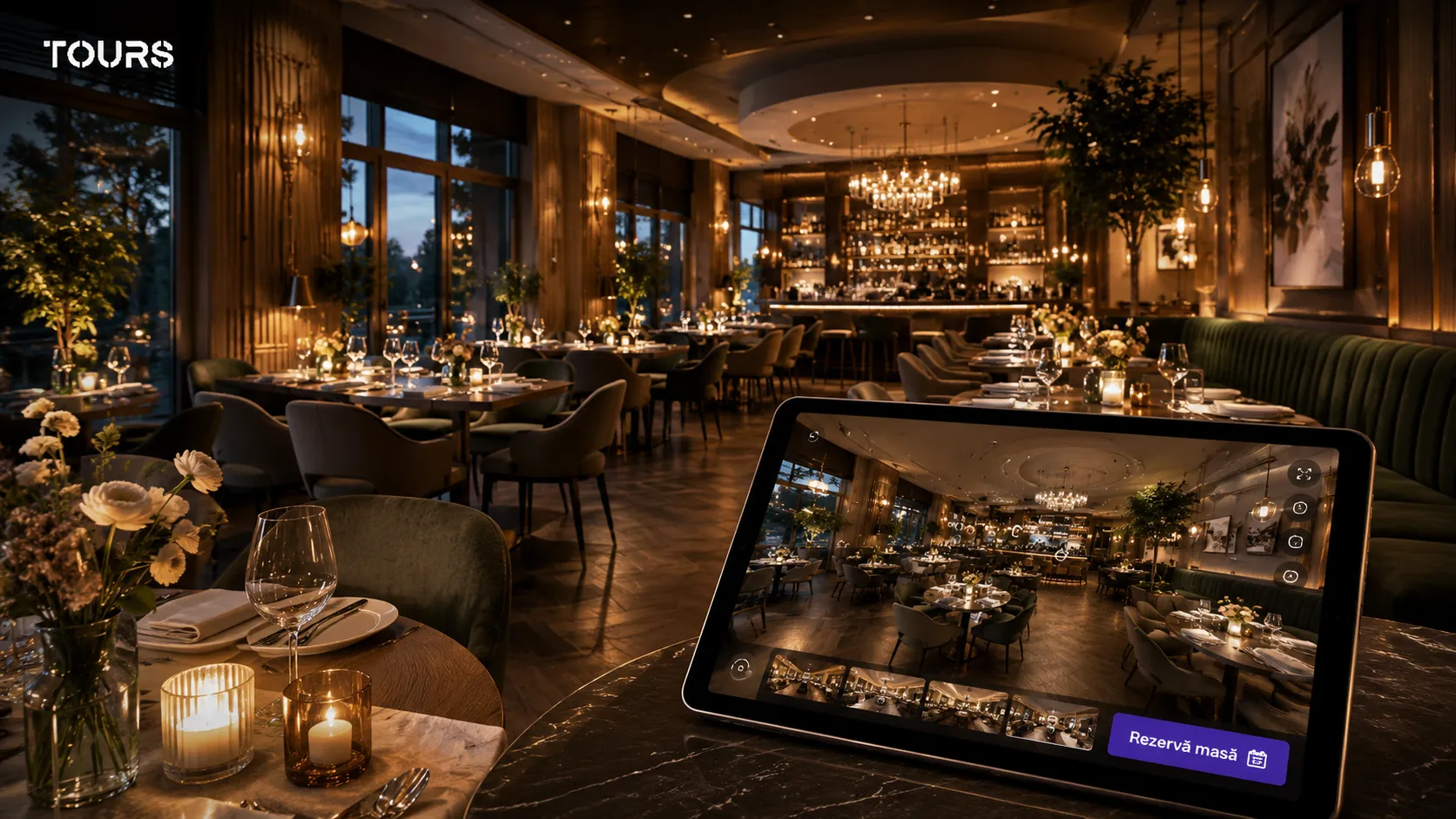

A restaurant virtual tour is an interactive 360° presentation that lets guests explore the dining room, terrace, bar or private spaces before they book. Instead of relying only on photos, the guest sees how the venue feels as a whole and can make a table reservation directly from inside the tour.
This guide explains how a restaurant virtual tour works. To publish one with table booking, see Tours for restaurants.
Tours is a SaaS platform for creating interactive 360° virtual tours with hotspots, usage analytics, website embedding and sharing via link or QR code. For restaurants, Tours helps turn the visual presentation into a clearer experience: the guest explores the space, understands the atmosphere and can move more easily toward the booking step.
In Short: What You Need to Know About Restaurant Virtual Tours
- A restaurant virtual tour shows your dining room, terrace, bar or private spaces in an interactive 360° experience.
- It is most valuable for restaurants where atmosphere, design, lighting and layout influence the booking decision.
- Hotspots can guide guests toward a specific table, a private dining room, a terrace or a reservation action.
- The tour can be embedded on your website, shared via link, added to your Google Business Profile, posted on social media or distributed through local campaigns.
- In Tours, a virtual tour can include integrated bookings, usage analytics, a website embed code and multilingual support.
- For restaurants, the goal is not just to showcase the space — it is to reduce the hesitation between “this looks good” and “I’ll book now”.
Why Photos Are No Longer Enough for a Restaurant
Photos are still useful, but they rarely explain a space. A guest can scroll through four beautiful images and still have no idea how large the dining room is, how close the tables are to each other, what the terrace looks like or whether there is a suitable area for a private dinner.
Your restaurant may look excellent in a photo gallery, but potential guests cannot see what lies outside the frame. Now Book It reports, based on aggregated industry data, that a significant share of diners prefer booking online.[1]Source That makes digital space presentation increasingly important before a guest commits to a reservation.
A 360 tour changes that experience entirely. Guests no longer have to guess what your restaurant looks like — they can see the dining room, terrace, bar, private area and the spacing between tables. For an anniversary dinner, a corporate event or a group booking, that context can matter more than a perfectly edited photograph.
Context also matters after the booking is made: Toast reported 2024 data on reservations and cancellations across full-service restaurants, drawn from a large base of venues on its platform.[2]Source A guest who understands the space before booking arrives with clearer expectations, which helps restaurants avoid repetitive clarification calls and low-intent reservations.
What Guests See Inside a Restaurant Virtual Tour
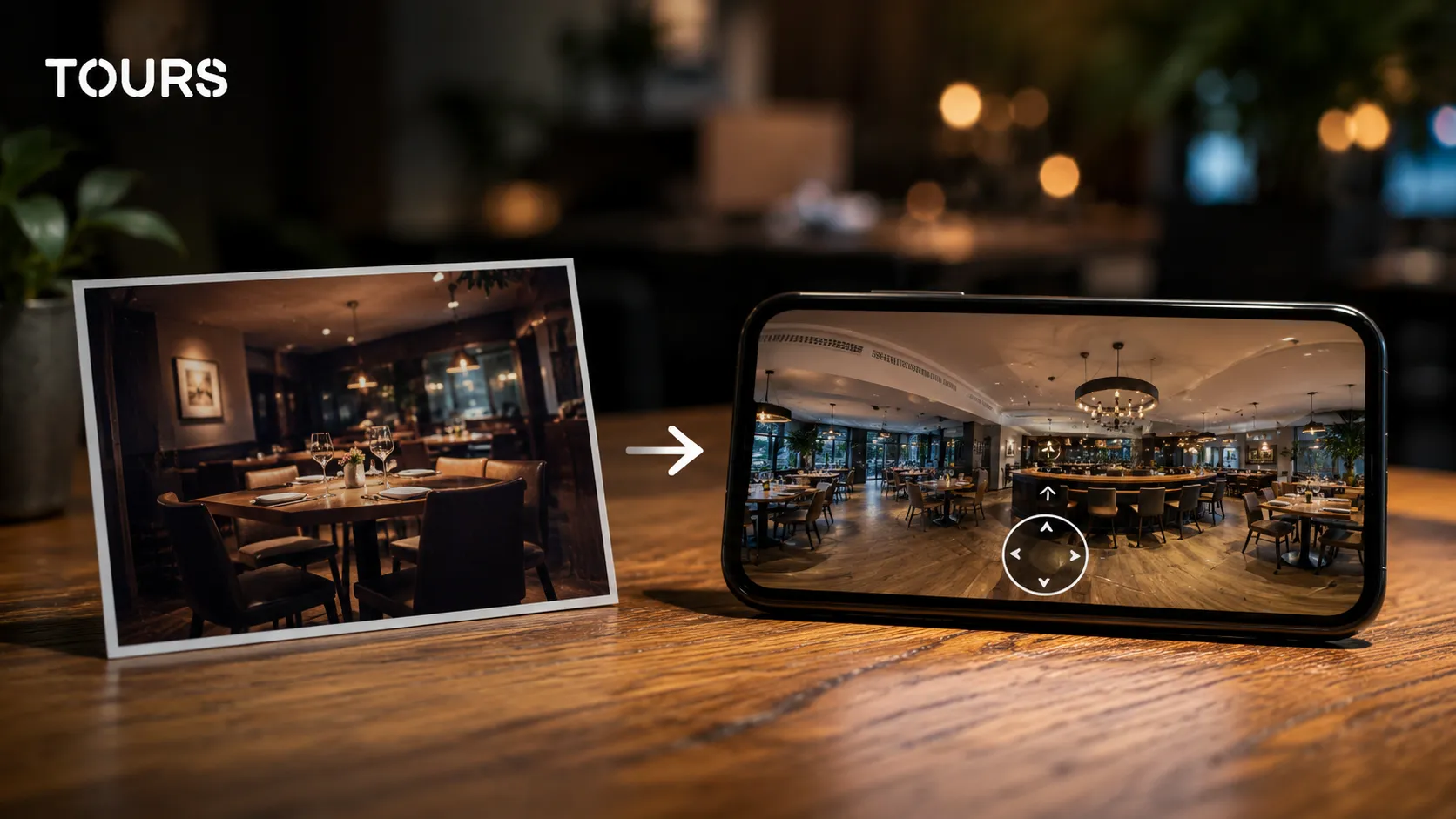
Inside a restaurant virtual tour, guests see the space in context: the main dining room, terrace, entrance, bar, private areas and atmospheric details. They can rotate the view, move between scenes and get a genuine sense of whether the venue suits the occasion they are booking for.
Someone looking for an anniversary dinner wants to know whether there are more intimate corners or whether the room is open and busy. Someone organizing a business dinner wants to see a separate room, the access route, the lighting and how far it sits from the main dining area. A virtual tour answers those questions without a single phone call.
- Main dining room: lighting, table spacing, furniture style and overall atmosphere.
- Terrace or garden: approximate capacity, shade, view and level of privacy.
- Private dining room or VIP area: size, separation from the rest of the restaurant and suitability for events.
- Bar or lounge area: atmosphere, positioning and its role in the overall guest experience.
- Entrance and reception: the first impression guests will have when they arrive.
- Décor details: visual style, table setting, lighting and the general feel of the space.
The better guests understand the space before they book, the fewer repetitive questions they ask. For your team, that means fewer clarification calls. For guests, it means more confidence before they choose your restaurant.
How Table Reservations Work Directly from the Tour
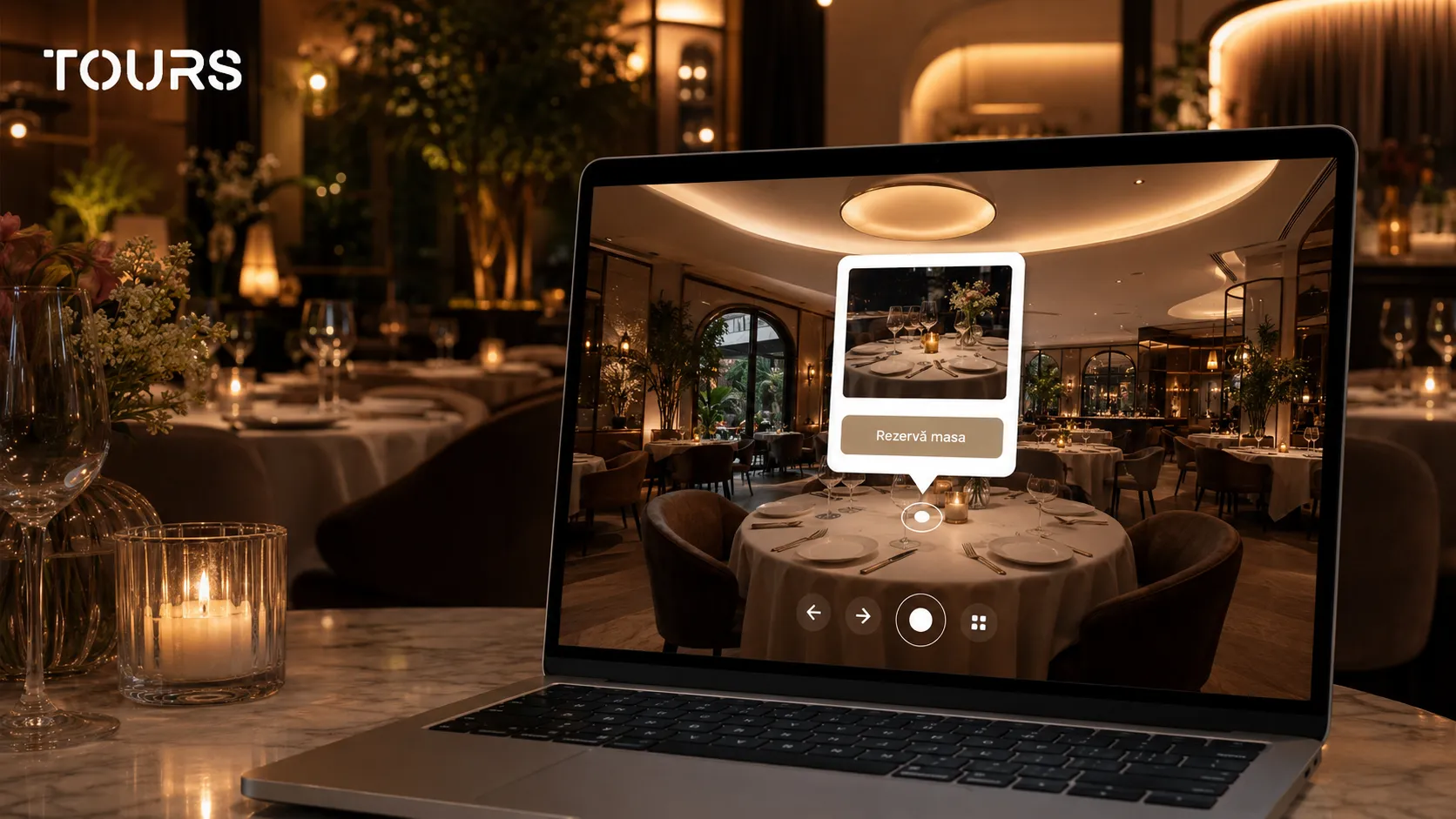
Table reservations from within a virtual tour work through interactive hotspots placed in key scenes of the restaurant. Guests explore the space, tap a reservation point or a contextual button and can submit their request without having to search for a contact page or navigate to a separate booking form.
The most valuable moment is when a guest is visually convinced. If they then have to hunt for a phone number, leave the page or restart the process in a different system, some of that intent is lost. A booking hotspot shortens the distance between interest and action.
In Tours, hotspots can be used for reservations, additional information, navigation between scenes or redirection to an external form. For restaurants, a hotspot can be placed directly on the table you want to highlight, or — for events — on the main dining room, the terrace, a private room or any area relevant to group bookings.
- Reservation hotspot in the main dining room, for standard table requests.
- Hotspot on the terrace, with information about seasonal availability or opening hours.
- Hotspot in the private dining room, with a message for events, groups or set menus.
- Contact hotspot for event organizers or corporate bookings.
- Navigation hotspot, so visitors move naturally between the dining room, terrace and bar.
Want to see what a virtual tour could look like for your restaurant? You can test Tours free for 30 days, no credit card required: upload your 360° images, connect the scenes, add hotspots and publish the tour on your website or share it via a direct link.
Where to Publish a Restaurant Virtual Tour and How to Embed It
A restaurant virtual tour works best when it appears where guests make decisions: your website, Google Business Profile, social media, local campaigns, email communications and QR code materials. Treat it as part of the reservation journey, not as a standalone file.
- On your restaurant website: embed the tour on the homepage, the reservations page or a dedicated venue page.
- Google Business Profile: add a link to the tour in your profile, posts or the page associated with your restaurant.
- Instagram and Facebook: link in bio, stories, event posts or seasonal campaigns.
- Email marketing: include a link to the tour in newsletters, booking confirmations or campaigns targeting new guests.
- QR code: place it on your front door for passersby who want to explore the venue outside opening hours, and on menus, flyers, reception desks, event materials and local partnership collateral.
- Local partnerships: wedding planners, event agencies or local guides can share the tour directly with their clients.
Tours generates a public link and a website embed code for every tour. You get the embed snippet, paste it into the page you want and the tour runs on desktop, mobile and tablet. No custom development is needed for basic publishing.
Which Restaurants Benefit Most from a Virtual Tour
A virtual tour delivers the most value for restaurants where the space itself influences the booking decision. If the atmosphere, terrace, private dining room, interior design or visual experience are part of why people choose your venue, a 360° tour can play a real role in converting interest into a reservation.
- Fine dining restaurants and bistros with a distinctive design, where atmosphere is part of the offering.
- Restaurants with a terrace, garden or view, where the outdoor space matters in the booking decision.
- Restaurants with private dining rooms, VIP areas or corporate event spaces.
- New restaurants that have not yet built up many reviews and need to establish trust quickly.
- Themed restaurants where the décor and visual experience are central to the brand promise.
- Restaurants that host weddings, christenings, anniversaries or private events, where clients want to see the space before requesting a quote.
A fast-food outlet, a cafeteria or a venue where the decision is almost entirely about price and proximity will not get the same value from a virtual tour. The more a booking depends on how a space looks and feels, the more relevant a 360° presentation becomes.
Search behavior also supports the idea that digital presentation matters: Mass Interact cites industry data indicating that a large share of diners research restaurants online before deciding where to eat.[3]Source For a restaurant that relies on atmosphere, a virtual tour can be the difference between a curious visitor and a submitted reservation.
How Much Does a Restaurant Virtual Tour Cost?
The cost of a restaurant virtual tour depends on how you create it: with a professional photographer, in-house with a 360° camera or through a self-service platform. For restaurants that need control, frequent updates and integrated bookings, a platform is often more practical than a one-off project.
| Option | Estimated cost | Advantages | Best for |
|---|---|---|---|
| 360° photographer or agency | Per-project fee | High quality, fully outsourced process | Restaurants that want a single shoot and prefer not to manage tours in-house |
| 360° camera + self-service platform | Camera cost + subscription | Full control, fast updates, publishing and usage analytics | Restaurants that want to manage and update the tour themselves as the space evolves |
| Tours | From €19/month; Pro with booking from €59/month | 360° tours, hotspots, website embed, usage analytics and free trial; integrated bookings available on Pro | Restaurants that want a 360° presentation, with table reservations available in the same workflow on Pro |
If you only need a few static 360° images, a one-off photo session may be enough. But for €19/month, Tours gives you a more practical option: publish the tour on your website, track usage analytics and update it whenever you need to — without starting from scratch. If you also want integrated bookings, those are available on the €59/month plan.
How to Create a Restaurant Virtual Tour with Tours
To create a virtual tour of your restaurant with Tours, you photograph the space with a 360° camera, upload the panoramic images, organize the scenes, add navigation and booking hotspots and publish the tour online. You then receive a public link and an embed code to add the tour to your website.
- Photograph your restaurant in 360°: the entrance, main dining room, terrace, bar, private dining room and any other relevant areas.
- Upload the images to Tours and turn them into individual scenes.
- Set the opening scene so visitors start from the most compelling part of your venue.
- Connect the scenes with navigation hotspots so visitors explore the space naturally.
- Add booking, contact or information hotspots for tables, the terrace or private event spaces.
- Publish the tour and embed it on your website, or share it via link, QR code and social media.
- Track usage data: number of visits, most-viewed scenes, hotspot interactions and booking requests generated through the tour.
Tours runs in the browser and supports 10+ languages, which is useful for restaurants that serve both local guests and international visitors. No complex software installation or custom integration is needed for basic publishing.
If you want a deeper look at how hotspots, galleries and bookings work inside a virtual tour, we cover those features in detail in the interactive tours guide linked in the recommended resources section below.
Is a Virtual Tour Worth It for Your Restaurant?
Yes — a virtual tour is worth it for restaurants where the space is part of the booking decision. If guests choose your venue for its atmosphere, terrace, private dining room, design or overall experience, a 360° presentation can quickly answer the questions that would otherwise block a reservation.
A virtual tour does not replace your menu, your reviews or your food photography. It works best alongside them: the menu explains the offer, reviews build trust, food photos show the details and the 360 tour shows the space where guests will actually spend their time.
If your restaurant sells itself through atmosphere, its dining room, terrace or private events, you can try Tours free for 30 days — no credit card required. Create the tour, publish it, embed it on your website and see how guests respond before committing long-term.
Frequently Asked Questions
What is a restaurant virtual tour?
A restaurant virtual tour is an interactive 360° presentation of your venue that lets guests explore the dining room, terrace, bar or private spaces directly in their browser. Unlike a photo gallery, it shows how the spaces connect and can include hotspots for information, contact or table reservations.
How does a virtual tour help a restaurant get more bookings?
A virtual tour helps drive bookings by reducing uncertainty before a guest decides. They see the space, understand the atmosphere and can submit a reservation at the exact moment they are convinced. For restaurants with a terrace, private dining room or strong interior design, that visual context can shorten the path from interest to booking.
Do I need a professional photographer or can I shoot the photos myself?
You can shoot the photos yourself if you have a 360° camera, especially for a straightforward tour. For a more polished result, a photographer who specializes in 360° imagery can help with lighting, composition and consistency. Either way, the images can be uploaded to Tours, organized into scenes and published online, then embedded on your website or shared via link.
Can I connect the virtual tour to my existing reservation system?
Yes. Through hotspots, you can direct guests to your existing booking form, a contact page or any external reservation system you already use. Tours also supports integrated booking, so the reservation can be part of the tour experience rather than a separate step.
How long does it take to create a virtual tour for a restaurant?
For a mid-sized restaurant, photography can take a few hours depending on how many spaces you include. Publishing in Tours can be done the same day: upload the images, create the scenes, add hotspots and publish the tour via link or website embed.
Does the virtual tour work on mobile?
Yes. Virtual tours created with Tours work on desktop, tablet and phone, directly in the browser. This matters for restaurants because many guests discover your venue through Google, Instagram, Facebook or email and want to explore the space quickly on their phone.
Can a virtual tour help promote private events?
Yes. Private dining rooms, VIP areas and event spaces are particularly well suited to virtual tours. Event organizers can assess the size, access, atmosphere and separation from the main dining area before requesting a quote or scheduling an in-person visit.
Do I need to update the virtual tour if the restaurant is redecorated?
Yes, if the changes are visible and affect the guest's decision. You do not need to rebuild the entire tour each time: you can replace the affected scenes, update the hotspots and publish the tour again with the updated link. For seasonal restaurants, it is especially worth updating the terrace, event space or any area that changes throughout the year.
How much does it cost to create a restaurant virtual tour with Tours?
The cost depends on the plan and your restaurant's needs. Tours starts at €19/month, and the Pro plan includes booking functionality from €59/month. A 30-day free trial is available with no credit card required, so you can test the tour before committing.
Can I publish the virtual tour in multiple languages?
Yes. Tours supports multilingual virtual tours, which is useful for restaurants that welcome international guests or tourists. You do not need to manually adapt the content for each language: the platform handles multilingual versions automatically, making it easier for visitors to understand the space, the information in the tour and the options available to them.
Sources
Studies and reports cited in this article
All sources are checked and publicly available.
- Restaurant Booking Trends 2024: Guest Behavior DataReportNow Book ItAggregated analysis of guest behavior around restaurant reservations, drawing on data from Statista, Toast, TripAdvisor and other sources.
- Toast Q3 2024 Restaurant Trends Report — Reservation and Waitlist DataReportToastAggregated data from the Toast platform on cancellation rates, waitlists and reservation trends across full-service restaurants.
- How Restaurants Can Drive Reservations and Foot Traffic in 2025ReportMass InteractArticle on the digital behavior of restaurant guests and the importance of online presentation for driving reservations and in-person visits.
We carefully select trusted sources to keep the content relevant and up to date.