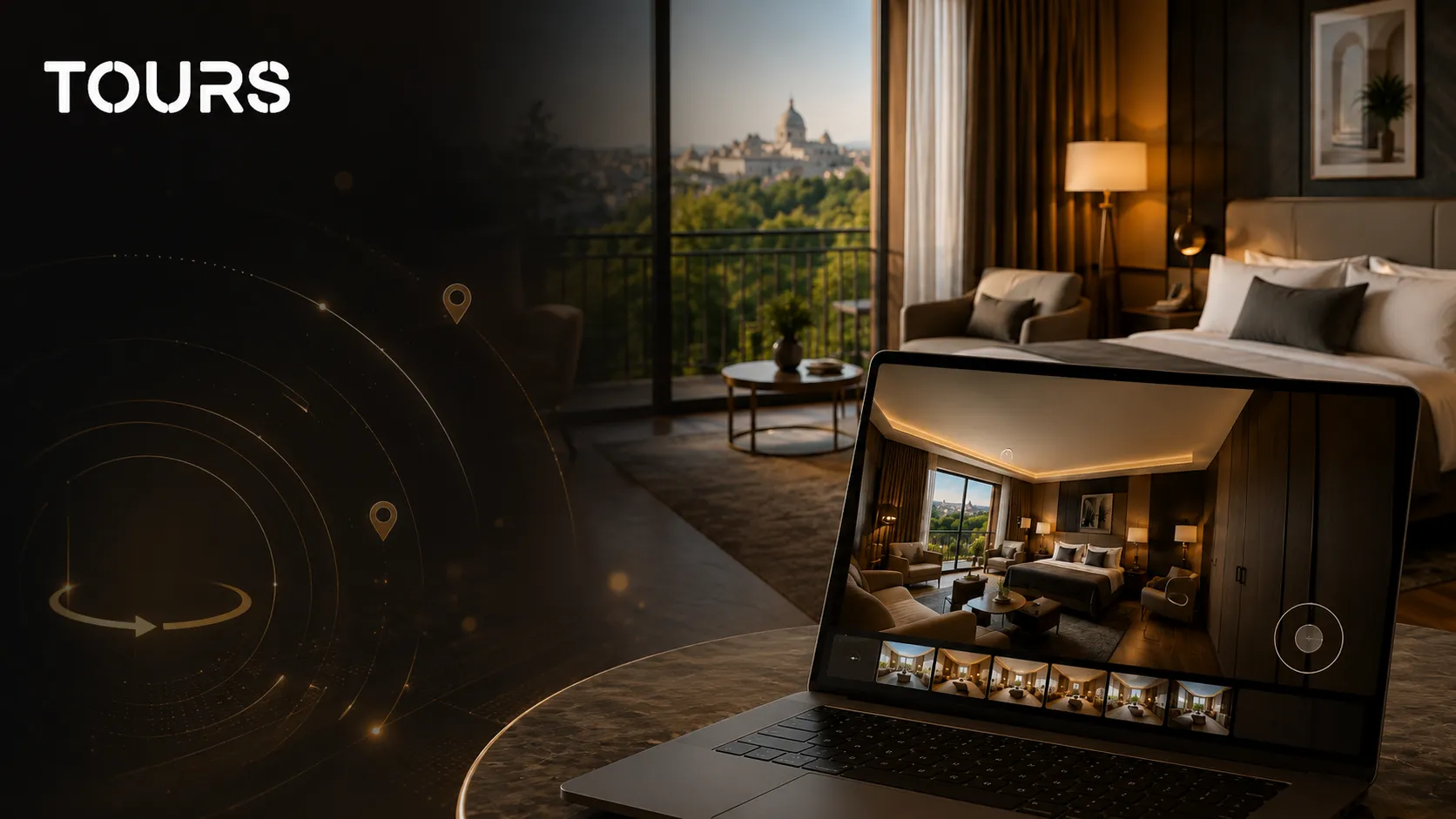

For a hotel or guesthouse, a virtual tour should not be treated as a simple visual asset. When it is added correctly to the website, it helps visitors understand the rooms, facilities, and atmosphere before they decide to book. In other words, it turns curiosity into a clearer experience, and a clear experience can make a direct booking more likely.
This guide explains how a hotel tour supports direct bookings. To publish one with room booking, see Tours for hotels.
In this guide, we look at what is worth including in a hotel virtual tour, where to place hotspots, which CTAs help guests, and which indicators show whether the strategy is working. This is not an article about what a virtual tour is, and it is not a guide to hotel booking systems. It is about using a 360° presentation as a real sales tool.
Why an online virtual tour is no longer optional for hotels
On accommodation platforms, standing out is getting harder. Most hotels already have good photos, similar descriptions, and the same filters: double room, breakfast, parking, spa, view, free cancellation. In that context, an online virtual tour offers something a classic gallery cannot show as well: the feeling of space.
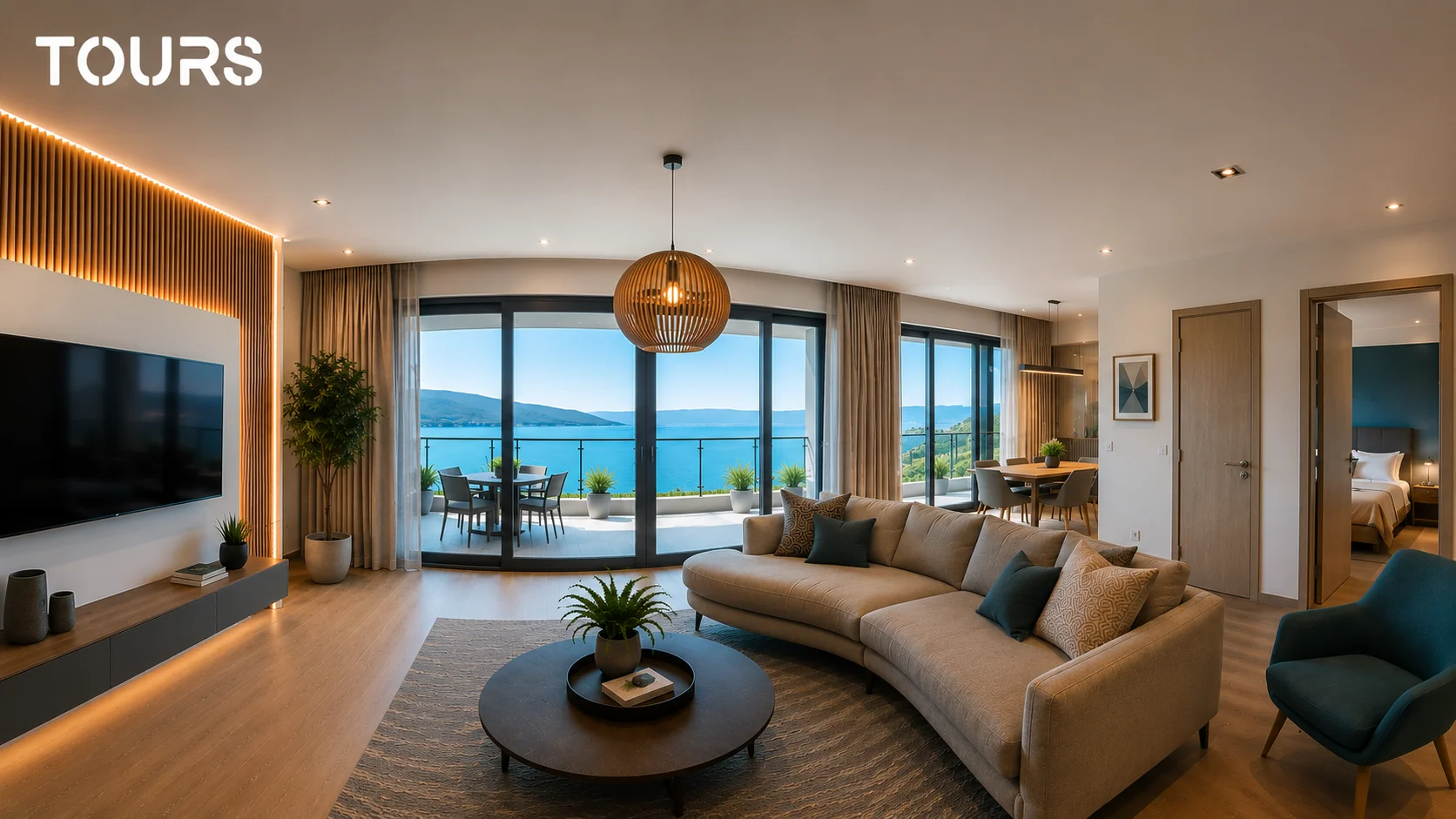
A guest can see what the room looks like as a whole, how spacious the bathroom is, how the sleeping area connects to the balcony, and what the reception, restaurant, or terrace looks like. Instead of imagining the property from ten separate photos, the guest can explore it independently, directly from the hotel website.
According to a TIG Global study cited by WebRezPro, hotels that use virtual tours may see a look-to-book ratio between 16% and 67%, depending on presentation quality and traffic relevance.[1]Source These figures should be treated as potential indicators, not guaranteed promises, but they clearly show that a well-used virtual tour can have a measurable impact on the booking decision.
What spaces should you include in a 3D hotel virtual tour?
A good virtual tour does not mean photographing every corner of the property. It means choosing the spaces that directly influence the guest's decision. For most hotels and guesthouses, the most important areas are rooms, reception, the breakfast area, special facilities, and any space that justifies a higher price.
- Standard room and premium room - the visual comparison helps guests understand the difference and choose an upgrade more easily.
- Lobby and reception - these create the first impression and set expectations for comfort and professionalism.
- Restaurant or breakfast area - this matters a lot for families, couples, and travelers who want a complete experience, not just a room.
- Pool, spa, or fitness room - these spaces can differentiate the hotel from other properties in the same area.
- Conference room - important for companies, private events, and corporate groups.
- Terrace, garden, or panoramic view - these can become strong selling points when the property has a special natural or urban setting.
Avoid messy, unfinished, or low-value areas. The virtual tour should support the hotel's positioning, not mechanically document the entire property. Often, the most expensive rooms and the most distinctive facilities are the spaces that deserve the strongest presentation.
How to use hotspots and CTAs in a hotel virtual tour
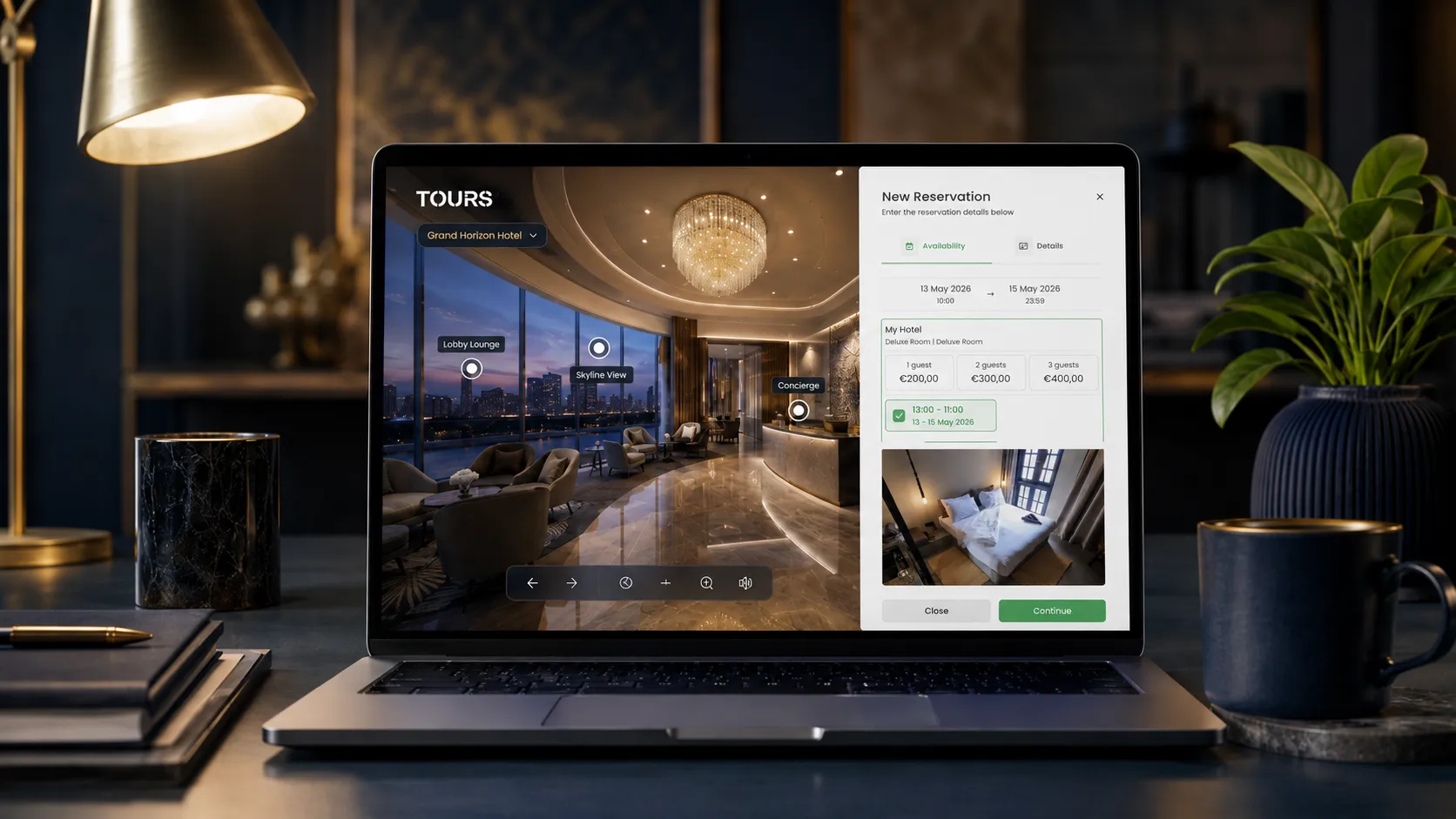
A virtual tour becomes truly useful when it goes beyond viewing. Hotspots turn the tour into an interactive experience: the guest can see room details, check availability, open a booking window, or send an inquiry for a special package.
The rule is simple: every important space should have a clear action. If the visitor is in the premium room, do not send them elsewhere to find the price. If they are exploring the conference room, give them an immediate option to request a quote. If they are looking at the terrace, show the right package for dinner, an event, or a weekend stay.
- Hotspot in the standard room: starting price, amenities, and booking button.
- Hotspot in the premium room: short description, clear benefits, and upgrade CTA.
- Restaurant: menu, opening hours, and table reservation option.
- Pool or spa: access hours, included services, and add-on services.
- Conference room: capacity, possible layouts, and group quote form.
- Terrace or garden: seasonal packages, couple offers, or private event options.
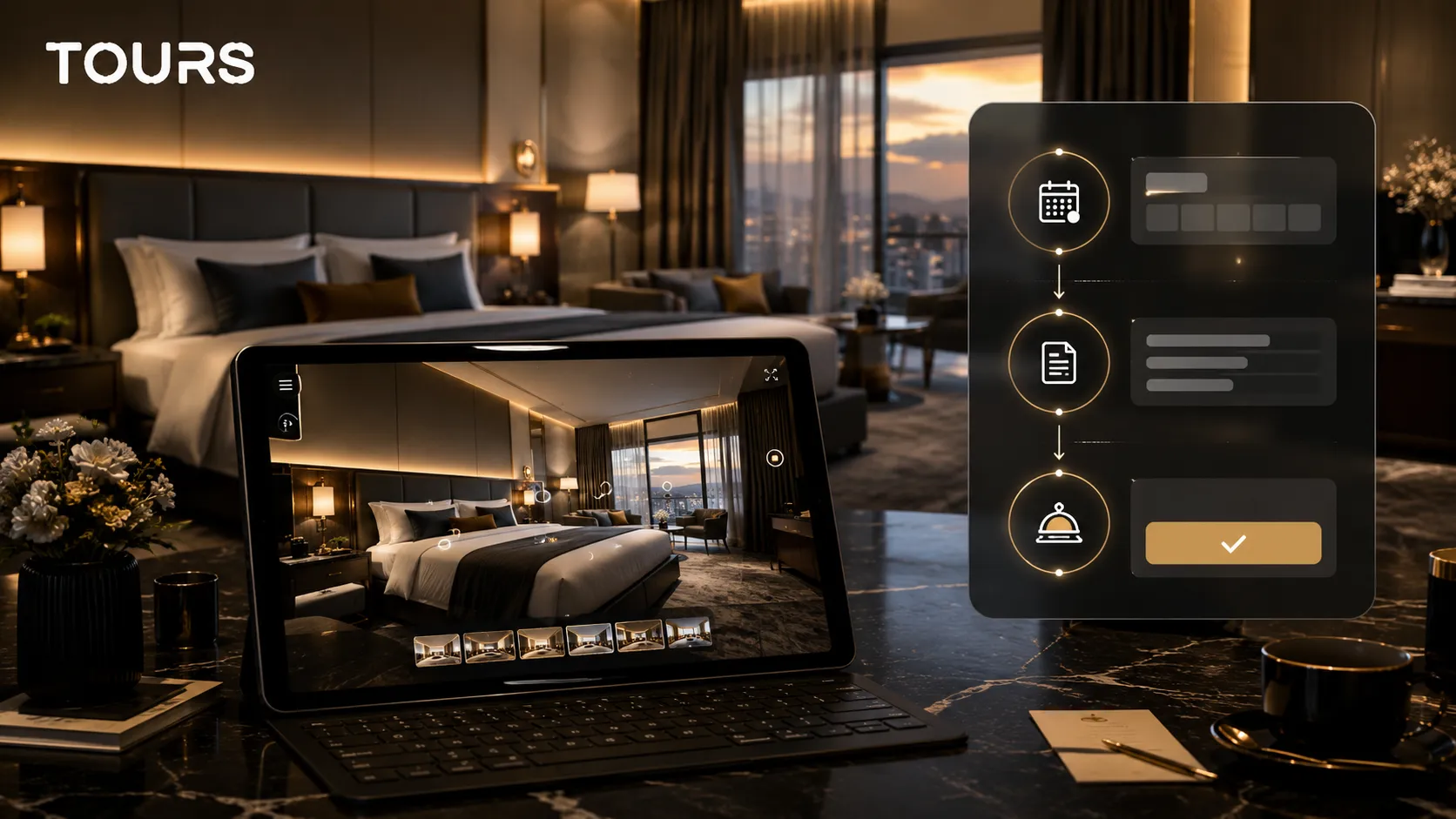
Practical example: a virtual tour for a boutique inn
Take a 12-room boutique inn in Miami that depends heavily on OTAs. The owner wants to gradually reduce commissions and bring more bookings to the property's own website. Instead of publishing only a photo gallery, the property creates a virtual tour connected to the booking setup.
- Include three room types: standard, deluxe, and suites with a view of Biscayne Bay.
- Add the shared lounge with fireplace, the rooftop terrace, and the garden.
- Place hotspots in each room: amenities, starting price, availability, and booking button.
- Use a clear CTA throughout the tour: 'Book direct with no commission'.
- Let visitors compare rooms, see the terrace, and quickly reach the booking calendar.
- Measure each month how many bookings come from the tour, which rooms are explored most, and where visitors drop off.
This is the type of practical scenario where Tours can be used well: a virtual tour with hotspots, integrated bookings, usage statistics, multilingual support, and a 30-day free trial with no card required.
What usage statistics are worth tracking after launch
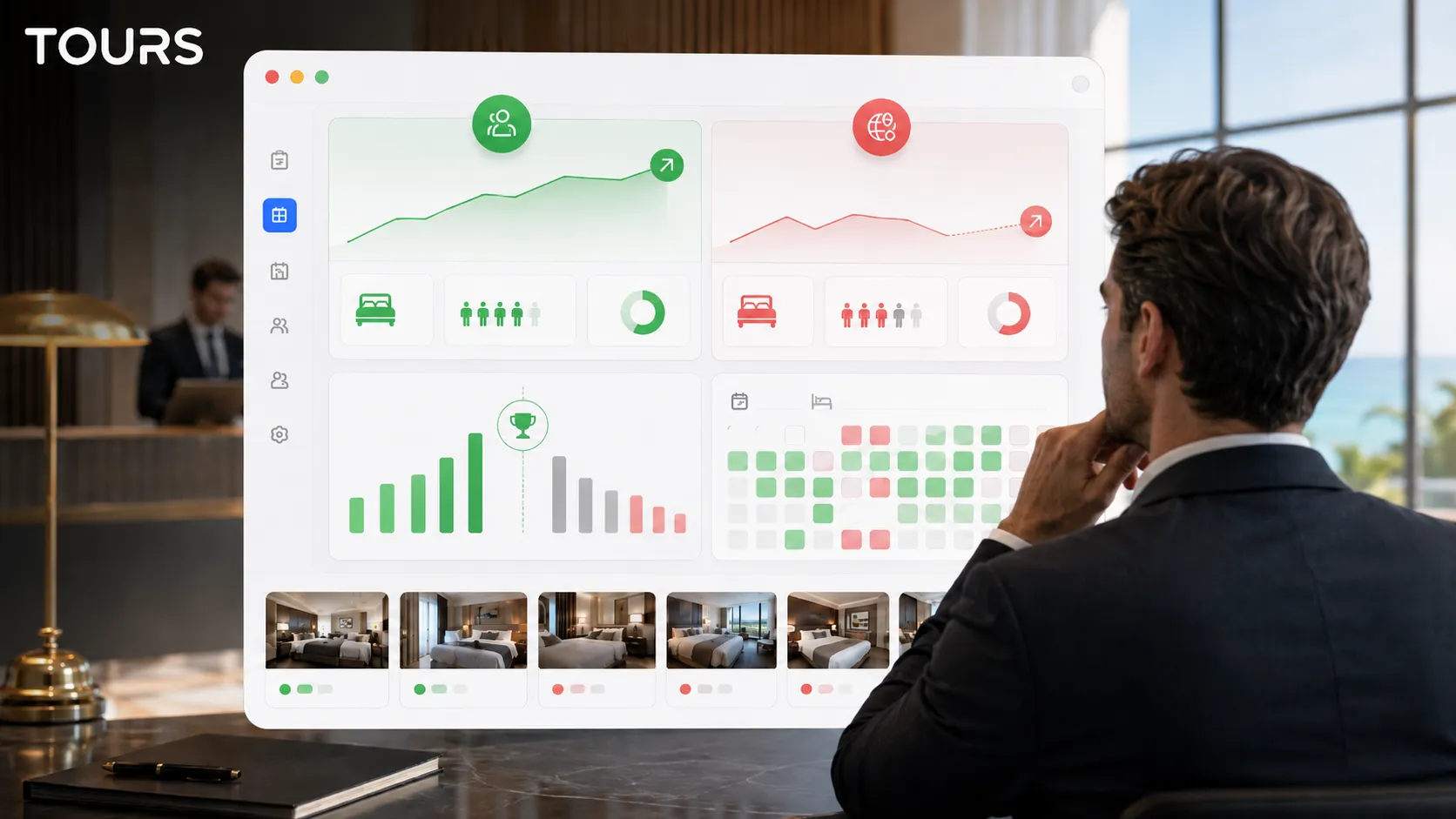
A virtual tour should not be left on the website without measurement. After launch, track what visitors do inside the tour and where signs of interest appear. This data helps you understand which rooms attract attention, which facilities matter, and which CTAs work best.
- Tour entry rate from the homepage or hotel page - shows whether the tour entry button is visible enough.
- Average time spent in the tour - a very short session may indicate content, speed, or navigation problems.
- Most-clicked hotspots - shows what information visitors are genuinely interested in.
- Scenes with high drop-off - may point to less convincing spaces or unclear navigation paths.
- Conversions from the tour into direct bookings - the most important indicator for business impact.
A Gecko Digital report on 47 properties found that visitors who return to a virtual tour within 7 days may convert at a significantly higher rate than those who view it only once.[2]Source That is why it is worth using the tour in remarketing campaigns, follow-up emails, or offers for visitors who explored rooms but did not complete the booking.
Virtual tours vs. professional photos: when to use each one
Professional photos remain essential. You need them on external platforms, in social media, in campaigns, and on pages where users scan the offer quickly. A virtual tour does not replace those images. It complements them.
The difference is that a photo shows the frame you choose, while a 360 tour lets the visitor explore independently. They can check the room size, furniture placement, light, terrace, bathroom, or connection between spaces. That reduces the risk of mismatched expectations and increases trust before booking.
If you do not yet have strong images, start with professional photography. If you already have a solid visual presentation and want to grow direct bookings, the virtual tour is the logical next step. Ideally, the two work together: photos attract attention, while the virtual tour helps convince.
How to send guests from the tour to a direct booking
For many small hotels and guesthouses, the obstacle is not a lack of interest. It is the fear that implementation will be complicated. In practice, modern virtual tour software can help you create and publish a tour without custom development, heavy integration work, or an internal technical team.
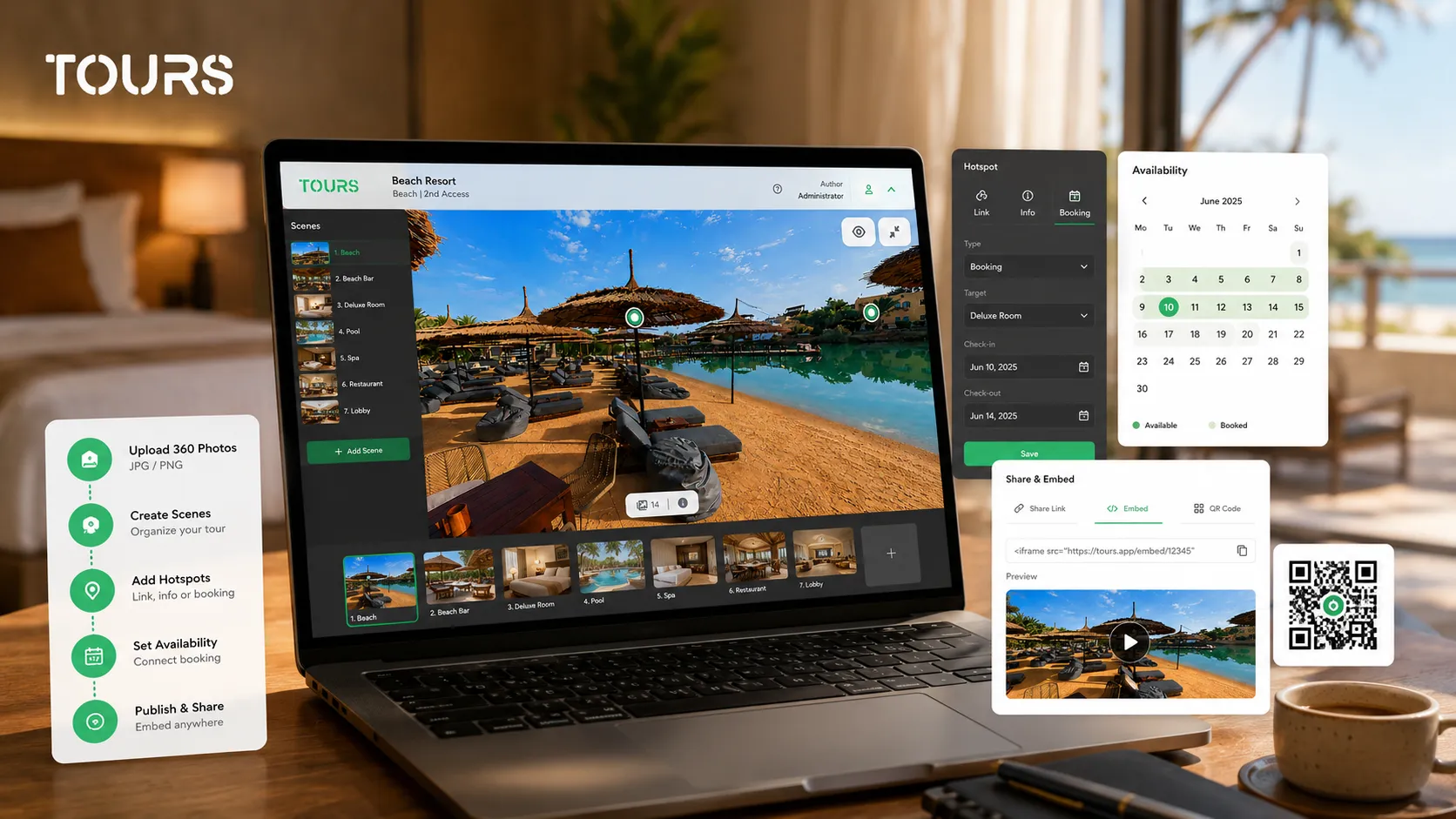
In Tours, the practical flow is visual: create the tour from My Tours, add the required name and category, optionally add location, price, and tags, upload the first 360° scene, and then use the editor to add scenes, navigation hotspots, external link hotspots, information windows, scene groups, and tags. When the tour is ready, click Publish, choose visibility, and complete the moderation or approval step when it applies. Booking setup is handled separately in Booking Manager, where you set availability and the booking algorithm, then connect the booking setup to the whole tour, specific scenes, scene groups, or tagged hotspots.
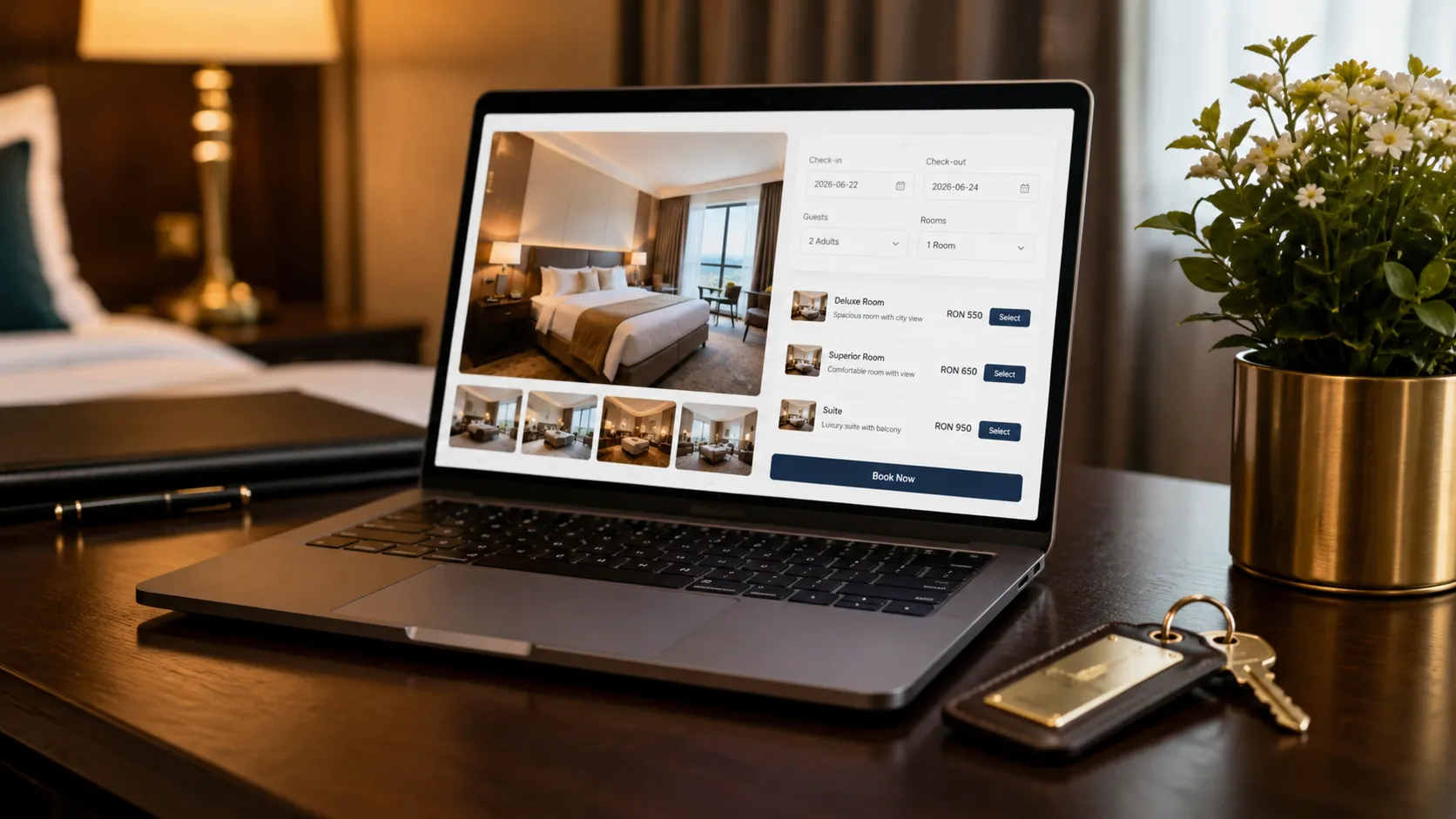
A booking can happen directly from the virtual experience. A tour-level booking can show a global booking button, while a room or facility hotspot can open a booking window only when the guest clicks that interactive point. The administrator receives the notifications needed to manage requests. For guesthouse owners, small hotels, and boutique properties, this approach reduces dependence on external platforms and keeps more of the guest relationship on the property's own website.
Guesthouses and B&Bs: a smaller tour that still converts
A guesthouse rarely needs the same tour as a resort. Five to ten scenes are often enough: the entrance, one scene per room type, the breakfast area and the outdoor space. Guests choosing a small property mainly want to know whether the room matches the photos on booking platforms and what the shared areas look like.
Because small properties often depend on platform commissions, the direct booking button matters even more. Put it in each room scene, add the tour link to your Google Business Profile and to the confirmation message, and use the statistics to see which room types get the most attention.
- One scene per room type, not per room.
- Include breakfast, garden and parking scenes if guests ask about them.
- Place the booking action inside each room scene.
Frequently Asked Questions
How much does it cost to implement a virtual tour for a small hotel?
The cost depends on the solution you choose and how the 360° images are produced. Tours starts at €19/month for virtual tours, publishing, website integration, QR sharing, multilingual support, and usage statistics. Integrated bookings are available from the €59/month Pro plan, with a 30-day free trial. If you hire a local agency for a static tour without booking integration or future updates, the project can often cost a few thousand dollars.
Does a 3D virtual tour work on mobile?
Yes. Modern virtual tours run directly in the browser on phones, tablets, and desktop devices. Still, it is important to test loading speed, image clarity, and navigation ease across multiple devices.
Can I add the virtual tour to Google Maps or Google Business Profile?
Yes, you can use 360° content in the Google ecosystem, but booking buttons and commercial hotspots are best controlled on your own website. That is why the recommended approach is to use Google for visibility and your own website for conversion.
What is the difference between an online virtual tour and a promotional video?
A video shows the route chosen by the camera and the edit. A virtual tour lets visitors choose their own order, explore each area, and return to the spaces that interest them. That freedom gives guests more control and more confidence before booking.
How do I check whether the virtual tour brings additional bookings?
Track two types of data: behavior and business outcomes. Behavior data includes time spent in the tour, scenes visited, and hotspot clicks. Business data includes booking inquiries, direct bookings, and comparison with the period before the tour launched. Tours gives you these visitor insights in the admin panel.
Sources
Studies and reports cited in this article
All sources are checked and publicly available.
- TIG Global via WebRezPro - Look-to-book ratio for hotels with virtual toursGuideWebRezProData on the look-to-book ratio for hotels that use virtual tours compared with those that do not, based on the TIG Global study.
- Gecko Digital - Conversion metrics for virtual tours in hospitalityStudyGecko DigitalAnalysis of 47 hospitality properties about virtual tour metrics that may predict bookings, including the behavior of returning visitors.
- Virtually Anywhere - The impact of 360° tours on conversion ratesStudyVirtually AnywhereResearch on how 360° virtual tours influence conversion rates compared with traditional photo galleries.
We carefully select trusted sources to keep the content relevant and up to date.