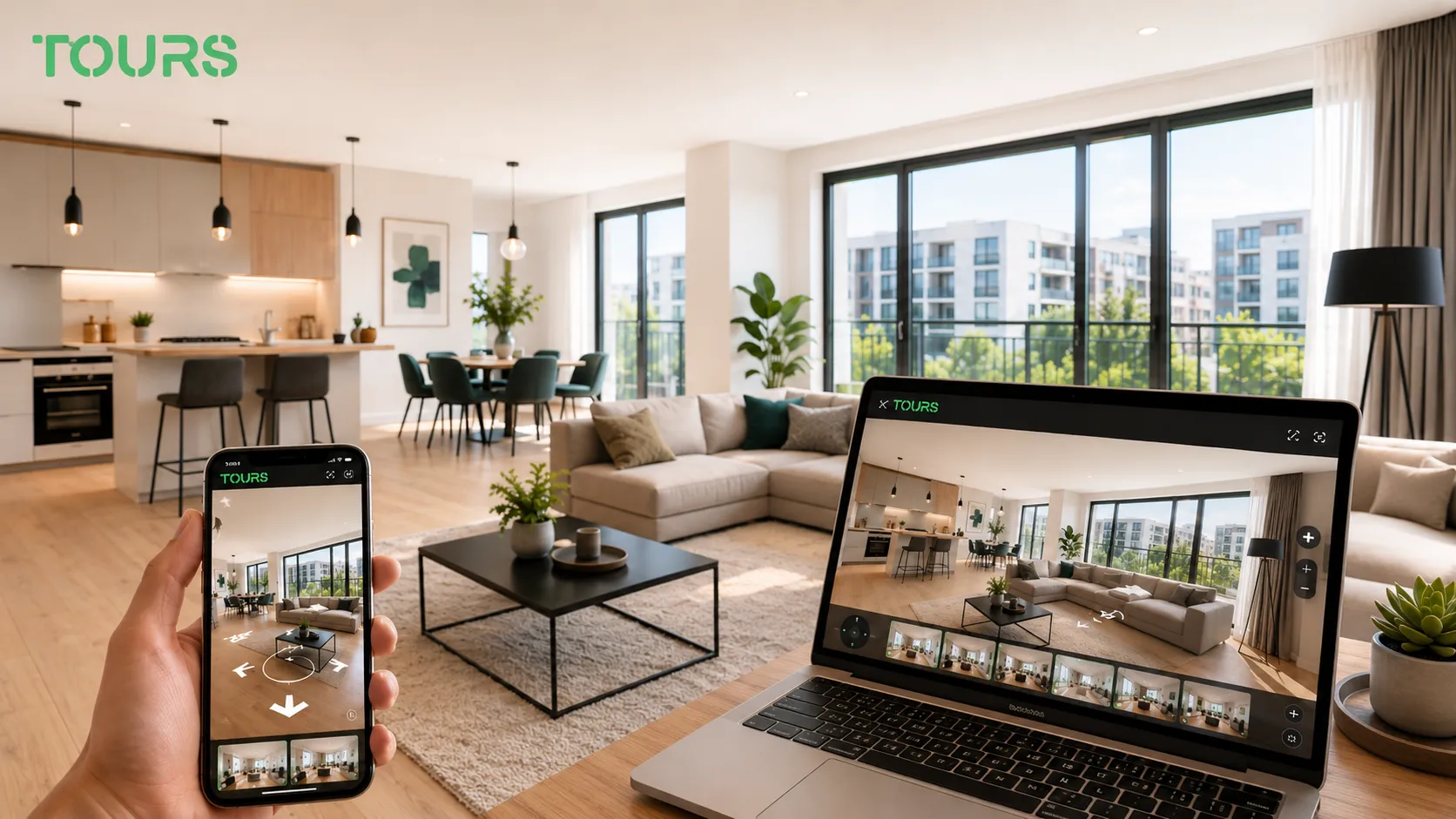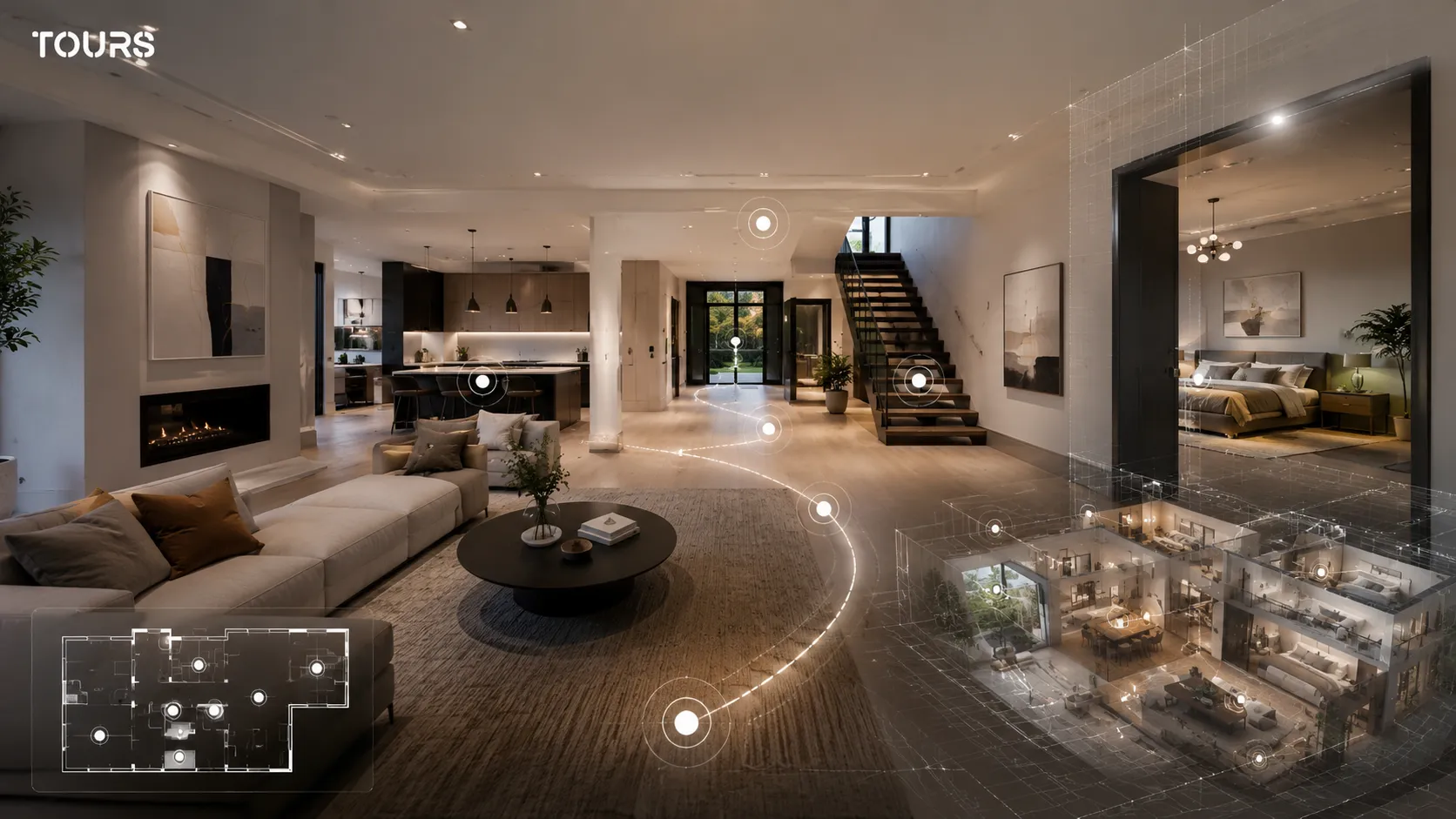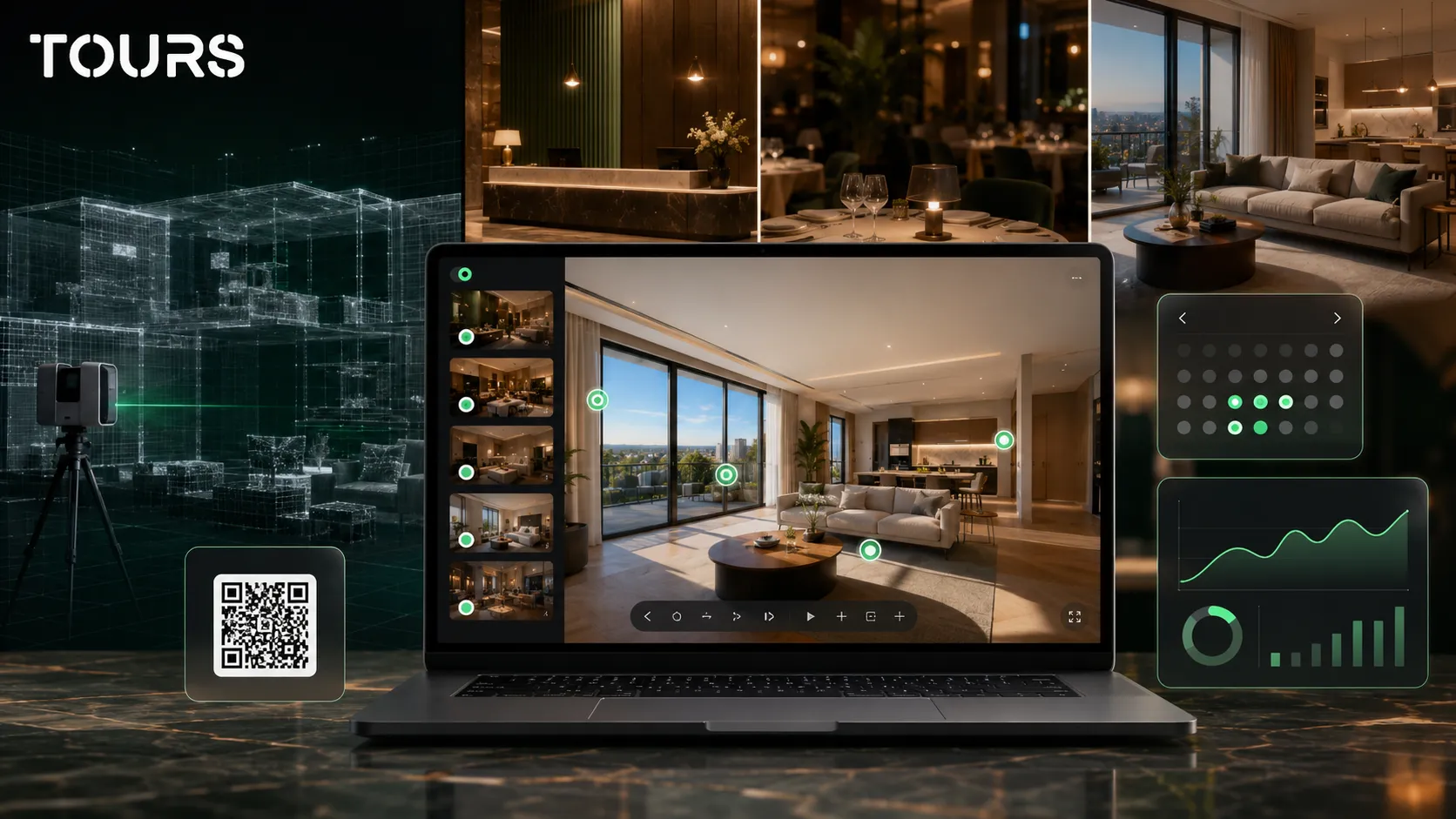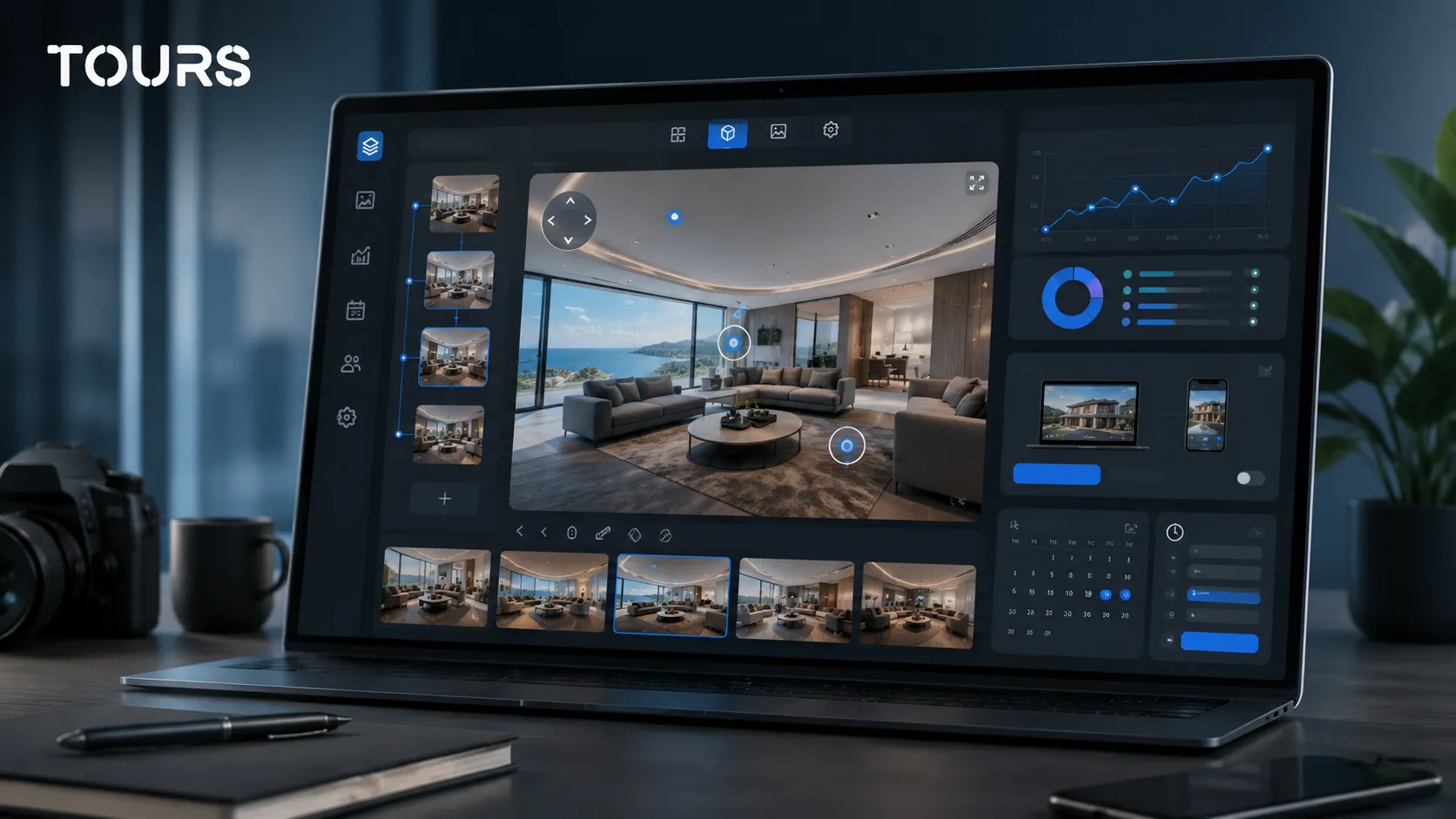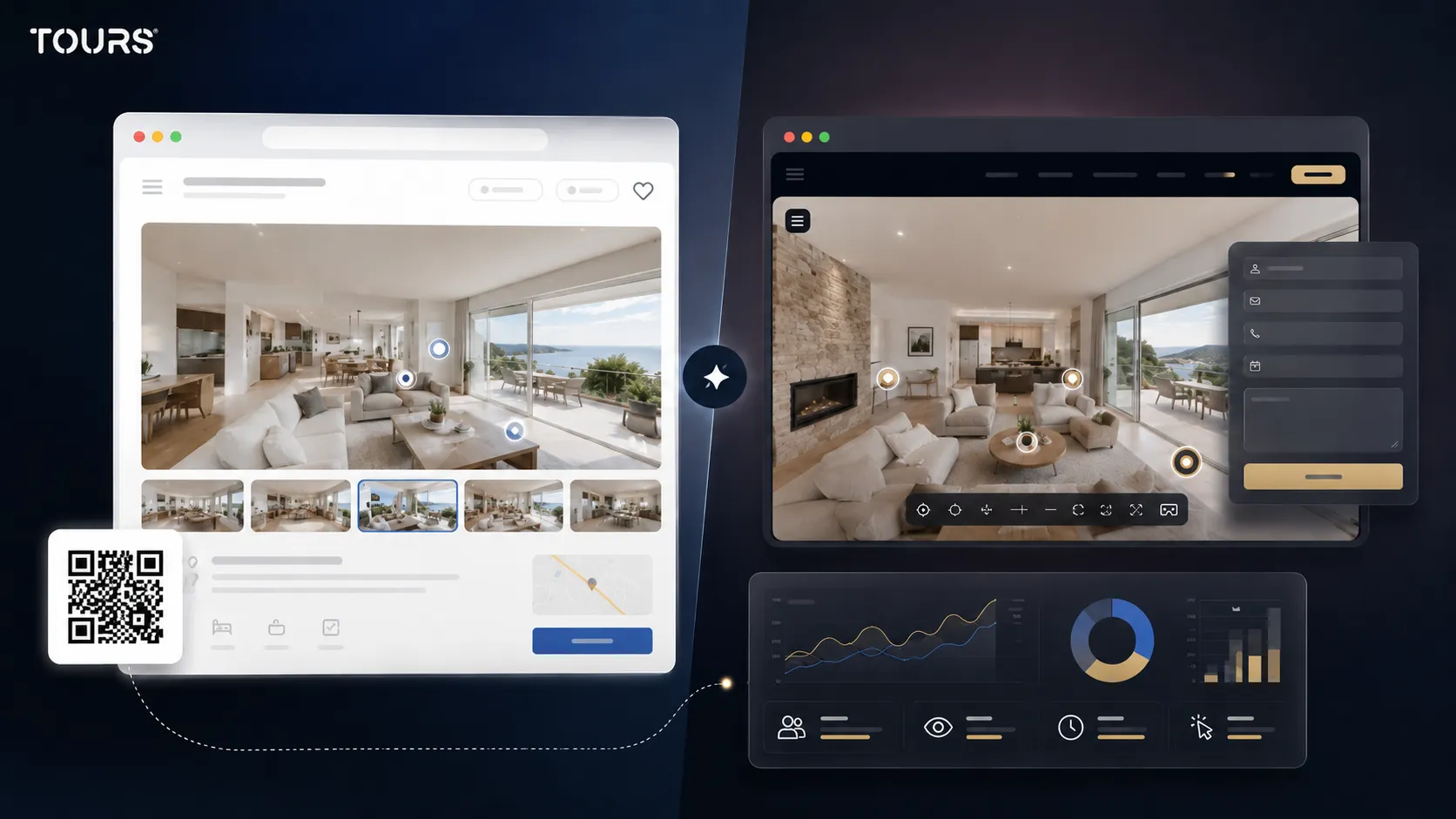

A Zillow 3D Home alternative makes sense when you do not only want a tour attached to a listing, but a 360 presentation you control on your own website, with interactive points, showing requests, QR codes, usage statistics and the ability to reuse the same experience across multiple channels.
Tours is a SaaS platform for interactive 360° virtual tours, built for properties, hotels, restaurants, showrooms and spaces that need website publishing, clear actions and usage statistics. In real estate, it helps an agency or owner turn 360 exploration into a showing request or a better-qualified inquiry.
In short
- Zillow 3D Home is a good fit when the priority is a real estate listing inside the Zillow ecosystem.
- Tours is a better fit when you want to publish the tour on the agency website, collect inquiries and track visitor behavior.
- The main difference is not only capturing panoramas, but controlling the path, actions and distribution.
- For real estate agencies, developers and property owners, Tours can turn a 360 tour into a step toward a showing request or offer inquiry.
- If you need Zillow exposure, use Zillow 3D Home; if you need a reusable commercial asset, test Tours.
When do you look for a Zillow 3D Home alternative?
You look for a Zillow 3D Home alternative when the tour needs to be a brand asset, not just one element inside a listing. That matters especially when the property needs to be promoted on your website, in campaigns, through QR codes, in sales presentations or to clients who do not use Zillow.
Zillow data shows that 20% of prospective buyers chose a 3D or virtual tour as the most important listing feature in 2025[2]Source. The practical conclusion is simple: the tour is no longer just visual decoration, but part of the buyer's first round of filtering.
For an agency or developer, the question becomes: where should the tour live after it is created? If the answer is only inside a portal, Zillow 3D Home may be enough. If the answer includes your own website, local campaigns, showing requests and reuse across multiple properties, you need a more flexible platform.
- You need control over the page where the tour is displayed.
- You want interactive points with details about rooms, finishes, price or documents.
- You want showing requests or offer inquiries directly from the 360 experience.
- You want to use the same tour on your website, in presentations, in email and through a QR code.
- You want usage statistics for visited scenes, clicks and real visitor interest.
Zillow 3D Home vs Tours: what are you actually comparing?
You are comparing two different approaches: Zillow 3D Home is oriented toward tours for listings inside the Zillow ecosystem, while Tours is oriented toward commercial 360 tours controlled by the company that publishes them. That is why the decision should be based on the main channel, the commercial goal and the level of customization you need.
Zillow presents Zillow 3D Home as a free app for adding virtual tours to listings, with publishing to the listing, MLS, social media and your own website; the same page mentions capture with a compatible phone or supported 360 cameras[1]Source. This is an important advantage for agents selling in markets where Zillow is a dominant channel.
| Criterion | Zillow 3D Home | Tours |
|---|---|---|
| Main purpose | A 3D tour for real estate listings and exposure inside the Zillow ecosystem. | An interactive 360 tour for websites, campaigns, QR codes, inquiries and commercial presentations. |
| Brand control | A better fit when the portal is the main channel. | A better fit when the agency or developer website should be the center of the experience. |
| Interactive points | Focused on property exploration and the interactive floor plan. | Navigation between scenes, information, images, video, external links and points connected to inquiries. |
| Inquiries and bookings | Good for listing interest and contact through existing flows. | Can connect inquiries or bookings to the tour, scenes, scene groups or interactive points with tags. |
| Usage statistics | Oriented toward performance inside the Zillow platform. | Usage statistics included for tours published in Tours. |
| Reuse | Ideal for individual real estate listings. | Useful for property portfolios, residential projects, apartments, houses, showrooms and commercial spaces. |
If your question is about 3D scanning, spatial models and how they differ from 360 tours, it is worth reading the separate guide on 3D virtual tours. This comparison stays focused on choosing a Zillow 3D Home alternative for controlled commercial workflows.
What limits appear when the tour needs to work on your website?
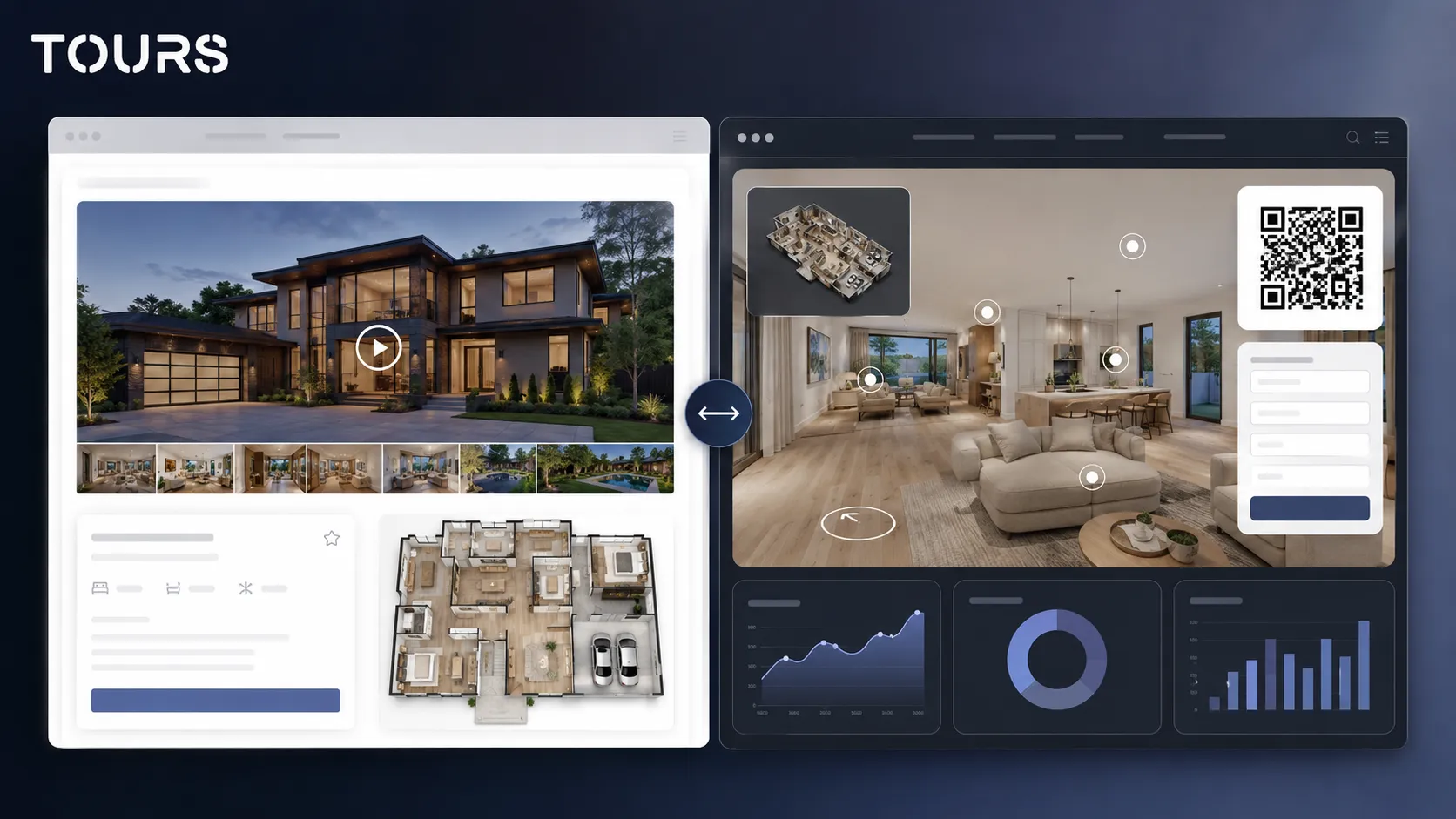
Limits appear when the tour needs to do more than show the space. On your website, the tour needs to explain, guide, lead toward an inquiry and provide data about visitor interest, and that requires more control than a presentation tied mainly to a listing.
An agency website does not have the same goals as a portal page. On your website, a visitor can compare properties, send a showing request, return from a local campaign or scan a QR code from printed material. The tour needs to support those paths, not just work as an impressive gallery.
- For houses, the tour needs to explain the yard, floors, additions, garage and technical areas.
- For apartments, the tour needs to reduce wasted showings and clarify the layout.
- For residential developments, the tour needs to distinguish model homes, project phases and unit types.
- For portfolios, tours need to be organized consistently so the visitor does not have to learn a new flow for every property.
In Tours, these needs are handled through scenes, groups, interactive points, contextual information, external links, website integration code, QR codes and usage statistics. You do not have to explain everything in one image; you can build a path that answers the buyer's questions gradually.
How do you use Tours for properties that need inquiries?
You use Tours to connect 360 exploration to a clear action: a showing request, an offer inquiry, a booking or direct contact. Instead of sending the visitor to look for the next step, you can place the action in the context of the room, area or property they are reviewing.
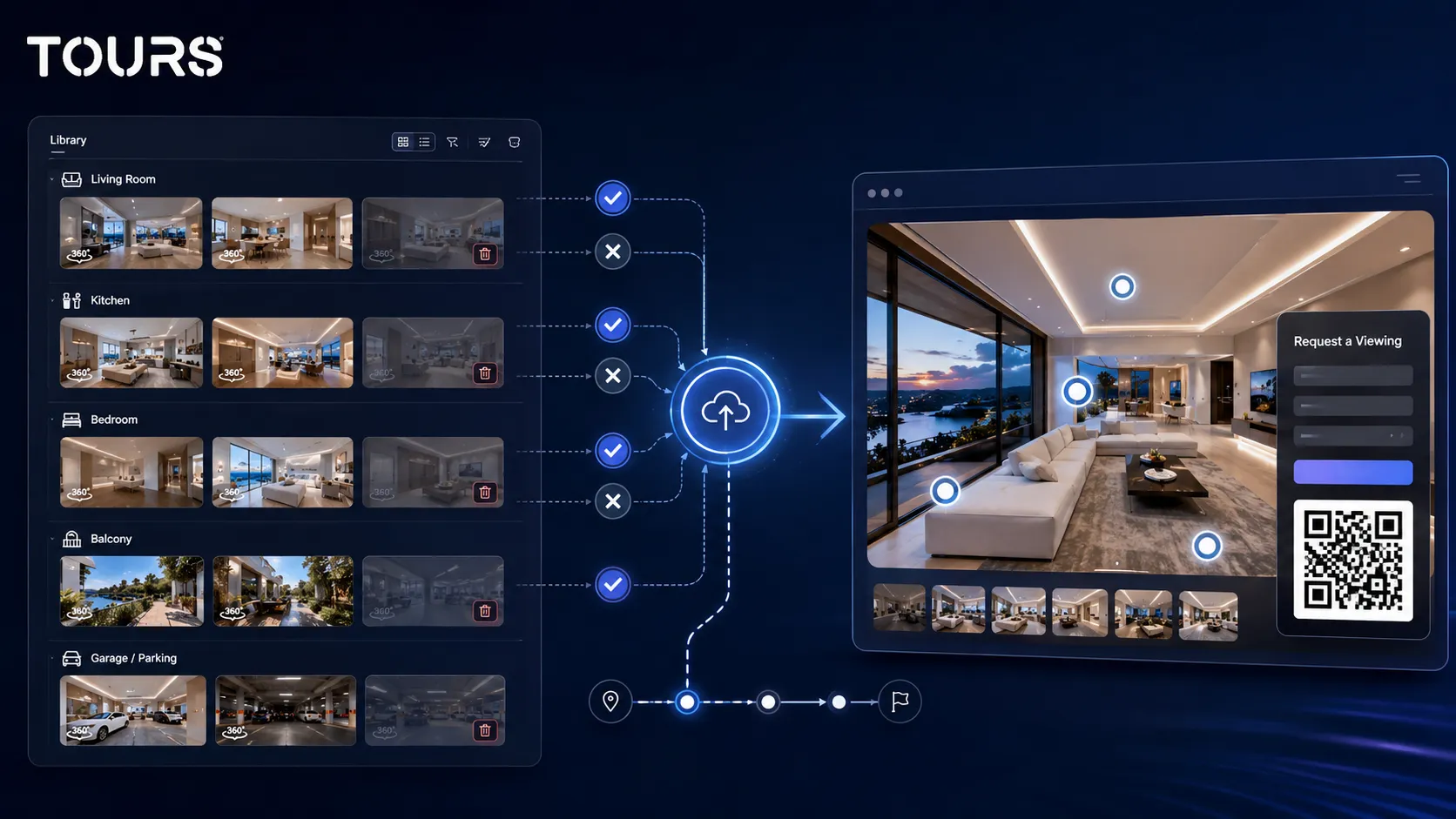
The flow is simple: you create an account on getours.app, enter the app, go to the My Tours page, click the button for a new tour, complete the name and category, optionally add the location, price and tags, then upload the first 360° scene with a clear name. After you continue, the 360 editor opens.
In the editor, you add scenes, navigation, information points, images, video, external links and groups. If some points need to be connected later to inquiries or bookings, you can mark them with internal tags. When publishing, you choose the visibility, and the tour enters approval before it becomes public.
Inquiry or booking setup is separate: in Booking Manager, you set the calendar, the right algorithm and the team members who can accept or reject requests. Then you connect the calendar to the entire tour, to scenes, to scene groups or to interactive points marked with the same tag.
For real estate, this means a house can have a general tour-level showing request, while specific rooms or areas can trigger more precise questions. For apartments, interactive points can highlight the balcony, finishes or parking space. For developers, groups can represent unit types.
You can test Tours free for 30 days, with no card, to see whether the publishing flow, website integration and in-tour inquiries fit your sales process. A good test does not start with every property, but with one representative property.
What happens with MLS listings and the agency website?
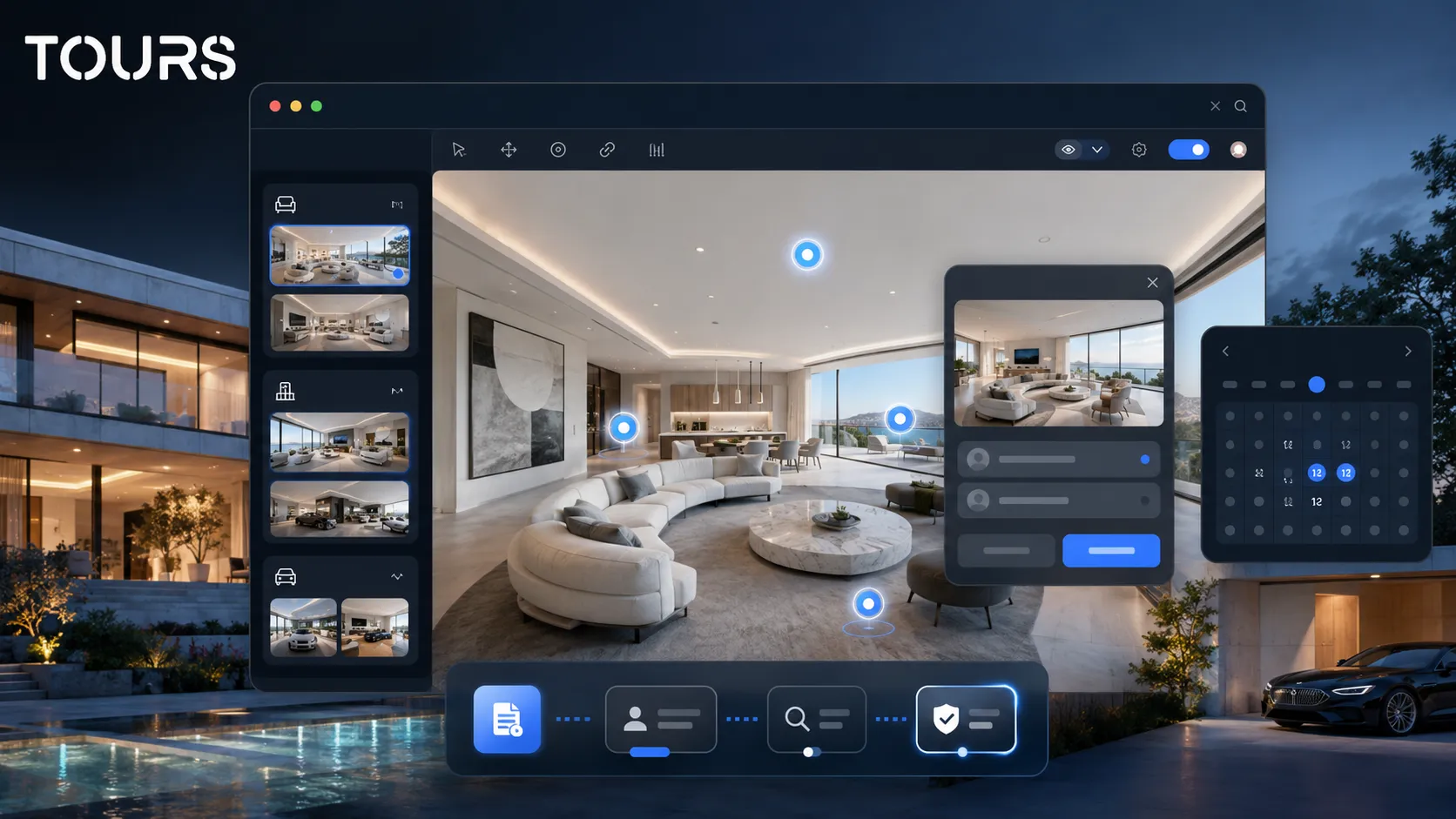
MLS listings and the agency website can work together, but they should not have the same role. The MLS and portals help with distribution, while your own website helps with brand, explanation, conversion and keeping the prospective client in your flow. The platform choice depends on which channel you want to control.
Zillow 3D Home is attractive when your sales flow depends on Zillow exposure and listing synchronization. Tours is attractive when you want the tour to be a useful page in your own ecosystem: a property page, campaign page, developer presentation or link sent directly to a client.
Zillow reported that 75% of sellers said they would be more likely to hire agents who offer virtual tours and interactive floor plans[3]Source. For agents, that shows the tour is also a professional positioning element, not only a tool for buyers.
A practical strategy is to use portals for discovery and your own website for clarification. When someone lands on your page, the tour can explain the path, display contextual information and ask for an action without losing the visitor across multiple platforms.
When is Zillow 3D Home still the better choice?
Zillow 3D Home remains the better choice when the main priority is listing performance on Zillow and you want a fast, free flow tied to that ecosystem. Not every agency immediately needs a separate platform for commercial tours.
On the official Zillow 3D Home page, Zillow says that listings with an interactive floor plan received more views and saves on average than listings without that feature in the analyzed data[1]Source. That supports using Zillow 3D Home when your Zillow listing is your dominant channel.
- You work in a market where Zillow is the main traffic source.
- You need a fast solution for one individual listing.
- You do not yet have a well-built property website of your own.
- You do not need contextual inquiries, extended information points or website usage statistics.
- You want to maximize visual features directly inside Zillow before building your own flow.
An alternative does not mean Zillow 3D Home is wrong. It only means your goal may be different: not just more attention inside a portal, but more control over how the visitor understands the property and asks for the next step.
How do you migrate a real estate tour without losing clarity?
Migration should be selective: keep the strong panoramas, rebuild the path according to the property's logic and add only the interactive points that help the decision. Do not copy every element mechanically; rebuild the tour around the buyer's questions.
Start with the scene order. For a house, the entrance, living room, kitchen, bedrooms, yard and technical areas should follow a natural logic. For an apartment, layout clarity matters more than the number of panoramas. For a residential project, grouping the units matters more than the visual effect.
- Remove repetitive or unclear scenes.
- Name rooms in the customer's language, not internal shorthand.
- Group rooms or areas for large properties.
- Add interactive points only for details that influence the decision.
- Connect showing requests to the tour, scene, group or interactive point, depending on the case.
- Check the tour on mobile before publishing.
If you want to go deeper into general real estate presentation, the real estate virtual tour guide covers prospective clients, wasted showings and the information worth placing inside a tour. This article stays focused on the difference between Zillow 3D Home and a platform you control.
How do you make the right decision for an agency or owner?
You make the right decision by starting with the main channel and the action you want. If you want Zillow exposure, Zillow 3D Home is the natural choice. If you want a tour that works as a commercial page on your website, with inquiries and usage statistics, Tours is the better-fit alternative.
| Situation | Choose instead |
|---|---|
| You have a one-off listing and want visibility on Zillow. | Zillow 3D Home |
| You have multiple properties and want consistency on the agency website. | Tours |
| You want to send a tour by QR code, email or local campaign. | Tours |
| You want a fast tour tied to the portal where you already receive traffic. | Zillow 3D Home |
| You want information points, inquiries and usage statistics in one flow. | Tours |
| You want a comparison with advanced 3D scanning and spatial models. | Read the article about the Matterport alternative |
In practice, many agencies can use both approaches: Zillow 3D Home for portal exposure and Tours for the controlled presentation on their own website. The key is not to confuse distribution with ownership of the experience. The portal can bring you traffic, but your website needs to turn interest into contact.
Frequently Asked Questions
Is Tours a Zillow 3D Home alternative?
Yes, Tours can be a Zillow 3D Home alternative when you need a 360 tour controlled on your own website, with interactive points, inquiries, QR codes and usage statistics. It is not the same product category in every situation: Zillow 3D Home is tied to listings, while Tours is built for multi-channel commercial publishing.
When should I stay with Zillow 3D Home?
Stay with Zillow 3D Home when the Zillow listing is the main channel and you need a fast solution for exposure in that ecosystem. It is especially useful for agents who receive relevant traffic from Zillow and do not need separate inquiry flows, website integration or their own usage statistics.
When is Tours a better fit for real estate?
Tours is a better fit when the agency website, developer page or owner presentation needs to be the center of the experience. You can organize scenes, add interactive points, publish the tour on your website, send links and QR codes, and track which areas attract interest without depending only on a portal.
Can I use Tours for showing requests?
Yes. In Tours, you can connect inquiries or bookings to the entire tour, to specific scenes, to scene groups or to interactive points with tags. For real estate, this can support showing requests, offer inquiries or contextual questions about a room, area or unit.
Does Tours replace the MLS or real estate portals?
No. Tours does not replace the MLS, portals or the agency CRM. Its role is to create a controlled 360 experience that you can publish on your website, send to clients and use in campaigns. Portals can bring traffic, while the tour in Tours can clarify the property and support conversion.
Can I move a tour created for a listing into a Tours experience?
You can rebuild the experience in Tours if you have the required panoramas or 360 materials. The best approach is not to move everything automatically, but to choose the clear scenes, rebuild the visit order and add interactive points only where they help the buyer decide or send an inquiry.
Is Zillow 3D Home better than a 360 tour on a website?
It depends on the goal. Zillow 3D Home can be better for listings that depend on Zillow visibility. A 360 tour on your website can be better for brand, control, direct inquiries, local campaigns and reusable presentations. The right choice depends on where the traffic comes from and where you want conversion to happen.
What role do usage statistics play in choosing an alternative?
Usage statistics help you see whether the tour is actually used or just looks good. In Tours, you can track visited scenes, clicks on interactive points, duration and areas of interest. For agencies and developers, this data can show which properties, rooms or details attract attention before contact.
Can I use the same platform for apartments, houses and residential projects?
Yes. Tours can be used for apartments, houses, residential projects, showrooms and other commercial spaces. The difference is structure: apartments need fast clarity, houses need a logical path through areas, and residential projects need groups and comparisons between units.
What is the first practical test before I choose?
Choose a representative property and publish the tour in the channel where you want to win inquiries. If the goal is Zillow exposure, test Zillow 3D Home. If the goal is website control, direct inquiry and measuring interest, test the same property in Tours and compare inquiry quality.
If you want the 360 tour to be more than one element inside a listing, create a test property in Tours and check whether the path, interactive points, inquiries, QR code and website integration support the way you sell or rent spaces.
Sources
Studies and reports cited in this article
All sources are checked and publicly available.
- Official Zillow 3D Home pagedocumentZillowDescribes the Zillow 3D Home app, tour publishing, supported devices and data about views and saves for interactive floor plans.
- Zillow 2025 prospective buyers reportreportZillow ResearchShows which listing features matter to prospective buyers, including the share of buyers who ranked 3D or virtual tours first.
- Zillow 2025 agent reportreportZillowSummarizes Zillow's agent report, with data on how visual presentation, virtual tours and interactive floor plans influence agent selection.
We carefully select trusted sources to keep the content relevant and up to date.