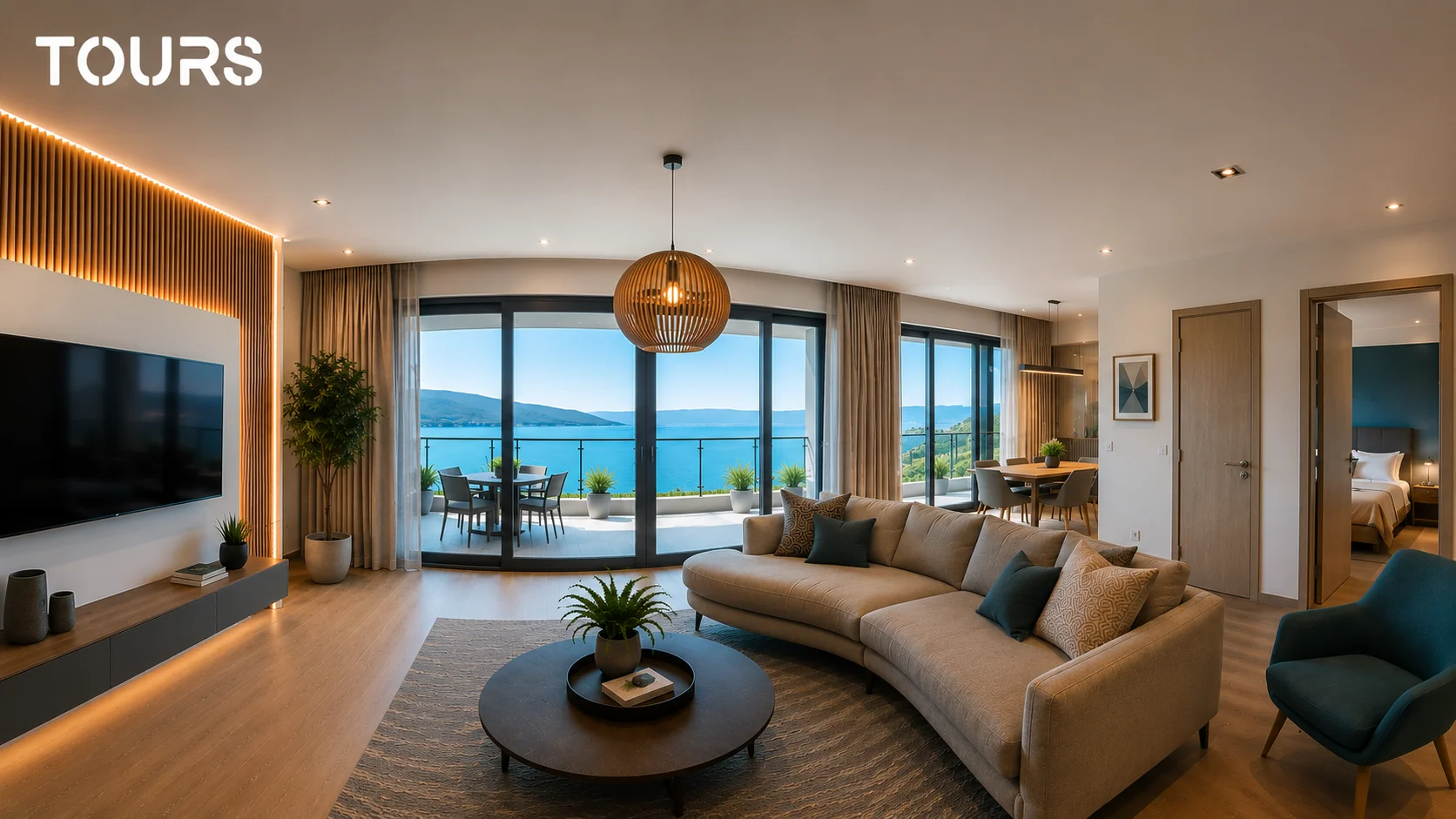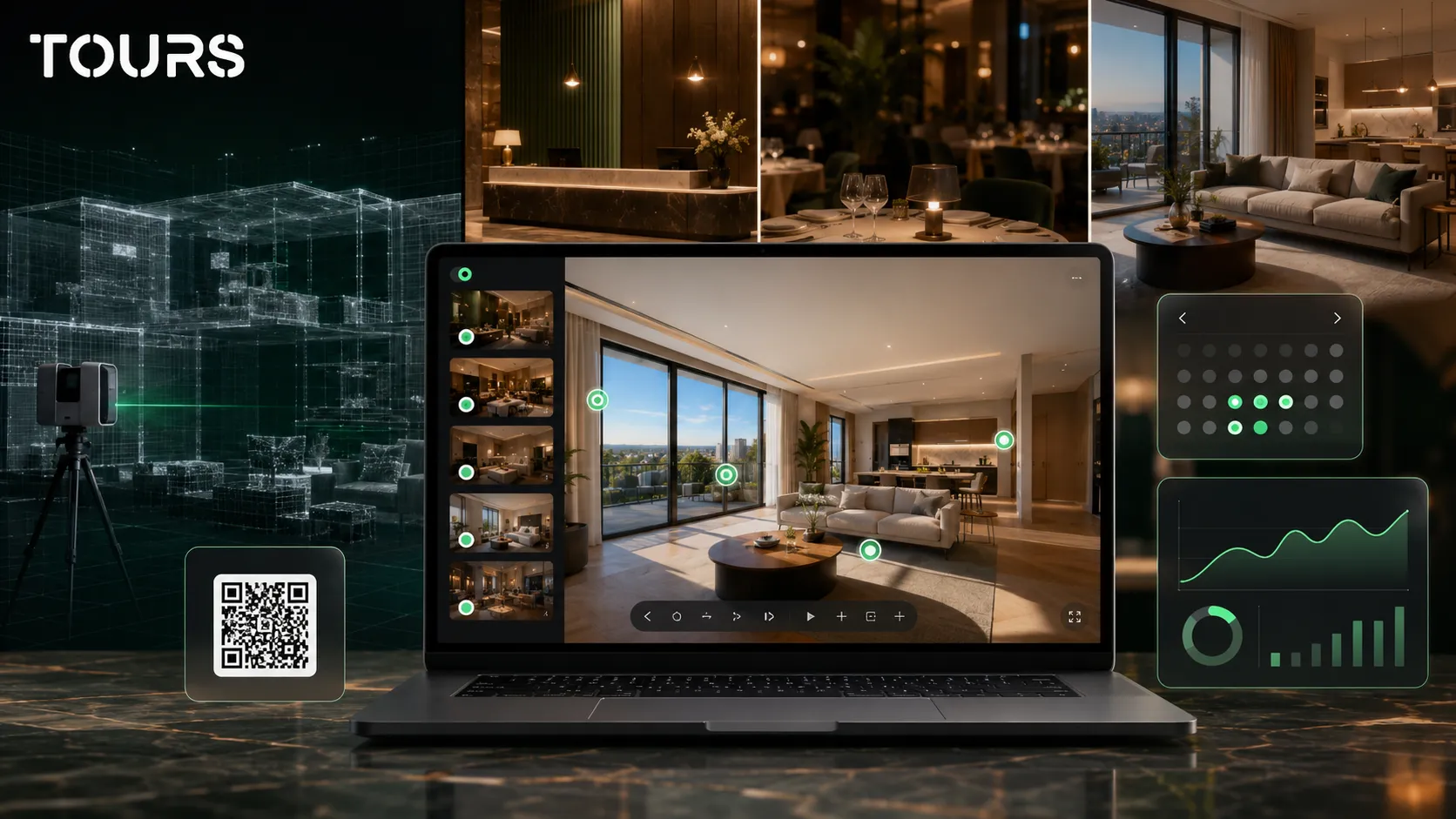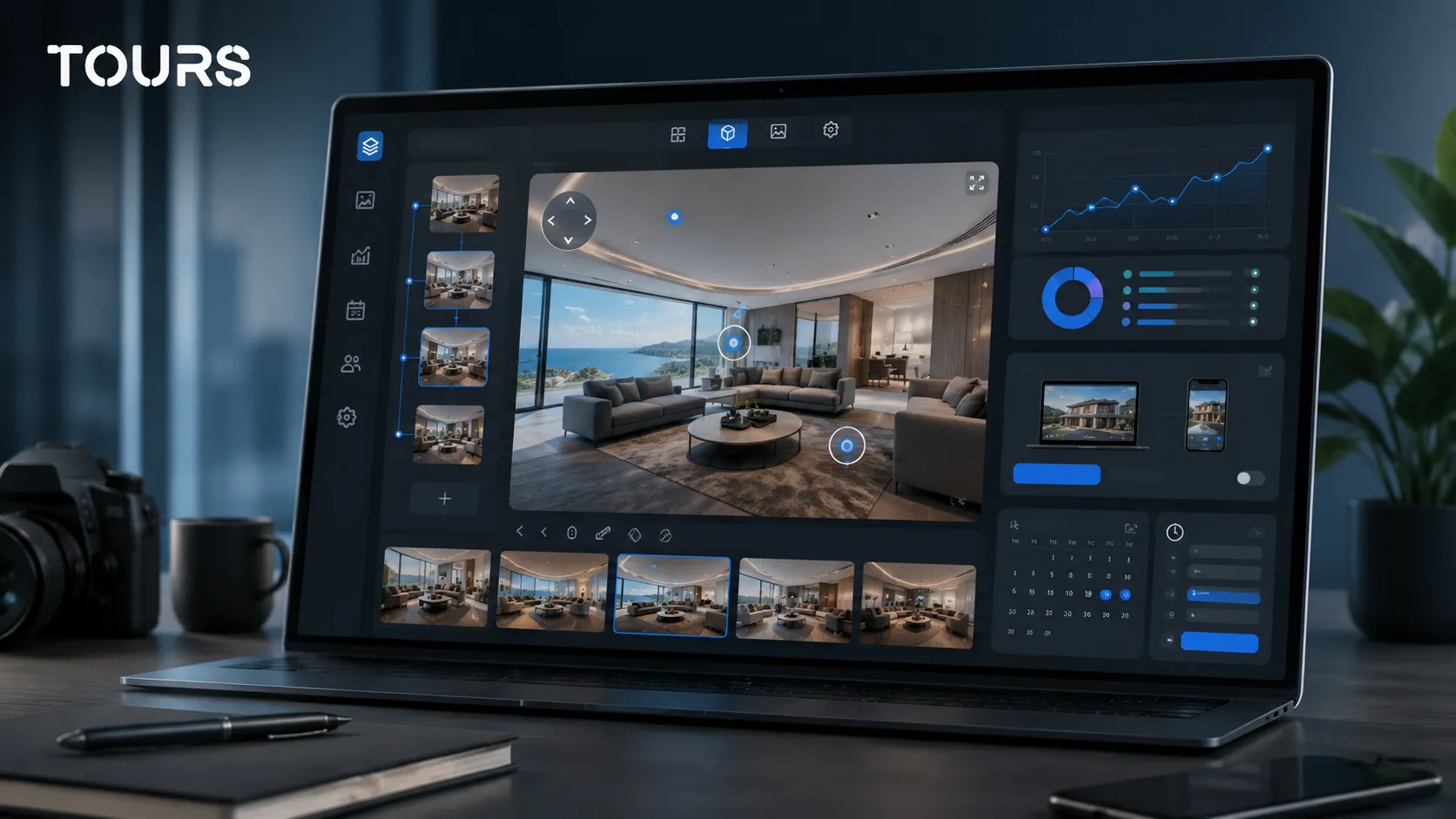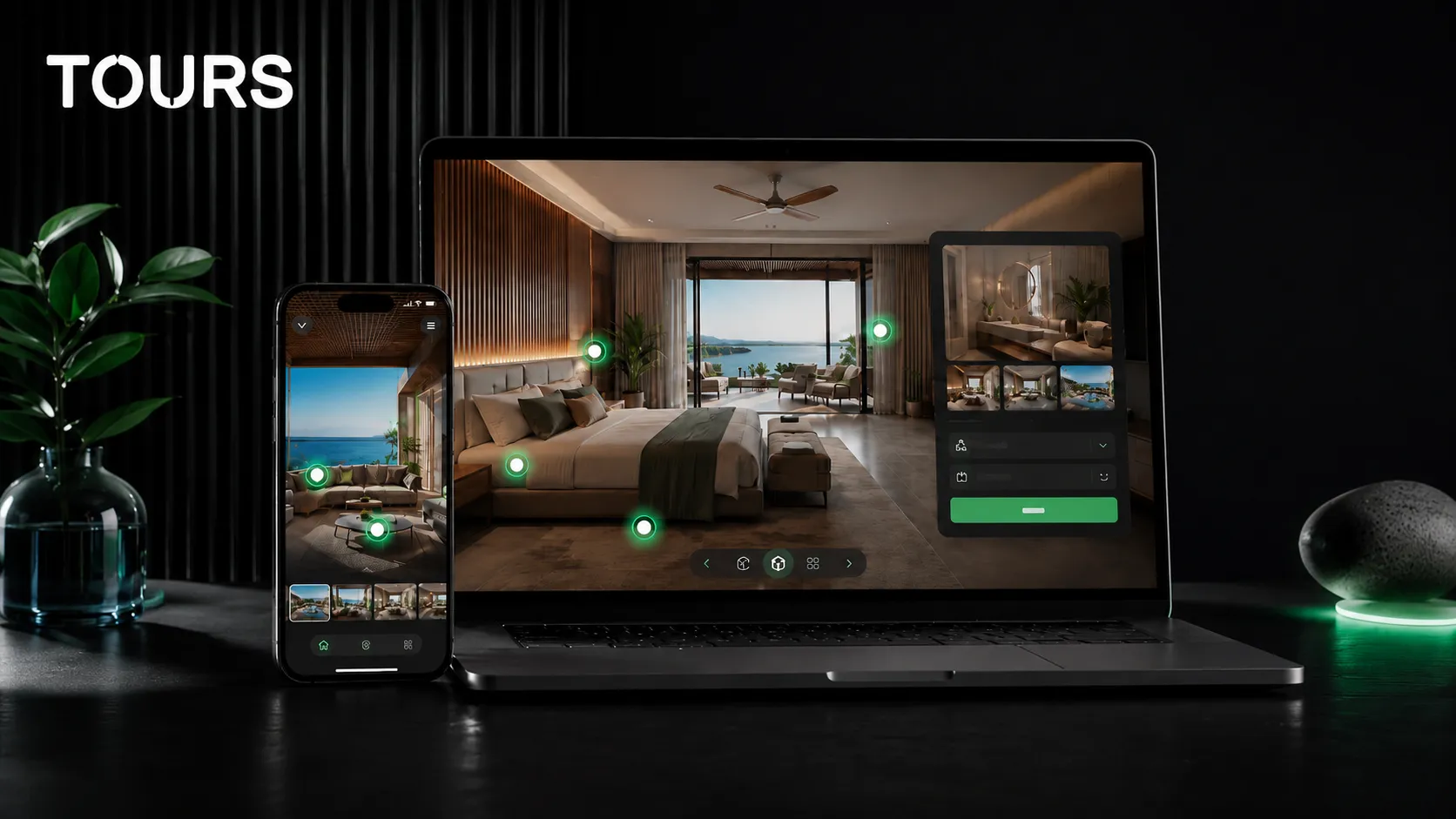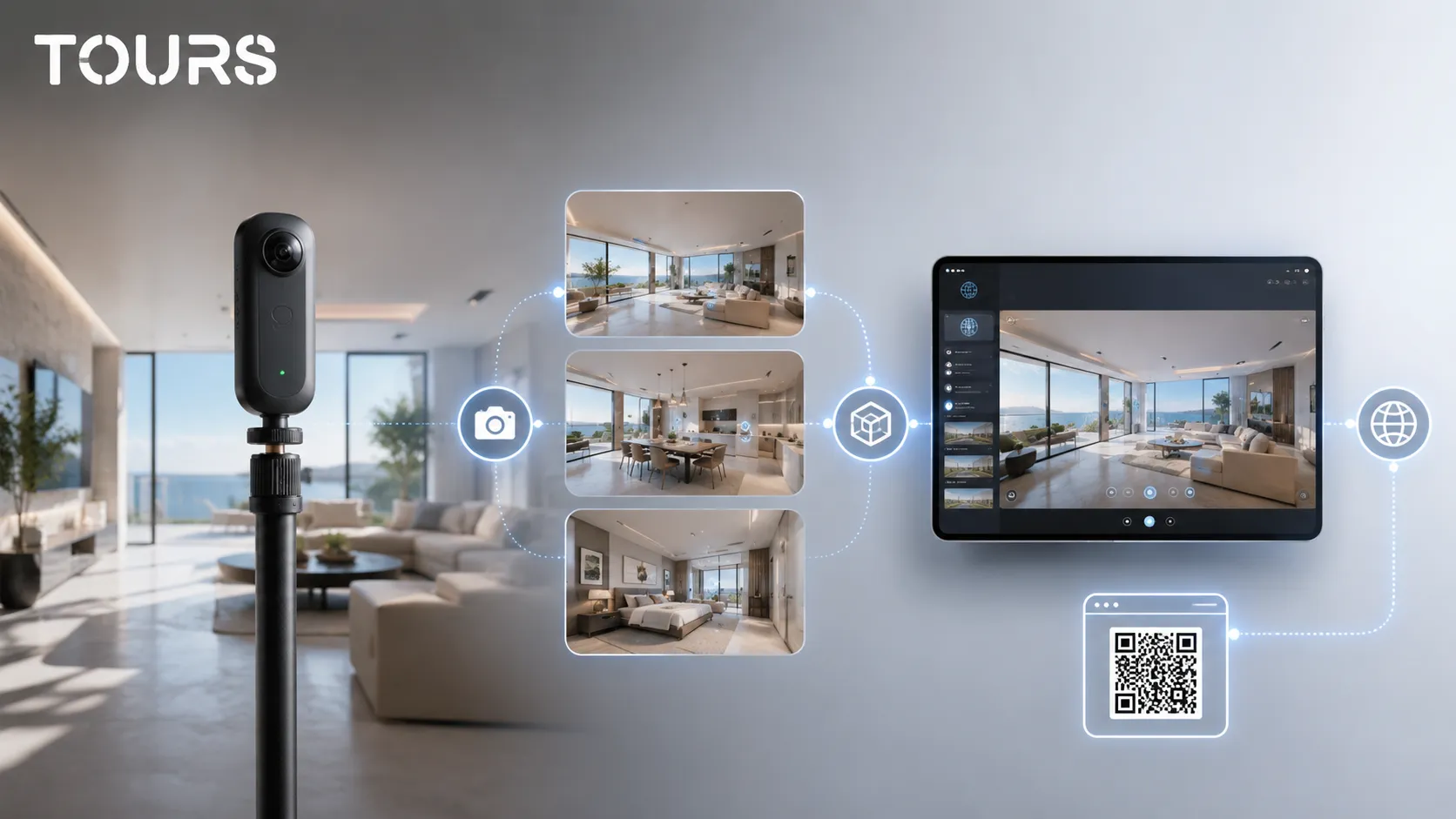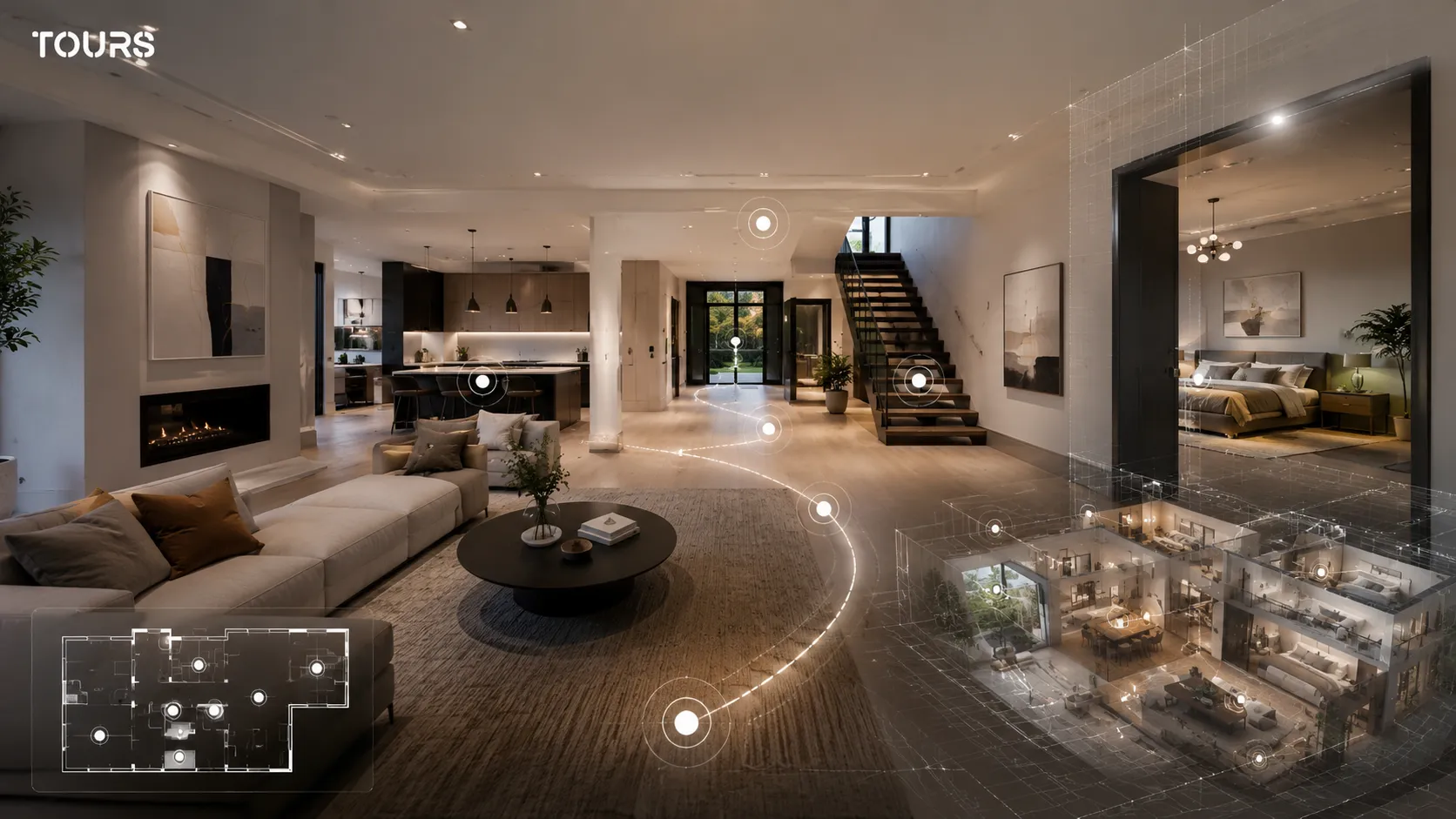

A 3D virtual tour is an online experience where a visitor explores a space with a sense of depth. It can be an interactive 360 tour built from real panoramas or a scan that generates a digital model. The right choice depends on the goal: presentation, trust, measurements, technical documentation or conversion.
Tours is a SaaS platform for interactive 360° virtual tours with information points, usage statistics and bookings connected to the experience. For many local businesses, a well-organized 360 tour is more useful than a complex 3D scan when the visitor needs to understand the space and take a concrete next step.
In short
- A 3D virtual tour can mean either an interactive 360 experience or a scan that produces a digital model of the space.
- A 360 tour is usually faster for marketing, website publishing, QR sharing, commercial presentation and bookings.
- 3D scanning makes sense when you need a spatial model, measurements, technical documentation or an overhead view.
- For hotels, restaurants, real estate and showrooms, the important difference is not only the visual effect, but what the visitor can do inside the tour.
- In Tours, the virtual tour can include navigation, information, images, video, external links, usage statistics and bookings connected to the tour, scenes, groups or interactive points.
What does a 3D virtual tour mean in practice?
In practice, a 3D virtual tour is a digital presentation that gives visitors a sense of being inside a real space. It can be built from connected 360 panoramas or from a scan that reconstructs the geometry of the space. For the user, the difference matters less than the clarity of the path and the next step.
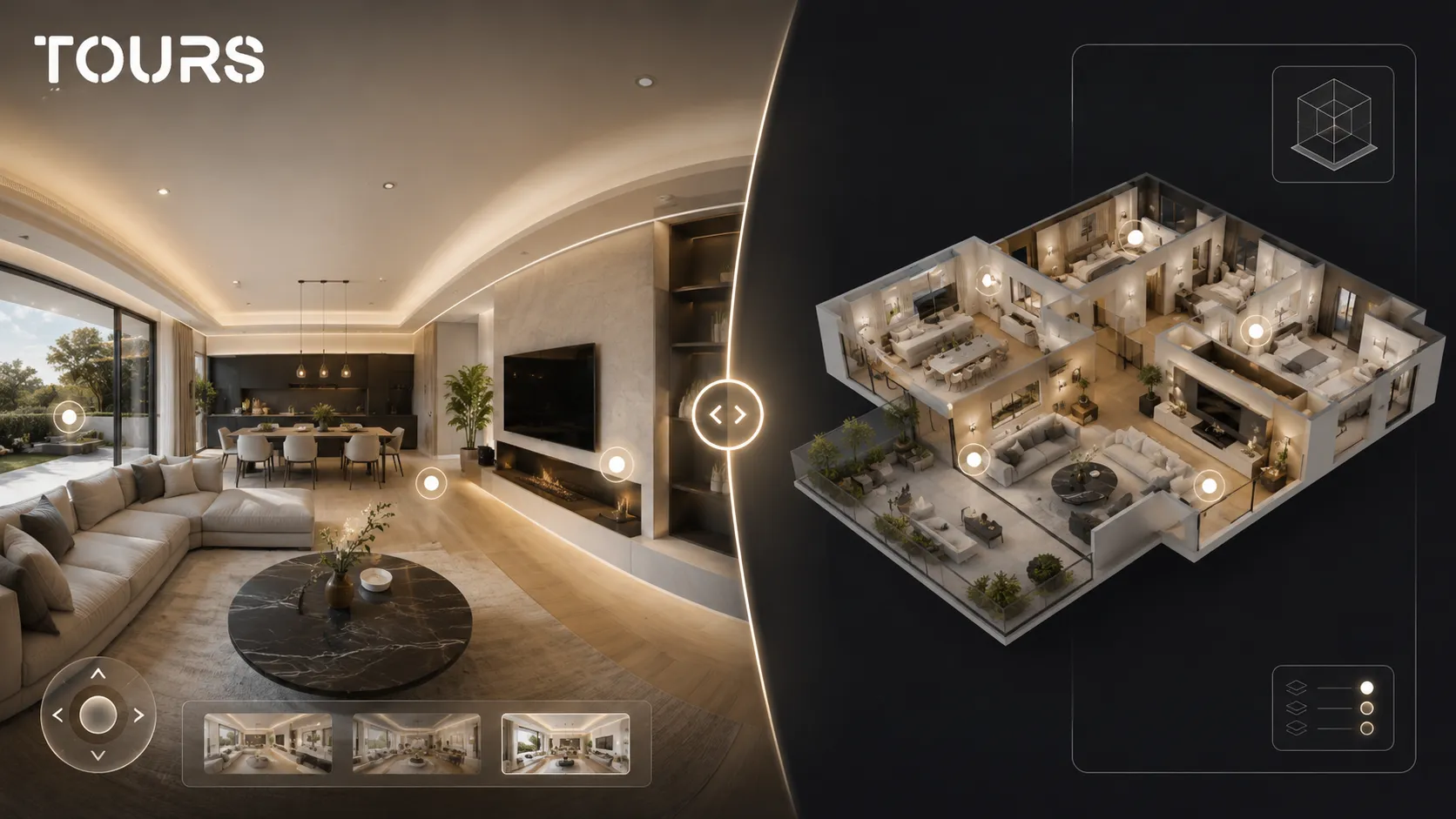
The confusion appears because people use the term 3D for almost any experience that feels deeper than standard photos. A 360 tour lets someone look in every direction from real capture points. A 3D scan tries to rebuild the volume of the space and can add floor plans, measurements or an overhead view.
Interest in advanced visual presentations is not just a marketing impression. In Zillow Research reporting for 2024, 64% of surveyed sellers said a virtual tour in a real estate listing was very or extremely important, and 81% said the same about a floor plan.[1]Source
- For marketing, check whether the visitor understands the space quickly and has a clear next step.
- For technical documentation, check whether you need measurements, floor plans or a spatial model.
- For sales and bookings, check whether the tour can lead to an inquiry, appointment or reservation.
- For SEO and your website, check whether the experience loads well and can be added easily to your page.
360 virtual tour vs 3D: what is the real difference?
The real difference is that a 360 tour starts from real panoramic images, while a 3D scan starts from spatial reconstruction. The 360 tour is more focused on presentation, atmosphere and business actions. The 3D scan is more focused on volume, structure, measurements and spatial navigation.
| Criterion | Interactive 360 tour | 3D scan |
|---|---|---|
| Experience basis | 360 panoramas connected through navigation and interactive points | Spatial model generated through capture and reconstruction |
| Main purpose | Clear presentation, atmosphere, trust and business actions | Spatial understanding, floor plans, measurements and documentation |
| Production speed | Usually faster for website publishing and QR sharing | Usually more complex, especially for large or technical spaces |
| Interactions | Information, images, video, links, bookings and usage statistics | 3D navigation, overview and sometimes measurements |
| Best fit | Hotels, restaurants, apartments, showrooms, event spaces and stores | Large properties, technical documentation, architecture, construction and portfolios where the model matters |
For a hotel or restaurant, the visitor wants to see the atmosphere, table positions, room, bathroom, reception or terrace. For an architect, building manager or technical team, the model and measurements may matter more. That is why the right question is not which format looks more impressive, but what decision it needs to support.
When do you need 3D scanning and when is a 360 tour enough?
You need 3D scanning when the spatial model is part of the deliverable. If you only want visitors to explore rooms, understand the atmosphere and send an inquiry, an interactive 360 tour is usually enough. The choice should follow the outcome, not the term that sounds more advanced.
3D scanning makes sense for spaces where geometry matters: commercial buildings, construction sites, office buildings, heritage documentation, industrial spaces or properties where the client requests floor plans and measurements. For a guesthouse, rental apartment, restaurant or showroom, a 360 tour with interactive points can communicate the decision-making details faster.
The real estate market already treats virtual tours as an important part of online presentation. In a 2025 NAR release, buyer agents indicated that photos, videos and virtual tours are important to clients, while virtual tours were marked as very important by 43% of respondents.[2]Source
- Choose a 360 tour if you want a fast, natural presentation that is easy to navigate on mobile.
- Choose a 360 tour if you need interactive points, inquiries, bookings, QR sharing and website integration.
- Choose 3D scanning if you need an overview, a spatial model or measurements.
- Choose 3D scanning if the deliverable is used internally by technical teams, not only by customers.
- Combine the two approaches only if your audience truly needs both levels of information.
What does a 3D tour lose without interactive points?
Without interactive points, a 3D tour remains a beautiful but passive visualization. The visitor can move through the space, but does not receive context about price, amenities, rooms, products, menu, availability or next steps. Interactivity turns the experience from a simple visit into an information tool.
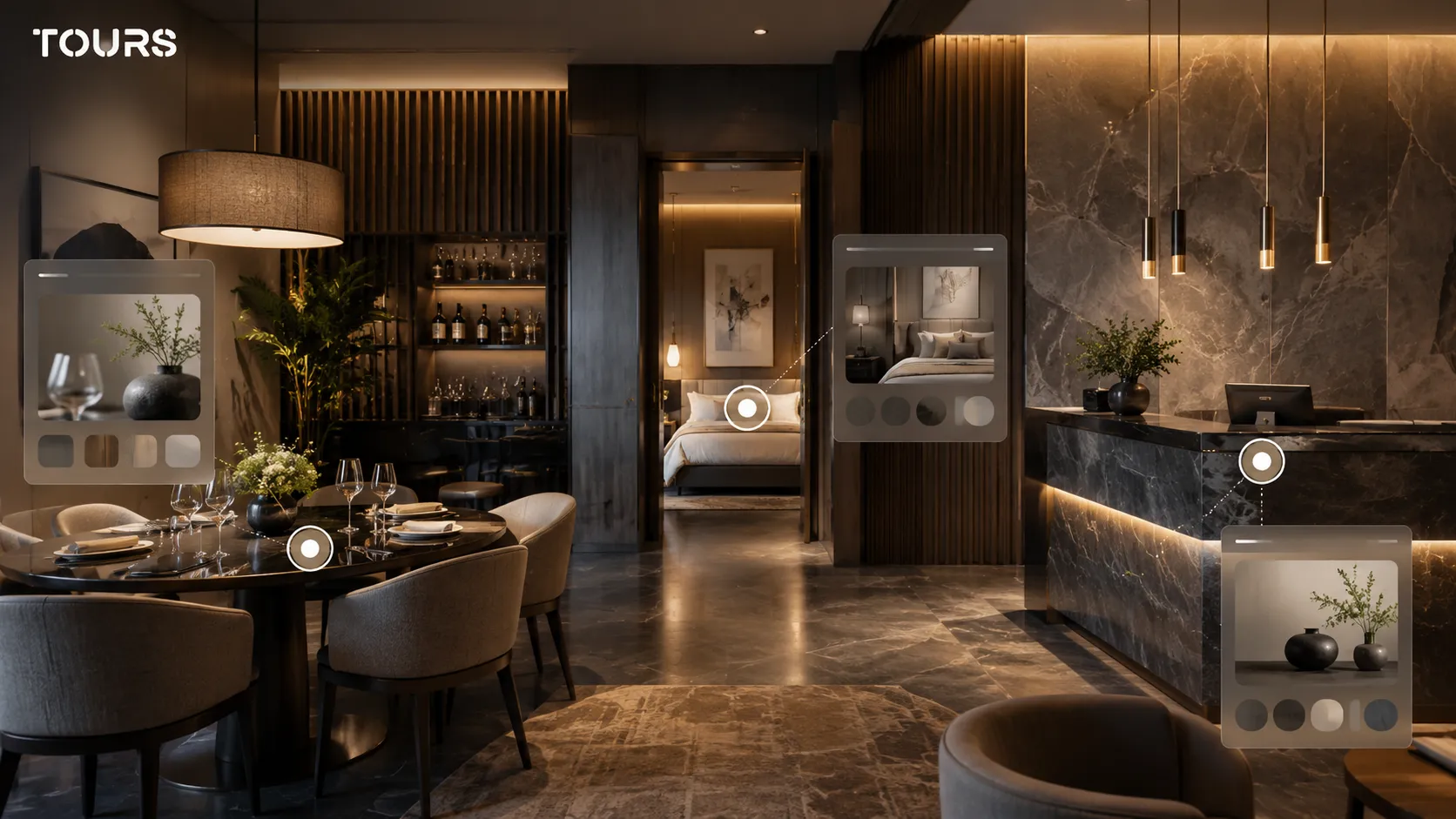
In a restaurant tour, interactive points can explain the terrace area, private dining room or tables that work well for groups. In a hotel, they can show the difference between room types. In a showroom, they can connect products, materials or configuration options. In real estate, they can clarify square footage, finishes, layout and viewing requests.
Tours treats interactive points as context elements, not just visual decoration. You can add navigation between scenes, information windows with text, images or video, external links and internal tags that can later be used to connect bookings or inquiries.
How do you turn a visual tour into a business action?
You turn a visual presentation into a business action when you connect the space being viewed to a concrete next step: reservation, quote request, viewing request, contact or a relevant page. A good tour does not interrupt the visitor immediately; it offers the action when the context is clear.
In Tours, the booking system can be connected to the entire tour, individual scenes, scene groups or interactive points through internal tags. If the booking flow is connected at the whole-tour level and enabled, the experience can show a global booking button. If it is connected to an interactive point, the booking window opens when the visitor clicks or taps that point.
For hotels, rooms or room types can be represented as scene groups and connected to the right calendar. For restaurants, tables or areas can be interactive points; each one can have its own availability, or multiple points with the same tag can share the same calendar. For real estate, scenes, groups or points can trigger viewing requests or quote requests.
To test this without changing your whole website, you can create a tour in Tours, publish it after approval, share it through a QR code or add it to a dedicated page. The trial is 30 days with no card required, enough time to see whether people use the tour before you build a more complex flow.
How do you create an easy-to-publish 3D-style experience in Tours?
In Tours, you create an easy-to-publish experience from 360 scenes, then add navigation, information, groups and actions. The platform does not require you to build a technical model of the space; the goal is to deliver an interactive visit that can be used on your website, shared by QR code and tracked through usage statistics.
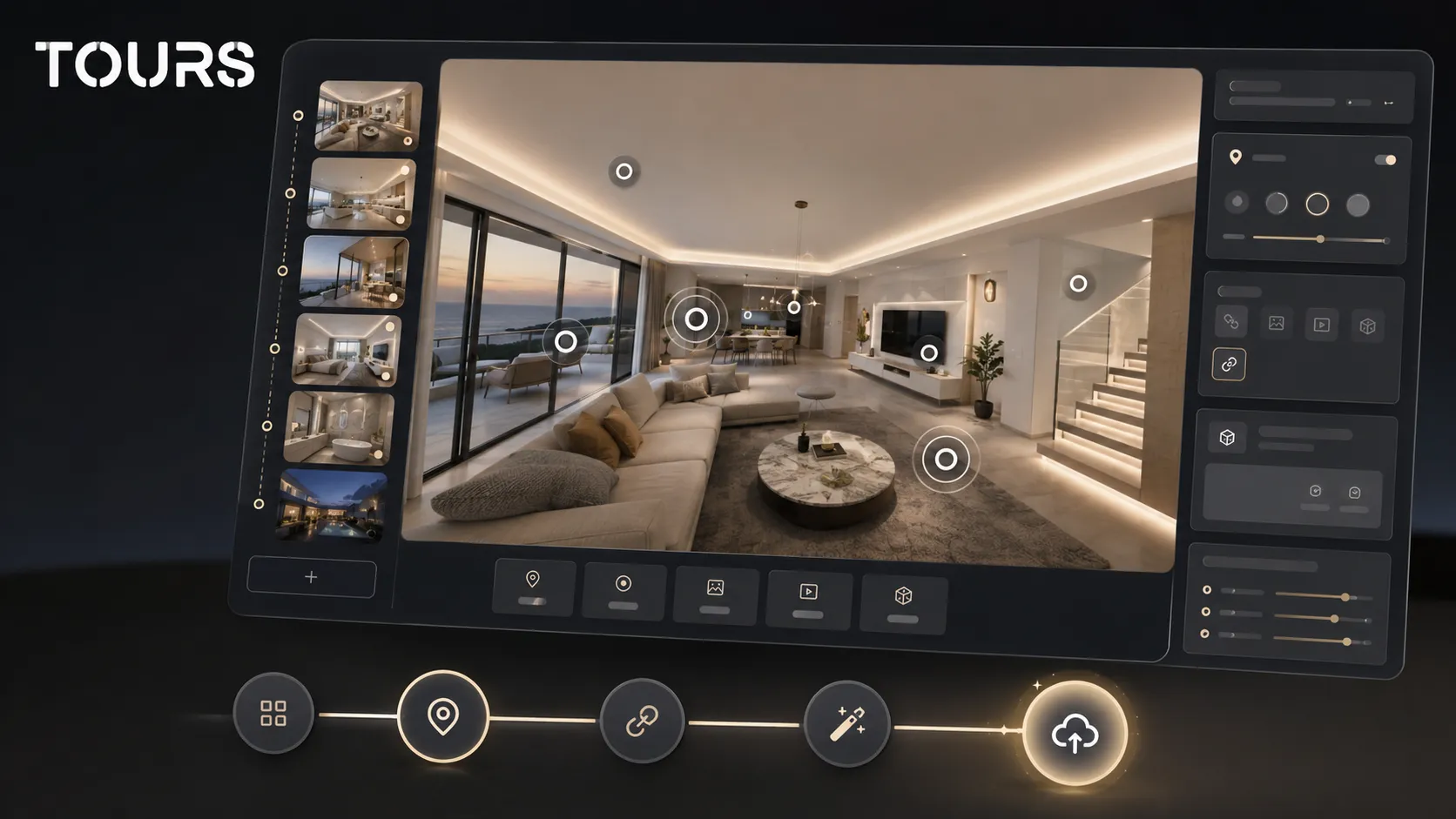
The flow starts by creating an account on getours.app and opening the Tours app. From the My Tours page, you create a new tour, complete the name and category, then optionally add location, price and tags. In the next step, you upload the first 360° scene and give it a clear name, after which the 360° editor opens.
In the editor, you can add more scenes, navigation points, information, images, video, external links and groups. If some points need to become bookable later, you mark them with internal tags. After you click Publish, you choose the tour visibility, and the tour waits for approval from a Tours moderator before it becomes public.
Booking setup is separate from tour creation. On the Booking Manager page, you create or configure a booking manager, set the calendar, choose the right algorithm and add team members who can accept or reject bookings if needed. Only then do you connect the manager to the tour, scenes, groups or tagged points.
What should you check before ordering or creating a 3D tour?
Before you order or create a 3D tour, check whether you need a spatial model, an interactive 360 tour or both. Budget, production time and the final result change significantly depending on the deliverable. A good choice starts with the decision the visitor needs to make.
- What does the user need to see to trust the space?
- Do they need real measurements or only visual orientation?
- Does the tour need to be published on your website, shared by QR code or used in campaigns?
- Do you need bookings, viewing requests, quote requests or only a presentation?
- Who will update the tour when the space, prices, furniture or availability changes?
- Which usage statistics matter after publishing: visits, popular scenes, point clicks or submitted inquiries?
Interest in 3D technology is also visible in major market deals. CoStar's acquisition of Matterport, announced in 2024 at a value of about $1.6 billion, was explicitly motivated by strengthening 3D virtual tour capabilities in digital real estate services.[3]Source
For a local business, the conclusion is not that you must automatically choose the heaviest technology. The visual experience should be clear enough, easy to access and connected to your sales process. Tours starts at €19/month for publishing and presentation, while the Pro plan includes bookings from €59/month.
How should you interpret global searches for 3D tours?
Global searches for 3D tours do not always mean the same technology. In French, people may search for tour virtuel 3D or visite virtuelle 3D. In German, they may search for virtueller 3D Rundgang. In each case, the intent may be either an interactive presentation or a spatial scan.
If you optimize a page in multiple languages, do not translate word for word. Explain the difference between a 360 tour, a 3D scan and an interactive tour in that language, then connect the terms to concrete examples: hotel, restaurant, property, showroom or event space. This helps you avoid unqualified traffic and helps the user choose.
Sources
Studies and reports cited in this article
All sources are checked and publicly available.
- Report on sellers and digital tools in real estatereportZillow ResearchReport on seller behavior, the importance of virtual tours, floor plans and digital tools in real estate listings.
- NAR report on property presentation and virtual toursstudyNational Association of RealtorsRelease based on NAR research about home staging, photos, video and the importance of virtual tours in listings.
- Deal in the 3D tour market for digital real estatereportReutersReuters news report on CoStar's acquisition of Matterport and the role of 3D virtual tours in digital real estate services.
We carefully select trusted sources to keep the content relevant and up to date.
Frequently Asked Questions
What is a 3D virtual tour?
A 3D virtual tour is an online experience that lets people explore a space with a sense of depth. It can be an interactive 360 tour built from panoramas or a scan that produces a digital model. For marketing, what matters most is whether the visitor understands the space and can take a clear action after the visit.
What is the difference between a 360 tour and a 3D scan?
A 360 tour uses panoramic images from real points inside the space and connects them into a navigable experience. A 3D scan reconstructs the geometry of the space and can include a model, overview or measurements. The 360 tour is better suited for presentation and conversion, while the 3D scan is better for spatial documentation.
Can a 360 tour be called a 3D virtual tour?
In commercial language, yes. Many users call any online space exploration experience 3D. Still, it is more accurate to explain what the client receives: interactive 360 panoramas, a 3D model, a floor plan, measurements or a combination. Clarity reduces wrong expectations and helps with platform choice.
When is it worth paying for 3D scanning?
It is worth paying for 3D scanning when you need a spatial model, measurements, technical documentation, an overview or collaboration between teams. If the goal is only to present a space commercially and collect inquiries or bookings, an interactive 360 tour can be simpler and more effective.
Can I create a 3D-style tour in Tours?
In Tours, you can create an interactive 360 tour that gives visitors a sense of presence inside the space. You upload 360 scenes, connect them, add interactive points, information, images, video, links, groups and actions. Tours is not a technical scanning tool; it is a platform for publishing, interaction and bookings.
How are bookings connected in a tour created with Tours?
Bookings are configured separately on the Booking Manager page, then connected to the existing tour. The booking manager can be linked to the entire tour, scenes, scene groups or interactive points marked with internal tags. This way, the booking appears in the right context, not just as a separate form.
Is a 3D virtual tour useful for hotels and guesthouses?
Yes, when it helps the guest see rooms, the bathroom, reception, restaurant, terrace and amenities before booking. For hotels, scenes can be grouped by rooms or room types, and those groups can be connected to a booking manager in Tours.
Is a 3D virtual tour useful for restaurants?
Yes, especially when the restaurant sells atmosphere, dining room, terrace, private dining room or event experience. In an interactive 360 tour, tables or areas can be marked through interactive points. In Tours, those points can use separate calendars or share availability through the same internal tag.
What should a 3D tour include so it is not just a beautiful presentation?
It should include a clear path, useful interactive points, accurate information, images or video where they help, a next step and usage statistics. If the visitor moves through the tour but does not understand what to do next, the tour remains visually interesting but commercially weak.
How do I choose between Matterport, a 3D scan and Tours?
Choose Matterport or a 3D scan when you need a spatial model and specific scanning features. Choose Tours when you need a platform for interactive 360 tours, information points, website integration code, QR sharing, usage statistics and bookings connected to the experience. The two approaches can serve different goals.
If you want to test an interactive 360 tour before investing in a full 3D scan, create a tour in Tours, publish it after approval and track how visitors use it. The 30-day trial with no card required gives you time to check whether your space needs presentation, bookings, inquiries or simply a clearer visual experience.