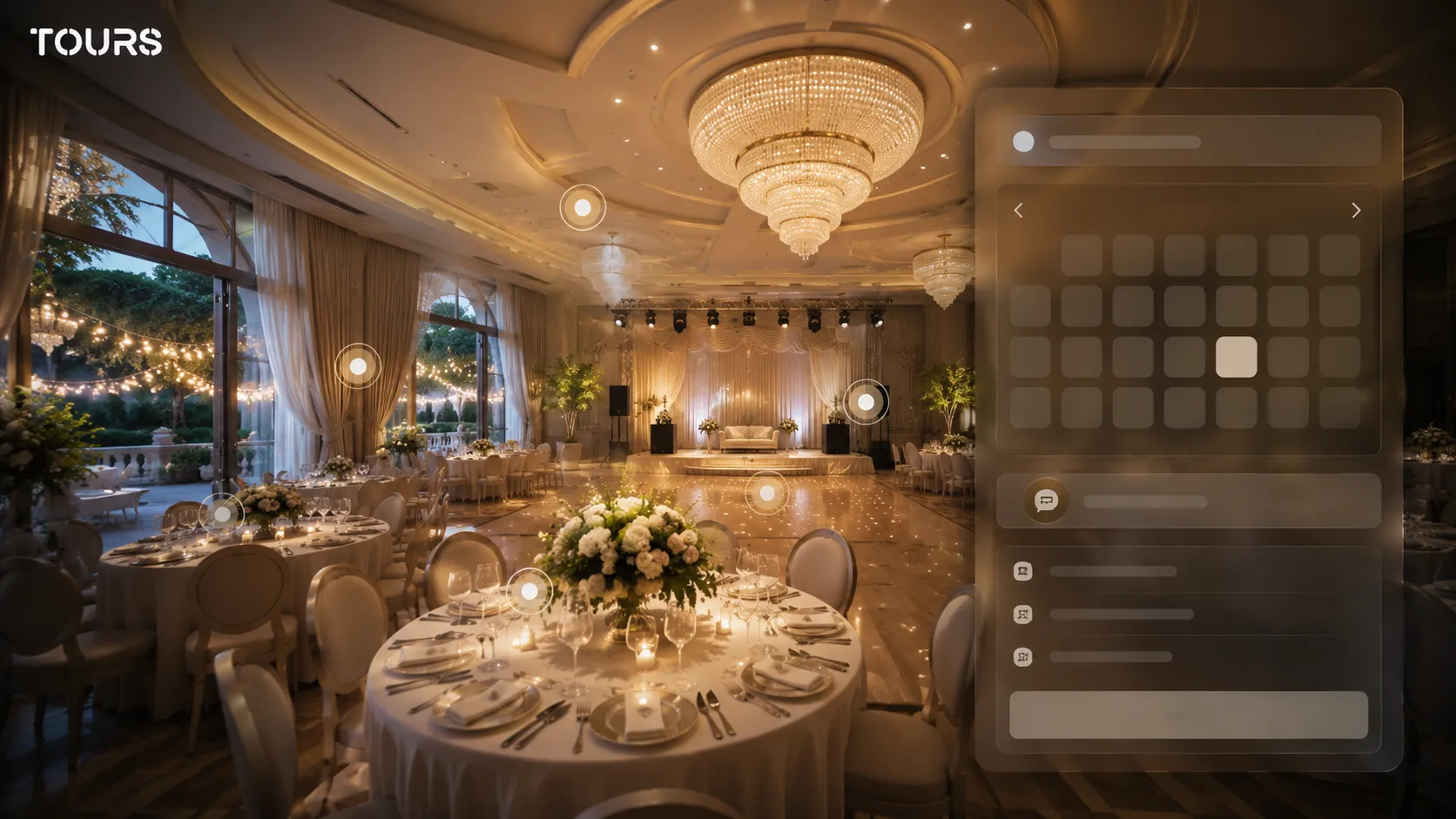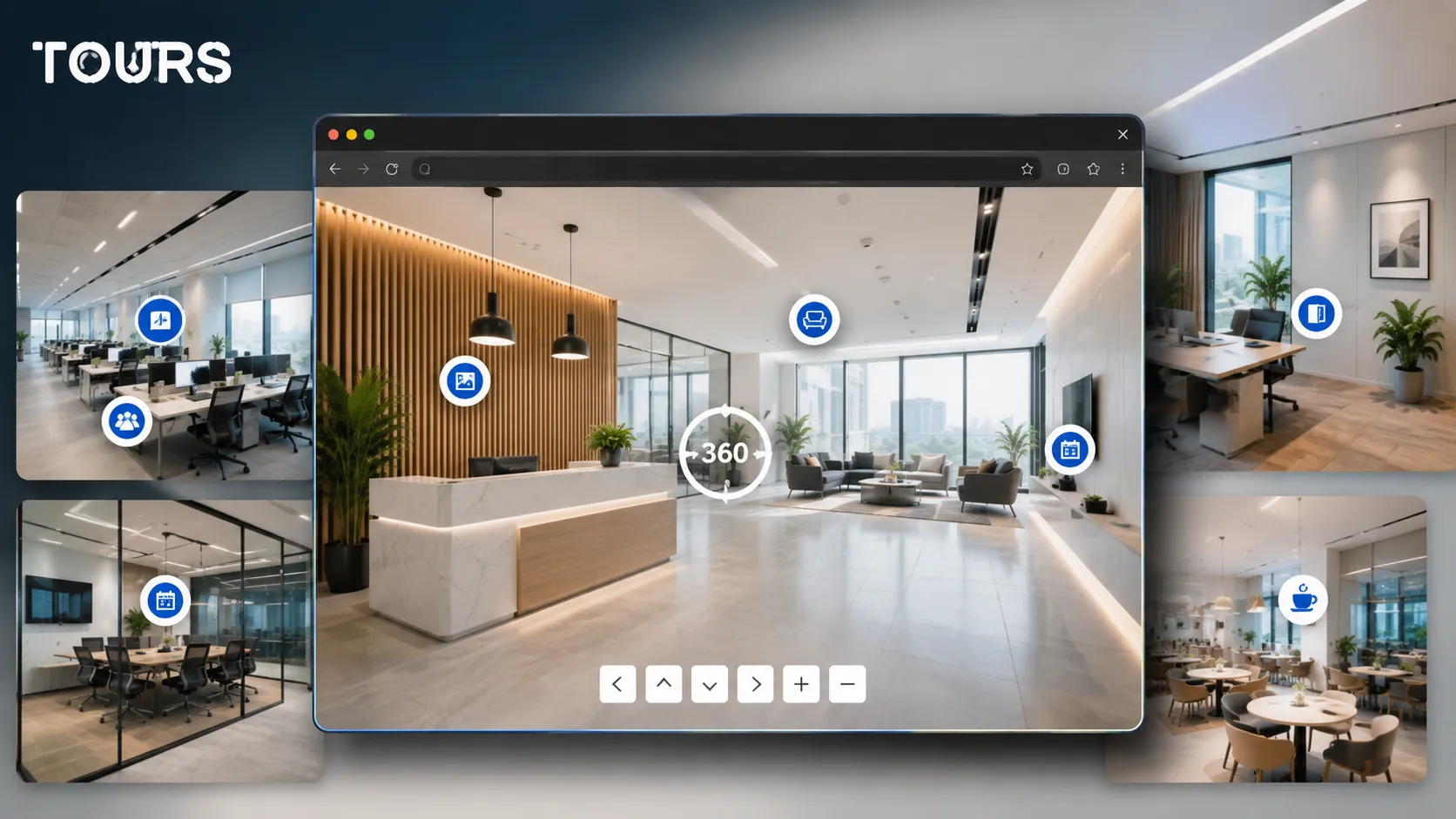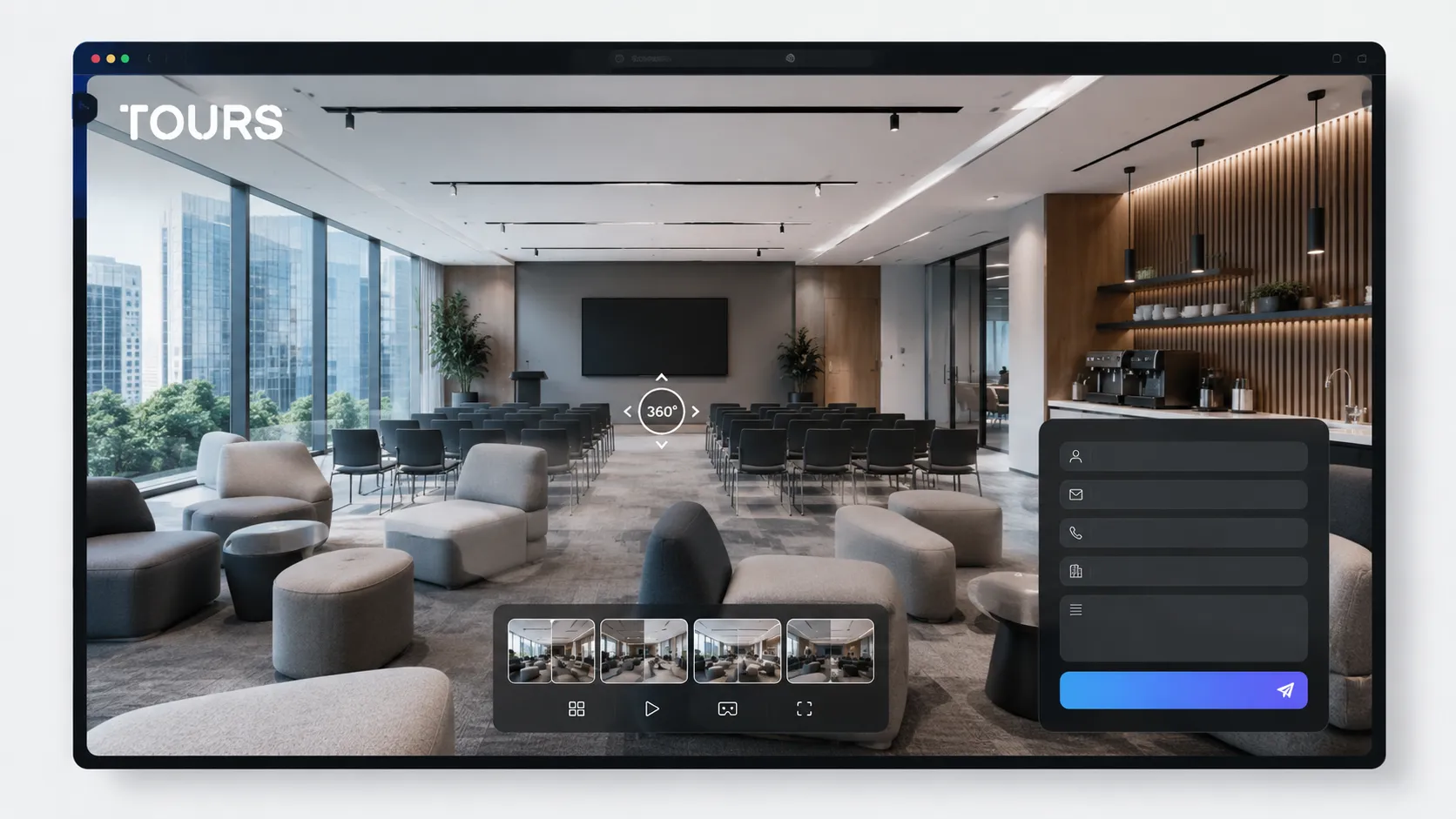

A conference room virtual tour presents the space, layouts, access, technical equipment and support areas online before a corporate client sends a quote request. The goal is not just to make the room look good. It is to reduce repetitive questions and help companies decide whether the space fits their event.
Tours is a SaaS platform for interactive 360° virtual tours, built for venues that want to turn space presentation into inquiries, bookings and clearer visitor insights. For a conference room, it helps the team connect scenes, interactive points and availability in a sales flow that is easy to follow.
In short
- A 360 tour for conferences should show real capacity, possible layouts, the stage, the screen, access and break areas.
- For corporate clients, the most important details are space clarity, technical equipment, attendee flow and response speed.
- In Tours, an inquiry can start from the whole tour, a scene, a scene group or tagged interactive points.
- For hotels, the conference room can be presented separately from rooms, the restaurant and reception, while still being connected in one coherent path.
- This article is about conferences, trainings and corporate meetings, not weddings, banquets or private parties.
Why does a conference room virtual tour matter before a quote request?
It matters because a corporate decision starts with filtering, not with an in-person visit. A company wants to know quickly whether the room has the right capacity, shape, equipment, access and atmosphere. A 360° virtual tour makes that filtering visual and helps your team receive more specific questions.
The MICE context supports the need for clearer venue presentations. In the Amex GBT 2025 forecast, 66% of surveyed professionals expected meeting budgets to increase, and 74% were optimistic about the health of the industry.[1]Source When budgets rise, the pressure also rises to choose a space that can be justified internally.
For a conference room, photos can suggest the atmosphere, but they rarely explain the full route. A well-organized tour shows the entrance, reception, main room, break areas, restrooms, technical access and any secondary rooms. In a corporate quote process, these details can turn a vague inquiry into one that is ready to estimate.
What should a corporate client see in a conference room for rent?
A corporate client needs to see the room as a working space, not just as an attractive interior. The tour should answer questions about capacity, visibility, sound, lighting, access, breaks, attendee flow and proximity to useful services such as reception, the restaurant or parking.
For its 2025 Europe edition, Cvent reported that it surveyed more than 600 professionals and that hotels and venues need to provide more information upfront so planners can decide whether a space fits.[2]Source A 360 tour can turn that information into visual proof, not just a promise in a brochure.
- The empty room and the configured room, so the client understands the flexibility of the space.
- The position of the screen, projector, stage, lectern, sound system and useful power outlets.
- The distance to the entrance, reception, coat check, elevator, parking and restrooms.
- Areas for coffee breaks, networking, attendee check-in and breaks between sessions.
- Natural light, blackout options, perceived acoustics and areas with weaker visibility.
- Secondary rooms or breakout rooms when the space supports a multi-track program.
How do you present a conference, training and workshop space without confusion?
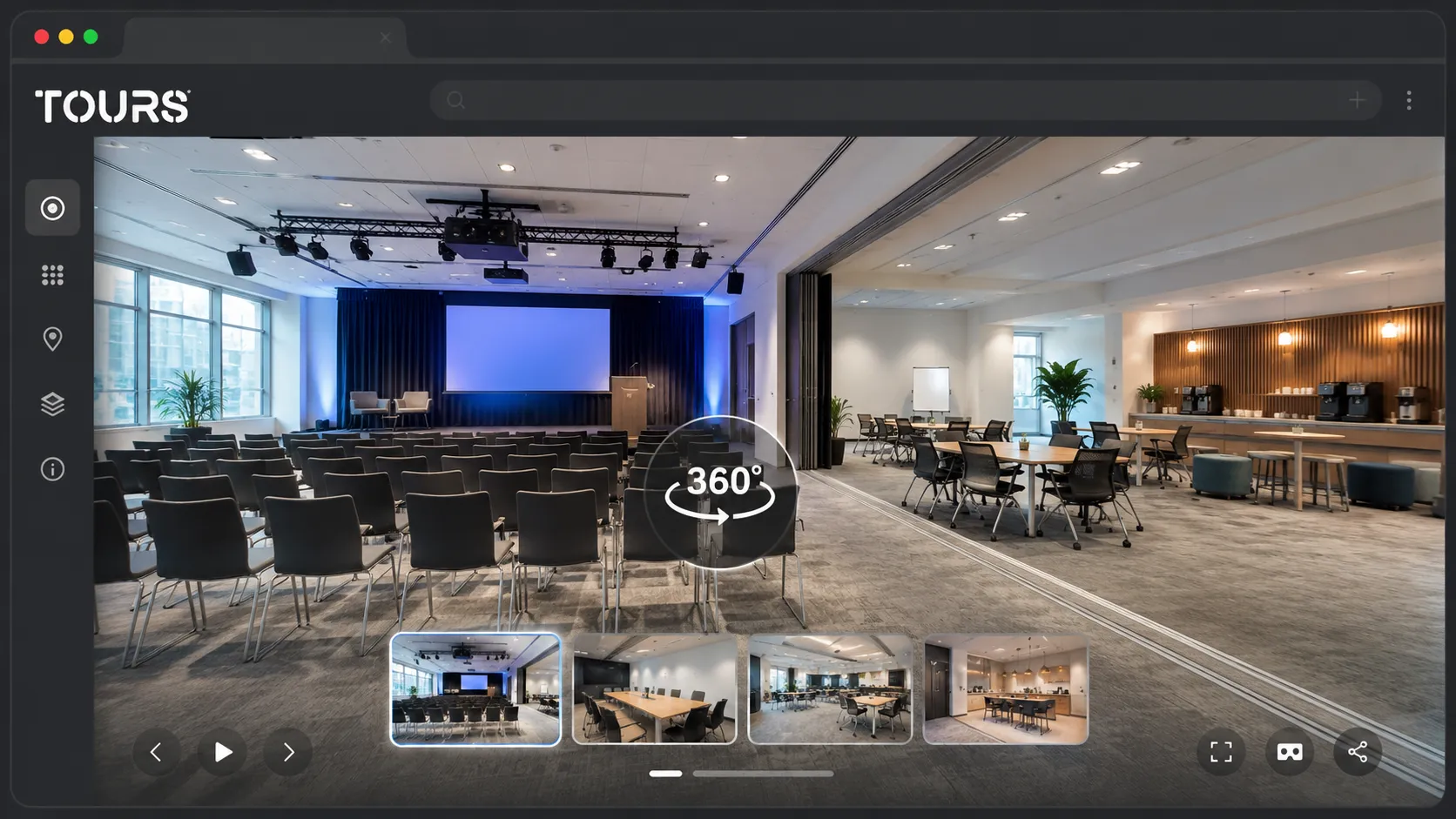
You present the room clearly when you separate the use cases. A conference needs visibility and flow, a training needs tables, power outlets and interaction, and a workshop needs flexible zones. The tour can show the same rooms, but with explanations that match each type of inquiry.
Instead of loading the tour with long text blocks, use short interactive points for capacity, layout, equipment and options. For example, a point near the screen can explain its size, a point near the lectern can show audio options, and a point in the break area can explain the coffee break package.
| Corporate scenario | What to highlight in the tour | Question it reduces |
|---|---|---|
| Conference or presentation | Visibility toward the screen, the stage, the lectern, attendee access and the check-in area | Does the audience fit, and can everyone see clearly from across the room? |
| Training | Work tables, power outlets, lighting, distance between participants and group work options | Can the team work hands-on, not just listen? |
| Workshop | Furniture flexibility, discussion zones, boards, quick access to breaks and secondary spaces | Can the layout change quickly on the same day? |
| Board meeting | Privacy, table position, access control, presentation screen and video connections | Is the room suitable for confidential discussions? |
For a hotel conference room virtual tour, connect the meeting space to reception, rooms, the restaurant and parking, but do not force the same route for every segment. A local client may only check the room and parking, while a company bringing attendees from another city will also evaluate lodging.
How do you turn the tour into a corporate quote request?
You turn the tour into a useful inquiry when the action appears at the right moment. After the visitor sees the layout, equipment and break area, they can be invited to send a request with the date, estimated attendee count, room type and desired services.
In Cvent's 2026 analysis, 63% of planners named attendee engagement as their top success metric, and 72% expected costs to increase.[3]Source That is why a corporate inquiry should include more than the date and headcount. It should show what outcome the company is trying to achieve.
- Add a clear action after the main scene, not before the visitor understands the space.
- Ask for information that helps the quote: date, time range, attendee count, layout, catering, equipment and technical needs.
- Let interactive points prepare the question: capacity near the room, audio/video near the stage, breaks near the coffee area.
- For complex inquiries, send the visitor to a quote request rather than an instant booking if availability needs internal validation.
- For small rooms or recurring trainings, you can use more standardized availability with faster confirmation.
A good call to action does not just say 'request a quote'. It explains what the client will receive: a quote for the selected layout, estimated attendee count and preferred date. In Tours, that action can be connected contextually to the space the visitor has just explored.
How do you connect availability and inquiries in Tours?
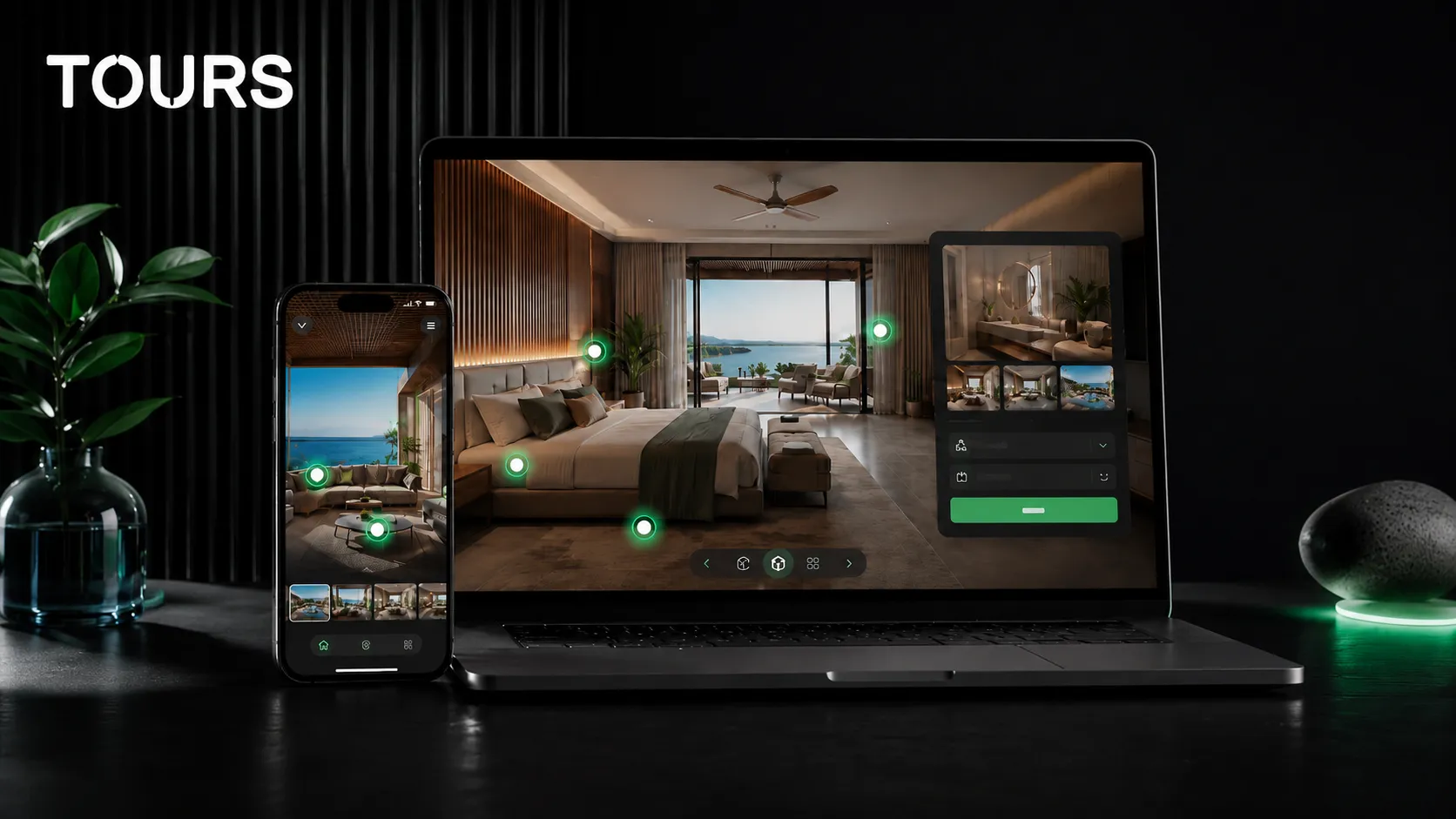
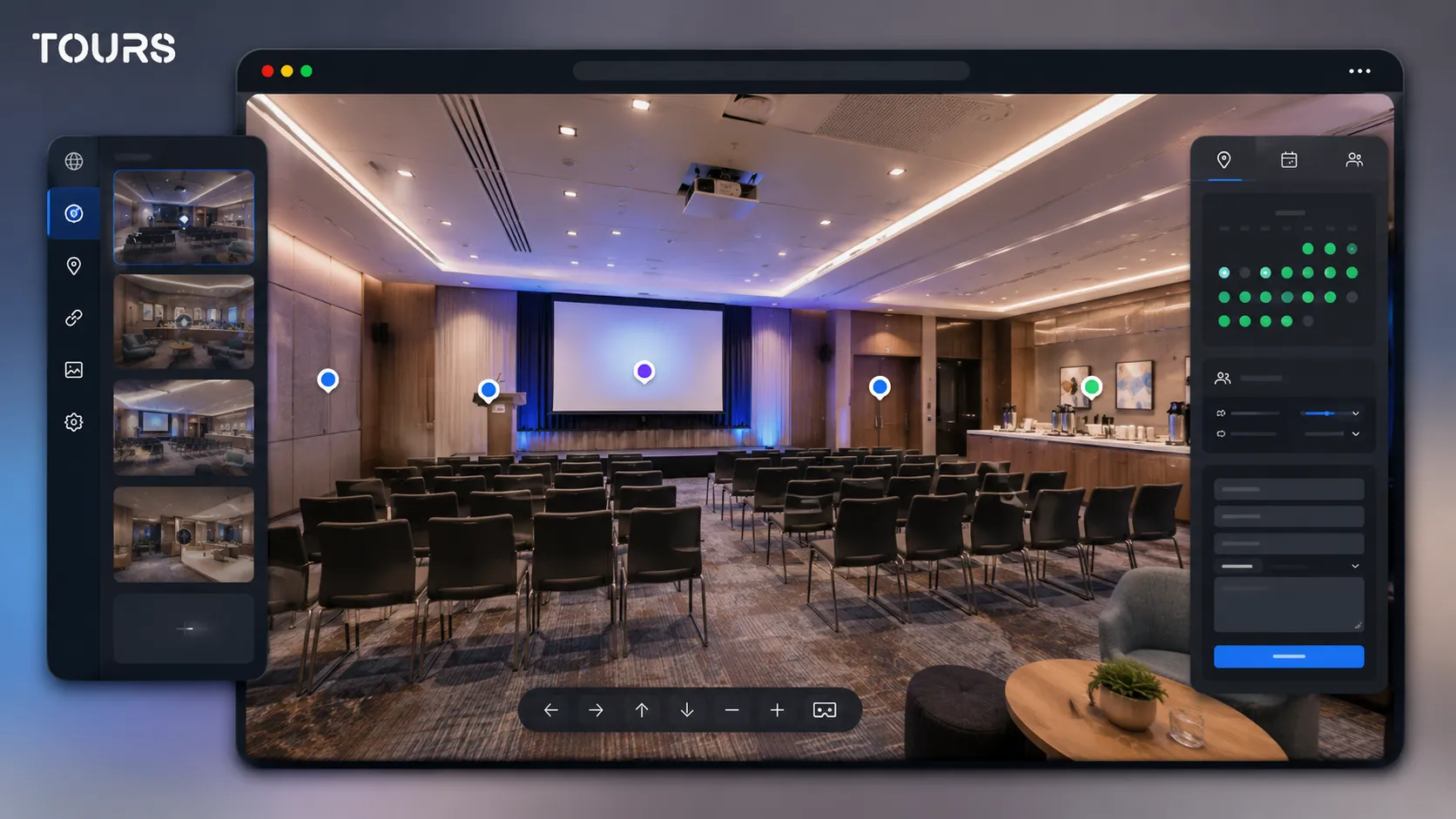
In Tours, availability does not have to be connected in only one way. A booking configuration can be connected to the whole tour, to specific scenes, to scene groups or to interactive points through tags. That means the main room, training area and secondary room can each have different flows.
If you connect booking at the tour level, the experience can show a global button for inquiries or reservations. If you connect it to an interactive point, the booking window opens when the visitor clicks that exact point. Interactive points with the same tag can use the same calendar, while separate points can have their own calendars.
For a conference room, tags are useful when multiple points lead to the same resource. For example, one point in the main room and another in the break area can use the same tag for a general quote request, while the training room can have a separate tag.
The practical flow stays simple: create the tour from the 'My Tours' page, upload the first 360° scene, organize scenes and interactive points, then configure 'Booking Manager' with availability, the booking algorithm and any team members who can accept or reject inquiries. After publishing, the tour can enter Tours moderator approval before it becomes publicly active.
What is the difference between a conference room and a banquet hall?
The difference is buying intent. A conference room is evaluated for corporate goals, productivity, learning, presentation and logistics. A banquet hall or private party space is evaluated more through atmosphere, decor, festive capacity and the social experience. The tours need to answer different questions.
| Page type | Main intent | Tour focus |
|---|---|---|
| Conference room | Quote request for a conference, training, workshop or corporate meeting | Layouts, technical equipment, flow, breaks, availability and commercial estimate |
| Banquet hall or private party space | Choosing a venue for a wedding, baptism, anniversary or party | Atmosphere, decor, dance floor, menu, festive capacity and guest path |
| Hotel with MICE spaces | Combining the meeting room with lodging, restaurant, parking and corporate services | The full attendee path and the decision-maker who requests the quote |
If your venue has both uses, separate the messages. The conference page should speak about corporate meetings, training and equipment, while the banquet page should target private events. You can link the internal cluster to the dedicated guide for banquet halls and private parties without mixing search intent.
How do you publish the tour on your website and send it to corporate teams?
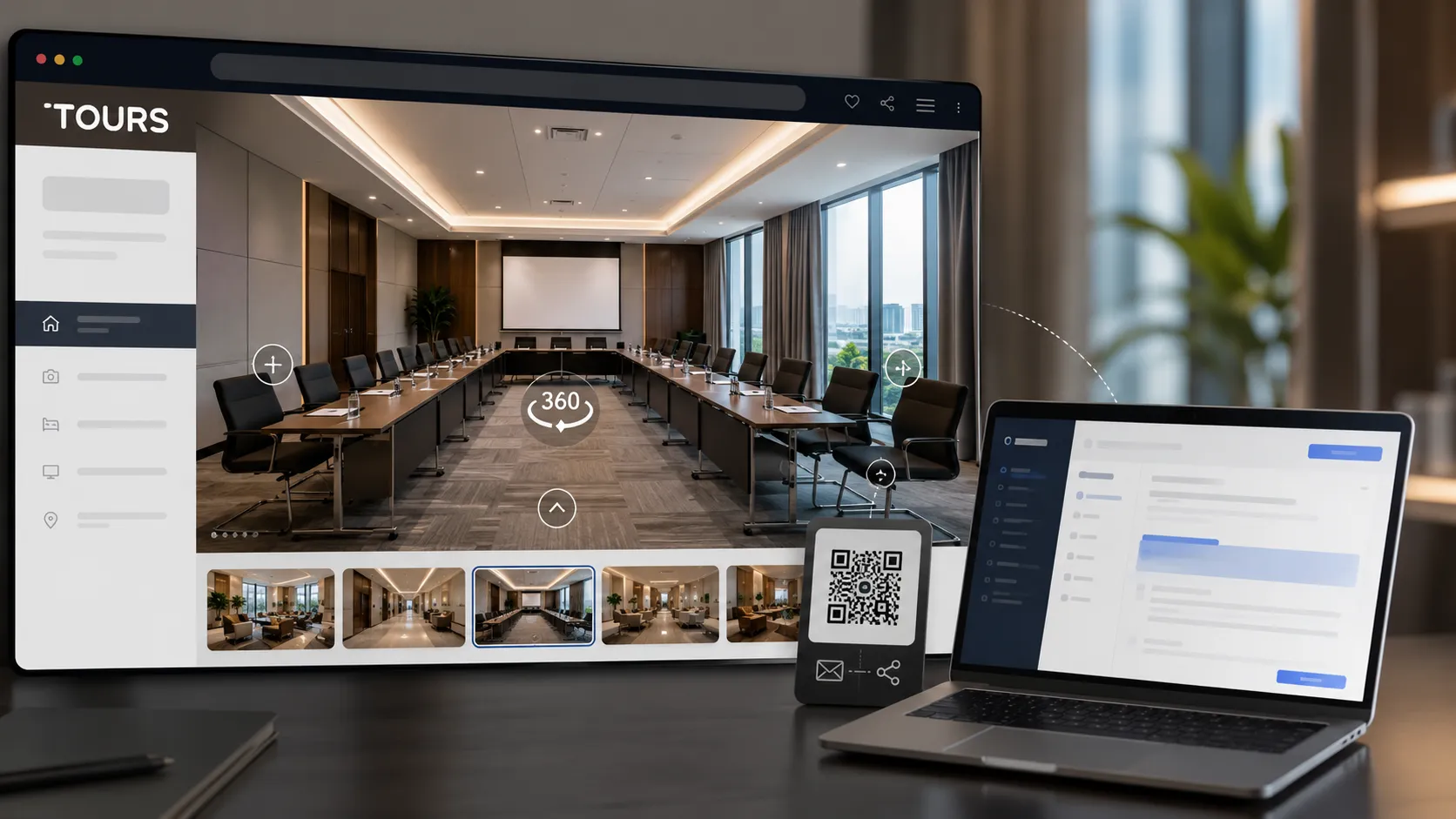
Publishing should make the tour easy to find, send and use during the quote process. Add the tour to the dedicated room page, include it in commercial proposals, share it through QR codes in sales materials and use the same link in conversations with agencies, companies and partners.
In Tours, after the tour is approved and active, you can add it to your website with the website integration code, share it by link and generate a QR code for printed materials or reception. For a conference room, the best position is near the capacity and package descriptions, not hidden on a gallery page.
- Add the tour to the page for each important room, not only to the general venue page.
- Send the link in sales replies as visual support for the quote.
- Use QR codes in brochures, reception, sales kits and business trade show materials.
- Create interactive points for information that rarely changes, and keep detailed pricing in the quote.
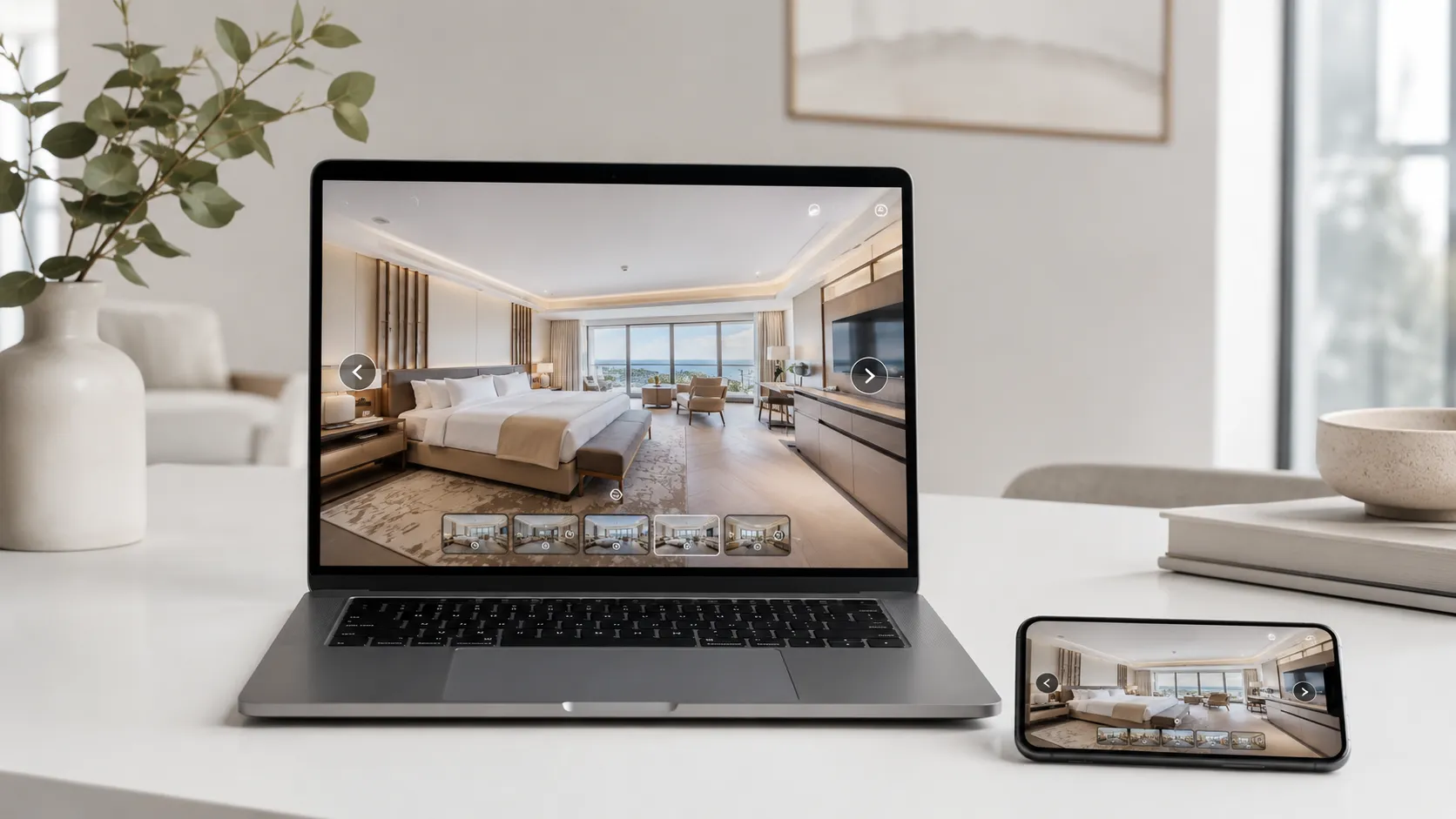
- Check the mobile experience because decision-makers may open the link directly from email or chat.
What should you measure after publishing the tour?
Measure whether the tour helps the decision, not only whether it looks good. Track visited scenes, clicked interactive points, visit duration and the connection between the tour and received inquiries. These signals show whether visitors understand the room, where they stop and what information is missing.
A conference room should not be evaluated only by the number of inquiries received, but also by their quality. If the virtual tour clarifies the space, inquiries should more often include the desired format, estimated attendee count, required equipment and more specific questions about availability.
In Tours, usage statistics are included in all plans. For conference rooms, track which scenes receive attention, where visitors click to inquire, which points are ignored and whether visitors reach break areas or equipment details. If many visits stop before the main room, the path should be simplified.
For testing, you can start with Tours plans from €19/month. If you want inquiries or bookings connected to the tour, Pro includes bookings from €59/month. There is also a 30-day free trial with no card, so you can validate the flow with a real room before changing the sales process.
Frequently Asked Questions
What does a conference room virtual tour help with?
It helps a corporate client understand the space before asking for a quote. Instead of sending general questions about capacity, equipment and access, they can see the room, layouts, break areas and attendee path. For the sales team, that means clearer inquiries and fewer repetitive explanations.
Is it useful for a conference room for rent?
Yes, especially if the room is promoted to companies, trainers, agencies or institutions. The tour can show different layouts, technical equipment, access, parking, reception and support areas. For rental, the tour does not replace the commercial quote, but it prepares the client to send a more complete inquiry.
How should I use the tour for a hotel conference room?
For a hotel, the tour should connect the room to reception, guest rooms, the restaurant, parking and break areas, without forcing every visitor through the whole hotel. You can have separate scenes for the main room, secondary rooms and networking spaces, then connect the quote request to the relevant area.
Can I connect a quote request directly from the tour?
Yes. In Tours, the inquiry or reservation can be connected to the whole tour, to a scene, to a scene group or to tagged interactive points. When the visitor clicks a point in the conference room, a booking or inquiry window can open for that specific resource.
Does every interactive point need a separate calendar?
No. Interactive points can have separate calendars if they represent different resources, but they can also share the same calendar through the same tag. For example, several points in the main room can lead to the same quote request, while a secondary room can have separate availability.
What information should not go inside the tour?
Do not overload the tour with long price lists, contract terms or details that change often. The tour should explain the space, the path, the equipment and the differences between layouts. Final prices, discounts and special conditions usually fit better in the quote sent after the inquiry.
Does the virtual tour replace the corporate client site visit?
Not in every case. For simple or recurring inquiries, the tour may be enough for a fast decision. For large conferences, important delegations or complex layouts, the 360° virtual tour filters options and makes the site visit more efficient because the decision-maker arrives already informed.
How do I avoid competing with the banquet hall page?
Separate the intent. The conference page should talk about training, workshops, presentations, technical equipment, breaks and corporate flow. The banquet or private party page should discuss atmosphere, decor, dancing, menu and social experience. The tours can use the same space, but the messaging should be different.
Can I use the same tour in sales emails?
Yes. A link to the tour can be included in sales replies, proposals, team signatures or partner materials. It is most useful when you send the link with a clear recommendation, such as the main room scene or the coffee break area that is relevant to that inquiry.
Which measurements matter after launch?
Visited scenes, average duration, clicked interactive points and the number of inquiries after viewing all matter. For a conference room, check whether visitors reach equipment, layouts and break areas. If they do not, the tour should be reorganized or the important points should be made clearer.
If you want to present a conference room without sending dozens of separate photos and explanations, you can build the tour in Tours, add it to your website and connect it to inquiries or bookings. The 30-day free trial with no card lets you validate the flow with a real space before using it in sales.
Sources
Studies and reports cited in this article
All sources are checked and publicly available.
- 2025 global meetings and events forecastreportAmex GBTThe announcement summarizes the Amex GBT forecast for the meetings and events market in 2025, including professional optimism and budget expectations.
- 2025 European venue sourcing reportreportCventThe Cvent Europe report page explains why planners need clearer venue information before deciding whether a space fits.
- 2026 venue sourcing trends for conferencesstudyCventCvent's 2026 analysis presents planner priorities, cost pressure and higher expectations for clarity and fast response.
We carefully select trusted sources to keep the content relevant and up to date.