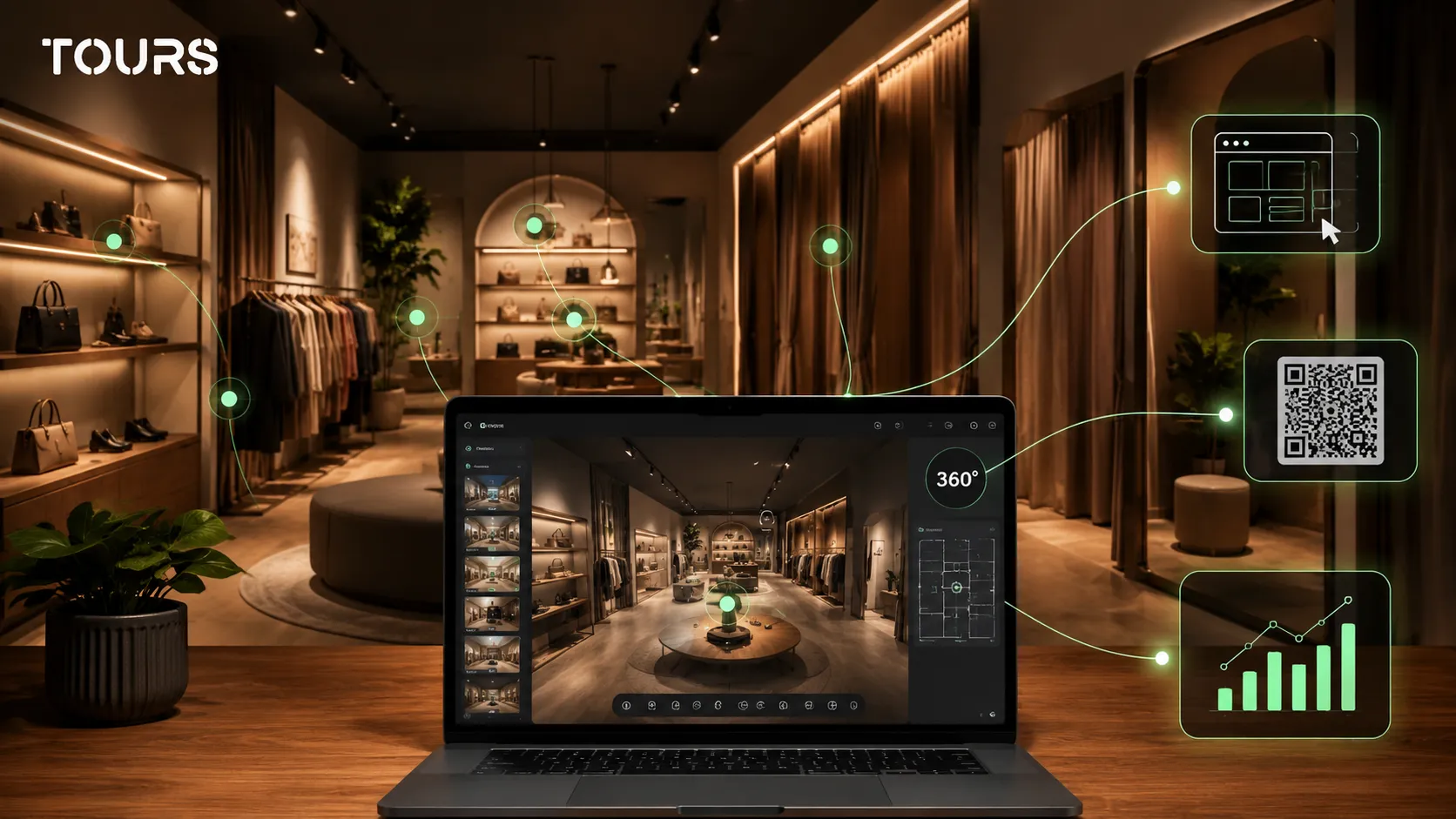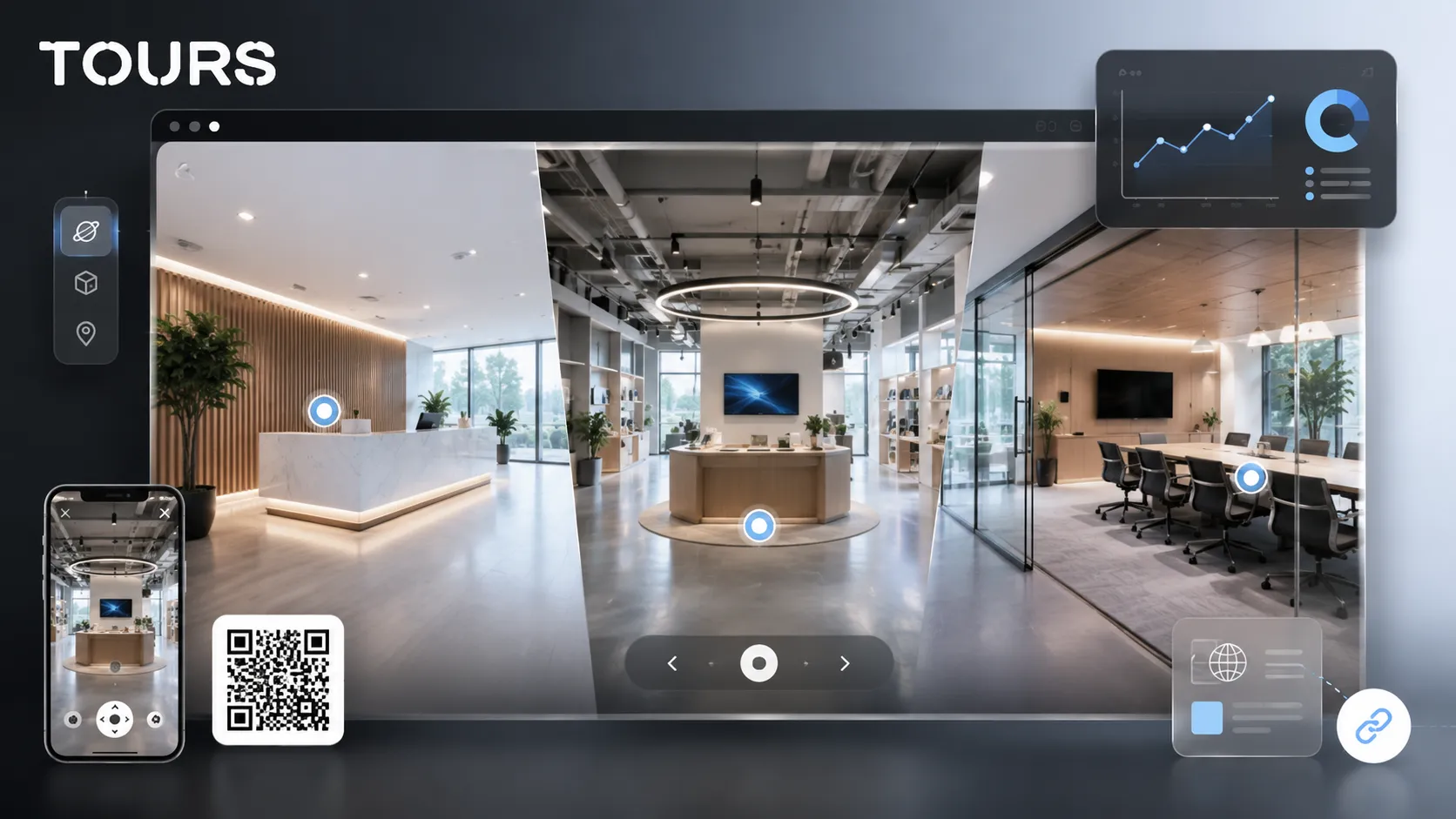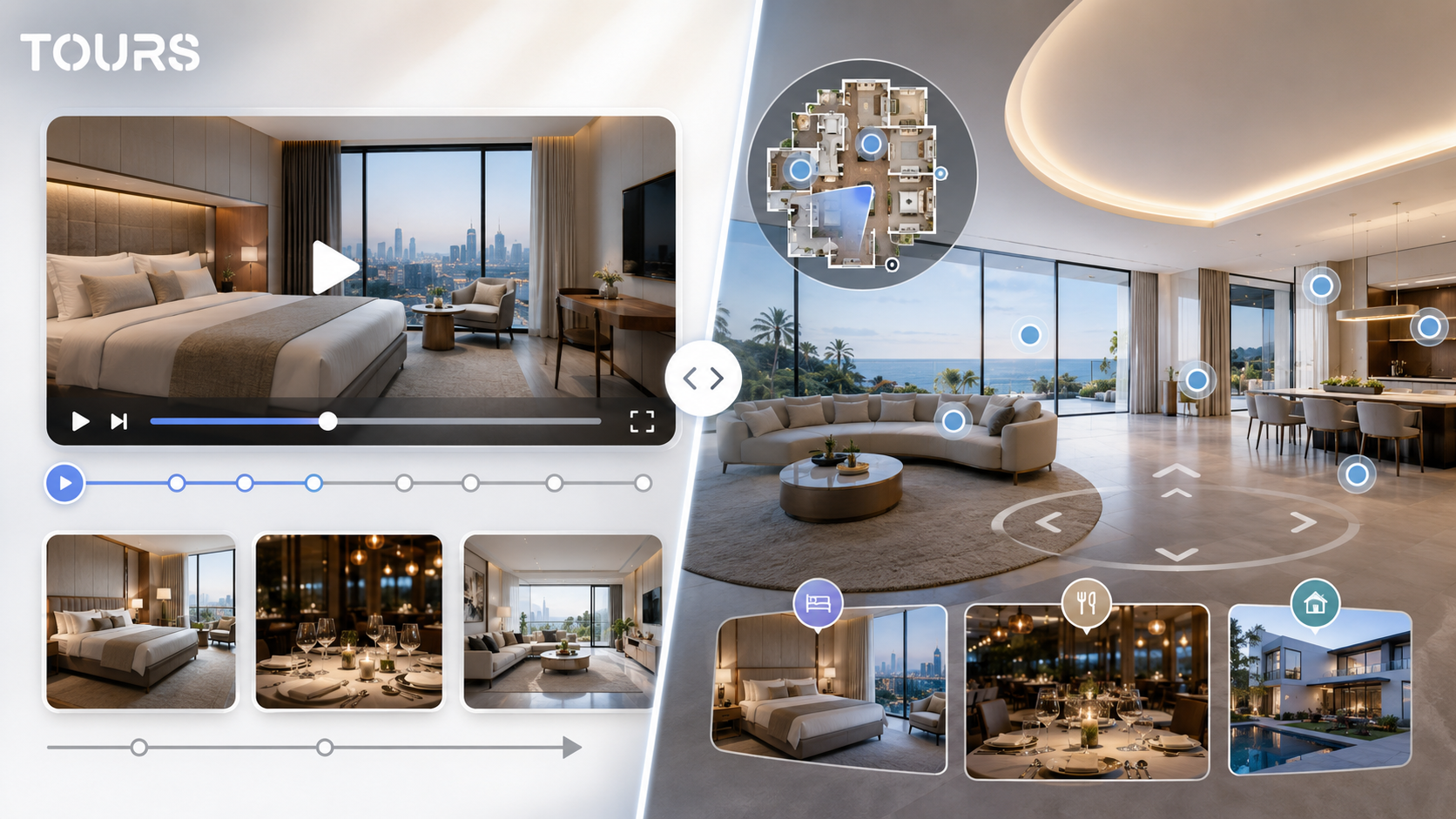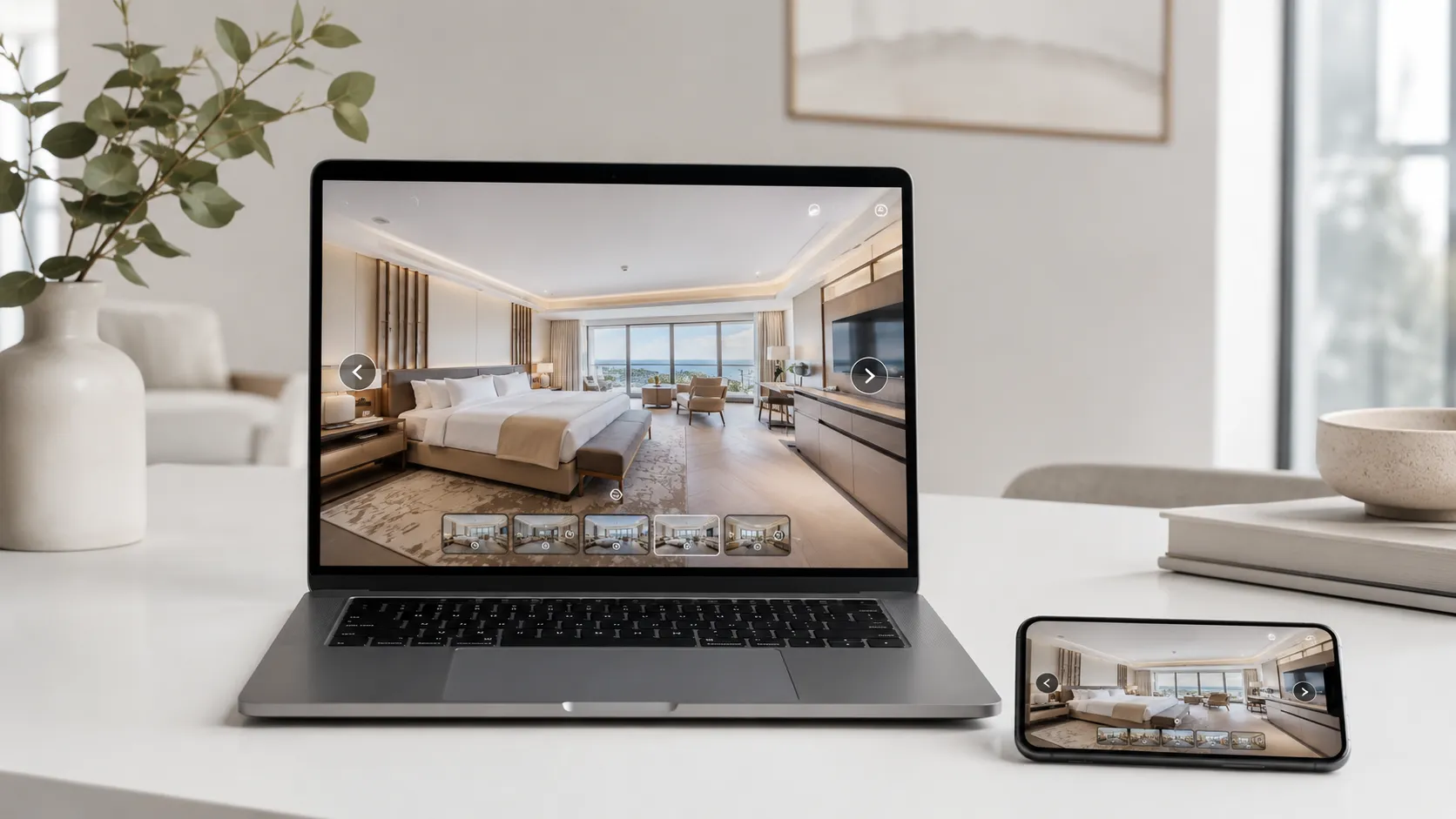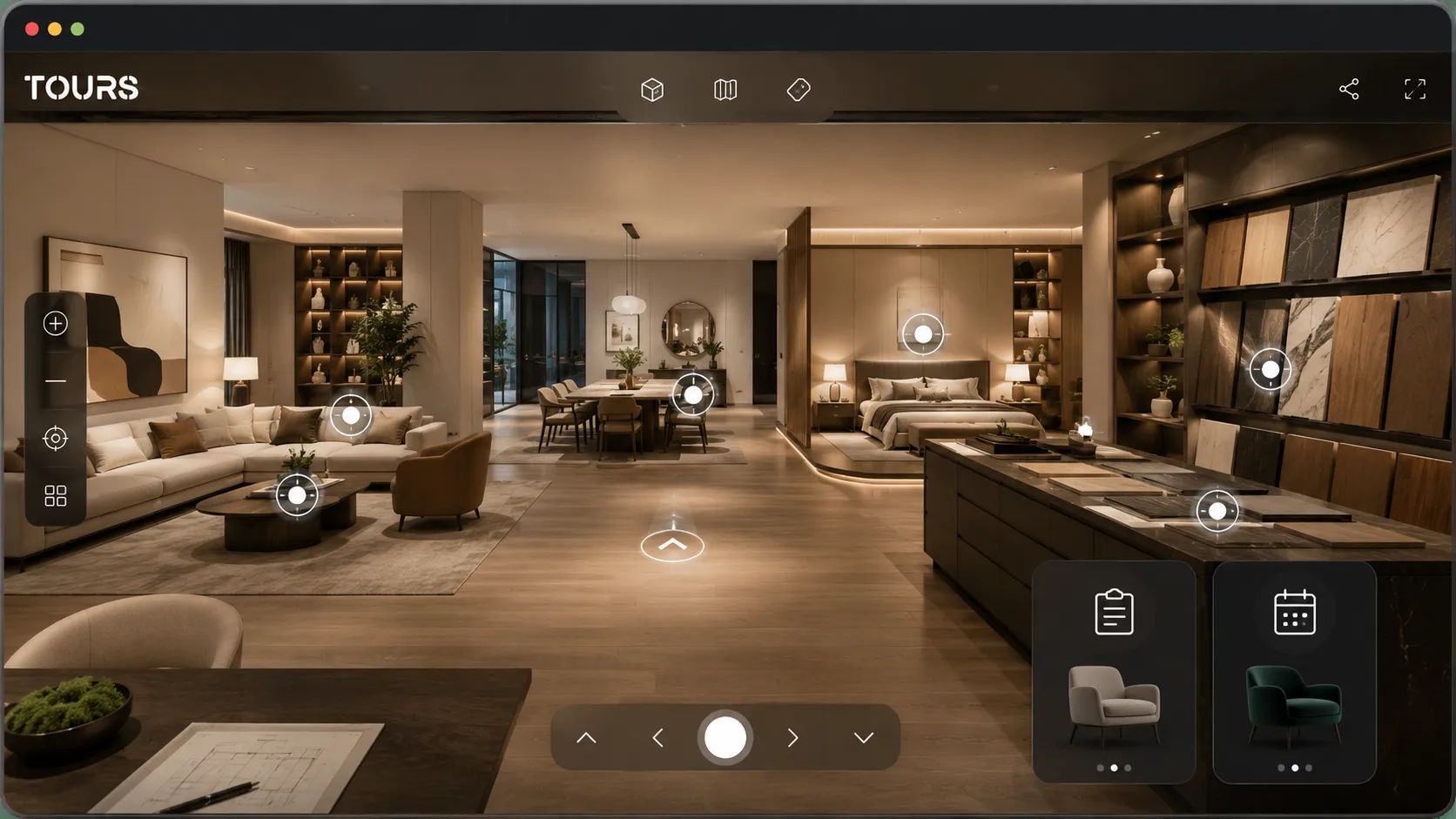

A furniture showroom virtual tour is a 360° presentation where customers can see collections, styled areas, proportions and product details before they visit the store in person. It is especially useful when you sell modular furniture, kitchens, bedrooms, sofas, premium pieces or interior design services that need visual context.
Tours is a SaaS platform for interactive 360° virtual tours with hotspots, usage statistics and booking or inquiry options. For showrooms, it helps the team turn the physical space into a clear online presentation that can be published on a website, shared by link or shared by QR code.
In short
- A furniture showroom needs routes by style and room, not just a photo gallery.
- Hotspots can explain materials, variants, sizes, collections and customization options.
- The tour helps customers decide whether an in-person visit, a consultant conversation or a quote request is worthwhile.
- For interior design services, the tour can work as an inspiration presentation and as a filter for clearer projects.
- In Tours, inquiries can start from the tour, from scenes, from scene groups or from hotspots marked with internal tags.
What does a furniture showroom virtual tour solve?
A furniture showroom virtual tour solves the context gap between a product seen online and the real space where the customer will use it. Instead of showing an isolated sofa, the tour shows proportions, combinations, materials, circulation, lighting and the relationship between pieces in a styled room.
Digital context matters because online shopping is already normal in mature markets. Eurostat shows that 78% of EU internet users bought online in 2025, up from 62% in 2015.[1]Source For furniture, that does not mean the physical showroom disappears. It means the visit should be better prepared before the customer arrives.
In practice, the tour helps customers quickly rule out poor-fit options and arrive at the sales conversation with clearer questions. The sales team can send a link to a relevant area, point to a hotspot and continue the conversation without restarting the whole presentation from scratch.
Which areas should a furniture showroom show?
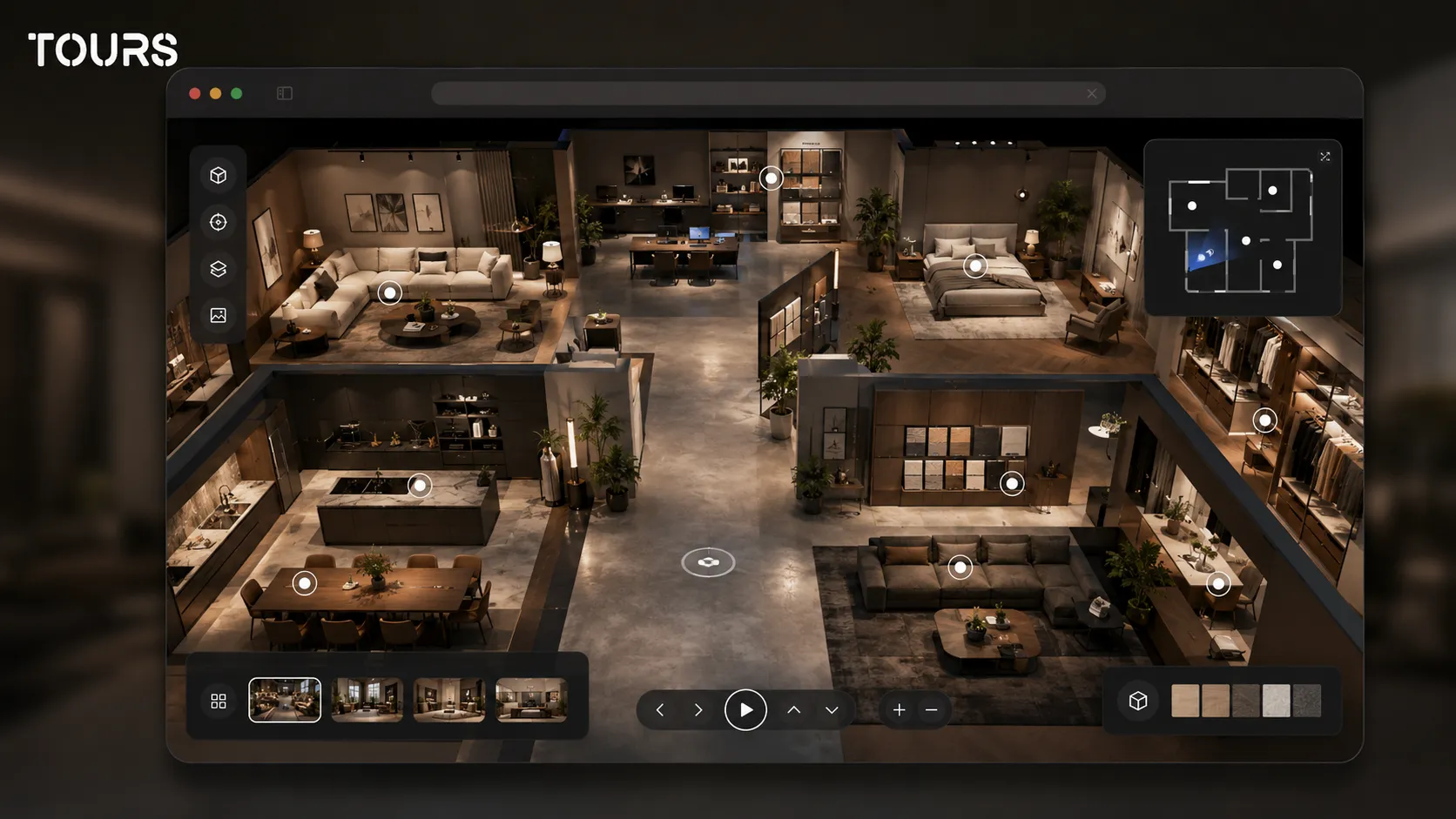
A furniture showroom should be presented through areas that reflect how customers actually buy: complete rooms, collections, styles, materials and consulting services. A strong structure does not try to show every product separately. It helps visitors understand the route, the differences and the decision steps.
- Living area: sofas, armchairs, bookcases, coffee tables, TV units, rugs and lighting ideas.
- Dining area: tables, chairs, display cabinets, sideboards and finish combinations for family or guest spaces.
- Bedroom area: beds, mattresses, nightstands, wardrobes, textiles and storage solutions.
- Kitchen or custom furniture area: fronts, countertops, hardware, organization examples and material samples.
- Consulting area: interior design desk, samples, catalogs, presentation screens and the place where the project is discussed.
- Offers or seasonal collection area: temporary displays, promotional sets and products that deserve quick visibility.
For an interior design virtual tour, areas can be grouped by style: minimalist, classic, Scandinavian, industrial or premium. The customer is not looking only for a single piece. They are looking for a visual language that helps them imagine their home.
How do you help customers compare styles, materials and sizes?
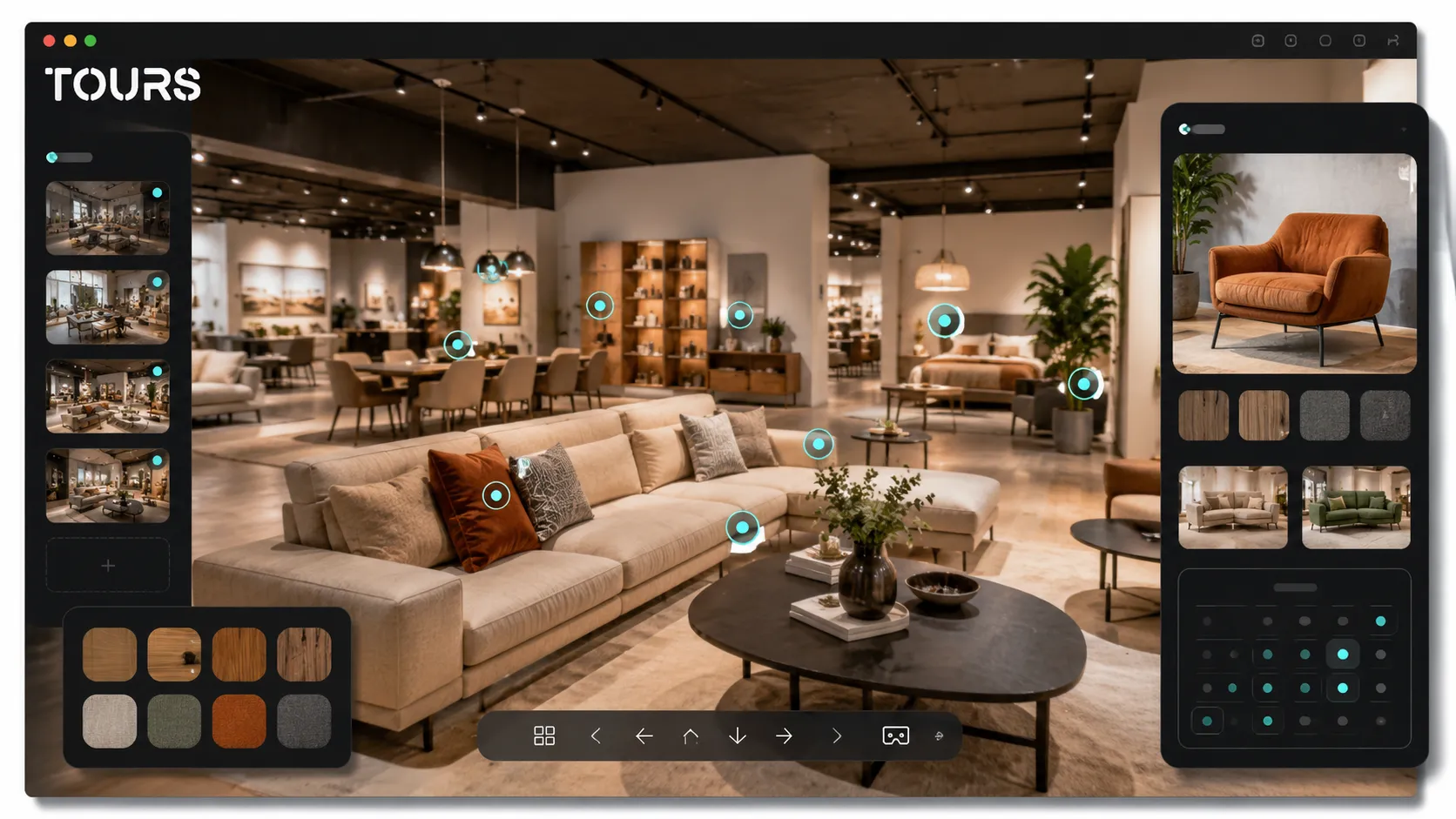
Customers compare more easily when every area in the tour has short, visual information tied to the buying decision. For furniture, the most important details are material, size, available variants, maintenance, estimated lead time and how the piece fits into a design concept.
IKEA shows in the Life at Home Report 2024 that home is connected to needs such as control, comfort, security, belonging and aspirations. The report also shows that more than one third of people see joy at home as important but do not feel it often enough in their own home.[2]Source For showrooms, this supports presentations that start from lifestyle, not only from product codes.
- Add hotspots for wood, fabric, leather, metal, stone or ceramic samples.
- Use short explanations for differences between similar models, especially sofas, chairs and kitchen fronts.
- Show proportions through wide scenes, not only through product close-ups.
- Connect collections to real contexts: a small apartment, an open-plan house, a home office, a child’s room or a premium space.
- Keep commercial copy short and place longer technical information in separate hotspots.
| Tour element | How it helps the customer | What to avoid |
|---|---|---|
| Material hotspot | Explains texture, finish, maintenance and available variants. | Long lists of codes that do not support a visual decision. |
| Complete room scene | Shows the proportion of pieces and the combination of furniture, lighting and accessories. | Angles that are too close and do not show movement through the room. |
| Design style group | Helps the customer choose an aesthetic direction before requesting a quote. | Mixing collections without a visible logic. |
| Consulting request point | Turns inspiration into a conversation with a consultant or designer. | Forms that are too long before the visitor understands the value. |
How do you turn a 360 visit into a quote request or appointment?
A 360 visit becomes commercial when it offers the next step exactly when the customer shows interest. In a furniture showroom, that step may be a quote request, an appointment with a consultant, a project discussion or a question about collection availability.
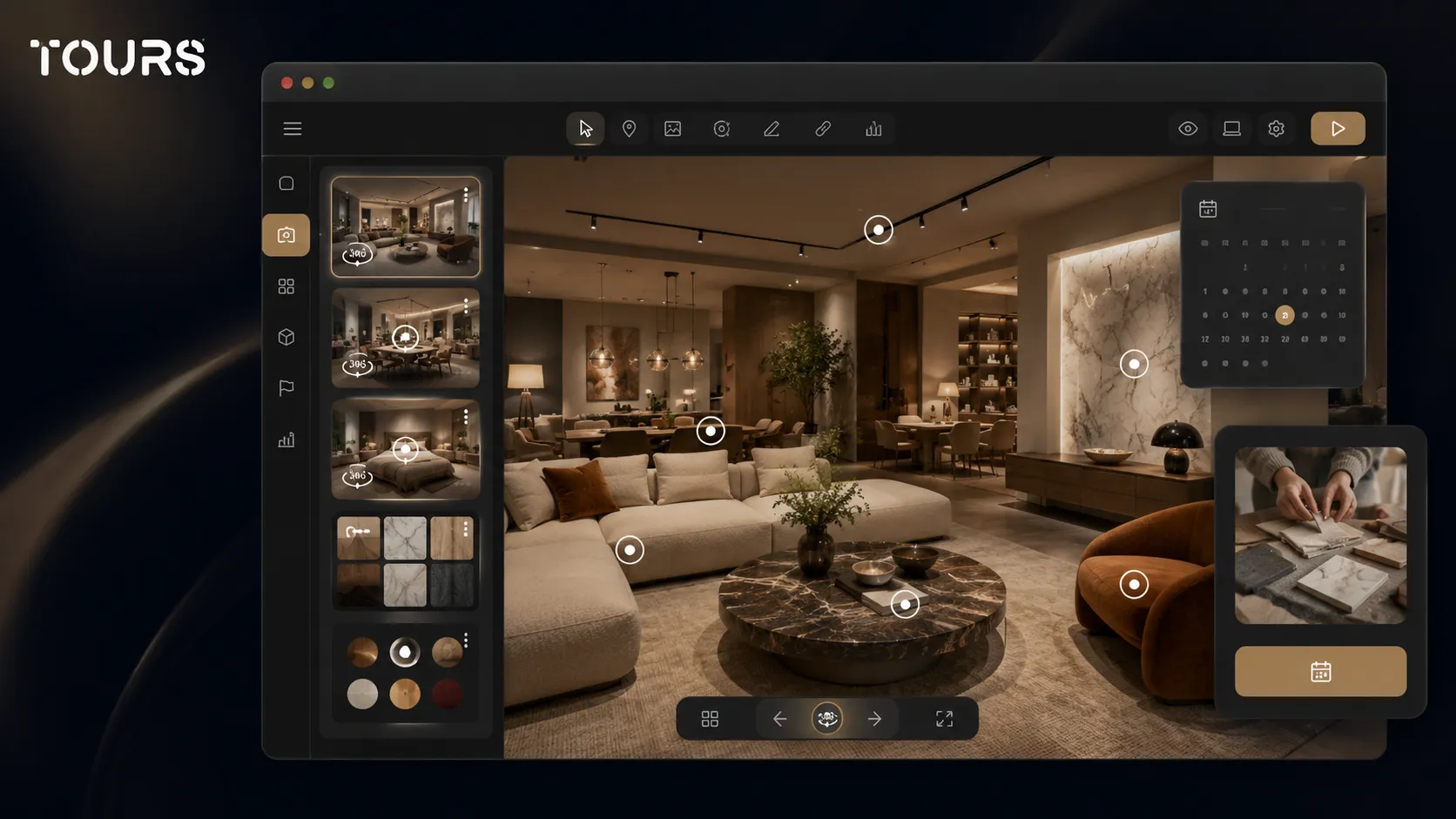
In Tours, a booking or inquiry setup can be connected to the entire tour, to specific scenes, to scene groups or to hotspots that use internal tags. If it is connected at tour level, a global button can appear. If it is connected to a hotspot, the inquiry window opens when the visitor clicks or taps that interactive point.
For furniture, tags help when several hotspots should send visitors to the same calendar or the same team. For example, all kitchen areas can use a shared consulting tag, while the premium furniture area can have a separate flow for custom projects.
- Ask only for the information needed at first contact: name, email, phone, room type and approximate budget.
- Use request points near areas where the decision is complex: kitchens, walk-in closets, modular sofas and custom furniture.
- Offer an interior design consultation appointment when the customer needs measurements, a plan or material combinations.
- For simple products, send the visitor to the product page or a short form, not to a long conversation.
- Keep quote requests, showroom appointments and interior design discussions clearly separated.
To test without changing the website at first, you can create the tour, publish it after approval and send it to customers by link or QR code. Once you see which areas receive interest, you can add it to the website and connect inquiries more clearly.
What does the Tours workflow look like for a furniture showroom?
The Tours workflow starts with the tour and scenes, then moves to customization, publishing and inquiry connections. For a furniture showroom, the right order is to build the visual route first, mark important areas with internal tags and only then connect inquiries or appointments.
- Create an account on getours.app and open the Tours app.
- Go to the My Tours page and choose to create a new tour.
- Complete the tour name and category, then optionally add location, an estimated price or tour tags.
- Upload the first 360° scene and give it a clear name, such as 'Main living area' or 'Kitchens and materials'.
- The 360° editor opens so you can customize the tour with scenes, navigation, information points, external links, groups, text, images and video.
- Publish the tour, choose visibility and wait for approval from a Tours moderator before the presentation becomes publicly active.
Inquiry setup is configured separately in Booking Manager. There you set the availability calendar, choose the right algorithm and can add team members who accept or reject requests. After that, you connect the manager to the tour, scenes, groups or hotspots with the same tag.
What should you choose between photos, video, renderings and a 360 tour?
You do not need to choose just one format for a furniture showroom presentation. Photos are good for details, video for atmosphere, renderings for concepts that are not installed yet, and a 360 tour for orientation and decision-making. The best result appears when each format has a clear role.
| Format | When it fits | Limit in the furniture decision |
|---|---|---|
| Professional photos | Product details, materials, campaigns and collection pages. | They do not show the route through the showroom or the proportions between areas. |
| Presentation video | Atmosphere, brand story, collection launches and social media. | The visitor does not control the pace and cannot explore freely. |
| Interior design renderings | Custom projects, new concepts and spaces that are not installed yet. | They can feel too ideal if they are not connected to real pieces in the showroom. |
| 360 tour | Orientation, comparison between areas, consulting and inquiries started from context. | It needs clear organization so it does not become only a visual walk-through. |
The furniture market is gradually moving toward a hybrid experience, with online research and assisted decision-making. Mordor Intelligence estimates the global online furniture market at USD 131.40 billion in 2025, USD 139.50 billion in 2026 and USD 202.33 billion in 2031.[3]Source For showrooms, the difference is not only the sales channel. It is the quality of visual information before contact.
For a detailed comparison between video and a 360 tour, the virtual tour versus video article in the recommended resources covers the general decision. Here, the important point is specific to furniture: the customer needs to move between rooms, return to materials and discuss a quote from a shared visual context.
How do you measure whether the showroom presentation supports sales?
You measure the effectiveness of the presentation through visitor behavior and the quality of incoming inquiries, not only by the number of visits. For a furniture showroom, what matters is which areas are visited, which hotspots are clicked, how much time the customer spends in the tour and what questions appear after the visit.
- Most visited scenes: show which rooms or collections attract interest.
- Hotspot clicks: indicate materials, sizes or services that need extra explanation.
- Session duration: helps you see whether the tour is explored or abandoned quickly.
- Inquiries started from specific areas: show which parts of the showroom support sales best.
- Repeated customer questions: indicate where explanations, images or video should be added.
- Difference between online visits and in-person visits: helps the team see whether the tour qualifies interest better.
Usage statistics in Tours are included in every plan, which helps a showroom improve the tour gradually. You do not need to rebuild everything after the first version. You can adjust tags, text, scenes, hotspots and routes based on observed behavior.
Frequently Asked Questions
What is a furniture showroom virtual tour?
It is a 360° presentation of the showroom, organized by rooms, collections, styles or commercial areas. The customer can explore the space online, see proportions and materials, and start a quote request or appointment when they find a relevant area.
When is a virtual tour worth it for a furniture showroom?
It is worth it when the showroom has collections that are hard to explain with photos alone, modular furniture, kitchens, walk-in closets, sofas, premium pieces or interior design services. It is also useful when the team receives repetitive questions about space, materials, availability or appointments.
Can an interior design virtual tour bring clearer inquiries?
Yes, because the visitor sees styles, combinations and concrete examples before talking with a consultant. Instead of sending a vague request, they can point to the area, room or material they liked. That helps the team respond faster and more relevantly.
Should every product in the showroom be presented?
No. A good tour is not a complete catalog. It is a visual map of the showroom experience. Present the areas that help the decision: styled rooms, materials, collections, consulting services and representative products. Catalog details can stay on the product page.
How do I connect quote requests in Tours?
In Tours, you first create the tour, scenes, groups and hotspots. Then you configure Booking Manager, set availability and connect it to the entire tour, to scenes, to scene groups or to hotspots with internal tags, depending on the commercial flow.
Can each showroom area have a different calendar?
Yes, if that makes sense for your team. Hotspots can have independent calendars or share the same calendar through the same internal tag. For example, the kitchen area can use a consulting calendar, while premium furniture can have another flow.
Does the 360 tour replace an in-person showroom visit?
Usually, it does not replace it completely. For furniture, texture, comfort and the conversation with a consultant remain important. The tour helps customers decide whether the visit is worthwhile, which areas they want to see and which questions should be prepared before the meeting.
What is the difference between a 360 tour and photos for furniture?
Photos show the product or composition in a frame chosen by the brand. A 360 tour shows orientation in the space, the connection between areas and the route through the showroom. For furniture, that orientation matters because the customer compares proportions, flow, materials and atmosphere.
Can I add the tour to the showroom website?
Yes. After publishing and approval, the tour can be displayed on the website through website integration code or shared by link and QR code. For showrooms, a dedicated page with the tour, collections and a consulting request usually works better than a hidden link in the menu.
How quickly can I test Tours for a furniture showroom?
You can test Tours with a free 30-day trial, no card required. For a first test, create a tour with a few important scenes, add hotspots for materials and connect a simple consulting inquiry. After feedback, expand the tour.
If you want to turn the showroom into a clear online presentation, you can test Tours free for 30 days, no card required. Start with the main areas, add hotspots for materials and connect inquiries only where the customer needs real help.
Sources
Studies and reports cited in this article
All sources are checked and publicly available.
- European online shopping statisticsOfficial dataEurostatEurostat data on the share of EU internet users who buy online and the evolution of e-commerce for individuals.
- Report on life at home and housing needsStudyIKEAGlobal report on the emotional and functional needs of the home, useful for showrooms that sell furniture through design contexts.
- Online furniture market reportMarket reportMordor IntelligenceMarket analysis about online furniture commerce, estimated growth and the role of 3D visualization in the buying decision.
We carefully select trusted sources to keep the content relevant and up to date.