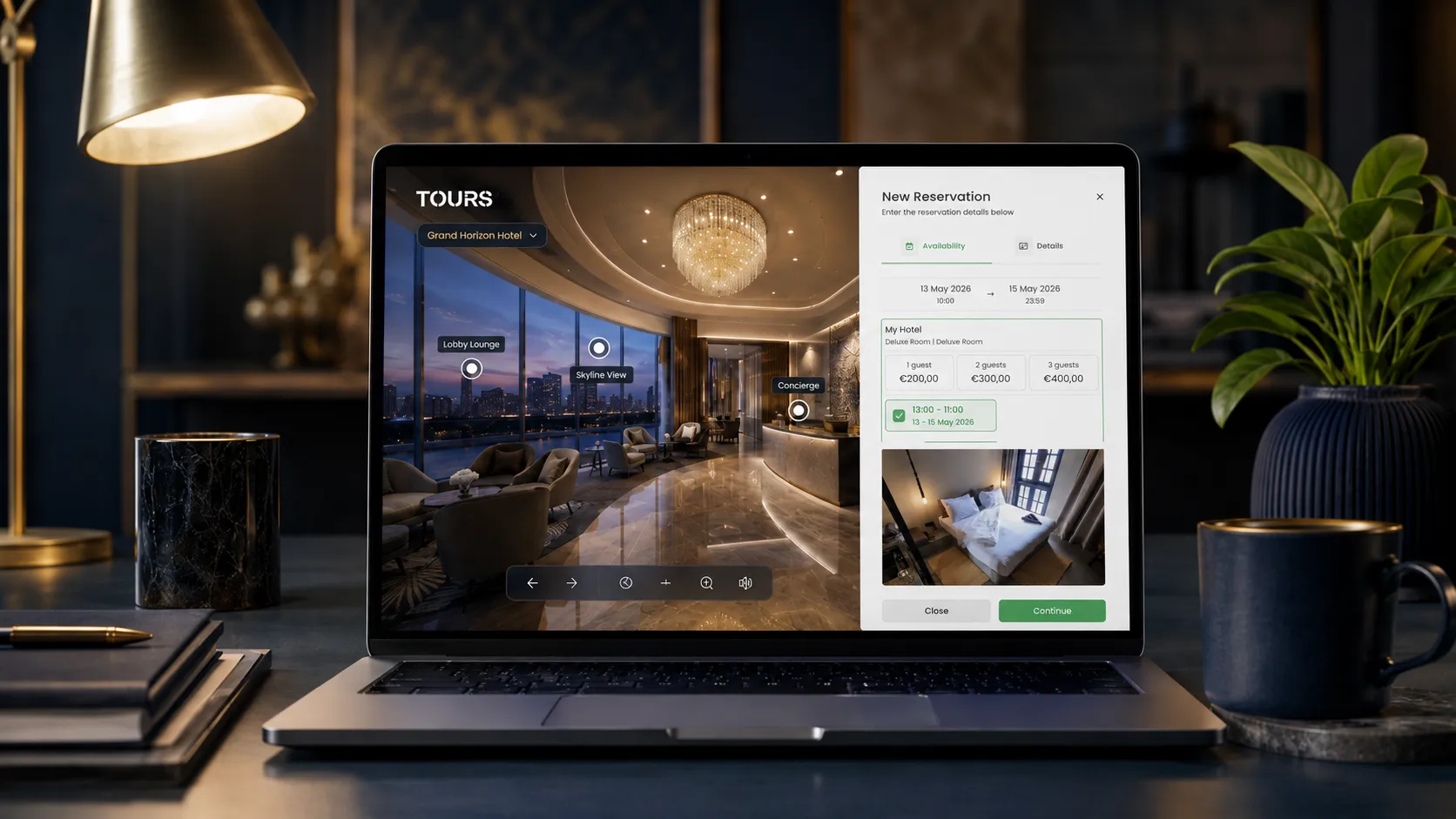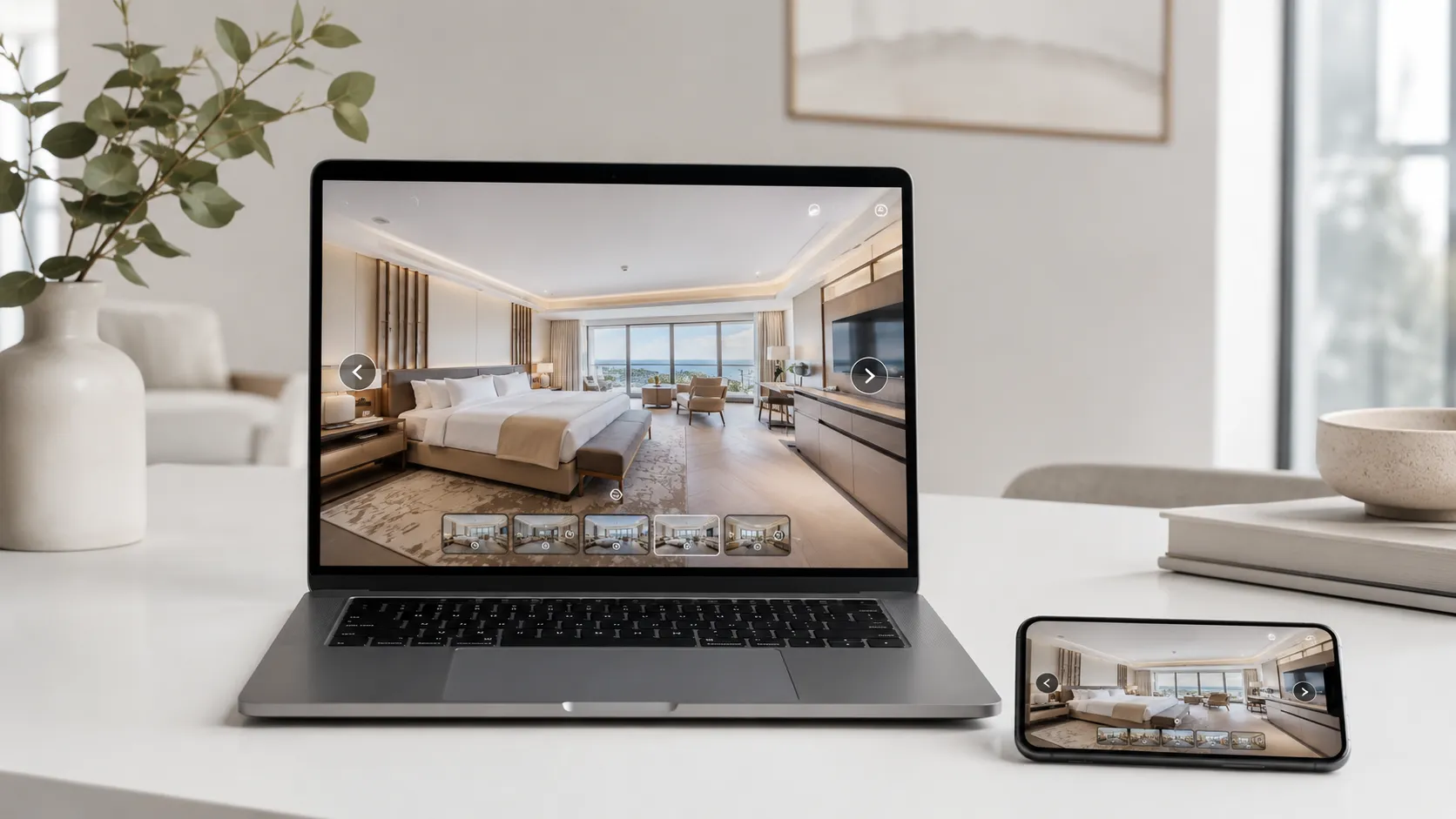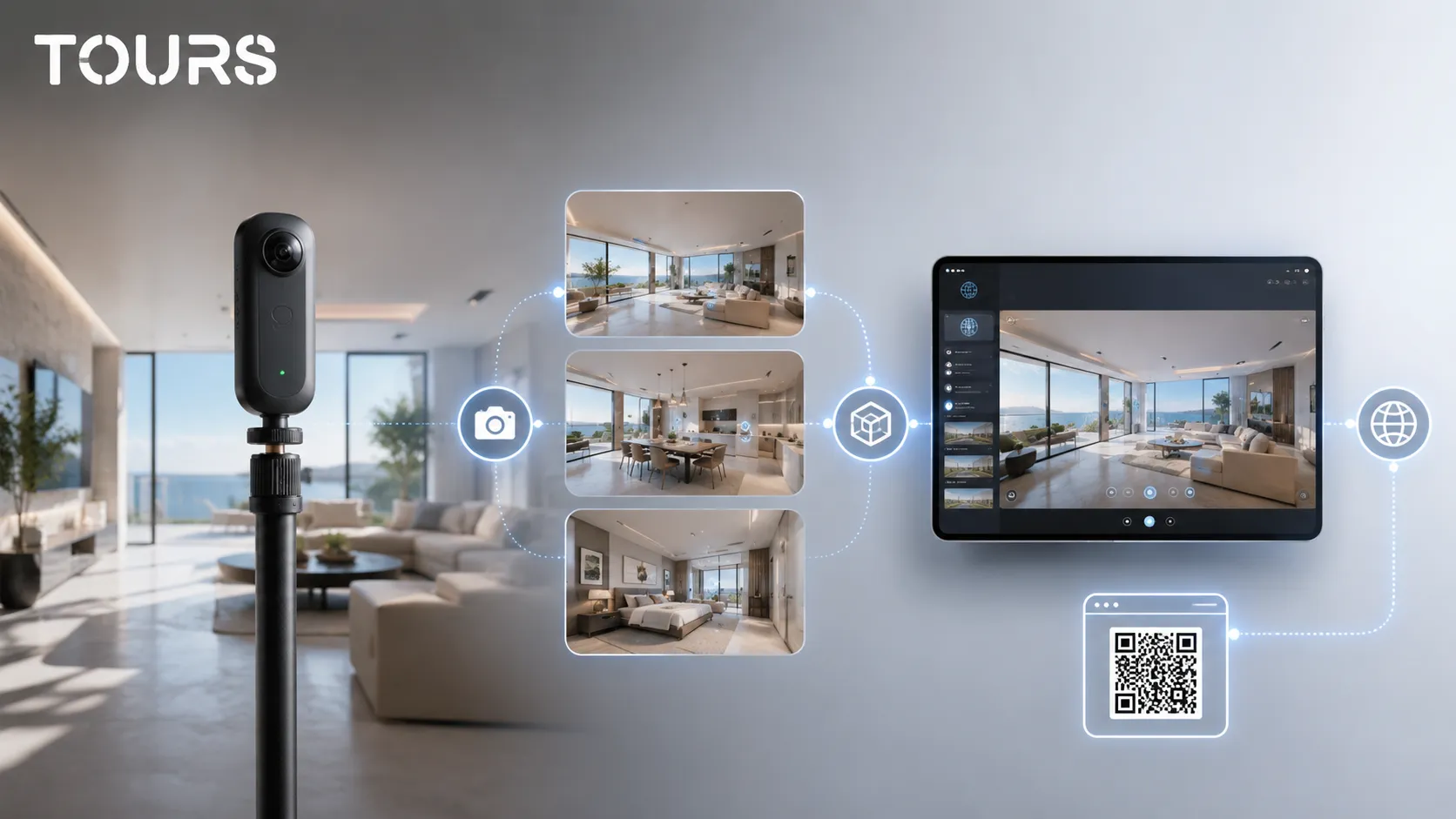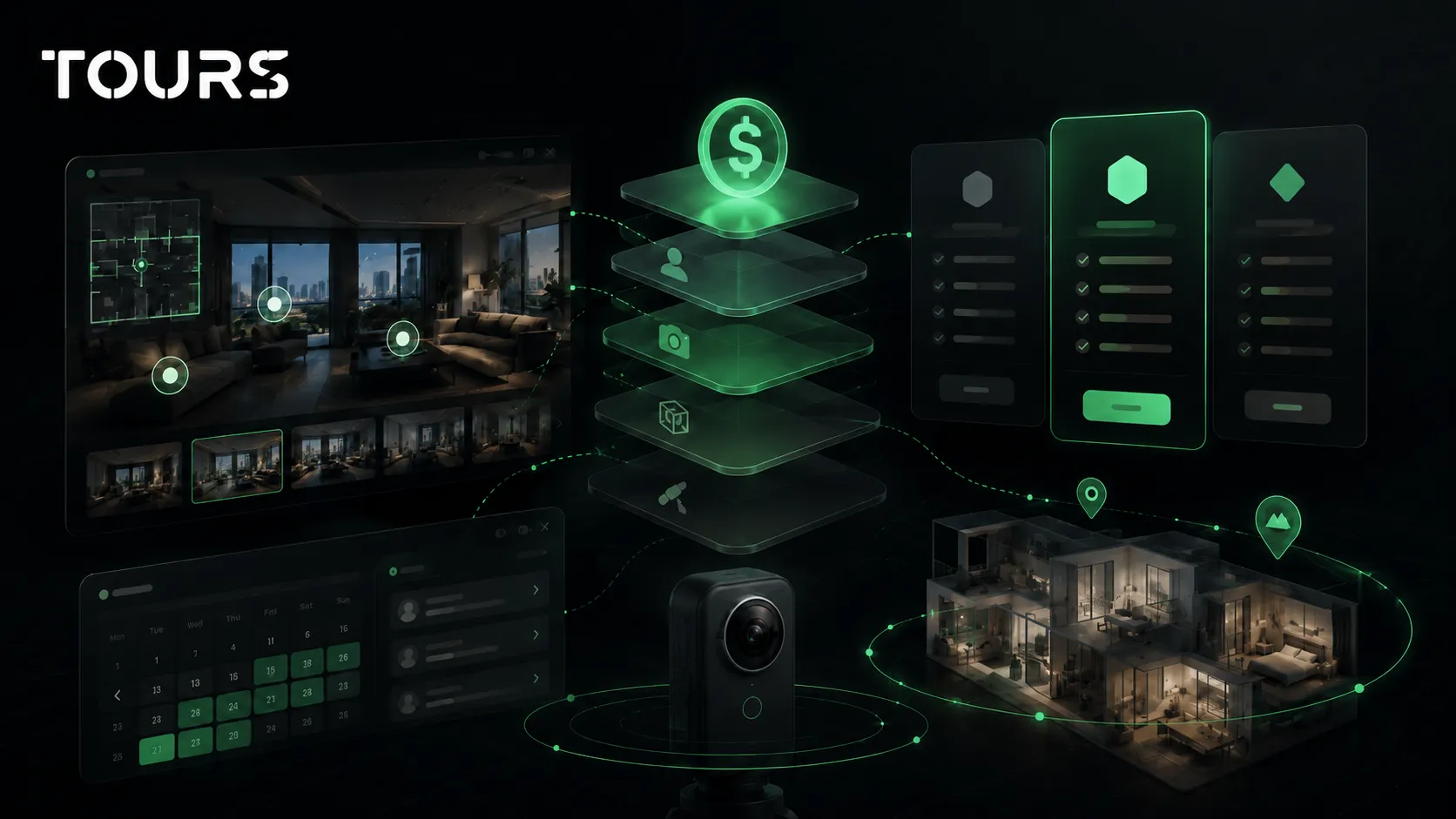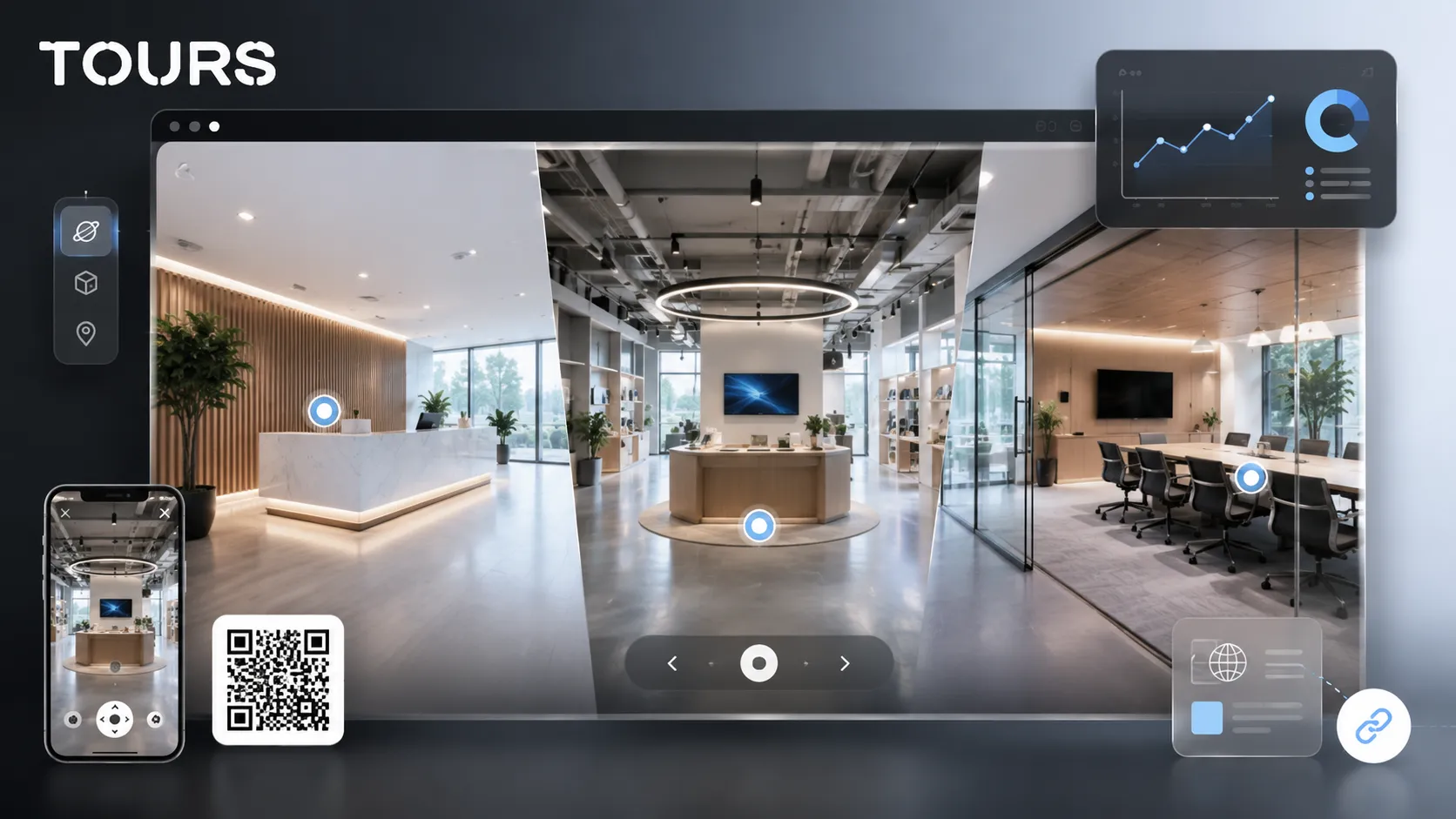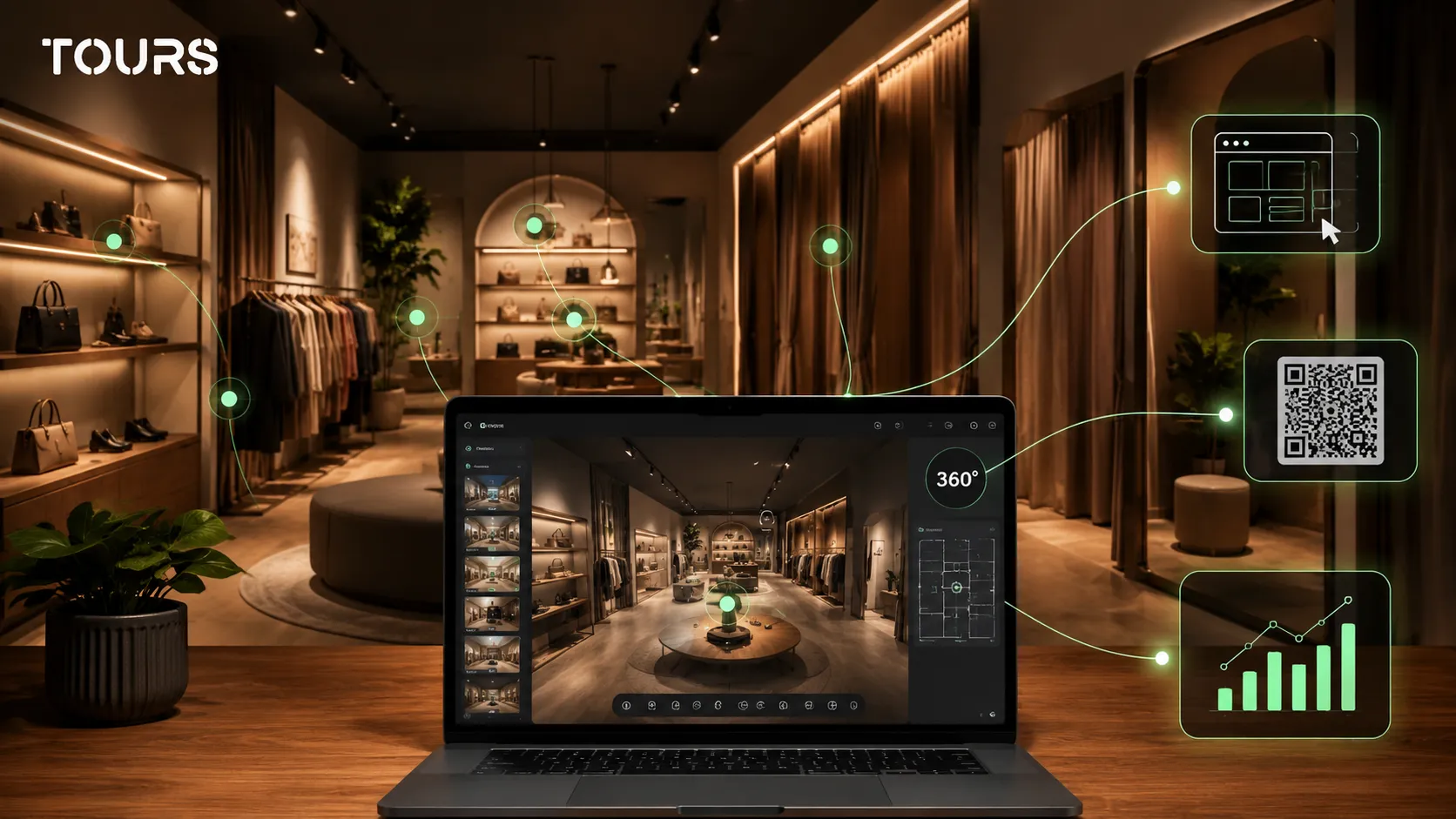

A store virtual tour is an interactive 360° presentation of a retail space, built to show customers what the store looks like, which areas it includes, which products are worth discovering, and what action they can take next. It is especially useful for boutiques, showrooms, local stores, and commercial spaces where atmosphere matters before the visit.
This guide covers what a store tour should show. To publish one for your store or showroom, see Tours for showrooms.
Tours is a SaaS platform for interactive 360° virtual tours, built for businesses that want to publish real spaces on their website with information points, booking or inquiry options, and usage statistics. For a store, its role is to turn a digital visit into a clear path, not just another image gallery.
In short
- A virtual tour for a store makes sense when the space, collection, atmosphere, or presentation style influences the customer's decision.
- It does not replace an online store, but it can strengthen the presentation page, contact page, local campaigns, and customer communication.
- The most useful interactive points explain products, areas, materials, services, promotions, appointments, preorders, or contact options.
- For boutiques and specialty stores, the tour helps customers feel the style of the place before they invest time in a visit.
- In Tours, the virtual tour can include website integration, QR sharing, external links, information points, usage statistics, and actions connected to bookings or inquiries.
- The cost makes sense when the tour supports sales, not only when it looks visually impressive.
What does a store virtual tour mean for retail?
A store virtual tour is the navigable version of a commercial space, not just a photo gallery. Customers can orient themselves inside the store, see the main areas, click interactive points, and understand faster whether the place is worth visiting, contacting, or adding to their shortlist.
For retail, the value comes from the fact that the buying journey is no longer only online or only physical. Eurostat shows that in 2025, 78% of EU internet users bought or ordered goods or services online.[1]Source That means many customers research digitally before deciding whether to enter a store, call, ask a question, or buy.
For a local store, a photo gallery can show a few good angles. A 360 tour shows the real path: the entrance, shelves, checkout, fitting area, consultation corner, premium area, or storefront. The difference is that the visitor does not just receive images; they get a sense of the space.
| Option | What it communicates to the customer |
|---|---|
| Simple photos | Show selected products or corners, but do not explain how the areas relate to each other. |
| Presentation video | Controls the story, but the customer cannot explore at their own pace. |
| 360° virtual tour | Allows orientation, exploration, and contextual actions inside the store. |
| Online store | Works well for ordering, but does not always show the atmosphere of the physical space. |
That is why this topic should not be treated as a copy of an online store. A retail virtual tour is closer to a bridge between discovery, trust, and action: the customer sees the space, understands the offer, and knows which next step to take.
When is a virtual tour worth it for a store?
A virtual tour for a store is worth it when the space influences the buying decision. If the store sells through atmosphere, guidance, collections, layout, premium products, or the in-person experience, a 360° virtual tour can reduce customer hesitation and improve the quality of incoming inquiries.
Physical stores still matter in the buying decision, even when research starts online. PwC notes that 43% of consumers shopped weekly in stores, compared with 34% by mobile, in its global consumer research.[2]Source For a retailer, that supports the idea that the physical experience should be presented digitally, not hidden until the visit.
- Fashion boutiques where the customer wants to see the style, fitting area, and selection before visiting.
- Furniture, decor, or interior design stores where scale and combinations matter.
- Premium or niche stores where trust and atmosphere justify the trip.
- Stores with technical products where the customer needs visual explanations and themed areas.
- Commercial spaces that receive customers by appointment, consultation, or demonstration.
- Local stores that want to look better in campaigns, on the website, in Google Business Profile, or through QR access.
A very small store with little visual differentiation and no real presentation need can start with good photos. But if the space sells through experience, the store virtual tour can become a trust-building page, not just a decorative asset.
What should customers see in a 360 tour of the store?
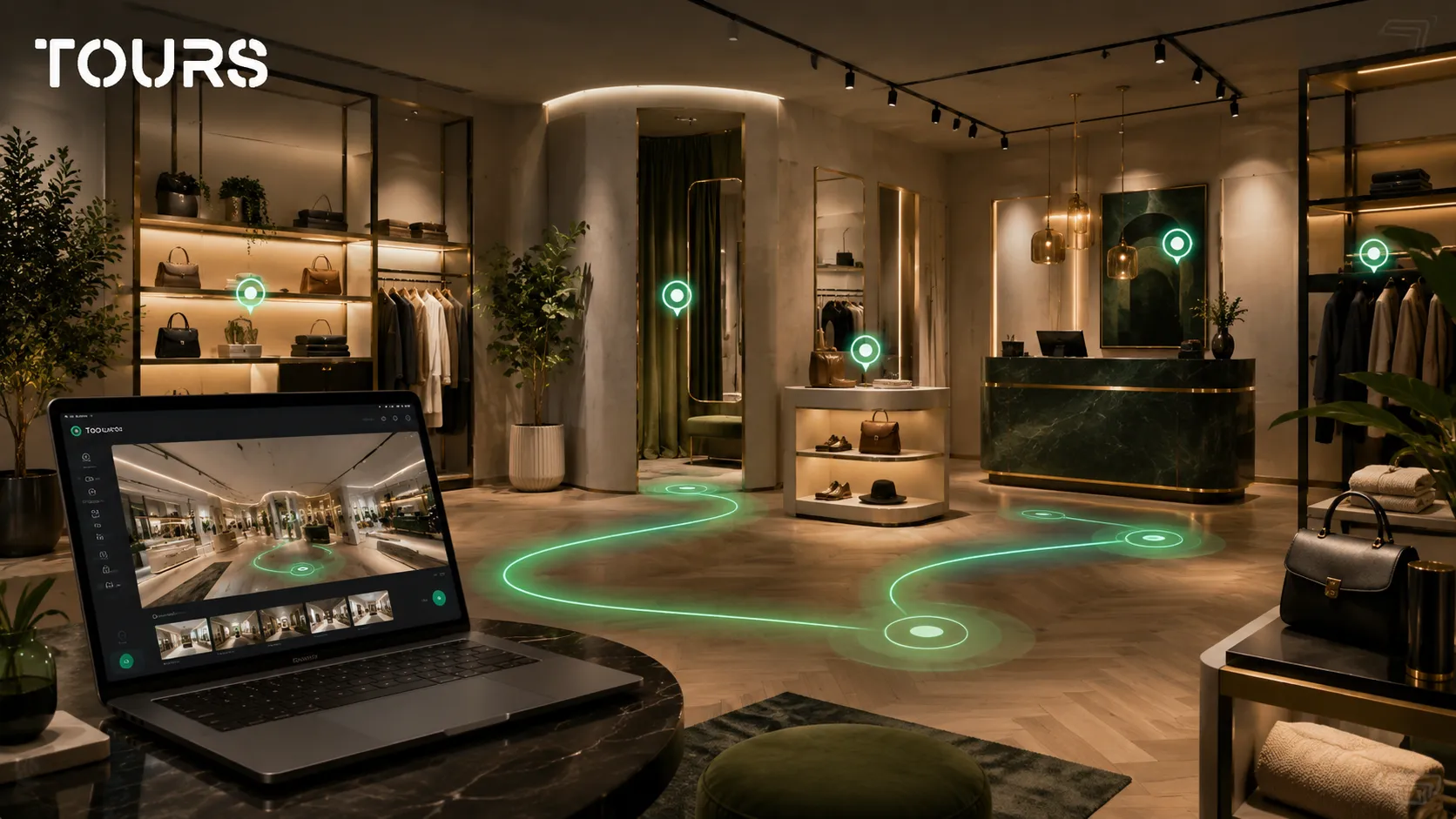
Customers should see the elements that help them decide whether the store fits their needs: the entrance, layout, product categories, key areas, atmosphere, access, services, and contact options. A good tour does not try to show everything; it explains what matters.
For a virtual tour of a store, the first scenes should answer simple customer questions: where do I enter, what will I find, how easy is it to navigate, which products are central, is there a fitting area, is guidance available, can I view a collection, can I request details, or can I book a visit.
- The entrance and storefront, for context and quick recognition.
- The main sales area, with shelves, tables, islands, or display walls.
- Themed areas such as new collections, premium products, discounts, or seasonal categories.
- The fitting, consultation, demonstration, or customization area, if one exists.
- The checkout, reception, or pickup point, for practical orientation.
- Access details such as the street entrance, parking, or mall area, when relevant.
Not every corner needs to become a separate scene. A short, clear, well-lit path is better than a long tour that wears the visitor out. For boutiques, three to six scenes can be enough if every scene has a commercial role.
How do you use interactive points for products and areas?
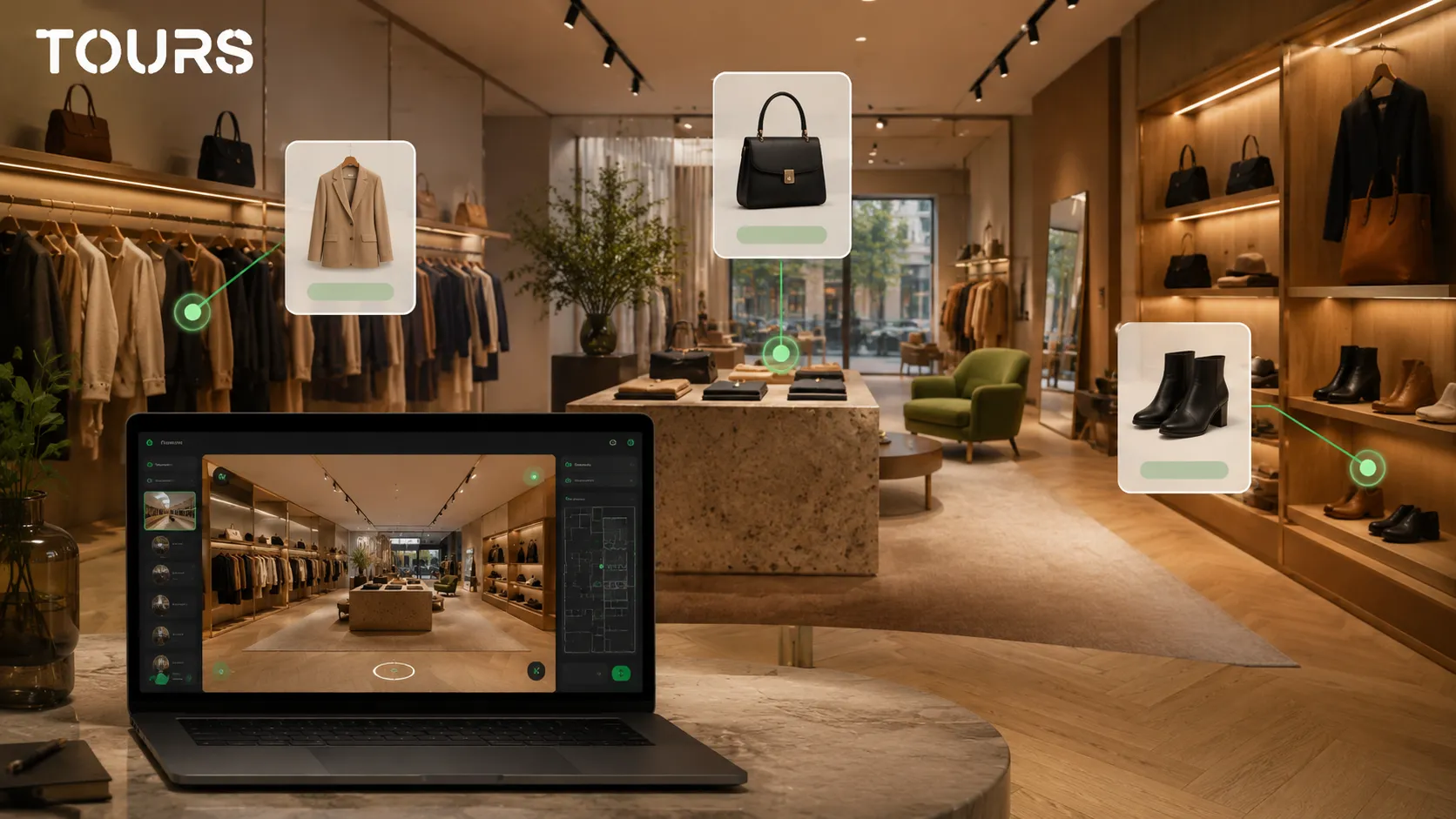
Interactive points should explain, not clutter. In a store, they can highlight key products, collections, materials, services, estimated prices, external links, additional images, short videos, or actions such as requesting details, booking an appointment, and contacting the team.
A boutique virtual tour, for example, can use interactive points for the new collection, accessories area, fitting rooms, and consultation service. A furniture store can mark materials, dimensions, color variants, installation services, and inspiration areas.
| Interactive point | Use inside the store |
|---|---|
| Product information | Explains materials, variants, benefits, or details that are not immediately visible. |
| Image gallery | Shows the product from other angles or in different combinations. |
| Short video | Presents the use, demonstration, or story of a product. |
| External link | Sends visitors to a product page, catalog, form, or conversation. |
| Booking action | Opens an appointment or inquiry window when the visitor clicks the relevant point. |
Keep interactive points selective and useful. If every shelf has a point, the customer no longer knows where to click. When only strategic products or areas are marked, the tour becomes easier to navigate and more persuasive.
How does the tour connect to sales, appointments, or inquiries?
The tour connects to sales when every important area has a logical action. For some stores, the action is contact. For others, it may be an appointment, a product inquiry, a showroom visit, a consultation session, or a link to the online catalog.
In Tours, a booking setup can be connected to the entire tour, specific scenes, scene groups, or hotspots using internal tags. If it is connected to the entire tour and enabled, the experience can show a global booking button. If it is connected to an interactive point, the booking window opens when the visitor clicks that point.
For retail, this logic can be used carefully. A furniture store can allow consultation appointments. A boutique can receive inquiries for private sessions. A showroom can connect certain areas to quote requests. Interactive points with the same tag can use the same calendar, while separate points can have their own availability.
This approach fits a more fragmented buying journey, where the customer compares options, looks for validation, and changes channels before deciding. McKinsey describes a 2025 consumer market where value, differentiation, and memorable experiences matter more in the competition between brands.[3]Source A 360° virtual tour can be one of the pieces that clarifies value before contact.
The tour should not be presented as a replacement for an online store, POS system, CRM, or inventory management. It can support those processes with visual clarity, context, and direct actions, but it should not promise synchronization that has not been explicitly configured.
Where should you publish the store virtual tour?
The store virtual tour should be published where customers need confidence before contact: on the website, contact page, store presentation page, local campaigns, QR materials, and conversations with customers who ask for more details.
The best option is not to hide the tour on a hard-to-find page. Place it next to commercial information: hours, address, product categories, consultation options, contact form, phone number, and visiting instructions. If you have an article or page about a collection, the tour can add helpful context.
- On the store's main page, if the space is an important differentiator.
- On the contact or location page, for orientation before the visit.
- On a showroom, boutique, or collections page, when the tour supports the commercial decision.
- In Google Business Profile, through a link to the page where the tour is added to your website.
- In social media or email campaigns, when you want to show the atmosphere of the store.
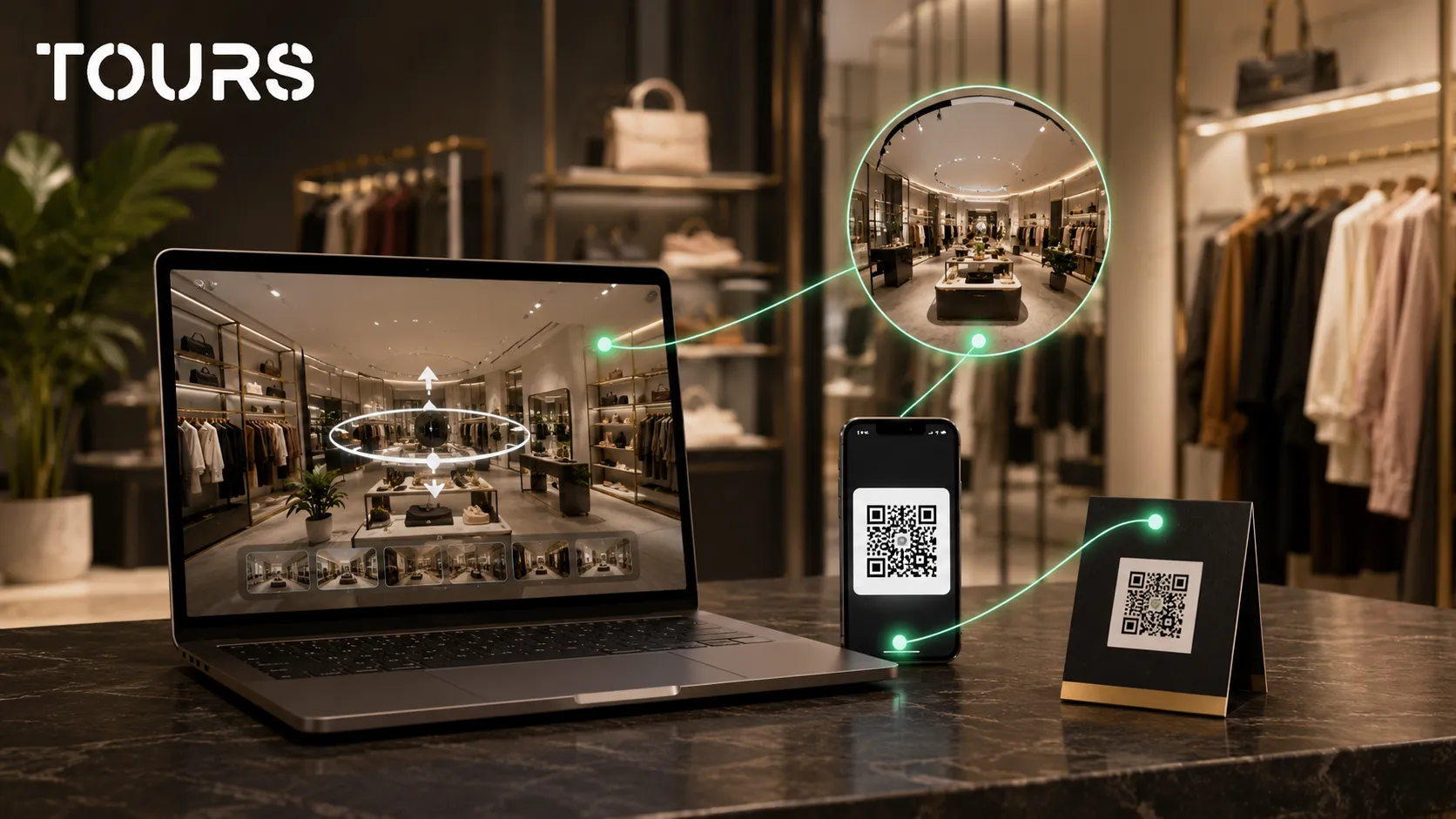
- Through QR access in the storefront, brochures, business cards, or events.
For technical details about publishing and website integration code, use a dedicated guide. In this article, the main idea is simple: the tour should appear at the points where the customer already has intent, not in an isolated corner of the website.
How do you create the tour in Tours without complicating the process?
In Tours, the process is designed as a progressive build: you create the tour, upload the first 360° scene, customize it in the editor, and then publish it for approval. You do not need to start with every advanced feature, only with a clear path through the store.
The practical flow is this: create an account on getours.app, open the app, go to the My Tours page, and click the button for a new tour. In the creation window, complete the tour name and category, then you can add location, an estimated price, and tags. In the next step, upload the first 360° scene and give it a clear name.
After you continue, the 360° editor opens. There you can add scenes, navigation, information points, external links, groups, text, images, and videos. If certain points should later connect to a booking or inquiry, you can mark them with internal tags.
When the tour is ready, click Publish, choose the visibility, and the tour enters review. After a Tours moderator approves it, the tour can become public. This step helps keep a clean experience for published tours.
If you want appointments, configure Booking Manager separately: choose the availability calendar, the right booking algorithm, and, optionally, add people who can accept or reject requests. Then connect the calendar to the entire tour, specific scenes, scene groups, or tagged interactive points.
If you want to test without risk, Tours offers a free 30-day trial with no card required. For a store, a good test means a short path, a few relevant interactive points, publication on a real page, and a review of usage statistics after the first visits.
Photographer, platform or full service: how do you choose?
The choice depends on what you already have and how much control you want after launch. A photographer helps with good capture, the platform helps you build and update the tour, and a full-service option can help when you do not want to manage production internally.
For a store with frequent collection changes, control after publishing matters. If you already have good 360° captures, you can update interactive points, links, and content without rebuilding the entire project. If you need premium visual quality, professional photography may be worth it.
| Option | When it makes sense |
|---|---|
| 360° photographer | When you need strong images and do not have capture equipment or experience. |
| Platform like Tours | When you want control over scenes, interactive points, publishing, usage statistics, and website integration. |
| Full-service option | When you want someone else to handle capture, structure, content, and launch. |
| Combination | When a photographer captures the space and your team manages the tour in the platform. |
For a broader analysis of the difference between a photographer, a service, and a platform, it makes sense to read the dedicated article about virtual tour creation. Here, the store-specific decision comes down to how often your offer changes and how much you want to adjust the tour after launch.
How much does it cost and when is the investment justified?
The cost is justified when the tour helps customers feel more confident and take a concrete step: visit, inquiry, appointment, call, or catalog exploration. It is not worth paying for visual effect alone, but for its role in the store's commercial journey.
The budget depends on capture, number of scenes, interactive point complexity, content quality, website integration, and later updates. In Tours, plans start at €19/month for virtual tours, publishing, website integration, QR sharing, and usage statistics, while Pro includes integrated bookings from €59/month if you need appointments or inquiries connected to the tour.
- If the store receives many repetitive questions about the space, access, or products, the tour can save time.
- If the products are premium, customized, or hard to explain through photos, the tour can support trust.
- If you run local campaigns, use QR in the storefront, or get traffic from Google, the tour can make the page more convincing.
- If the offer changes very often, choose a structure that is easy to update, not an overloaded tour.
- If you do not have a clear website, fix the basic page first and add the tour afterward.
A simple rule: the tour should answer the questions that block the customer. If after viewing it the customer knows what the place looks like, what they can find there, and how to contact you, the investment has a commercial logic.
Sources
Studies and reports cited in this article
All sources are checked and publicly available.
- Eurostat statistics on online shoppingreportEurostatEuropean data on internet use and online shopping in 2025, extracted in February 2026.
- The next era of retailreportPwCAnalysis of the role of physical stores and changing retail experiences in an omnichannel context.
- 2025 report on consumer trendsreportMcKinsey & CompanyReport on the fragmented buying journey, pressure on value, and changing consumer behavior.
We carefully select trusted sources to keep the content relevant and up to date.
Furniture and car showrooms
Showrooms sell products that people want to see in a real setting before they travel to the store. In a furniture showroom, each staged room can become a scene, with interactive points for the main pieces: name, materials, dimensions and a link to the product page. Visitors can explore at home and arrive knowing what they want to see.
In a car showroom, the tour helps with the models on display, the service area and the handover space. The most useful action is usually a test drive or appointment request linked to the scene where the model is shown, so the sales team knows which car the visitor was interested in.
- Furniture: one scene per staged room, points for key pieces.
- Cars: one scene per display area, plus service and delivery areas.
- Next step: appointment or test drive request from the relevant scene.
Frequently Asked Questions
What is a store virtual tour?
A store virtual tour is an interactive 360° presentation of a retail space. Customers can explore the entrance, shelves, product areas, atmosphere, and key points before they visit in person. Unlike photos, the tour shows how the areas relate to each other and can include interactive points, links, information, and concrete actions.
What types of stores benefit from a virtual tour?
It is especially useful for boutiques, furniture stores, decor stores, interior design spaces, premium products, technical equipment, showrooms, and spaces where customers need to see the atmosphere before visiting. If the space is a commercial advantage, the tour makes it visible online and can reduce repetitive questions about access, layout, or services.
Does a virtual tour for a store replace the online store?
No. A virtual tour for a store complements the online store or presentation page, but it does not replace the shopping cart, inventory management, POS, or CRM. Its role is to provide visual context, trust, and orientation, then guide the customer toward the right action, such as contact, the catalog, or an appointment.
Can I make products clickable in the tour?
Yes, you can use interactive points for products, collections, materials, categories, or services. In Tours, these points can include text, images, video, external links, or actions. It is best to mark only relevant products and areas so the tour stays clear, easy to navigate, and useful for the customer's decision.
Can I connect the tour to appointments or inquiries?
Yes. In Tours, bookings or inquiries can be connected to the entire tour, specific scenes, scene groups, or interactive points with internal tags. For a store, this can mean consultation appointments, quote requests, private visits, or conversations about premium products that need explanation.
How many 360° scenes are enough for a store?
It depends on the size of the space, but many stores can start with three to six well-chosen scenes. What matters is a logical path: entrance, main area, important categories, fitting or consultation area, and possibly the checkout area. Fewer clear scenes are better than many repetitive ones.
Where should the store virtual tour be published?
It is best to publish it on the website, next to commercial information: address, hours, contact details, product categories, and a form. You can also use QR access in the storefront, links in local campaigns, Google Business Profile, and conversations with customers who ask for more details about the space, products, or visit.
How much does a store virtual tour cost?
The cost depends on capture, number of scenes, content, interactive points, and the platform used. If you already have 360° images, the cost can be lower than a complete project with a photographer. In Tours, plans start at €19/month for virtual tours and publishing, while the Pro plan with integrated bookings starts at €59/month.
Do I need a professional photographer for the tour?
Not always. For a test or a small store, you can start with a good 360° camera and a simple structure. For premium boutiques, showrooms, or stores where image quality matters a lot, professional photography can raise the visual standard and make the tour more convincing for visitors comparing several options.
Why use Tours for a store virtual tour?
Tours is a good fit if you want to build interactive 360° virtual tours directly in the browser, add information points, links, usage statistics, QR sharing, website integration, and booking or inquiry options. For stores, the advantage is that you can turn the space into a clear, publishable experience that is easy to update after launch.
If you have a store, boutique, or showroom and want to see how your space would look in an interactive 360 tour, you can test Tours free for 30 days with no card required. Start with a short path, a few useful interactive points, and a real page where the customer can see the store before contacting you.