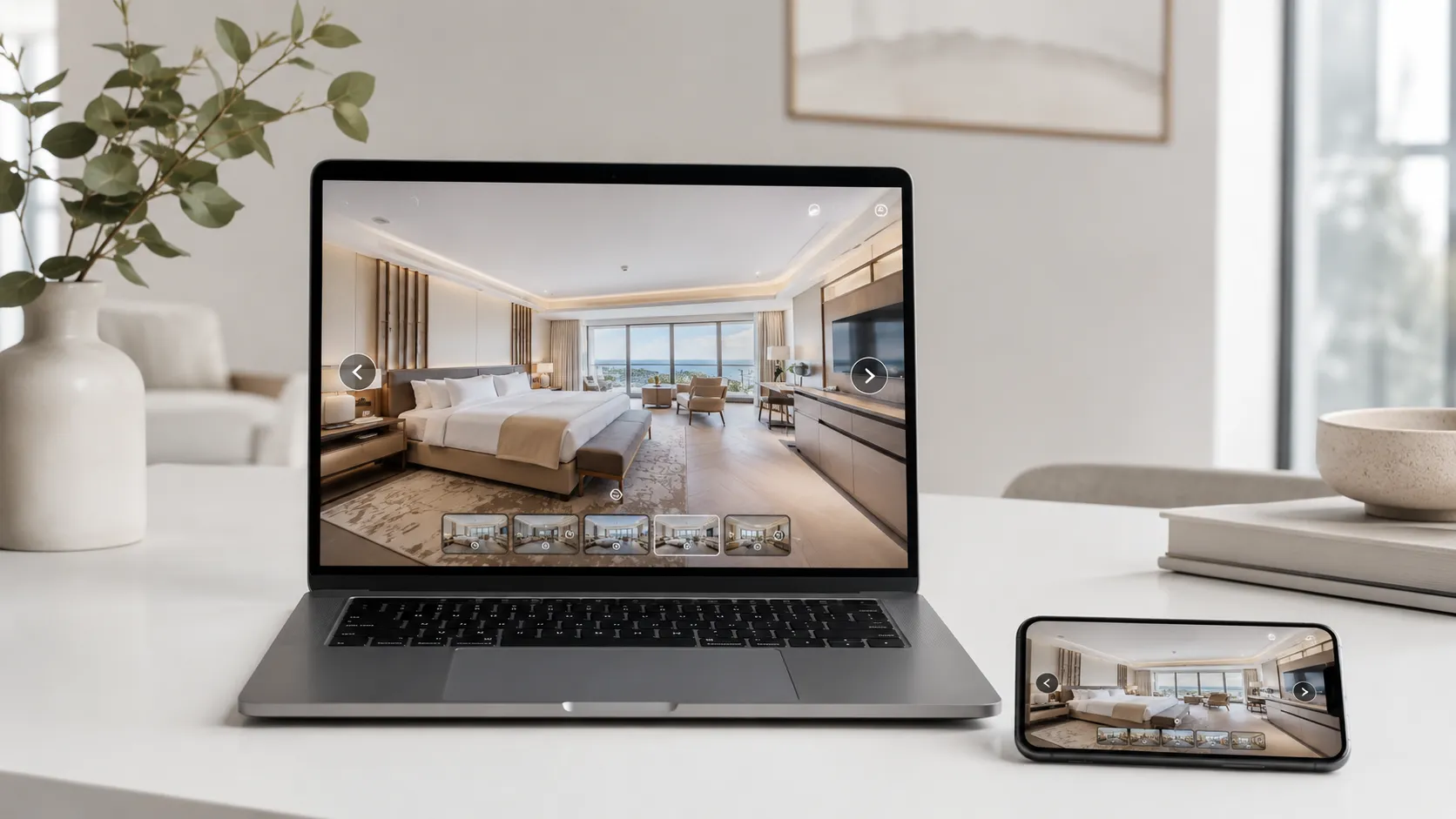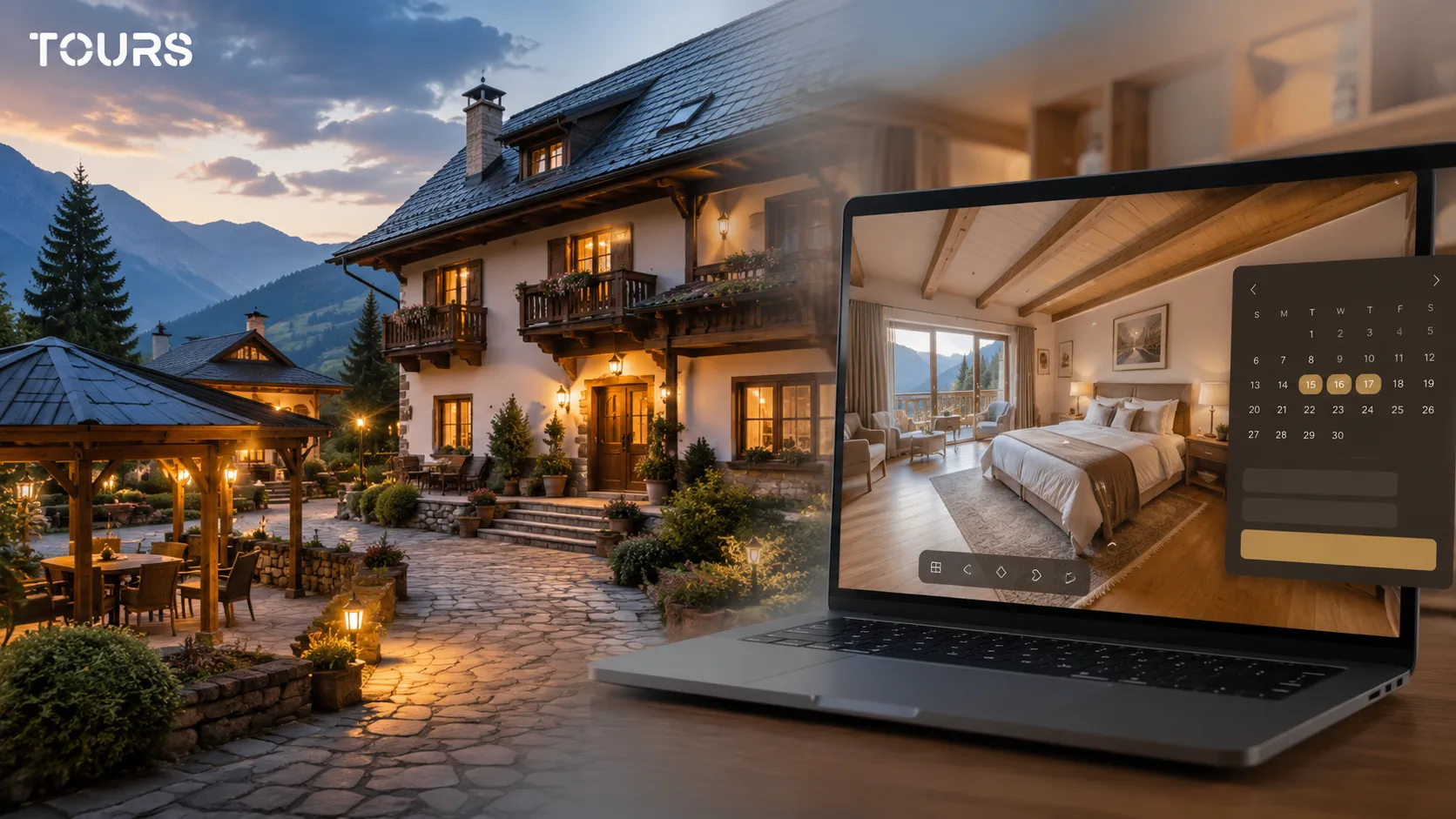

A guesthouse virtual tour is an interactive 360° presentation that lets guests see the rooms, outdoor area, breakfast room, terrace and surroundings before they send an inquiry or book. For a guesthouse, the value is not just in attractive images, but in clarity around atmosphere, access, amenities and room types.
Tours is a SaaS platform for 360° virtual tours with integrated bookings, interactive points and usage statistics. For guesthouses, the platform helps connect rooms, shared areas and packages to booking inquiries without turning the tour into a hard-to-follow catalog.
In short
- For a guesthouse, the 360 tour should show atmosphere, not just room size.
- Include rooms, bathrooms, shared areas, outdoor spaces, parking, access and a few local details that matter to the guest.
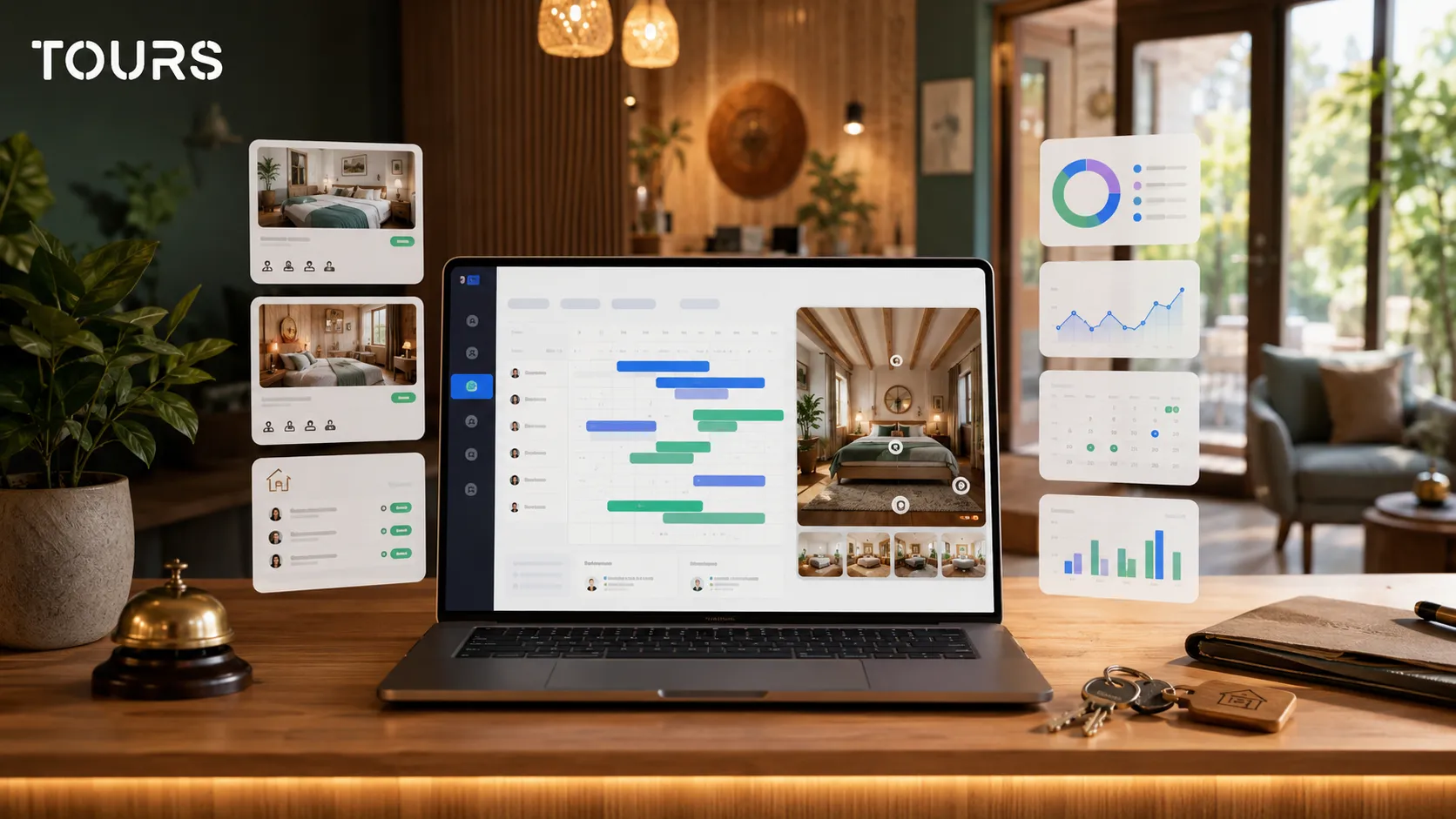
- In Tours, rooms or areas inside the tour can be grouped and connected to bookings, while interactive points can open information or booking windows.
- An online guesthouse presentation is more convincing when the tour is added to the website, supported by QR sharing and tracked through usage statistics.
- For cabins and farm stays, the tour should explain the context: privacy, access, activities, kitchen, gazebo, grounds, view and usage rules.
- Tours can be tested free for 30 days, with no card required, before you change your sales or reservation process.
Why is a guesthouse virtual tour different from a hotel tour?
A guesthouse virtual tour needs to communicate personal trust, local character and practical clarity, not just a list of rooms. The guest wants to understand whether the place fits a family trip, a group stay, a mountain weekend, remote work, a small event or a rural vacation.
At a hotel, the decision can rely more on standardization: reception, room types, restaurant, services and brand. At a guesthouse, the difference appears in the details: the outdoor area, terrace, quietness, view, shared kitchen, host, parking, winter access, space for children or the option to rent the whole property.
| Situation | What the 360 tour should clarify |
|---|---|
| Family guesthouse | The rooms, bathrooms, breakfast area, outdoor space and feeling of a welcoming place. |
| Cabin for groups | Real capacity, bedrooms, shared space, grill area, parking and usage rules. |
| Farm stay | The local experience, household, products, outdoor area and available activities. |
| Boutique inn | The design, atmosphere, differentiated rooms, view and premium details. |
In practice, small properties compete with many options that look similar in an accommodation list. That is why the online presentation should quickly answer simple questions: what the room looks like, how large the outdoor area is, where guests park, what shared spaces exist and how suitable the property is for the intended stay.
What spaces should you include in a guesthouse or cabin?
Include the spaces that influence the booking decision, not only the most photogenic rooms. For a guesthouse, the guest should see how they arrive, where they park, what the room looks like, what the bathroom looks like, where they eat, and which outdoor, terrace and shared areas they will use.
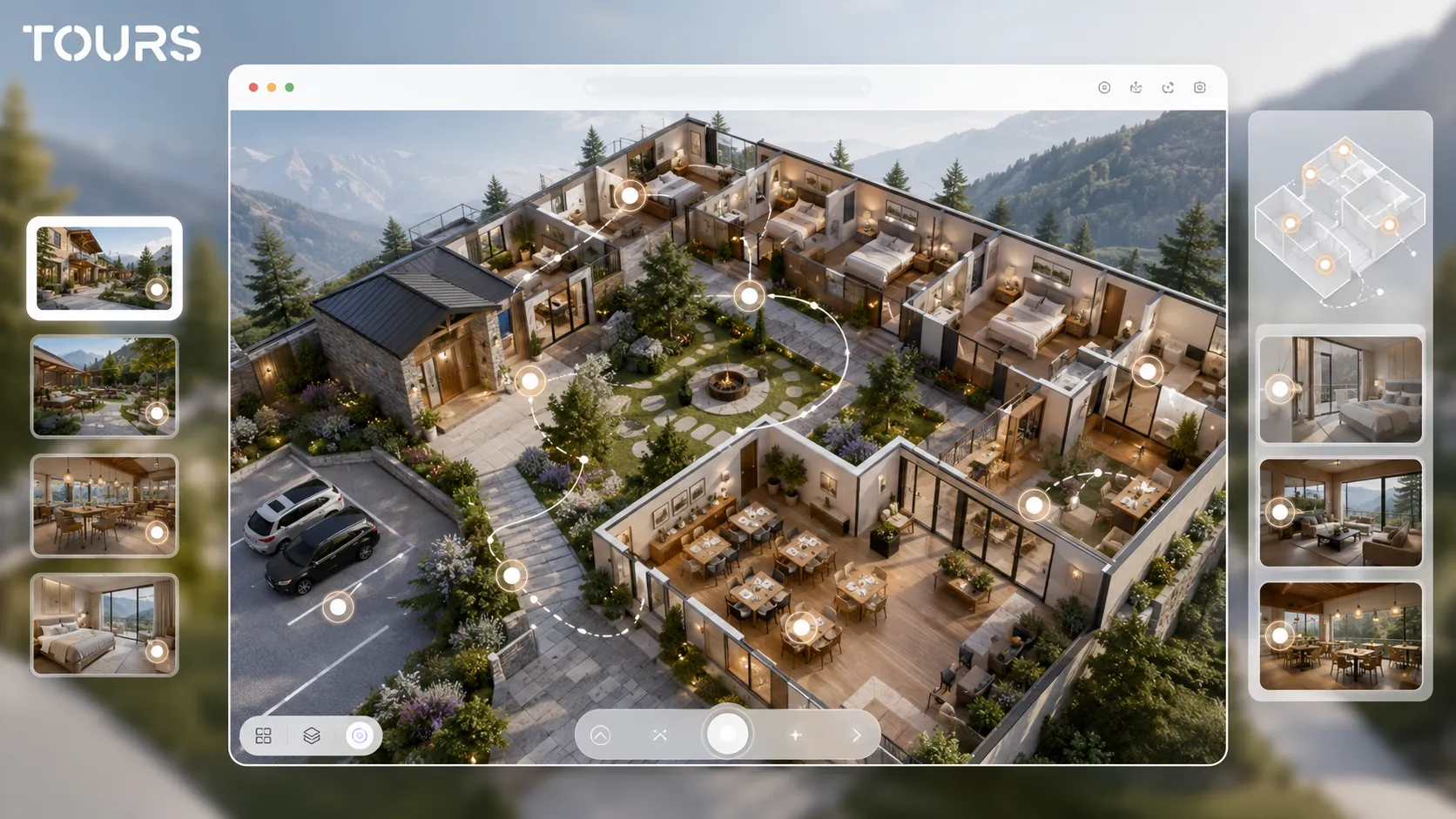
- Main rooms, with a clear path between bedroom, bathroom and balcony where one exists.
- Breakfast area or shared room, especially if the guesthouse hosts families or groups.
- Outdoor area, terrace, gazebo, grill, playground or relaxation space.
- Parking, entrance and access to reception or the check-in point.
- Differentiating amenities: hot tub, sauna, wine cellar, shared kitchen, small event room or panoramic view.
- Immediate surroundings, if the view, quietness or location are real reasons to choose the property.
You do not need to turn every corner into a scene. What matters more is a logical path: exterior, entrance, shared spaces, rooms, amenities and local elements. In Tours, you can add new scenes, navigation points and informational points with text, images or video without rebuilding the tour from scratch.
How do you help guests understand the atmosphere before booking?
Atmosphere comes through the order of scenes, the details you choose and the short explanations placed in interactive points. The guest is not only looking for proof that the space exists; they want to feel whether the property is right for their type of stay, season and group.
For guesthouses and farm stays, authenticity is a real commercial advantage: the visitor wants to understand the place, not just see a well-lit room. That is why the tour should show local details with restraint, without turning every corner into an ad.
- Show the room realistically, not only from the best angle.
- Use interactive points for amenities that are not visually obvious: heating, extra bed, view, local products or kitchen access.
- Separate similar rooms from premium rooms so visitors do not assume everything looks the same.
- Add short notes about quiet hours, group rules, pet access or family options only when they are relevant.
- Keep the tour clean. Too many interactive points turn the experience into a cluttered page.
Here, the virtual tour does not replace photos; it complements them. Photos can create quick emotion, while the 360° virtual tour confirms proportions, flow and details. For a broader comparison between formats, the article about virtual tours or video can be used as a separate resource instead of duplicating the same explanation on the guesthouse page.
How do you connect rooms, packages and booking inquiries in Tours?
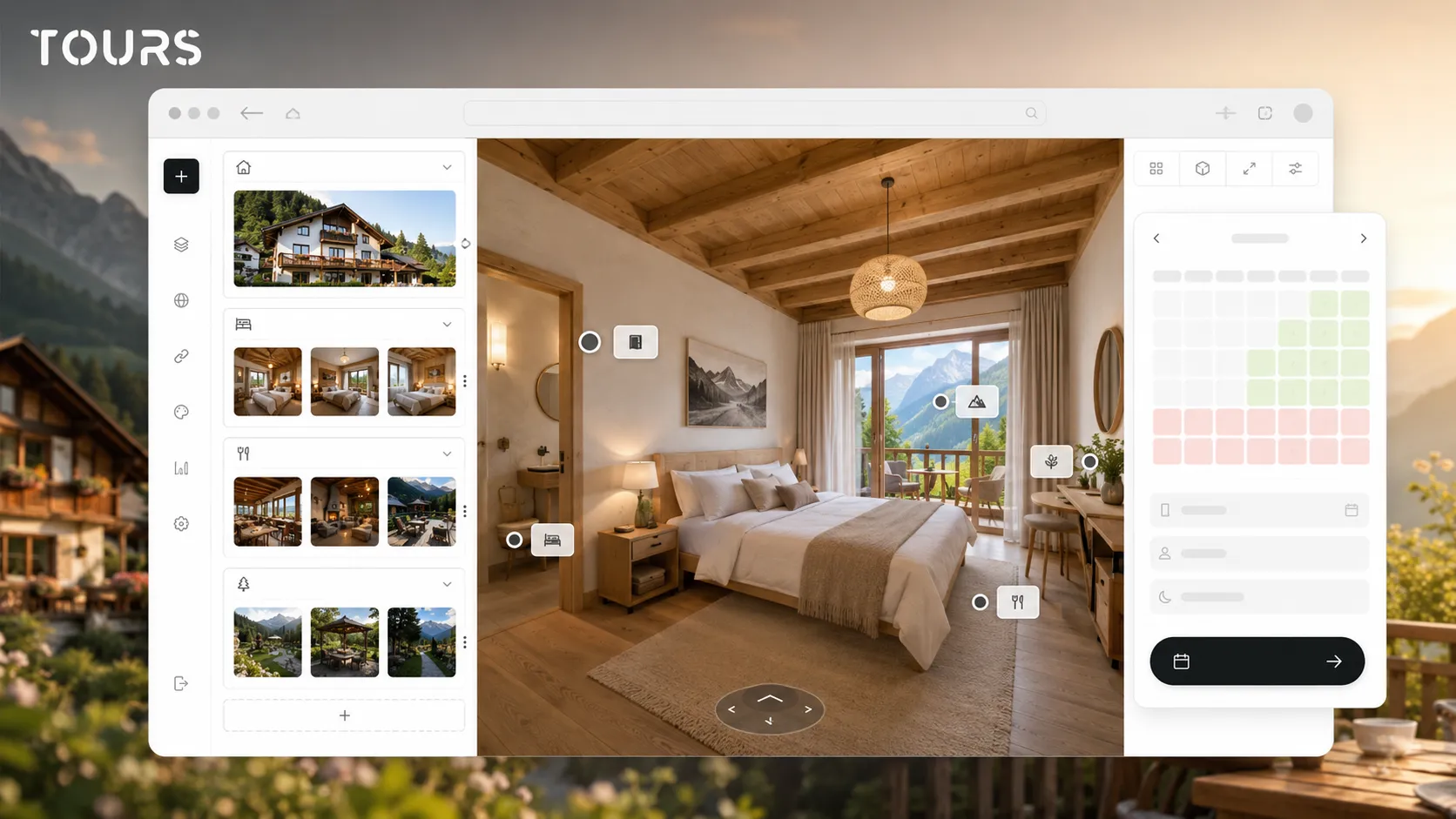
In Tours, booking can be connected to the entire tour, to specific scenes, to scene groups or to interactive points marked with internal tags. For a guesthouse, that means you can connect rooms, suites, packages or special areas to a contextual booking inquiry.
The practical flow is simple: create an account on getours.app, open the My Tours page, choose the button for a new tour, complete the name and category, and optionally add location, price and tags. Then upload the first 360° scene with a clear name, customize the path in the 360° editor, add scenes, groups, text, images, video, links and interactive points, mark bookable points with internal tags and choose Publish with the right visibility option.
Bookings are configured separately in Booking Manager. There you set the availability calendar, the booking algorithm and, if needed, the people who accept or reject requests. After that, you connect the calendar to the entire tour, to rooms, to scene groups or to interactive points marked with tags.
- At tour level, you can show a global booking button for the whole guesthouse.
- At group level, you can connect a room type or suite made of multiple scenes.
- At scene level, you can send the inquiry from a specific room or area.
- At interactive point level, the booking window opens when the visitor taps that point.
- Interactive points with the same tag can use the same calendar, which is useful for similar rooms or shared packages.
- Independent interactive points can have their own calendar, which is useful when each unit has separate availability.
For small guesthouses, the most important thing is to keep booking simple. If you have only a few rooms, you can start with booking inquiries and manual confirmation. If you have clearly separated rooms and stable availability, you can structure rooms as groups and connect them to a dedicated booking manager.
You can test this flow in Tours without changing your website at the start. Create the tour, review it internally, configure bookings and publish it only when the path is clear. Publishing goes through approval by a Tours moderator before the tour becomes publicly active.
What does an online guesthouse presentation look like on your website?
An online guesthouse presentation should combine the 360 tour, essential information and a clear action. On your website, the tour should not be hidden on a secondary page. It should appear where visitors compare rooms, amenities, packages or weekend offers and want to decide quickly.
In practice, the tour can appear on the homepage, on a dedicated room page, in a cabin section or on a group offer page. Tours provides website integration code and QR sharing, so the same presentation can be used on your website, at reception, in printed materials or in direct conversations with guests.
| Publishing location | Role in the guest decision |
|---|---|
| Homepage | Builds trust quickly and shows the character of the property. |
| Rooms page | Helps visitors compare the standard room, premium room and suite. |
| Groups page | Clarifies shared spaces, capacity and social areas. |
| QR at reception or in a brochure | Lets the tour be shared before, during or after a conversation with the guest. |
For the technical side of website integration, it is worth using a dedicated guide. In this article, the key is strategy: the tour should appear next to the right commercial question. If the visitor is comparing rooms, show the rooms. If they are checking a weekend offer, show the shared space and amenities that justify the offer.
When does it make sense for farm stays and cabins?
For farm stays and cabins, a virtual tour makes sense when the experience cannot be fully explained through photos. The route through the property, the connection to nature, privacy, access, shared areas and the gap between the written promise and the real place all matter, especially for first-time guests.
- Farm stay with local products: show the serving area, household, garden and available experiences.
- Remote cabin: clarify the road, parking, fire area, rooms and shared space.
- Family guesthouse: highlight the outdoor area, safety, playground and rooms suitable for children.
- Guesthouse for groups: show the real capacity, tables, living room, kitchen and event rules.
- Seasonal property: use interactive points for information about winter access, summer activities or areas that change by season.
Instead of treating the tour like a spectacular gallery, treat it like a decision map. Visitors should leave with clear answers: where do I sleep, where do I eat, what can I do in the evening, where do I park, how much privacy do I have and how can I send an inquiry.
How much does it cost and how do you estimate implementation?
Cost depends on 360° capture, number of scenes, editing level, website integration and how you want to connect bookings. For a small guesthouse, start with a clear, useful tour, then add packages, grouped rooms and interactive points as you learn what guests keep asking.
In Tours, plans start at €19/month for virtual tours without bookings, while Pro includes bookings from €59/month. For a guesthouse that only needs an online presentation, the first option may be enough. For rooms, packages, inquiries or availability inside the tour, the booking plan becomes more relevant.
- If you have one property and a small number of rooms, optimize the budget for clarity and fast publishing.
- If you have several different rooms, it is worth investing in separate scenes and clear groups.
- If you receive many repetitive questions, informational points can reduce the time spent in messages.
- If you depend heavily on external platforms, connecting the tour with direct bookings can better support your own website.
- If you have different seasons, plan updates for exterior spaces, amenities and packages.
Do not calculate only the price of the tour; also consider the time saved. If the tour answers questions about rooms, access, outdoor areas, parking and shared spaces, conversations become shorter and clearer. For direct bookings at guesthouses, the dedicated resource about the guesthouse booking system goes deeper into calendars, confirmations and operational flow.
How do you check results after publishing?
You check results by tracking how the tour is used, which scenes attract attention and where visitors tap interactive points or booking options. The goal is not to admire the tour, but to see whether it helps the decision, reduces friction and clarifies the next step before contact.
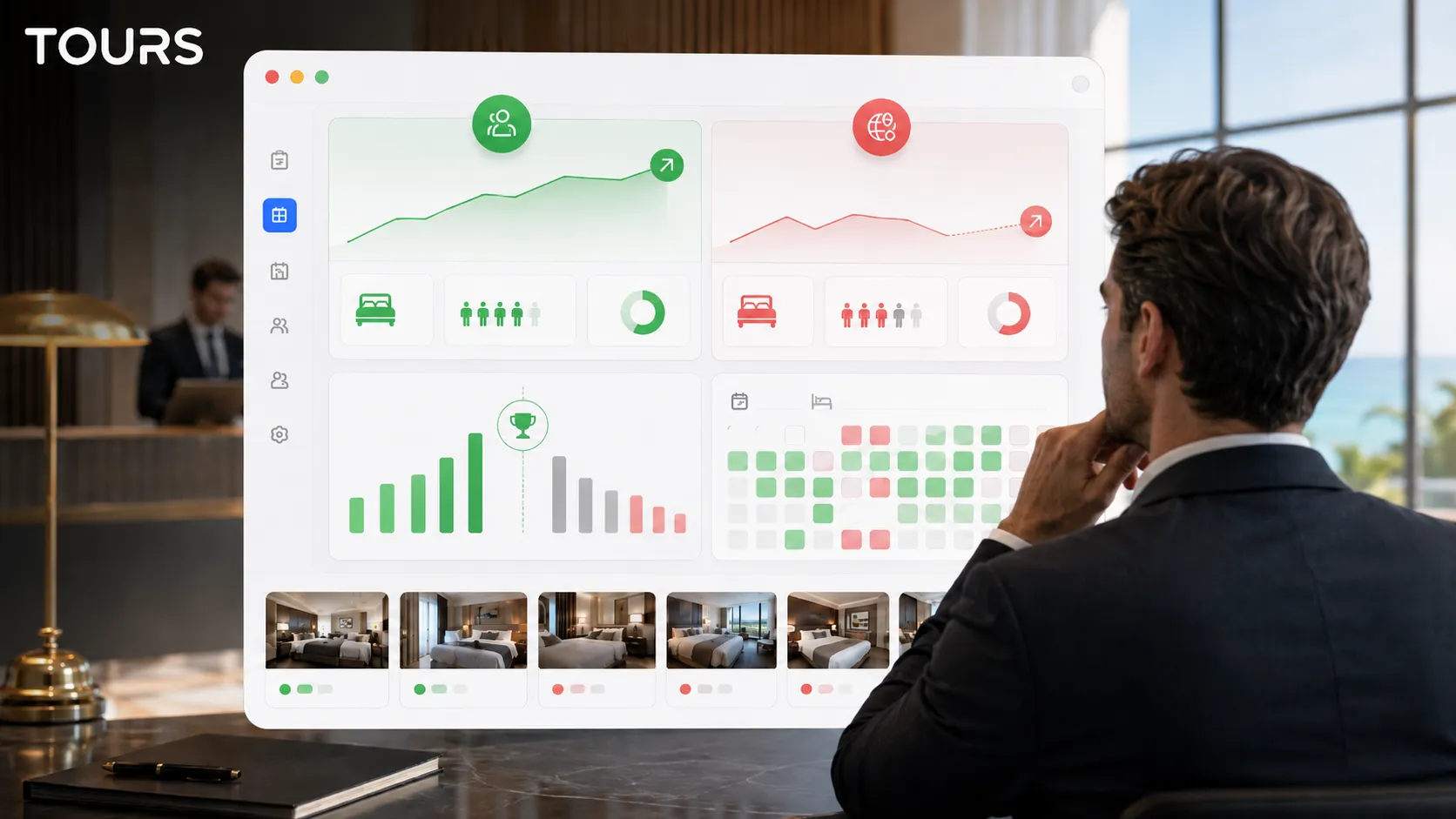
Tours includes usage statistics for every plan, so you can track sessions, visited scenes, clicks on interactive points, time spent and areas of interest. For a guesthouse, this data can help you see whether visitors look at rooms, exterior spaces, amenities or booking information.
- If a room scene gets many visits, add clear information there about capacity and amenities.
- If the exterior is ignored, move it earlier in the path or change the entry image.
- If booking points are not used, check their position, text and the context in which they appear.
- If visitors leave quickly, simplify the path and remove points that do not help the decision.
- If guests ask the same questions, turn the answers into short informational points.
A guesthouse virtual tour is effective when it becomes part of sales: you send it in replies, add it to your website, use it in local campaigns and update it when the property changes. It does not need to be perfect from day one, but it needs to be accurate, easy to follow and connected to the next step.
Frequently Asked Questions
What is a guesthouse virtual tour?
It is an interactive 360° presentation that lets guests explore rooms, bathrooms, outdoor areas, the breakfast room, terrace and other amenities online. Unlike a photo gallery, the tour shows how spaces connect and can include informational points, navigation, links, QR sharing and bookings connected in context.
Is a 360 tour worth it for a small guesthouse?
Yes, if the guesthouse receives repetitive questions about rooms, access, outdoor space, parking, amenities or availability. A 360 tour helps guests understand the space faster and can reduce hesitation before booking. For very simple properties, start with a few scenes and add details only where questions appear.
What should a cabin tour include?
For a cabin, include the exterior, access, parking, entrance, living room, kitchen, bedrooms, bathrooms, grill area, terrace and view. When relevant, add information about heating, group rules, winter access, distance to attractions and real capacity for sleeping and socializing.
How does a virtual tour help a guesthouse get direct bookings?
The tour increases trust and can send visitors to a booking inquiry exactly when they see the room or area they care about. In Tours, bookings can be connected to the entire tour, to scenes, to scene groups or to interactive points with internal tags, not just to one general button.
Can I connect each room to a separate calendar?
Yes, depending on the structure you choose. In Tours, interactive points can have independent availability or share the same calendar through the same tag. For guesthouses, rooms or room types can also be represented as scene groups connected to the right booking manager.
Does a virtual tour replace the guesthouse booking system?
No. The virtual tour supports the decision and can complement the booking process, but it should not be presented as a full replacement for a PMS, channel manager, OTAs or CRM. In Tours, Booking Manager helps with inquiries, availability and bookings connected to the tour, but the operational flow should be chosen based on the guesthouse.
How do I publish the tour on my guesthouse website?
After the tour is created and published in Tours, it can be added to your website through website integration code. The tour can sit on the homepage, room page, cabin page or group offer page. After publishing, the tour waits for approval by a Tours moderator before it becomes publicly active.
Do I need a professional photographer for the 360 tour?
It is not mandatory, but it can help a lot if the guesthouse sells through atmosphere, design or premium details. You can create the tour in Tours with good 360° material, but the capture should be stable, clear and consistent. For more complex properties, a 360 photographer can reduce reshoots and increase perceived quality.
What is the difference between a tour, video and photos for a guesthouse?
Photos capture attention quickly, video can communicate emotion and rhythm, and the 360 tour gives visitors control. For a guesthouse, the combination is often best: photos for impact, video for the story and a 360 tour for clarity before booking.
Can I test Tours before paying?
Yes. Tours offers a free 30-day trial with no card required. You can create the tour, add scenes, interactive points, information and website integration, then review the flow before choosing the right plan for a guesthouse, cabin or farm stay.
If you want to turn your guesthouse presentation into a clear sales tool, start with a simple 360 tour: exterior, rooms, shared areas, amenities and an easy-to-understand booking step. In Tours, you can test free for 30 days, with no card required, then decide whether you need only an online presentation or bookings connected inside the tour.