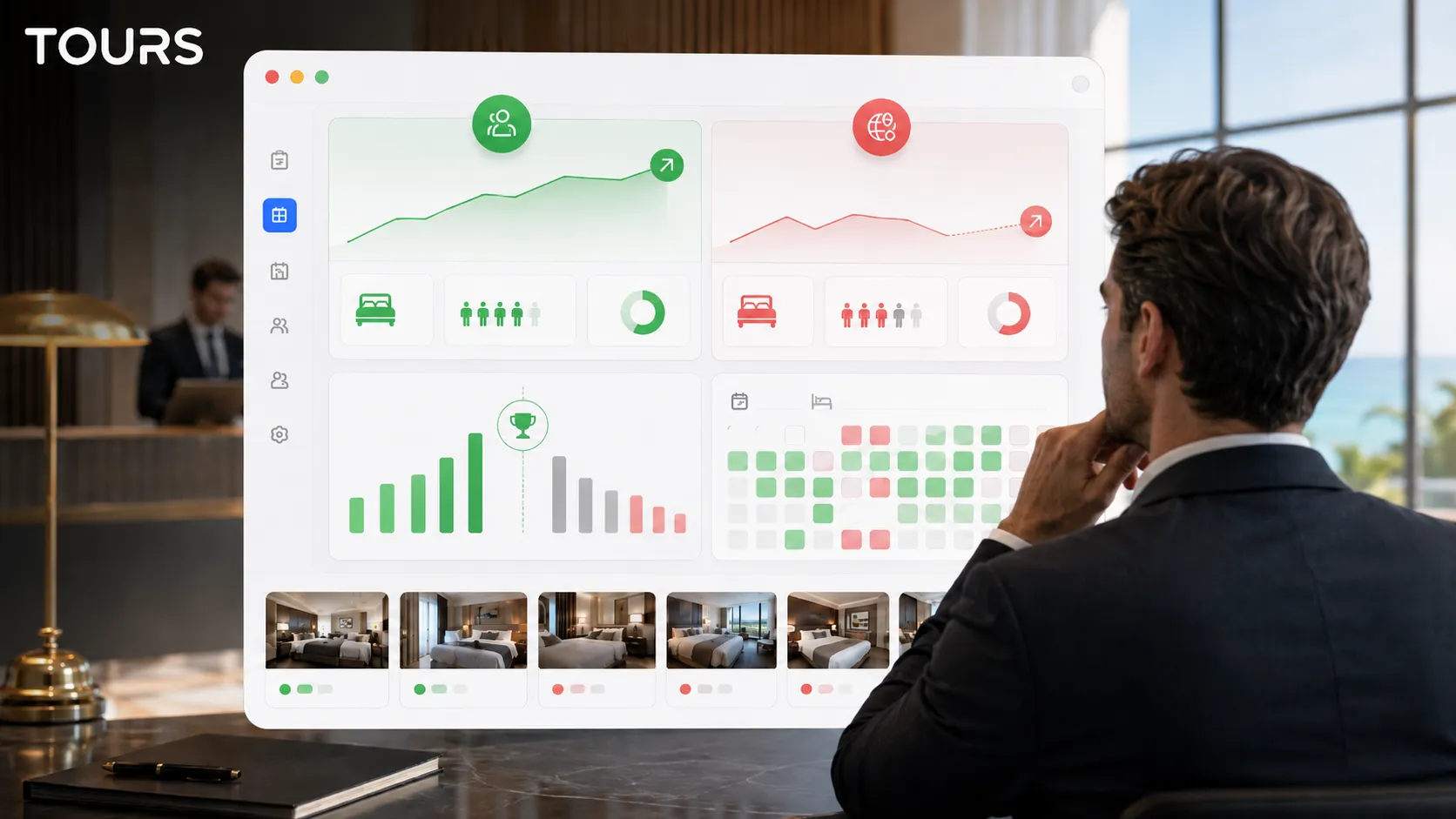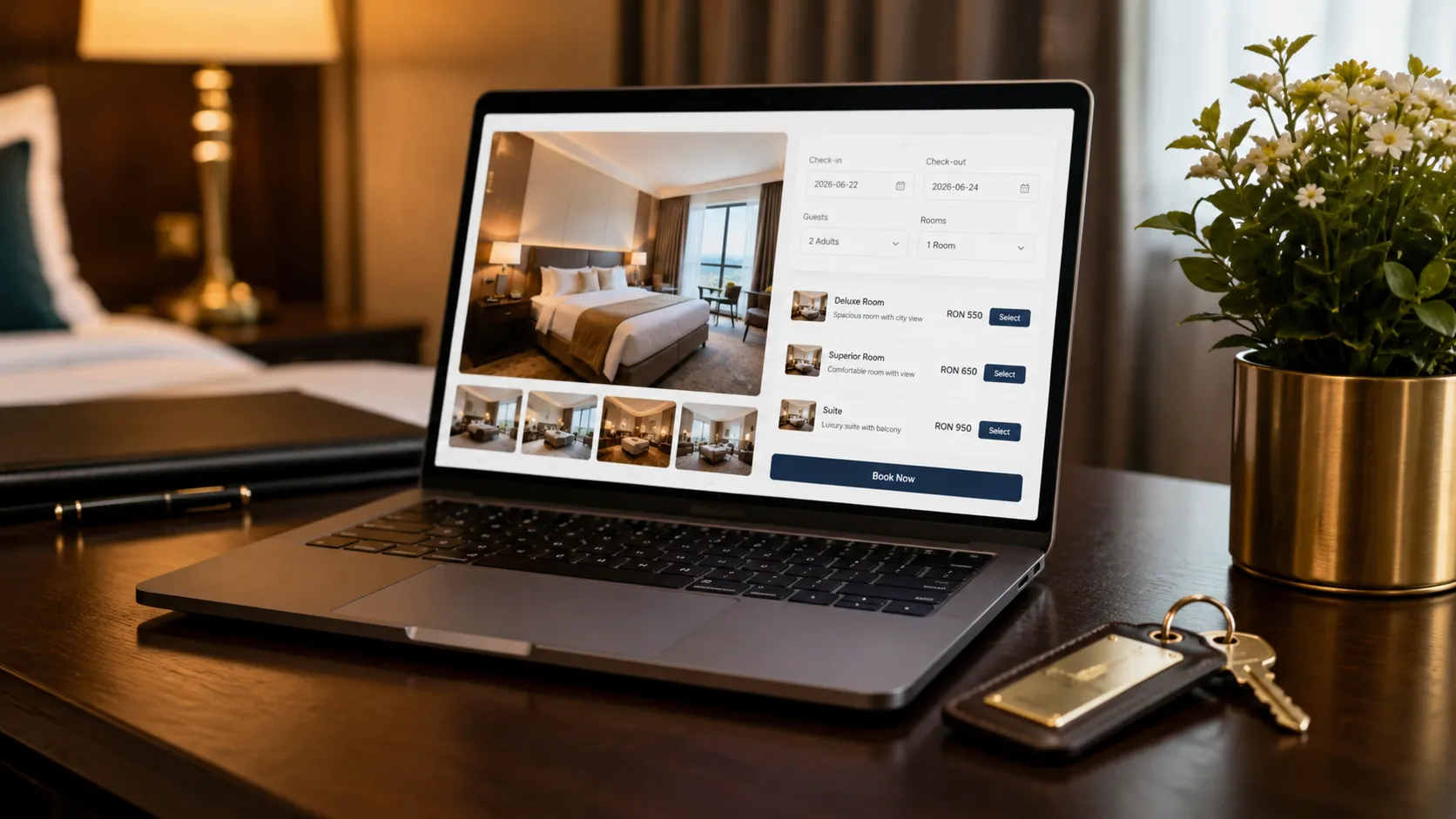

A hotel booking system lets a visitor check availability, choose a room, and submit or complete a reservation directly on your hotel website. For many hotels and B&Bs, it is the step that turns a website from a simple online brochure into a real direct booking channel.
Too often, the booking experience looks the same everywhere: a few photos, a room list, a calendar and a form. The guest has to imagine what the room, lobby, restaurant or terrace actually looks like. That gap is exactly where a classic booking form falls short compared to a visual experience where guests can explore the property before they ever submit a request.
In this article we focus on the booking system: how requests are collected, how availability is managed, what direct booking means and what should not be promised incorrectly. Tours can add a 360° visual presentation on top of this flow, but the dedicated hotel virtual tour guide remains separate.
Quick Summary
- A hotel booking system lets guests submit or complete reservations directly through the hotel website.
- Direct bookings reduce dependence on external platforms and help the hotel maintain a direct relationship with guests.
- Tours can connect bookings to the visual experience, but the main topic here is request and availability management.
- For properties with multiple room types, rooms can be organized into scene groups and linked to separate availability calendars.
- Tours does not replace a property management system or channel manager; it adds a visual direct booking channel.
- If you are not syncing availability across all sales channels, manual approval is the safest approach.
- Tours offers a 30-day free trial with no credit card required.
What Is a Hotel Booking System?
A hotel booking system is a solution integrated into a hotel, bed and breakfast or accommodation property website. Its job is to display availability, collect guest details and send the reservation to the hotel team or an internal management system.
In the traditional setup, the booking is completely separate from the visual presentation. The guest sees a few photos, reads the room description and fills out a form. In an interactive setup, the booking can start directly from context: from the room the guest is exploring, from the lobby, from a hotspot or from a scene group representing a specific room type.
In the hospitality industry, this type of solution is often called a hotel booking engine. The difference between solutions is not just about the calendar or the form; it is also about the buying experience: how clearly the guest understands what they are booking, how much confidence they feel and how quickly they can move from interest to action.
Why Do Direct Bookings Matter for Hotels?
Direct bookings are reservations received through the hotel's own channels: website, direct link, QR code, campaigns, email or social media. The advantage is not only financial. The hotel controls the message, the experience, the guest data and all communication after the booking.
Platforms like Booking.com or Expedia can drive visibility, especially for hotels that do not yet have enough traffic on their own website. The problem comes when all reservations depend on these platforms. The hotel pays commissions, has less control over the guest relationship and ends up in a standardized format where the property looks like dozens of other listings.
Having your own booking system does not mean abandoning external platforms entirely. In practice, a healthy strategy combines channels: use the major platforms for discovery, while building a direct booking channel on your own website where guests can get a better feel for the property and make a decision with more confidence.
- You keep full control over the booking experience and the hotel's messaging.
- You can promote packages, special offers, room upgrades or perks available only through your website.
- You have direct access to guest data and can communicate more easily before and after the stay.
- You gradually reduce dependence on commissions paid for bookings coming through external platforms.
- You can use the virtual tour as a trust-building tool, not just a decorative visual element.
How Does a Hotel Booking System Work?
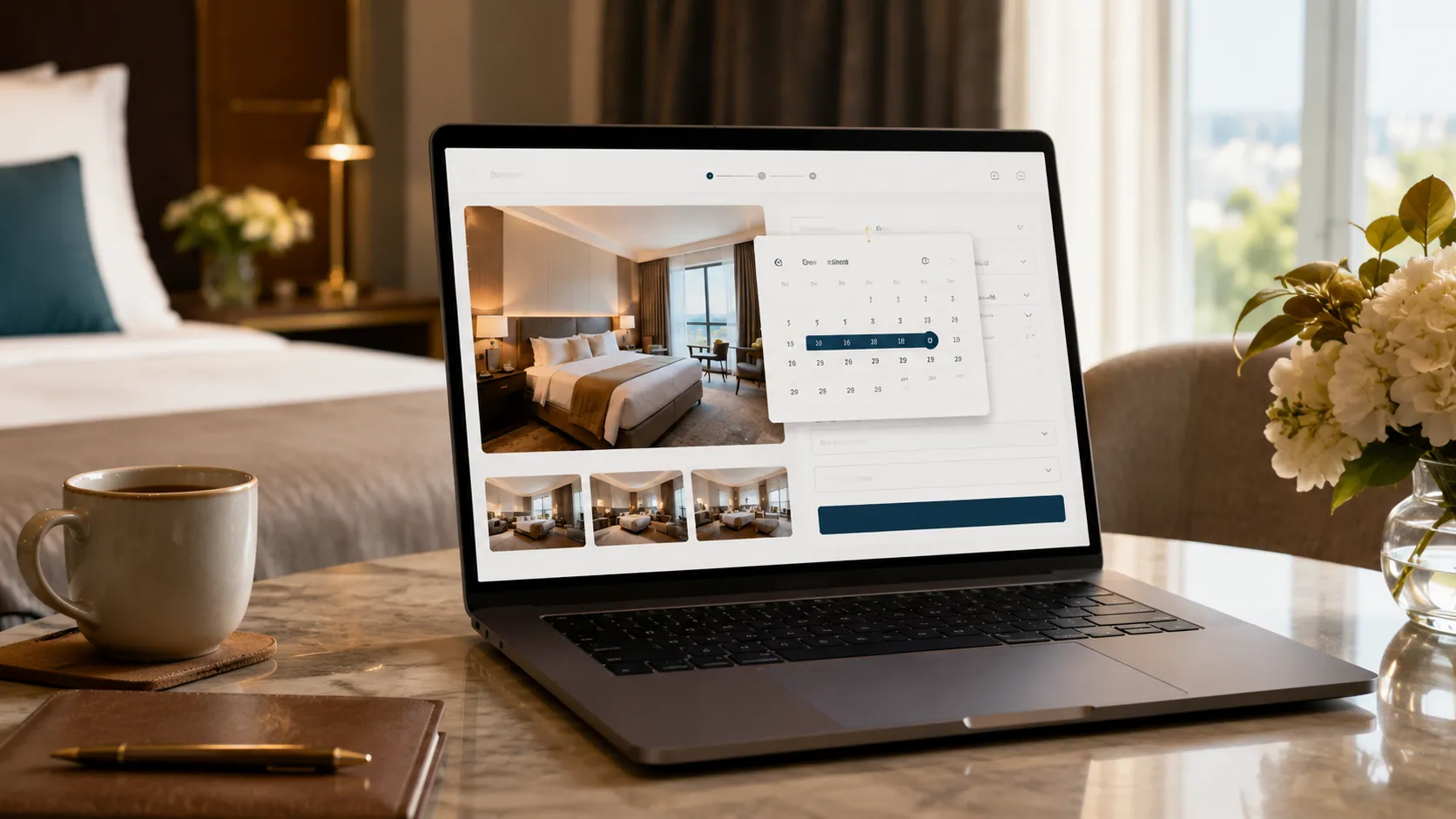
The basic flow is straightforward: the guest selects dates, the system checks availability, the guest picks a room or room type, fills in their details and submits the reservation. Depending on the configuration, the booking can be confirmed automatically or held for manual approval by the hotel team.
Automatic confirmation works well when availability is properly synced and your processes are clearly defined. Manual approval is safer for small hotels, bed and breakfasts or properties that receive bookings from multiple sources without all channels connected to each other. In that case, the team reviews each request and confirms only when availability is verified.
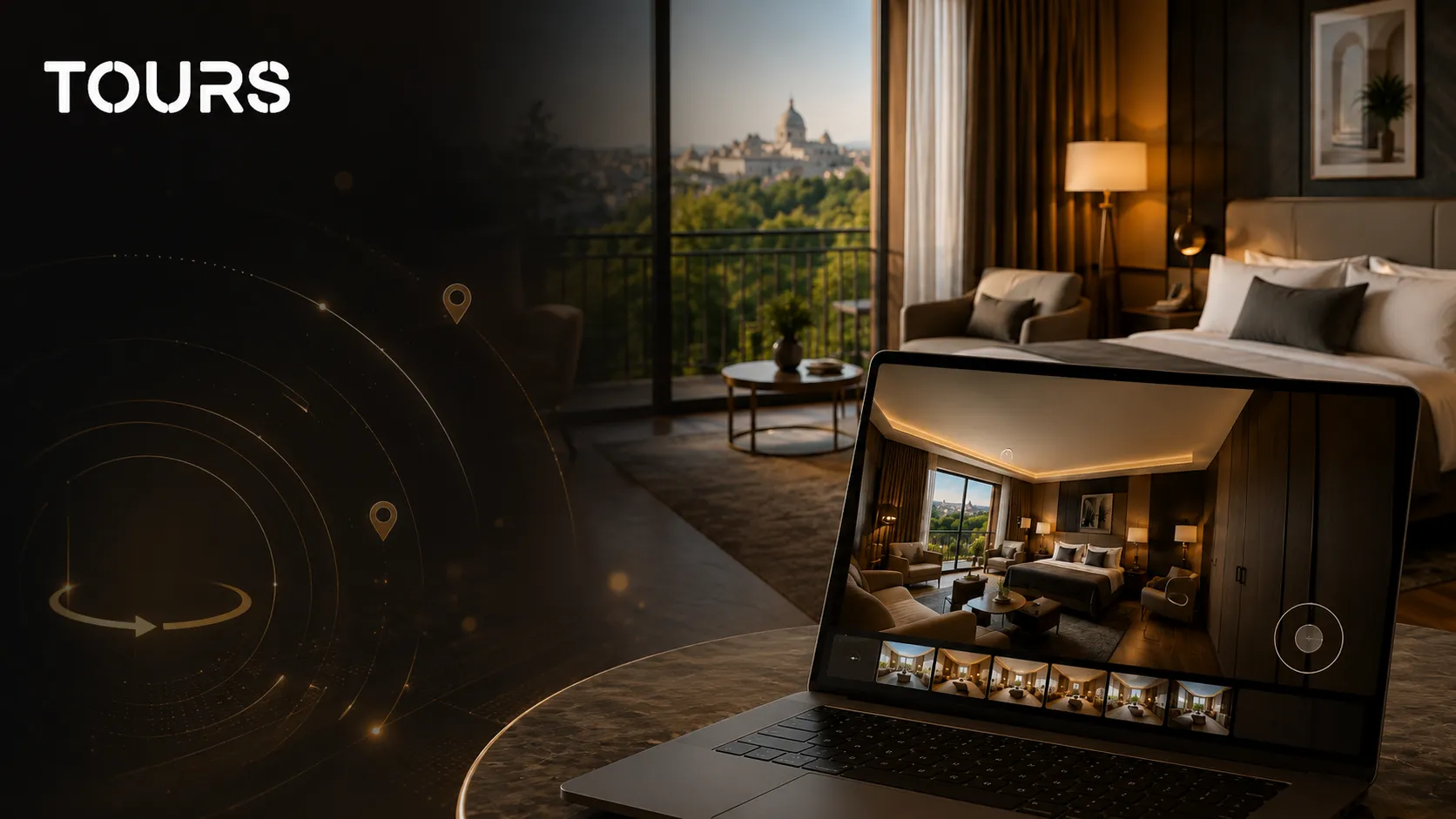
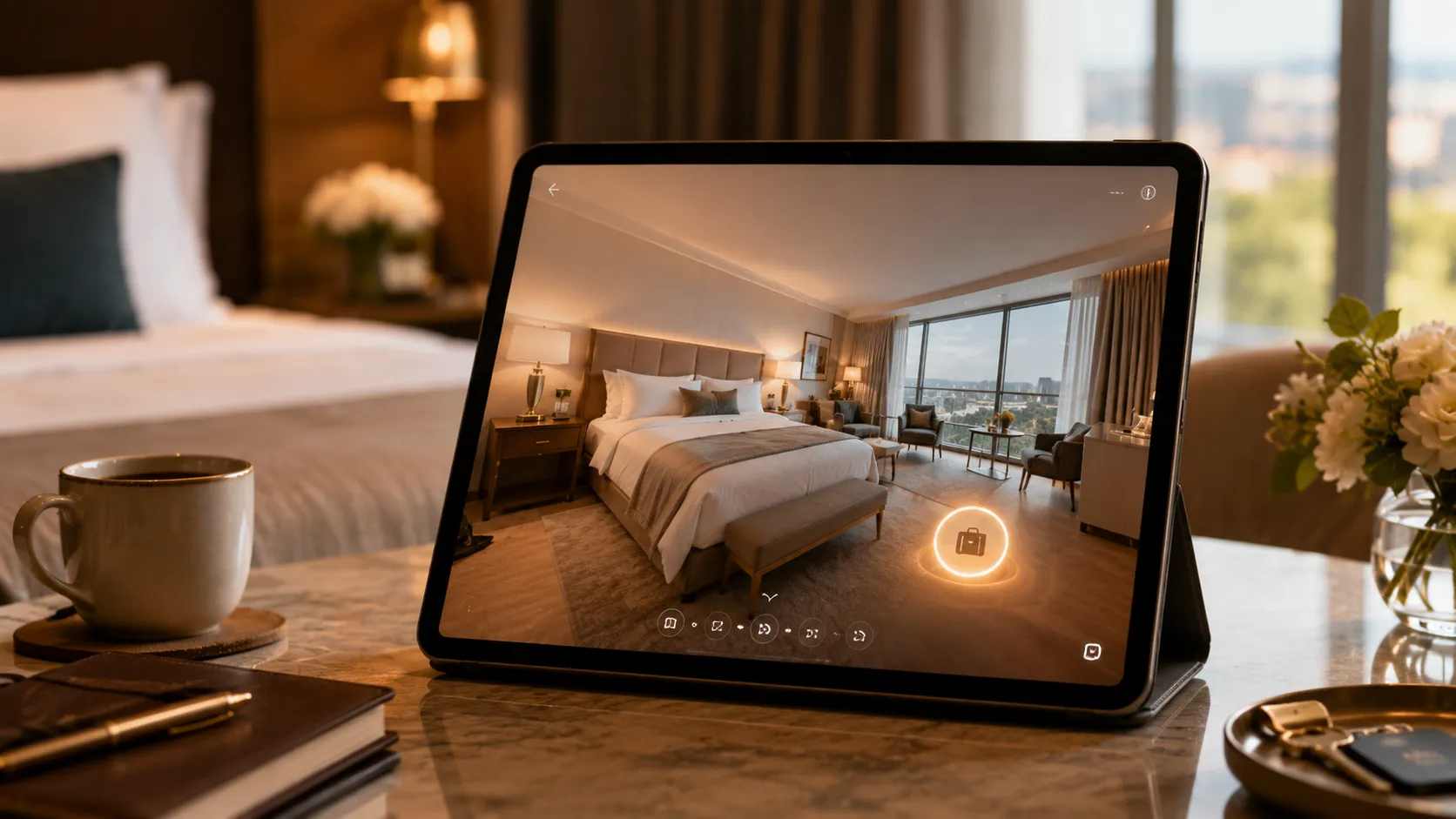
In Tours, the booking system adds visual context on top of this flow. The guest does not click an isolated 'Book Now' button; instead, they can explore the room, bathroom, balcony, breakfast area or lobby and then submit a request from the exact scene that convinced them.
Where Does the Virtual Tour Fit in the Booking Process?
A 360° virtual tour should not be treated as just a nice-looking gallery. For hotels, the real value appears when the tour answers the questions that can stall a booking: how spacious does the room feel, what does the bathroom look like, is there a work desk, how much natural light is there, what does the lobby, restaurant or relaxation area look like.
When those answers are visible before the booking, guests have fewer reasons to delay their decision. Static photos are still useful, but a virtual tour closes the gap between 'I like how it looks' and 'I know exactly what I'm booking.'
- On the hotel website, the tour can be integrated on the homepage or the rooms page.
- In campaigns, the tour can be shared as a direct link to the specific room or room type being promoted.
- At the front desk or on printed materials, a QR code can take guests directly into the tour.
- In guest conversations, the team can share a link to the relevant scene instead of describing the space in text.
How Can Bookings Be Connected in Tours?
Tours lets you choose how granularly you want to connect bookings. A small hotel can use a simple setup at the tour or room level. A property with multiple room types can use scene groups and separate availability calendars.
- Tour level: the booking is connected to the entire experience, and guests can submit a request from anywhere in the tour.
- Scene level: the booking is connected to a specific scene, for example 'Deluxe Double Room.'
- Scene group level: multiple scenes representing the same room type can share the same booking flow.
- Hotspot level with a shared tag: hotspots with the same internal tag can share the same availability calendar, which is useful for similar room types.
- Individual hotspot level: each hotspot can have its own settings and its own calendar when you need separate control.
For a hotel with multiple room types, a practical approach is to create a scene group for each room type. For example: 'Standard Double Room,' 'Deluxe Double Room' and 'Suite.' Each group can be connected to a Booking Manager or a calendar configured for that specific room category.
How to Create a Hotel Virtual Tour with Bookings in Tours
The creation flow is designed for teams that do not want to rely on developers. You build the tour, upload your 360° images, add navigation between rooms and then connect bookings wherever it makes sense for your property.
- Create an account on getours.app and open the Tours app.
- From the 'My Tours' page, click the button to create a new tour.
- In the setup window, enter the tour name and choose the 'Hospitality' category.
- If relevant, add the location, price, description and any applicable tags.
- Upload the first 360° image and give it a clear name, such as 'Lobby' or 'Deluxe Double Room.'
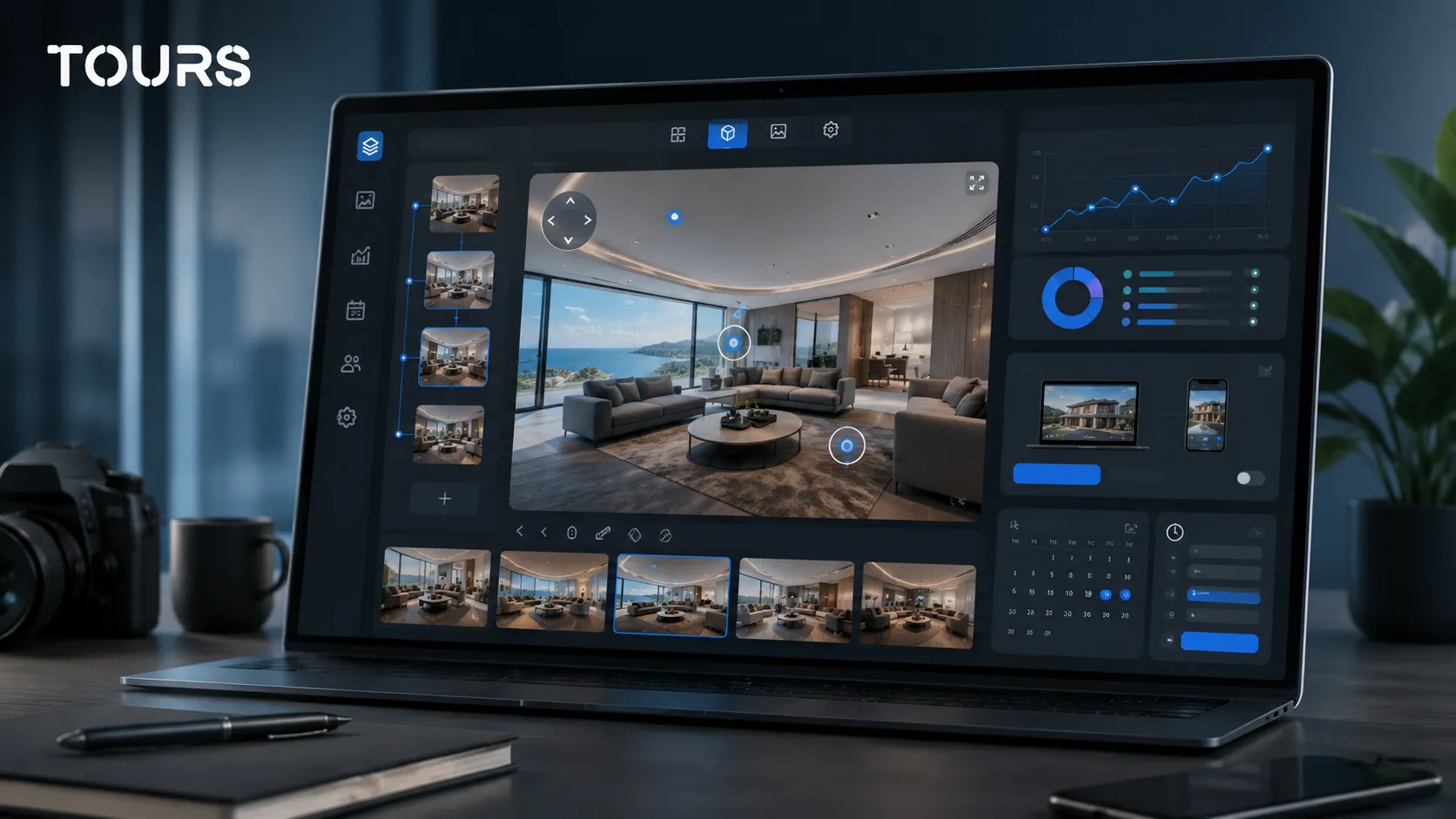
- After continuing, the 360° editor opens where you can add the remaining scenes.
- Add navigation hotspots between scenes, informational hotspots, images, video content or external links.
- Group scenes by room type if you want a clear structure for bookings.
- Add internal tags to the hotspots that will later be connected to the booking system.
- Publish the tour and choose your visibility settings.
- After publishing, the tour goes through Tours moderation and approval before it becomes publicly visible.
How to Set Up the Booking Manager in Tours
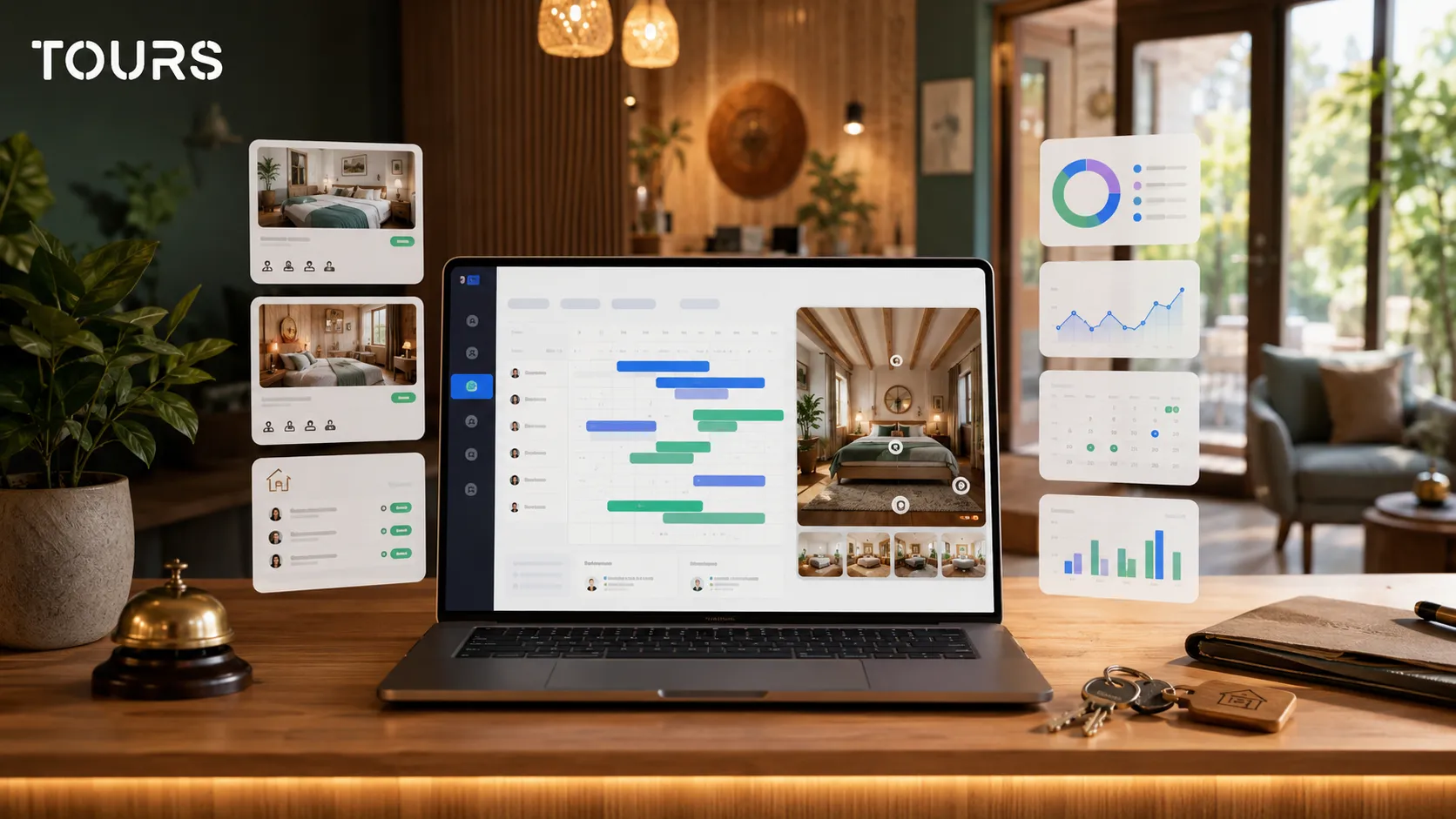
Booking Manager is where you configure availability and how your team handles incoming reservation requests. It is separate from the tour editor because the visual presentation and the booking flow serve different purposes.
- Open the 'Booking Manager' page inside the Tours app.
- Create a new Booking Manager or edit an existing one.
- Set the days and time slots during which you accept reservations.
- Choose the availability rule that fits your property type and how your team operates.
- Decide whether bookings are confirmed automatically or require manual approval.
- Add team members who can manage reservation requests, if needed.
- Connect the Booking Manager to the tour, a scene, a scene group or the hotspots with the appropriate tag.
If your hotel already uses a property management system, a channel manager or an internal booking workflow, Tours should be seen as a complementary visual channel. Its role is to help guests understand the property better and submit a more qualified request, not to replace your existing hospitality infrastructure.
Direct Booking System vs. External Platforms
This is not an either/or choice. For many hotels, major booking platforms remain important for visibility. The difference is that a direct booking channel gives you more control over the experience and helps you build a real relationship with guests who are already on your website.
| Criteria | Your Own Booking System | External Booking Platforms |
|---|---|---|
| Primary role | Direct booking on the hotel website | Visibility on high-traffic platforms |
| Commission per booking | No commission to external platforms for direct bookings | Commission applied to bookings received through the platform |
| Control over the experience | High: your own design, messaging, content and offers | Limited by the platform format |
| Guest data | Direct relationship with the guest | Limited or platform-controlled access |
| Visual differentiation | You can integrate a virtual tour, hotspots and your own content | Standardized listing alongside competitors |
| Initial effort | Requires setup and traffic to your own website | Easier to get started, but with less control |
| Best suited for | Guests arriving via your website or your own campaigns | Guests discovering the hotel on booking platforms |
The best strategy is to use each channel for what it does well. External platforms can drive discovery. Your own website, virtual tour and direct booking system can do a better job of converting guests who want to understand the property before they decide.
Realistic Limits: What Not to Overpromise
A booking system integrated into a virtual tour can improve the sales experience, but it does not solve every distribution challenge a hotel faces on its own. If your website has no traffic, if the 360° images are poor quality or if availability is not managed carefully, results will be limited.
- Tours is not a full property management system and should not be positioned as a replacement for managing the entire hotel operation.
- Tours is not a channel manager and does not automatically sync all external channels unless they are connected through a dedicated integration.
- If you receive bookings from multiple sources, manual approval helps avoid double bookings.
- The virtual tour needs to be prominently placed on your website; if it is buried, its impact on bookings drops significantly.
- The quality of your 360° images matters: lighting, tidiness, composition and sharpness all affect how guests perceive the property.
The good news is that these limitations are manageable. A hotel can start with a tour covering the main rooms, test guest interest, review usage statistics and then expand the experience with more scenes, hotspots and booking flows.
How to Optimize the Tour for More Bookings
A great virtual tour is not just complete; it is easy to navigate. Guests need to understand quickly where they are, which room they are viewing, what amenities are included and what to do next if they want to book.
- Lead with the most important scenes: lobby, main room, bathroom, restaurant, terrace or breakfast area.
- Use clear scene names: 'Deluxe Double Room,' not 'IMG_001' or 'Scene 3.'
- Add hotspots with useful details: room size, amenities, view, breakfast options, parking or key policies.
- Do not overload the tour with hotspots; every interactive point should help the guest make a decision.
- Place the booking action close to the high-intent scenes, such as the room or suite.
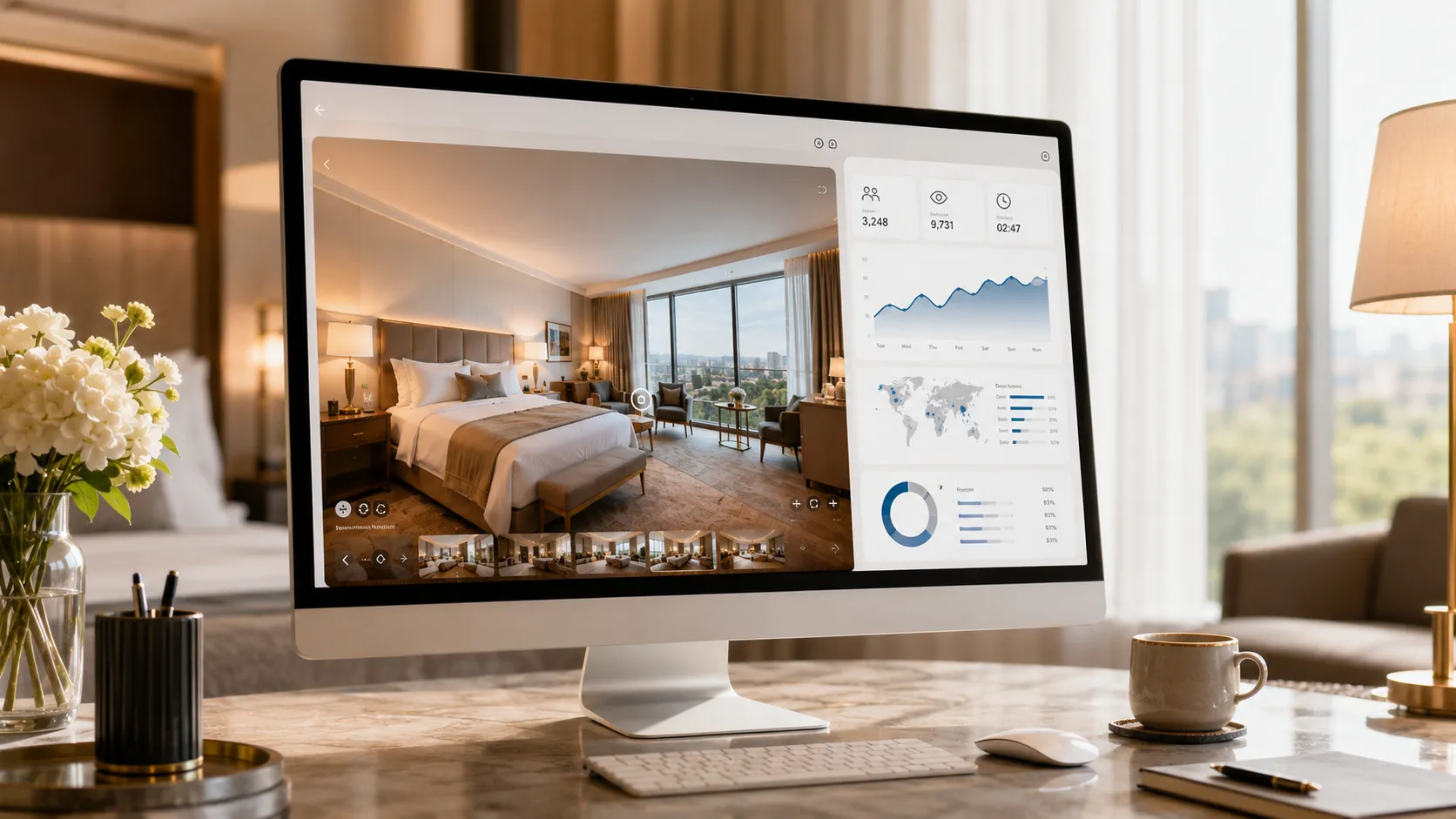
- Track usage statistics: the most-visited scenes show what guests care about, and ignored scenes can be repositioned or improved.
The goal is not to impress with unnecessary effects, but to reduce hesitation. A guest who understands the room, sees the space clearly and has an obvious booking option reaches a decision faster.
Frequently Asked Questions
What is a hotel booking system?
A hotel booking system is a solution that lets guests check availability, choose a room and submit or complete a reservation online, directly through the hotel website.
What is the difference between a hotel booking engine and a hotel booking system?
A hotel booking engine is the component that processes the reservation itself. A hotel booking system is the broader term and can include the availability calendar, booking rules, notifications, the management dashboard and how the team handles incoming requests.
Can I connect bookings to a 360° virtual tour in Tours?
Yes. In Tours, bookings can be connected to the entire tour, individual scenes, scene groups or interactive hotspots. This means guests can submit a request directly from the part of the property that convinced them.
Does Tours replace a property management system or channel manager?
No. Tours is not a full property management system and is not a channel manager. The platform complements your existing processes by adding a visual direct booking channel integrated into the 360° virtual tour. If you use multiple sales channels, availability needs to be managed carefully.
Can I use Tours for a bed and breakfast or a small hotel?
Yes. Tours works well for smaller properties too. You can start with a simple tour, a few 360° images and a booking flow with manual approval. No technical team is needed for the basic setup.
Can multiple identical rooms share the same availability calendar?
Yes. You can use scene groups or hotspots with the same internal tag for similar rooms. This way, multiple rooms of the same type can be linked to the same availability logic.
How do I add the virtual tour with bookings to my hotel website?
After publishing and approval, Tours gives you a direct link, a website integration code and a QR code. You can add the tour to your hotel homepage, the rooms page, campaigns or any communication materials.
What usage statistics does Tours provide?
Tours includes usage statistics such as visitor counts, scenes accessed, hotspot interactions and in-tour behavior. This data helps you understand which rooms or areas generate the most interest and where the experience is worth improving.
How much does a hotel booking system cost in Tours?
Tours offers a Pro plan with integrated bookings and a 30-day free trial with no credit card required. Check the pricing page for the current rates, as they may be updated over time.
Which matters more: the virtual tour or the booking form?
Both matter, but they serve different purposes. The virtual tour builds trust and clarifies the space, while the booking form converts interest into a request or reservation. The best results come when the two work together.
If you want to add a hotel booking system directly inside the visual experience of your property, Tours gives you an interactive 360° virtual tour, hotspots, integrated bookings, usage statistics and distribution through a direct link, QR code or website integration code. You can get started for free at getours.app and test the platform for 30 days with no credit card required.