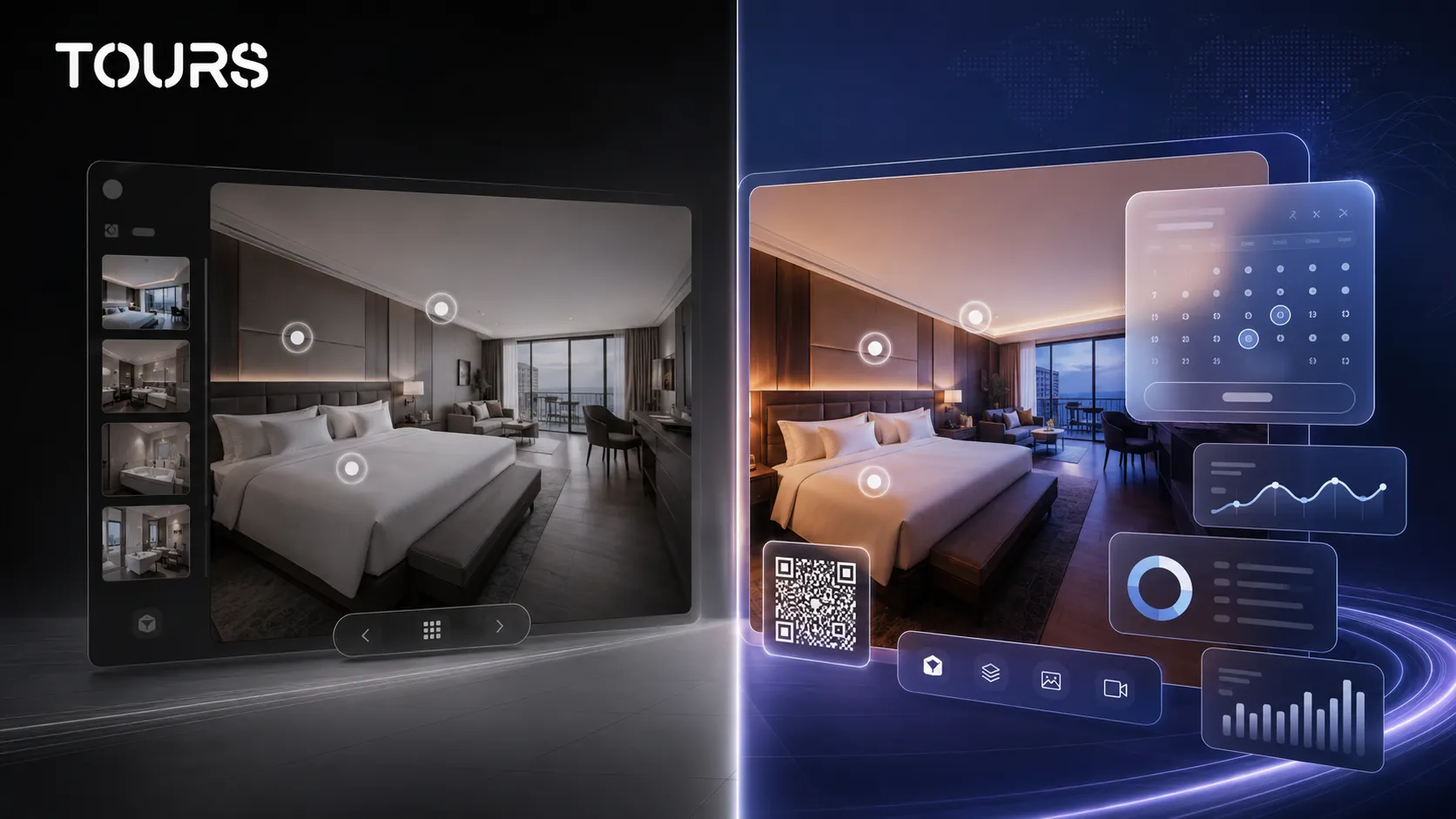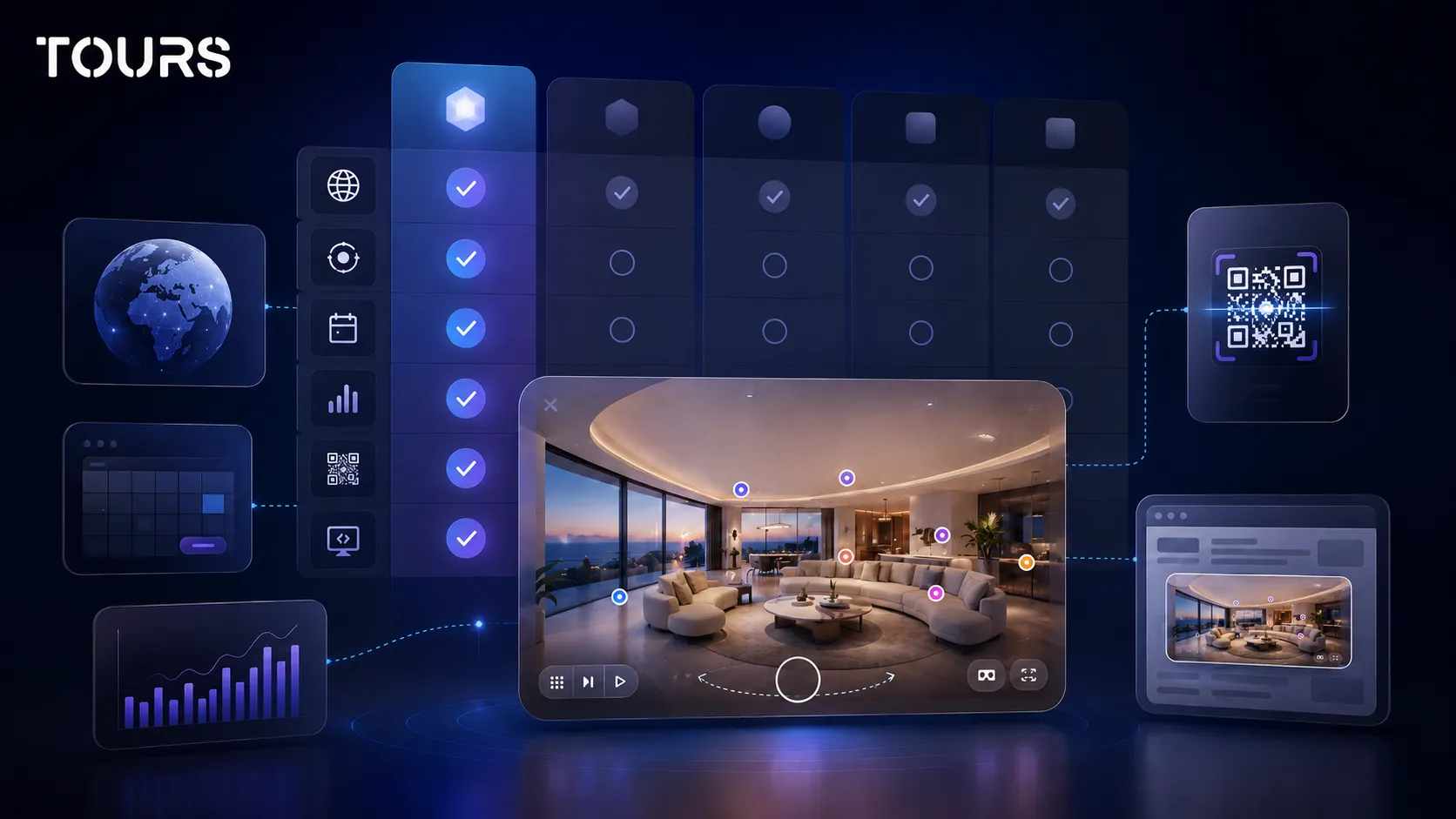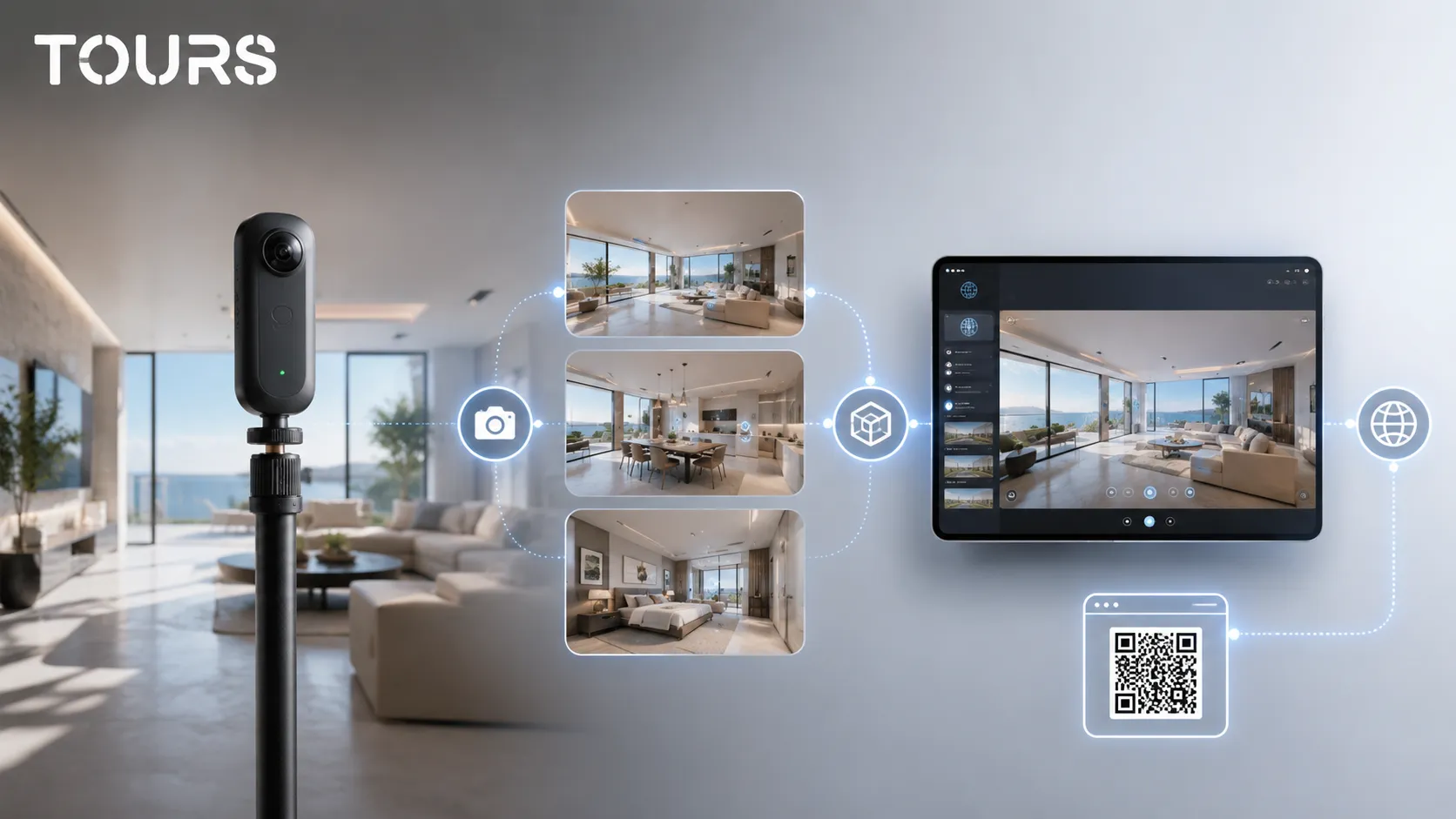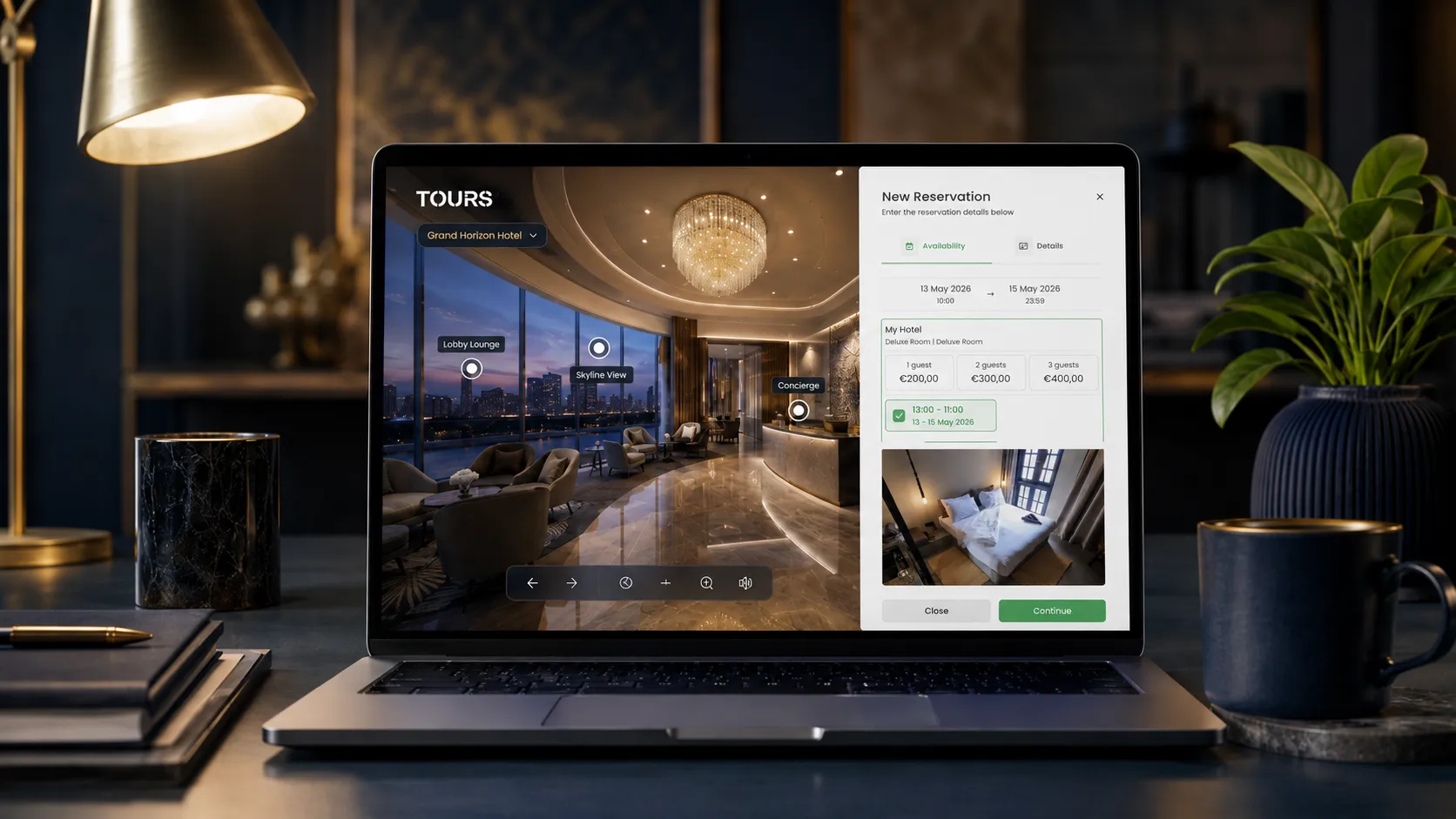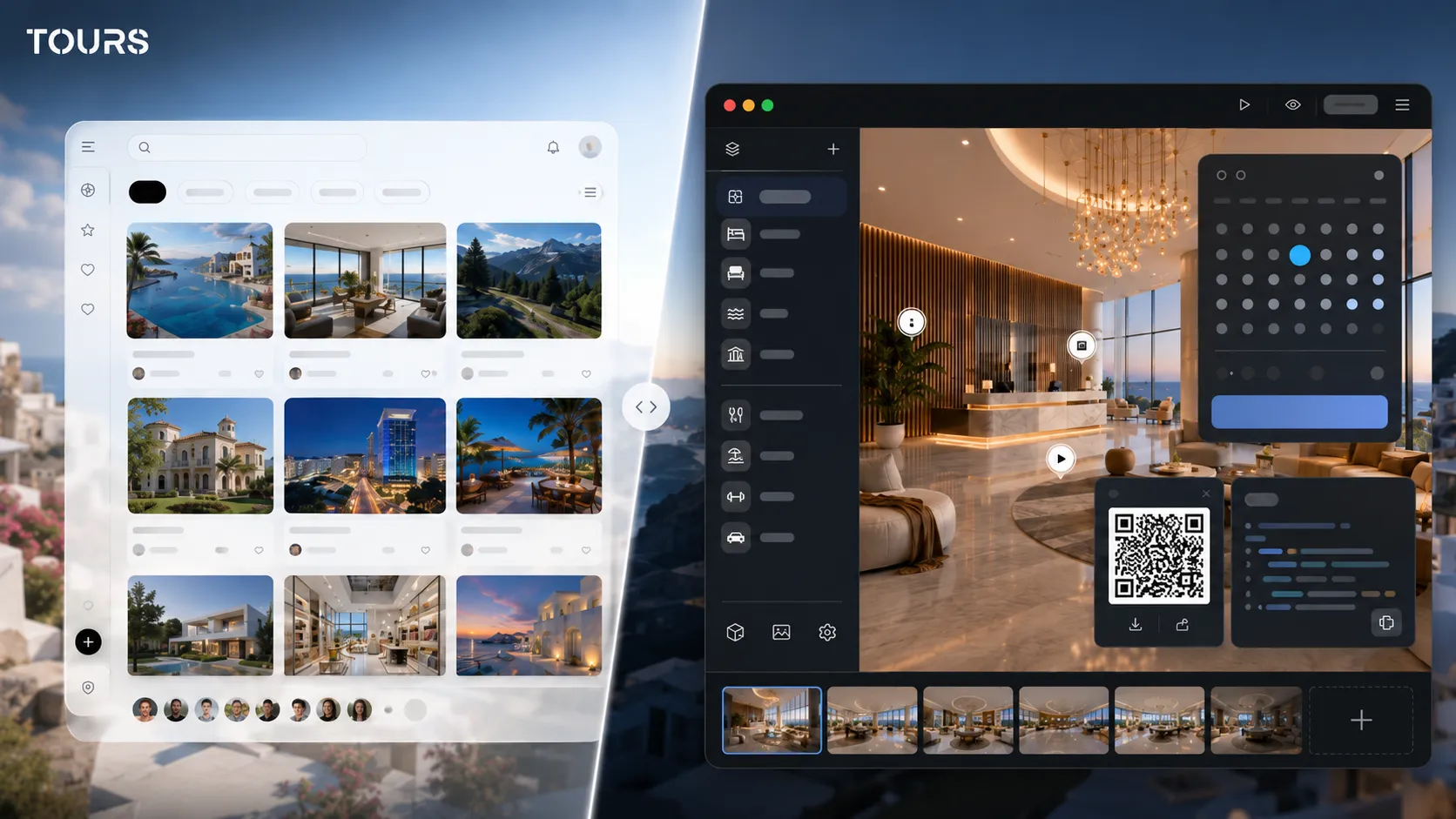

A Klapty alternative makes sense when the virtual tour should not be just a 360 presentation published online, but a commercial tool connected to bookings, inquiries, interactive points, usage statistics, QR sharing and your own website. Klapty is useful for fast creation and sharing, while Tours is built for businesses that want control over the visitor path and the actions inside the tour.
Tours is a SaaS platform for interactive 360° virtual tours, used by businesses that want to publish the tour on their own website and connect it to concrete actions. In this comparison, the practical difference is that Tours combines the 360° editor, interactive points, bookings and usage statistics into a commercial flow.
In short
- Klapty can be a good choice when you want to create and share 360 tours quickly, especially if you value public discovery.
- Tours becomes a better fit when the tour needs to support a clear action: a booking, viewing request, quote request or contact.
- The important difference is not only the 360° editor, but what happens after the visitor enters the tour.
- In Tours, bookings can be connected to the whole tour, specific scenes, scene groups or tagged interactive points.
- For hotels, restaurants, real estate, showrooms and event venues, it is worth comparing control, website integration, usage statistics and the commercial flow.
- You can test Tours for 30 days free, without a card, before moving an existing portfolio.
When is a Klapty alternative useful?
A Klapty alternative is useful when you have moved beyond simple publishing and need the 360 tour to contribute directly to a sale, booking or lead qualification. The practical question is not only where you upload the panoramas, but how you turn a visitor into a measurable action.
Klapty presents itself on its official page as an online tool for creating and sharing virtual tours, as well as a social network for professionals and 360 tour enthusiasts.[1]Source That is why Klapty can be attractive for publishing, visibility and public exploration.
For many projects, that logic is enough. A 360 photographer can publish a portfolio, an agency can share a link and an owner can test a tour quickly. The limit appears when the tour needs to work as part of the business website, with contextual bookings or inquiries.
- You need a global booking button inside the tour, not only a share link.
- You want certain rooms, tables, areas or products to have different actions.
- You want to see which scenes visitors open and which interactive points receive clicks.
- You need QR sharing for reception desks, printed materials, storefronts, events or viewings.
- You want to keep the tour inside your own website and brand ecosystem.
Klapty vs Tours: what are you really comparing?
Klapty vs Tours is not a comparison between two panorama upload buttons. It is a comparison between a platform focused on creation, sharing and public discovery, and a SaaS platform focused on commercial 360 tours that can be connected to actions, bookings and usage statistics.
| Criterion | Klapty | Tours |
|---|---|---|
| Main positioning | Creation, publishing and sharing of virtual tours, with a public discovery component. | SaaS platform for commercial 360 tours, with bookings, interactive points, usage statistics, QR sharing and website integration code. |
| Best fit | Portfolios, simple presentations and projects that need fast visibility and easy sharing. | Hotels, restaurants, real estate agencies, developers, showrooms and venues that need measurable actions. |
| In-tour actions | Navigation points, information, links and presentation elements, depending on the selected plan and configuration. | Interactive points for navigation, information, external links, media content and booking connections through tags. |
| Bookings | Best suited mainly for presentation and sending visitors to other flows when the business uses a separate system. | Integrated bookings connected to the tour, scenes, scene groups or tagged interactive points. |
| Usage data | Check the features available in the selected plan and how you can track tour performance. | Usage statistics included on all plans, useful for visited scenes, clicks and behavior inside the tour. |
| Website integration | Tours can be shared and added to a website according to the options provided by Klapty. | Website integration code, controlled publishing, QR sharing and a flow designed for the business's own website. |
Klapty lists features on its pages such as public or private tours, password protection, interactive points, website integration, logos and customization options.[2]Source The right comparison should be based on your specific scenario, not only on a general feature list.
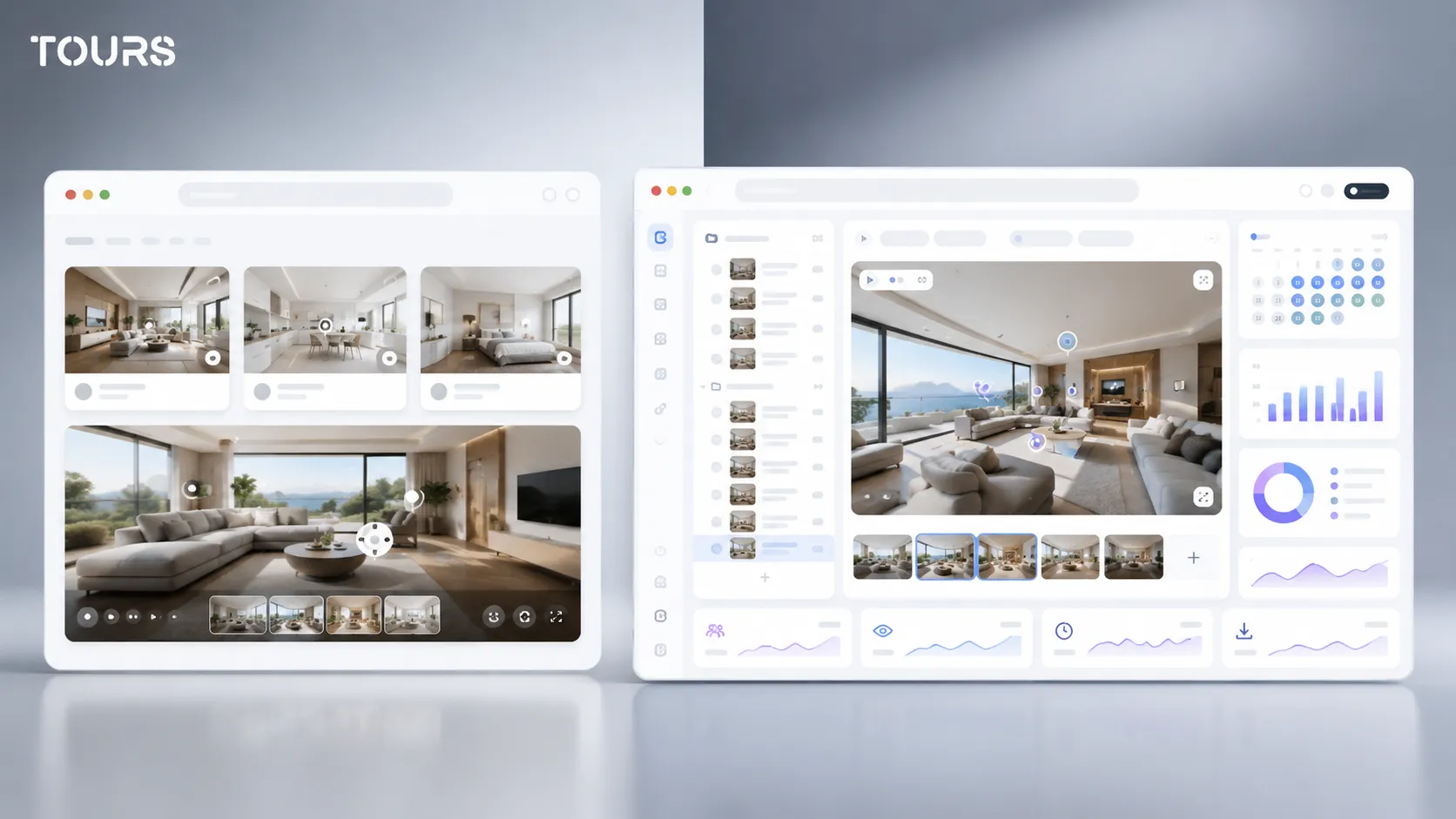
What limits can a free Klapty virtual tour have in a commercial flow?
A free Klapty virtual tour can be useful for testing, a portfolio or fast validation, but it can become insufficient when you need commercial control. In a business context, free access should be evaluated together with branding, privacy, website integration, in-tour actions and operational cost.
The issue is not that a free tour is useless. On the contrary, it can be a good way to see whether your 360 materials are clear enough. The issue appears when the tour reaches real customers and needs to support a booking, a quote request or a viewing decision.
- If the tour is for a portfolio, publishing speed and visibility matter.
- If the tour is for a hotel, rooms, availability, booking and clarity on the website matter.
- If the tour is for a restaurant, the table, area, time, party size and confirmation matter.
- If the tour is for real estate, buyer filtering and viewing requests matter.
- If the tour is for a showroom, products, categories, inquiries and the path toward contact matter.
In Tours, plans start at €19/month for use cases without bookings, while the Pro plan includes bookings from €59/month. For a business, the right question is whether the cost difference brings enough control, usage data and measurable actions to be worth it.
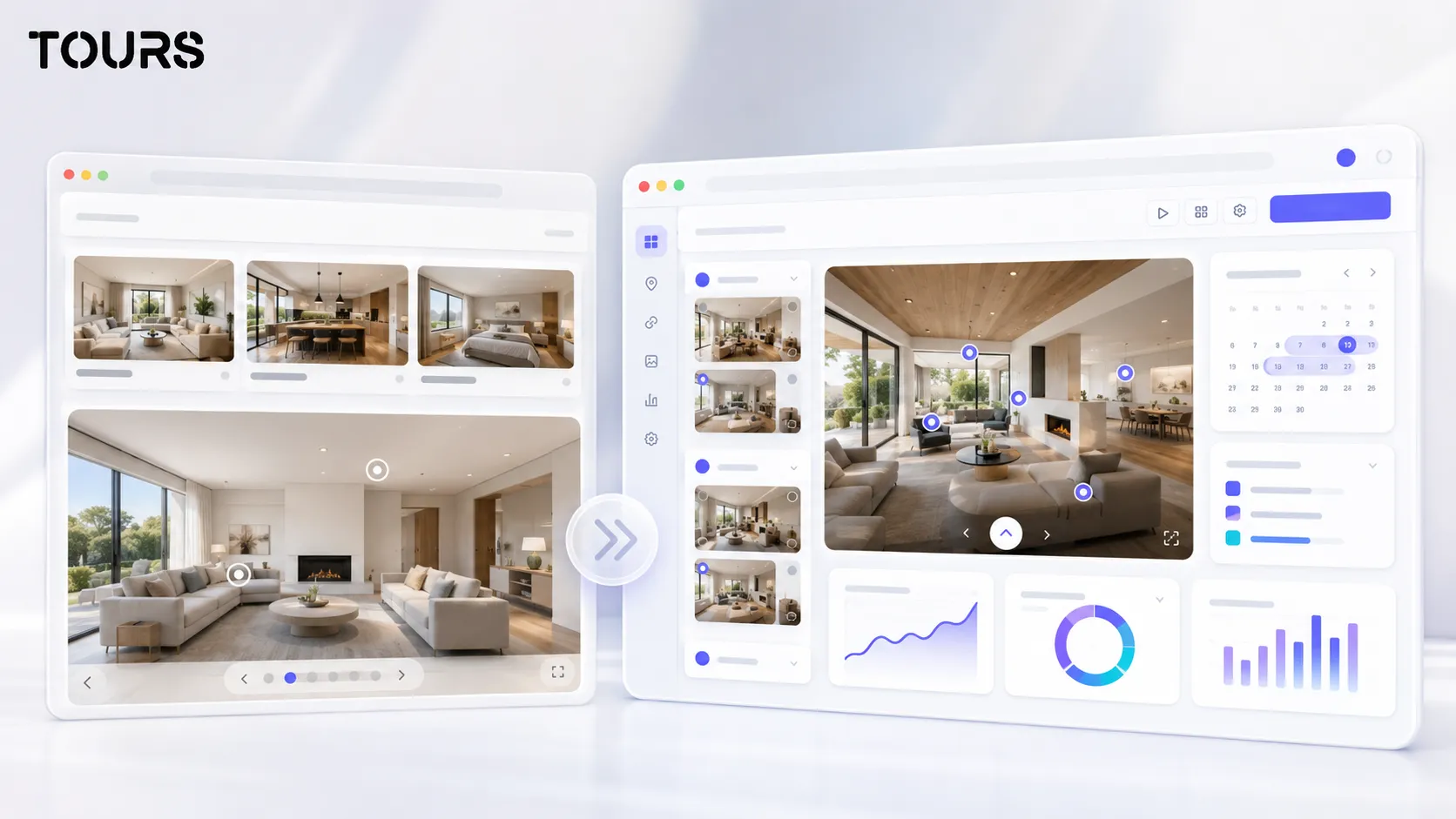
How do bookings and in-tour actions work in Tours?
In Tours, bookings are not treated as one isolated button. They can be connected to the whole tour, specific scenes, scene groups or interactive points through internal tags, so the action appears in the right context for the visitor.
If a booking is connected to the whole tour and enabled, the experience can display a global booking button. If a booking is connected to an interactive point, the booking window opens when the visitor clicks or taps that point. This allows real differences between rooms, tables, areas or services.
For hotels, rooms or room types can be represented as scene groups. A group can include the bedroom, bathroom, balcony and room details, and that group can be connected to a booking manager. For restaurants, tables or areas can be interactive points, and points with the same tag can use the same calendar.
For real estate, the same logic can be used for viewing requests or quote requests. A scene can support an inquiry for an apartment, a group can represent an entire house, and an interactive point can send the visitor to details about price, area or availability.
This is why Tours should not be compared only as a 360° editor. Compare it as a system where the presentation, calendar, interactive points, usage statistics and website integration work together.
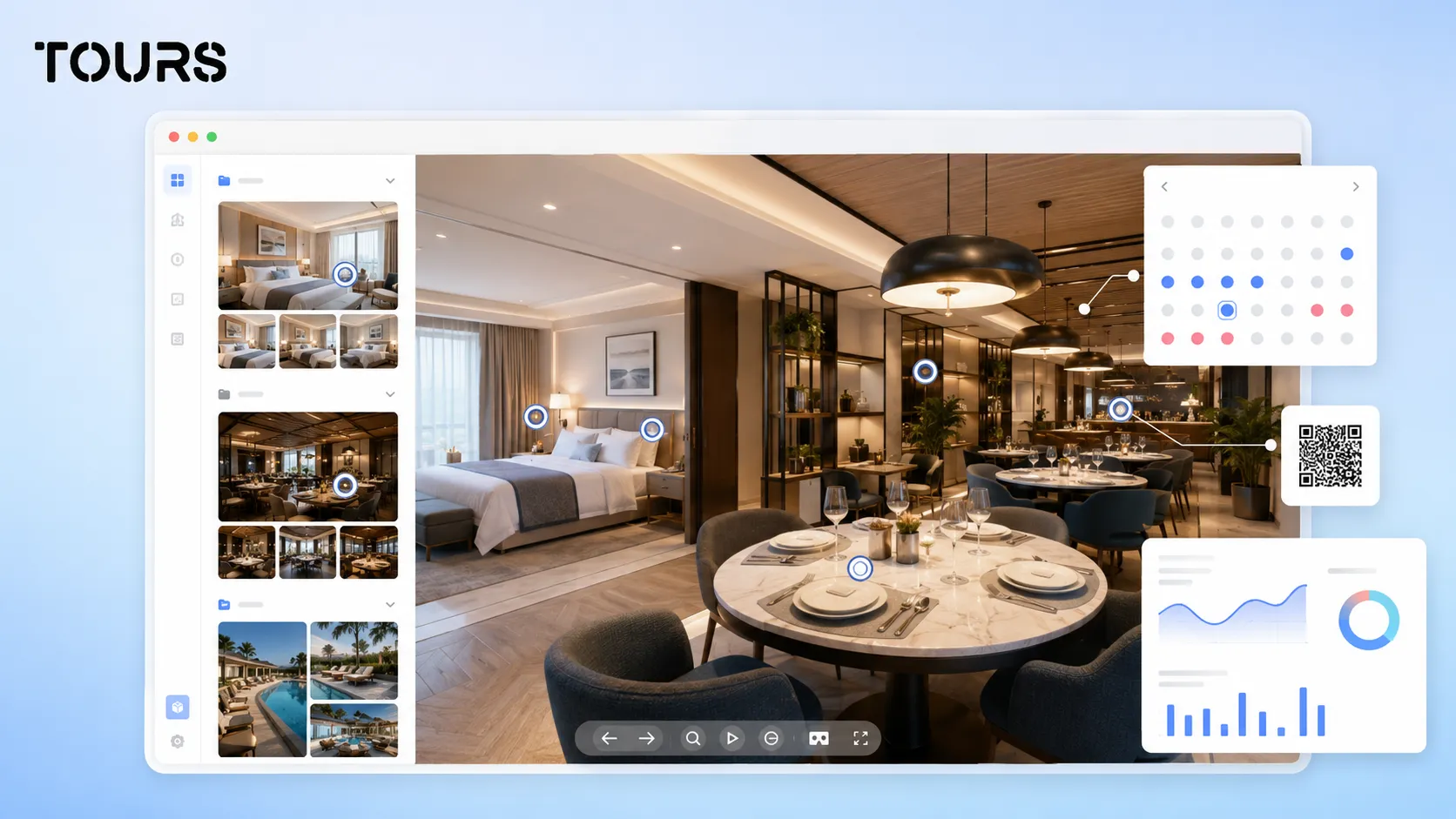
What should you check when moving from Klapty to Tours?
Moving from Klapty to Tours should be selective, not mechanical. Do not just move panoramas from one place to another. Check which scenes are worth keeping, which path helps the visitor, which interactive points are useful and which commercial actions should be added.
Start with an inventory of your 360 materials: clear panoramas, duplicate scenes, unnecessary angles, missing areas and images that need to be reshot. Then group scenes by business logic, not only by the order in which they were photographed. For a hotel, rooms and facilities should be separated clearly. For real estate, the path should reduce unnecessary showings. For a restaurant, the dining room, patio, bar and tables should be easy to understand.
In real estate, online materials directly affect buyer filtering. In the National Association of REALTORS 2025 report, 52% of buyers found the home they purchased online, 77% considered photos very useful, and 57% valued floor plans.[3]Source For agents and developers, the 360 tour should complement visual information, not replace it in a disorganized way.
- Keep only the scenes that explain the space better than standard photos.
- Remove repetitive panoramas that slow down the visitor's decision.
- Turn old points into interactive points with a clear role: navigation, information, link or booking.
- Create groups for rooms, areas, apartments, tables, event spaces or product categories.
- Add internal tags to points that will use the same calendar or the same booking logic.
- Test the tour on mobile before you publish it and add it to the website.
The right flow in Tours is simple: create an account on getours.app, enter the app, go to the 'My Tours' page, create a new tour, complete the name and category, optionally add location, price and tags, upload the first 360° scene and open the 360° editor. After customization, publishing goes through approval by a Tours moderator before the tour becomes publicly active.
Booking setup is separate from tour creation. On the 'Booking Manager' page, you set the calendar, choose the right algorithm, optionally add team members who can accept or reject bookings, then connect the booking manager to the tour, scenes, scene groups or tagged interactive points.
Who is Tours a better fit for?
Tours is a better fit for businesses that want to use the 360 tour as part of the sales or booking process, not only as a visual presentation. The clearest cases are hotels, restaurants, real estate agencies, developers, showrooms, apartments, guesthouses and event venues.
- Hotels and guesthouses: grouped rooms, clearly presented facilities, direct booking and QR sharing for reception desks or printed materials.
- Restaurants: tables, dining room, patio, private area, event zones and bookings connected to interactive points.
- Real estate: apartments, houses, new developments and better-qualified viewing requests.
- Showrooms: products, display areas, quote requests and guided paths for visitors.
- Event venues: hall, capacity, decor, technical areas and availability inquiries.
Klapty can remain a good fit for visibility projects, portfolios and fast sharing. Tours is worth analyzing when you need a flow closer to your website, bookings and the customer's decision.
How can you test Tours without changing everything at once?
The safest test is to choose one important tour and rebuild it in Tours with a clear objective. Do not move the entire portfolio at first. Choose a property, a restaurant, a showroom or a hotel room and measure whether the new path creates more clarity.
Choose 5-10 strong scenes, add interactive points only where they help, create one or two groups and connect a relevant action. For a hotel, that could be a booking request. For a restaurant, a table reservation. For real estate, a viewing request. For a showroom, a quote request.
After publishing and tour approval, add it to a real page on your website, share the QR code and track the usage statistics. If visitors use the tour and click the important points, you have a stronger migration argument than a theoretical feature comparison.
You can start with the free 30-day Tours trial, without a card. For a fair comparison, test the same location you already used in Klapty and compare not only the look of the tour, but also the actions it can generate.
If you have used Klapty for visibility and want to see how the same 360 tour would work in a commercial flow, start with a pilot project in Tours. Create a tour, add interactive points, connect a booking or inquiry and test it on your website before deciding whether to migrate.
Sources
Studies and reports cited in this article
All sources are checked and publicly available.
- Official Klapty page for 360 toursdocumentKlaptyOfficial source for Klapty's positioning as an online tool for creating and sharing 360 virtual tours.
- Klapty features for 360 virtual toursdocumentKlaptyOfficial source for Klapty features, including publishing, interactive points, private tours and website integration.
- Home buyer behavior in 2025studyNational Association of REALTORSReport used for context about the role of online information and visual materials in the real estate buying process.
We carefully select trusted sources to keep the content relevant and up to date.
Frequently Asked Questions
Is Tours a Klapty alternative?
Yes, Tours can be a Klapty alternative for businesses that want more than 360 tour publishing and sharing. The main difference is the commercial focus: Tours includes integrated bookings, usage statistics, QR sharing, website integration code and interactive points that can trigger clear actions.
When should I stay with Klapty?
Klapty can remain a good fit if you need a simple platform for creating, publishing, sharing and public visibility for 360 tours. If your main goal is a portfolio or fast testing, you do not have to change platforms immediately.
When does it make sense to choose Tours instead of Klapty?
Tours makes sense when the tour needs to be connected to bookings, inquiries, usage statistics, QR sharing and your own website. It is a better fit for hotels, restaurants, real estate, showrooms and commercial spaces where the visitor should take an action after viewing the tour.
Is there a free virtual tour in Klapty?
Klapty strongly communicates the idea of free creation and easy sharing for virtual tours. For commercial use, always check the pricing page and the plan available at the time of your decision, because branding, privacy, advanced features and control can depend on the plan.
How should I read a Klapty review correctly?
A Klapty review should be read through your own use case. A photographer, a real estate agent and a hotel can evaluate the same platform differently. Look at publishing, website integration, brand control, interactive features, support, cost and what happens after the visitor enters the tour.
Does Tours handle bookings only through interactive points?
No. In Tours, bookings can be connected to the whole tour, scenes, scene groups or interactive points through tags. If the booking is at tour level, there can be a global button. If it is on an interactive point, the window appears when the visitor clicks or taps that point.
Can I use the same calendar for multiple interactive points?
Yes. In Tours, interactive points that have the same tag can use the same calendar and the same availability. For example, multiple tables in the same area can share a calendar, while different rooms or areas can have separate calendars depending on the business flow.
Can I migrate an existing tour from Klapty to Tours?
You can rebuild in Tours a tour based on the panoramas and structure you already used, as long as you have access to the required 360 materials. A good migration does not copy everything automatically. It keeps useful scenes, removes duplicates and adds commercial actions where the visitor needs them.
Does Tours replace a PMS, POS or channel manager?
No. Tours should not be presented as a replacement for a PMS, POS, channel manager, Booking.com, Airbnb or CRM. Integrated bookings can complement the existing process and turn the 360 tour into a visual starting point for bookings, inquiries or requests.
How do I test Klapty vs Tours without risk?
Choose one representative space and create a version in Tours with clear actions. Compare the mobile experience, website integration, QR code, ease of administration and usage statistics. Tours offers a free 30-day trial without a card, which is enough for a practical test.