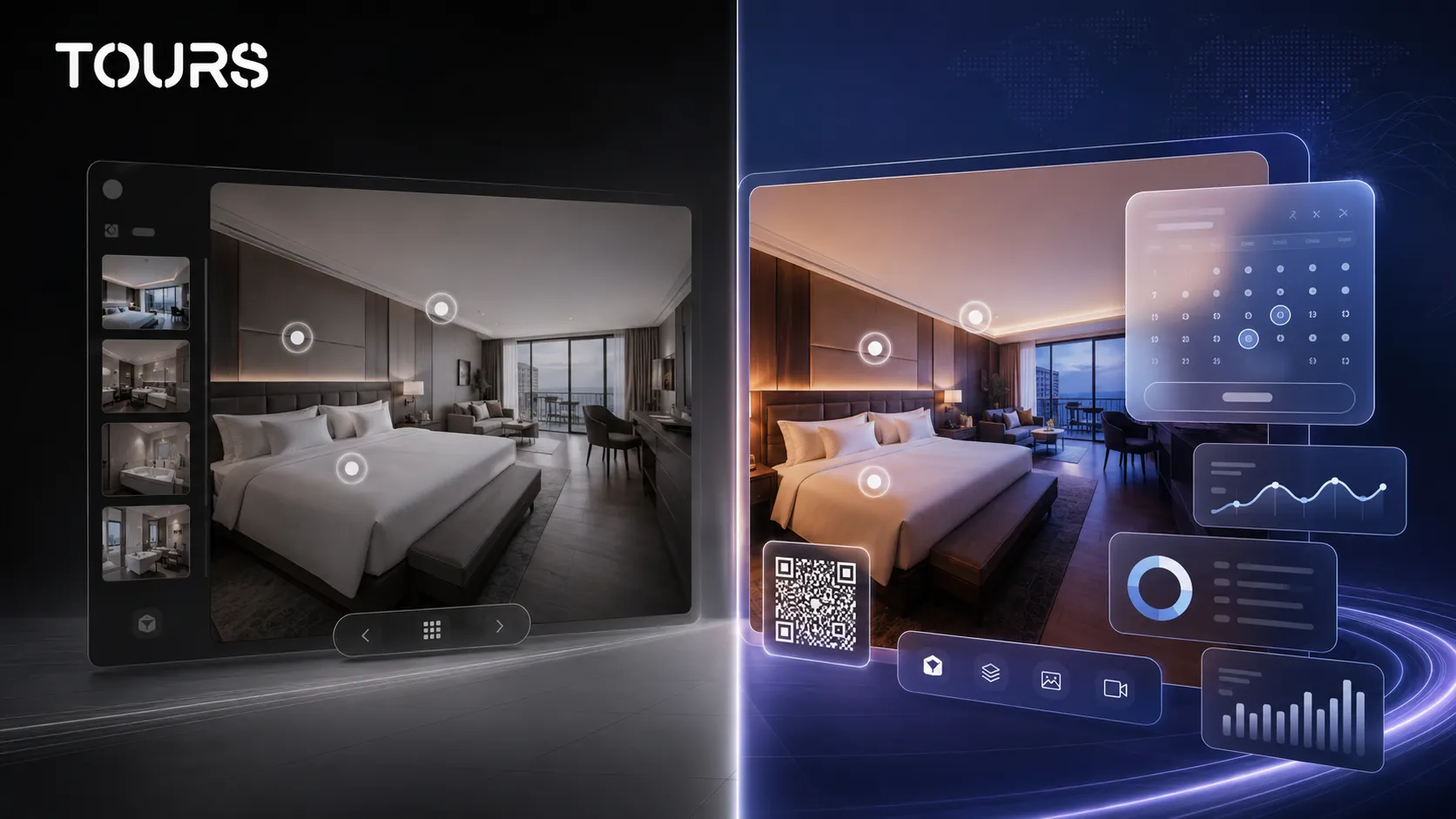

A Kuula alternative makes sense when your 360° virtual tour needs to do more than show a space. If you only need polished panoramic galleries, Kuula may be enough. If you want visitors to move naturally toward a booking, viewing request, quote request or contact, Tours is the more commercially oriented option.
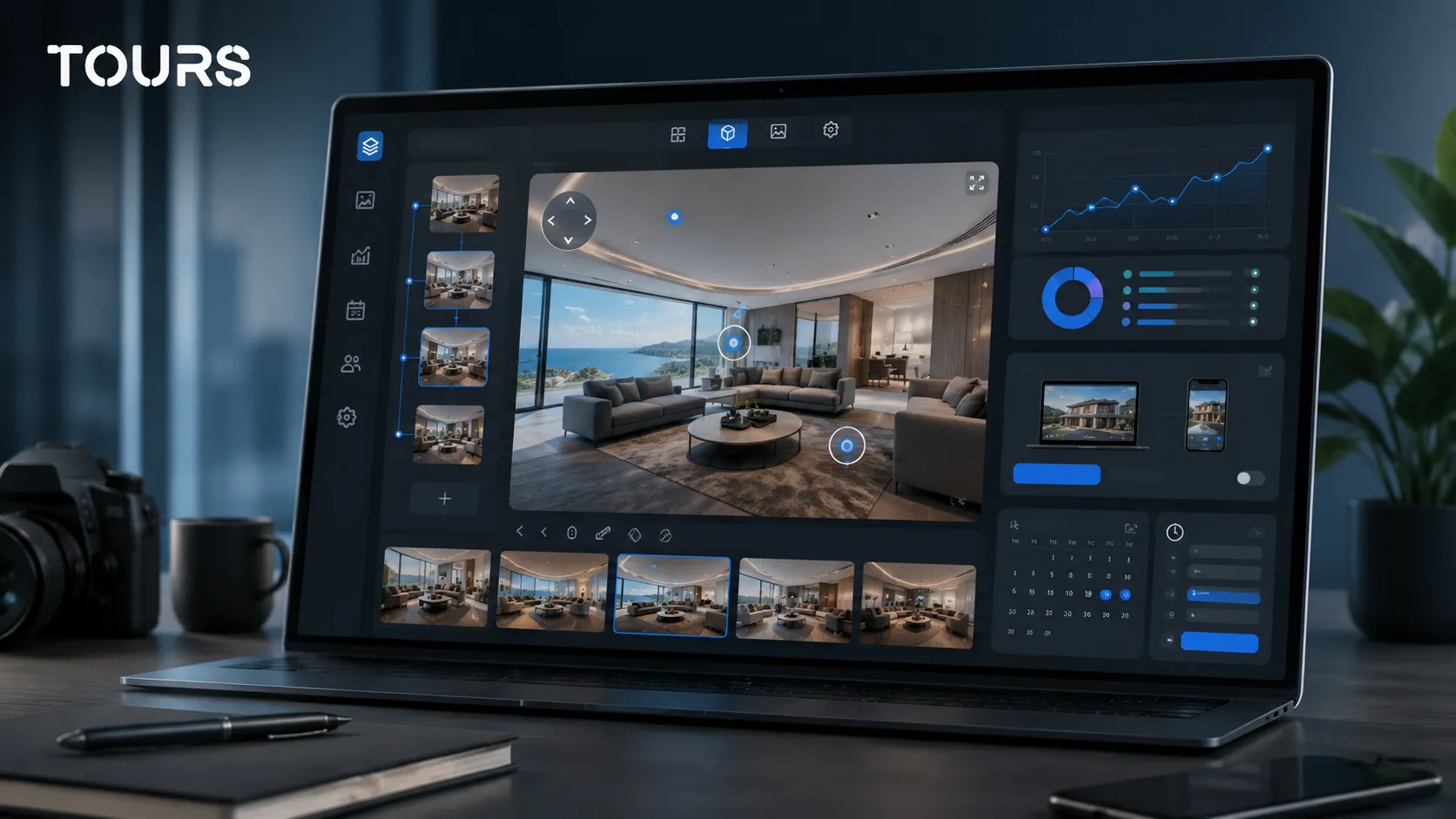
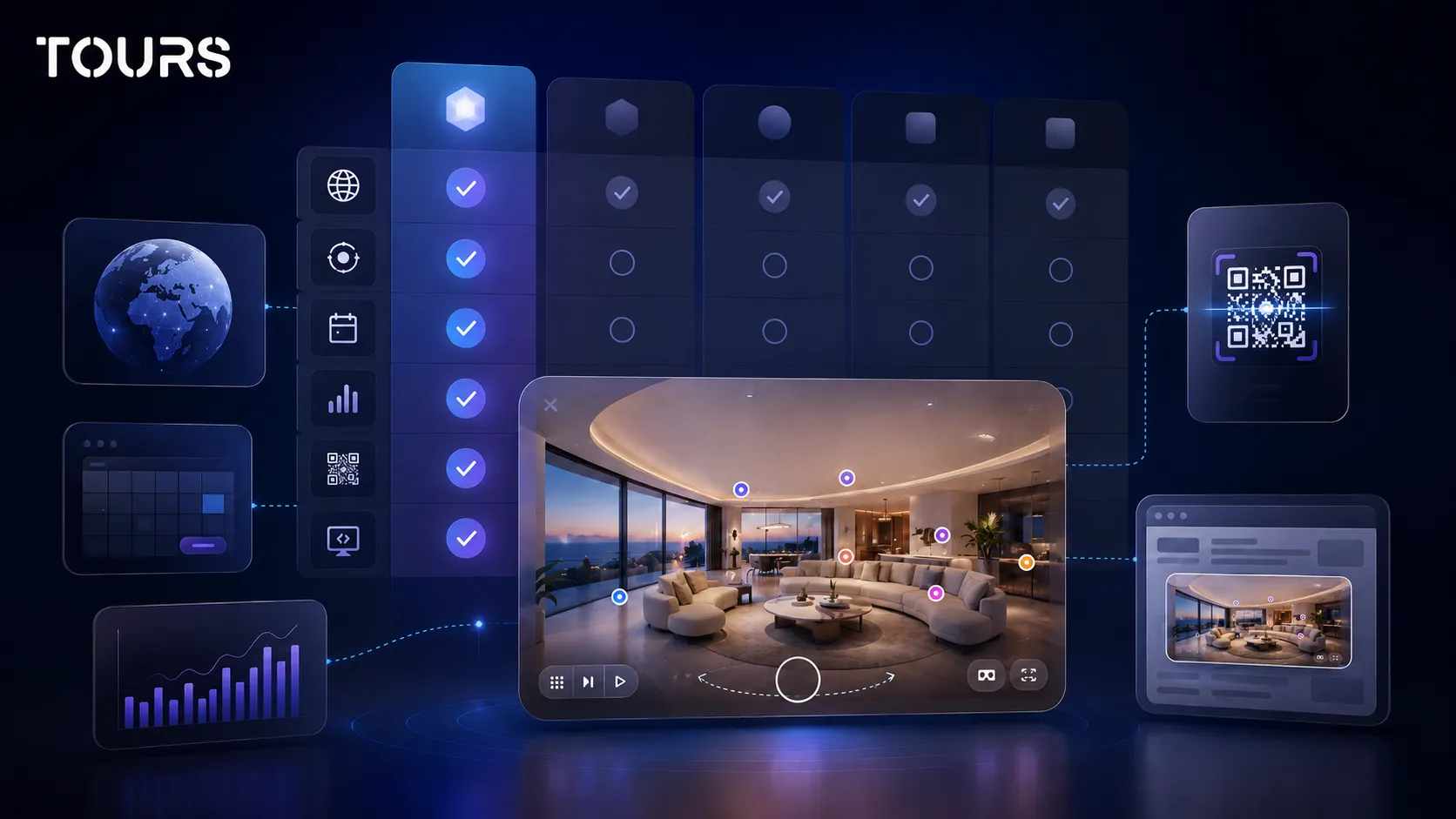
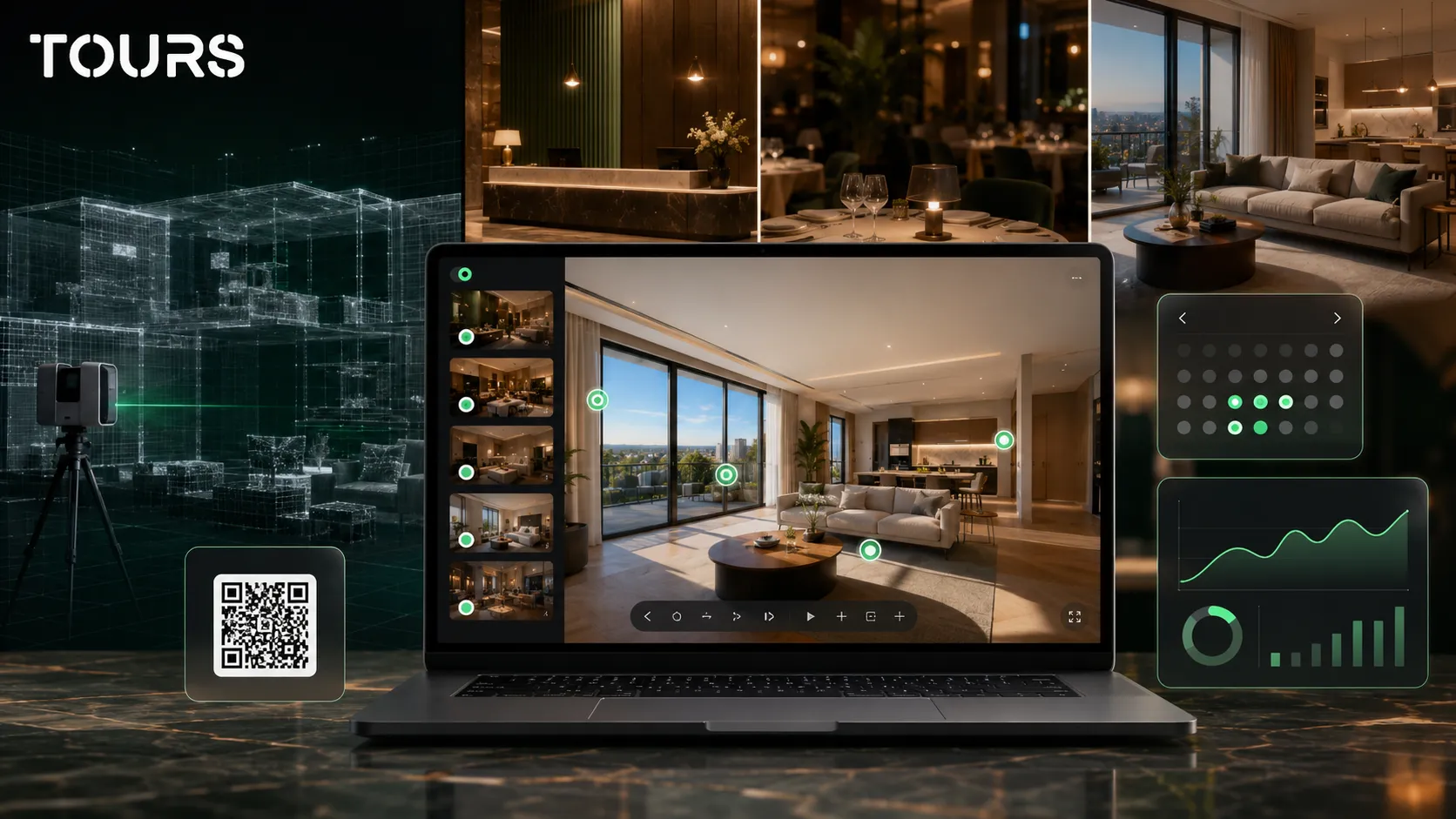
Tours is a SaaS platform for interactive 360° virtual tours, built for businesses that want to connect the presentation of a space with clear next steps. Instead of staying as a panoramic gallery, the tour can include interactive points, forms, bookings, usage statistics and website integration.
In short
- Kuula is a well-known platform for publishing and sharing 360 tours, especially for creators, photographers and visual presentations.
- Tours is a stronger fit when the tour must connect to bookings, inquiries, interactive points, usage statistics and website integration code.
- The right comparison is not only about Kuula pricing, but about what action the visitor can take inside the tour.
- For hotels, inns, restaurants, real estate and showrooms, the important difference is the connection between a scene, area, room, table or interactive point and the next commercial step.
- Tours can be tested free for 30 days with no card, so you can validate the workflow before moving important presentations.
When does it make sense to look for a Kuula alternative?
It makes sense to look for a Kuula alternative when your 360 tour needs to support a buying decision, not just look good. The gap becomes clear when you need bookings, contextual inquiries, usage statistics and stronger control over the visitor journey.
For many projects, Kuula is a good choice for uploading, presenting and sharing panoramas. The challenge appears when the business starts asking more specific questions: which scene convinced the visitor, where did they request a quote, which room do they want to book, which table did they choose or which space is worth an in-person visit.
- You run a hotel or inn and want each room or room type to lead to a clear request.
- You run a restaurant and want tables, the patio or a private dining room to become interactive points connected to reservations.
- You manage real estate listings and want to reduce wasted showings with better-qualified viewing requests.
- You run a showroom and want visitors to request information about areas, products or packages directly from the tour.
- You need to see how the tour is used, not only publish it and hope it works.
In this context, the article is not trying to prove that one platform is universally better. The comparison is narrower: Kuula vs Tours for businesses that want their 360 tour to connect to commercial actions.
What should you compare between Kuula and Tours?
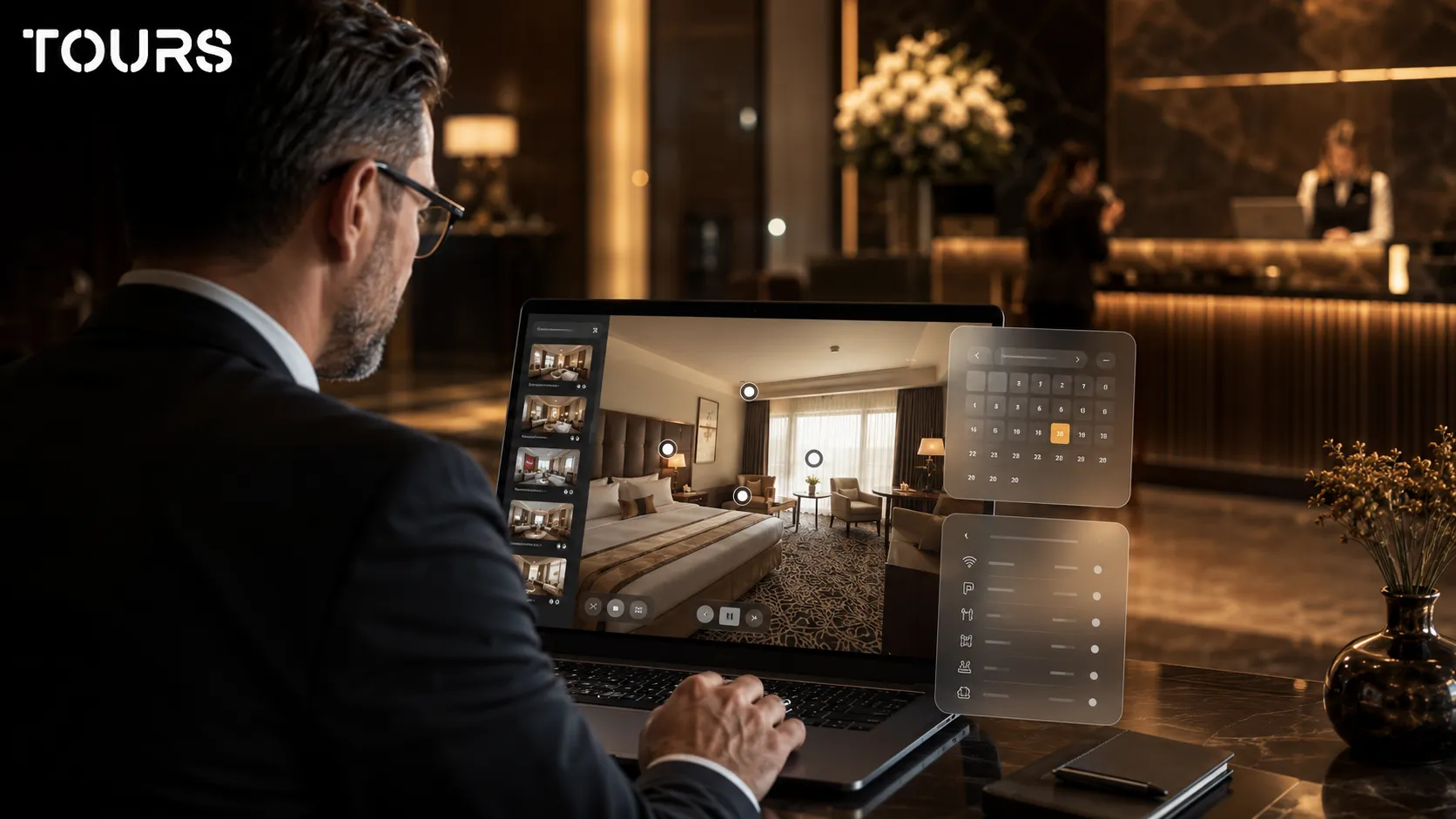
In a Kuula vs Tours comparison, the main criterion is not the number of visual effects, but the role of the tour in the business. Compare publishing, website integration, interactive points, booking options, usage statistics, workflow and how easily visitor interest can become an inquiry.
| Criterion | Kuula | Tours |
|---|---|---|
| Primary use | Publishing and sharing 360 tours and interactive panoramas | Interactive 360 tours connected to bookings, inquiries, usage statistics and website integration |
| Actions inside the tour | Interactive points, navigation and visual presentation | Interactive points for navigation, information, external links, media content and connected bookings |
| Bookings | Must be checked separately depending on the plan and integration used | Bookings connected to the entire tour, scenes, scene groups or interactive points with tags |
| Hotels and inns | Can present rooms and spaces in a 360 tour | Rooms or room types can be organized as scene groups and connected to bookings |
| Restaurants | Can present the dining room, patio and atmosphere | Tables or areas can be interactive points with their own calendar or shared availability through the same tag |
| Usage statistics | Check which data is available in the plan you choose | Usage statistics included in all plans |
| Website integration | Suitable for publishing and sharing on websites | Website integration code, publishing, QR sharing and a conversion-oriented workflow |
| Testing | Plans and limits should be checked at the official source | 30 days free with no card, for testing the full workflow |
If you need a broader comparison between virtual tour platforms, the guide to virtual tour software explains the general feature set. Here, the focus stays strictly on the decision to use Tours as a Kuula alternative.
How do Kuula and Tours differ for commercial use?
The commercial difference is that Tours starts with the question of what the visitor should do after seeing the space. The tour can remain a visual experience, but it can also become a channel for a booking, viewing request, quote request or contextual contact.
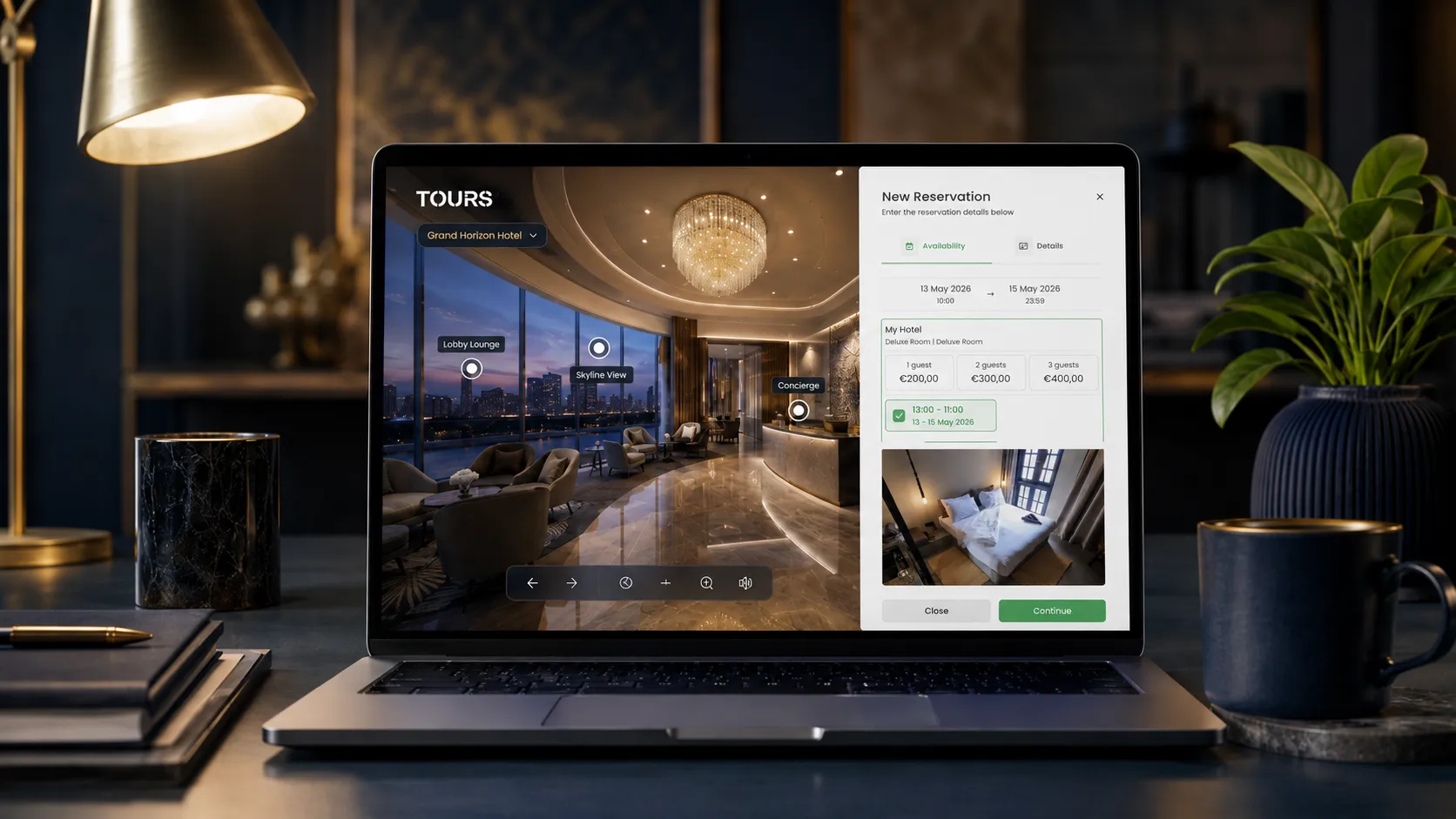
In Tours, bookings are not limited to one point inside the tour. A booking setup can be connected to the entire tour, specific scenes, scene groups or interactive points that use internal tags. When booking is connected to the whole tour, a global booking button can appear inside the experience.
When booking is connected to an interactive point, the booking window opens when the visitor clicks or taps that point. Multiple interactive points with the same tag can use the same calendar, while independent points can have their own availability. This matters for tables, rooms, event spaces, apartments and showroom areas.
- For hotels, rooms can be grouped inside the tour and connected to a booking calendar by room or room type.
- For restaurants, tables or areas can be interactive points, and points with the same tag can share one calendar.
- For real estate, scenes, groups or interactive points can trigger viewing requests or quote requests.
- For showrooms, areas and products can explain details without sending the visitor outside the tour too early.
This logic does not replace a PMS, channel manager, POS, Booking.com, Airbnb or a full CRM. Its role is to support the commercial process: the visitor sees the space, understands the options and can take the next step in context.
What should you check in Kuula pricing and total cost?
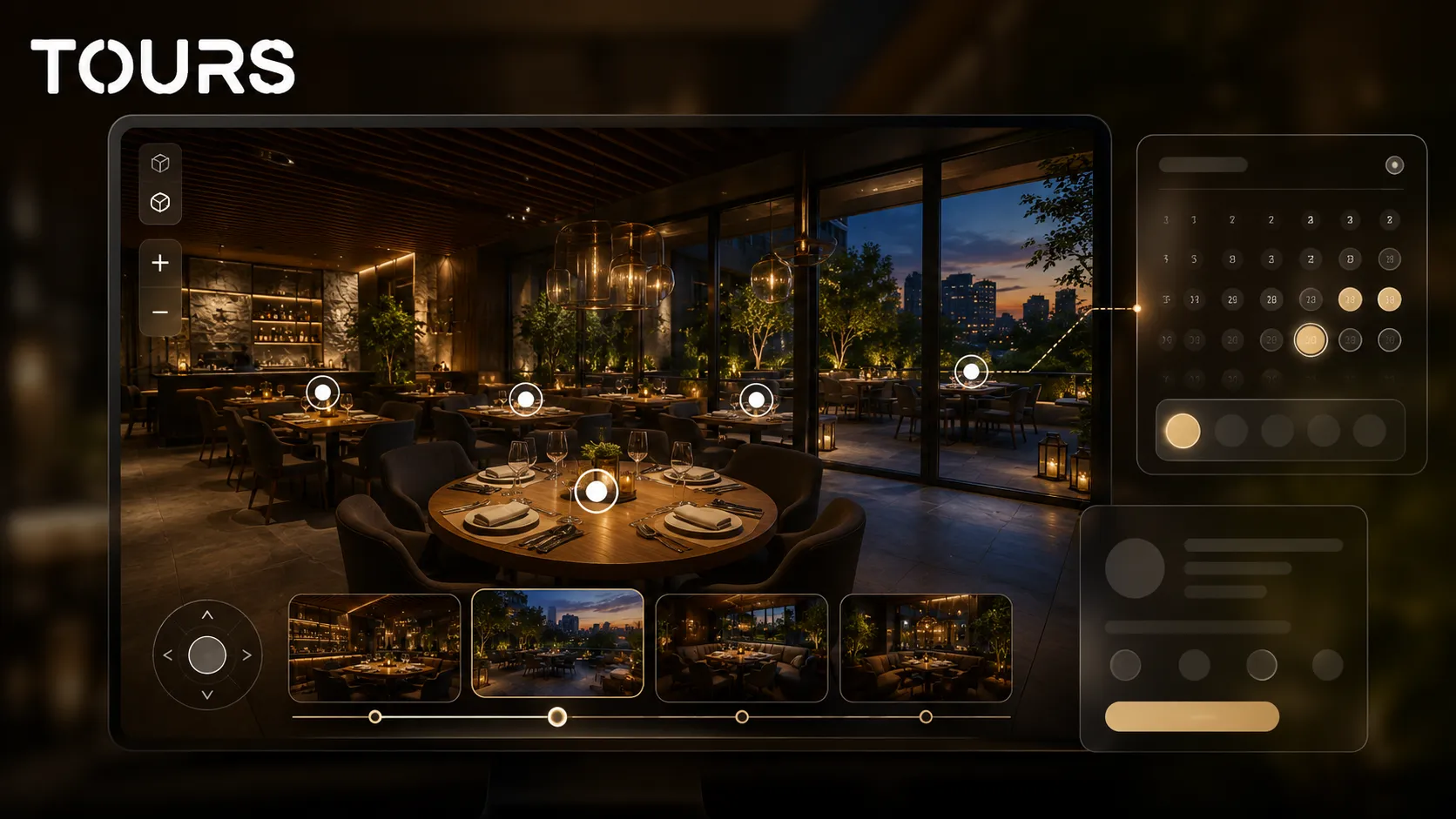
With Kuula pricing, check the currency, plan, limits, included features and the real cost of your workflow. A good monthly price can be enough for publishing, but total cost rises if you need bookings, website integration, reporting, setup time or other external tools.
For comparison, Kuula's official page presents the Basic, Pro and Business plans, with monthly or annual payment options.[1]Source It is a useful starting point, but it does not answer by itself whether the platform covers the full commercial workflow your project needs.
An external reference can help, but it should be checked before purchase: Capterra lists Kuula's Basic, Pro and Business plans, with displayed prices of 0, 20 and 36 USD per month.[2]Source Public prices can change, so the final decision should be based on the official page and the features your project requires.
In Tours, plans start at €19/month, while Pro includes bookings from €59/month. For a business that only wants 360 publishing, the base cost may be the main criterion. For a business that wants leads or bookings, the more important question is how much it costs to move the visitor from interest to action.
- Compare the monthly cost, but also which features are actually included.
- Check whether you need bookings directly inside the tour or only an external link.
- Calculate the time required for setup, publishing and later changes.
- Check whether usage statistics are included or depend on the plan.
- Consider how easily you can add the tour to your own website and campaigns.
Reviews can support the analysis, but they should not be used alone. G2 shows Kuula with a 4.4 out of 5 rating based on 18 verified reviews.[3]Source A strong score shows satisfaction for certain use cases, but your choice depends on the industry, booking workflow and commercial goal.
What does migration from Kuula to Tours look like?
Migration from Kuula to Tours should be treated as controlled reconstruction, not simple copying. Ideally, you keep the strong 360 panoramas, rebuild the scene structure around the visitor decision and add interactive points, groups, internal tags and bookings only where they help.
Start with the tours that have clear commercial value: active properties, popular rooms, event spaces, restaurants, showrooms or listed apartments. Do not move the entire portfolio automatically. Some older tours may be better archived, simplified or rebuilt with better images.
- Export or locate the original 360 files, not only the published links.
- Write down the scene order and navigation points that worked well.
- Decide which scenes become groups, such as hotel rooms, apartments or showroom areas.
- Add internal tags to the points that should later connect to a calendar or an inquiry.
- Publish the tour only after review, and remember that in Tours it becomes publicly active after moderator approval.
The creation flow in Tours is straightforward: create an account on getours.app, enter the app, go to the My Tours page, create a new tour, complete the name and category, optionally add location, price and tags, then upload the first 360° scene. After you continue, the 360° editor opens, where you can add scenes, navigation, information, images, video, groups and interactive points.
Booking setup is configured separately from the Booking Manager page. There, you set the calendar, choose the right algorithm, optionally add people who can accept or reject bookings, then connect the setup to the tour, scenes, scene groups or interactive points with tags.
Who is Tours a better fit for than Kuula?
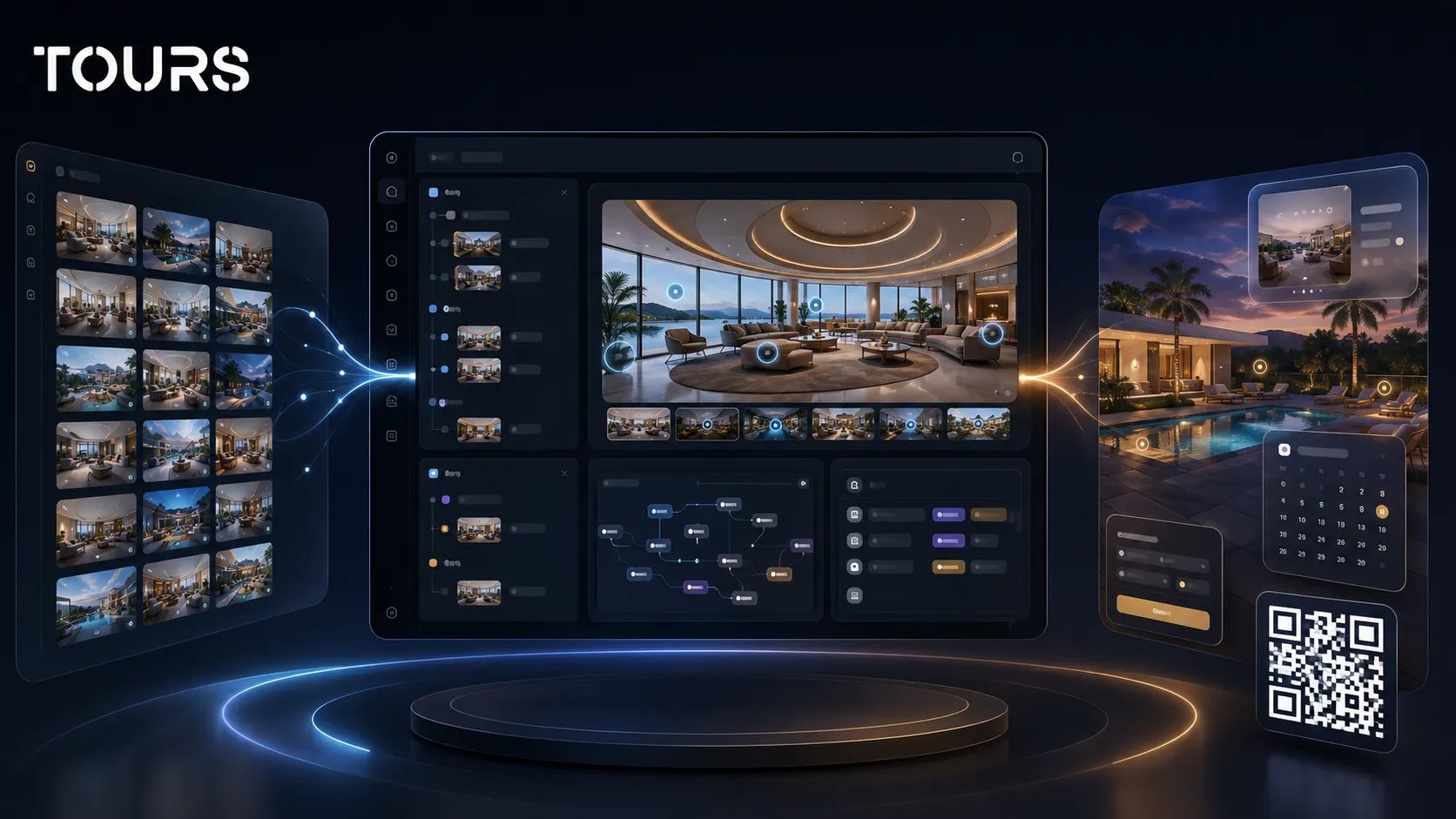
Tours is a better fit than Kuula for businesses that want the 360 tour to be part of selling, booking or lead qualification. If the goal is only a beautiful 360 gallery, the difference may be smaller. If the goal is conversion, the difference becomes important.
| Business type | When Kuula may be enough | When Tours makes more sense |
|---|---|---|
| Hotel or inn | Visual presentation of rooms, reception and amenities | Rooms or room types grouped and connected to bookings |
| Restaurant | Presentation of the atmosphere, patio and dining rooms | Tables, areas or private dining rooms connected to reservation requests |
| Real estate agency | Property presentation through panoramas | Viewing requests connected to relevant scenes, groups or points |
| Showroom | Presentation of the space and main areas | Interactive points for products, packages, offers and contact requests |
| 360 photographer | Fast delivery of tours to clients | Delivery of tours with commercial actions and included usage statistics |
| Event space | Presentation of the room and atmosphere | Areas, layouts and packages connected to quote requests |
For industry-specific articles, continue with the guides about virtual tours for hotels, restaurants or real estate. This article remains a platform comparison, not a full guide for every industry.
A good sign that you need Tours is when you start asking how to measure and influence visitor behavior. Which scene interests them? Where do they click? Which area triggers inquiries? Which tours deserve more promotion? These questions appear when the tour becomes a sales channel.
How can you test Tours before switching platforms?
Test Tours with one important tour before switching platforms for every project. Choose a space that has traffic, commercial value and a clear action to track: a room booking, table reservation, viewing request or quote request.
- Choose an existing tour with strong 360 images and a clear goal.
- Recreate the structure in Tours with scenes, navigation and information points.
- Add groups for rooms, areas, apartments or spaces that need to be understood separately.
- Configure Booking Manager only if you want to test bookings or contextual inquiries.
- Add the tour to a real page on your website and track the usage statistics.
- Compare lead quality, not only the visual look of the tour.
Tours offers 30 days free with no card, which makes it suitable for a controlled test. You do not need to move everything on day one. You can build a pilot tour, add it to your website, then decide whether the workflow is worth expanding.
For a hotel, the test could be a popular room and a few shared spaces. For a restaurant, it could be the main dining room plus the patio. For real estate, it could be a high-interest property where viewing requests need better filtering.
Frequently Asked Questions
What is the best Kuula alternative for bookings?
For bookings connected directly to a 360 tour, Tours is a practical Kuula alternative. You can connect Booking Manager to the entire tour, scenes, scene groups or interactive points with tags. This is especially useful for hotels, restaurants, event spaces and local businesses that want contextual inquiries.
Kuula vs Tours: what difference matters most?
The important difference is the purpose of the tour. Kuula is suitable for publishing, presenting and sharing 360 tours. Tours is built for interactive tours that can support commercial actions: bookings, inquiries, contextual information, website integration, QR sharing and included usage statistics.
Is it worth switching from Kuula if I already have published tours?
It is not worth moving the entire portfolio automatically. Start with tours that have commercial value: rooms, properties, restaurants, showrooms or halls that can generate inquiries. If the 360 images are strong, you can use them as a base and rebuild the journey in Tours with interactive points and bookings.
Can I use Tours only for presentation, without bookings?
Yes. Tours can also be used for interactive 360 tours without bookings. You can create scenes, navigation, information points, external links, images, video, website integration and QR sharing. Bookings are useful when you want to turn the tour into an inquiry channel, but they are not required for every project.
How do I check Kuula pricing correctly before comparing?
Check Kuula's official page for the current plan, currency, limits, included features and cancellation terms. Then compare the cost with what you need in practice: website integration, usage statistics, bookings, number of tours, setup time and external tools. Monthly price alone does not show total cost.
Does Tours replace a PMS or channel manager?
No. Tours should not be presented as a replacement for a PMS, channel manager, POS, Booking.com, Airbnb or full CRM. The booking system in Tours can support those processes by connecting the virtual tour with direct inquiries or bookings in the visual context of the room, table, scene or area.
Can I connect multiple interactive points to the same calendar?
Yes. In Tours, interactive points with the same tag can use the same calendar and the same availability. For example, multiple tables in one area can share availability, while other points can have their own calendar. This allows flexible setup without making the visitor experience complicated.
Is Tours a Kuula alternative for real estate?
Yes, especially when the tour needs to reduce wasted showings. In real estate, scenes, groups or interactive points can support viewing requests or quote requests. The visitor understands the property before making contact, and the team can receive better-qualified leads.
How quickly can I test Tours as a Kuula alternative?
The simplest test is a pilot tour with a real space and existing 360 images. Create an account, add the tour from the My Tours page, upload the first scene, configure the important points and publish it for approval. Tours offers 30 days free with no card for validation before you decide.
When does it not make sense to look for a Kuula alternative?
If you only need to publish simple 360 panoramas and you are happy with your current workflow, you may not have a strong reason to switch platforms. A Kuula alternative becomes relevant when you need bookings, inquiries, usage statistics, website integration and a clearer commercial structure.
If you want to compare Tours with your current workflow, start with one tour that matters commercially. Create an account on getours.app, test it free for 30 days with no card and see whether bookings, interactive points, usage statistics and website integration make the tour more useful for your business.
Sources
Studies and reports cited in this article
All sources are checked and publicly available.
- Official Kuula pricing pagedocumentKuulaThe official source for checking Kuula plans, payment options and general subscription terms.
- Kuula pricing listed on CapterrareportCapterraAn external listing of Kuula plans and displayed prices, useful as an additional reference before checking the official page.
- Verified Kuula reviews on G2reportG2A verified review page that provides a reference point for how users perceive the Kuula product.
We carefully select trusted sources to keep the content relevant and up to date.