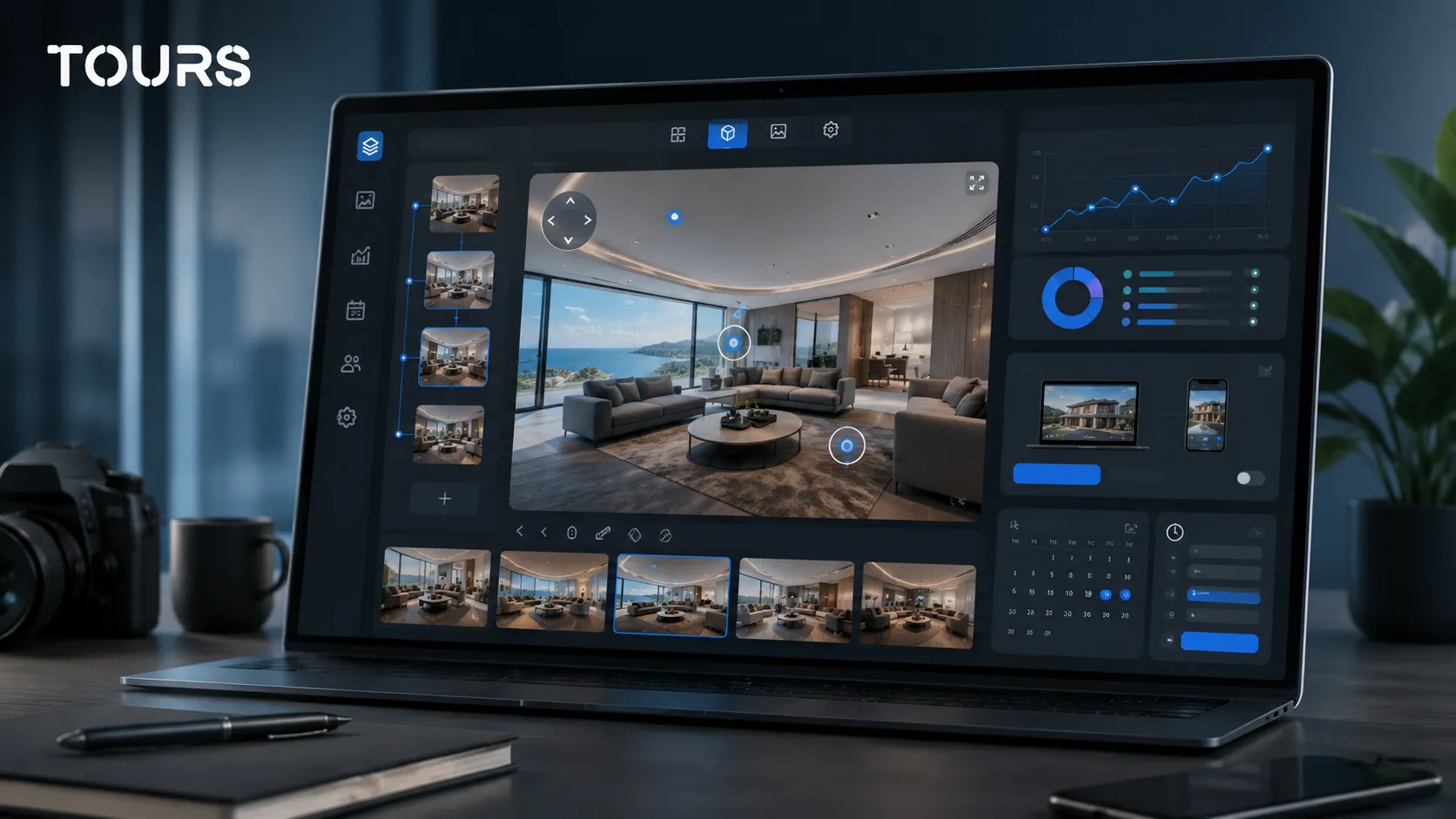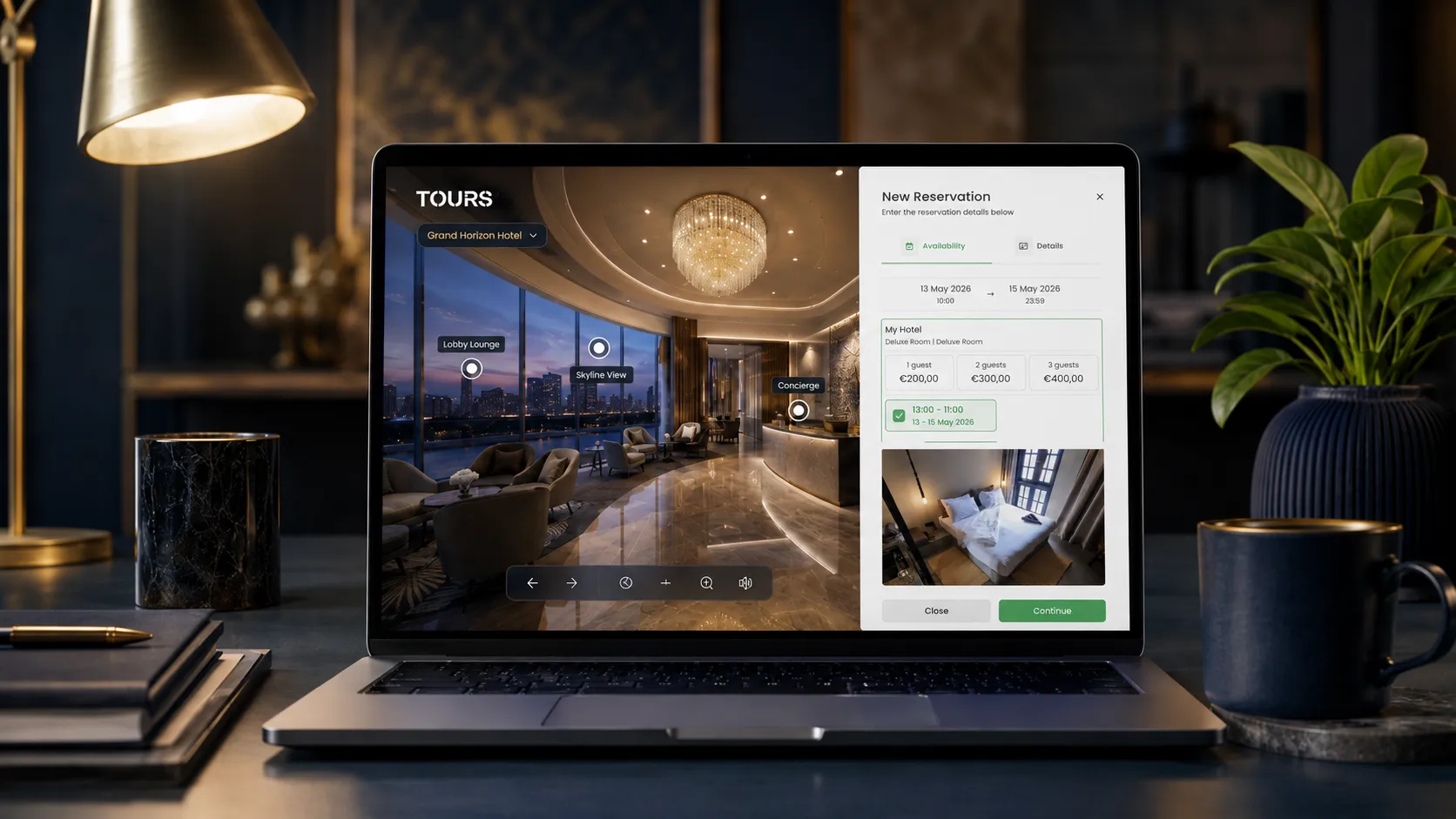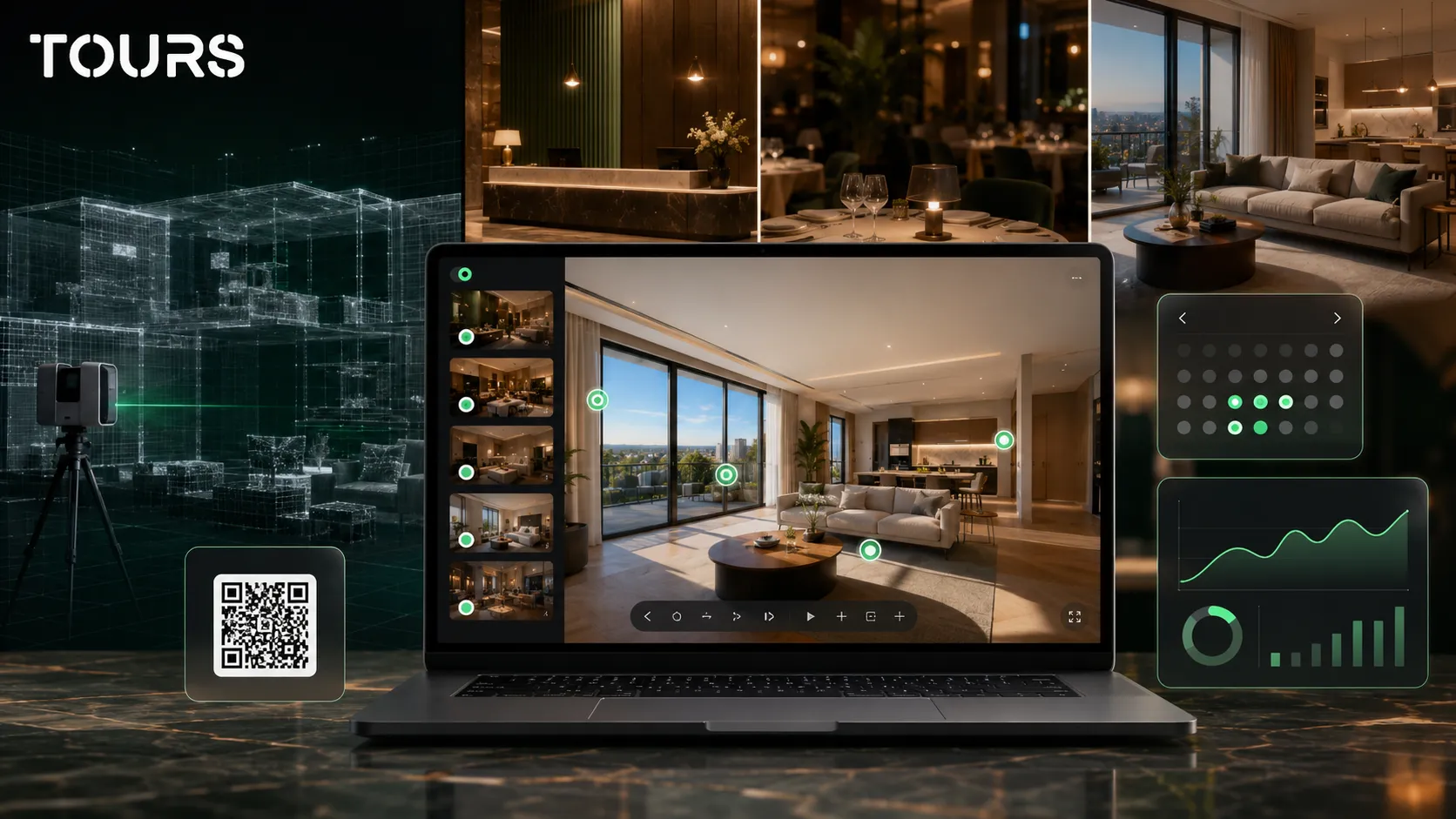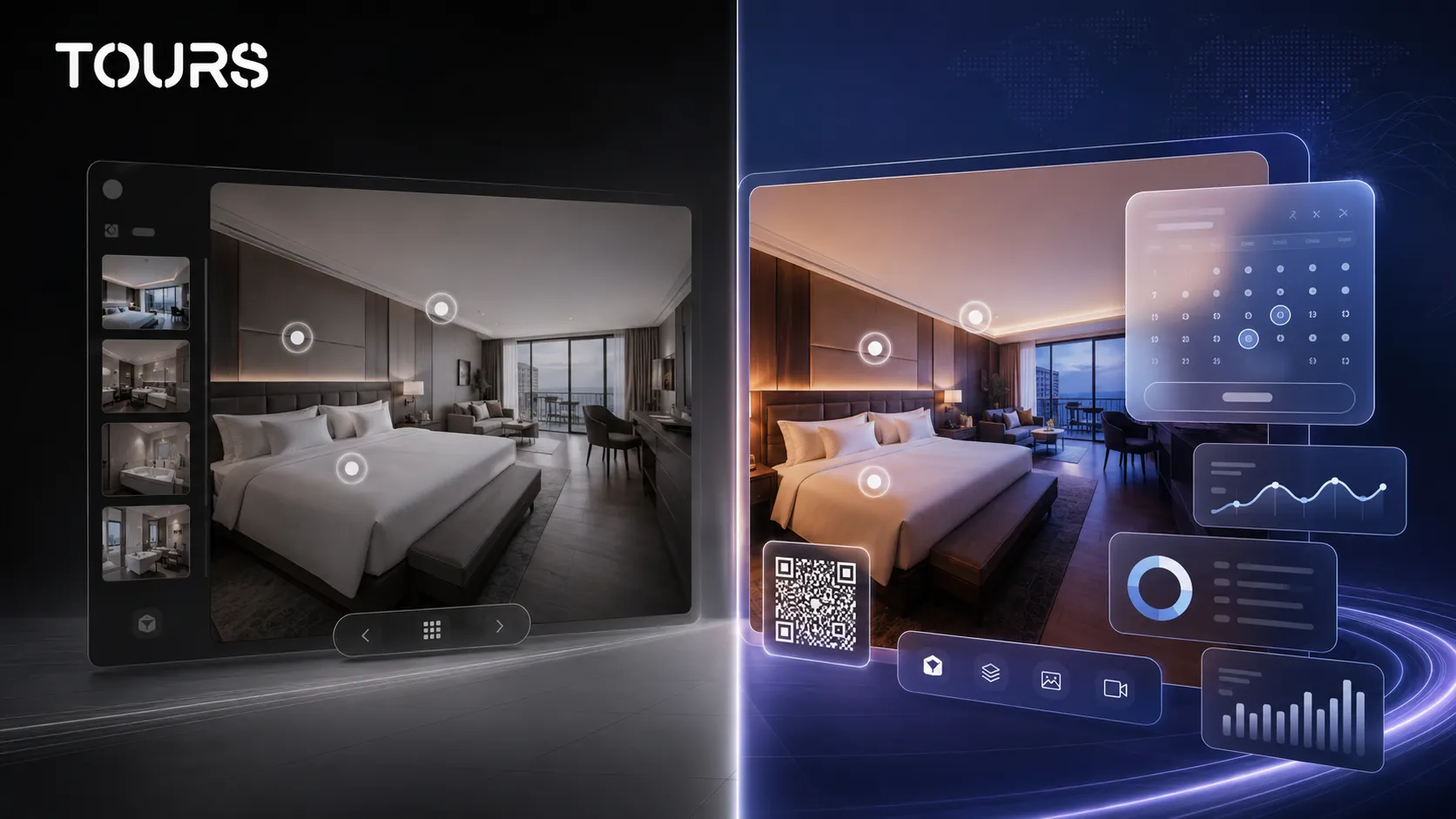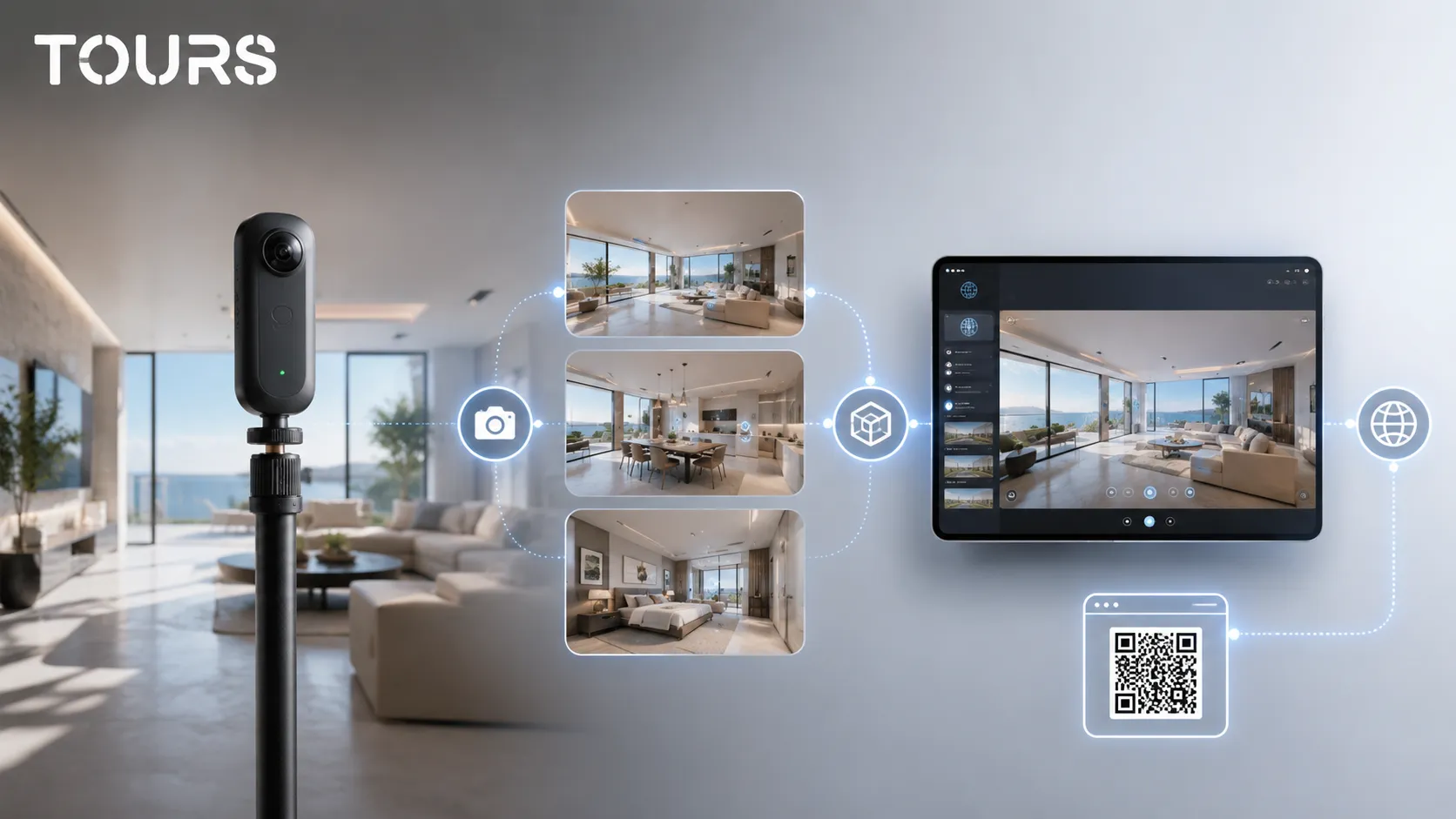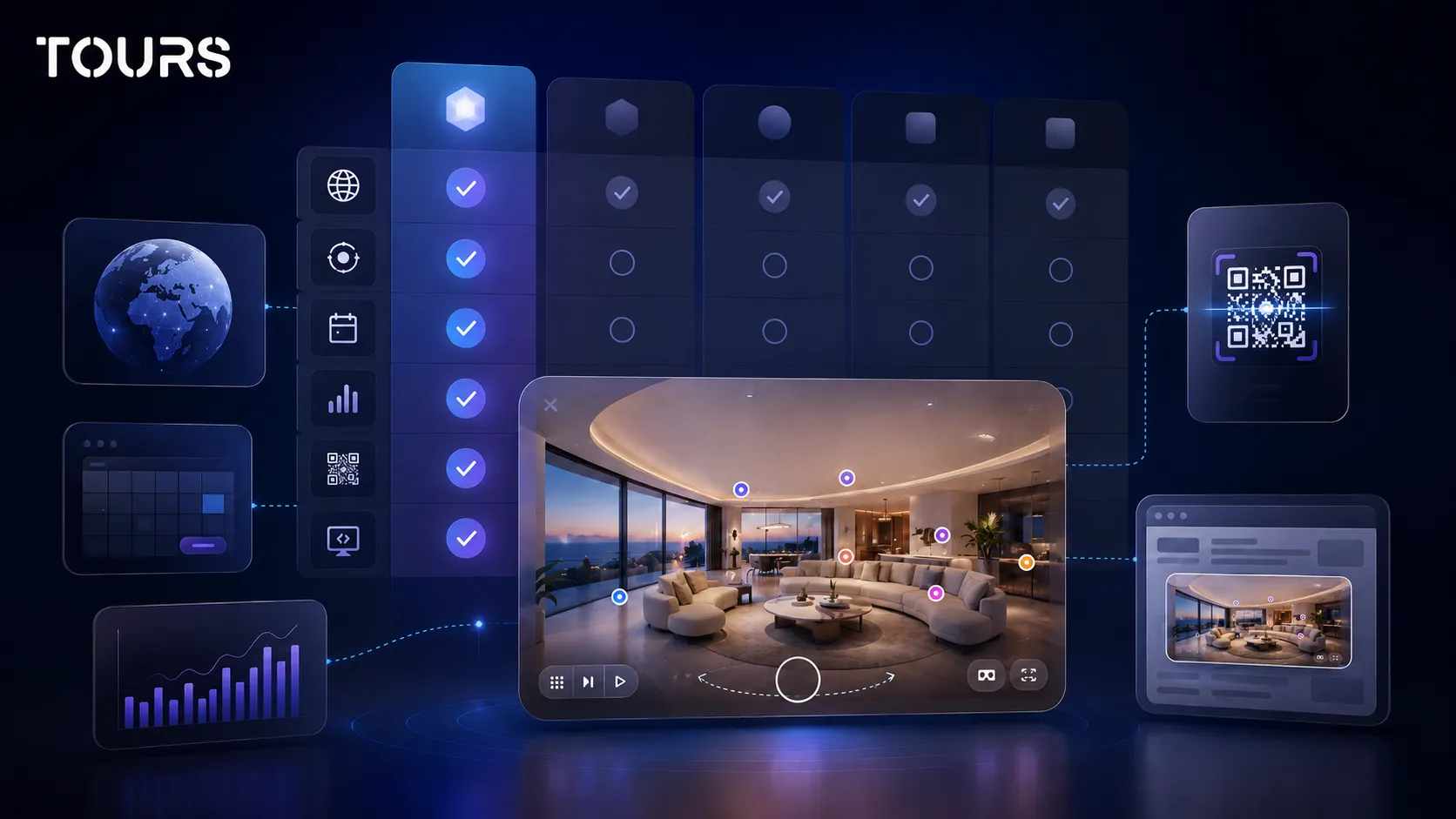

A CloudPano alternative is worth considering when you do not only need to publish a 360 tour, but also need a full commercial flow: interactive points, website integration, QR sharing, usage statistics and bookings connected directly to rooms, tables, areas or viewing requests. Tours is a strong fit when the virtual tour needs to lead to a clear action, not just show the space.
Tours is a SaaS platform for interactive 360° virtual tours, built for businesses that want to turn spatial exploration into an inquiry, reservation, appointment or sales conversation. In a comparison with CloudPano, the key difference is how actions are connected directly inside the tour.
In short
- Choose Tours as a CloudPano alternative if you want the tour to support bookings, inquiries, appointments or leads, not just visual exploration.
- CloudPano can be a good choice for publishing, portfolios and delivering 360° tours to clients.
- Tours stands out in this comparison through integrated bookings, included usage statistics, QR sharing and actions connected to the tour, scenes, groups or interactive points.
- The best choice comes from testing a real pilot tour, not only comparing feature lists.
When is Tours a CloudPano alternative?
Tours is a CloudPano alternative when your main goal is visitor conversion: a reservation, quote request, appointment or contact. If you only need hosting and a 360° presentation, the comparison stays open. If you need actions inside the virtual tour, Tours becomes more relevant.
For a hotel, the difference appears when the guest does not need to leave the experience to ask about a room. For a restaurant, it appears when a table or dining area can lead directly to a reservation request. For real estate, it appears when the tour can qualify viewing requests more effectively.
That is why the right question is not whether one platform is good or bad in the abstract. The question is whether your sales model needs bookings and usage statistics connected natively to the 360 tour, or whether a well-published 360° presentation is enough.
What are you comparing when looking for a CloudPano alternative?
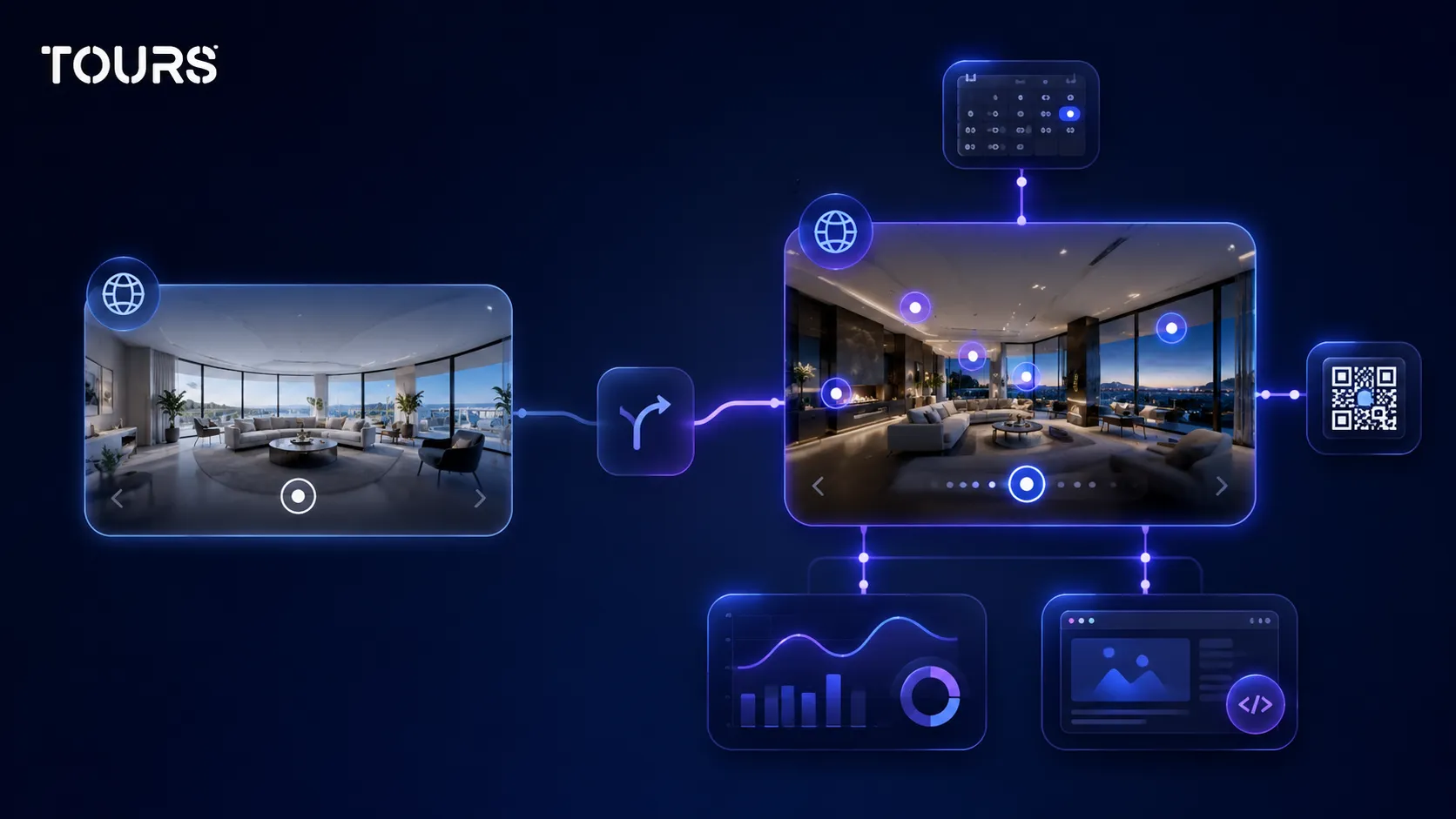
When you look for a CloudPano alternative, you are comparing more than the 360 editor. It matters who can update the tour after publishing, how the tour is added to the website, what actions can be triggered from interactive points, what usage data you receive and how easily you can test the flow on a real property.
For a healthy comparison, separate three levels: capture, platform and commercial outcome. Capture is about the camera, photographer or 360° assets. The platform is about the editor, hosting, publishing and website integration. The commercial outcome is about bookings, inquiries, leads and measuring visitor interest.
| Criterion | CloudPano | Tours |
|---|---|---|
| Main orientation | Publishing and delivering 360° tours for properties and clients | 360° tours with commercial actions, bookings and usage statistics included |
| Actions inside the tour | Interactive points, content and commercial options depending on configuration | Interactive points, links, information and bookings connected contextually |
| Website integration | Publishing and display on a website or custom domain, depending on configuration | Website integration code, QR sharing, domain protection and a controlled publishing flow |
| Bookings | Works when the commercial flow is managed separately or through specific configurations | Bookings connected to the tour, scenes, scene groups or tagged interactive points |
| Best use case | Photographers, agencies and teams delivering 360° tours at scale | Hotels, restaurants, real estate, showrooms and spaces that need direct actions |
A virtual tour software comparison should not be reduced to the monthly price. Look at publishing limits, domain control, how the website integration code is generated, what usage statistics are included and how easily the end client can make changes after delivery.
Where does Tours differ from CloudPano?
CloudPano is built primarily around publishing: you upload scenes, organize them into a tour and share it through a link or website integration. Tours starts from a different point: the 360° tour is the visual part of a flow that leads to an inquiry or reservation, not the final destination.
This difference matters especially for local businesses. A restaurant does not only want to show the dining room; it wants to help the guest choose a table or area. A hotel does not only want attractive rooms; it wants more clarity before booking. A real estate agency does not only want views; it wants better-qualified leads.
- For hotels and guesthouses, rooms or room types can be represented as scene groups and connected to an availability calendar.
- For restaurants, tables or areas can be represented through interactive points, with separate availability or shared availability through the same tag.
- For real estate, scenes, groups or interactive points can support viewing requests, quote requests or property questions.
- For showrooms and commercial spaces, the tour can guide visitors from exploration to an appointment or contact.
For the broader guide on choosing a platform, the article about virtual tour software covers the general criteria. This comparison is narrower: what you gain when you move from a presentation platform to one that connects the tour with commercial actions.
How much do integrated bookings matter when choosing a platform?
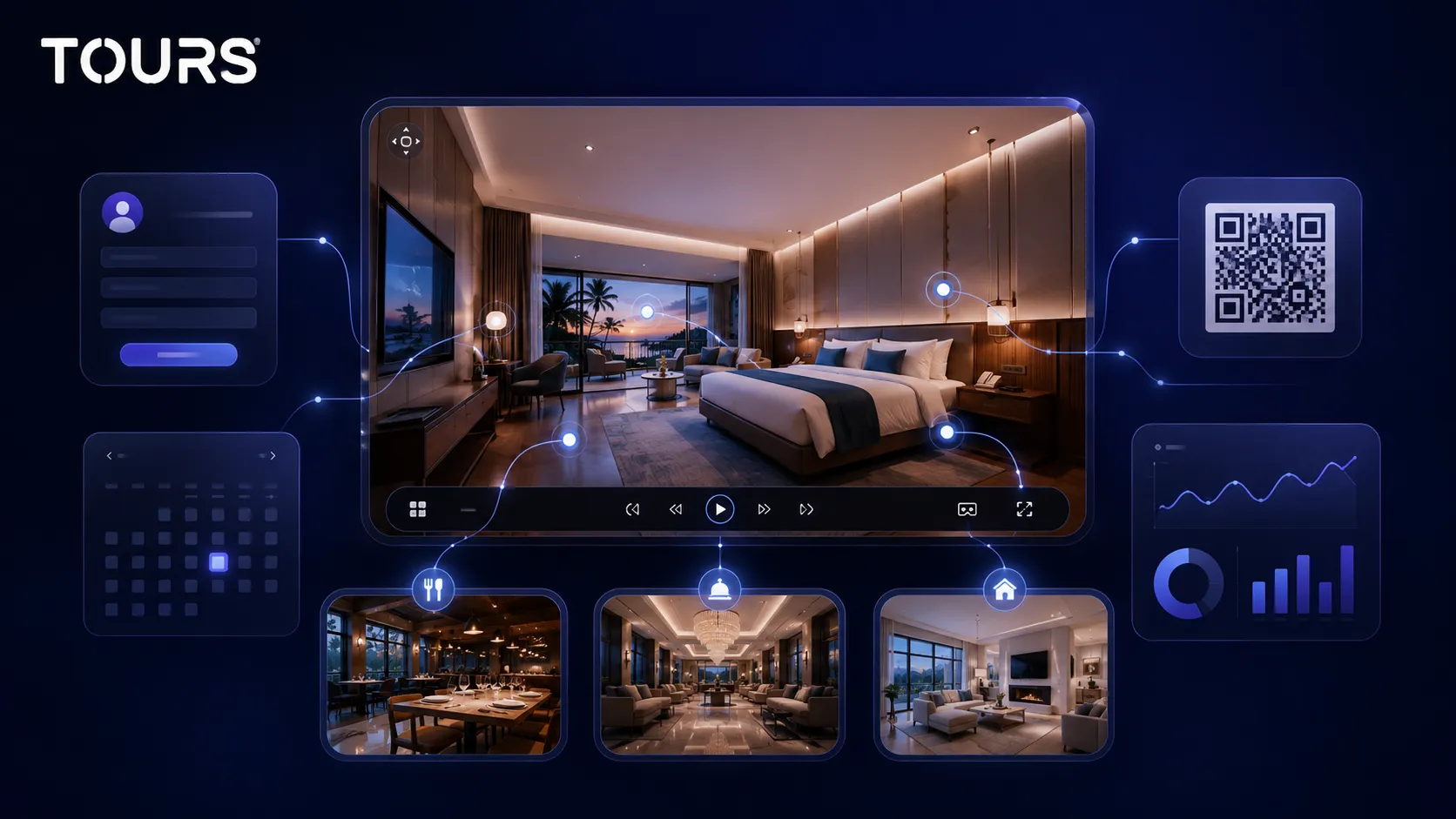
On a publishing-oriented platform like CloudPano, a booking is usually a separate step: you show the space, then send the visitor to an external form, a phone number or another page. The action happens after the person leaves the tour, exactly when interest starts to drop.
In Tours, booking lives inside the experience. You can activate it for the entire tour or connect it to a scene, a scene group or an interactive point, so a request for a hotel room, a restaurant table or a real estate viewing can start from the exact place where the visitor made the decision. For a virtual tour platform, this is the practical difference between showing and converting.
This article does not go into the full mechanics of calendars, shared tags and availability algorithms, because those are covered separately in the guide to virtual tour software with bookings. For the CloudPano versus Tours decision, the relevant question is simple: do you need the tour to capture the request at the moment of highest interest, or is it enough to send the visitor somewhere else?
Important note: bookings in Tours are not meant to replace a PMS, POS, channel manager, Booking.com, Airbnb or CRM. Their role is to capture direct demand from inside the virtual tour, which is exactly the area a pure 360° publishing tool does not handle natively.
What should you check before migrating to a new platform?
If you already have a portfolio of tours in CloudPano, migration is not a mechanical copy. It means checking what you truly control: the original 360° images, scene structure, text, links, interactive points, already printed QR codes, the pages where the tour is published and any request flow used by clients.
- Keep a list of every active tour and the pages where it is displayed.
- Note which interactive points need to be recreated and which information needs to be updated.
- Check whether you need the same visitor path or whether migration is the right time to simplify it.
- Test the website integration code and QR code before replacing the old tour.
- After publishing, measure which scenes attract attention and where requests appear.
For photographers or agencies, migration should also be planned commercially. If you have clients already using links or printed QR codes, do not change everything in one day. Start with the important tours, confirm everything works, then gradually move the rest of the portfolio.
How can you test Tours without moving your whole portfolio?
You do not need to move everything you have in CloudPano to see whether Tours is worth it. Choose one space where the action is clear: a frequently booked room, a restaurant dining room or an apartment with many inquiries. Recreate only that tour. This lets you compare based on a real case, not on a feature list.
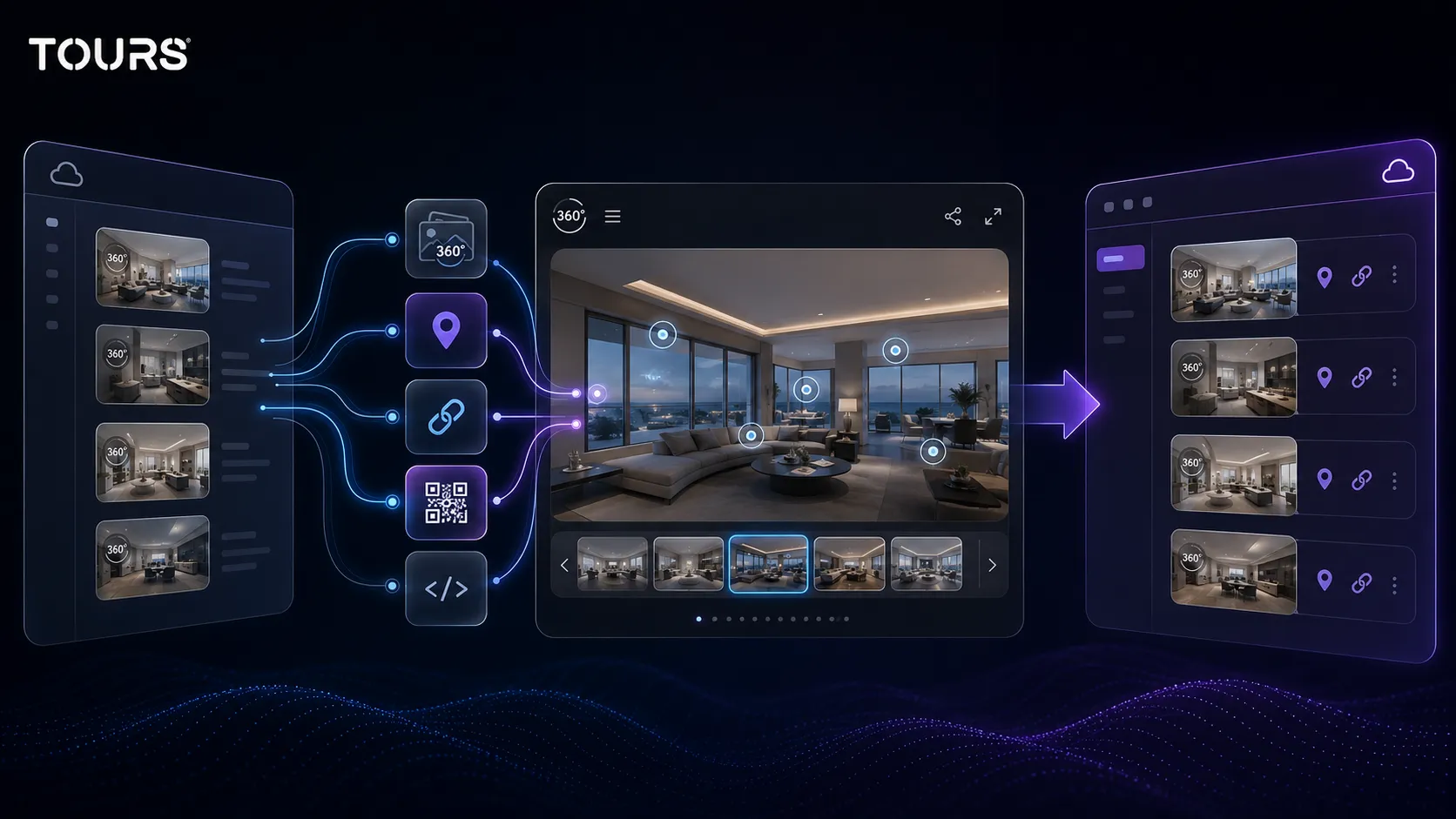
Building a pilot tour is fast if you already have the 360° scenes: upload them, add navigation points and information, then mark the points that should become bookable later. Publishing is a separate step, with a moderation approval before the tour becomes public, which is useful to know when working with client deadlines.
The questions that matter at the end are practical: does the visitor understand the space faster than in the old version, can they reach an inquiry or reservation without extra steps, do the QR code and website integration code work on the real page and can you see in the usage statistics where interest appears? If the answer is yes, it makes sense to move the rest of the portfolio gradually.
For photographers and agencies, testing one tour also has a commercial purpose: you can show the client the difference between a presentation tour and a tour that generates inquiries before proposing a full account migration. Tours can be tested free for 30 days, with no card required, so the decision carries little risk.
Frequently Asked Questions
What is the best CloudPano alternative for bookings?
For bookings connected directly to a 360° tour, Tours is a strong alternative. You can connect bookings to the whole tour, to scenes, to scene groups or to tagged interactive points. The right setup depends on the space: rooms for hotels, tables for restaurants or viewing requests for real estate.
Is Tours better than CloudPano?
Tours should not be seen as better in every situation. CloudPano can work well for publishing, portfolios and delivering 360° tours. Tours makes more sense when you need the virtual tour to lead to a reservation, inquiry, appointment or contact, with usage statistics and commercial actions in the same experience.
When should I stay with CloudPano?
It can make sense to stay with CloudPano if your workflow is already stable, your clients mainly ask for 360° publishing and bookings or inquiries are handled somewhere else. If the existing tours work well and you do not need a connected commercial flow, switching platforms may not be a priority.
Can I migrate an existing CloudPano tour to Tours?
You can recreate the tour in Tours if you have the original 360° images and can rebuild the scenes, paths and interactive points. Migration is not just a visual import. You need to check links, text, website integration, QR codes, publishing and any bookings or inquiries that must be connected.
Do I need technical knowledge to use Tours?
You do not need technical knowledge for the usual flow. You create the tour in the browser, upload 360° scenes, add interactive points and publish after configuration. To display it on a website, you can use the website integration code or send it to the person who manages the site.
Do bookings in Tours replace a PMS or channel manager?
No. Bookings in Tours support the commercial process inside the virtual tour, but they do not replace a PMS, channel manager, OTA platform or full CRM. They are useful for direct inquiries, appointments and contextual availability, especially when the visitor makes a decision while exploring the space.
Is a CloudPano alternative useful for photographers?
Yes, but it depends on the photographer's business model. If you deliver only visual tours, a publishing-oriented platform may be enough. If you want to give clients a tour that includes inquiries, bookings, QR sharing, usage statistics and measurable actions, Tours can become a more commercial offer.
What should I test before choosing a platform?
Test a pilot tour with real scenes, interactive points, website integration, QR sharing and, when relevant, an inquiry or reservation. Do not compare only interfaces. Check whether visitors understand the space, reach the desired action and whether your team can update the tour without extra costs or unnecessary steps.
Can I use Tours only for presentations, without bookings?
Yes. Tours can also be used for presentation-focused 360° tours, with scenes, interactive points, QR sharing, usage statistics and website integration. Bookings become important when you need direct actions. For a first test, you can start with a simple presentation and activate commercial flows later.
If you want to see whether Tours is the right alternative for you, start with a pilot tour, add a few interactive points and publish it on a real page. After you see how visitors behave, you can decide whether it is worth gradually moving the important tours from CloudPano.