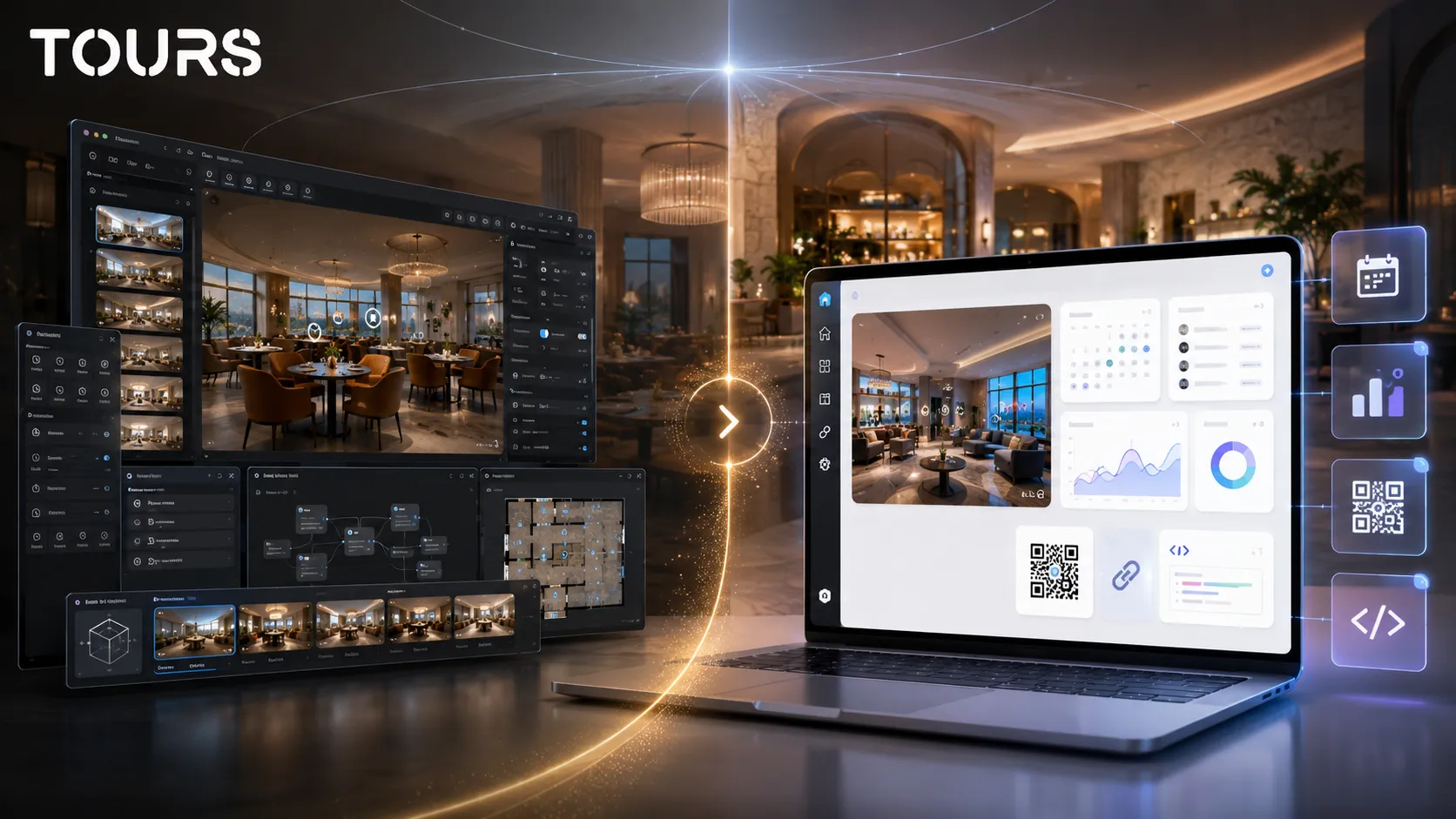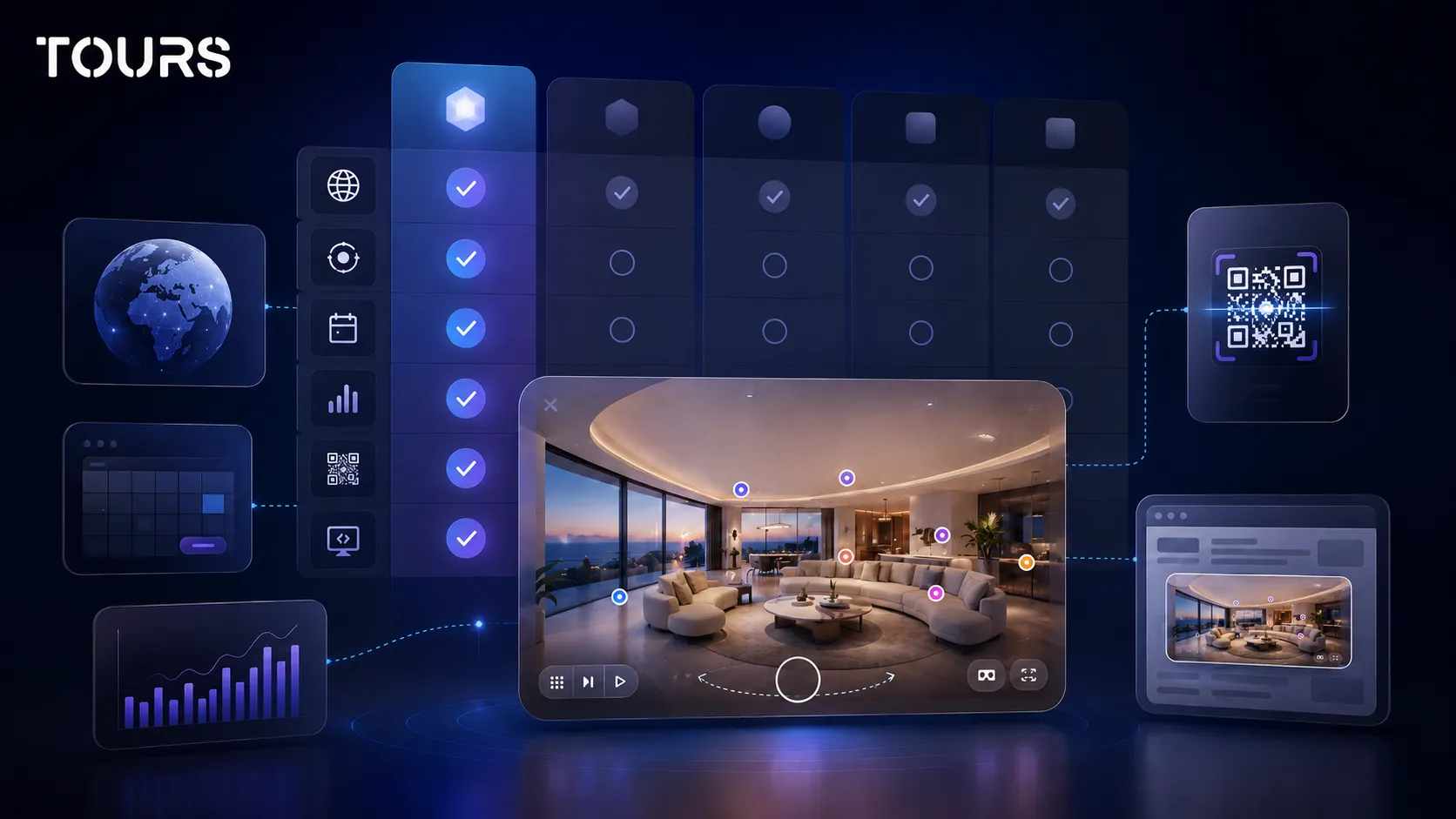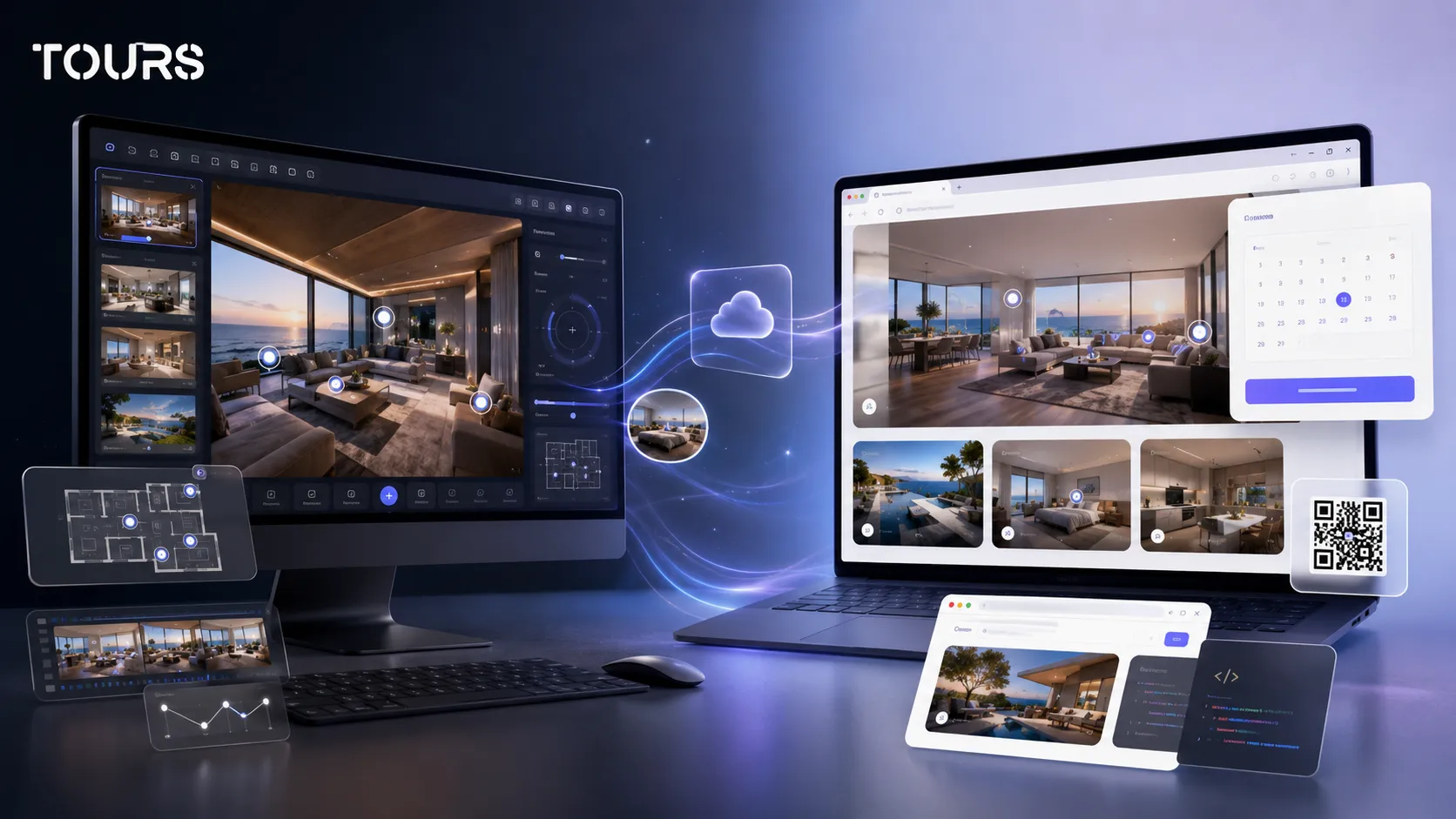

A Pano2VR alternative makes sense when you do not only want to build an advanced virtual tour, but also publish a 360 experience quickly in the browser and connect it to bookings, inquiries, usage statistics and QR sharing. Pano2VR is powerful for technical production, while Tours is a better fit when the tour needs to become an easy-to-use commercial channel.
Tours is a SaaS platform for interactive 360° virtual tours, built for businesses that want to present real spaces and turn interest into concrete action. In the context of this article, the practical difference is simple: Tours works directly in the browser and connects the tour to interactive points, usage statistics, QR sharing, website integration and bookings.
In short
- Pano2VR is a better fit for advanced creators who want fine control over exports, skins, VR, Street View and customized projects.
- Tours is a better fit for hotels, restaurants, real estate agencies, showrooms and property owners that want fast publishing, website integration, QR sharing, interactive points and bookings.
- The main difference is not only between two interfaces, but between a desktop production workflow and a browser-based SaaS workflow.
- Pano2VR pricing should be evaluated together with production time, hosting, updates, publishing and project maintenance.
- When the tour needs to receive bookings or inquiries directly from the 360 experience, Tours reduces the number of separate tools.
When does a Pano2VR alternative make sense?
It makes sense to look for a Pano2VR alternative when your main goal is commercial publishing, not advanced technical production. If your team wants to upload 360 scenes, add interactive points, publish the tour on a website and receive bookings or inquiries, a browser-based platform can be simpler.
Pano2VR is officially presented as virtual tour software that turns panoramas, 360 clips, gigapixel images, 3D models and Gaussian Splats into interactive experiences. That makes it highly flexible for complex projects, but the same flexibility can add extra steps for a business that mainly needs publishing, conversion actions and fast updates.[1]Source
- Choose an alternative when non-technical users need to update the tour without working inside a desktop project.
- Choose an alternative when the tour needs to connect to a booking calendar, not only be exported as a visual experience.
- Choose an alternative when you want included usage statistics, QR sharing and website integration code in one workflow.
- Choose an alternative when you manage multiple locations and need a clear team workflow.
Pano2VR vs Tours: what are you really comparing?
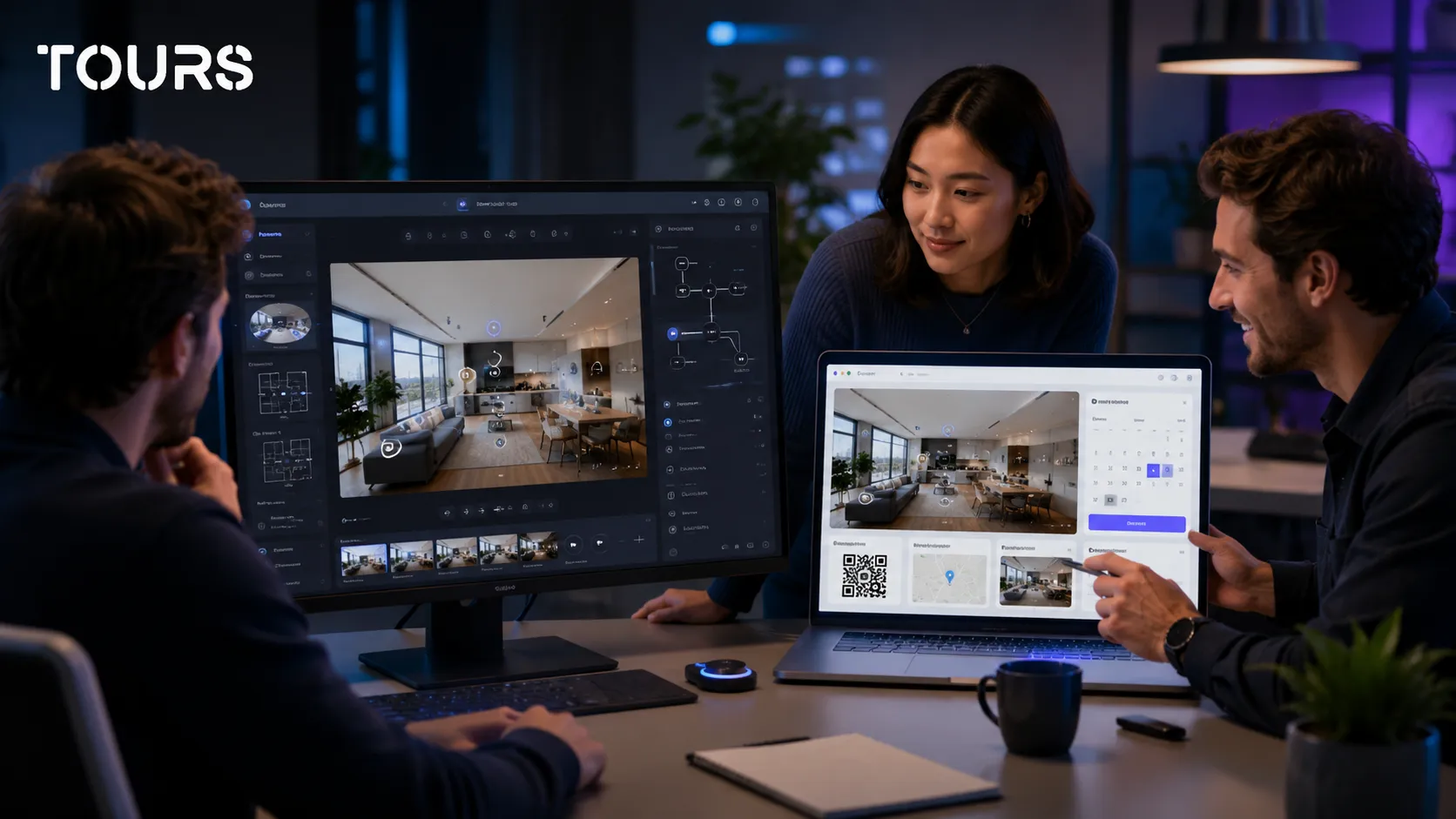
When you compare Pano2VR vs Tours, you are comparing two different ways of working. Pano2VR starts from production and advanced control over the tour. Tours starts from commercial publishing: browser-based 360 tours, interactive points, usage statistics, website integration, QR sharing and bookings.
| Criterion | Pano2VR | Tours |
|---|---|---|
| Product type | Desktop software for advanced virtual tour production | Browser-based SaaS platform for commercial 360 tours |
| Primary user | 360 creator, technical photographer, studio or production team | Hotel, restaurant, real estate agency, showroom, developer or property owner |
| Publishing | Project-based workflow with export and hosting in the creator's chosen setup | Publishing from the platform, website integration, public link and QR sharing |
| Conversion actions | Can be built into the project, but depend on the chosen setup and integration | Bookings, inquiries, links and interactive points designed for direct use inside the tour |
| Measurement | Depends on tools connected separately | Usage statistics included in the platform |
| Best fit | Customized projects, VR, Street View, gigapixel work and technical deliveries | Commercial tours that teams need to manage and update quickly |
There is no universal winner. For a 360 photographer delivering customized projects, Pano2VR may be the right tool. For a local business that wants to present its space on its website and receive bookings, Tours removes some of the technical steps between the tour and the result.
What matters in Pano2VR pricing and total cost?
Pano2VR pricing should be read together with production time, hosting, maintenance and the person who will edit the tour after launch. The license is only one part of the cost. For a business, the real question is how much it costs to keep the tour useful and up to date.
The official Pano2VR purchase page lists the available commercial options for licenses and subscriptions. Still, the total cost of a commercial tour also includes hosting, setup time, website testing, later changes and any integrations with forms or calendars.[2]Source
- Check whether the price covers only the software or also publishing, hosting and updates.
- Calculate how much time each change takes after the tour is already online.
- Include the cost of the person who knows how to edit the project, not only the license cost.
- Compare the price with the goal of the tour: technical presentation, sales, booking, inquiry or appointment.
In Tours, plans start at €19/month for publishing and core features, while the Pro plan includes integrated bookings from €59/month. For many businesses, this structure is easier to budget than a workflow where software, hosting, forms and measurement are managed separately.
Why does the desktop vs browser model matter?
The desktop vs browser model matters most after launch. A desktop project can provide advanced control, but changes depend on files, exports and the creator's process. A browser workflow is easier to use when the team needs to change scenes, text, links, interactive points or publishing settings.
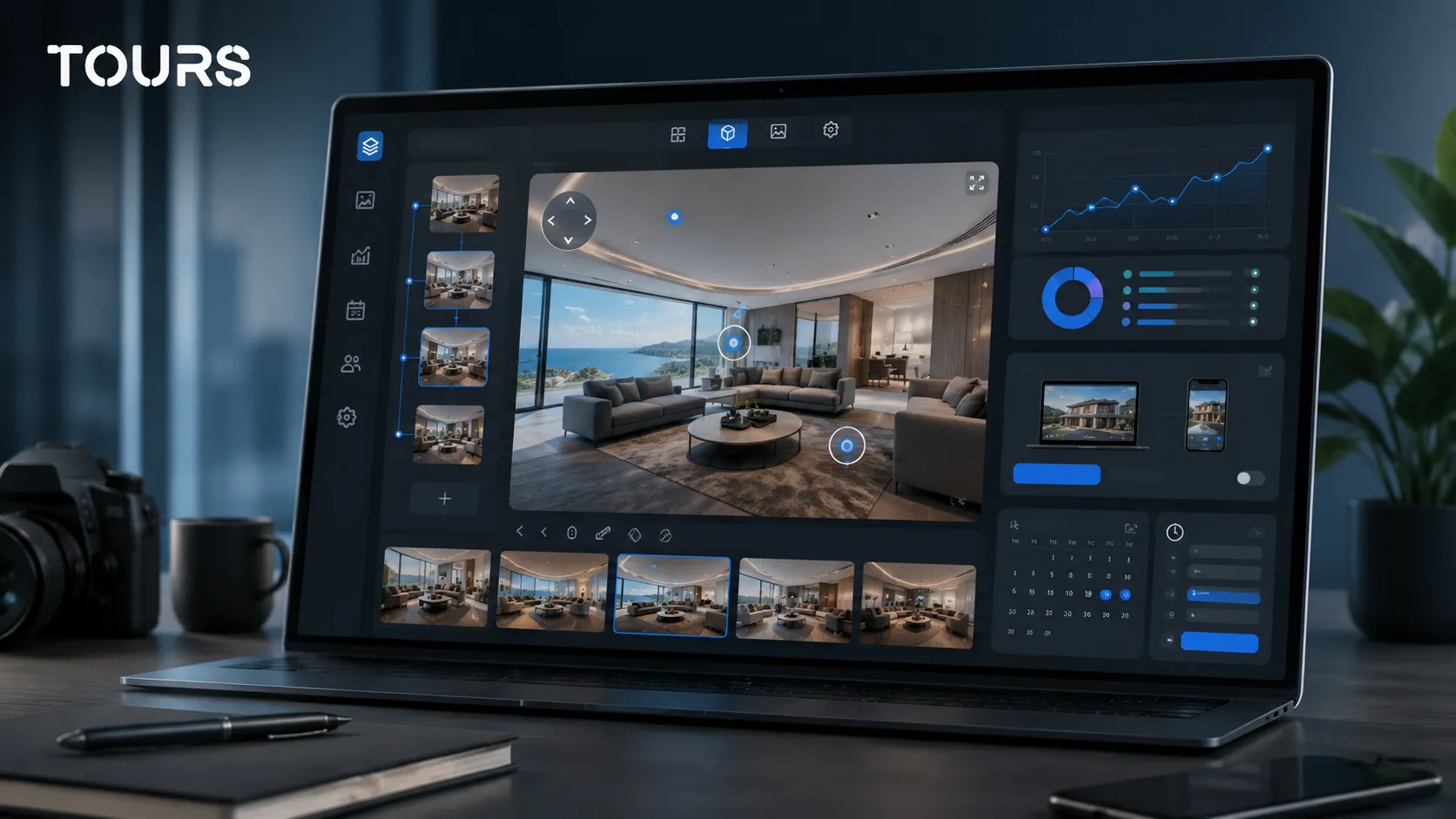
For a location with seasonal hours, rooms that change, moved tables, sold apartments or new campaigns, the tour is not a static deliverable. It needs to be adjustable without rebuilding the whole project. This is where the browser helps, because the 360° editor, usage statistics, website integration code and publishing settings are managed in the same place.
| Practical question | When desktop helps | When browser helps |
|---|---|---|
| Who edits the tour? | A creator or technical team has full control over the project | A marketing team or manager can make changes faster |
| How often do changes happen? | Less often, with clear production and delivery stages | Often, when rooms, tables, prices, areas or campaigns change |
| How is it published? | Through export and publishing in the creator's chosen workflow | From the platform, with website integration and sharing by link or QR |
| How are results tracked? | Depends on separately connected solutions | Usage statistics are included in the platform |
What do you lose when a tour has no conversion actions?
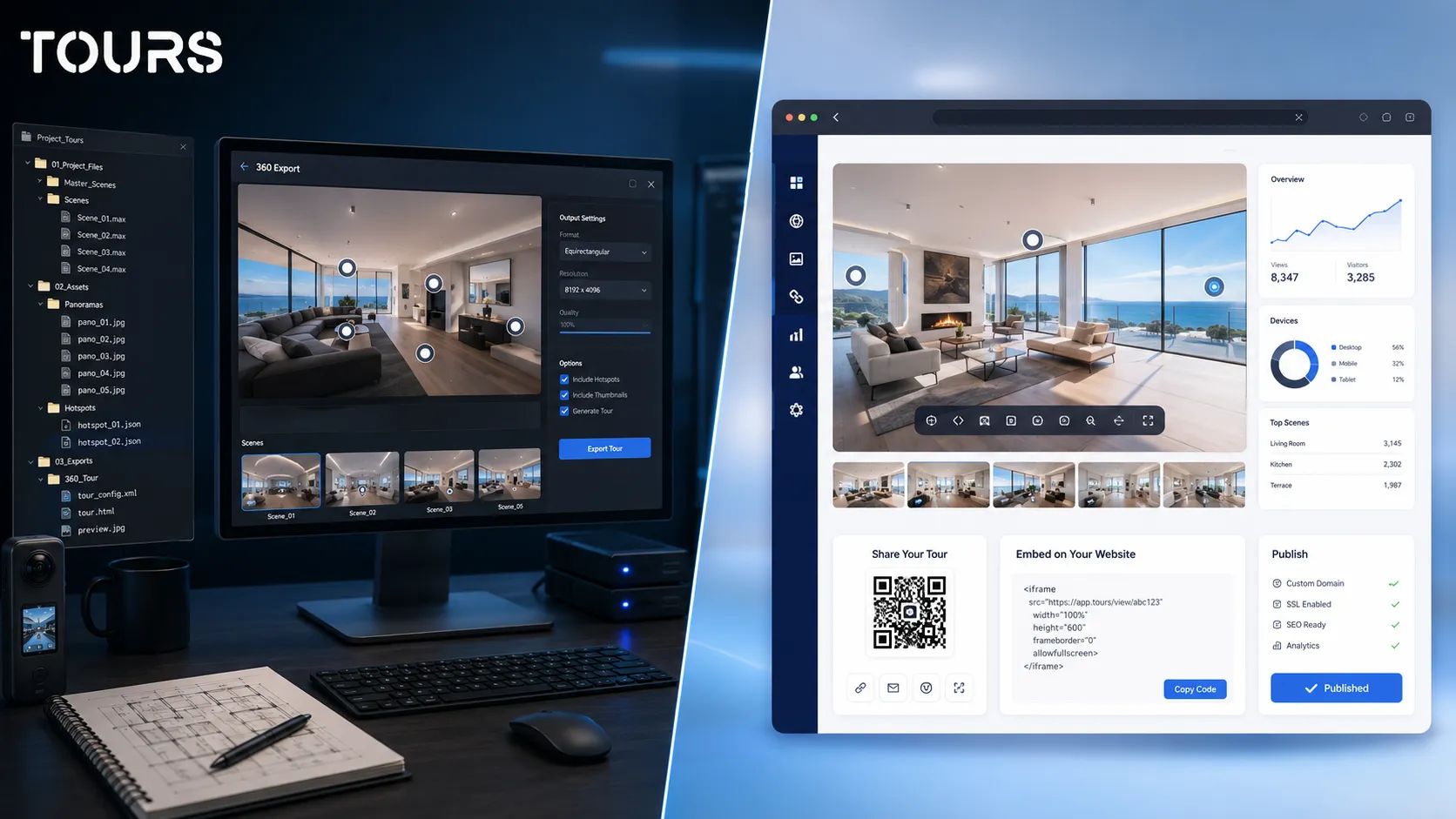
If the tour has no conversion actions, it can remain only a beautiful presentation. The visitor sees the space, but the next step is not clear: book a room, request a viewing, schedule a meeting or open an offer.
For hotels, restaurants, showrooms and real estate, the 360 tour should reduce hesitation. After the visitor sees the room, table, hall, apartment or product, the action should stay close to that context. That is why, in a commercial tour, interactive points are not just visual elements. They are steps in the decision path.
- A hotel can connect a room or room type to a booking request.
- A restaurant can let guests reserve a table or area without leaving the 360 experience.
- A real estate agency can turn key scenes into viewing requests.
- A showroom can use interactive points for appointments, product sheets or conversations with a consultant.
You can test this type of workflow in Tours without moving your whole portfolio. Start with one tour, publish it on your website, add a few clear interactive points and track which scenes receive attention before expanding the project.
How do bookings work in Tours compared with an exported tour?
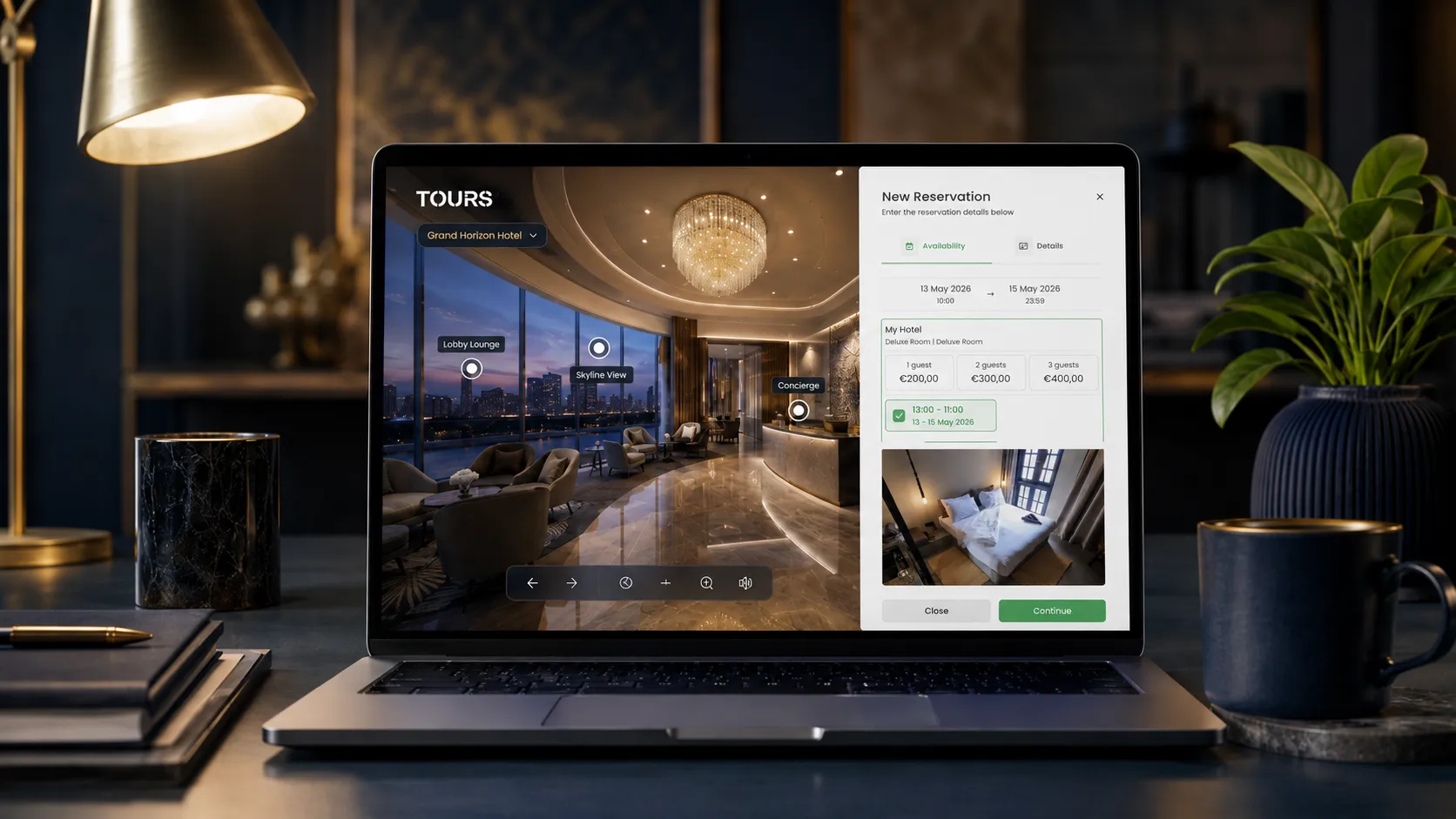
In Tours, bookings are part of the platform workflow, not an exported file that needs to be manually connected to external services. You create the tour, organize scenes and interactive points, then configure a separate booking manager that you connect to the tour, scenes, groups or internal tags.
Bookings can be connected to the entire tour, which can show a global booking button, to specific scenes, to scene groups or to tagged interactive points. In hotels, rooms or room types can be grouped and connected to the calendar. In restaurants, tables or areas can be interactive points, with their own calendar or shared availability through the same tag.
- First, you create the tour from My Tours, complete the name and category, then upload the first 360 scene and give it a clear name.
- In the 360° editor, you add scenes, navigation, information points, external links, images, videos and groups.
- If an interactive point will become bookable, you add an internal tag that can later connect it to Booking Manager.
- After publishing, you choose the tour visibility, and the tour waits for Tours moderator approval before it becomes publicly active.
- Separately, you configure Booking Manager, the calendar, the booking algorithm and the team members who can accept or reject requests.
When is Pano2VR still the better choice?
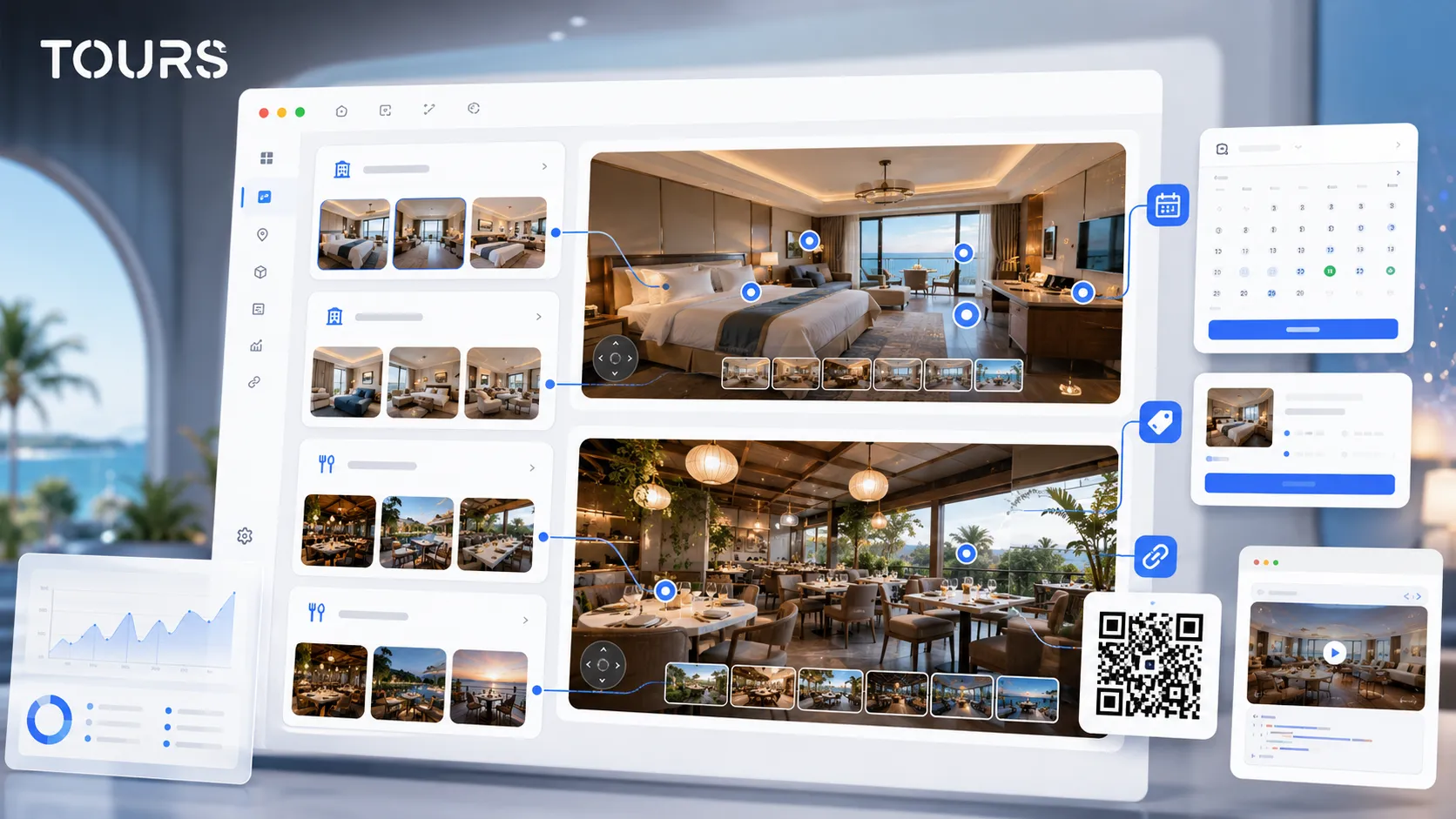
Pano2VR remains the better choice when you need advanced technical control over the final result, highly customized projects or a 360 production workflow managed by specialists. It is not a weak solution. It is a solution with a different priority.
If you work with gigapixel panoramas, special VR projects, customized skins, Street View, file delivery to clients or visual effects that require fine adjustment, Pano2VR can be the logical choice. In this scenario, an alternative should not be chosen only for simplicity, because simplicity can also mean less control.
| Choose Pano2VR if | Choose Tours if |
|---|---|
| You need advanced exports and customizations controlled by a 360 creator | You need tours published quickly and easy to update in the browser |
| You sell 360 production services and deliver projects with special technical requirements | You manage a business and want the tour to generate bookings, inquiries or appointments |
| You need advanced features for VR, Street View, gigapixel work or complex skins | You need interactive points, QR sharing, usage statistics and website integration without a separate technical workflow |
| You already have a well-defined process for hosting, testing and updates | You want a centralized workflow for creation, publishing, updates and measurement |
How do you migrate from a Pano2VR project to Tours?
Migrating from a Pano2VR project to Tours should be selective. You do not automatically move every old setting, effect and structure. Instead, keep the valuable 360 images, rebuild the path around the visitor and add only the actions that support the commercial goal.
Start with a scene inventory: rooms, areas, outdoor spaces, points of interest and images that are no longer current. Then decide what the visitor should do after each important area. A restaurant virtual tour does not need to show the entire storage area. It should show the dining room, patio, private areas and tables that matter for reservations.
- Export or keep the final panoramic images, not only the internal files of the old project.
- Remove redundant, unclear or outdated scenes.
- Group areas logically: hotel rooms, apartments, floors, halls, tables, showrooms or event spaces.
- Replace decorative points with useful interactive points: navigation, information, gallery, external link, inquiry or booking.
- Test the tour on mobile before publishing, because many quick decisions happen on a small screen.
How do you choose without paying for unnecessary complexity?
You choose well when you start from the goal of the tour, not from the longest feature list. If you need deep creative control, Pano2VR can be a fit. If you need publishing, website integration, QR sharing, usage statistics and bookings in a simple workflow, Tours is a more direct alternative.
For a pragmatic decision, create the same short tour in both workflows: three to five scenes, a few interactive points and one clear action. Measure how long it takes to publish, who can update the tour, how easily it can be added to the website and what happens after the visitor reaches the important scene.
- Choose Pano2VR if the main deliverable is a highly customized 360 project.
- Choose Tours if the expected result is a booking, an inquiry, an appointment or a better-qualified visit.
- Choose Tours if the team wants to work directly in the browser and avoid depending on an export workflow for every change.
- Choose Pano2VR if you already have a 360 specialist who uses the product efficiently and delivers exactly what you need.
If you want to compare without risk, start with a small tour in Tours: upload the panoramas, add useful interactive points, publish it on your website and connect a booking or inquiry. You have a 30-day free trial with no card required, and after the test you can decide whether you need Pano2VR's advanced control or a simpler commercial workflow.
Sources
Studies and reports cited in this article
All sources are checked and publicly available.
- Official Pano2VR overviewofficialGarden Gnome SoftwareThe official page describes Pano2VR as software for turning panoramas, 360 images, 3D models and other visual assets into interactive experiences.
- Official Pano2VR purchase pagepricingGarden Gnome SoftwareThe page lists the available commercial options for a Pano2VR license and subscription.
We carefully select trusted sources to keep the content relevant and up to date.
Frequently Asked Questions
What is the best Pano2VR alternative for a business?
The best Pano2VR alternative depends on the goal. If you need advanced technical control, Pano2VR can remain a good fit. If you want to publish 360 tours quickly on your website and add interactive points, usage statistics, QR sharing and bookings, Tours is a better fit for hotels, restaurants, real estate and showrooms.
What is the difference between Pano2VR and Tours?
Pano2VR is oriented toward desktop production and detailed control over the 360 project. Tours is a browser-based SaaS platform focused on commercial publishing and simpler management. The difference matters most after launch, when the tour needs to be updated, added to a website and connected to bookings or inquiries.
Can Tours replace Pano2VR for 360 photographers?
Sometimes yes, but not for every project. For photographers delivering simple or commercial tours, Tours can reduce publishing and management time. For projects with complex skins, special exports, Street View, gigapixel work or advanced VR requirements, Pano2VR may remain the better tool.
What should I check in Pano2VR pricing?
Check not only the license or subscription, but also the total cost: production time, hosting, website integration, forms, updates, maintenance and the person who can edit the tour. For a business, the real price is the cost of keeping the tour online, accurate and useful for customers.
Does Tours include bookings inside the virtual tour?
Yes. In Tours, bookings can be connected to the entire tour, to scenes, to scene groups or to tagged interactive points. A hotel can connect rooms to calendars, a restaurant can connect tables or areas, and a real estate agency can use the tour for viewing requests.
Can I migrate a Pano2VR project into Tours?
You can mainly migrate the visual content and presentation logic, but it is not recommended to copy the whole project mechanically. Keep the good panoramas, remove outdated scenes, rebuild the path in Tours and add only the interactive points that help the visitor decide or send an inquiry.
When is Pano2VR a better fit than Tours?
Pano2VR is a better fit when you need advanced technical control, highly customized 360 projects, VR, Street View, gigapixel work, file delivery or complex skins. Tours is a better fit when the goal is fast website publishing, easy browser updates and connecting the tour to conversion actions.
Does Tours replace a PMS, POS or channel manager?
No. Tours can complement the existing process through a 360 tour with bookings or inquiries, but it does not replace a hotel PMS, a restaurant POS, a channel manager, Booking.com, Airbnb or a CRM. Its role is to connect the visual presentation with the visitor's next step.
Is Tours suitable for real estate agencies?
Yes, especially when the tour needs to reduce wasted showings and qualify interest better. An agency can publish the tour on its website, track visited scenes and connect specific areas to viewing requests, forms or appointments. For complex 3D projects, it should be compared separately with dedicated scanning solutions.
Can I test Tours before leaving Pano2VR?
Yes. A healthy approach is to rebuild a short tour in Tours with three to five scenes, interactive points and one clear action. During the 30-day free trial with no card required, you can see whether the browser workflow, publishing and bookings fit your team.