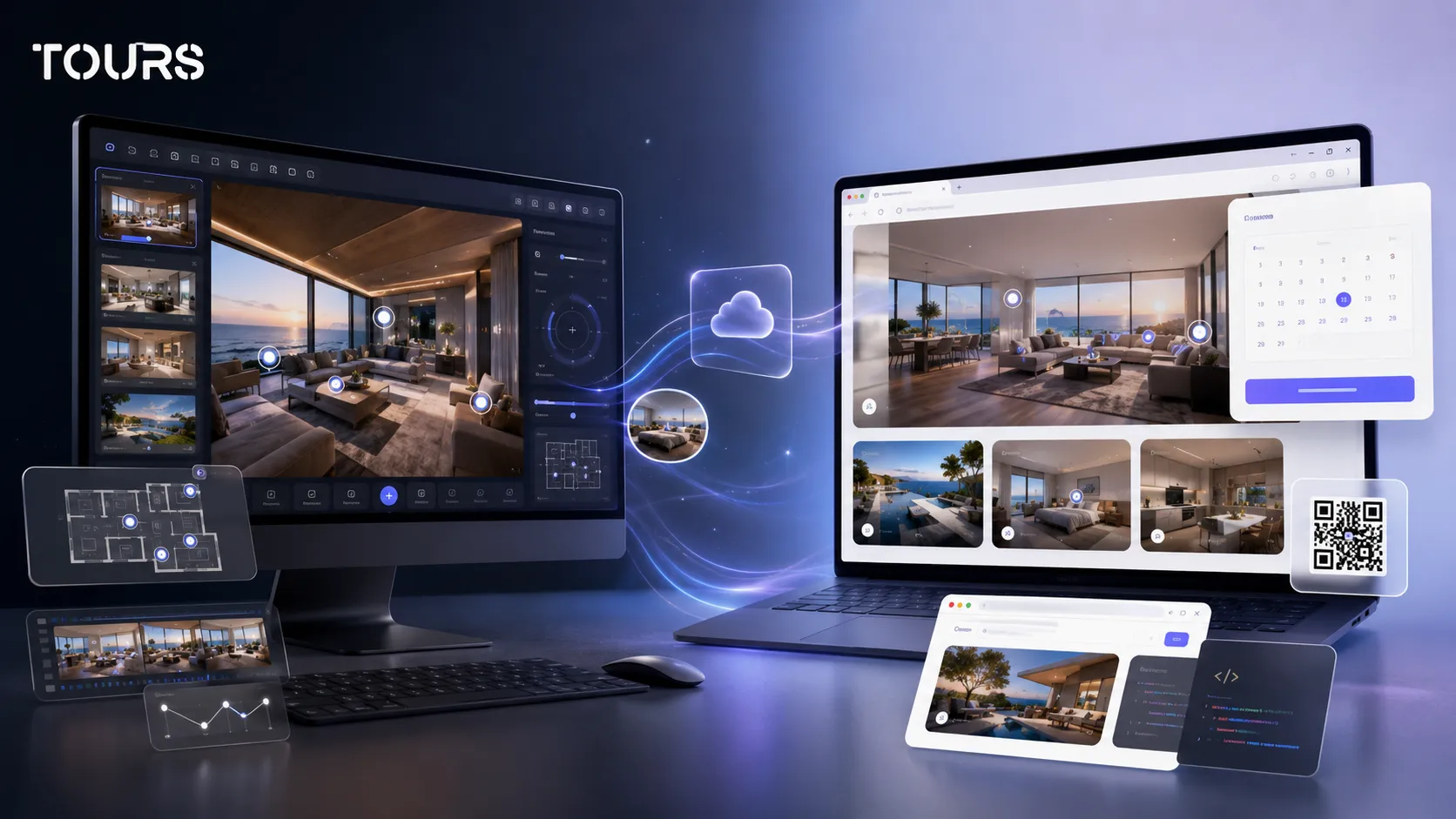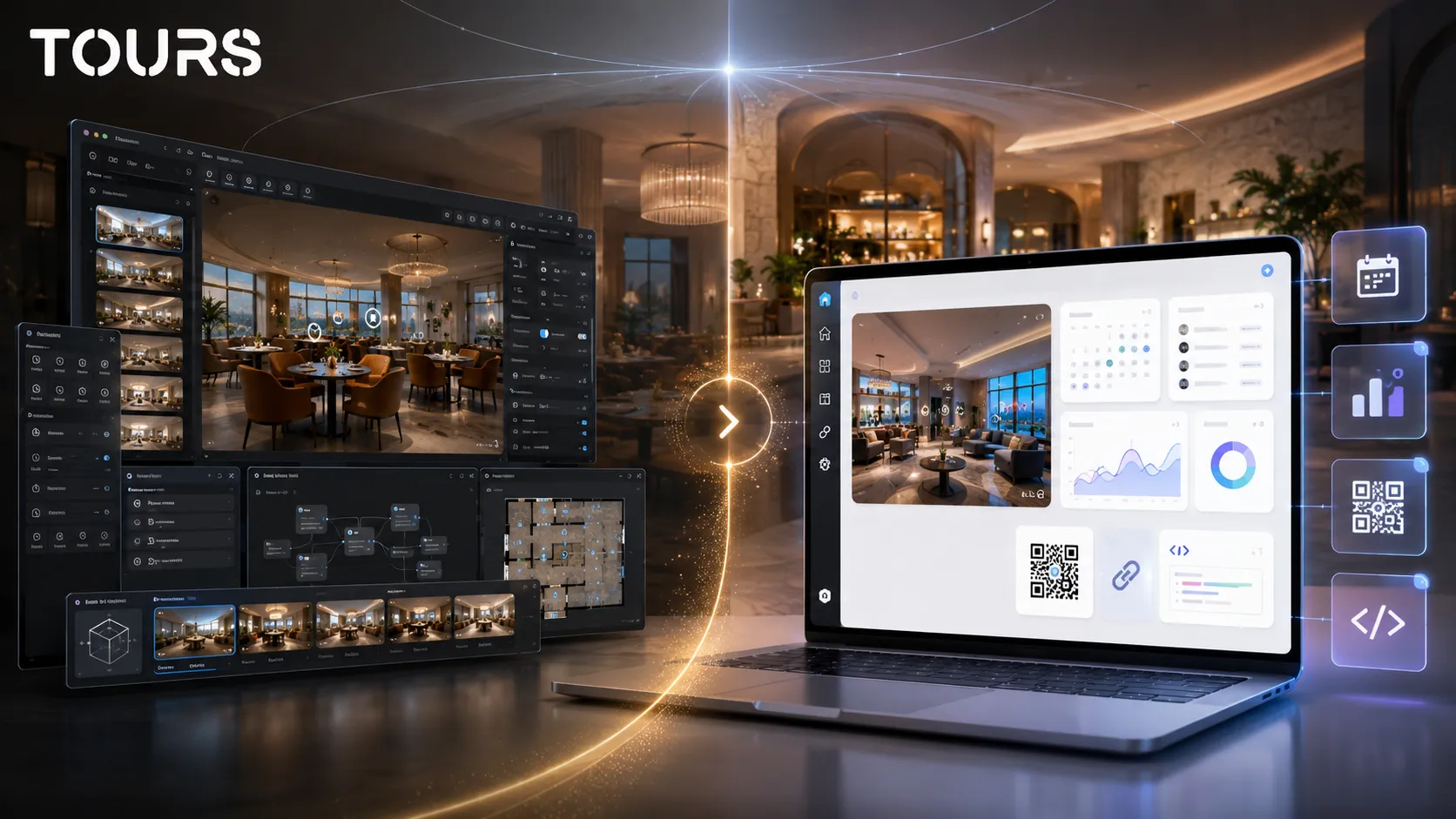

A 3DVista alternative is worth considering when you are not just looking for a powerful panorama editor, but for a platform that can publish the tour quickly, connect it to commercial actions and stay manageable directly from the browser. Tours is especially useful for hotels, restaurants, real estate and showrooms that want bookings, inquiries and usage statistics in one flow.
Tours is a SaaS platform for interactive 360° virtual tours with interactive points, website integration, QR sharing, bookings and usage statistics. The main difference from desktop software is that Tours focuses on what happens after publishing: what the visitor sees, where they click and how they reach a booking or contact step.
In short
- 3DVista is a strong choice for creators who want advanced control over tour production and are comfortable working in desktop software.
- Tours is a better fit when the tour needs to connect to bookings, inquiries, usage statistics, QR sharing and website integration without a heavy technical workflow.
- 3DVista pricing should be evaluated together with hosting, updates, production time and how the team will manage tours after publishing.
- For hotels, restaurants and real estate, the important difference is not only the editor, but what the visitor can do after seeing the space.
- You can choose 3DVista for complex 360 production projects and Tours for commercial presentations that need to be published, tracked and updated easily.
When does a 3DVista alternative make sense?
A 3DVista alternative makes sense when your problem is not just creating the tour, but publishing it as a commercial tool. If you need visitors to see the space, book, send an inquiry, scan a QR code or interact directly on your website, it is worth comparing 3DVista with a SaaS platform like Tours.
3DVista is powerful for creators, 360 photographers, educational projects, simulations, customized tours and experiences with many visual settings. Tours starts from a different question: what does the virtual tour need to do for a local business or sales team after it is published?
- Choose Tours if you want to manage tours from the browser, without local installation and without manual exports for every update.
- Choose Tours if you need bookings or inquiries connected to the tour, scenes, scene groups or interactive points.
- Choose Tours if the property owner, manager or marketing team needs to update the tour easily.
- Choose 3DVista if you need very detailed production control, complex visual logic or delivery as a project created by a 360 specialist.
3DVista vs Tours: what are you really comparing?
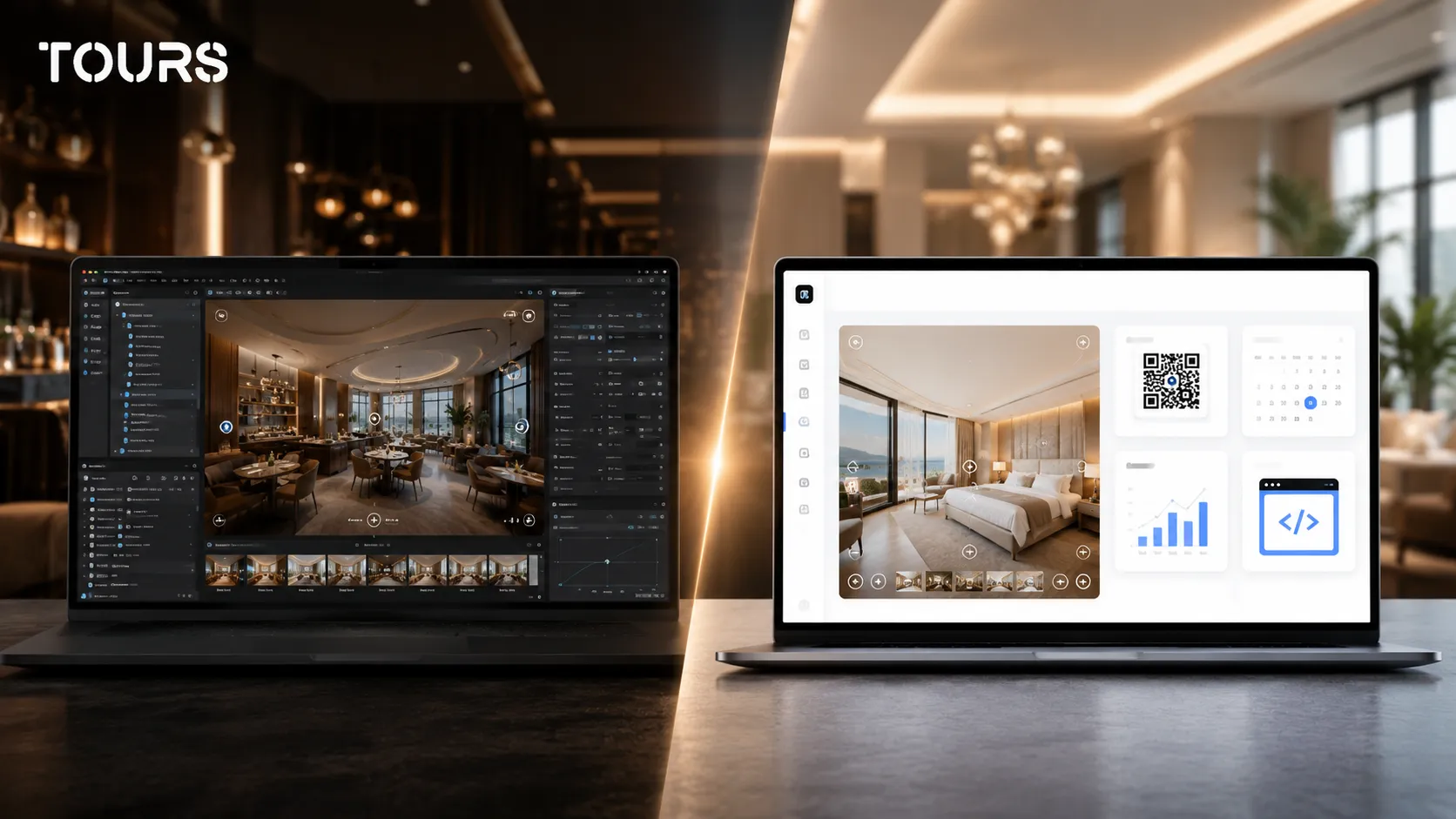
In a 3DVista vs Tours comparison, you are not comparing two identical products. You are comparing desktop virtual tour software focused on production and advanced customization with a browser-based SaaS platform focused on publishing, management, commercial actions and measuring visitor interest.
| Criterion | 3DVista | Tours |
|---|---|---|
| Working model | Desktop virtual tour software installed locally and usually used by the tour creator | Browser-based SaaS platform for teams that want to create, publish and update tours online |
| Main strength | Advanced visual control, complex interactive scenarios and detailed customization | Simple commercial flow with bookings, interactive points, QR sharing, usage statistics and website integration |
| Target audience | 360 photographers, studios, content creators, educational projects or customized experiences | Hotels, restaurants, real estate agencies, developers, showrooms and owners who want commercial outcomes |
| Bookings | Can be built through links, external forms or manually connected solutions | Integrated system that can be connected to the tour, scenes, scene groups or tagged interactive points |
| Management after launch | Depends on project files, export steps and the process set by the creator | Tours are managed online, with updates in the 360° editor and controlled publishing |
| Usage statistics | Depend on the hosting setup and tools used | Usage statistics included in all Tours plans |
| Best fit | Projects where visual production and tour logic are the priority | Businesses where the tour should lead to a booking, inquiry, viewing request or contact step |
This separation reduces the risk of comparing the wrong things. If you are a 360 photographer selling tours as a service, 3DVista can be very attractive. If you are an owner or manager who wants the tour to support sales directly on the website, Tours can be easier to adopt.
What matters in 3DVista pricing and total cost?
3DVista pricing should be analyzed as total cost of use, not only as an initial license. For a commercial project, hosting, updates, production time, who can edit the tour, what happens when content changes and how you connect the tour to real booking or contact actions all matter.
On the official store page, 3DVista Virtual Tour Pro is presented as a one-time payment for unlimited tours, with a listed price of 499 € or 499 USD.[1]Source This model can be advantageous when you produce many tours and already have a clear process for publishing, maintenance and client delivery.
For online publishing, the cost does not always stop at the editor. The official 3DVista hosting page lists plans starting at 99 € per year for hosting[2]Source, and total cost should be calculated together with storage, traffic, administration and how you will update the tour.
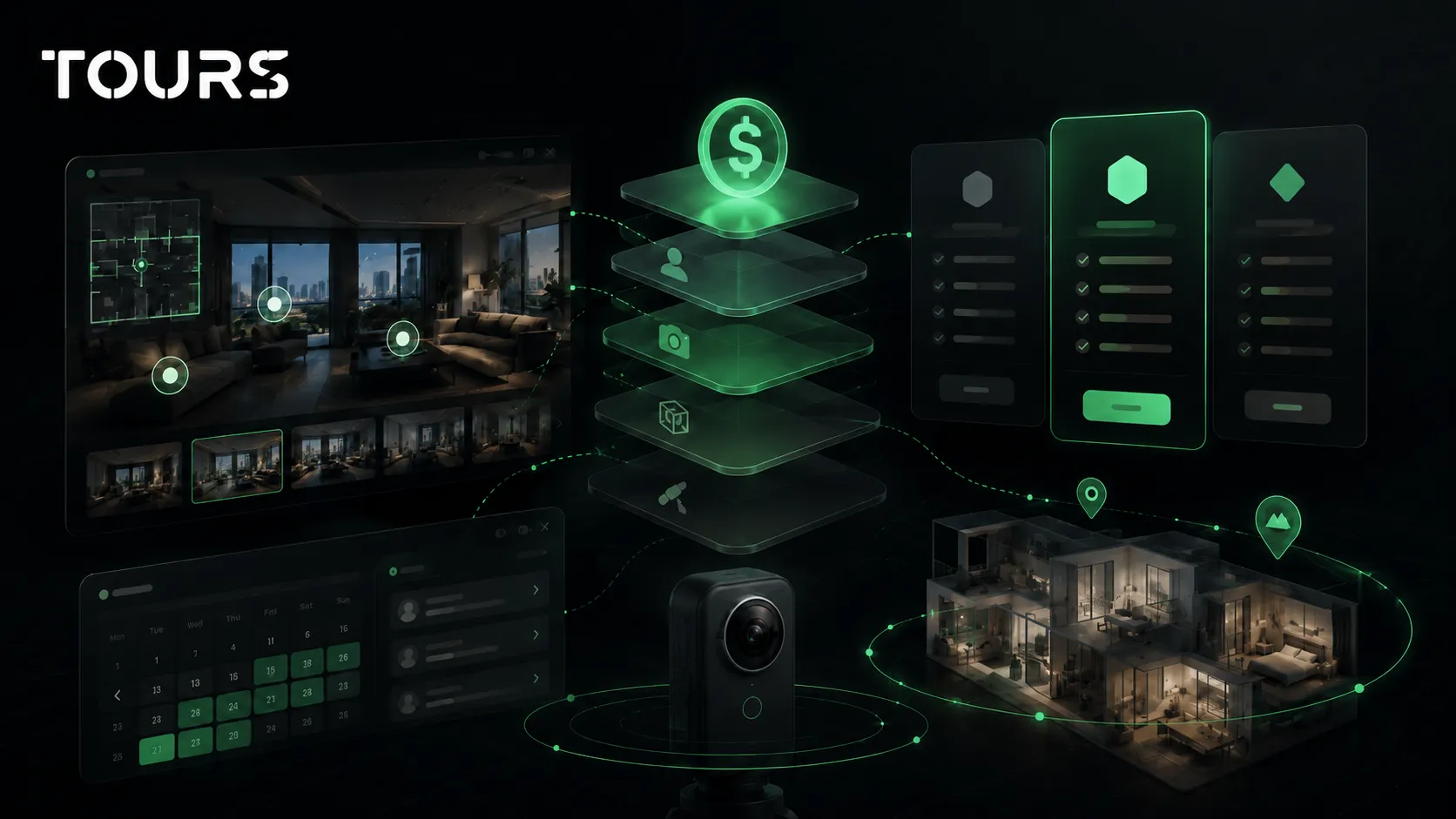
In Tours, the model is a SaaS subscription. The official getours.app page shows plans from €19/month for Basic and €59/month for Pro, with a 30-day free trial and no card required.[3]Source This choice makes sense if you want predictable cost, browser-based management and, on Pro, commercial booking features inside the platform.
- Check whether you need software, hosting, photo production, setup, support or all of them together.
- Separate the cost of creating the 360 images from the cost of the platform where you manage the tour.
- Calculate the time required for changes after launch, not only the initial cost.
- For bookings, check whether you need an integrated calendar or whether a link to an external system is enough.
- For multiple clients, check who owns access, who can publish and who can change the content.
Why does desktop vs browser matter?
The desktop vs browser difference matters because it changes how the tour is managed after the first publication. Desktop software can give the creator a lot of control, but a browser-based platform reduces dependency on one computer, local files and repeated exports when small changes appear.
In practice, many businesses do not change the tour every day, but they do change offers, photos, available rooms, links, information about the space or commercial actions. If every change depends on the original creator and the project files, maintenance becomes slower than it should be.
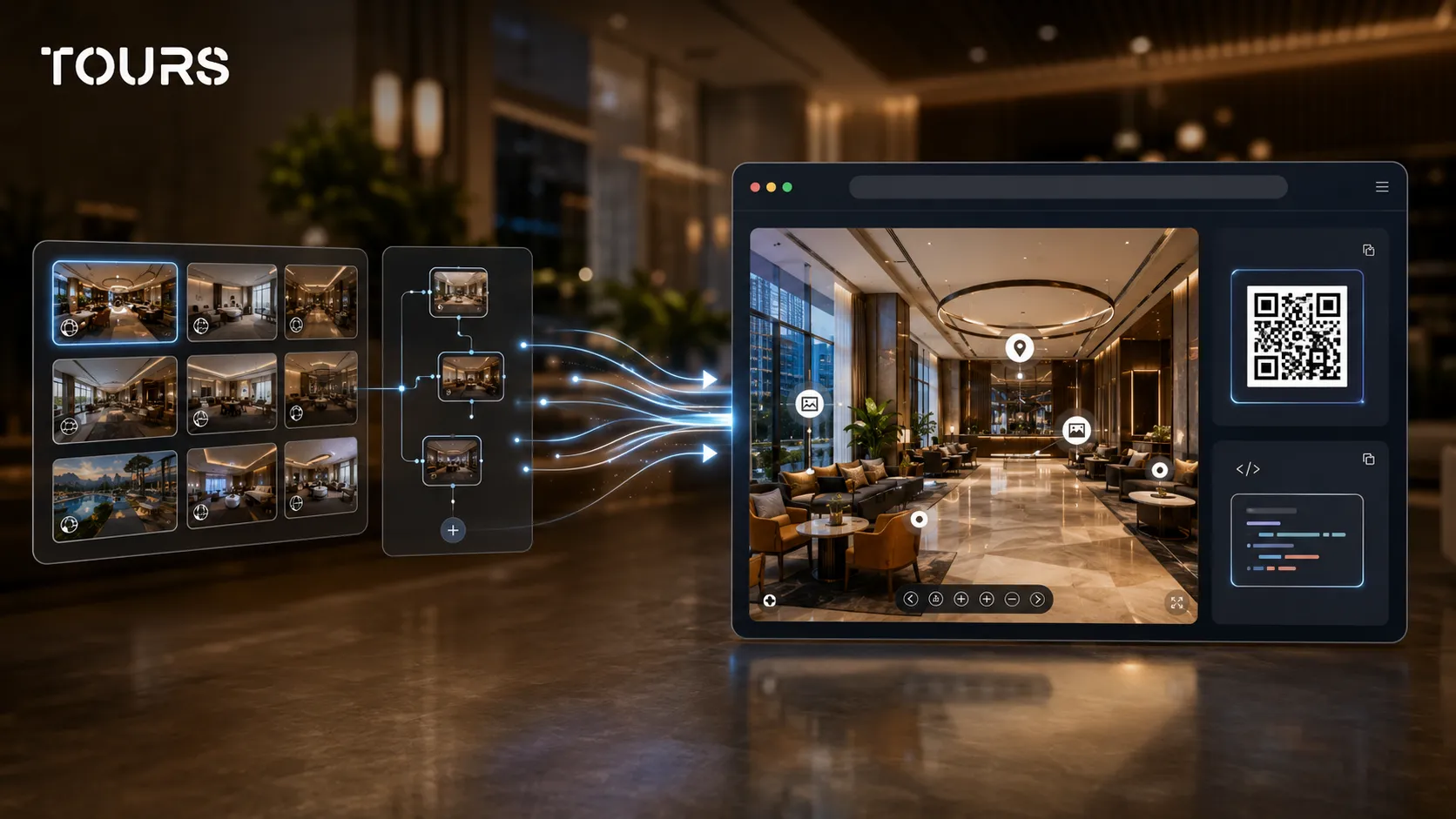
Tours treats the tour as an online asset that remains manageable. You create the scenes, organize the path, add interactive points and publish with the visibility option you want. After publishing, the tour enters a Tours moderator review before it becomes publicly active, which helps control quality and public content.
How is the commercial flow different in Tours?
The commercial flow in Tours is different because the tour does not end at viewing. After visitors understand the space, they can naturally reach a booking, viewing request, contact step, external link or contextual information, depending on how scenes, groups and interactive points are configured.
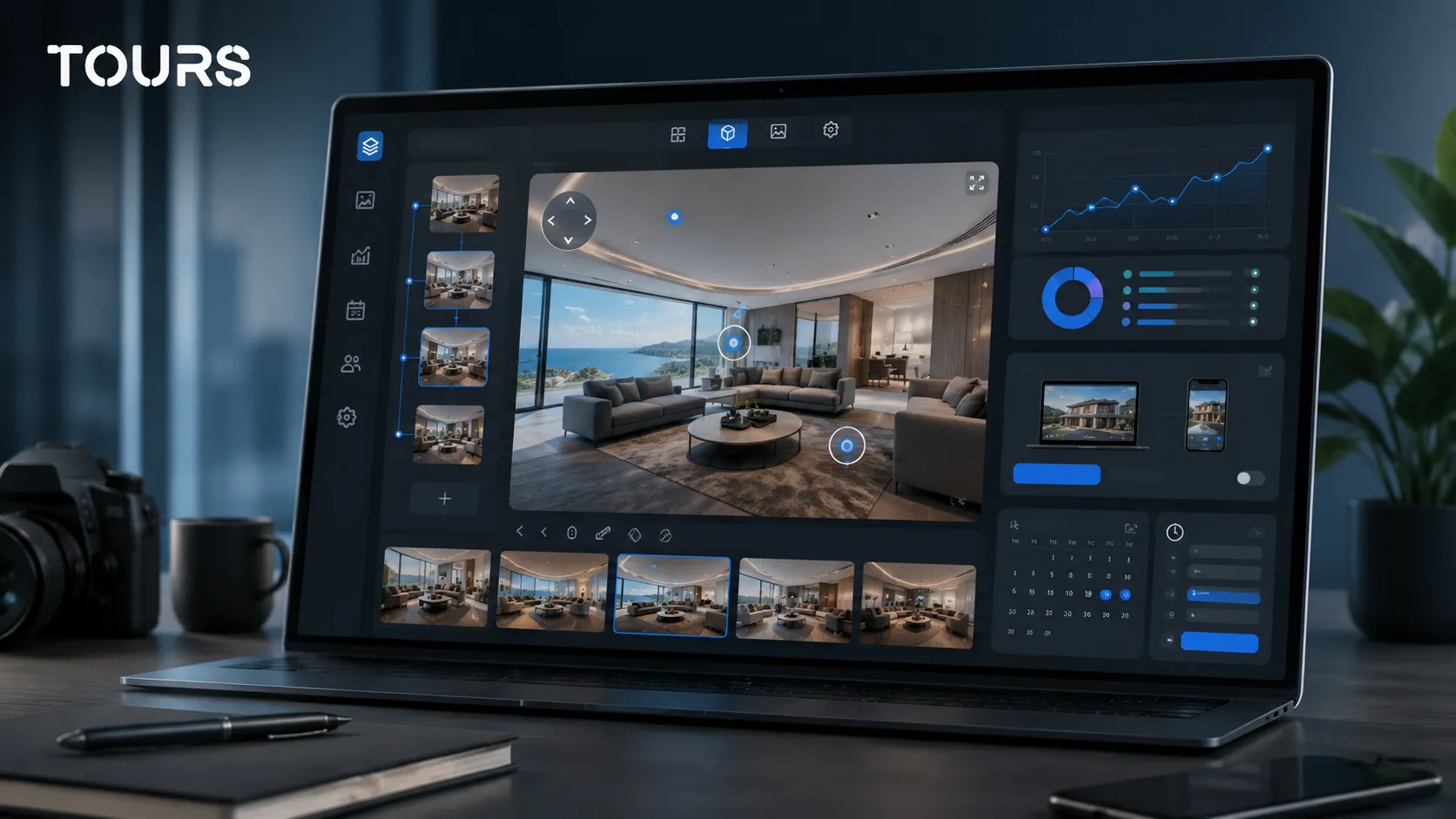
Bookings in Tours are configured separately from tour creation. First you create an account on getours.app, go to the 'My Tours' page, use the button to create a new tour, add the name and category, then upload the first 360° scene. After that, you work in the 360° editor, where you organize scenes, groups, interactive points, text, images, videos, links and navigation.
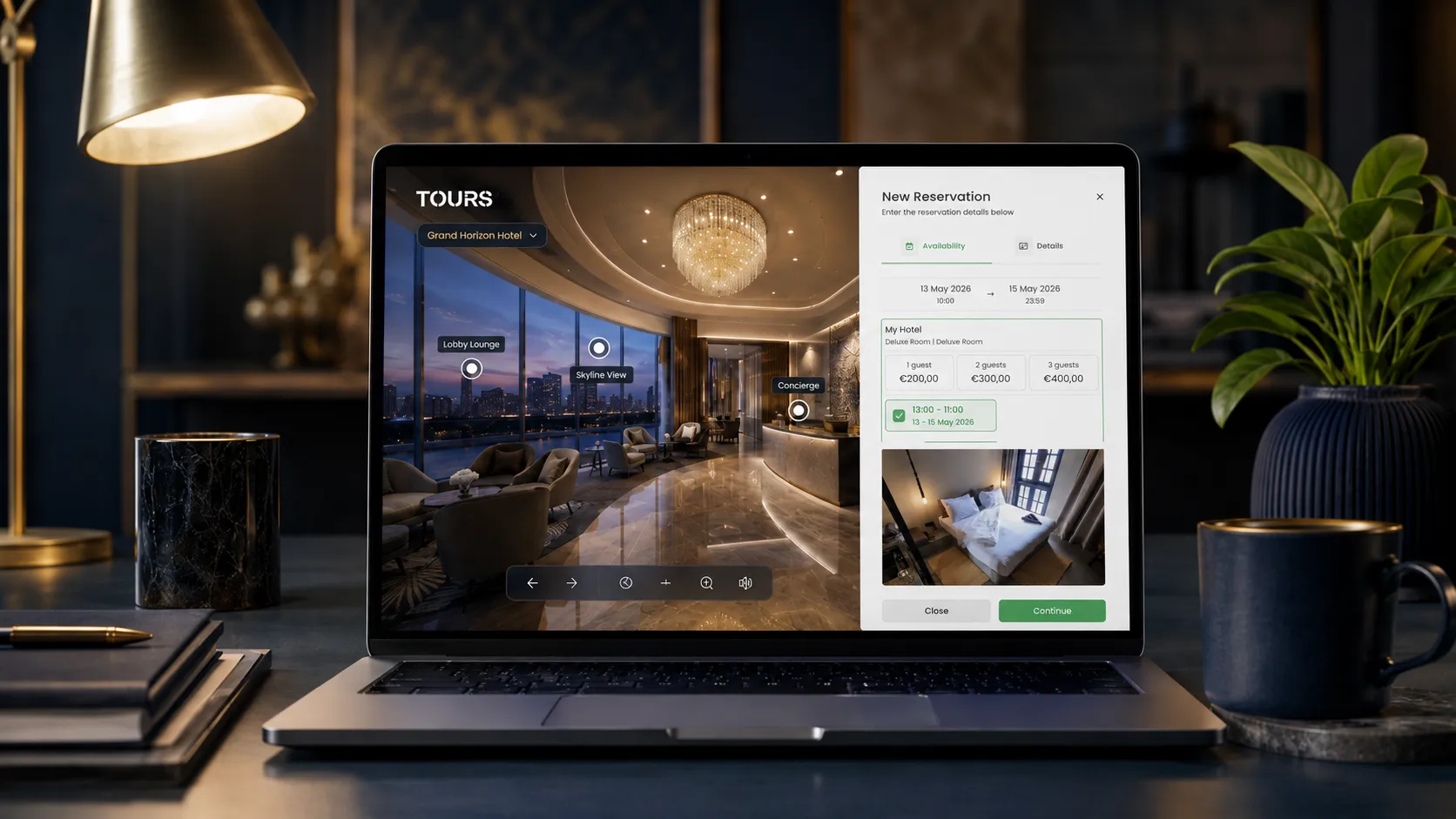
For bookings, you open 'Booking Manager', configure the availability calendar, choose the right booking algorithm and set who can accept or reject requests. The connection to the tour, scenes, groups or interactive points is done with tags, so the same calendar can be used by multiple points when that makes sense.
- Tour-level booking: useful when you want a global booking or inquiry button visible during the experience.
- Scene-level booking: useful when one scene represents a room, area or space that can be requested separately.
- Group-level booking: useful for hotels, where a room or room type can be made from several grouped scenes.
- Booking from interactive points: useful for tables, areas, rooms or specific objects, and points with the same tag can use the same calendar.
- Real estate inquiries: scenes, groups or interactive points can guide the visitor toward a viewing, offer or conversation with the agent.
This logic matters in the comparison with 3DVista because many tours look good but do not have a clear next step. In Tours, the goal is for interactive points to be useful, not just visual: a reservable table, a requested room, a presented event space, an apartment sent toward a viewing request or a showroom connected to an inquiry.
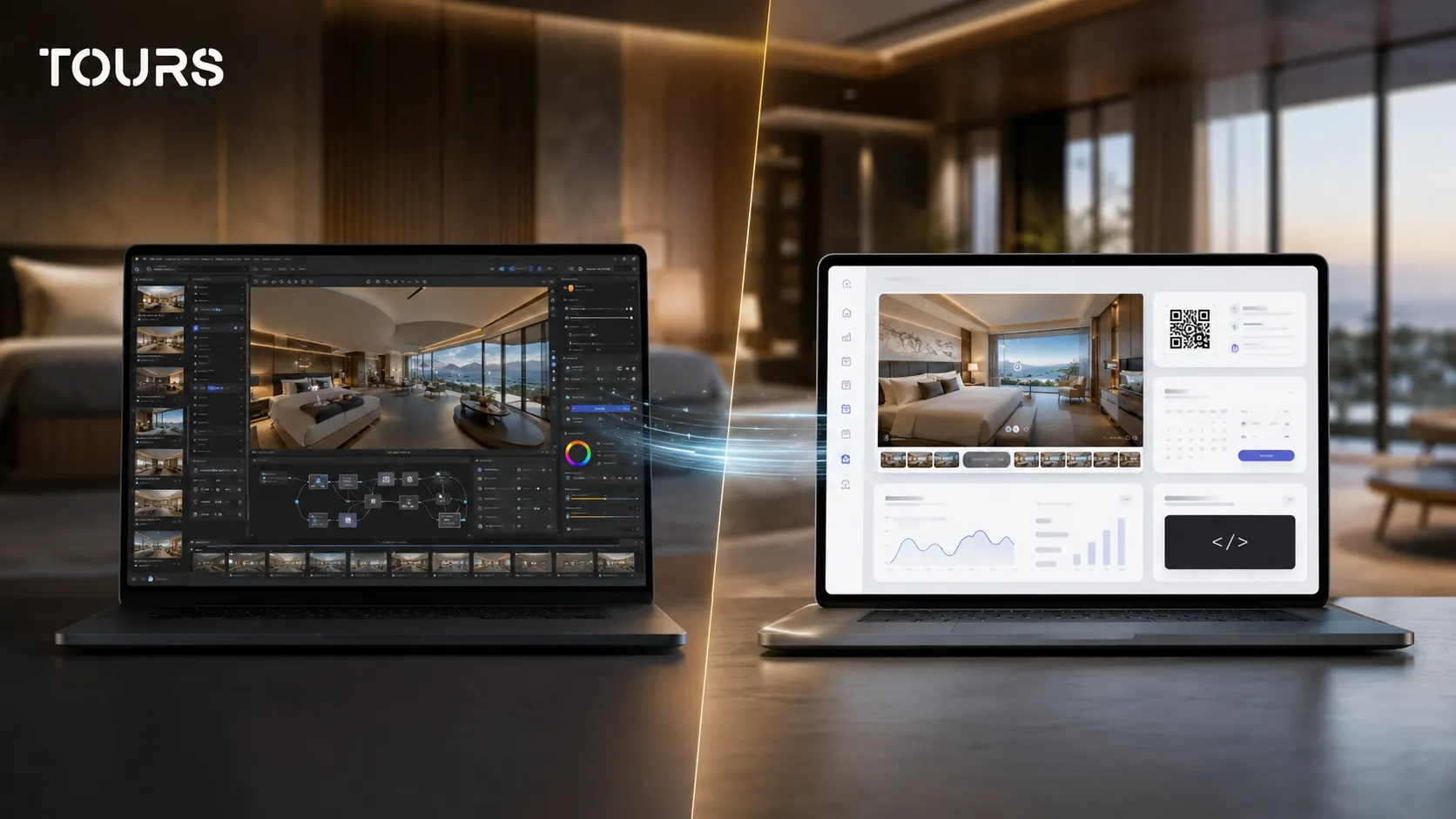
If you want to test this type of flow, start with one use case: a hotel room, a representative table, an apartment or a showroom area. Build a short tour, connect one clear action and track what people visit before investing in a full portfolio rollout.
When is 3DVista still the better choice?
3DVista remains a very good choice when the priority is advanced production of the experience, not ongoing commercial management. If you have a dedicated 360 creator, customized scenarios, complex visual interaction needs or offline deliverables, desktop software may be the better fit.
Typical examples include training tours, educational demonstrations, architectural projects with renders, elaborate VR experiences or portfolios where the creator controls every detail. In these situations, editor flexibility and customization freedom can matter more than the simplicity of browser-based management.
- Choose 3DVista when you have a technical or creative team that already understands the production workflow.
- Choose 3DVista when the tour is a finished project delivered to the client, not an asset the internal team will update constantly.
- Choose 3DVista when you need advanced visual logic, special scenarios or effects that matter more than standard commercial actions.
- Choose Tours when the owner or manager needs fast control over content, bookings, publishing and usage statistics.
How do you migrate without losing control?
Migration from 3DVista to Tours should be treated as selective rebuilding, not mechanical copying. You keep the strong 360 images, simplify the path, decide which interactive points are worth keeping and add only the actions that support booking, inquiry or contact.
The first step is to take inventory of what you already have: panoramas, scenes, names, map, interactive points, external links, media files and publishing rules. Then decide what needs to be recreated in Tours and what can be removed because it does not help the visitor understand the space or take the next step.
- Export or centralize the final panoramas and check whether they are clear enough for the new tour.
- Map the visitor's real path: entrance, main areas, rooms, tables, facilities or points of interest.
- Rebuild only the useful interactive points: navigation, information, links, gallery, inquiry, booking or contact.
- Group scenes that belong to the same space, such as a hotel room with a bathroom and balcony.
- Add internal tags for points that later need to connect to the same calendar or booking rule.
- Test the tour as a visitor before public launch.
Who is Tours better suited for?
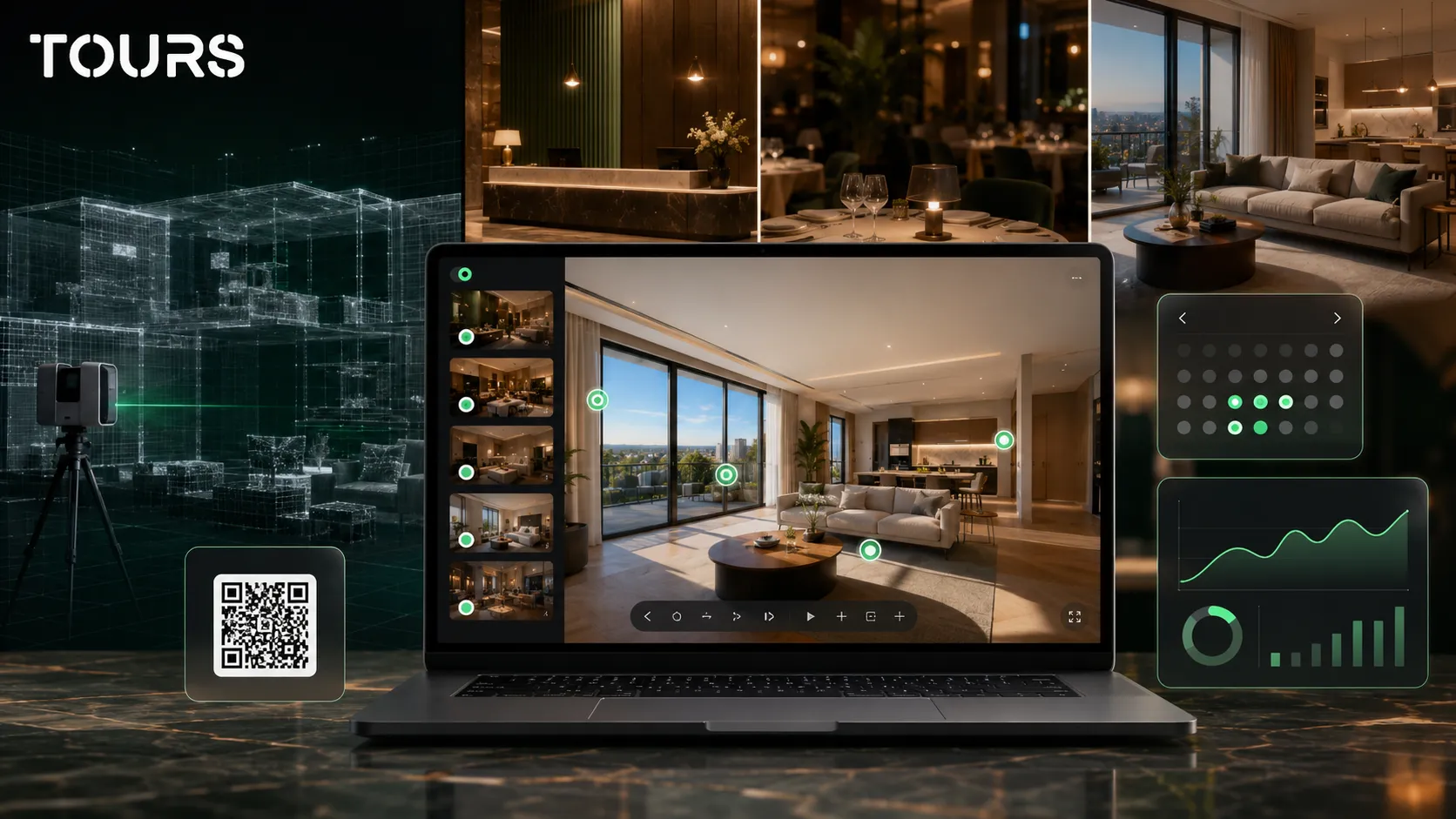
Tours is better suited for businesses that want a manageable, publishable 360° virtual tour connected to a concrete outcome. It is a good choice when the team does not want to depend on a desktop project all the time, but still needs control over content, bookings, usage statistics and website integration.
| Business type | Where Tours helps |
|---|---|
| Hotels and guesthouses | Rooms can be presented as scenes or scene groups, and bookings can be connected to the tour, room or group. |
| Restaurants | Tables or areas can be represented through interactive points, with separate calendars or a shared calendar through the same tag. |
| Real estate | Visitors can understand the space before a viewing and send an inquiry from the right context. |
| Showrooms | Products, areas and demonstrations can be explained through interactive points, links and contact inquiries. |
| Apartments and smaller spaces | The tour can be created quickly, published on the website and shared through QR without a complicated technical flow. |
For the final decision, do not only ask which editor has more options. Ask who will manage the tour in three months, what the visitor needs to do after seeing it and how much it matters to connect the presentation to bookings, inquiries and usage statistics.
You can test Tours with a short tour for 30 days with no card required. The most useful test is not moving your entire portfolio on day one, but choosing one representative space, configuring one clear action and seeing whether the team can manage it without technical dependency.
Frequently Asked Questions
What is the best 3DVista alternative for a local business?
For a local business, the best 3DVista alternative is the solution that makes the tour easy to publish, update and connect to commercial actions. Tours makes sense for hotels, restaurants, real estate, showrooms and apartments when you need browser-based 360 tours, integrated bookings, usage statistics, QR sharing and website integration.
Is 3DVista better than Tours?
It depends on the goal. 3DVista can be better for 360 creators who want advanced control in desktop software and highly customized projects. Tours can be better for owners and commercial teams that want to manage tours online, connect bookings and track visitor interest without a heavy technical process.
Can Tours completely replace 3DVista?
Tours can replace 3DVista when the goal is a commercial virtual tour published on a website and connected to bookings or inquiries. It does not try to copy every advanced desktop production option. If you need very complex visual scenarios or special deliveries, 3DVista can remain a good fit.
What should I check in 3DVista pricing before choosing?
Check the license, hosting, updates, creation time, who can edit the tour and how you connect the tour to bookings or inquiries. An initial license can look simple, but the real cost includes publishing, maintenance, support, possible external services and the time needed for changes after launch.
Does Tours work only with booking hotspots?
No. In Tours, bookings can be connected to the entire tour, scenes, scene groups or tagged interactive points. A tour can have a global booking button, grouped rooms for hotels or interactive points for tables, areas and specific objects.
Can I use Tours if I already have panoramas created for 3DVista?
Yes, if you have the final 360 images and they are suitable for publishing. Migration should not copy the entire old project. It should keep the good scenes, rebuild the path, simplify the interactive points and add clear commercial actions such as bookings, inquiries or contact.
What does desktop virtual tour software mean in this comparison?
In this comparison, desktop virtual tour software means a program installed on a computer and used for production, editing and export. This model gives the creator control, but it can make management harder for the commercial team. Tours works in the browser and treats the tour as a manageable online asset.
Is Tours suitable for 360 photographers?
Tours can be useful for 360 photographers who want to offer clients a simple management platform after delivery. However, if the photographer needs very advanced production control, 3DVista can remain a strong tool. The right choice depends on the service being sold: complex production or an easy-to-manage commercial tour.
Do bookings in Tours replace a PMS, POS or external platforms?
They should not be treated as an automatic replacement for a PMS, POS, channel manager, Booking.com, Airbnb or CRM. Bookings in Tours can support the commercial process through direct requests from the tour, simple calendars and contextual steps. For complex operations, they should be evaluated together with existing systems.
How do I choose quickly between 3DVista and Tours?
Choose 3DVista if the priority is advanced 360 production, complex customization and creator control. Choose Tours if the priority is to publish the tour quickly, update it from the browser, add it to your website and connect it to bookings, inquiries, QR sharing and usage statistics.
If you want to see whether Tours can replace or complement your current workflow, start with a short tour and one clear goal: booking, viewing request, contact or website presentation. That is how you compare practical value, not just a feature list.
Sources
Studies and reports cited in this article
All sources are checked and publicly available.
- Official 3DVista store for Virtual Tour ProOfficial product source3DVistaOfficial page used for the payment model and listed price of Virtual Tour Pro.
- 3DVista hosting for online toursOfficial product source3DVistaOfficial page used for the starting hosting cost and the role of online hosting.
- Official Tours page for plans and free trialOfficial product sourceToursOfficial page used for displayed plans, the trial period and the positioning of the Tours platform.
We carefully select trusted sources to keep the content relevant and up to date.