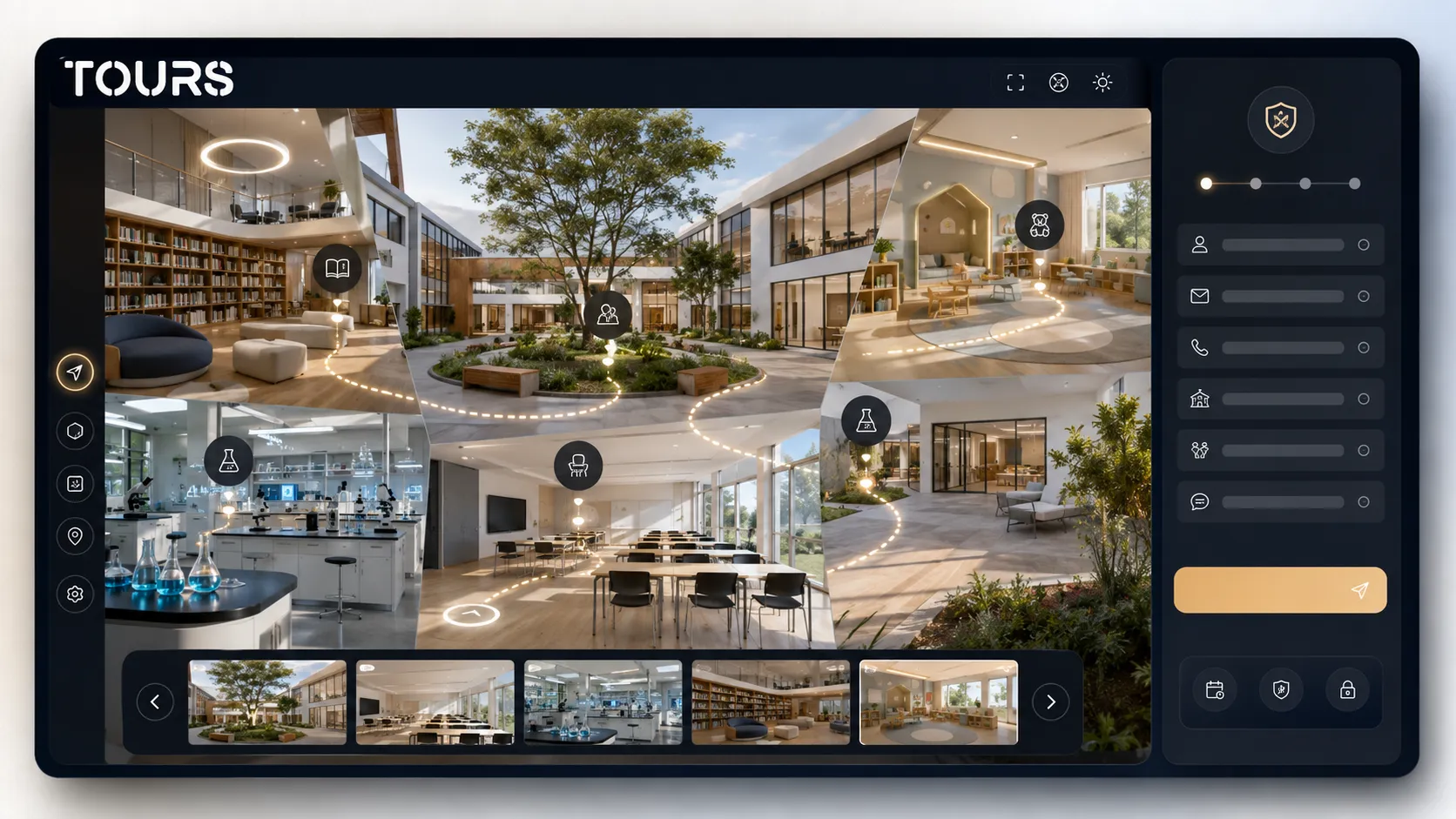

A private school virtual tour helps parents understand the space, atmosphere and child journey before they visit in person. It does not replace meeting the education team, but it reduces uncertainty: a parent can see classrooms, outdoor areas, meal spaces, preschool or daycare areas and send a more informed request.
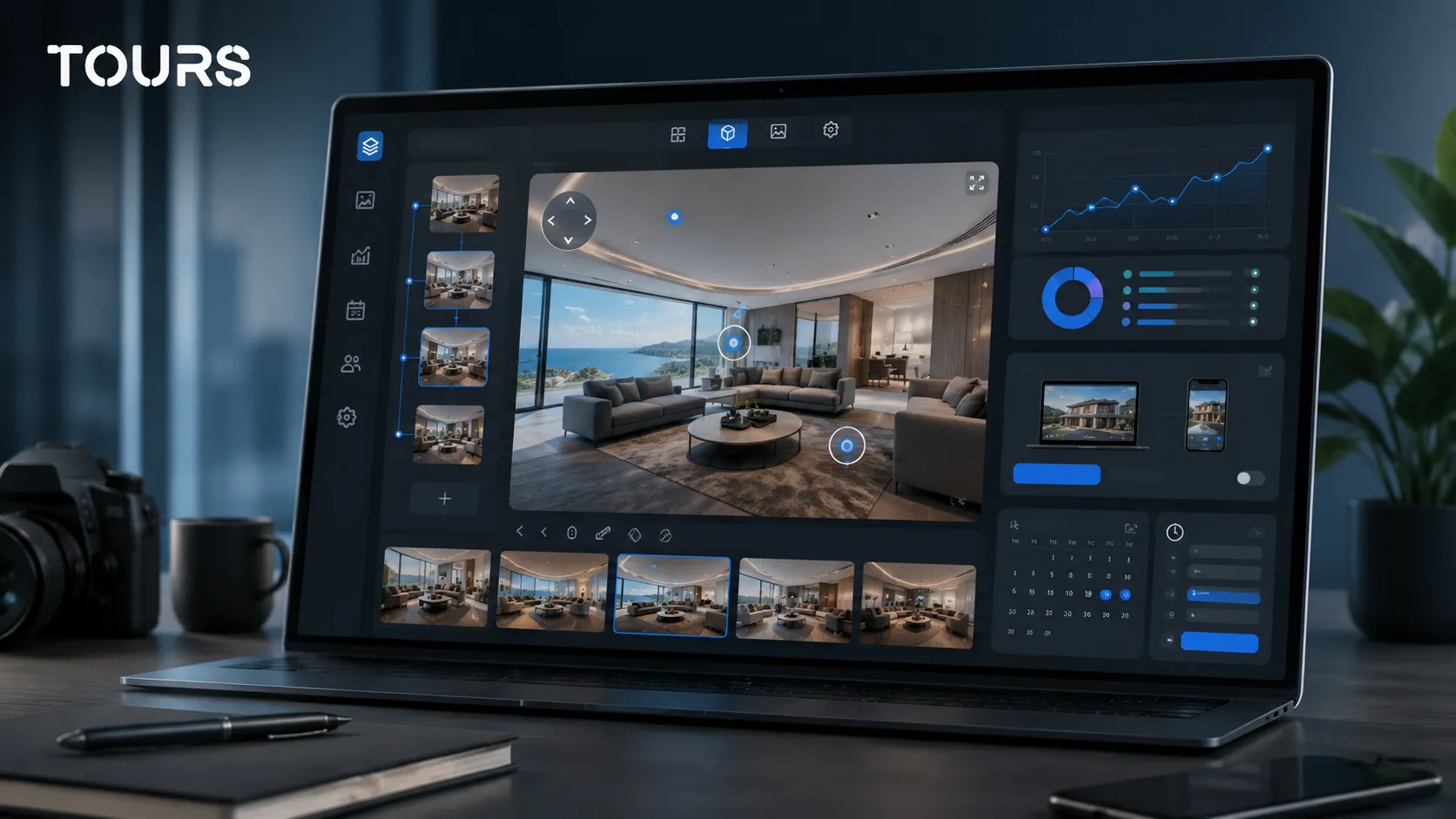
Tours is a SaaS platform for interactive 360° virtual tours, built for spaces that want to present rooms, areas and pathways directly on their website. For a private school, it helps the team combine a campus presentation with visit requests, interactive points and usage statistics.
In short
- A 360 tour for a private school should show the real child journey, not only the best-looking rooms.
- For preschool and daycare, parents look first for safety, hygiene, natural light, supervision and clear transition areas.
- Interactive points should explain each space: schedule, age range, activities, access, meals, nap time, after-school program and enrollment steps.
- The visit request can be connected to the entire tour, to important scenes or to relevant interactive points.
- Tours supports publishing, website integration code, QR sharing, usage statistics and a 30-day free trial with no card required.
Why does a private school virtual tour make sense?
It makes sense because choosing a private school is a high-stakes decision, and parents want to see the environment before they schedule a visit. A 360° virtual tour makes the website more convincing, clarifies the differences between the campus, preschool, daycare and after-school program, and helps the admissions team receive better questions.
The decision does not happen in a vacuum: OECD reports that, in 2021, 18% of students from pre-primary through upper secondary education in OECD countries were enrolled in private schools[1]Source. For a private school, this means the online presentation has to support trust, not only visibility.
In practice, parents are not looking only for attractive photos. They want to understand how the child enters in the morning, where belongings are stored, what the classroom looks like, where meals happen, where play happens, how breaks work and how well the youngest children are separated from older students.
| Presentation format | What it solves for a private school |
|---|---|
| Photo gallery | Shows clean images, but parents do not always understand distances, flow or how spaces connect. |
| Presentation video | Communicates atmosphere and rhythm, but the parent follows a fixed path chosen by the school. |
| 360 tour on the website | Lets parents explore at their own pace, compare classrooms, outdoor areas, preschool and daycare, and request a visit once they have context. |
| In-person visit | Still matters for meeting the team and making the final decision, but it can be reserved for parents who are already interested. |
What spaces should parents see before enrollment?
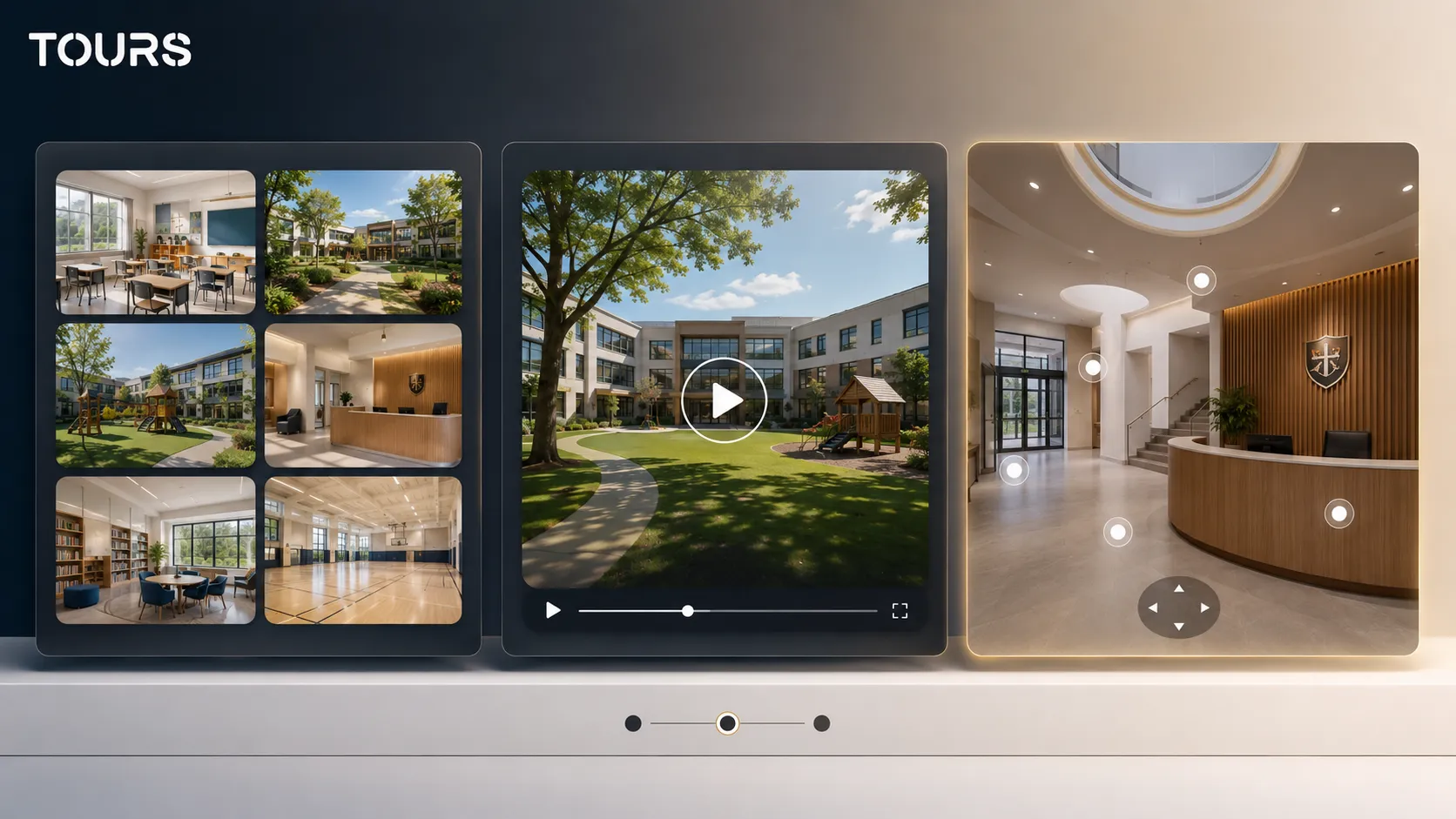
Parents should see the spaces that shape the child's routine: the entrance, reception area, classrooms, labs, library, gym, outdoor area, cafeteria, restrooms, health office and waiting areas. For a private school, the clarity of the path matters as much as the look of the space.
- The entrance and reception area, for the first impression and access control.
- Classrooms, for light, furniture, density and atmosphere.
- Labs and specialty rooms, for academic differentiation.
- The library, gym and outdoor area, for everyday campus life.
- The cafeteria or meal area, for parents focused on routine and care.
- Waiting and discussion areas, for meetings with the school team.
For each space, the tour should answer one simple question: what would a parent want to know before bringing a child here. In a classroom, the answer may involve class size, light and materials. In an outdoor area, it may involve safety, supervision and age-group separation.
How do you present preschool and daycare without crowding the tour?
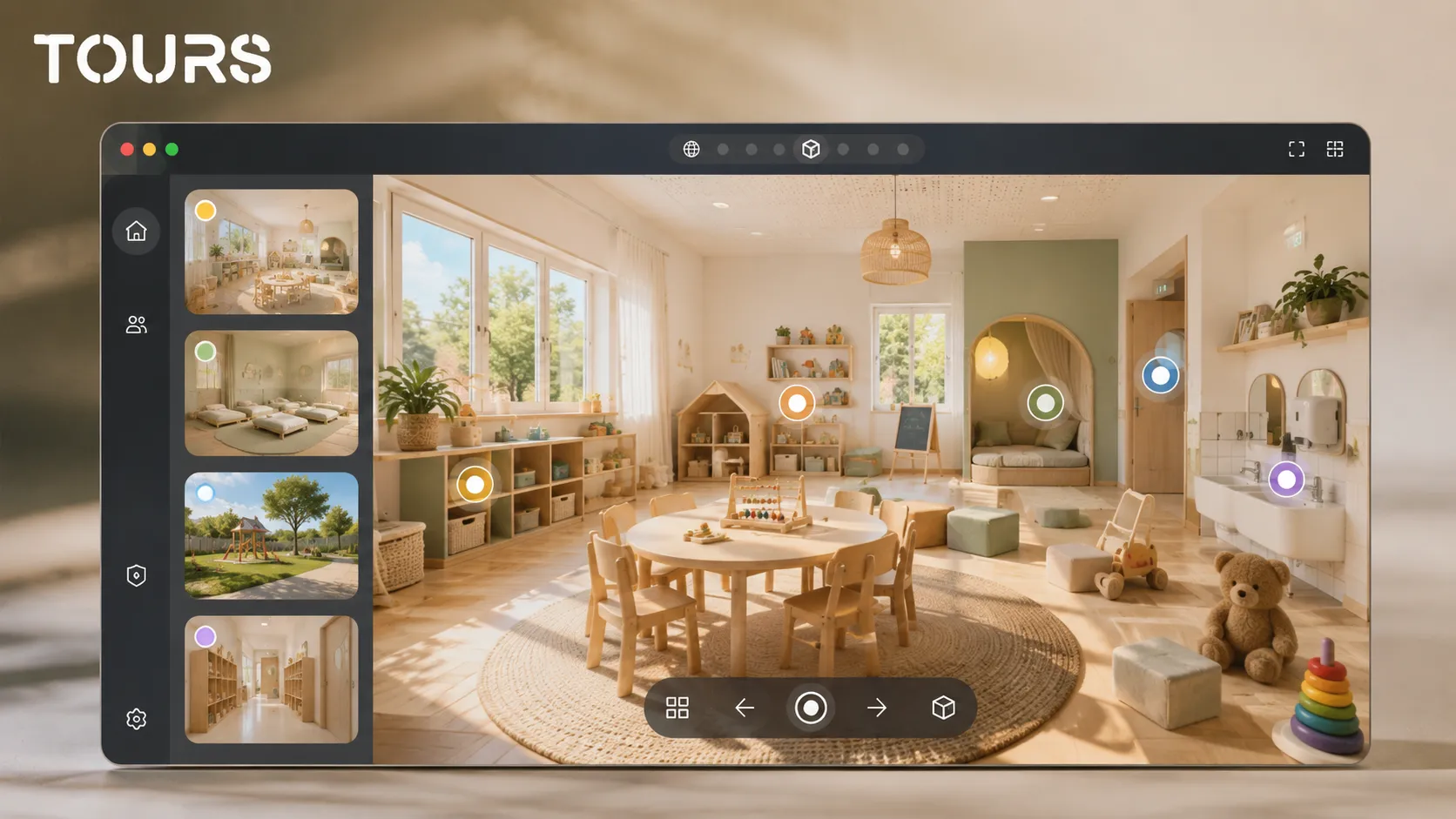
Present preschool and daycare as separate paths, with a small number of well-chosen scenes. Parents of young children look for concrete signals about safety, hygiene, sleep, meals, play, adaptation and teaching. You do not need many interactive points; you need short explanations in the right places.
Interest in early childhood education can vary widely between areas. A European education report notes that, in one country in 2024, participation of children under age 3 in formal childcare was 11.4%, below the EU average of 39.3%[2]Source. For a private daycare program, the online presentation needs to explain very clearly what parents receive and how the daily routine looks.
At the preschool level, local differences matter. Friedrich-Ebert-Stiftung shows that, in one competitive metropolitan region in 2023, 45% of preschool institutions were private[3]Source. For a private preschool in a competitive city such as New York, Los Angeles, Chicago or Miami, a 360 tour can become an important part of the first evaluation parents make.
- For daycare, show the arrival area, play space, nap room, meal area and changing area.
- For preschool, show the group room, learning materials, outdoor area, activity room and rest area.
- For each interactive point, keep the text short: who the space is for, what happens there and what the parent should know.
- Avoid showing identifiable children, displayed documents or details that could compromise privacy.
How do you turn the online visit into tour, interview or enrollment requests?
You turn the online visit into requests when every important area has a logical next step. After a parent sees the campus, classroom or relevant age group, they can request a visit, an admissions conversation, an initial assessment or information about available seats.
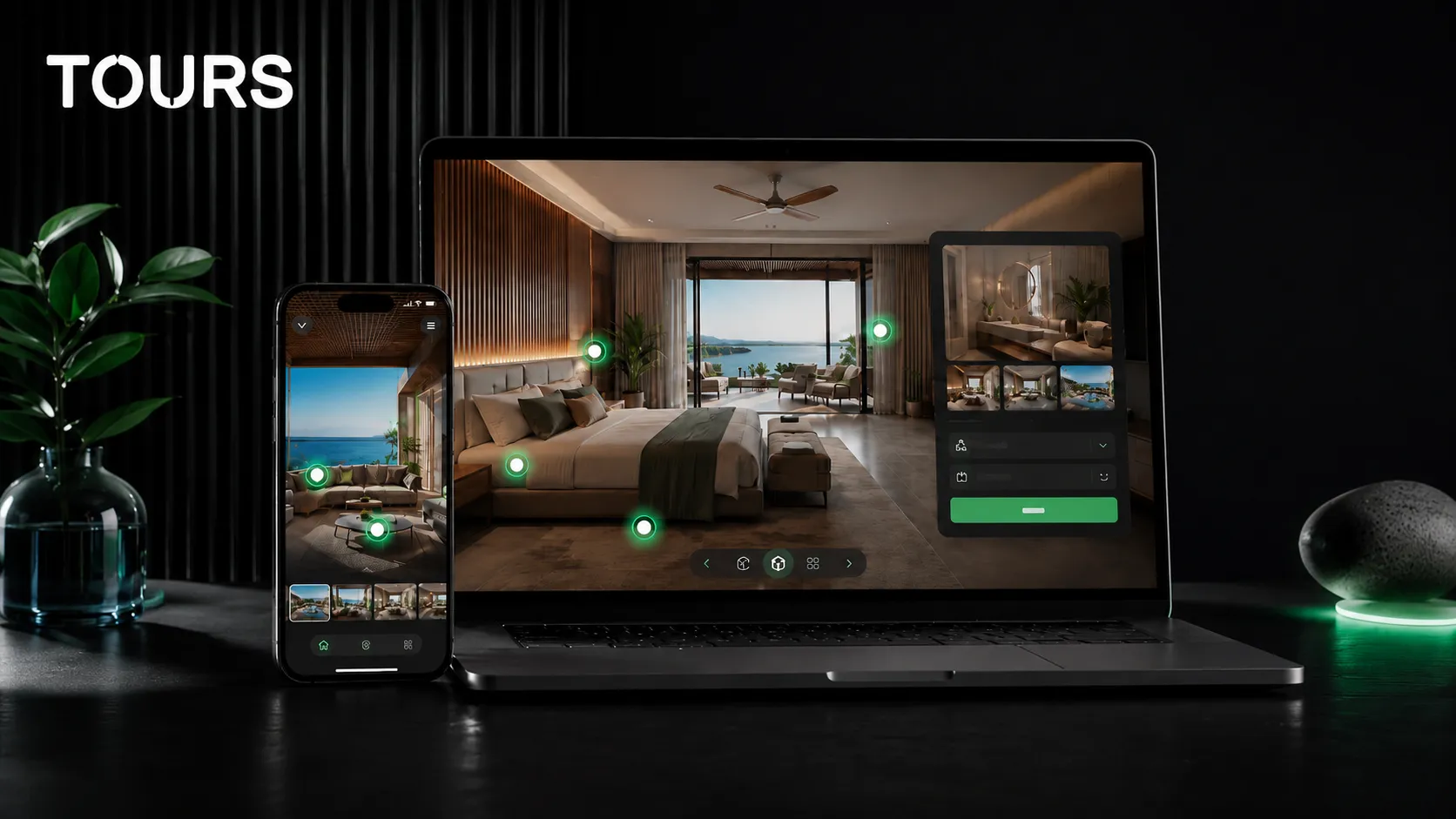
In Tours, bookings and requests can be connected to the entire tour, to specific scenes, to scene groups or to interactive points marked with internal tags. For example, a global button can request a campus visit, while an interactive point in the preschool area can open a window for conversations dedicated to parents of young children.
For a private school, not every request has to be a direct enrollment. Some families are early in the process and want a conversation. Others want an open house, interview, individual visit or information about tuition, schedule and curriculum. The tour should let them choose the natural next step.
| Tour point | Best-fit action |
|---|---|
| Reception area or entrance | Request a campus visit or join an open house. |
| Elementary classroom | Talk with an education consultant or request information about available seats. |
| Preschool | Schedule a dedicated tour for parents of preschool-age children. |
| Daycare | Request a conversation about adaptation, schedule, meals and routine. |
| Lab or library | Request information about curriculum, activities and electives. |
What does the Tours workflow look like for a private school?
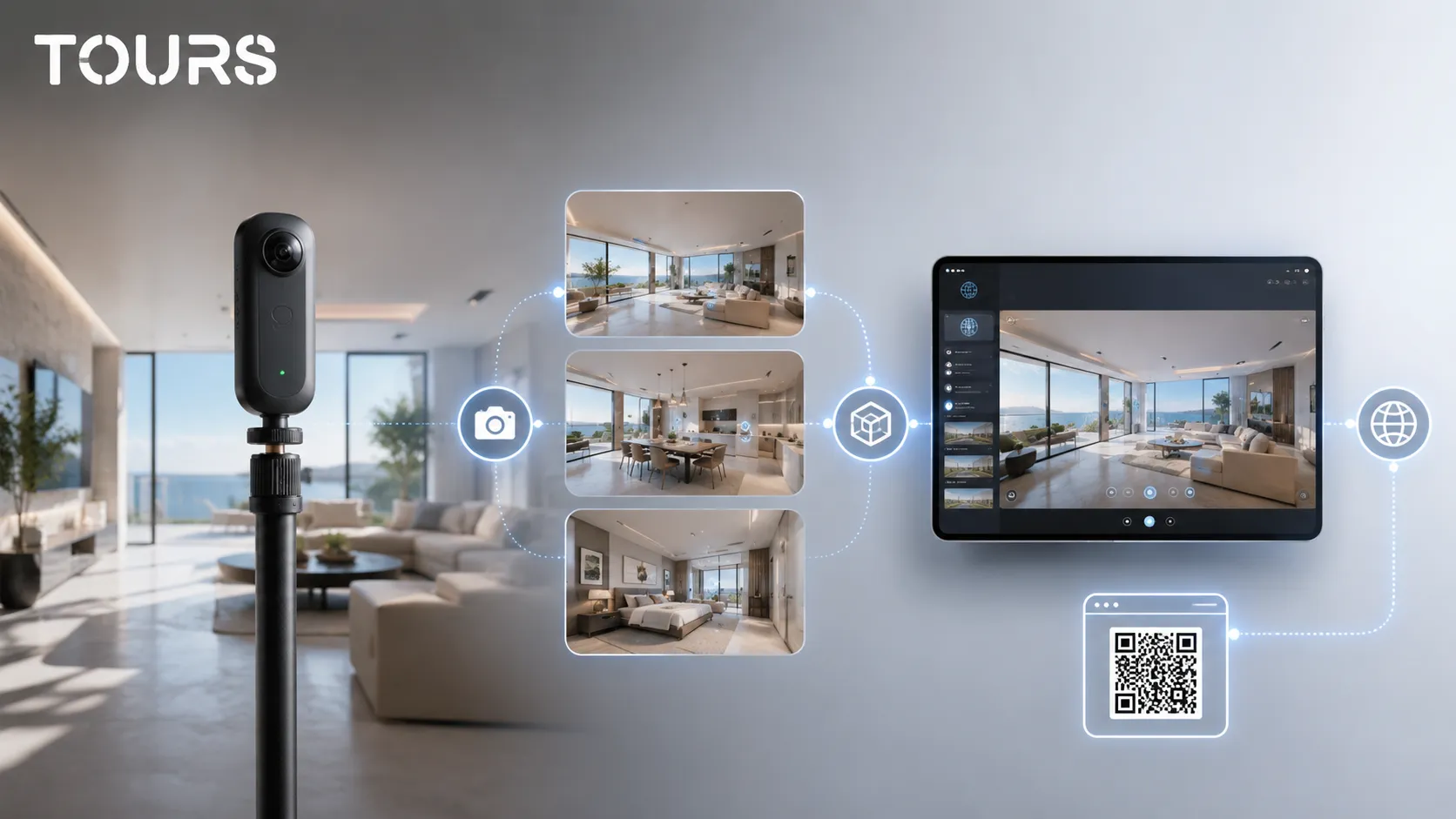
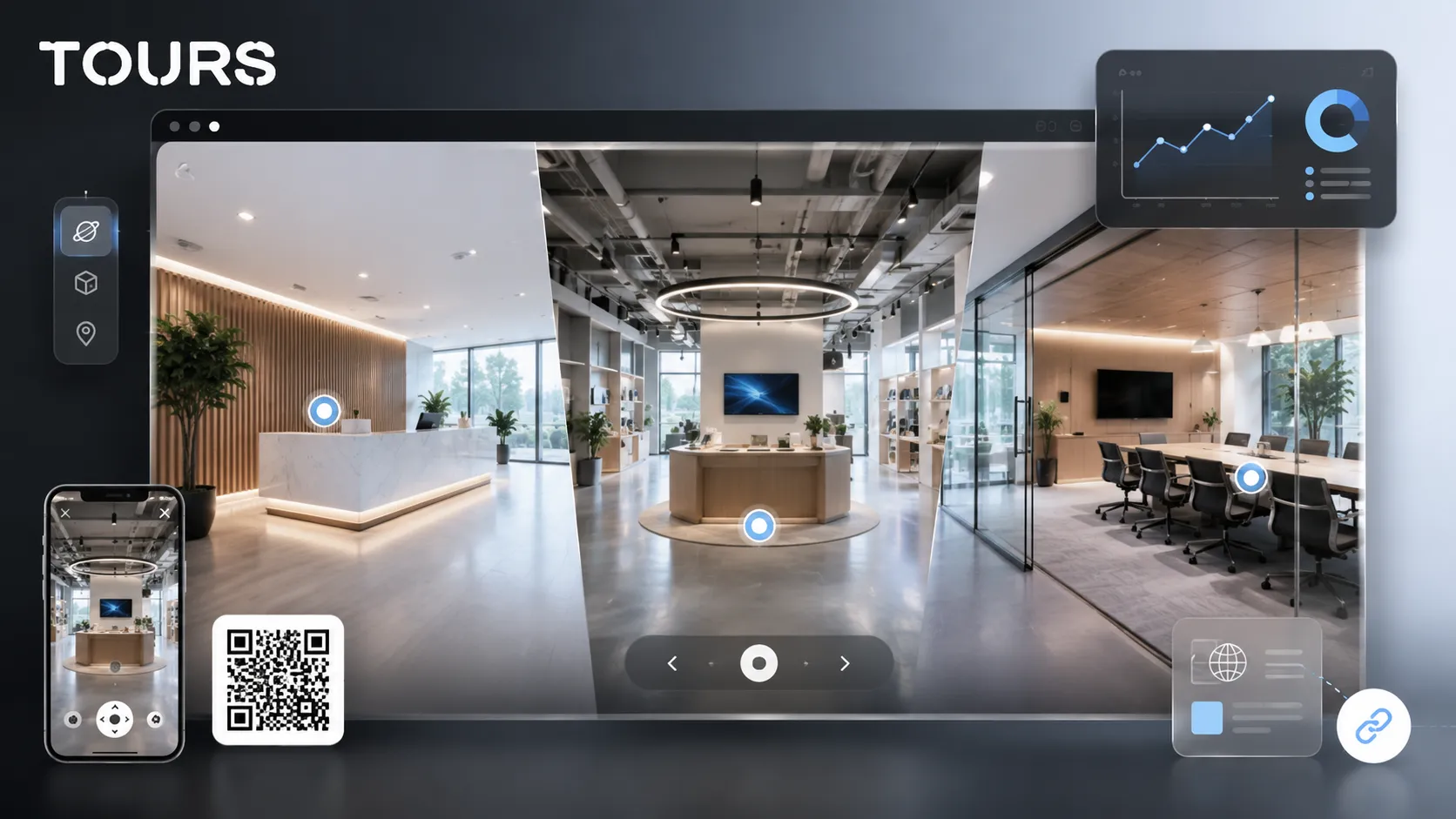
The workflow is simple: create the tour, add the 360° scenes, organize the path, mark the relevant areas and then connect requests or appointments. Tours does not require desktop installation, because the editor runs in the browser and supports publishing, website integration code, QR sharing and usage statistics.
You start with an account on getours.app, open the app, go to My Tours and create a new tour. In the setup window, you complete the tour name and category, optionally add location, price or tags, then upload the first 360° scene and give it a clear name.
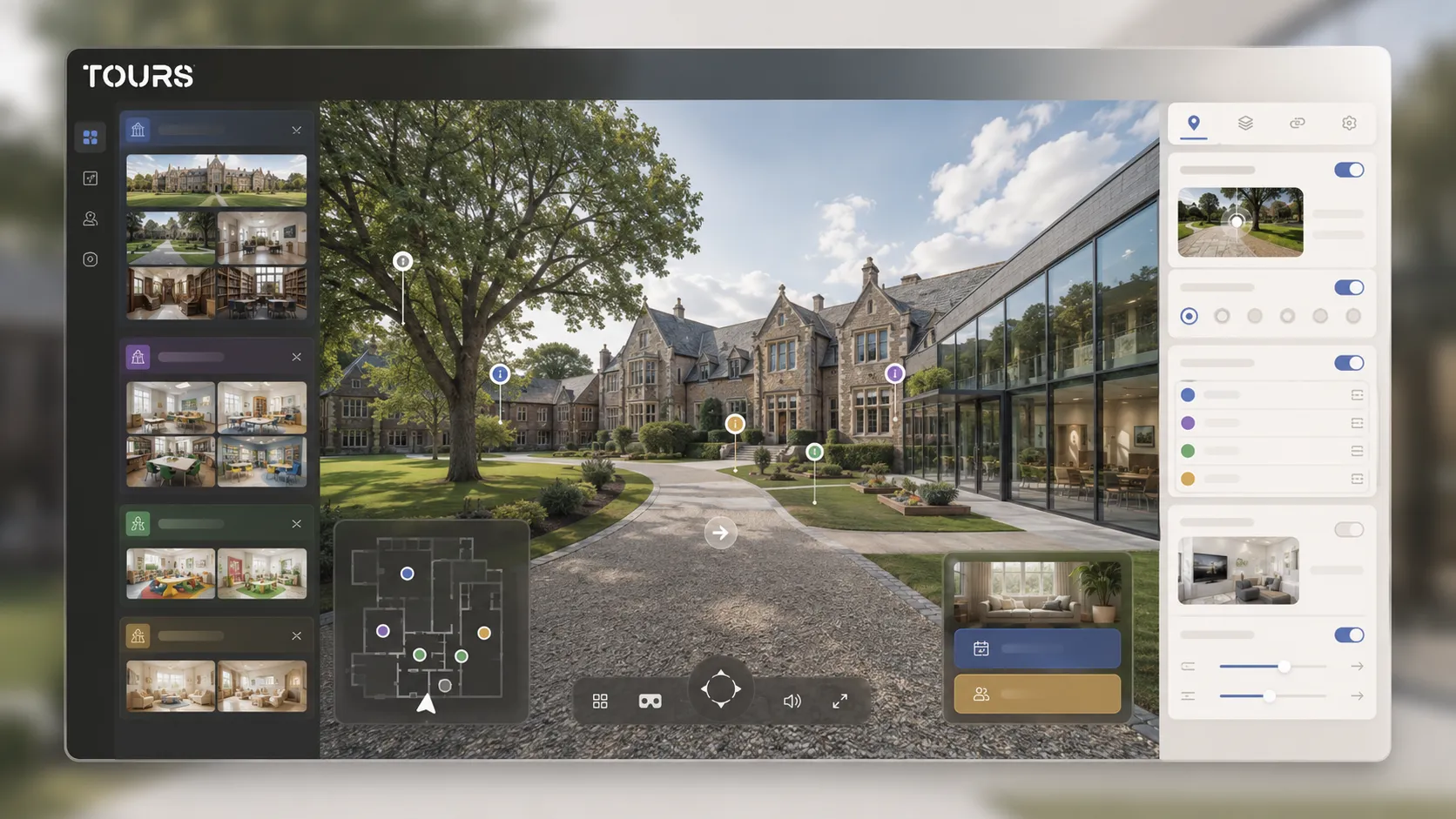
After the 360° editor opens, you can add more scenes, navigation points, information points, external links, groups, text, images and video. For a school, you can group scenes into campus, elementary, middle school, preschool, daycare or after-school program, so parents do not get lost inside the tour.
Request setup is handled separately in Booking Manager. There you set the calendar, choose the right booking algorithm, optionally add team members who can accept or reject requests, and then connect the calendar to the tour, scenes, groups or interactive points through internal tags.
To test without risk, Tours offers 30 days free with no card required. For a private school, a first test can include reception, two classrooms, preschool, daycare and the outdoor area, then expand toward labs, the library and sports facilities.
What should you check before publishing?
Before publishing, check whether the tour is clear, safe and appropriate for families. A school should not publish images with identifiable students without consent, personal data, visible documents, sensitive floor plans or areas that should not be exposed publicly.
- Check every 360° scene for faces, names, schedules, student lists or displayed documents.
- Use clear scene names: reception, kindergarten readiness classroom, lab, library, outdoor area, preschool, daycare.
- Test the path on phone, laptop and tablet, because many parents will open it from mobile.
- Check every interactive point: short text, correct link, suitable image and clear action.
- Publish the tour only after the final review; in Tours, the tour then goes through moderator approval before it becomes publicly active.
On the website, place the tour close to enrollment information: tuition, curriculum, enrollment calendar, open house, contact and map. If the tour is hidden on a secondary page, parents will use it less and the team will not see its real impact.
How do you measure whether the online presentation helps enrollment?
Measure impact with simple questions and data: how many parents open the tour, which scenes they visit, where they click, how long they spend and what requests they send after viewing. The goal is not traffic alone, but more qualified inquiries and more relevant in-person visits.
Tours includes usage statistics on every plan, so you can see which scenes attract attention, which interactive points are used and where parents leave the experience. For a private school, this data can guide future photos, the structure of the enrollment page and messages in local campaigns.
Interpretation should stay practical. If parents spend time in the daycare area but do not send requests, information about schedule, meals or adaptation may be missing. If they view the classrooms but skip the form, the action may feel too aggressive or may appear at the wrong moment.
Frequently Asked Questions
Is a virtual tour worth it for a private school?
Yes, it is worth it if the school receives repeated questions about spaces, schedule, preschool, daycare or visits. The tour helps parents see the environment before the first meeting and can reduce mismatched visits. It does not replace the conversation with the team, but it makes the first step clearer.
What should a private school virtual tour include?
It should include the entrance, reception area, classrooms, labs, library, gym, outdoor area, cafeteria and areas for parent conversations. If the school has preschool or daycare, those deserve separate paths. Each scene should explain something useful, not only look polished.
How do I use a virtual tour for preschool?
For preschool, the tour should show the group room, outdoor area, meal area, rest area and activity spaces. Interactive points can explain the children's age range, routine, type of activities and steps for a visit. The tone should be warm, but concrete.
How do I use a virtual tour for daycare?
For daycare, parents look for safety, hygiene and routine. Show the arrival area, play space, nap room, meal area and changing area, without sensitive details. Explain adaptation, schedule, supervision and how parents can request a conversation before enrollment.
Can I connect the tour to visit requests?
Yes. In Tours, the request can be connected to the entire tour, to specific scenes, to scene groups or to interactive points with internal tags. For example, parents can request a general visit from the tour or a separate conversation after exploring the preschool or daycare area.
Do children need to appear in the virtual tour?
No. It is not required, and it is often safer to avoid images with identifiable students. You can photograph prepared, clean and real spaces without children or with non-identifiable human presence. Before publishing, check consent, internal policy and any applicable legal requirements.
Where should the school website place the virtual tour?
It works best when it is visible near enrollment information, on pages about the campus, preschool, daycare and open house. It can also be added to articles, campaign pages or QR codes for brochures. What matters is that parents find it before they complete the request.
Does a 360 tour help a small private school too?
Yes, especially if the smaller school has well-kept spaces, a strong atmosphere and a personalized enrollment process. The tour can communicate closeness and clarity, not only scale. To start, a few well-chosen scenes are enough: entrance, classroom, outdoor area, preschool or daycare.
How often should the tour be updated?
Update the tour when spaces, furniture, access, classrooms, the preschool area or enrollment messages change. For many schools, an annual review before enrollment season is enough. If major renovations happen, replace the relevant scenes right away.
Can I test Tours without a card?
Yes. Tours offers a 30-day trial with no card required. You can create a pilot tour with a few 360° scenes, interactive points and visit requests, then see whether parents use it and what questions appear after the online presentation.
For a private school, the virtual tour works best when it is treated as part of the enrollment process, not as a separate gallery. Build the parent journey first, add the essential explanations, check image safety and test Tours free for 30 days with no card required.
Sources
Studies and reports cited in this article
All sources are checked and publicly available.
- Differences between public and private schools in OECD countriesreportOECDReport on student enrollment in private schools and differences between public and private schools across OECD countries.
- Education and training monitor for early childhood carereportEuropean CommissionEuropean report with recent data on education, including participation of children under age 3 in formal childcare.
- Public and private preschool institutions studystudyFriedrich-Ebert-Stiftung RomaniaStudy on preschool institutions and the share of private preschools in a competitive metropolitan region.
We carefully select trusted sources to keep the content relevant and up to date.