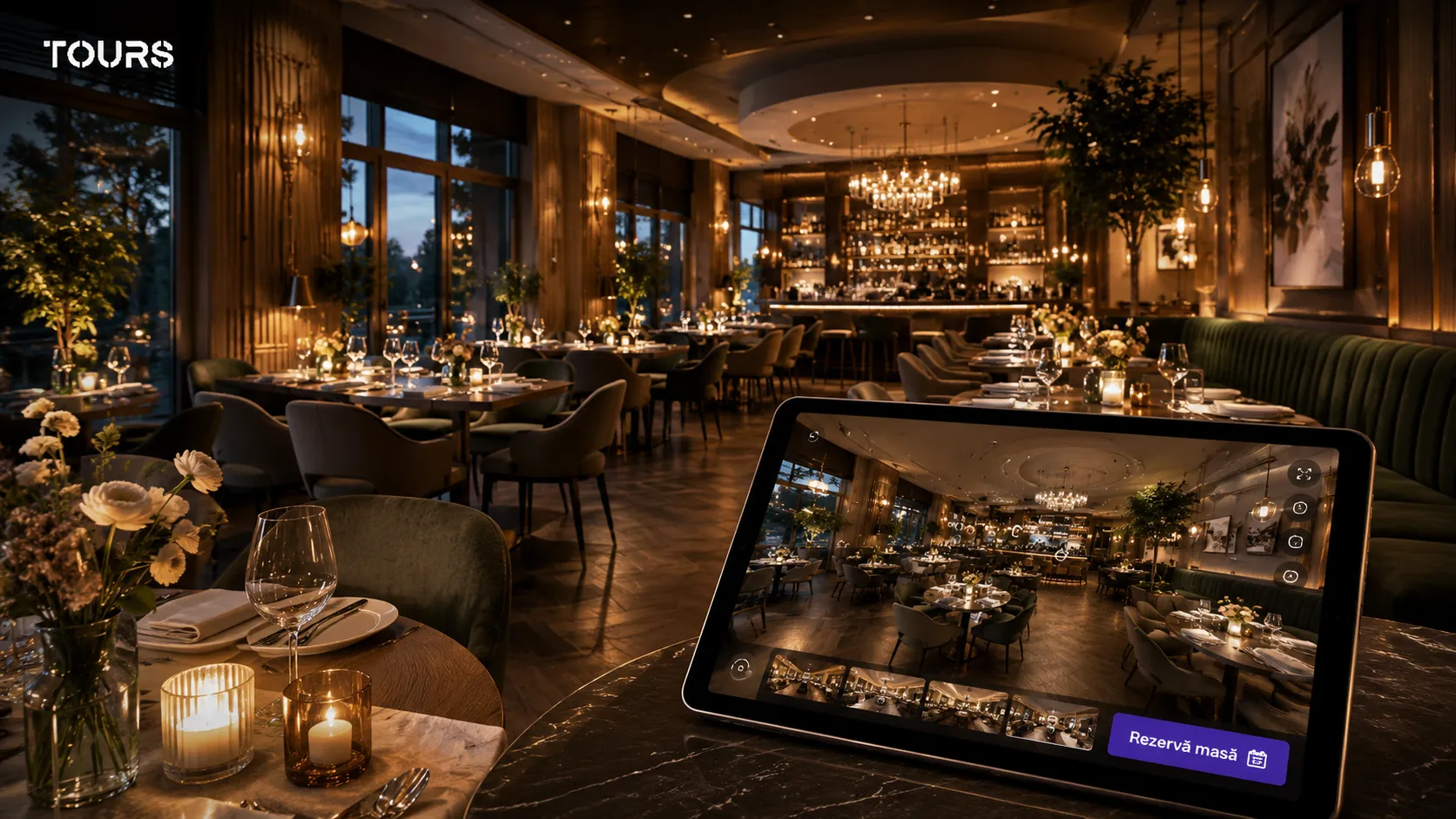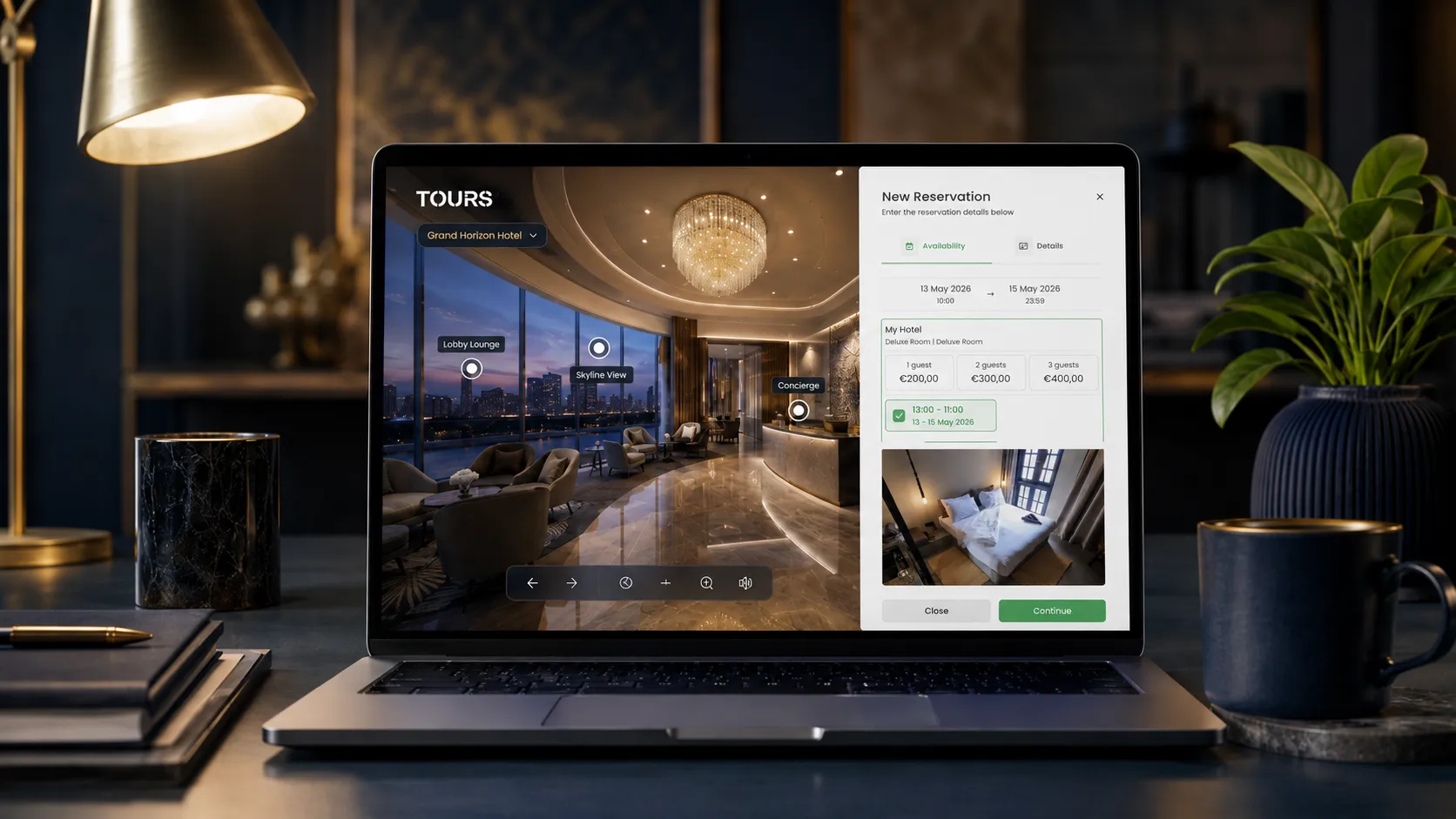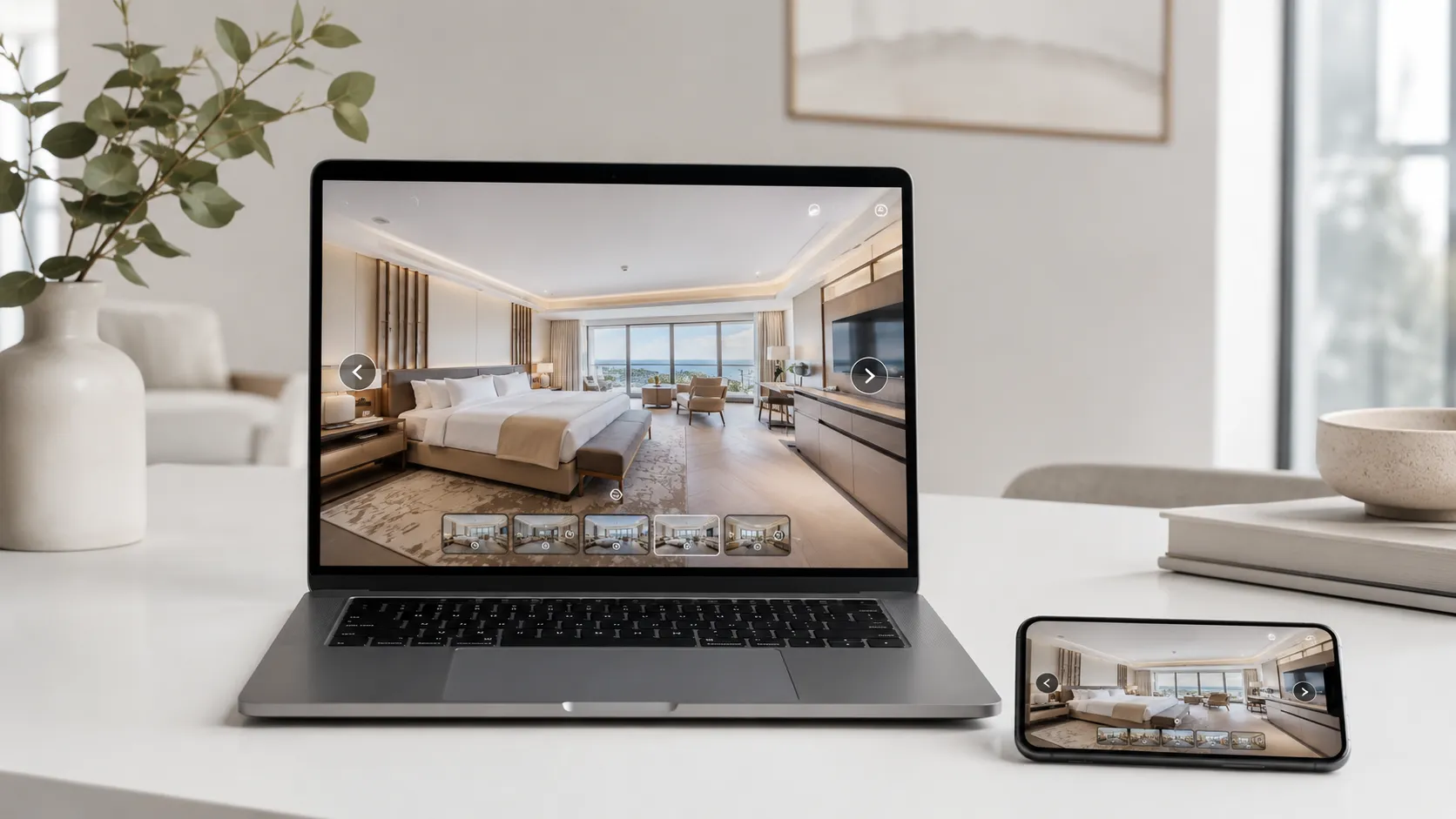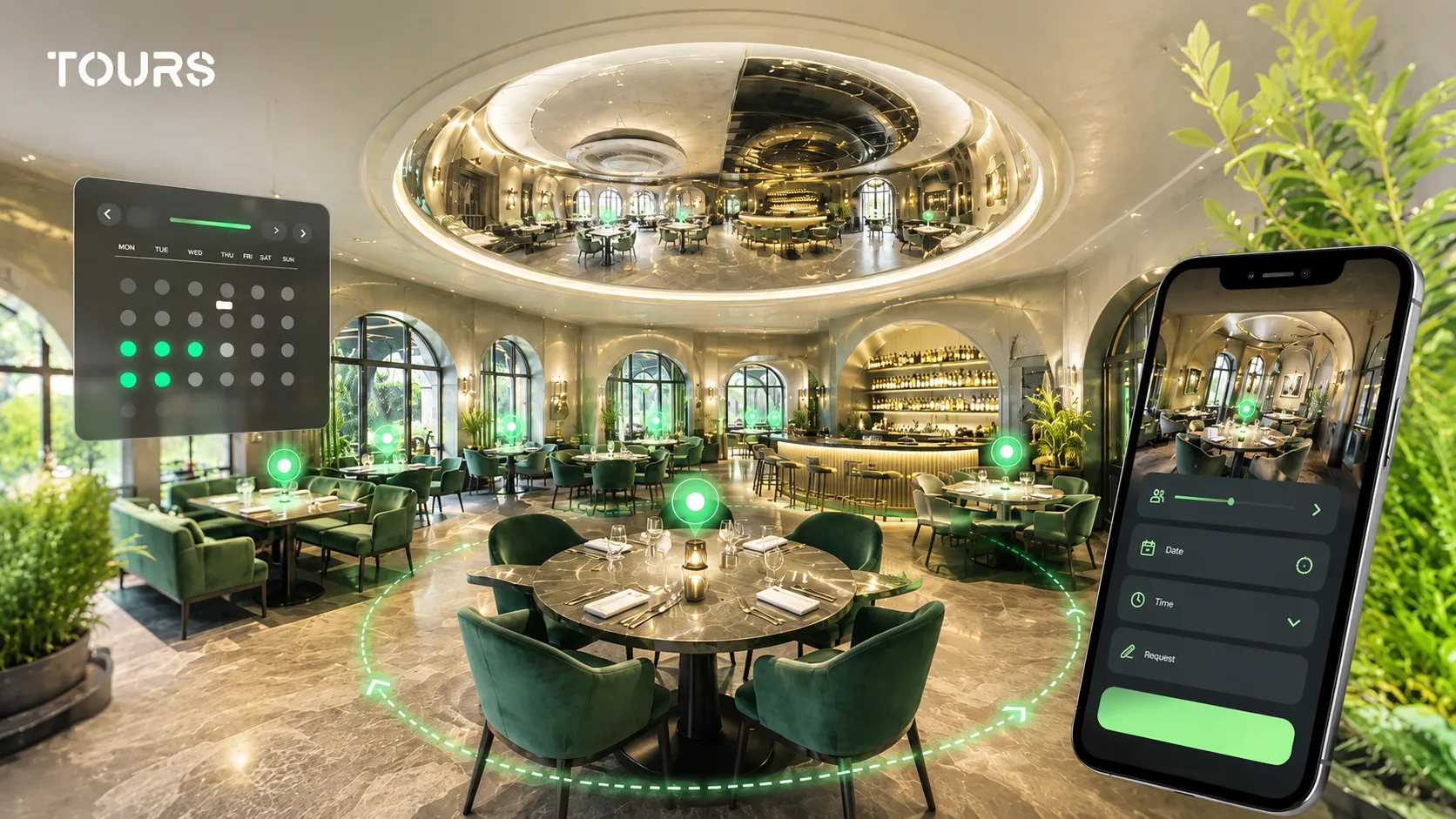

A restaurant booking system is a solution that helps a restaurant receive, organize and confirm reservation requests for tables, areas or private events. In its most useful form, it is not just a website form, but a clear flow: the guest sees the space, chooses the date, time and preferred area, and the team knows what needs to be confirmed.
Tours is a SaaS platform for creating interactive 360° virtual tours with integrated bookings, interactive points and usage statistics. For restaurants, Tours connects the visual presentation of the space with online table reservations, without confusing the role of a virtual tour with a POS, CRM or full restaurant management program.
In short
- A restaurant booking system should reduce repetitive calls and keep control over available tables.
- Online table reservations work better when guests understand the difference between the dining room, terrace, private room, bar or event area.
- In Tours, tables or areas can be represented through interactive points inside a restaurant virtual tour.
- Interactive points can have separate calendars or use the same calendar when they share the same internal tag.
- The right solution does not necessarily replace your POS or phone. It supports the existing process with a clearer booking channel.
What should a restaurant booking system do?
A restaurant booking system should turn table inquiries into a process that is easy to track: availability, time slot, party size, preferred area, confirmation and, when needed, cancellation. The goal is not to add another tool to the chaos, but to reduce uncertainty between the guest, front desk, manager and dining room staff.
For a small restaurant, a simple form may be enough at first. For a restaurant with a large dining room, terrace, premium tables, private rooms or private events, bookings need to be connected to real capacity, not just a list of messages received by email or phone.
- show available time slots clearly for the guest
- account for capacity, duration and cancellation rules
- allow manual confirmation or automatic acceptance, depending on the venue policy
- give the team a simple view of upcoming reservations
- connect naturally with the website, virtual tour and promotional materials
The operational pressure is real, especially for restaurants trying to grow without losing control over costs: the National Restaurant Association estimates $1.55 trillion in 2026 sales for the US restaurant industry and highlights technology investment as an important direction for efficiency and guest relationships.[1]Source
When is online table reservation worth it?
Online table reservation is worth it when a restaurant receives repeated requests, loses time on phone calls, has different areas or wants better control over busy hours. It is especially useful when guests need to see the space before deciding where they want to sit.
A bistro with a few tables can start with a simple flow: date, time, party size and note. An event restaurant, panoramic terrace, urban wine bar or venue with private rooms needs more context: which area is being reserved, how long the slot is blocked, who approves the request and what happens if the guest arrives late.
| Situation | Best-fit reservation model |
|---|---|
| Small restaurant, low volume | Simple form or basic calendar with manual confirmation |
| Restaurant with dining room and terrace | Area-based reservations with different rules for indoor and outdoor seating |
| Fine dining restaurant or tastings | Reservations with strict time slots, clear confirmation and, when needed, a separate deposit through a dedicated solution |
| Private events or large groups | Manually reviewed booking request with a note about party size and desired area |
| Restaurant with a virtual tour | Interactive points inside the tour, connected to tables or areas that can be booked online |
Guest behavior is shifting toward faster and more flexible decisions: OpenTable shows in its 2026 trends that 49% of consumers want more opportunities for spontaneous dining, a sign that fast and clear reservations matter more than ever.[2]Source
How do you connect restaurant tables to a virtual tour?
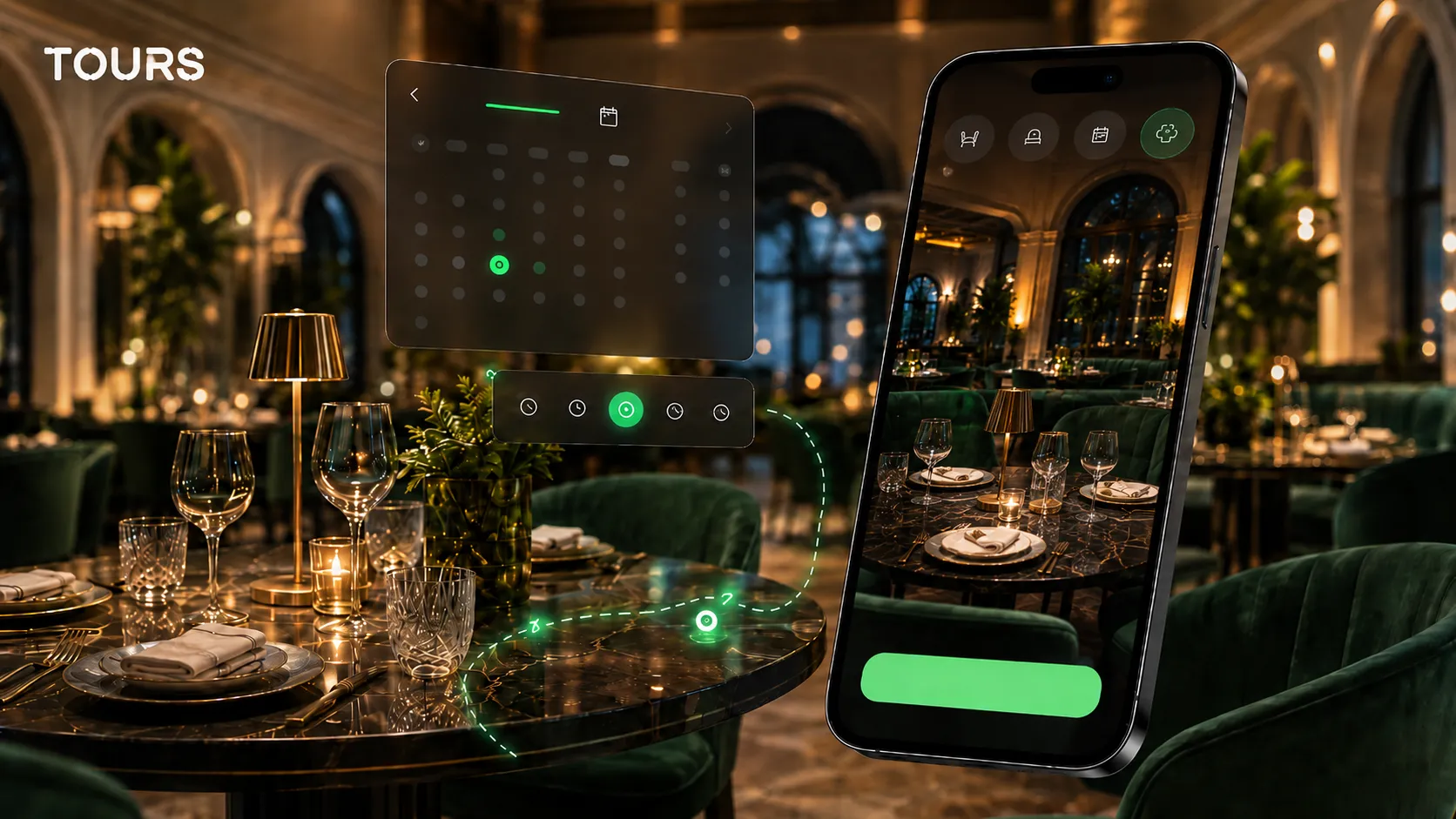
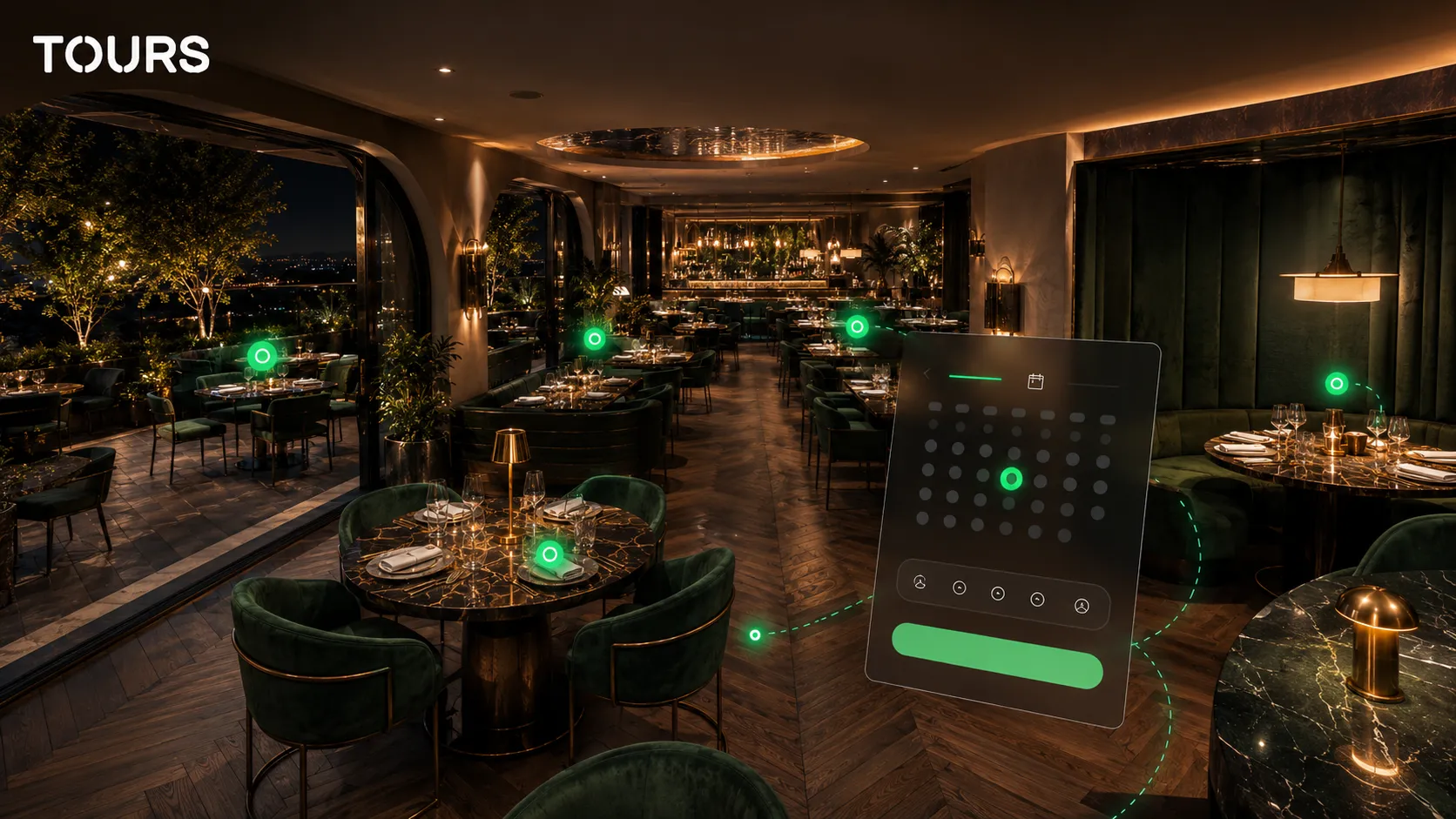
Restaurant tables can be connected to a virtual tour through interactive points placed inside 360° scenes. The guest moves through the restaurant, sees the dining room, terrace or private room, then taps the relevant point to open the booking window for that table or area.
This is a different angle from a general article about a restaurant virtual tour. That article explains why a 360° presentation is worth it; here, the main question is how the booking becomes more concrete when the guest can visually choose the place where they want to sit.
- table 12 can have its own interactive point, useful for private rooms or premium tables
- all terrace tables can share the same internal tag if they are managed as one area
- an event area can be connected to a calendar separate from the main dining room
- a point near the bar can lead to a booking request for special experiences
- a scene dedicated to a private room can have bookings connected only to that space
In Tours, bookings are not limited to a single interactive point. A Booking Manager can be connected to the entire tour, to specific scenes, to scene groups or to tagged interactive points. For restaurants, that means you can start simple and later refine the setup by tables, areas or experiences.
What is the difference between a table calendar and an area calendar?
A table calendar gives you fine control, while an area calendar simplifies management. The choice depends on how precise you want the process to be: a VIP table may have separate availability, while several similar terrace tables can share the same availability.
In Tours, interactive points can work independently or share availability through the same internal tag. In plain terms for the team: if several interactive points have the same tag, they can use the same calendar. If a table needs to be handled separately, it receives its own configuration.
| Model | When it is useful | Practical limit |
|---|---|---|
| Table calendar | Premium tables, private rooms, chef's table, high-value areas | Requires more careful management |
| Area calendar | Terrace, main dining room, lounge, bar or garden | The guest does not always choose the exact table |
| Global calendar | Small restaurants or an early-stage flow | Does not distinguish spaces enough |
| Manually reviewed request | Events, large groups, holidays or high-demand dates | Response depends on the team |
| Automatic acceptance | Simple time slots and very clear rules | Can be risky if reservations also arrive through other channels |
For many restaurants, the best option is hybrid: automatic bookings for simple time slots and manual confirmation for large groups, events or special tables. That keeps speed for simple requests and control for situations where a wrong booking costs more.
How do you choose a restaurant reservation app?
A restaurant reservation app should be chosen based on how the venue actually works, not just by the feature list. What matters is whether you need individual tables, areas, manual confirmation, website reservations, usage statistics, QR codes and a visual presentation that helps the guest decide.
Before comparing prices, write down how reservations come in today: phone, Instagram, Google, contact form, external platforms, returning guests or referrals. Then check which problem you want to solve first: fewer calls, more clarity for guests, fewer table mix-ups or a more convincing online experience.
- choose a solution that matches the restaurant's real capacity
- check whether you can control reservation acceptance or rejection
- look for a strong mobile experience, because many decisions happen quickly
- do not promise automatic availability if you also receive bookings through other channels without synchronization
- make sure reservations can connect to the website, QR code and promotional materials
- track usage statistics for visits, tapped interactive points and areas of interest
Digitizing operations is becoming more normal in independent restaurants: TouchBistro reported for 2025 that 32% of operators using AI mention AI-assisted reservations, a signal that automation is gradually entering the guest relationship layer as well.[3]Source
What does the right workflow look like in Tours?
In Tours, the right workflow is to create the restaurant virtual tour first, then configure the Booking Manager and connect it to the tour, scenes, groups or tagged interactive points. That way, bookings are tied to the real visual structure, not to an imaginary space.
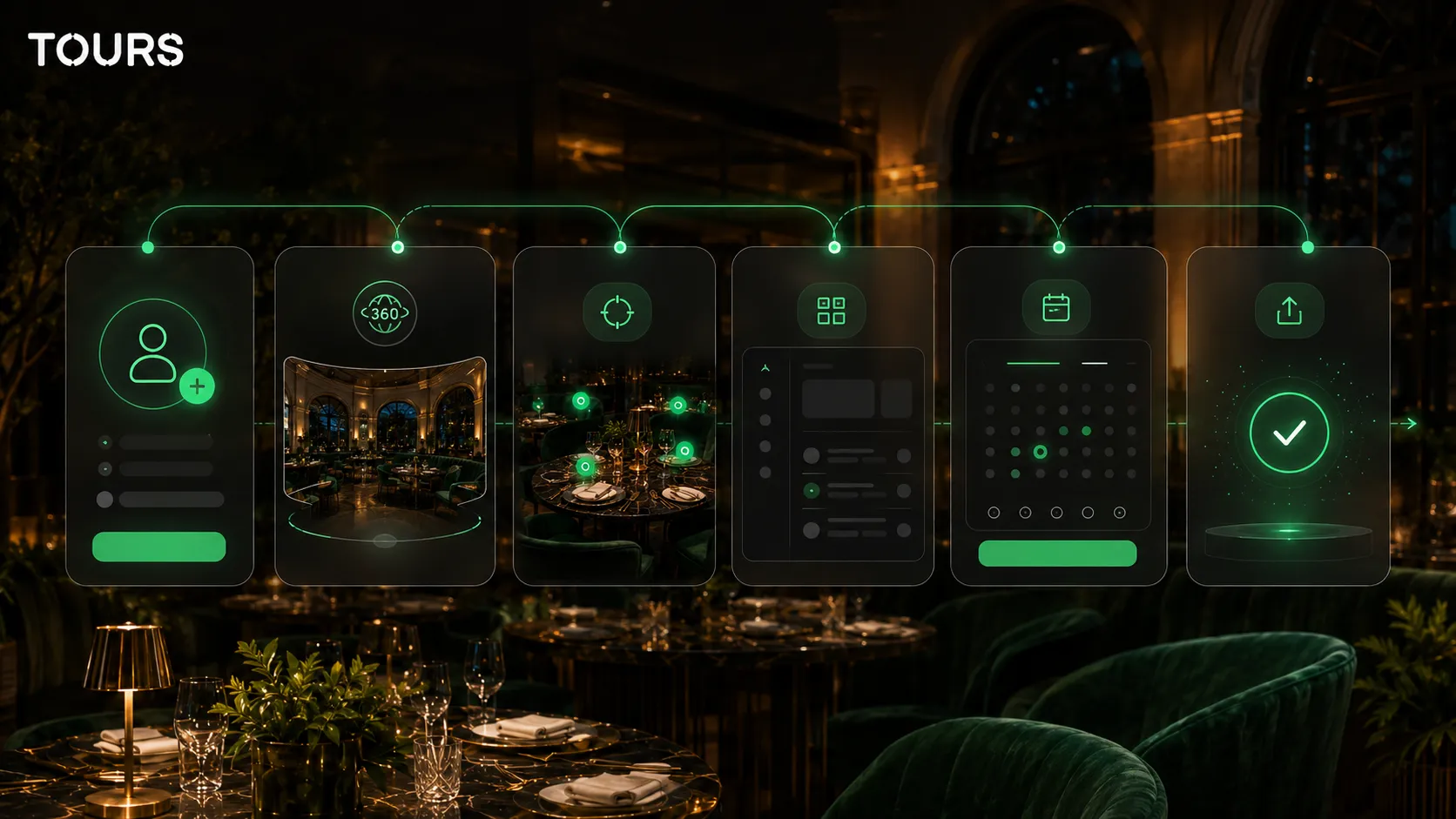
In practice, you create an account on getours.app, enter the Tours app, go to the 'My Tours' page, click the button for a new tour, complete the name and category, then optionally add location, price and tags. In the next step, you upload the first 360° scene, give it a clear name and enter the 360° editor.
Inside the editor, you add scenes, navigation between spaces, information points, external links, images, video, groups and interactive points that can later become bookable. If you want certain tables or areas to be connected to reservations, you add internal tags to them. After you click 'Publish', the tour waits for approval from a Tours moderator before it becomes publicly active.
Separately, in the Booking Manager, you create or configure the availability calendar, choose the right booking algorithm and optionally add team members who can accept or reject requests. Only then do you connect the manager to the entire tour, to scenes, to scene groups or to tagged interactive points.
How much does it cost, and when is it worth implementing?
Implementation is worth it when time lost on reservations, unclear guest expectations or a weak presentation of the space costs more than the tool you choose. For a restaurant, the cost should be compared with the number of clearer inquiries, correctly occupied tables and the experience offered before the visit.
Tours starts with plans from €19/month, while Pro features with bookings are available from €59/month. For restaurants that want both a 360° presentation and online table reservations from the same visual space, the difference from a simple form is how clearly the guest understands what they are booking.
If you already use an external booking system, Tours can support the process through the virtual tour, interactive points, website integration code, QR codes and usage statistics about visitor interest. You do not need to replace everything that already works; often, the goal is to add a more convincing visual channel.
For restaurants with groups, private rooms or special experiences, the visual layer matters because people are not booking only a time slot; they are booking a context. When the tour clearly shows the space and the reservation starts from the right area, the risk of vague or hard-to-confirm requests goes down.
What mistakes should you avoid before launch?
The biggest mistakes happen when a restaurant publishes online reservations without clear rules for capacity, duration, confirmation and internal responsibility. A good system can help, but it cannot fix the lack of a simple policy about who receives requests and how exceptions are handled.
- do not leave the same time slot available on too many channels if you do not have a clear check
- do not promise exact table selection if the team reserves the right to adjust seating
- do not use old photos or 360° scenes if the space has been redesigned
- do not hide rules for large groups, late arrivals or cancellations
- do not make booking difficult on mobile
- do not ask for too much data before the guest sees the value of the experience
A simple pre-launch test is to ask someone who does not work in the restaurant to book a table from their phone. If they quickly understand where they will sit, what they booked, when they will receive confirmation and how they can modify the request, the flow is clear enough for the first version.
Frequently Asked Questions
What is a restaurant booking system?
A restaurant booking system is a solution that helps a venue receive and manage reservation requests for tables, areas, groups or events. In a modern version, the system includes an availability calendar, capacity rules, manual or automatic confirmation and a simple guest experience, usually directly from the website or from a virtual tour.
How is an online table reservation different from a contact form?
A contact form only sends a message, while an online table reservation should check time slots, capacity, duration and confirmation rules. A form can be enough at the beginning, but a table reservation system becomes more useful when the restaurant has traffic, different areas or many repetitive requests.
Can Tours connect reservations to individual tables?
Yes. In Tours, tables can be represented through interactive points inside the virtual tour. An interactive point can have its own booking logic or use the same calendar as other points with the same internal tag. This supports simple area-based setups as well as more precise scenarios for special tables.
Does a restaurant booking system replace the POS?
Not necessarily. A booking system helps organize table requests. It does not automatically replace the POS, inventory management, accounting or a full CRM. For many restaurants, the right solution supports the existing process: website, phone, social media, virtual tour, QR code and internal confirmations.
Can I use automatic reservations for every table?
You can use automatic acceptance if the rules are very clear and you do not receive reservations through channels that can create overlaps. For large groups, events, holidays or premium tables, manual confirmation is often safer. The goal is to avoid promises the team cannot keep in the dining room.
How does a virtual tour help restaurant reservations?
A virtual tour helps guests see the atmosphere, table positions, terrace, private rooms and areas suitable for groups. When booking is connected to interactive points, the guest is not sending only an abstract request; they start from a space they have already seen. This can reduce uncertainty before the visit.
Which is better, a table calendar or an area calendar?
A table calendar is better for premium tables, private rooms or special experiences where exact control matters. An area calendar is simpler for a terrace, main dining room or lounge. Many restaurants use a mixed approach: areas for the normal flow and separate tables for special situations.
Can I add the tour with bookings to my restaurant website?
Yes. A tour created in Tours can be added to the website with website integration code, and visitors can open the experience directly from the restaurant page. For restaurants, this is useful because traffic stays on the owned website, while the guest can see the space and start the reservation without searching elsewhere.
How much does Tours cost for a restaurant?
Tours has plans starting at €19/month, while Pro features with bookings are available from €59/month. The cost should be reviewed based on the number of inquiries you receive, the importance of the 360° presentation and the time saved by the team. There is also a 30-day free trial with no card required.
What should I prepare before launching online reservations?
Before launch, define the real capacity, average reservation duration, rules for late arrivals and cancellations, the person who reviews requests and the areas that can be booked. If you use Tours, also prepare the 360° scenes, interactive points and internal tags that connect tables or areas to the Booking Manager.
If you want a restaurant booking system that is not just a form, but a visual experience with connected tables, areas and reservations, you can test Tours free for 30 days with no card required and build your first restaurant 360 tour directly in the browser.
Sources
Studies and reports cited in this article
All sources are checked and publicly available.
- State of the Restaurant Industry 2026reportNational Restaurant AssociationIndustry report for 2026 with estimates about sales, employment and technology investment in restaurants.
- Top Restaurant Trends in 2026studyOpenTableTrends and data about guest behavior, spontaneous reservations, groups and dining experiences in 2026.
- 2025 State of Restaurants ReportreportTouchBistro via Business WirePublic summary of the TouchBistro report about independent operators, automation, online presence and AI use in restaurants.
We carefully select trusted sources to keep the content relevant and up to date.