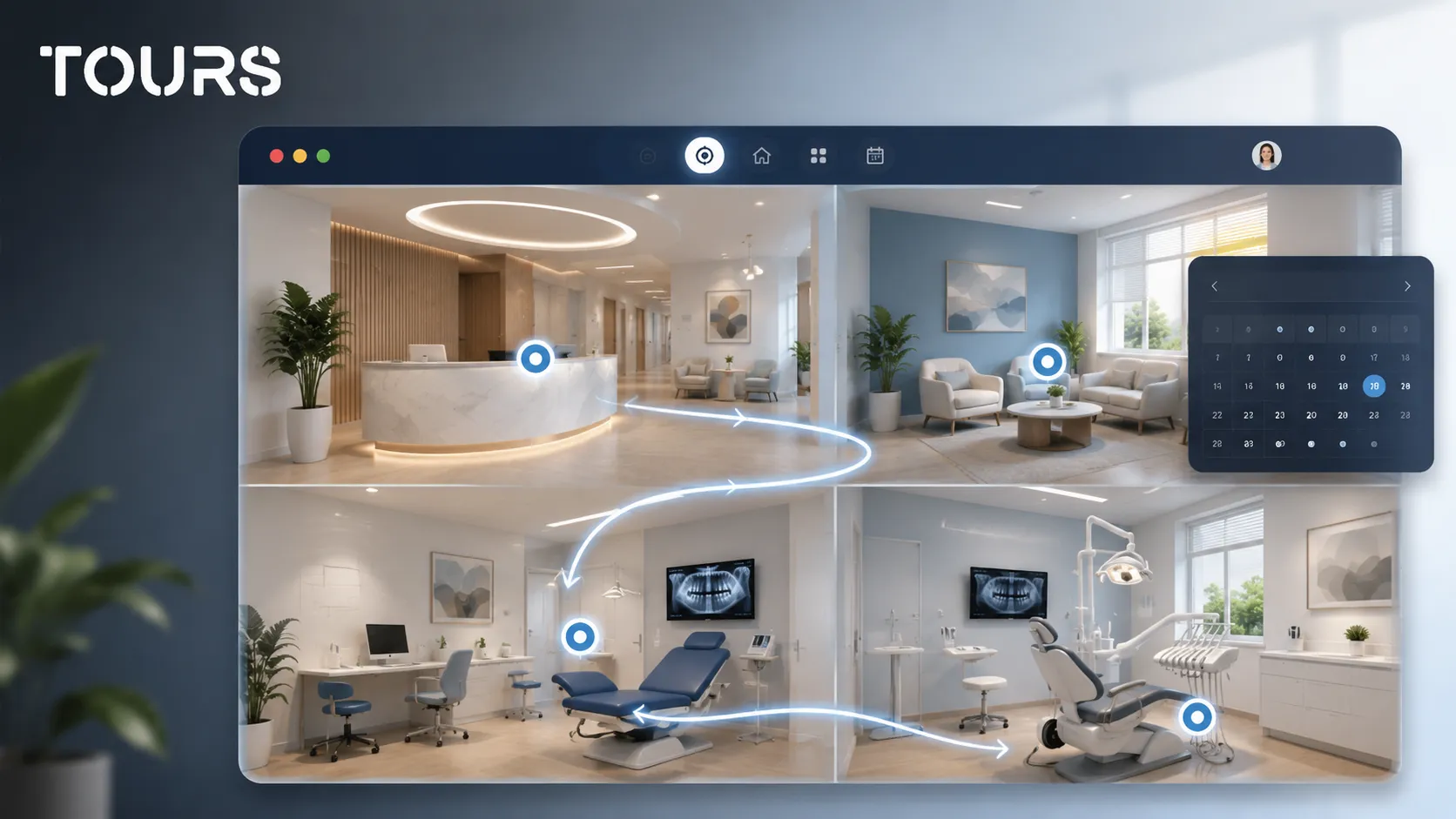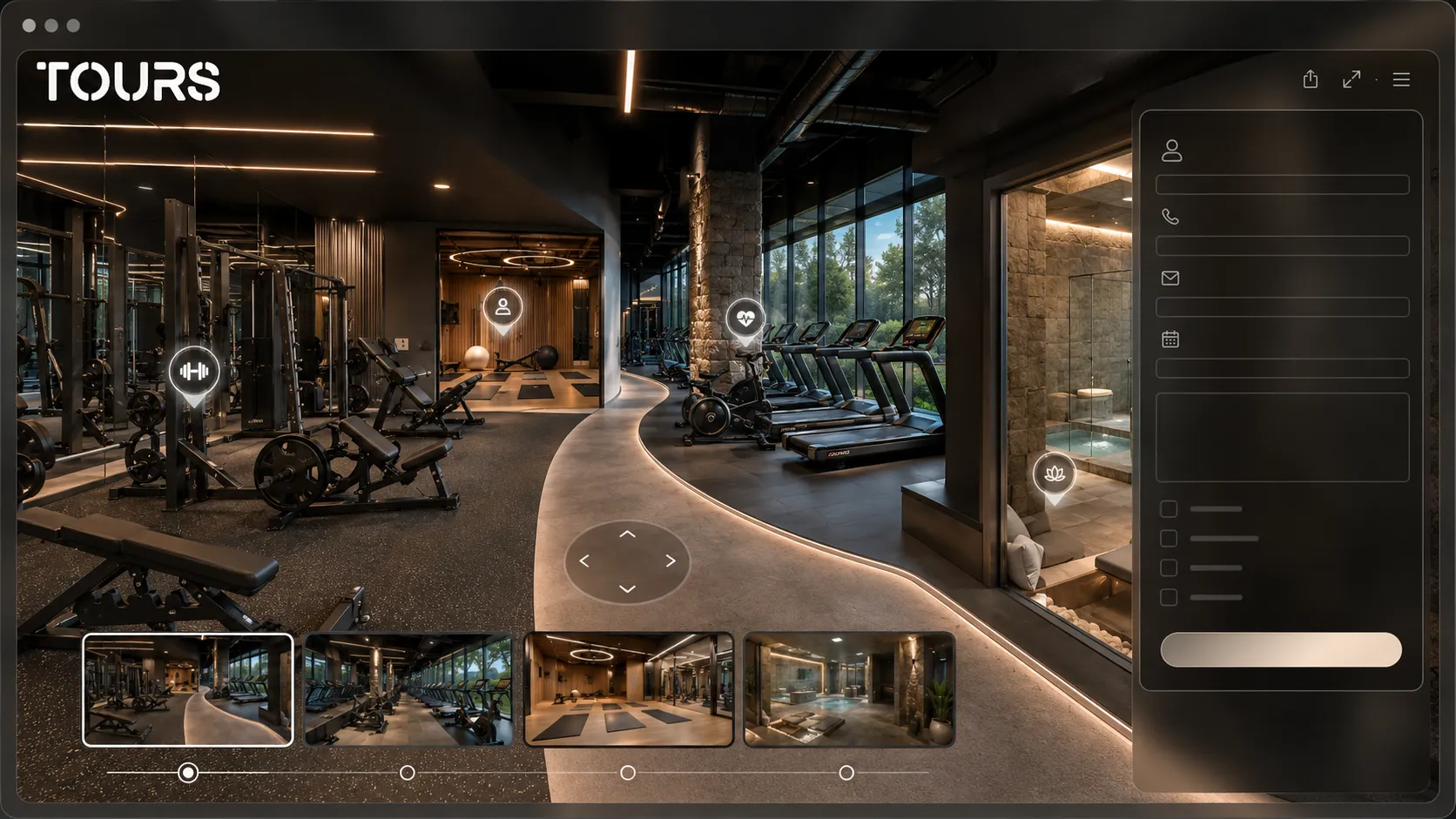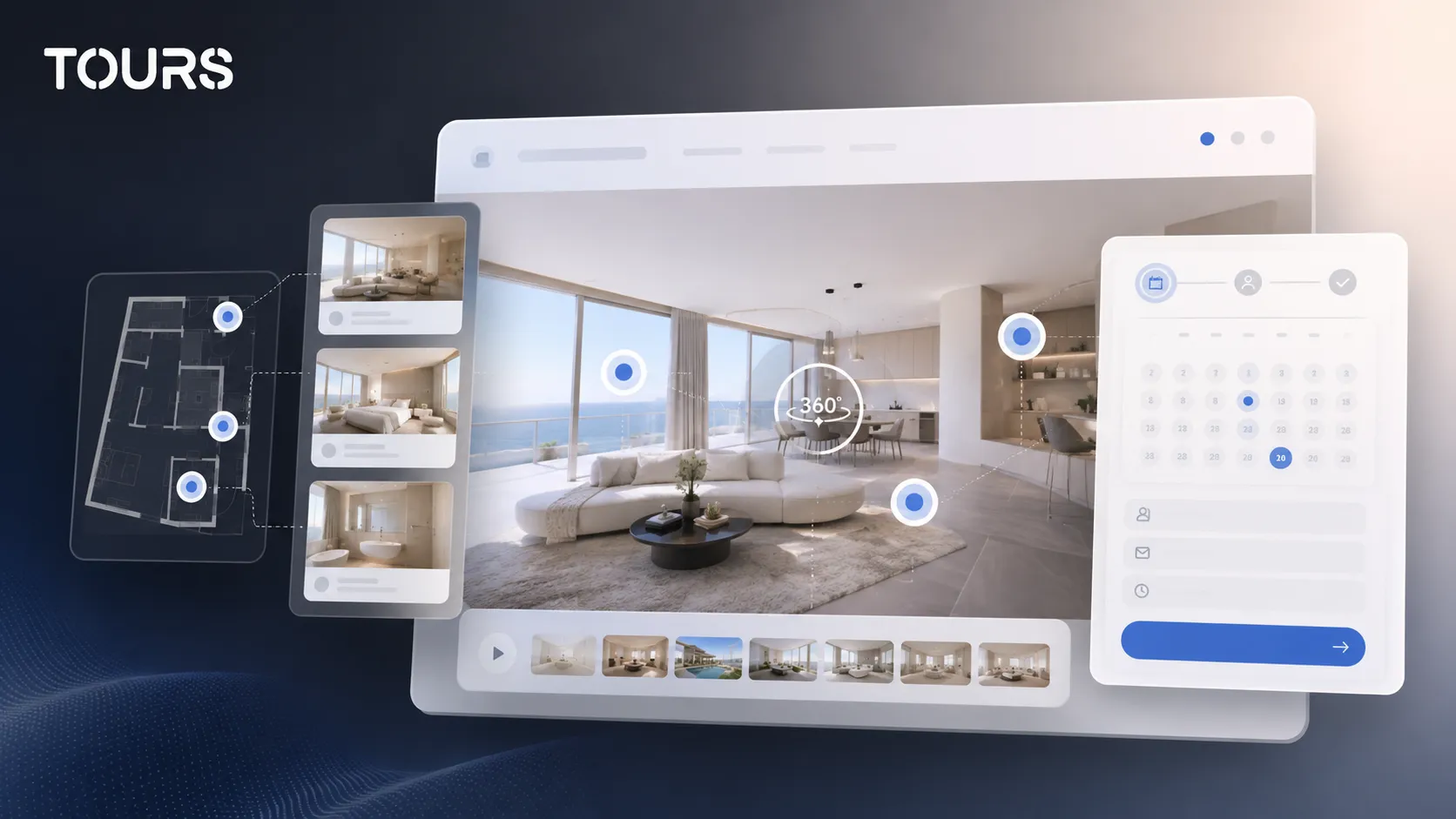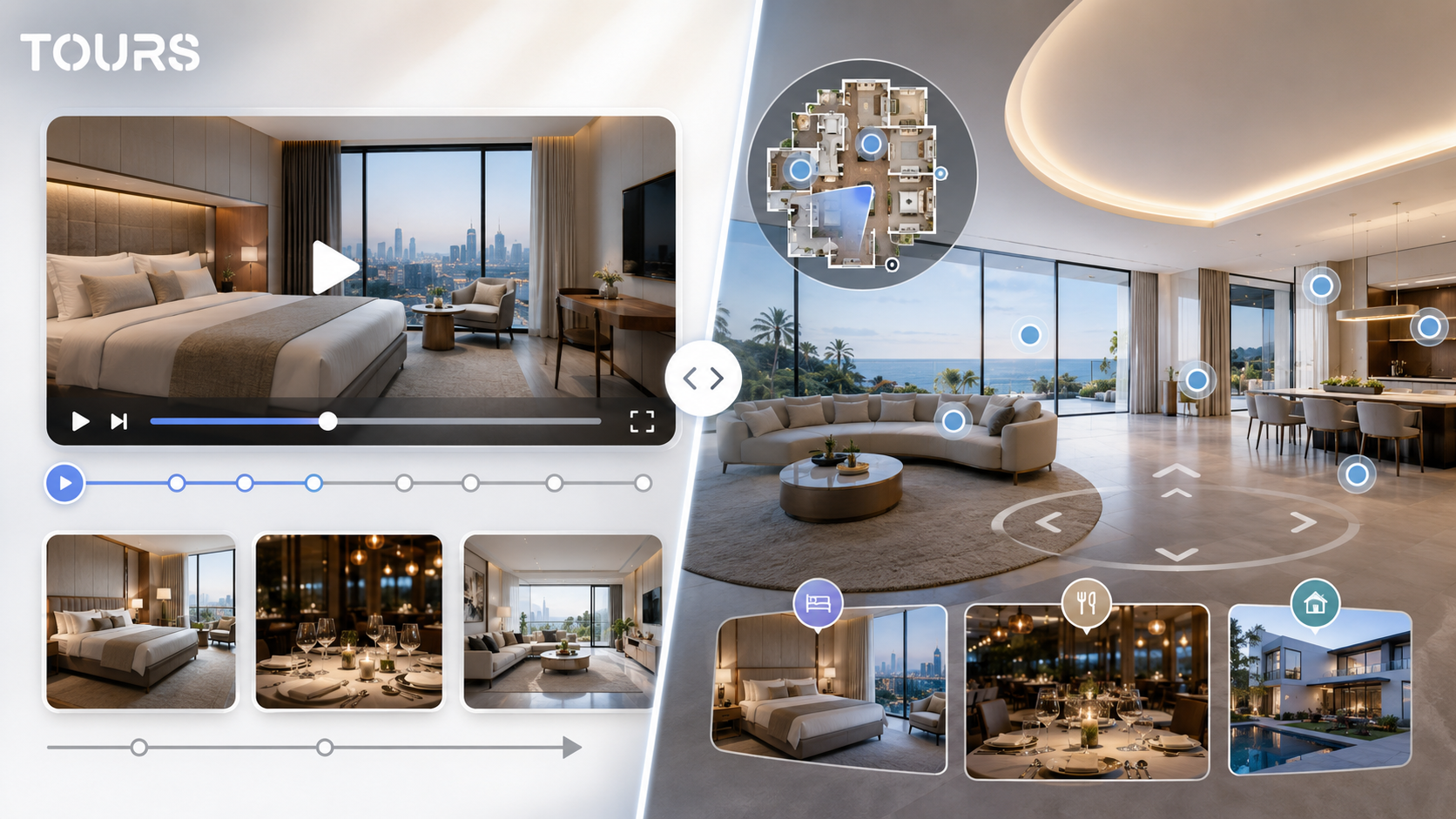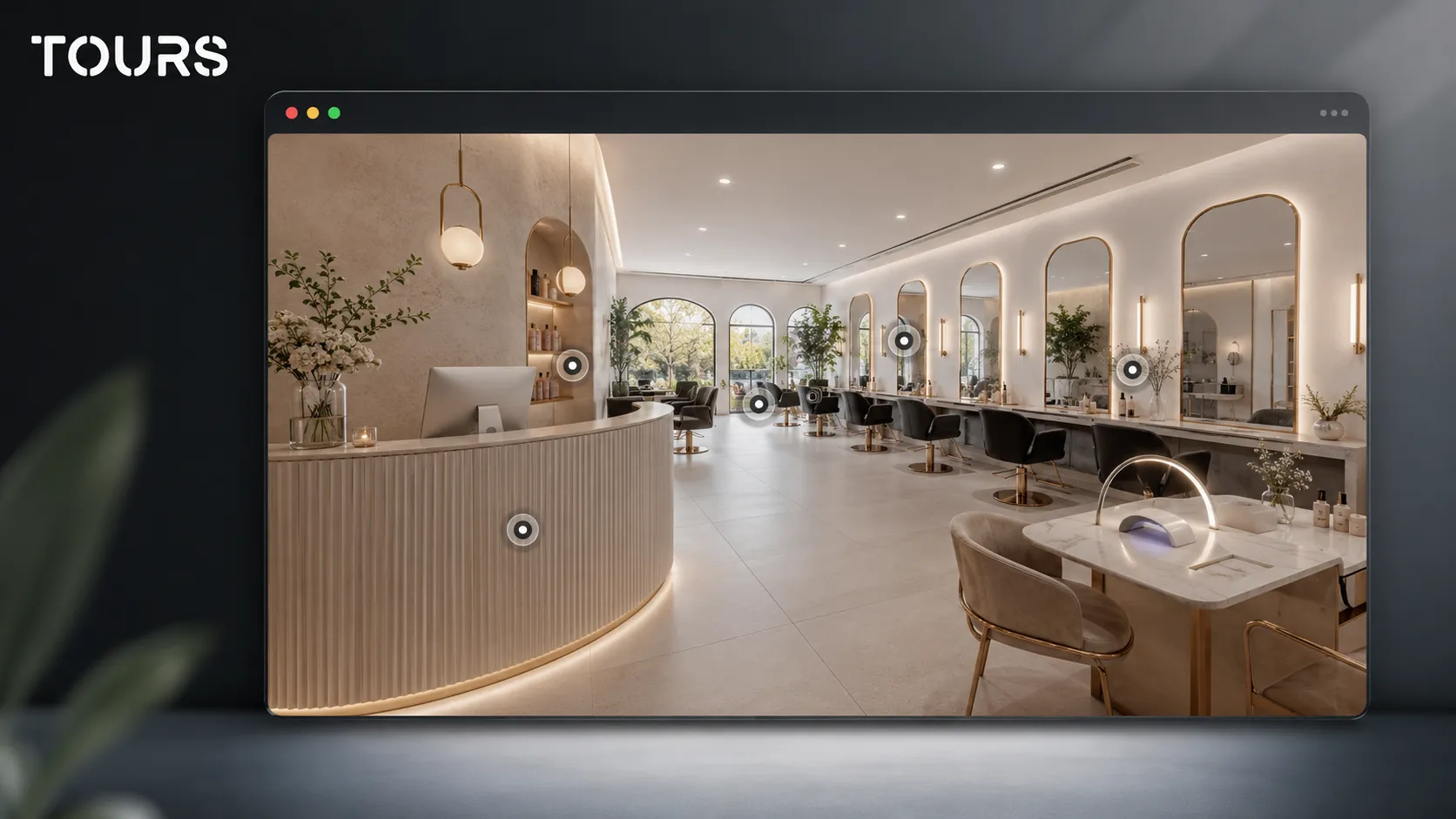

A salon virtual tour is a 360 presentation where a client can see the reception area, hair stations, treatment rooms, manicure area, atmosphere and booking options before choosing a service. For a beauty salon, its role is not only visual. It is commercial too: it reduces hesitation and makes the booking decision easier to understand.
Tours is a SaaS platform for interactive 360° virtual tours, built for businesses that want to publish presentations on their website and connect them to clear actions. For a salon, that means organized scenes, interactive points for services and, when needed, bookings connected directly inside the tour.
In short
- A salon needs more than beautiful photos: clients want to understand the atmosphere, hygiene, route through the space and comfort level.
- A 360 tour works for hair salons, modern barbershops, beauty studios, nail salons, urban spas and mixed-service salons.
- Interactive points can explain services, indicative prices, products used, private areas and preparation rules before the visit.
- Bookings can be connected to the whole tour, specific scenes, scene groups or interactive points marked with internal tags.
- On the website, the tour can support a clearer, more convincing online salon presentation that is easy to share through a QR code.
Why does a salon virtual tour matter before booking?
It matters because beauty services are personal, and the client is choosing more than a price. They are choosing a space where they need to feel comfortable. A 360 tour shows what the salon looks like, how organized the areas are and how the visit flows before the client sends an inquiry or books.
The commercial context matters: Professional Beauty reported in 2026, based on a European Zenoti report, that high-performing salons had 77% of bookings made online, compared with 40% for median salons.[1]Source Even though the data does not say a 360 tour produces that result by itself, it shows the direction clearly: the digital experience before the visit matters more and more.
For a new salon, the tour helps with the first impression. For an established salon, it helps present premium services, renovated areas, a private room or a new team. The difference from a photo gallery is control: the client moves through the space and understands the connection between reception, workstations and treatment areas.
| Client question | How the salon 360 tour helps |
|---|---|
| What does the place look like before I arrive? | It shows the reception area, workstations, mirrors, lighting, chairs and the route through the salon. |
| Is it right for my service? | It connects services to clear areas, such as hair, nails, beauty treatments, massage or barbering. |
| Will I feel comfortable there? | It communicates the atmosphere, privacy level, order and the way the space is organized. |
| Where do I book? | It can send the client to a general booking option or to an interactive point for a specific service. |
What spaces should a client see in a salon?
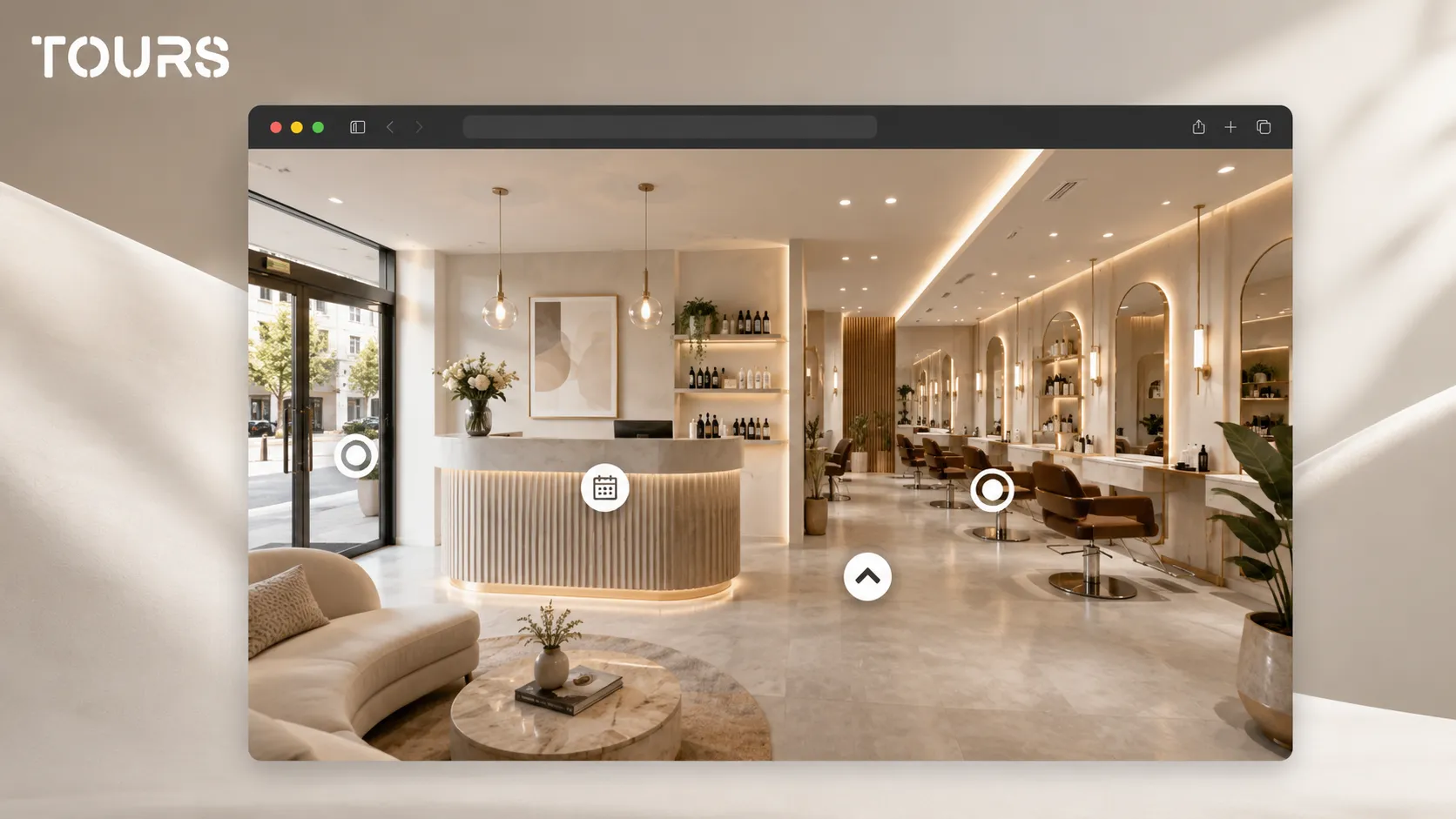
The client should see the spaces that affect trust and the decision to book: the reception area, waiting area, workstations, rooms, wash area, manicure area and any premium space. You do not need to show every corner. You need to show the real client journey.
- Reception and waiting area, for the first impression and orientation.
- Hair or barber stations, with attention to lighting, mirrors, chairs and spacing.
- The wash and hair treatment area, if it is a differentiator for the salon.
- Beauty, massage, waxing or facial treatment rooms, presented carefully for privacy.
- The manicure and pedicure area, especially if the salon sells an experience, not only a fast service.
- Professional products, display shelves or retail areas, when aftercare recommendations are part of the sale.
For a hair salon, the focus should be on lighting, stations, the wash area and the aesthetic result of the space. For a beauty studio, privacy, visible cleanliness, room comfort and explanations inside interactive points matter more. For a modern barbershop, the atmosphere and identity of the place are often decisive.
A salon competes in a market where beauty, wellness and local services overlap more often. Global Wellness Institute reported that the global wellness economy reached $6.8 trillion in 2024 and forecasts growth toward $9.8 trillion by 2029.[2]Source For salons, that means experience, comfort and the way the space is presented can matter as much as the service list.
How do you show services without cluttering the 360 experience?
You show services well when each piece of information is connected to the place where the client naturally understands it. An interactive point in the hair area can explain cuts, color and treatments, while a point inside a room can explain facials, waxing or massage without turning the tour into a crowded list.
| Salon area | Best information for the interactive point |
|---|---|
| Reception | Hours, phone number, arrival rules, booking option or link to the services page. |
| Hair station | Main services, indicative duration, consultation recommendation and examples of transformations. |
| Beauty room | Treatment types, privacy level, preparation before the visit and products used. |
| Manicure area | Services, maintenance options, indicative duration and option to book a specialist. |
| Product display | Brands used, after-service recommendations and an external link to a shop or request form. |
A simple rule: every scene should have a purpose. If a scene answers a question, keep it. If it only repeats the same perspective, it is better left in a gallery or removed. The tour should be short enough for decision-making and clear enough to build trust.
How do you connect the online salon presentation to clearer bookings?
The connection works best when the booking option appears at the right moment, not only as a generic button. In Tours, a booking setup can be connected to the entire tour, specific scenes, scene groups or interactive points marked with internal tags.
- For a small salon, a global booking button can be enough if the services are managed in one calendar.
- For a salon with different services, scenes can separate hair, beauty treatments, nails and barbering.
- For different specialists, interactive points can use internal tags so bookings are connected to the right service.
- For rooms or private areas, scene groups can keep the experience organized and connect requests to the right area.
- For local campaigns, the tour can be shared through a QR code, social media or a contact page without changing the main website.
If booking is connected to the whole tour and enabled, the visitor can see a global booking button. If it is connected to an interactive point, the booking window opens when the client clicks that point. Points with the same tag can share the same calendar, while independent points can have separate calendars.
The digital trend is visible in beauty at the channel level too, not only in appointments. McKinsey estimates that the global beauty market can grow 5% annually and reach $590 billion by 2030, while e-commerce already accounts for 28% of global beauty sales by channel.[3]Source For a local salon, the practical takeaway is that the online presentation needs to be clear, mobile-friendly and easy to turn into an action.
You can test Tours with a free 30-day trial, with no card required. If you only need publishing, website integration code, QR sharing and usage statistics, plans start at €19/month. If you want integrated bookings inside the tour, Pro includes that feature from €59/month.
What does the Tours workflow look like for a salon?
The workflow is split into two parts: first you build the salon tour, then you configure bookings. This order matters because you need scenes, groups and interactive points before deciding which service, specialist or area should open a booking window.
- Create an account on getours.app, enter the Tours app and open the My Tours page.
- Choose to create a new tour, complete the salon name and category, then optionally add location, indicative price and tags for the tour.
- Upload the first 360° scene and give it a clear name, such as Reception or Main hair area.
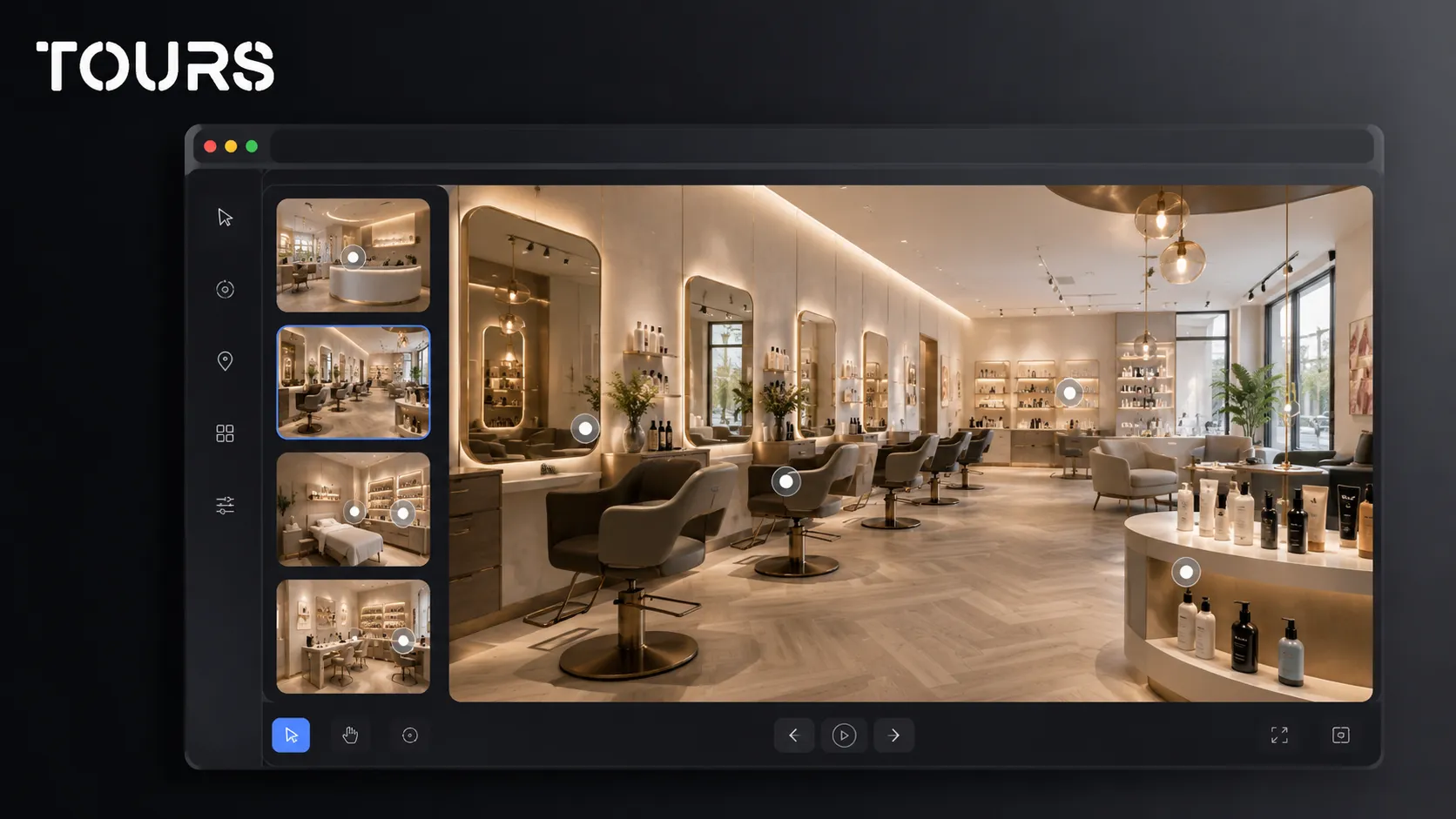
- In the 360 editor, add scenes, navigation, information points, external links, images, video and groups for the salon areas.
- If certain points should be bookable, add internal tags to them so they can later be connected to Booking Manager.
- When the tour is ready, click Publish, choose the visibility option, and the tour waits for approval from a Tours moderator before it becomes public.
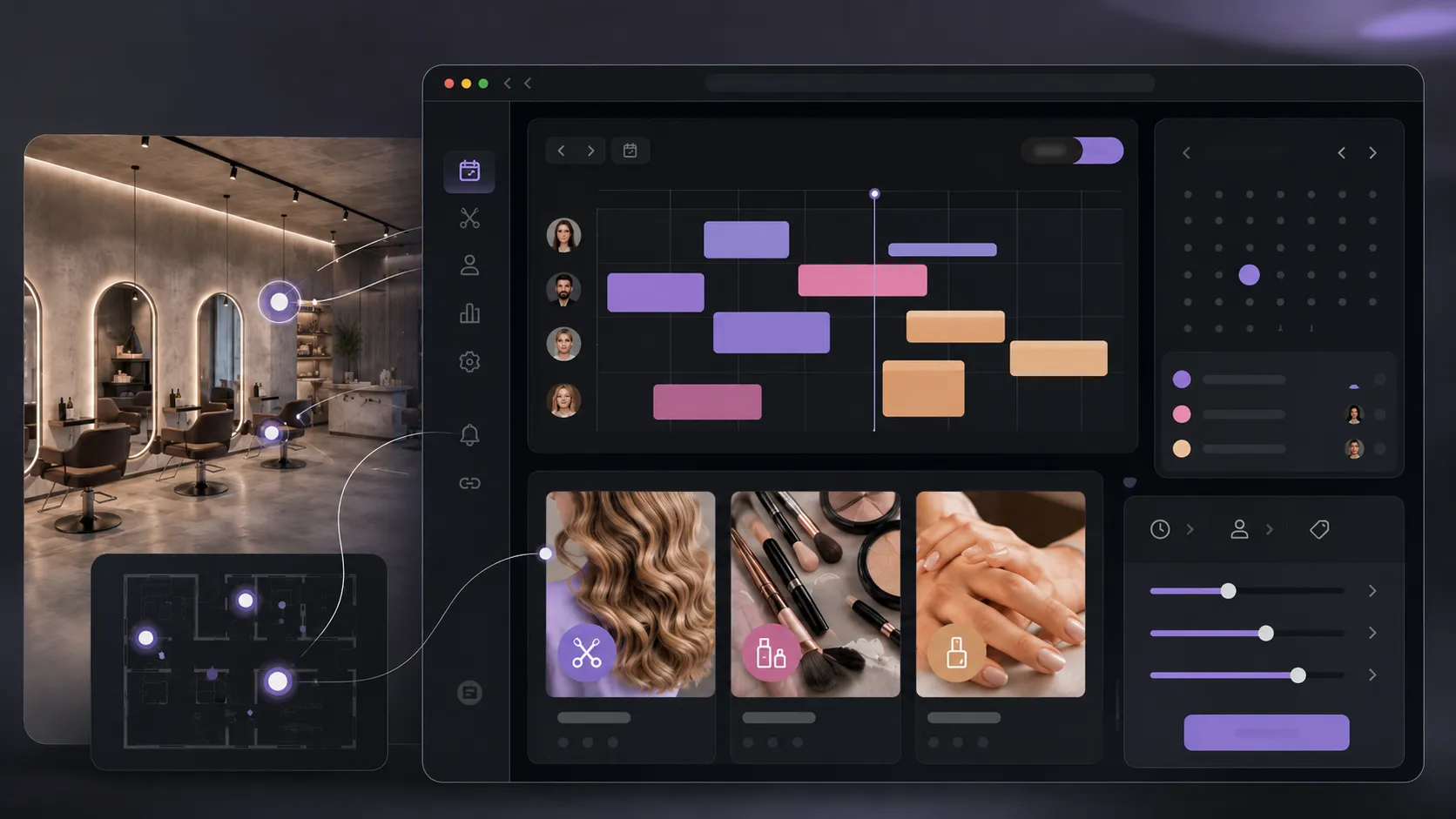
For bookings, go separately to Booking Manager, configure the calendar, choose the right algorithm and optionally add team members who can accept or reject requests. After that, connect the calendar to the tour, scenes, scene groups or interactive points with tags.
What should you measure after publishing the salon tour?
After publishing, measure whether the tour helps the client understand the salon and reach an action. In Tours, usage statistics are included on all plans, so you can track visited scenes, interactions, point clicks and interest in specific areas or services.
- The most visited scenes, to see which areas attract attention.
- The interactive points opened, to understand which services interest clients.
- Clicks toward booking, contact or external links.
- Time spent in the tour, as a signal of interest and clarity.
- The difference between tours shared through the website, QR codes, social media or local campaigns.
If people visit the hair area but do not click booking, you may need a clearer message next to the service. If visitors enter the tour and leave quickly, the first scene may be too busy or may not show the value of the salon quickly enough.
When should you choose a 360 tour, photos or video for a salon?
Choose a 360 tour when the space, client route and atmosphere influence booking. Choose photos when you need quick visuals for services, results and social media. Choose video when you want to show rhythm, people, transformations or the brand story. The three formats can work together.
| Format | When it fits a salon |
|---|---|
| 360 tour | When you want visitors to explore reception, work areas, rooms and atmosphere before booking. |
| Photos | When you need fast visual results, a hair portfolio, manicure details or social media images. |
| Video | When you want to show transformations, team interaction, the work process or the salon story. |
| Classic page | When you need services, prices, hours, frequently asked questions and clear text information for search. |
| 360 tour plus bookings | When you want space exploration to lead naturally to an inquiry, reservation or consultation. |
For general details about the difference between a virtual tour and video, it makes sense to use a dedicated comparison guide. For a salon, the decision comes down to one practical question: does the client need to see the space before they trust it enough to book? If yes, the 360 tour deserves a place on the website.
Frequently Asked Questions
What is a salon virtual tour?
A salon virtual tour is a 360 experience where a client can see the reception area, work zones, treatment rooms, atmosphere and booking points before arriving in person. It is useful for beauty salons, hair salons, barbershops, beauty studios, nail salons, urban spas and mixed-service centers.
Can a salon virtual tour help with bookings?
Yes, it can help if it is connected correctly to the booking action. The tour should not be only a beautiful image. It should be a clear route: the client sees the space, understands the services and can click a button or interactive point to send a request or book.
What areas should be included in a salon 360 tour?
Include reception, the waiting area, hair or barber stations, the wash area, beauty rooms, the manicure area and any premium area. You do not need to include technical rooms or messy areas. The goal is to show the client journey and the comfort level.
Is a virtual tour right for a small hair salon?
Yes, especially if the space looks good, has a distinct atmosphere or you want to explain services before booking. For a small hair salon, the tour should stay short: reception, workstations, wash area and a few interactive points for services, specialist or booking.
Can I connect booking to a specific salon service?
Yes. In Tours, booking can be connected to the entire tour, a scene, a scene group or interactive points with internal tags. For example, manicure points can use one calendar, while hair points can use another calendar or the same calendar, depending on how the salon is organized.
Does the virtual tour replace my booking system?
Not necessarily. For many salons, the tour complements the existing process and sends the client toward booking with more context. If you already use a separate system, you can use the tour for orientation, trust and external links. If you want integrated bookings inside the tour, you can configure them in Tours.
Where should I publish the salon virtual tour?
The most important place is the salon website, on the presentation page or booking page. You can also share it through a QR code at reception, local campaigns, social media, messages to new clients or dedicated pages for premium services. The tour works best when it is close to the booking action.
How long should the salon tour be?
For most salons, clarity matters more than length. A good tour can have only a few scenes: entrance, reception, main work area and one or two special areas. If the salon has multiple services, scenes can be grouped so visitors do not get lost.
Do I need a professional photographer for the salon tour?
It is not mandatory, but it helps if you want a premium image. A 360 photographer can control lighting, mirrors, reflections and visual order. If you start on your own, prepare the space carefully, use clean lighting and avoid times when the salon is crowded or messy.
Can I test Tours before paying?
Yes. Tours offers a free 30-day trial, with no card required. You can create a salon tour, add 360 scenes, interactive points, information and website integration code. If you also want bookings connected inside the tour, you can test the Pro flow before deciding whether to keep it.
If your salon has a space that becomes more convincing when it is seen, create a tour in Tours, publish it on your website and track which services attract interest. You can start with the free 30-day trial, with no card required, then decide whether you only need a 360 presentation or also connected bookings.
Sources
Studies and reports cited in this article
All sources are checked and publicly available.
- European report on digital bookings in salonsreportProfessional BeautyIndustry article about Zenoti data for salons, spas and aesthetic clinics in Europe, with a focus on online bookings and retention.
- Global wellness economy monitor 2025reportGlobal Wellness InstituteResearch release about the size and evolution of the global wellness economy, relevant for salons, spas and experience-led services.
- Global beauty industry trends 2026studyMcKinsey & CompanyAnalysis of the global beauty market, digital channels, e-commerce and the changing way consumers discover services and products.
We carefully select trusted sources to keep the content relevant and up to date.