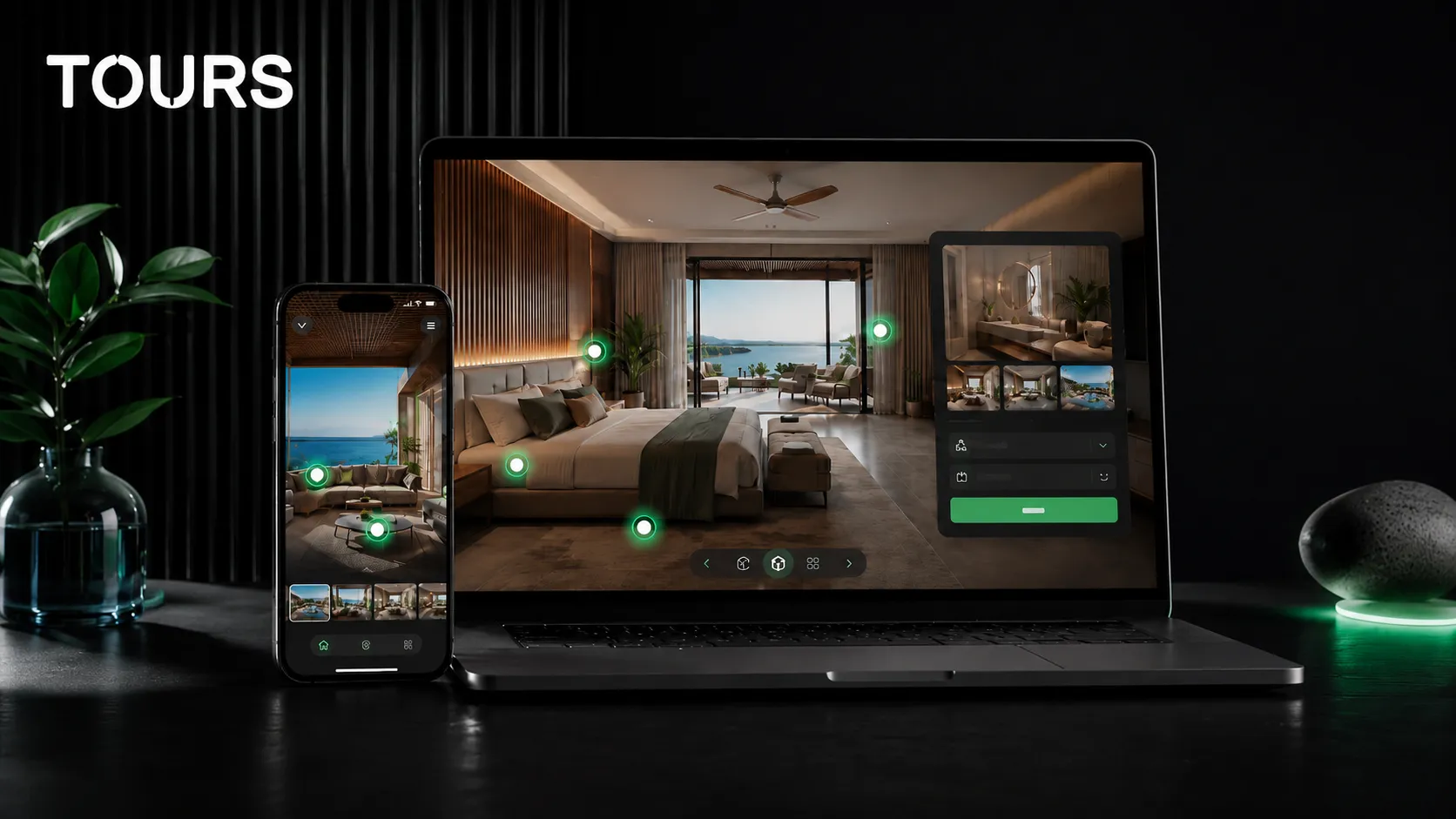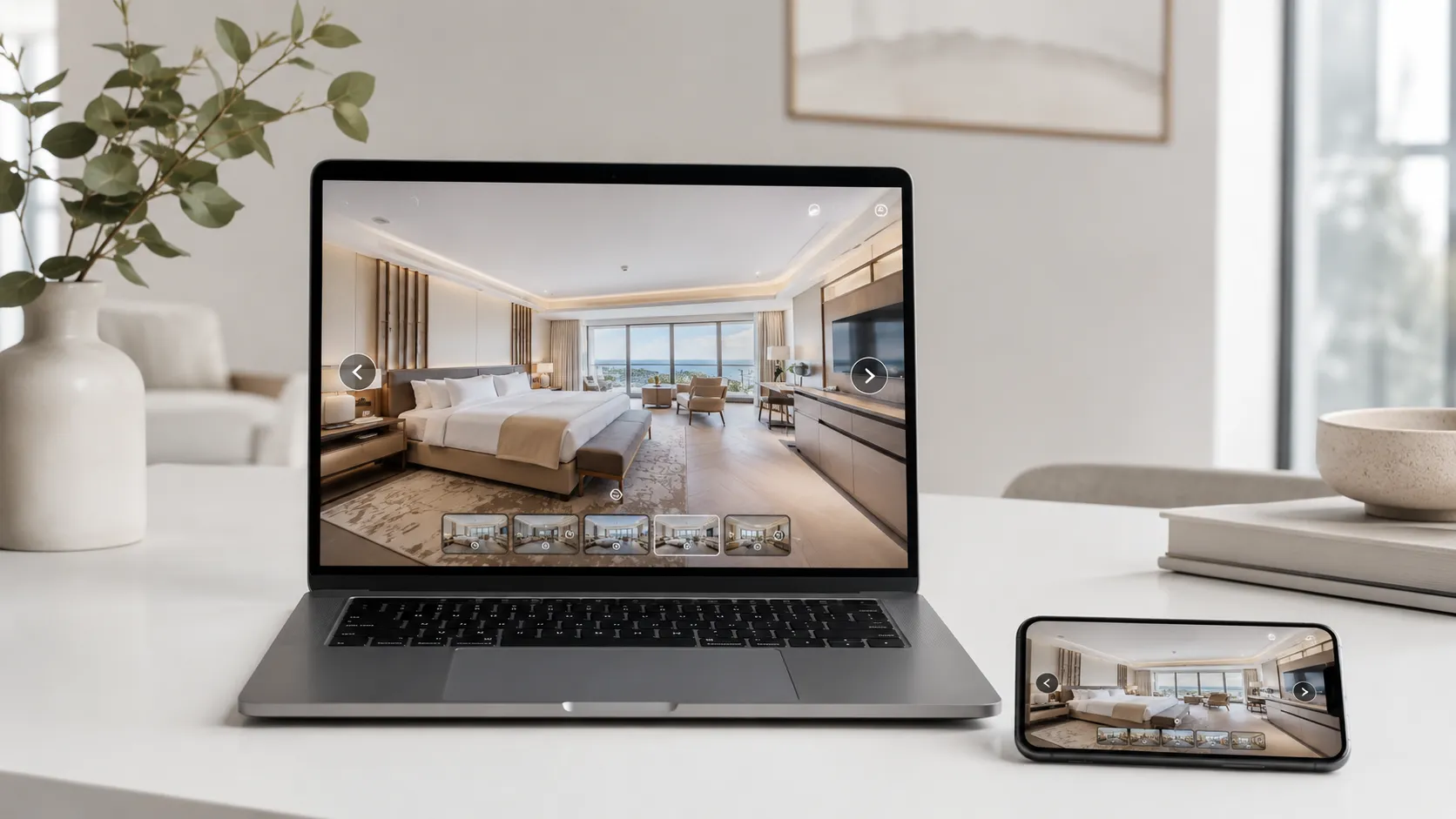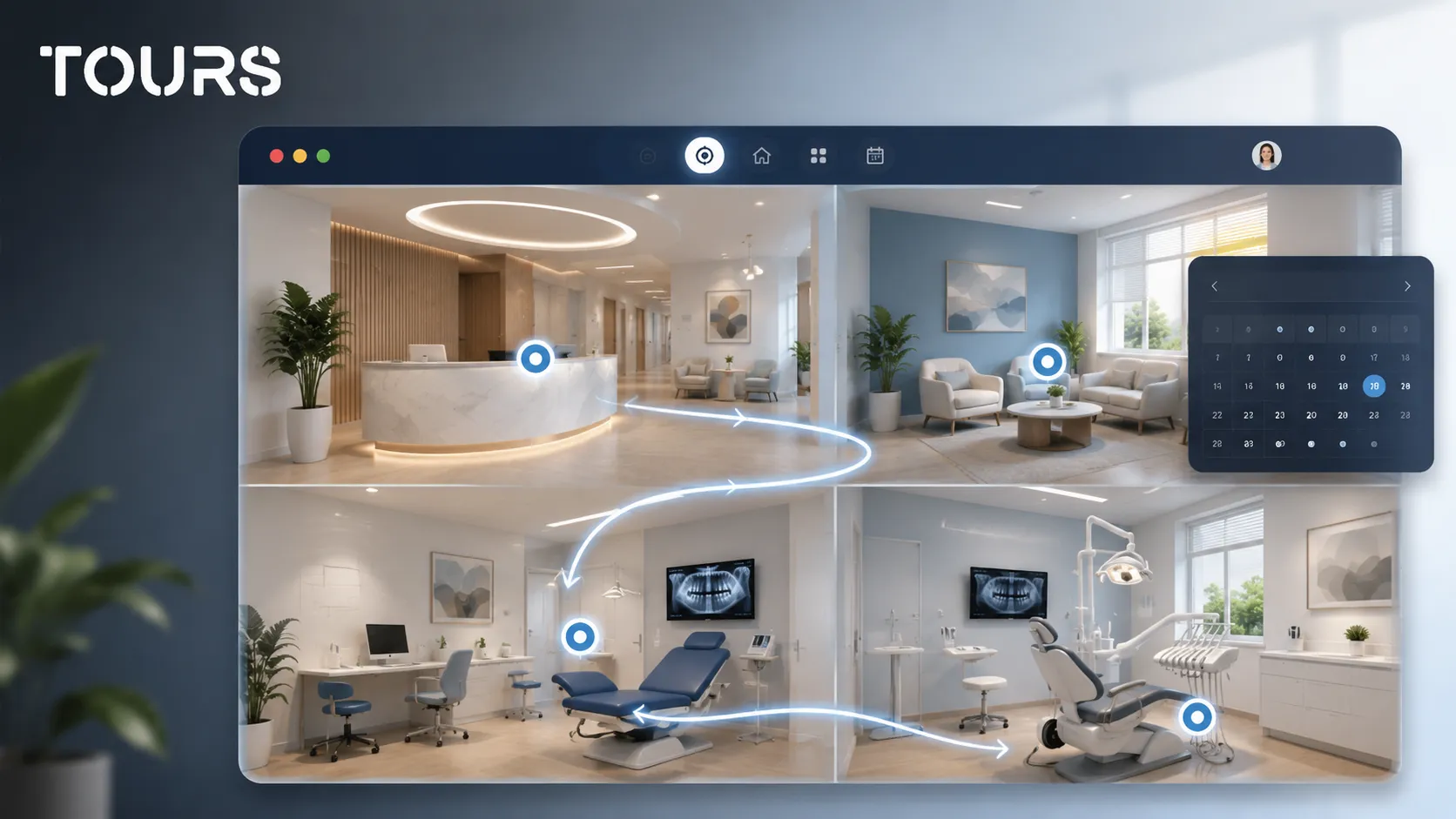

A clinic virtual tour helps patients understand the space before they call or book an appointment. Instead of seeing only a few photos, they can move through reception, the waiting room, treatment rooms and relevant areas in a 360 presentation that reduces uncertainty and builds trust.
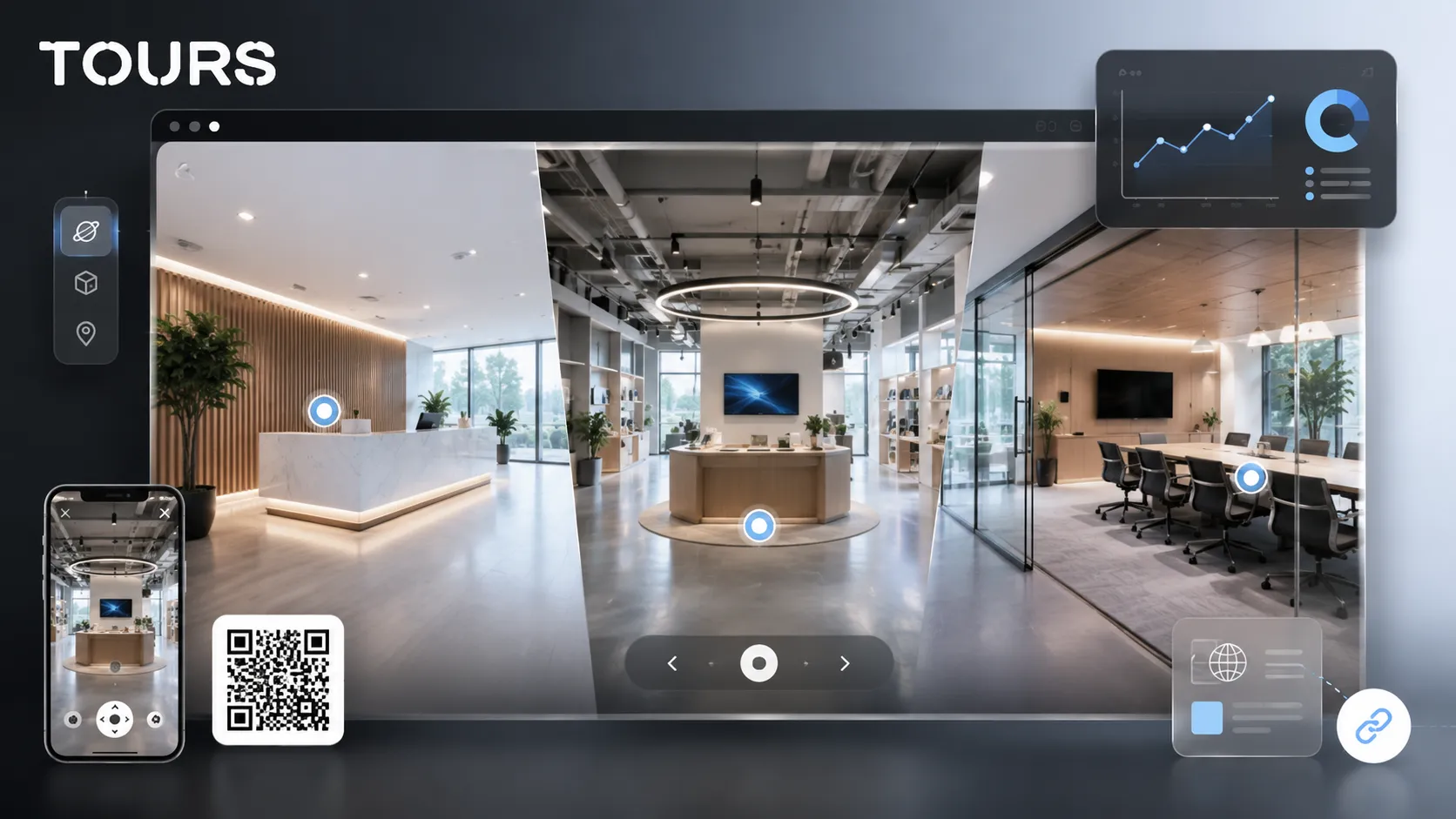
Tours is a SaaS platform for interactive 360° virtual tours with information points, website integration code, usage statistics and appointment options. For a clinic, Tours helps the team turn the medical space into a clear presentation that is easy to explore before the first contact.
In short
- A 360 tour for a clinic is useful when patients need to see the space before booking, especially for elective medical services, dentistry, aesthetics, rehabilitation or diagnostic visits.
- The most important areas are reception, the waiting room, consultation rooms, treatment areas, access, parking and the patient journey, not every technical corner of the clinic.
- Interactive points can explain services, doctors, preparation steps, access rules and appointment options without overloading the clinic website.
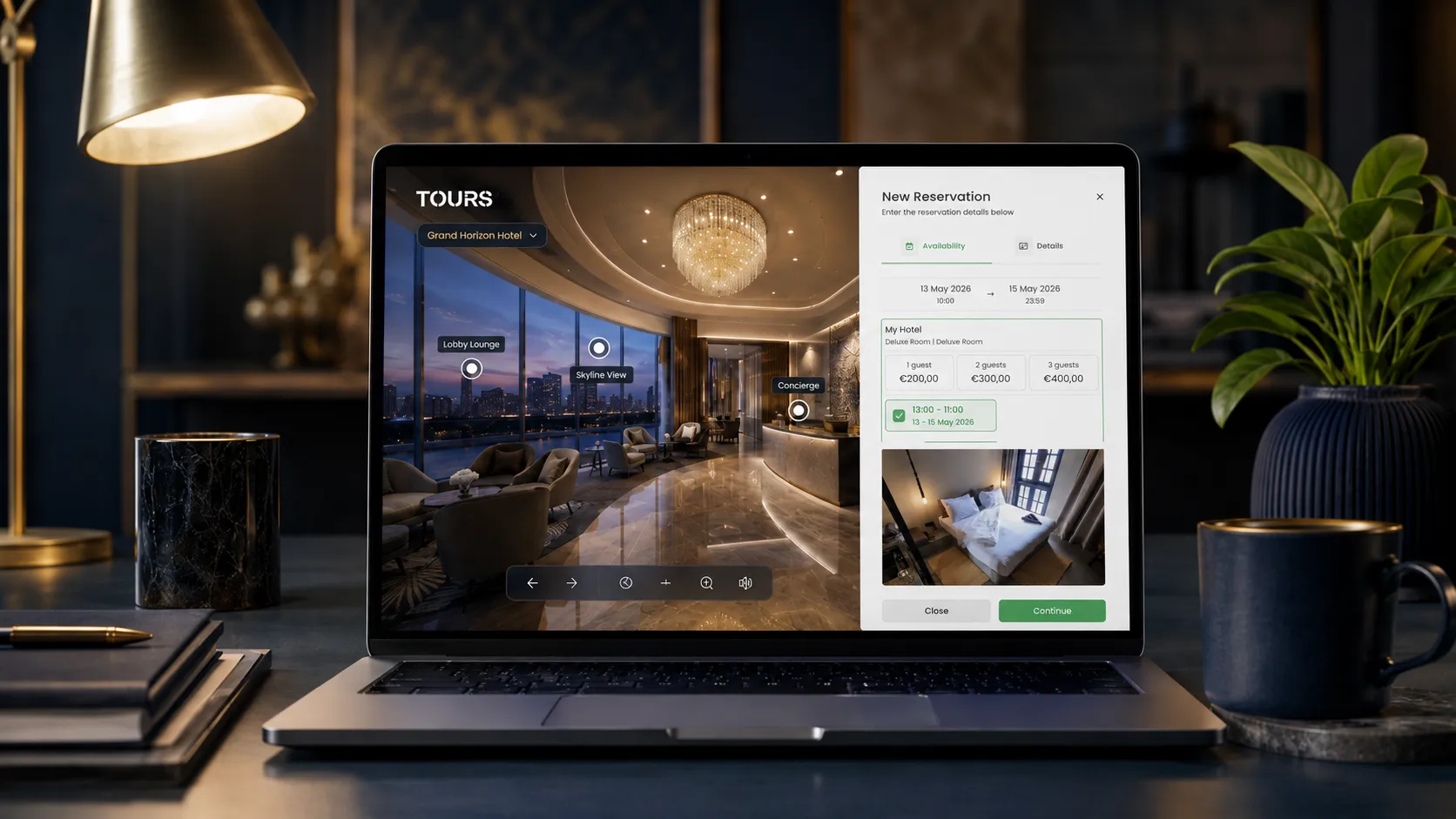
- In Tours, appointments can be connected to the entire tour, specific scenes, scene groups or interactive points with internal tags.
- An online presentation of a medical clinic should build trust while respecting patient privacy and avoiding unrealistic medical promises.
What should a clinic virtual tour solve?
A clinic virtual tour should reduce patient hesitation before the first contact. It shows what the place looks like, where the patient goes, how clear the journey is and what kind of experience they can expect, without turning healthcare communication into aggressive advertising.
The reason is simple: patients increasingly look for information online before making a decision. Eurostat shows that in 2023, 62% of internet users in the EU searched online for health information.[1]Source For a clinic, this means the presentation page, images, appointment path and clarity of the space influence trust before the patient even makes a phone call.
- It shows whether the space is clean, organized and easy to understand.
- It explains patient access from the entrance to reception and the consultation room.
- It helps anxious patients become familiar with the location before the visit.
- It supports elective services, where patients compare several clinics before choosing.
- It adds a controlled visual experience to photos and service pages.
Which medical spaces should you show without violating privacy?
A clinic should show the spaces that help patients orient themselves and gain confidence, not sensitive areas or moments with real patients. The tour should be captured when the space is empty, prepared and safe from a privacy perspective.
| Space | Worth including | What to avoid |
|---|---|---|
| Reception | The entrance, desk, orientation area and how the patient is welcomed | Visible documents, screens with personal data or patients captured by accident |
| Waiting room | The atmosphere, chair spacing, access to treatment rooms and internal signage | Real people waiting, medical files or private details |
| Consultation room | Core equipment, lighting, the doctor's area and the patient area | Procedures in progress or promises about medical results |
| Dental office | The dental chair, visual sterilization cues, technology and treatment path | Invasive instruments shown too intensely or images that may create discomfort |
| Access and parking | The entrance, elevator, ramp, parking and useful landmarks for the first visit | Outdated access information or directions that are hard to verify |
| Technical areas | Only if they explain a clear patient benefit, such as imaging or rehabilitation | Staff rooms, storage, sterile areas or areas with no commercial relevance |
For medical clinics, the practical rule is to show what patients will see and use. If an area does not help the decision, orientation or trust, it can stay outside the tour.
How do you build the patient journey in a 360 presentation?
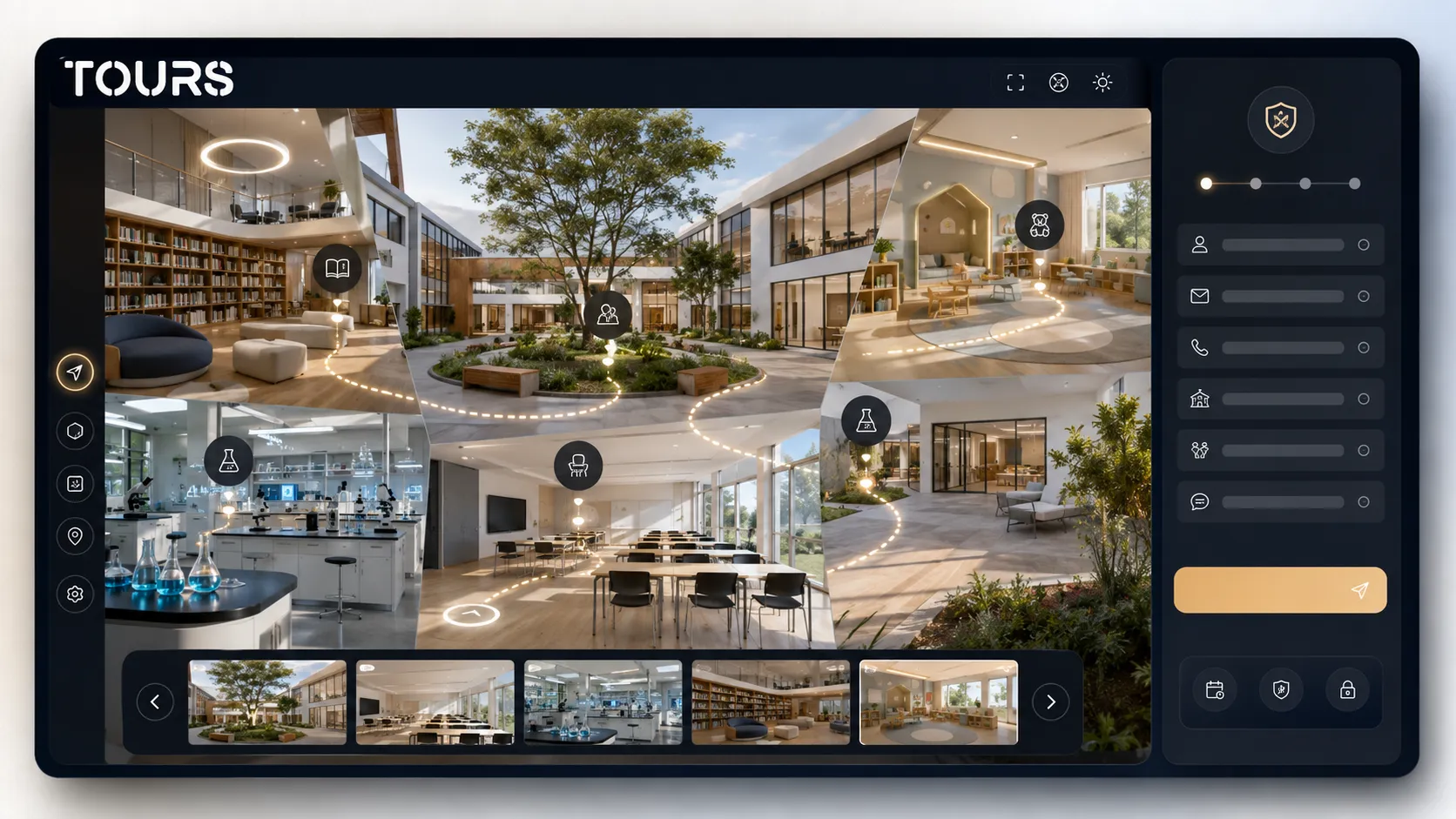
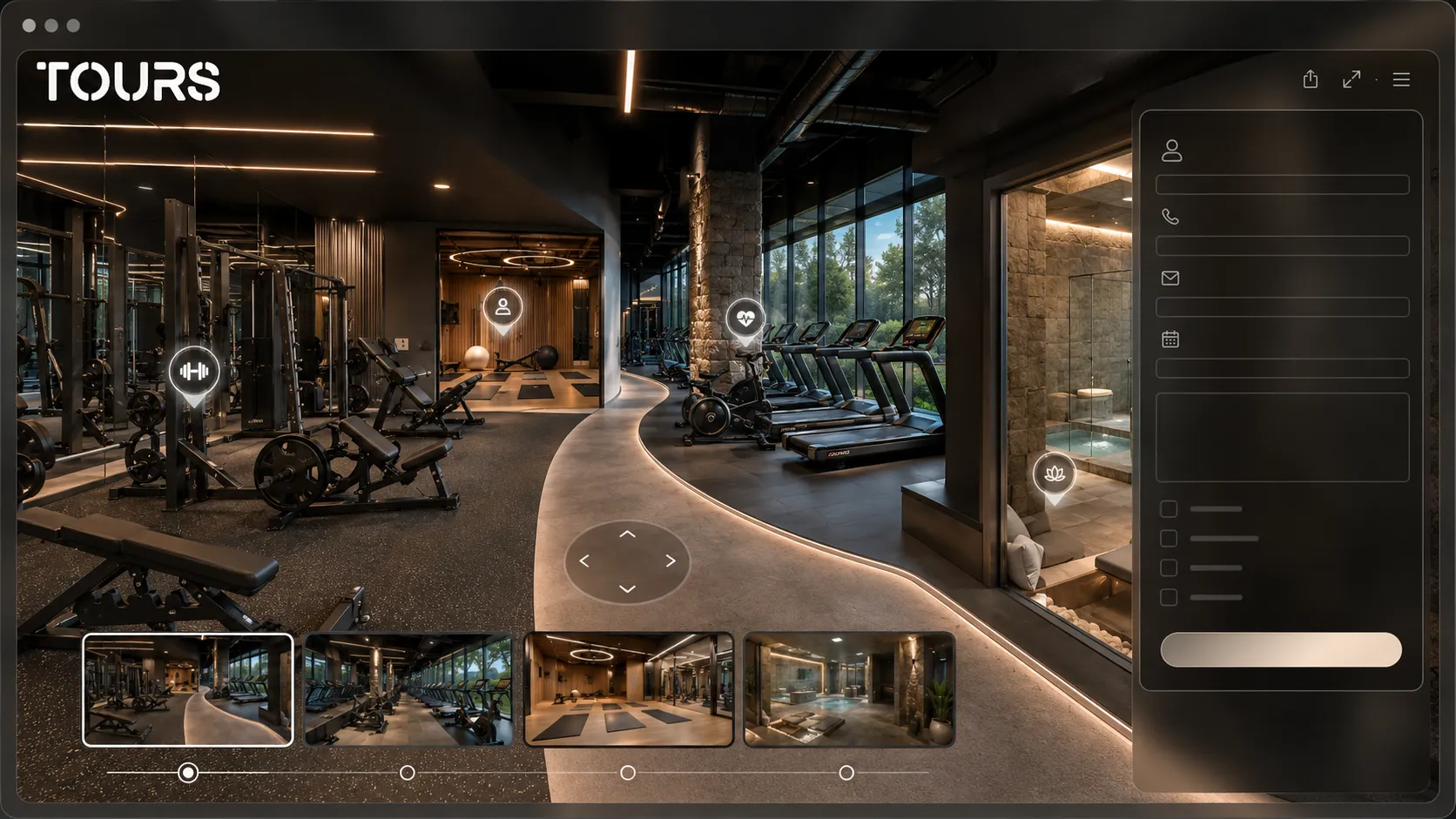
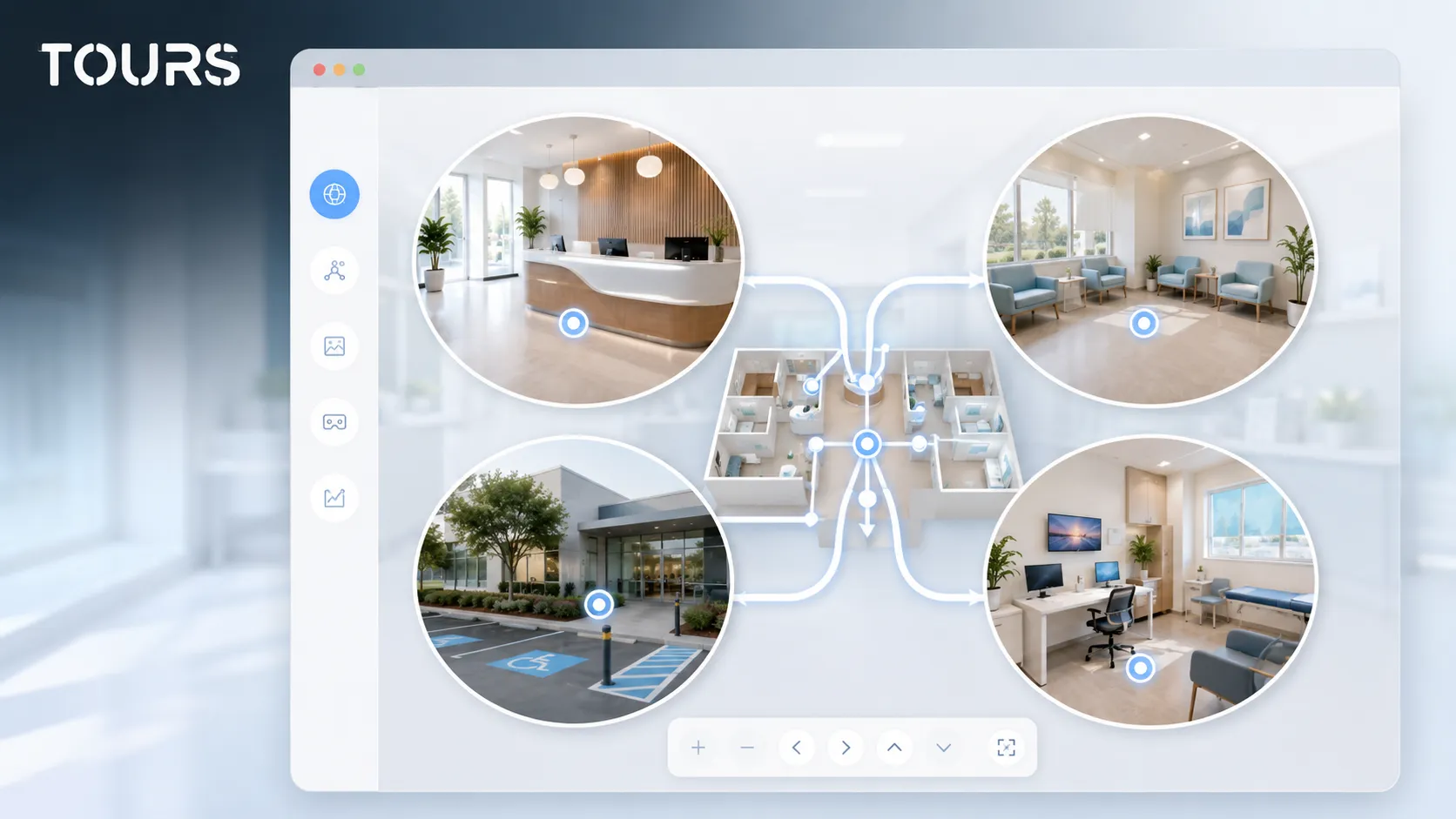
The patient journey should start where the practical questions begin: where do I enter, where do I wait and where do I go next. A good 360 presentation is not a collection of panoramas. It is a short, logical path that is easy to follow.
PwC describes the digital patient experience as a journey that should be easy to navigate, support the brand and build trust. The same logic applies to a 360 presentation: each scene should have a clear role in patient orientation.[2]Source
- Start with the exterior or entrance if finding the clinic is a frequent issue.
- Continue with reception and the waiting room, because these set the first level of trust.
- Group rooms by specialty or service, not only by the physical order of the rooms.
- Add information points where patients have real questions, such as how to prepare for a consultation or which documents are needed.
- Close the path with a clear action: appointment, call, request or viewing the service page.
How does a virtual tour help a dental office?
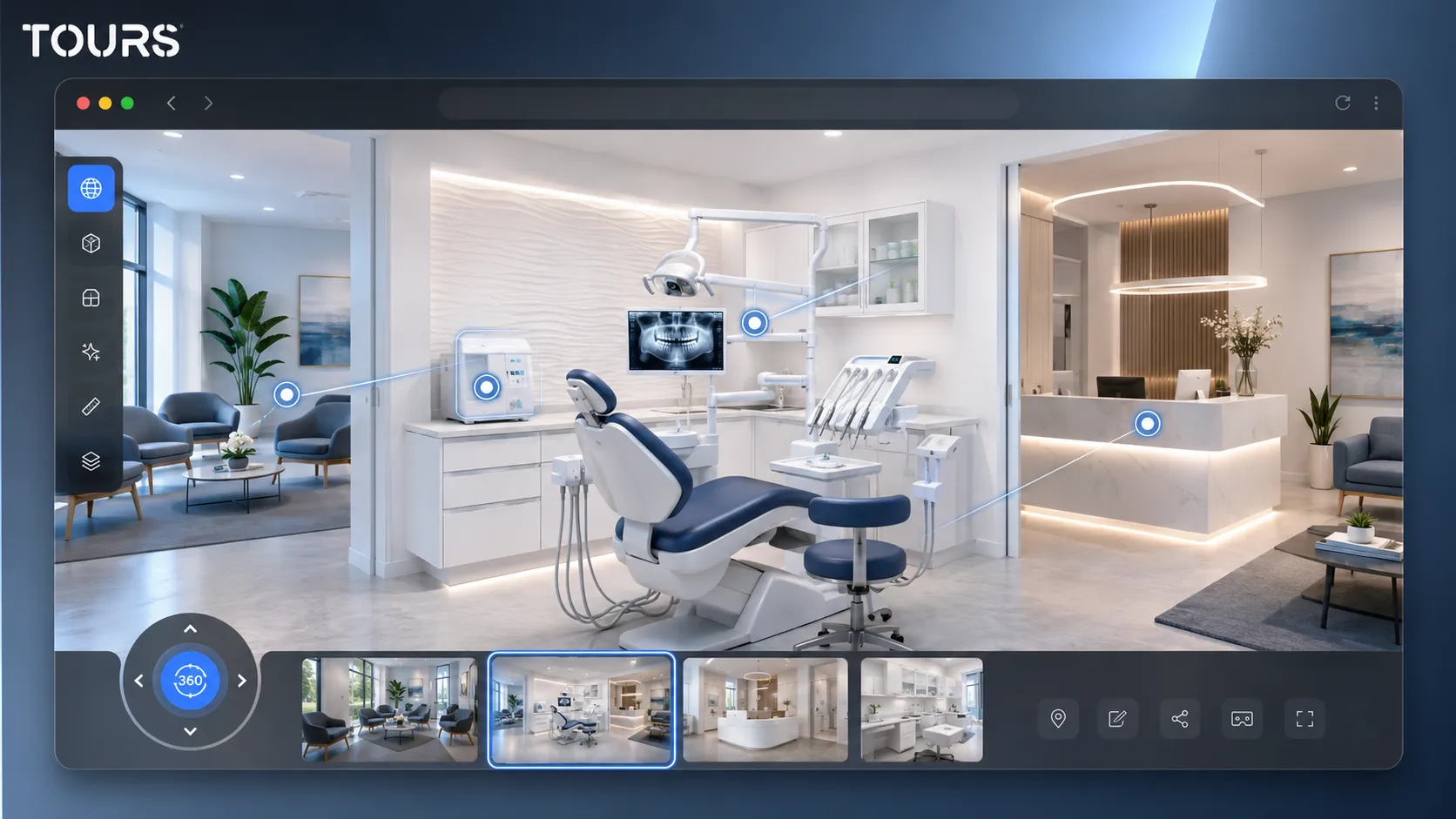
A dental office virtual tour is especially useful when patients feel nervous before treatment. Showing the dental chair, technology, visual sterilization cues and atmosphere can make the office feel more familiar before the first visit.
In dentistry, patients often compare offices based on trust, communication and comfort, not only price. The tour can show consultation areas, radiology, the waiting room, a child-friendly area or the path for longer treatments, without exposing sensitive clinical details.
- For implant dentistry, show the technology and consultation area without invasive imagery.
- For orthodontics, show the evaluation area and the flow of recurring visits.
- For pediatric dentistry, focus on atmosphere, colors, access and calm.
- For cosmetic dentistry, connect the tour with explanations about consultation steps, not guaranteed promises.
How do you connect appointments in Tours without replacing the clinic system?
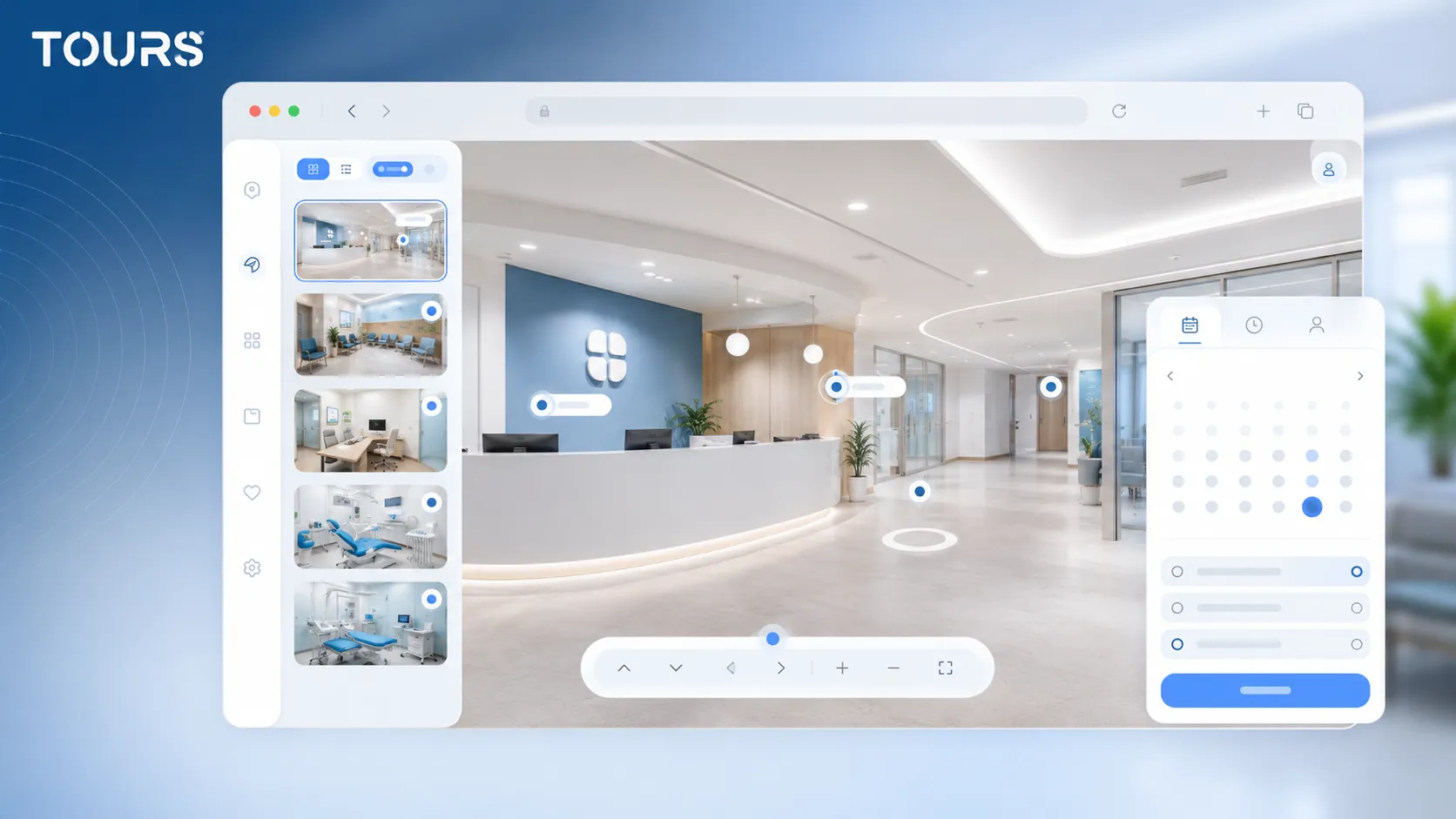
In Tours, appointments can complement the clinic's workflow instead of replacing the existing medical system. For a clinic, the goal is to move the patient from the space presentation toward a clear request, appointment or conversation with reception.
Online appointment scheduling is already an important part of the relationship between patients and healthcare providers. A 2024 study on online appointment scheduling in family medicine looks at how patients use these options and how they connect to the care experience.[3]Source For private clinics, the practical takeaway is that booking should be clear, accessible and easy to understand.
The correct flow is simple: create the tour, organize the scenes and interactive points, then configure Booking Manager separately. There you set the availability calendar, choose the right appointment algorithm and, when needed, add team members who can accept or reject requests.
- At tour level, you can show a global appointment button during the experience.
- At scene level, you can connect appointment requests to a room or a specific area.
- At scene-group level, you can connect multiple spaces to the same specialty, such as dentistry or rehabilitation.
- At interactive-point level, the appointment window opens when the patient taps that point.
- Interactive points with the same internal tag can use the same calendar, while different points can have separate calendars.
If a clinic already uses a CRM, medical system or call center, Tours can be used as a visual bridge between interest and request. It does not claim to replace medical records, clinical applications or internal workflows related to consultations and treatment.
What information should you add to a clinic's interactive points?
Interactive points in a medical tour should answer concrete questions, not repeat the entire services page. The most useful information clarifies orientation, patient preparation, the room's specialty and the next step.
For a broader explanation of general interactive point types, information windows, external links and contextual actions, the article about interactive points is the better fit. In a clinic, the difference is that the information should be calm, accurate and carefully worded.
- At reception: hours, required documents, first-visit steps and contact details.
- In the waiting room: access rules, estimated time and guidance for companions.
- In the consultation room: the specialty, consultation type and what happens before the procedure.
- At equipment points: the role explained simply, without excessive technical language.
- For access: entrance, elevator, ramp, parking, public transportation and useful landmarks.
Where should you publish the tour on the clinic website and communications?
The tour should be published where patients make decisions: on the clinic website, on important service pages, in confirmation messages and in materials sent before the visit. Website integration should be visible, but it should not block essential information.
In Tours, you go to the 'My Tours' page, create a new tour, fill in the name and category, then upload the first 360° scene. After that, you customize it in the 360° editor with scenes, groups, interactive points, text, images, video and links. When you press 'Publish', you choose the visibility, and the tour waits for approval by a Tours moderator before it becomes publicly active. For website integration, you can use the integration code available in the platform.
- On the clinic homepage, the tour can work as visual proof of trust.
- On the dentistry, rehabilitation or aesthetics page, the tour can show the space dedicated to that service.
- In the confirmation email, the tour link can reduce questions about access and orientation.
- With a QR code, the tour can be used in printed materials, flyers, reception areas or local campaigns.
What mistakes should you avoid in a medical virtual tour?
The biggest mistakes happen when the tour tries to sell too aggressively, shows inappropriate areas or ignores patient privacy. In healthcare, trust comes from clarity, rigor and calm, not exaggerated visual effects.
- Do not capture the space when patients, files or screens with personal information are present.
- Do not turn the tour into a long list of ads for procedures.
- Do not use images that may scare patients unless they are necessary for the decision.
- Do not hide the practical path: entrance, reception, waiting area, consultation room, exit.
- Do not leave interactive points without a clear action or useful explanation.
- Do not publish the tour on the website without checking the mobile version and loading speed.
How do you measure whether the clinic presentation helps?
Measurement should connect the tour to simple commercial questions: how many patients open it, which spaces they visit, where they tap and whether they reach appointment or contact options. You do not need a complicated dashboard to see whether the presentation adds clarity.
Tours includes usage statistics in all plans, so you can track sessions, visited scenes, clicks on interactive points and areas of interest. If many patients stop in the waiting room or at access points, it may be worth adding clearer information there.
For clinics that only need a 360 presentation published on their website, Tours plans start at €19/month. For clinics that also want integrated appointments inside the tour, the Pro plan includes booking features from €59/month, with a 30-day free trial and no card required.
Frequently Asked Questions
When is a clinic virtual tour worth it?
It is worth it when patients need to understand the space before booking an appointment. It is useful for private clinics, dental offices, rehabilitation centers, medical aesthetics, imaging or elective services, where trust, access and atmosphere influence the patient's choice.
Can a clinic virtual tour include real patients?
Normally, no. For a safe medical presentation, the tour should be captured when the space is empty and no patients, files, screens or personal information are visible. The goal is to show the space and patient journey, not document medical activity in real time.
Which spaces matter most in a 360 tour for a medical clinic?
The most important spaces are the entrance, reception, waiting room, relevant consultation rooms, treatment areas and practical access. For some clinics, parking, the elevator, ramp, radiology or rehabilitation area are also worth including if those details help patients orient themselves.
How does a virtual tour help a dental office?
It helps through familiarity. Patients can see reception, the waiting room, the consultation room, dental chair and technology before the visit. For anxious patients or elective treatments, this clarity can reduce initial questions and make the first contact more comfortable.
Can Tours connect appointments to a clinic tour?
Yes. In Tours, appointments can be connected to the entire tour, a scene, a scene group or interactive points marked with internal tags. If the appointment is connected to an interactive point, the booking window opens when the patient taps that point.
Does Tours replace the clinic's medical system?
No. Tours can support the space presentation and appointment request, but it does not replace medical records, the clinic system, a CRM or internal consultation workflows. For many clinics, its role is to turn visual interest into a clear contact or appointment step.
What information should go into the tour's interactive points?
Interactive points should explain practical details: the room's specialty, first-visit steps, required documents, access, parking, consultation preparation and appointment options. Complex medical information should be worded carefully and, where appropriate, direct the patient to the dedicated service page.
Where should a clinic virtual tour be published?
The most important place is the clinic website, especially the homepage and service pages where the patient makes the decision. The tour can also be used in confirmation emails, local campaigns, contact pages, printed materials with QR codes or messages sent before the first visit.
How long should a clinic virtual tour be?
The tour should be short enough for patients to orient themselves quickly, but complete enough for them to understand the space. For many clinics, a few well-chosen scenes are more useful than dozens of panoramas without a clear path or relevant interactive points.
How do you test whether the clinic tour should stay on the website?
Track how many visitors open the tour, which scenes they visit, where they tap and whether they move from the tour to contact or appointment options. In Tours, usage statistics are included in all plans, so you can adjust the path and information without starting from zero.
If you want to present your clinic through a clear 360 tour with interactive points, website integration, QR sharing, usage statistics and appointment options, you can test Tours for 30 days with no card required. Start with reception, the waiting room and the main consultation rooms, then expand the tour only where patients need more clarity.
Sources
Studies and reports cited in this article
All sources are checked and publicly available.
- Digitalization in Europe 2024Official dataEurostatOfficial publication about internet use in the EU, including online searches for health information.
- Digital patient experienceIndustry analysisPwCAnalysis of digital patient experience, navigation, trust and consistency across online healthcare interactions.
- Patient use of online appointment schedulingStudyPMCA 2024 study about patient use of online appointment scheduling and its connection to the care experience.
We carefully select trusted sources to keep the content relevant and up to date.