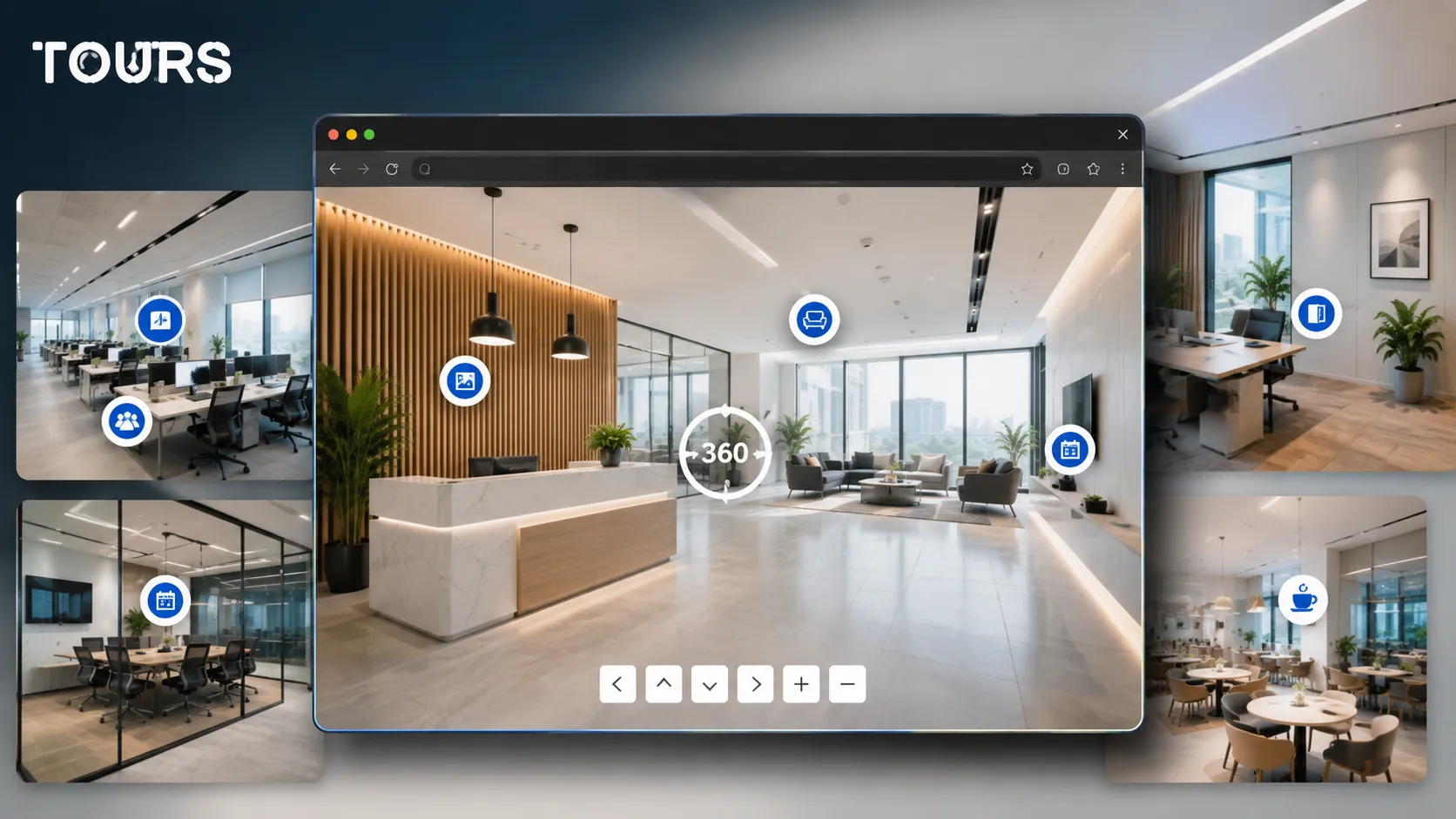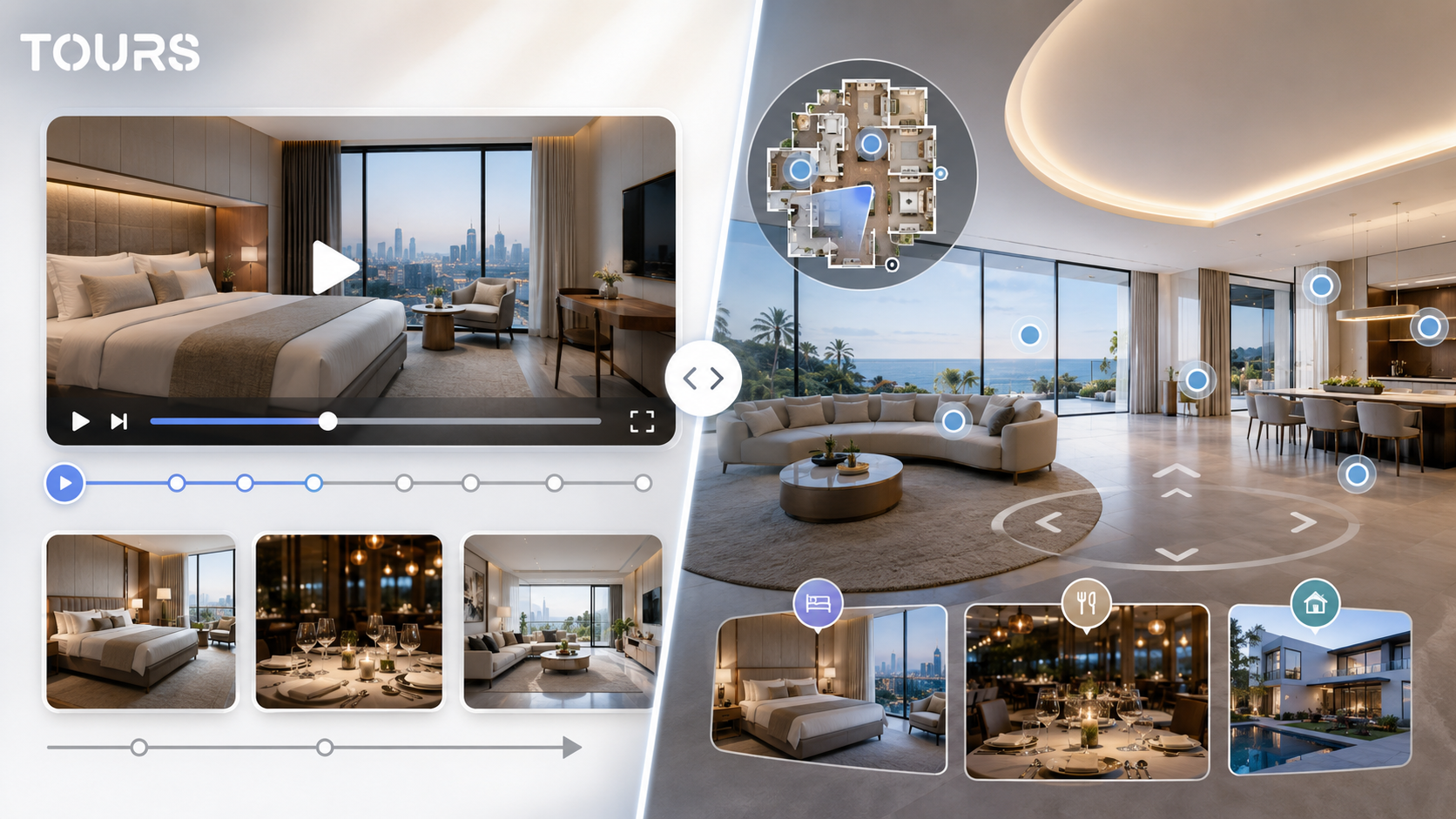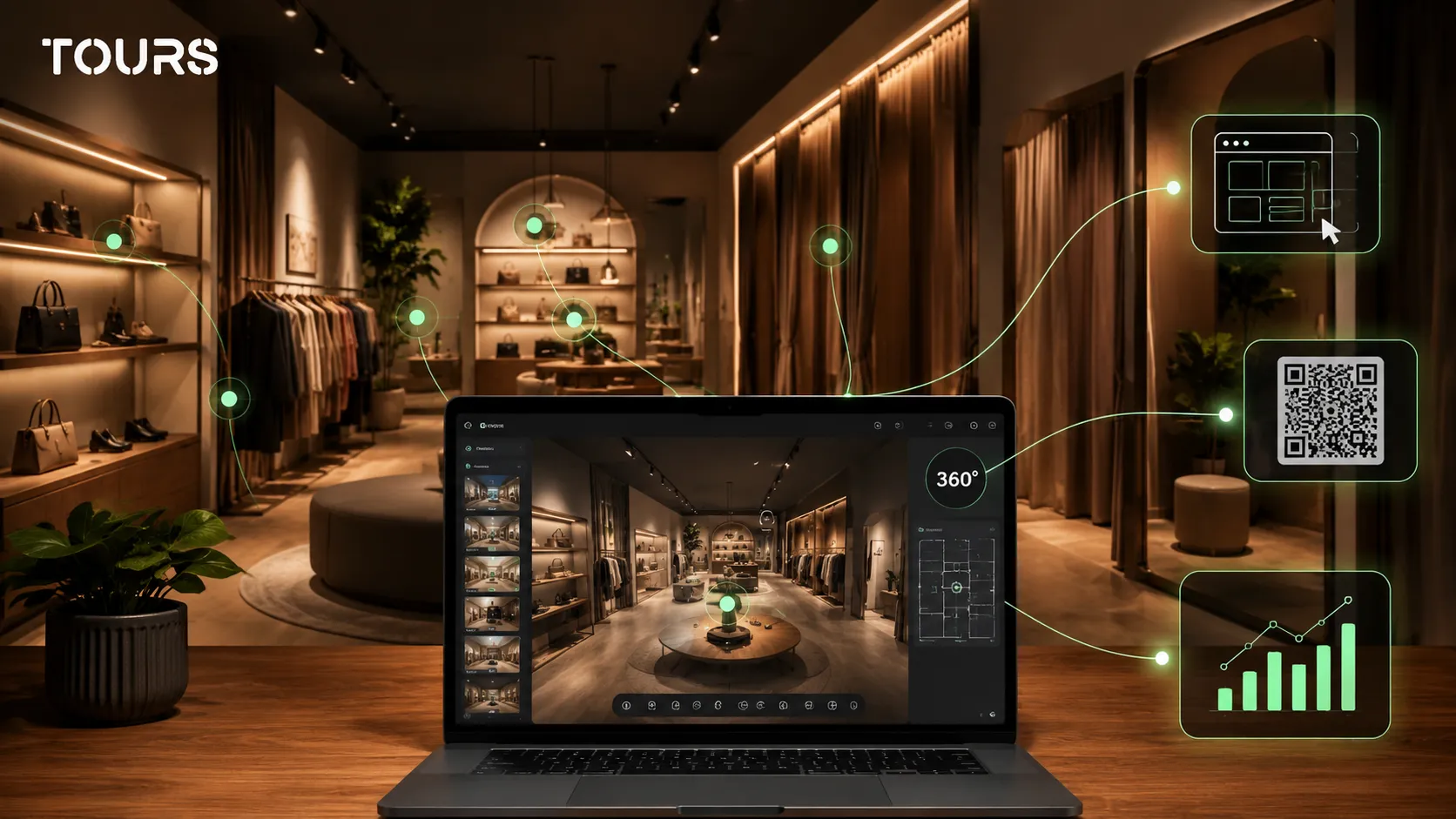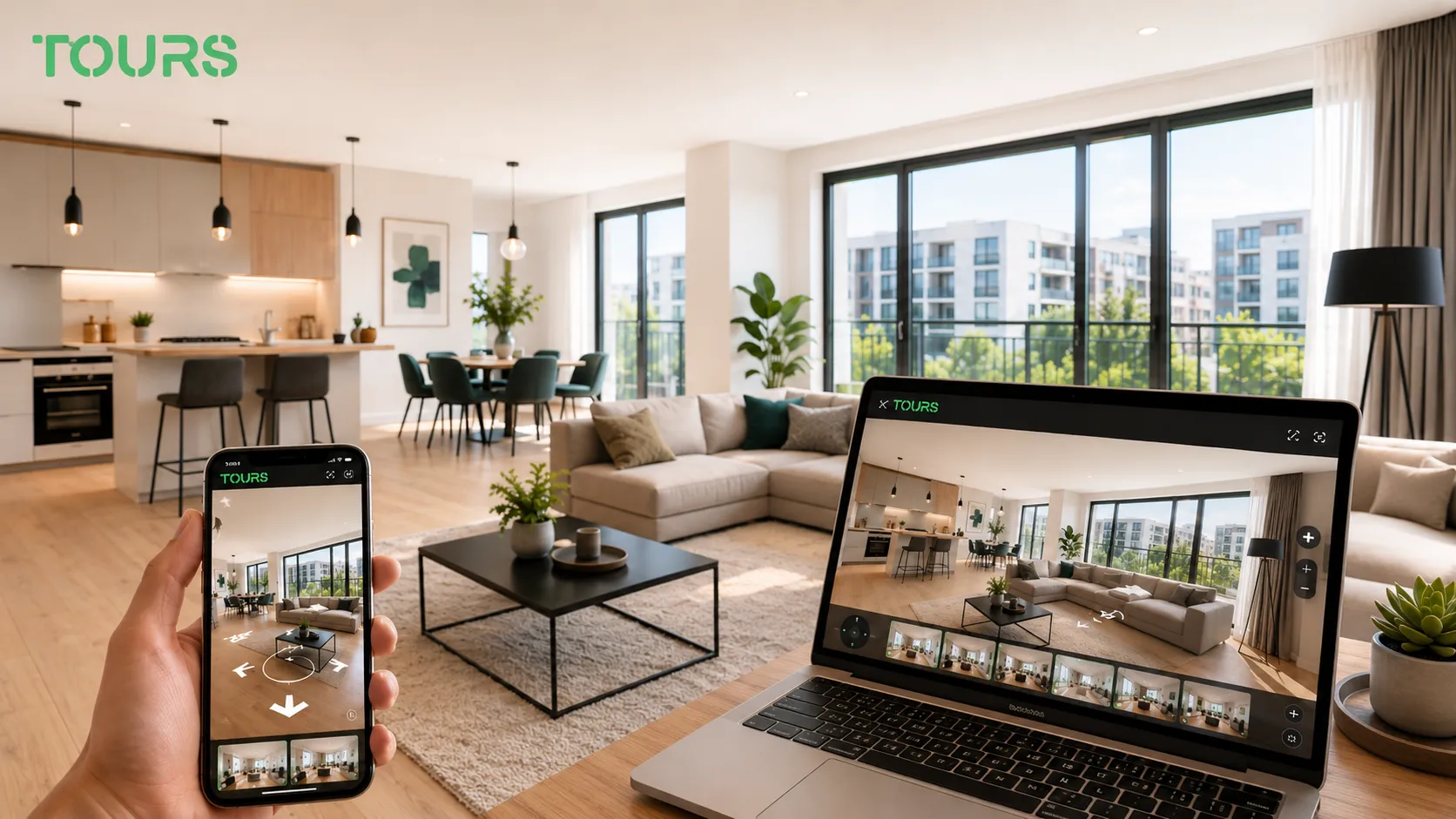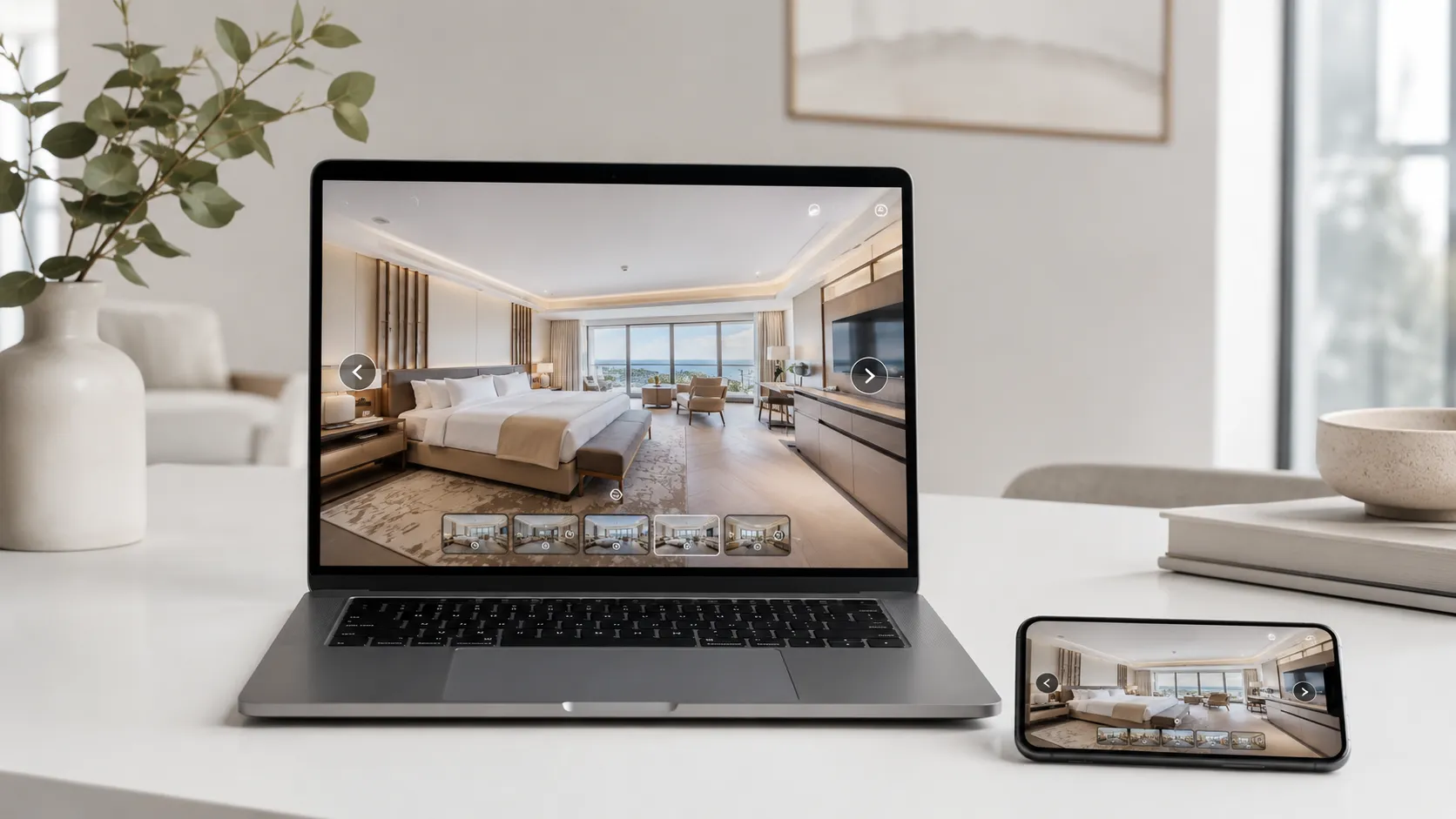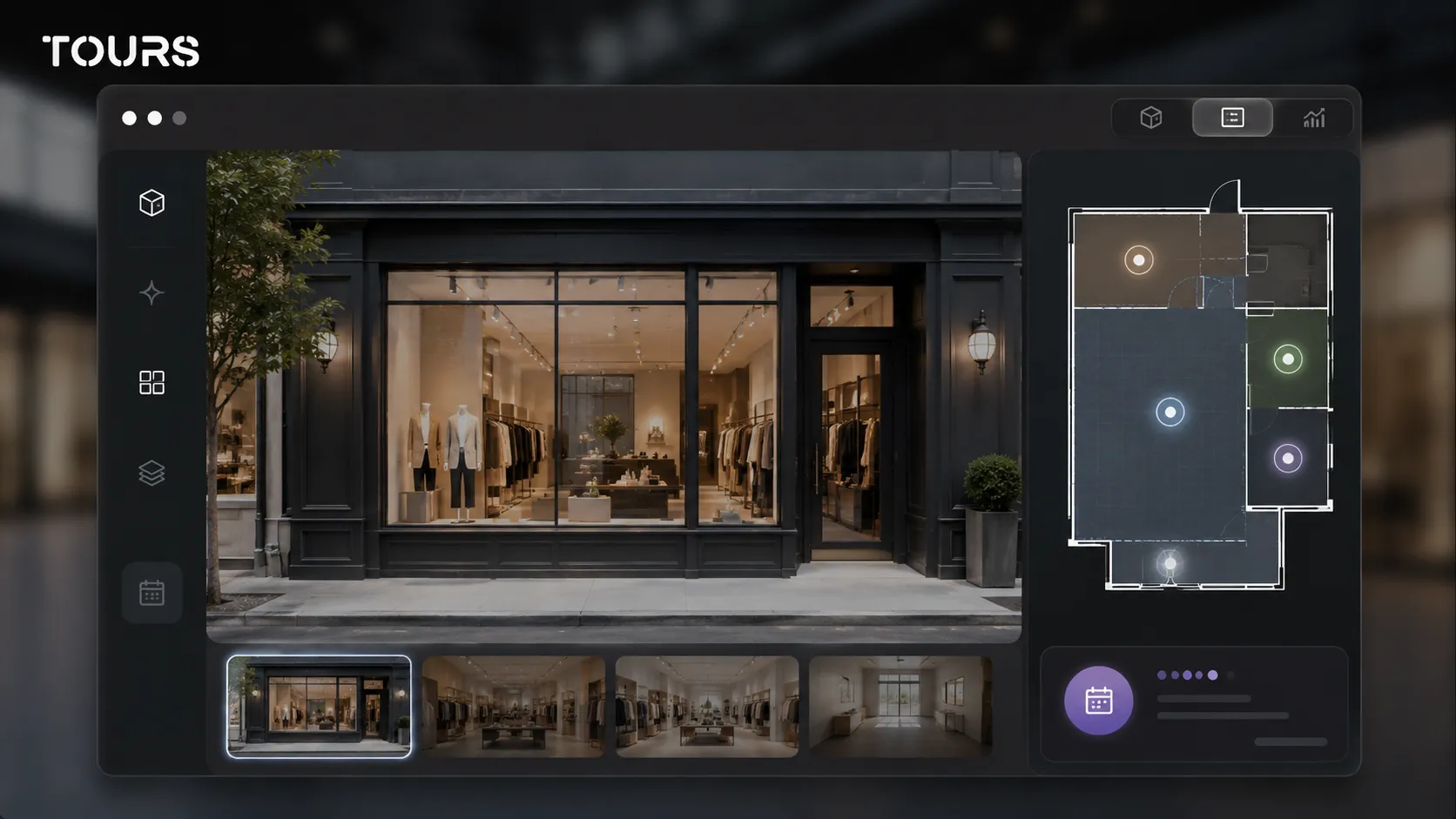

A virtual tour for a commercial space helps the owner, broker or developer show the storefront, access, layout, sales area, technical spaces and surrounding context online before a tenant schedules an in-person site visit. For retail leasing, the tour does not replace negotiation, but it filters real interest more effectively.
Tours is a SaaS platform for interactive 360° virtual tours with interactive points, connected requests and usage statistics. For commercial spaces, it helps leasing teams turn an online presentation into a clear next step: a viewing request, a broker conversation or a quote request.
In short
- A 360 tour for a commercial space for lease should quickly explain whether the location fits a brand, not just look attractive.
- For retail leasing, the most important details are the storefront, access, pedestrian flow, layout, storage space, utilities and fit-out restrictions.
- Interactive points can clarify areas, ceiling heights, street frontage, power, ventilation, goods access, neighboring businesses and viewing options.
- A viewing request can be connected to the entire tour, specific scenes, groups of areas or tagged interactive points.
- In Tours, the tour can be added to a website, shared by QR code and measured through usage statistics included in every plan.
What is a virtual tour for a commercial space?
A virtual tour for a commercial space is a 360° presentation built for leasing, not a general image gallery. It should answer the tenant's question quickly: can my brand, customer flow, team, stock and fit-out budget operate here?
The difference from a tour of an operating store is the goal. An existing store needs to persuade the end customer to walk in or buy, while a vacant space needs to help a potential tenant see the opportunity, risks and costs before a site visit.
The market context makes clarity even more important. CBRE reported that modern retail inventory was about 51.5 million sq ft at the end of Q4 2025, while 2025 deliveries were about 2.0 million sq ft, 10% above 2024.[1]Source
When supply grows, tenants compare spaces more carefully. A good tour reduces repetitive questions about access, shape, technical areas and adaptation potential, so the commercial conversation starts closer to a decision.
What should a future tenant see before a site visit?
A future tenant should see the real entrance path, storefront, main sales area, goods access, storage spaces, restrooms, position relative to neighboring businesses and fit-out limits. For a commercial space, these details matter more than a spectacular camera angle.
- Storefront and commercial frontage: perceived width, visibility, natural light, entrance and position relative to the sidewalk or shopping gallery.
- Customer path: where customers enter, where they stop, how they see the checkout area and how interior circulation could be organized.
- Operational path: goods receiving, storage, staff access, technical area, utility access and possible schedule restrictions.
- Surrounding context: neighbors, food areas, parking, elevators, escalators, main entrances and nearby anchor tenants.
- Condition of the space: existing finishes, areas that need work, sensitive points and elements that could increase fit-out cost.
Cushman & Wakefield Echinox noted for Q2 2025 that modern retail inventory had reached about 50.9 million sq ft, with a density of 2,669 sq ft per 1,000 inhabitants and nearly 7.5 million sq ft of GLA in the pipeline through 2029.[2]Source In that kind of environment, a clear online presentation helps the owner sell not only the floor area, but also the practical use of the space.
How do you organize a virtual tour for retail leasing?
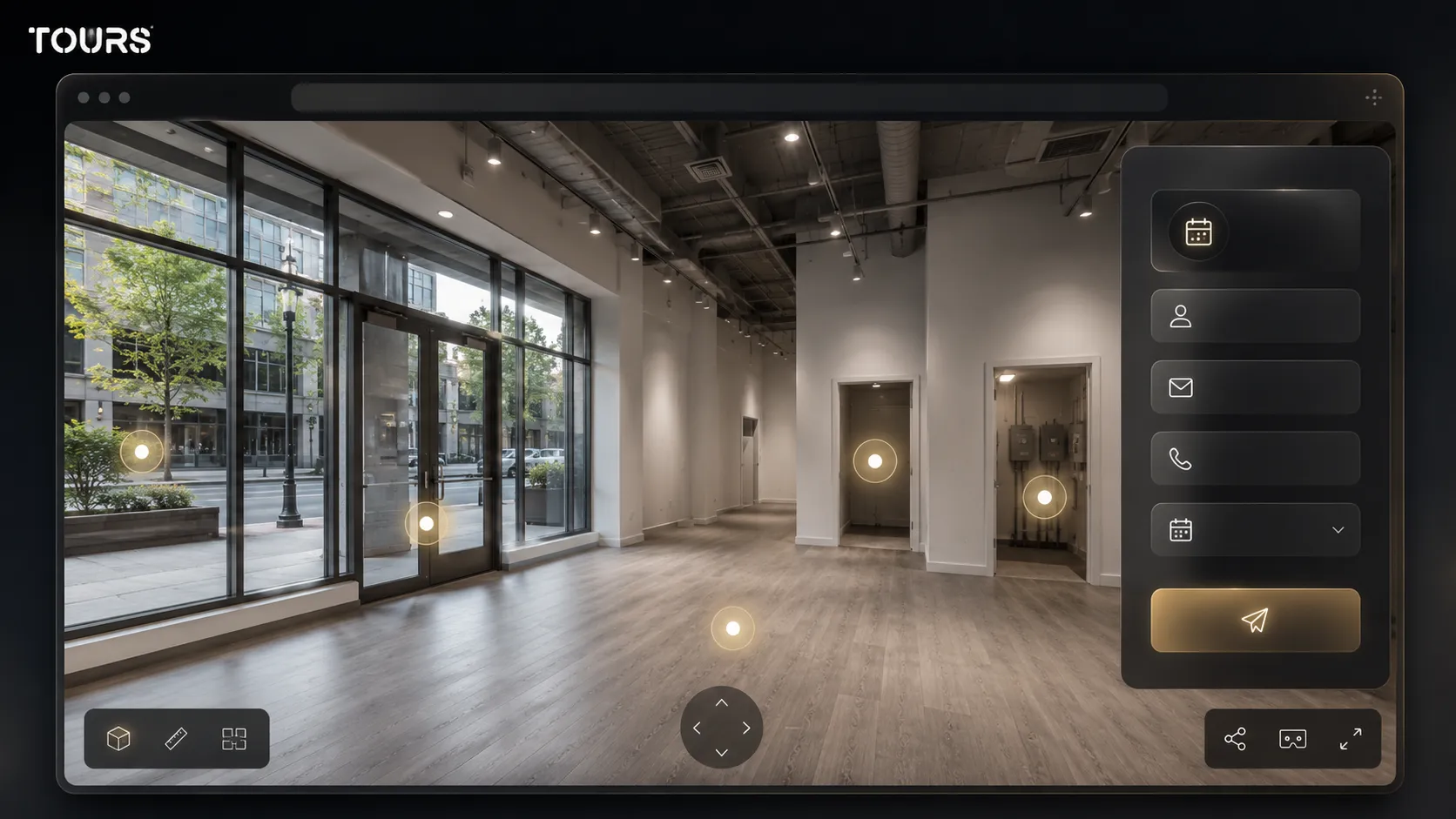
A virtual tour for retail leasing should be organized like a guided site visit: exterior, entrance, main area, secondary areas, technical spaces and action point. The scene order should mirror how a tenant would evaluate the space on site.
| Tour area | Role in the leasing decision | What is worth explaining |
|---|---|---|
| Facade and storefront | Shows visibility and access potential | Frontage, entrance, light and position relative to pedestrian flow |
| Main space | Helps the tenant imagine the commercial layout | Circulation, display areas, checkout, fitting rooms or reception |
| Storage and back office | Clarifies whether operations can work without improvisation | Goods access, stock, staff space and restroom |
| Technical areas | Reduces questions before an offer | Power, ventilation, water, drainage and fit-out limitations |
| Exterior context | Connects the space to footfall and nearby uses | Parking, entrances, anchors, restaurants, offices or pedestrian traffic |
| Commercial action | Turns interest into the next step | Viewing request, broker conversation or quote request |
For a space inside a shopping center, the path can start from the access zone or the main gallery. For street retail, start outside so the future tenant immediately understands the relationship between facade, sidewalk, traffic and entrance.
If the space is still unfinished, do not hide the raw areas. For a serious tenant, the real condition of the walls, flooring, ceiling and systems matters more than an over-polished image.
How do you turn the presentation into a viewing request?
The presentation becomes commercially useful when the visitor can request a viewing, start a conversation or ask for leasing details at the moment they understand the space. In Tours, the request can be connected to the entire tour, a scene, a group of scenes or tagged interactive points.
For a commercial space for lease, the simplest option is a global viewing request button visible inside the tour. A more contextual option is to place the action in the relevant areas: near the storefront, beside the technical space or in the area where the shape of the space is easiest to understand.
Interactive points with the same tag can use the same calendar, while different points can have their own rules. For example, a portfolio with several available spaces can route requests to the right broker or to different viewing windows.
To test the presentation with no risk, you can create the tour in Tours, add it to your website and use the 30-day free trial with no card before deciding whether to activate the full request flow.
What commercial details belong in interactive points?
Interactive points should explain the details that change the leasing decision: dimensions, access, utilities, restrictions, neighboring businesses and the next commercial step. You do not need to fill the tour with long descriptions; each point should clarify a question the tenant would ask anyway.
- Area and shape: usable area, frontage, depth, zones that are hard to furnish or areas that are good for display.
- Access and logistics: customer entrance, goods access, possible delivery windows, elevator, ramp or parking.
- Utilities: electrical power, water, sewage, ventilation, HVAC and adaptation potential for food, beauty, services or traditional retail.
- Commercial terms: availability, rent type, minimum term, common costs or details the broker decides to make public.
- Restrictions: signage, hours, permitted works, gallery rules, approvals or design limitations.
- Action: viewing request, floor plan request, broker conversation or quote request.
For spaces in larger portfolios, interactive points can standardize the presentation. The same type of information appears with the same logic for every location, and the leasing team does not need to rebuild explanations from zero for every lead.
In CBRE's Real Estate Market Outlook 2026, retail demand is described as resilient, with continued interest in proximity formats and retail parks.[3]Source For owners, that means the space presentation should quickly clarify whether the location fits a real expansion, not just casual curiosity.
How do you create and publish the tour in Tours?
In Tours, the tour is created after you have at least the first 360° scene ready and a clear idea of the route. The flow is designed for teams that want to publish commercial presentations in the browser without installing desktop software for every change.
After you create an account on getours.app, you enter the app, open My Tours and click the button for a new tour. In the creation window, you complete the name and category, then you can add the tour location, price and tags.
In the next step, you upload the first 360° scene and give it a clear name, such as exterior, entrance or main space. Then the 360° editor opens, where you can add scenes, navigation, information points, external links, groups, text, images and video.
If some points should trigger viewing requests, you add internal tags to those points. Separately, in Booking Manager, you configure the availability calendar, the right booking algorithm and, when needed, team members who can accept or reject requests.
When publishing, you choose the tour visibility option. After you click Publish, the tour waits for approval from a Tours moderator before it becomes publicly active, so the published experience follows the platform rules.
How do you choose between a 360 tour, photos, video and floor plans?
You do not have to choose only one format for presenting a commercial space. Photos sell the first impression, floor plans clarify dimensions, video can show the area and the 360 tour helps the tenant explore the relationship between entrance, storefront, space and technical areas on their own.
| Format | When it helps | Main limit |
|---|---|---|
| Photos | Attract attention in the listing and on social media | They do not explain the path or the relationship between areas |
| Video | Quickly presents the feel of the street or shopping center | The visitor does not control what they check or how long they stay |
| Floor plan | Helps with measurements, fit-out and architect discussions | It can be hard for a non-technical decision-maker to understand |
| 360 tour | Allows free exploration and clearer questions before a site visit | It needs clean scenes and well-chosen information |
| 360 tour with requests | Connects visual interest to scheduling or an offer | It must be configured with a simple commercial flow |
For a serious tenant, the best combination is usually simple: a few strong photos for the listing, a floor plan for dimensions, a 360 tour for orientation and a viewing request when the interest is clear.
How do you measure whether the presentation helps leasing?
You measure effectiveness through the quality of requests, not only through the number of tour visits. For leasing, the useful question is whether visitors who submit requests understood the space, ask more precise questions and reach a relevant site visit faster.
- How many people open the tour from the listing page, from a QR code or from the link sent by the broker.
- Which scenes are viewed most often and where visitors stop before submitting a request.
- Which interactive points receive clicks: storefront, storage, utilities, goods access or viewing request.
- How many requests come after the tour and how many lead to in-person visits with real potential.
- Which questions repeat, so you can decide what needs to be explained better in the tour.
Usage statistics are included in every Tours plan. For owners and brokers, they are not just a polished report, but a way to see which part of the space matters to tenants and what information is missing from the presentation.
Tours plans start at €19/month for virtual tours, publishing, website integration, QR sharing and usage statistics. Pro adds integrated bookings from €59/month. For a commercial space, the important difference is not only the platform cost, but how much time the team saves through better-qualified site visits.
Frequently Asked Questions
What does a virtual tour for a commercial space help with?
A virtual tour for a commercial space helps the tenant understand the location, shape, access, storefront and operational areas before an in-person site visit. For the owner or broker, the advantage is that leads arrive better informed, and the conversation moves faster from general questions to fit, terms and the next step.
Is a 360 tour useful if the space is empty or unfinished?
Yes, especially when the space is presented accurately. An empty space can show layout potential, storefront value, goods access, storage and utilities. The key is not to present it as a finished showroom, but as a space that can be evaluated for fit-out, with interactive points explaining limits and opportunities.
Which commercial spaces are best suited for 360 tours?
Street retail spaces, units in shopping centers, retail parks, service spaces, food areas, available showrooms and locations with several rooms or technical areas are all good fits. The tour is especially useful when the tenant needs to understand the route, storefront, access and fit-out potential before spending time on a site visit.
Can a virtual tour replace an in-person site visit?
Usually, no. For retail leasing, the virtual tour filters and prepares the site visit, but it does not replace on-site checks, measurements, contract discussions or technical evaluation. The right goal is to reduce poor-fit visits and make real visits more productive.
How do I connect viewing requests in Tours?
In Tours, requests can be connected to the entire tour, certain scenes, groups of scenes or interactive points with internal tags. If the request is connected at tour level, the visitor can see a global button. If it is connected to an interactive point, the request window opens when the visitor taps that point.
Does every interactive point need a separate calendar?
No. An interactive point can have its own calendar, but several points with the same tag can use the same calendar and the same availability. For a portfolio of commercial spaces, this logic helps when several areas lead to the same leasing team or the same viewing window.
What information should not be public in the tour?
Do not publish sensitive information that you prefer to discuss only with qualified leads, such as certain contract terms, security details, critical internal access or negotiable commercial data. The tour should clarify the space, but it can keep some information for the broker or owner conversation.
Can I add the virtual tour to the agency or property website?
Yes. Tours provides website integration code, so the tour can be displayed on the commercial space page, the agency website, the developer page or a portfolio presentation. The tour can also be shared by link or QR code, depending on the promotion channel.
What is the difference between a store tour and a tour for a space for lease?
A store tour mainly speaks to the end customer and presents products, atmosphere and the shopping experience. A tour for a space for lease speaks to a future tenant and must explain operating potential, access, storefront, utilities, technical areas and fit-out conditions.
How quickly can I test Tours for a leasing presentation?
You can test Tours with a 30-day free trial with no card. You create the tour, upload the first 360° scene, organize the route, add interactive points and publish after review. If you want requests connected to the tour, you configure Booking Manager separately and connect it to the tour, scenes, groups or tagged points.
If you have a commercial space for lease and want future tenants to understand the location better before a site visit, you can create a 360 presentation in Tours with interactive points, connected requests, website integration, QR sharing and included usage statistics.
Sources
Studies and reports cited in this article
All sources are checked and publicly available.
- Retail market data for Q4 2025reportCBRE RomaniaReport with indicators on modern retail inventory, deliveries, prime rents and investor interest in the retail market.
- Retail Marketbeat report for Q2 2025reportCushman & Wakefield EchinoxMarket report on retail deliveries, modern stock, commercial density and projects in the pipeline.
- Real estate market outlook for 2026reportCBRE RomaniaOutlook report for the real estate market, including retail, occupier demand, retail parks and the evolution of commercial land.
We carefully select trusted sources to keep the content relevant and up to date.