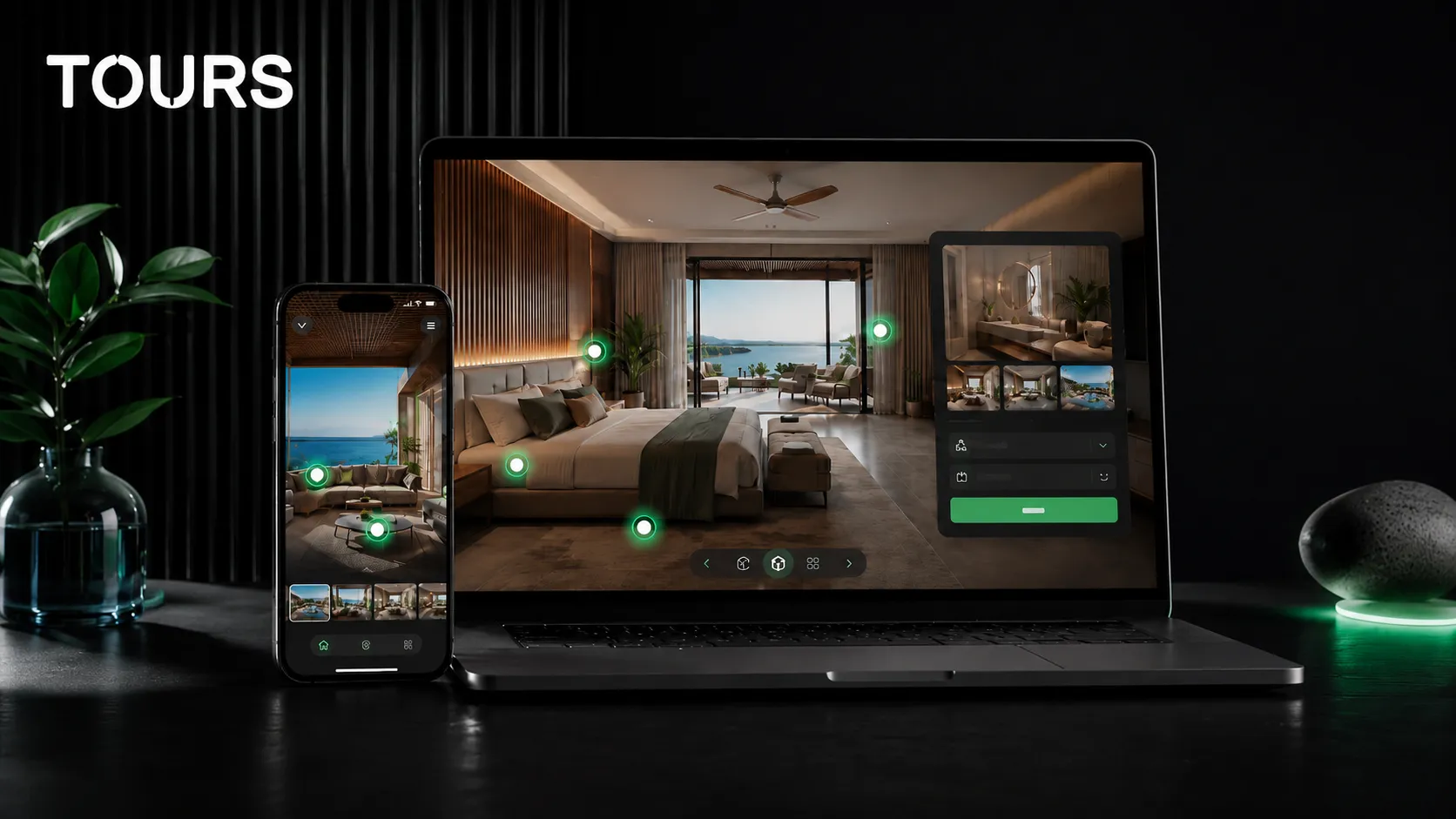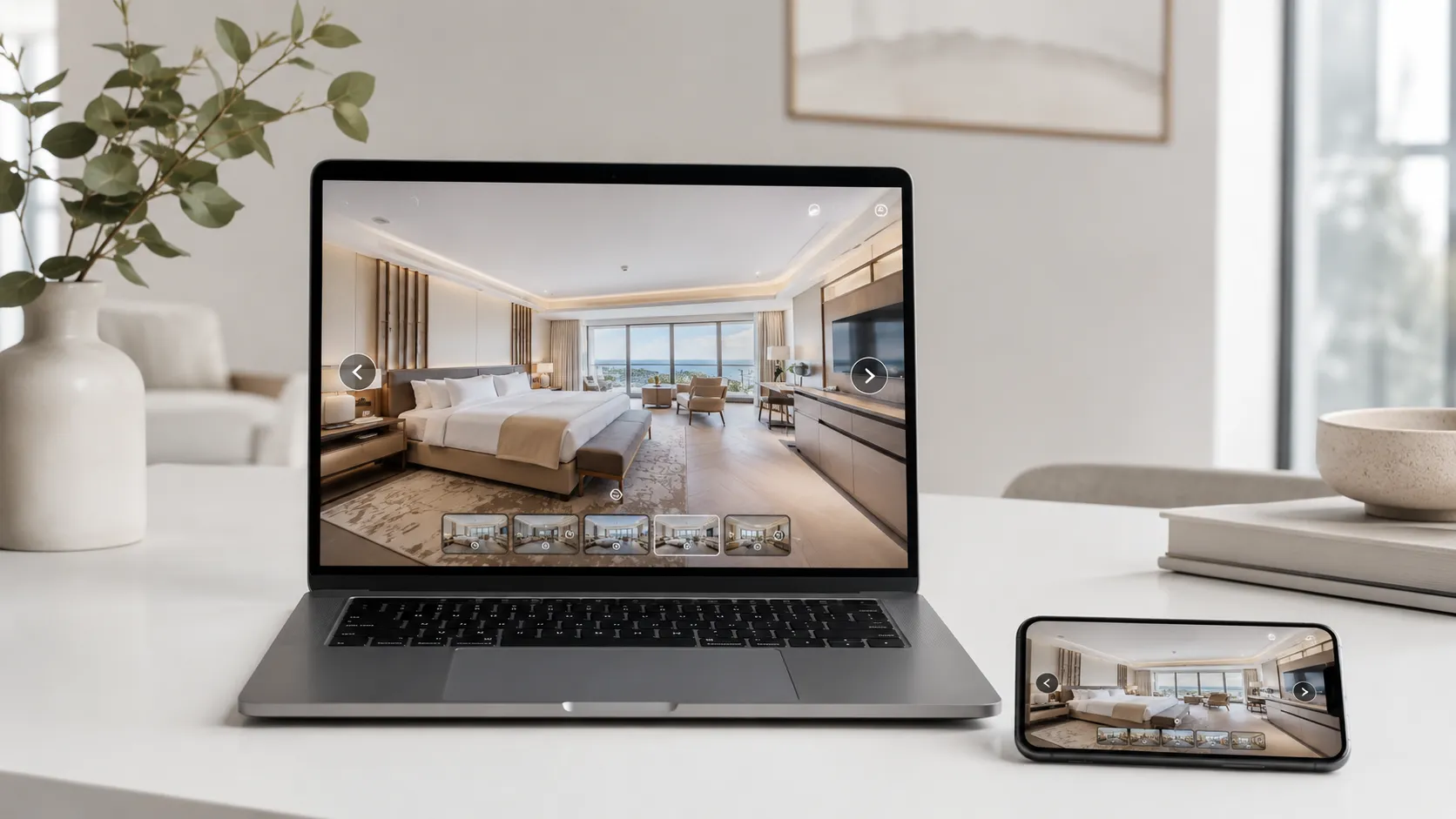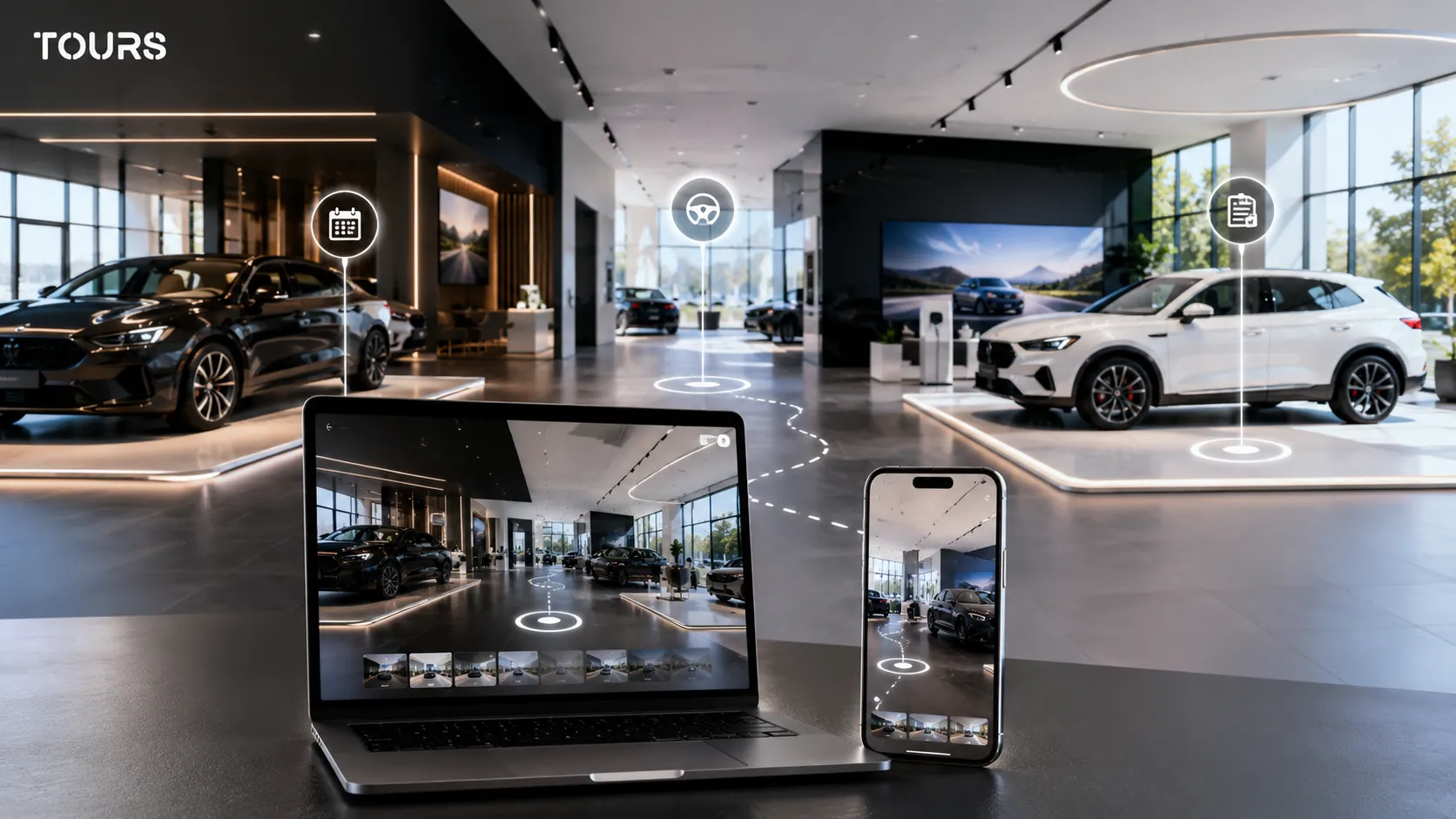

A car showroom virtual tour is a 360° presentation of the space, the vehicles on display, and the sales consulting areas. You use it to prepare customers before the physical visit, clarify their options, and guide people toward a test drive, quote request, financing conversation, or appointment.
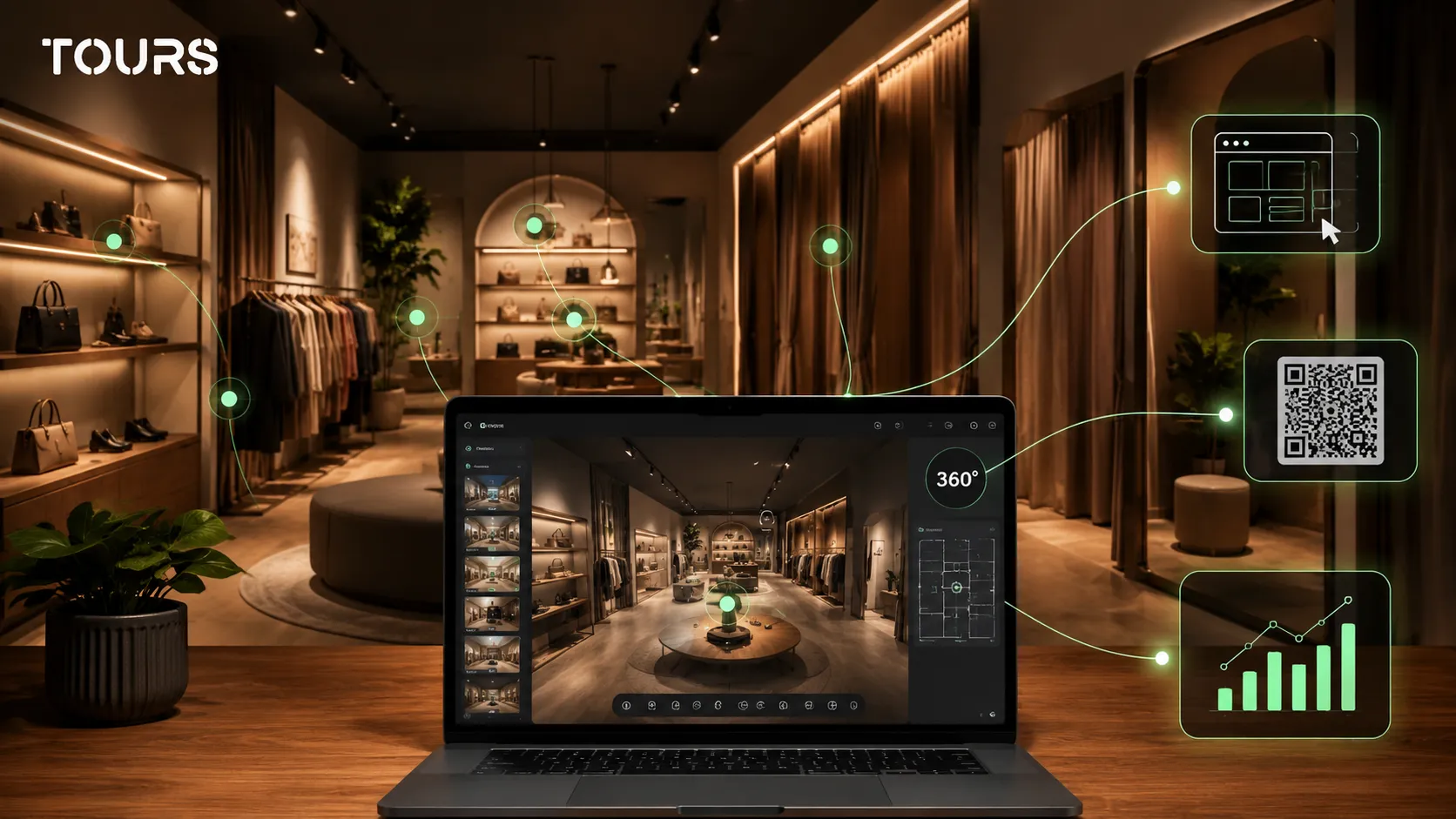
Tours is a SaaS platform for commercial 360° virtual tours. For a car dealership, it helps the team turn the showroom into a visual path with scenes, interactive points, usage statistics, and inquiries connected directly to the important areas inside the tour.
In short
- A car showroom virtual tour does not replace the physical visit; it prepares it better.
- The most useful areas are the entrance, displayed vehicles, sales consulting, delivery area, and customer-facing service space.
- Interactive points should explain models, features, financing, trade-in options, and test drive choices without overloading the tour.
- In Tours, an inquiry can be connected to the whole tour, a scene, a scene group, or tagged interactive points.
- The goal is not just a polished presentation, but a clearer inquiry for a quote, test drive, lease, or scheduled visit.
What does a car showroom virtual tour solve?
A car showroom virtual tour solves the trust and orientation problem before a visit. The customer sees what the space looks like, what types of vehicles are on display, where sales consulting happens, and what action they can take next: an appointment, test drive, quote request, or financing conversation.
A car showroom works with expensive decisions and long comparisons. In Cox Automotive's report on the car buyer journey, a meaningful share of buyers enter the process without a fixed choice, and 66% compare both new and used vehicles.[1]Source That is why the online presentation needs to explain the options, not just show a beautiful room.
The broader auto market points to the same need for clarity: powertrain mix and customer preferences are changing quickly. In the first quarter of 2026, ACEA reported a 19.4% share for battery-electric cars and 38.6% for hybrids in new EU registrations.[3]Source For a dealer, the tour should help the customer understand areas, models, and commercial differences before the conversation with the sales team.
| Situation without a 360 tour | Situation with a car showroom virtual tour |
|---|---|
| The customer sees only separate photos and does not understand the showroom flow. | The customer moves through the entrance, displayed vehicles, and sales consulting areas in a coherent path. |
| Basic questions reach phone or chat before the lead is qualified. | Interactive points can explain models, areas, financing, and appointment options. |
| The physical visit starts with orientation and general explanations. | The visit can begin closer to a decision: model, test drive, quote, or trade-in. |
| Used cars are hard to differentiate with a photo gallery alone. | Each important area or model can have clear visual context and commercial information. |
What should customers see in a 360 presentation of the cars?
Customers should first see the overall orientation: where they enter, what types of vehicles are displayed, and where they receive sales guidance. Only after that does it make sense to add details about models, features, financing options, test drive availability, and the next commercial step.
- The entrance and reception area, so visitors know where they arrive.
- The new-model area, organized by brand, range, powertrain, or customer type.
- The used-car area, with emphasis on condition, inspection, warranty, and trade-in options.
- The sales consulting, leasing, financing, and insurance area, when it is part of the sales experience.
- The vehicle delivery area, useful for trust and for the image of a professional dealership.
- The customer-facing service area, only when it can be shown cleanly, safely, and without sensitive details.
A good tour does not need to capture every corner. For a car dealership, the commercial path matters more: the customer enters, understands the offer, sees the vehicle categories, reaches useful information, and has a clear way to request a quote or schedule a visit.
How do you organize the tour for new models, used cars, and sales consulting?
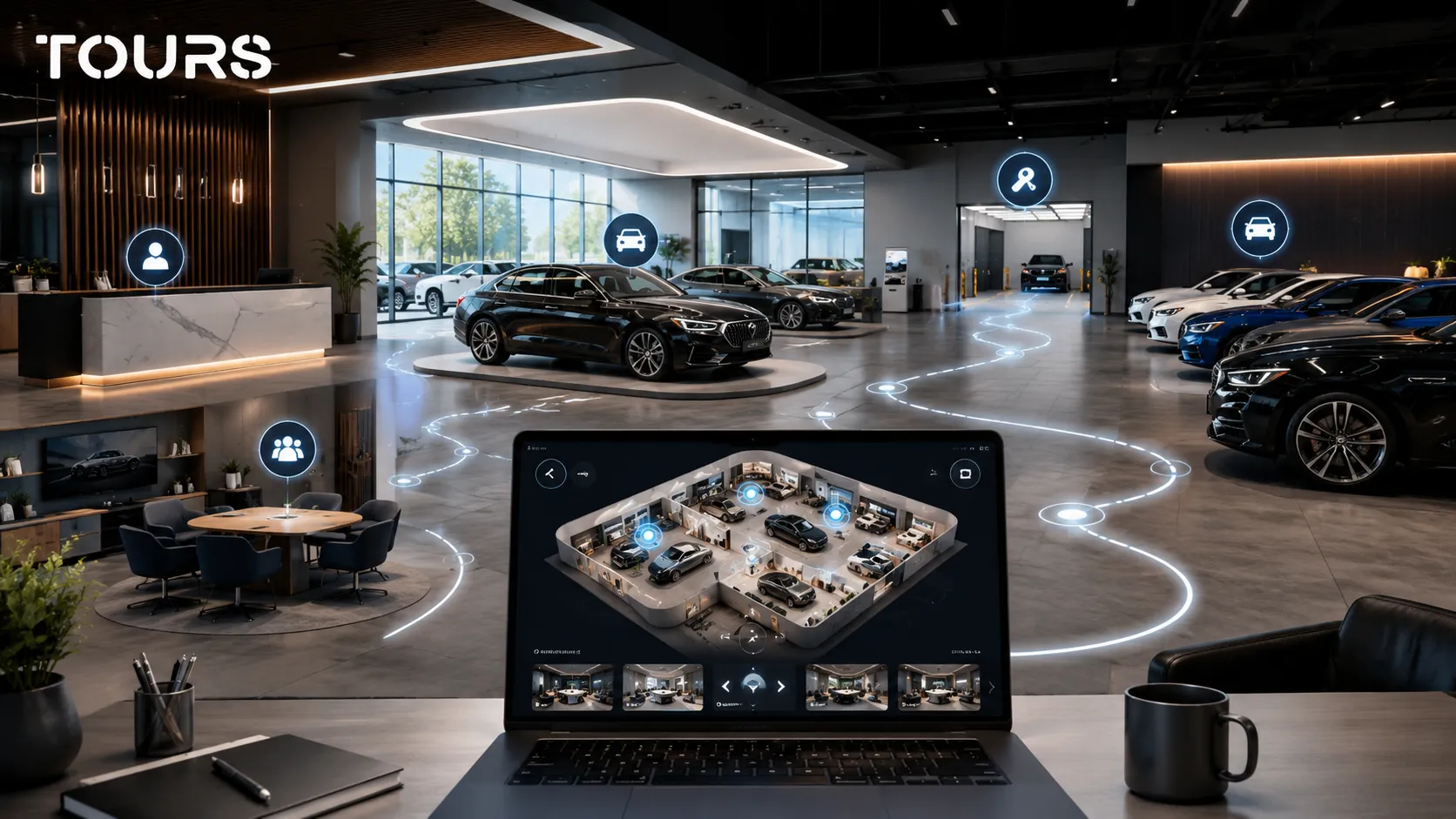
Organize the tour around the areas that match how customers make decisions. New models can be presented by range, used cars by inspection level or budget type, and sales consulting should be visually connected to test drives, financing, trade-ins, and quote requests.
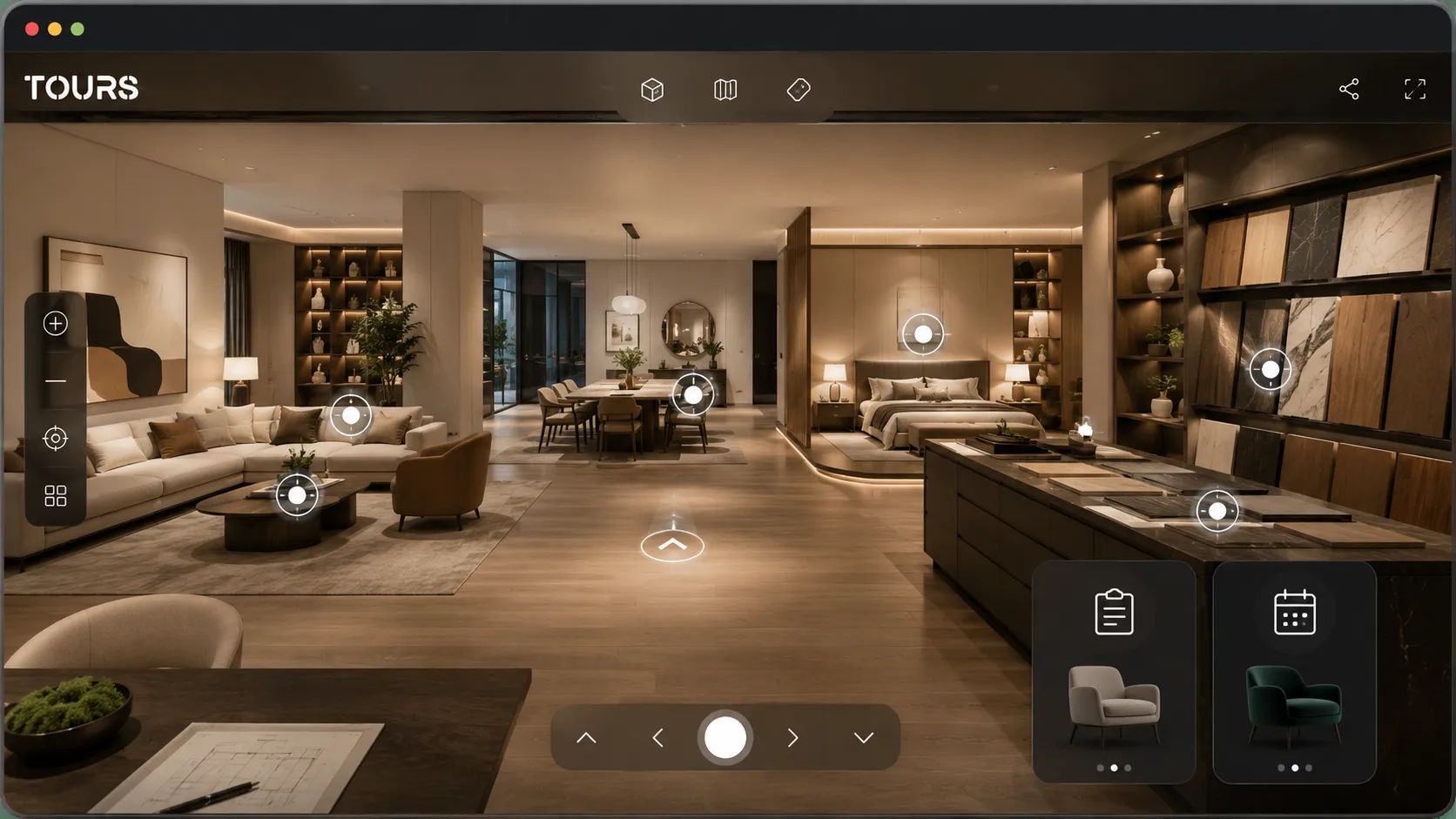
For new models, scenes can show the main lineup, body styles, and how the models are positioned in the showroom. Interactive points can lead to information about features, packages, availability, or an external configurator page without turning the tour into a technical catalog that is hard to browse.
For used cars, the tour can show the dedicated area, the inspection process, and the way the dealership prepares vehicles for sale. Trust matters a lot here: customers want to see that there is a procedure, not just a list of vehicles.
Deloitte notes in its global automotive study that it analyzed more than 28,500 consumers across 27 markets, while trust, transparency, and value remain important themes for buyers.[2]Source For a dealer, these themes can be translated into the tour through clean areas, clear information, and commercial steps that are easy to find.
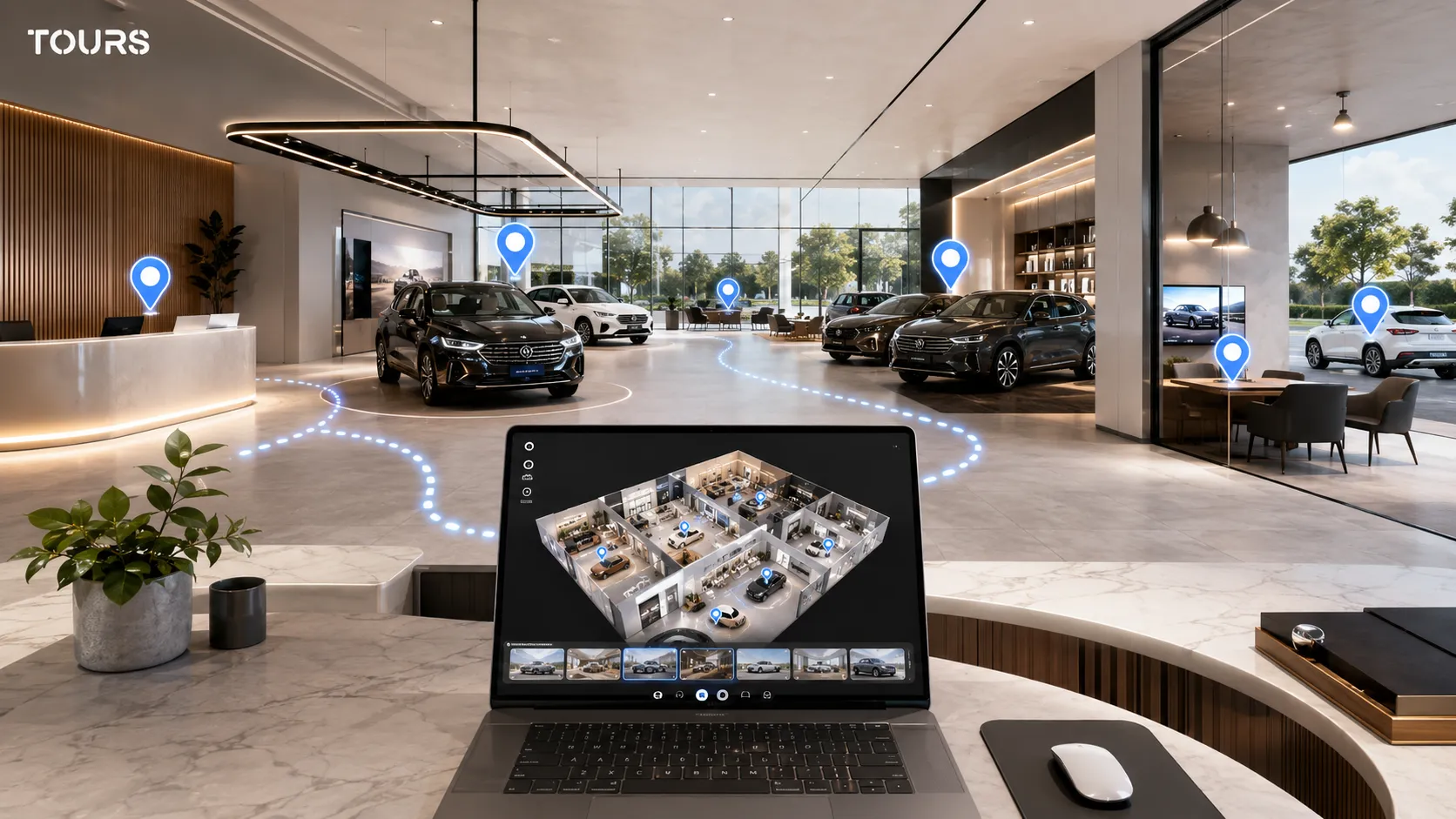
How do you use interactive points without overcrowding the tour?
Use interactive points only where they add context or shorten the path to action. In a car showroom, they should explain the difference between models, clarify financing options, and open useful inquiries, not repeat every technical detail from the website.
| Interactive point | Role in an automotive tour |
|---|---|
| Model information | Briefly explains positioning, important features, or the difference between variants. |
| Gallery | Shows interior, exterior, trunk, or finish details without crowding the 360 scene. |
| External link | Sends the customer to the inventory page, configurator, or detailed offer when complete information is needed. |
| Test drive request | Opens a booking window or form connected to the relevant area or model. |
| Quote request | Helps the customer send an inquiry with more context than a generic contact form. |
The simple rule is not to turn the tour into a miniature website. When information changes often, such as the exact price or daily inventory, it is safer to send visitors to the updated page. Inside the tour, keep the stable context: area, model, action, and path.
How do you connect inquiries, test drives, and offers in Tours?
In Tours, inquiries can be connected to the entire tour, a scene, a scene group, or interactive points through internal tags. For a car dealer, that means you can have a global appointment button and contextual actions next to the areas of interest.
- At tour level, you enable a global button for an appointment or quote request.
- At scene level, you can connect an inquiry to the new-model area, used-car area, or delivery area.
- At scene-group level, you can separate the main showroom, the used-vehicle area, and the sales consulting space.
- At interactive-point level, a click can open a booking window or form directly from the visual area.
- Interactive points can have separate calendars or share the same availability through the same internal tag.
This logic is useful for test drives and sales consulting, but it should not be presented as a replacement for a CRM, DMS, inventory platform, or the dealership's internal systems. Tours can complement the existing flow and send better-contextualized inquiries to the sales team.
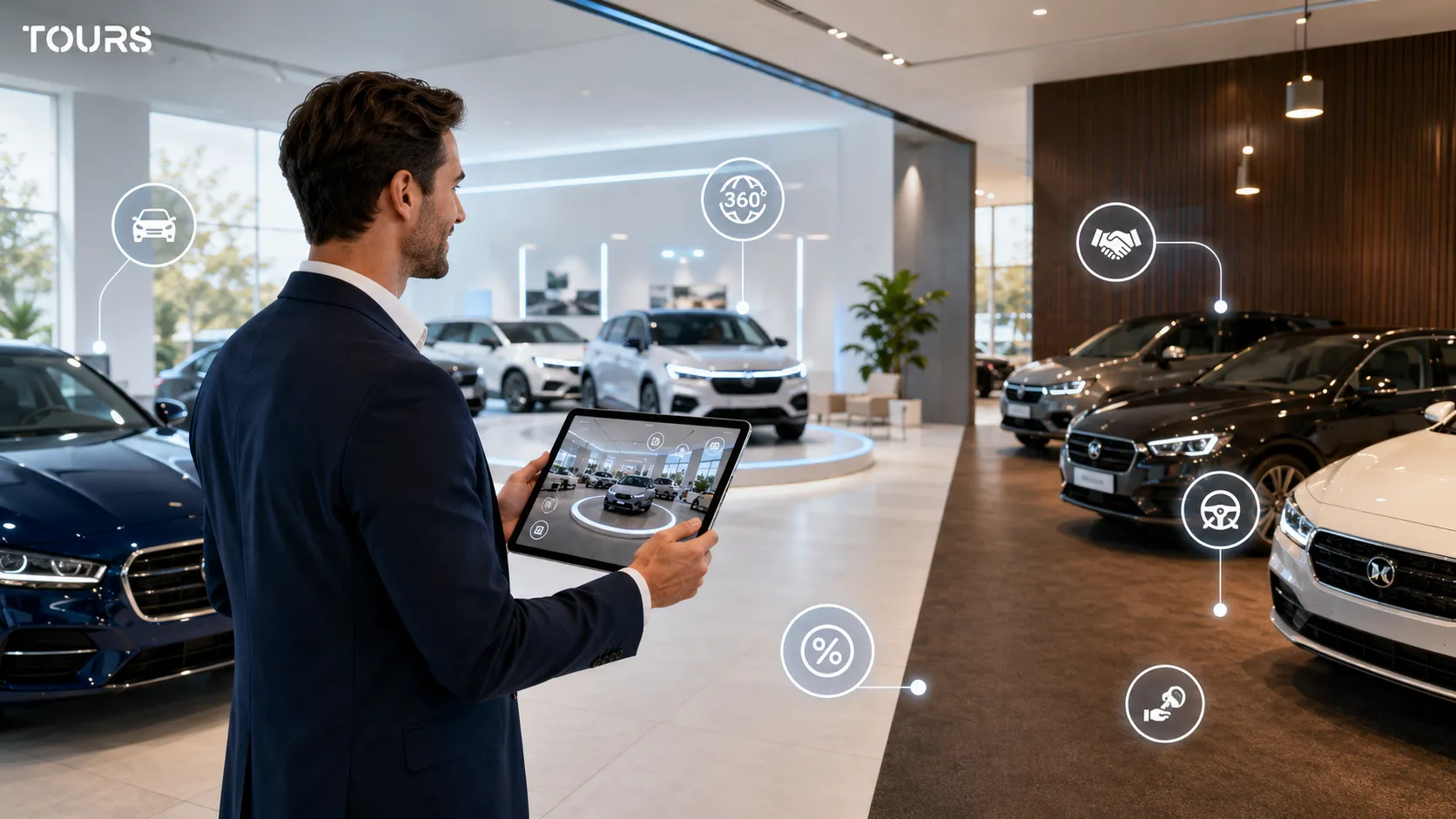
What does the practical Tours workflow look like for a car dealer?
The correct workflow starts with the tour, then continues with commercial actions. You create an account on getours.app, open the My Tours page, use the button for a new tour, complete the name and category, then upload the first 360° scene before entering the 360° editor.
In the 360° editor, you organize scenes, add groups, interactive points, text, images, video, links, and navigation between areas. For the points that should open inquiries or appointments, add clear internal tags so they can later be connected to the right calendar.
Separately, in Booking Manager, you set the availability calendar, the appointment algorithm, and, when relevant, the people who accept or reject requests. Then you connect the calendar to the tour, scene, group, or interactive point. Finally, you click Publish, choose visibility, and wait for Tours moderator approval before the tour becomes public.
Halfway through the project, it is worth testing the flow like a real customer: enter the tour, move to the area of interest, click the interactive point, and check whether the inquiry is clear. When everything works, you can test Tours for 30 days without a card before deciding whether to keep it for the showroom.
How do you measure whether the tour supports sales?
Measure the usefulness of the tour by tracking whether visitors reach the relevant areas and use the commercial actions. For a car dealer, the important data includes sessions, visited scenes, clicks on interactive points, visit duration, and inquiries sent from areas such as test drive, financing, or used cars.
- Track which scenes are visited most often and which areas are ignored.
- Compare clicks on model information with clicks on inquiries or test drives.
- Check whether visitors reach the financing, trade-in, or delivery area.
- Move commercial actions closer to the areas that attract real interest.
- Update the tour when inventory, showroom layout, or important campaigns change.
A tour should not be optimized only once. If you notice that visitors focus on used cars but the quote request is hidden, move the action closer to that area. If the financing area is important, explain more clearly what the customer can do there.
How do you choose between photos, video, a configurator, and a 360 tour?
Choose the format based on the customer's question. Photos show details, video creates rhythm and atmosphere, the configurator helps with variants, and the 360 tour explains the space and commercial path. For a car showroom, the best results come when the formats complement each other.
| Format | When it fits a car dealer |
|---|---|
| Photos | For vehicle details, exterior, interior, features, and listing images. |
| Video | For launches, campaigns, brand presentations, and fast storytelling. |
| Configurator | For choosing available variants, colors, packages, and features. |
| 360 tour | For showroom orientation, trust, commercial context, and inquiries connected to areas or models. |
The 360 tour is most useful when the showroom matters as an experience: the customer wants to see the environment, compare areas, understand where they speak with a sales consultant, and start an inquiry without losing the visual context. For complete technical details, the configurator or model page remains the better fit.
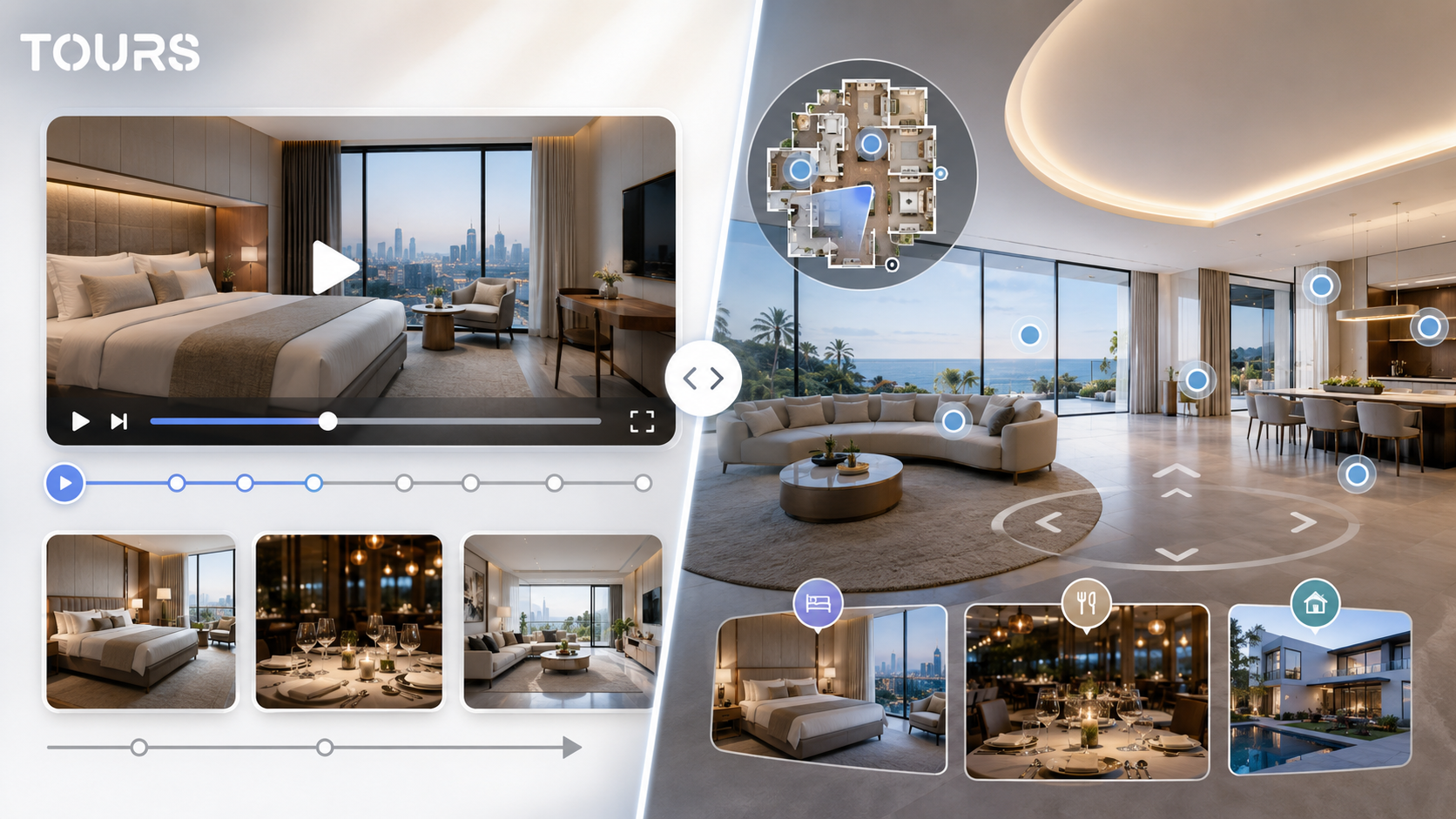
If you already have photos and video, the tour does not replace them. It can connect them into a clearer presentation: an interactive point can open a gallery, a link can send the visitor to a configurator, and an inquiry can start directly from the area of interest.
Frequently Asked Questions
What is a car showroom virtual tour?
It is a 360° presentation of the showroom, with connected scenes, interactive points, and commercial actions. The customer can see the entrance, vehicle areas, sales consulting, delivery, and, when appropriate, the service area, then request a quote, visit, or test drive depending on how the tour is configured.
Does a car showroom virtual tour replace a dealer visit?
No. In automotive sales, the physical visit, test drive, and conversation with a consultant still matter. The tour helps before the visit: customers see the space, understand the offer, compare areas, and send a clearer inquiry, so the sales team starts the conversation with more context.
Which areas should be included in a virtual tour for a car dealer?
The most useful areas are reception, the new-model space, the used-car area, sales consulting offices, the delivery area, and any service area that can be shown cleanly and safely. You do not have to include internal spaces, sensitive technical areas, or information that changes too often.
Can I connect a test drive to the virtual tour?
Yes. In Tours, an inquiry or appointment can be connected to the entire tour, a scene, a scene group, or tagged interactive points. For test drives, you can use a global button or an interactive point near the relevant area or model.
Does each car need its own calendar?
No. In Tours, interactive points can have independent inquiries or share availability through the same internal tag. For example, several displayed models can send visitors to the same sales team calendar, while a special vehicle can have a separate inquiry.
Is a 360 tour suitable for used cars?
Yes, especially when you want to build trust in the dealer's process. The tour can show the used-car area, the inspection procedure, sales consulting, and buying steps. For each specific vehicle, you can use external links to the inventory page or detailed photos.
Can I add the virtual tour to the dealer website?
Yes. After publishing and approval, the tour can be added to the website using the website integration code. It works best close to the important commercial pages: showroom, inventory, test drive, financing, or contact, so visitors move naturally from exploration to inquiry.
How often should a car showroom tour be updated?
It depends on how often the showroom layout and commercial campaigns change. Stable areas, such as reception and sales consulting, can stay useful longer. Areas with displayed models, used cars, or seasonal campaigns should be reviewed when the tour no longer matches reality.
What data can I track after launching the tour?
In Tours, you can track sessions, visited scenes, clicks on interactive points, duration, and popular areas. For a car dealer, this information helps you understand interest in models, used cars, financing, test drives, or quote requests without relying only on impressions.
Why use Tours for a car showroom virtual tour?
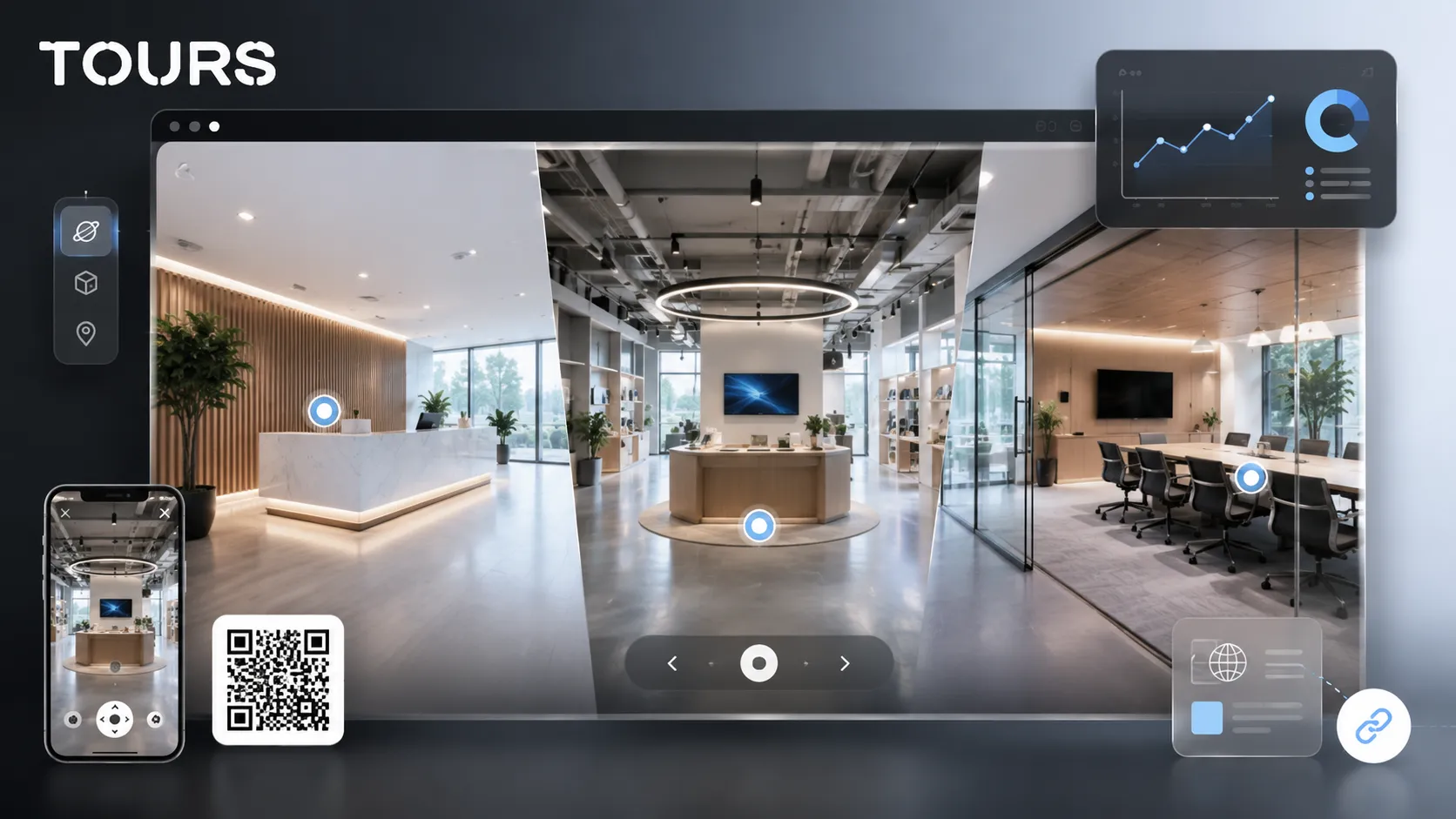
Tours runs in the browser and combines 360° tours, interactive points, usage statistics, website integration code, QR sharing, and inquiries or bookings connected to the tour. For a car dealer, that means a controlled presentation on your own website, with commercial actions connected to the relevant visual areas.
If you want to turn your car showroom into a 360° presentation that supports real inquiries, you can test Tours for 30 days without a card. Plans start at €19/month, and Pro includes bookings and inquiries connected to the tour from €59/month.
Sources
Studies and reports cited in this article
All sources are checked and publicly available.
- 2025 car buyer journey studystudyCox AutomotiveResearch summary about car buyer satisfaction, digital channel use, and comparison behavior before purchase.
- 2026 global automotive consumer studystudyDeloitteGlobal analysis of automotive preferences, trust, value, connectivity, and factors that influence buyer choice.
- New EU car registrations in Q1 2026reportACEARelease about new passenger car registration trends in the European Union and changes in the powertrain mix.
We carefully select trusted sources to keep the content relevant and up to date.